Omnisend AI


 OFFER
OFFER








email campaigns
open rates
- Features
- Pricing
- Migration
- Integrations
- Resources

With over 200+ pre-built integrations and flexible APIs, you can easily centralize data from across your tech stack
Make the most out of your data and unlock powerful growth marketing possibilities with these other top marketing tools.
Build any custom integration with our open, flexible APIs that are simple to use and implement.
Check out apps that have been stealing all the spotlight.
Email and SMS marketing insights, ecommerce resources, and the latest Omnisend news
Expert-led sessions covering email, SMS, and ecommerce marketing strategies.
Educational video and live training to help you make the most out of Omnisend.


With Omnisend MCP, you can get your account specific insights, explore opportunities, and take immediate actions – directly in ChatGPT.

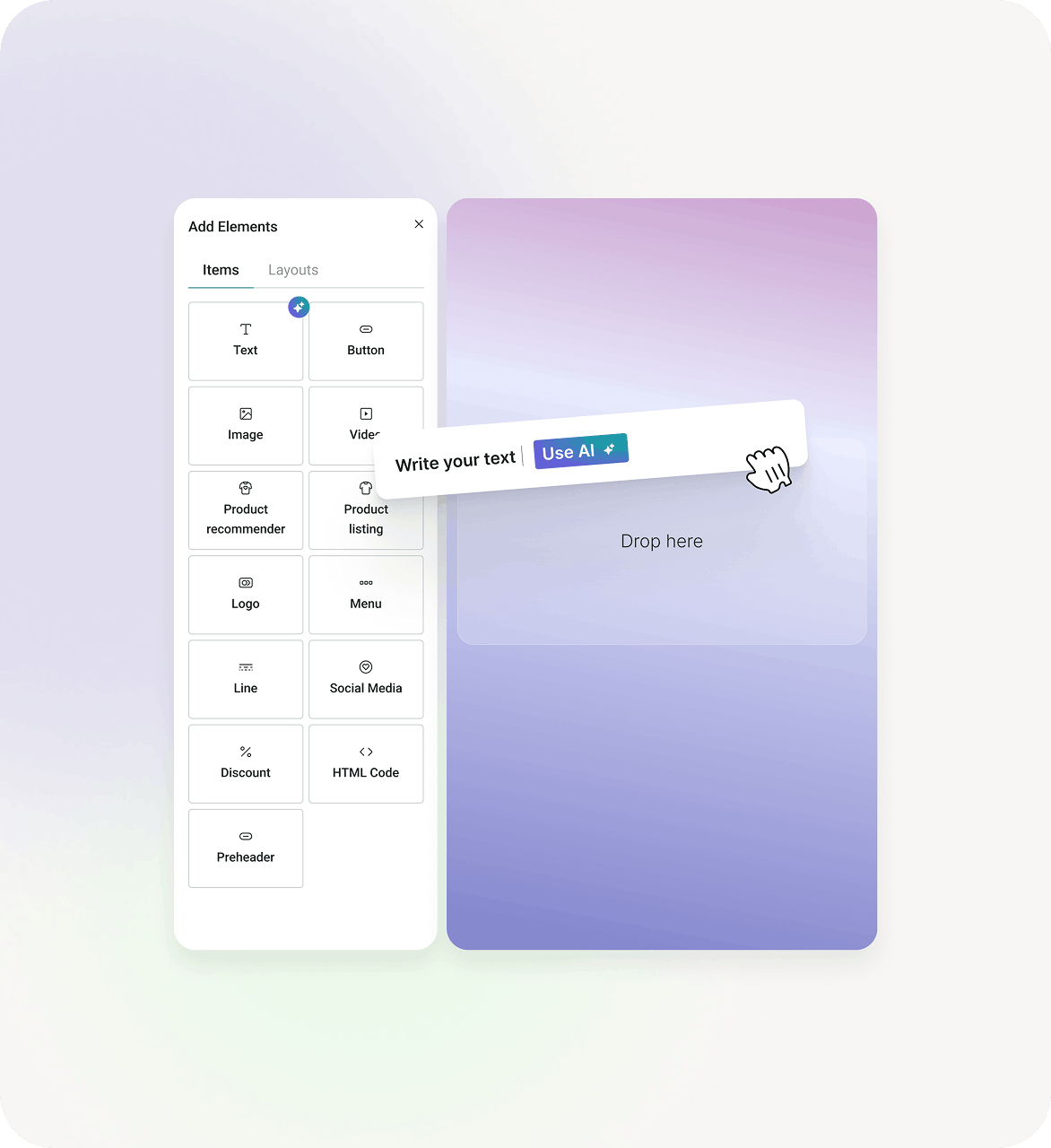
Omnisend AI helps you write emails, generate subject lines, recommend products, and automatically adjust content for each customer.

Omnisend AI analyzes your audience, flags at-risk customers, and builds segments so you can act on what’s happening right away.
With MCP connected, this is just how marketing works now.
Don’t waste time digging manually and just ask your AI. From performance breakdowns to “why did this drop?”, it’s all there.
Figure out what’s working, what’s not, and what’s missing. Then decide what to do with it.
Don’t leave the conversation just yet. Ask your AI to create campaigns, adjust segments, and fix what needs fixing as you go.
Proactively recommends improvements on email content, grammar, tone-of-voice and style based on the best email marketing practices.
Get attention-grabbing subject lines in seconds. Or finetune the ones you already have.
AI analyzes your audience’s browsing and purchase behavior to insert the right products into each email, automatically.
No need to build multiple versions of the same campaign — create one email and it’ll adapt to different customer types.
Import your logo, colors and fonts from your store and apply them to your email templates, automatically.
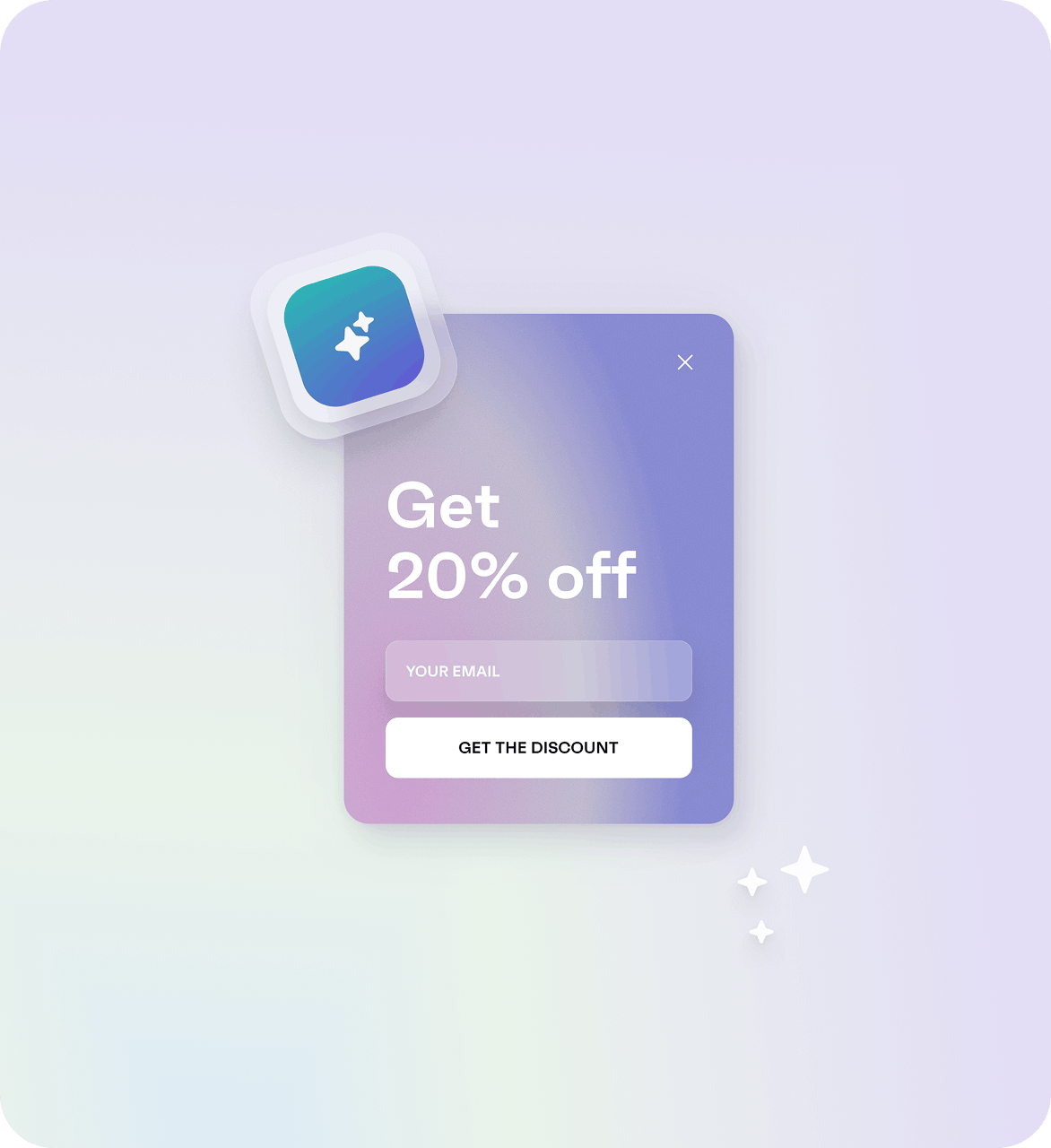
Tell Forms AI Assistant what you’re trying to create — a signup, a promo, an event form. Omnisend AI then builds the structure, writes the content, and applies your branding, so you’re not starting from a blank page. The form is fully customizable afterward, so just tweak it however you like and publish.
Understand what’s happening across your audiences and act while it still matters.
Automatically groups customers by how recently, how often, and how much they’ve spent — for smarter targeting.
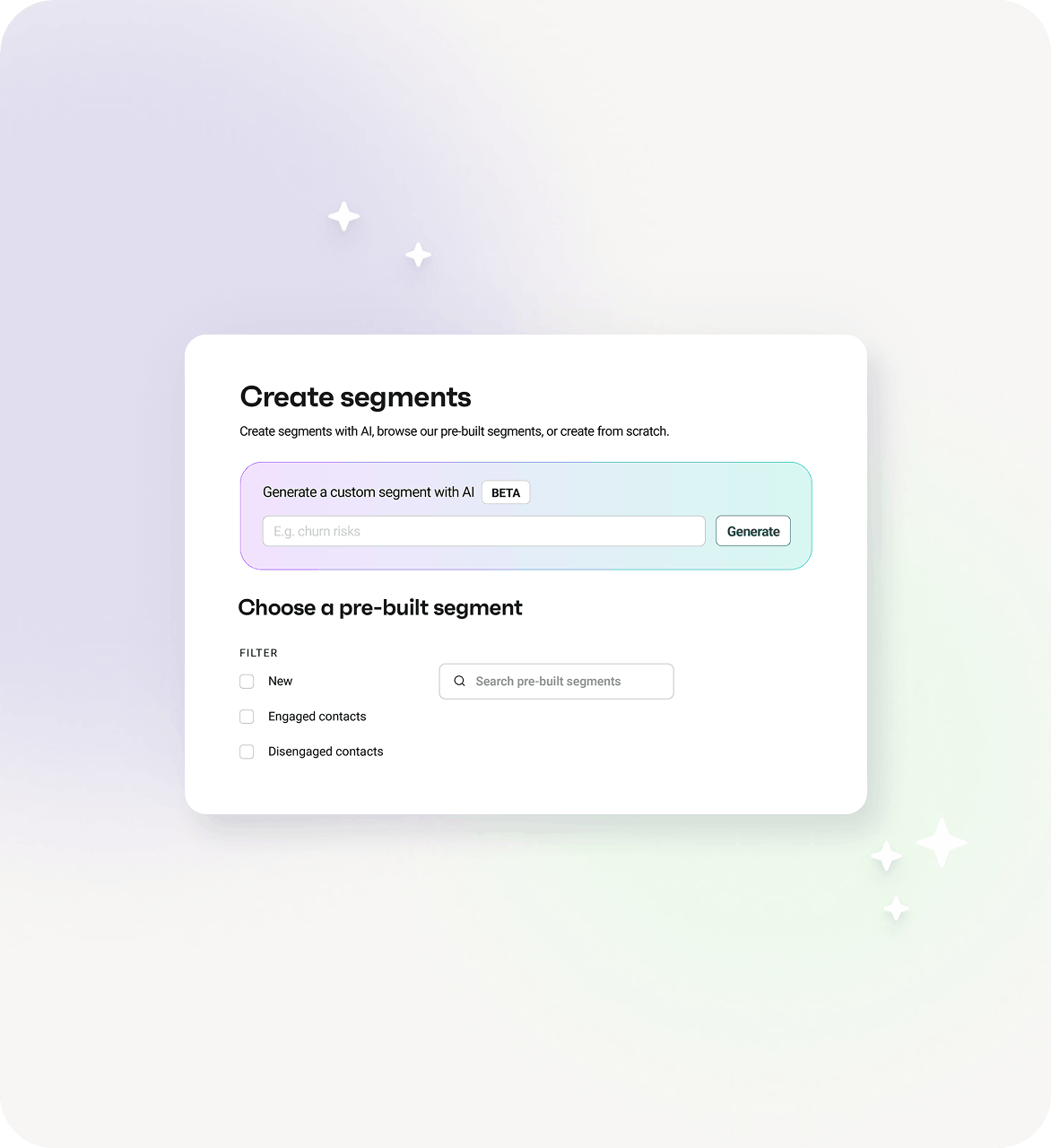
Tell AI who you want to reach in Audience Builder and it’ll create the segment for you.
Subject lines, content, and timing to find what brings the best results.

We’ve been using Omnisend’s AI features here at Battery Mate since its initial launch, and it’s been a real time saver. We mainly use it to generate more engaging subject lines and headers.

The AI segment generator will save me a ton of time. Sometimes it’s easier to describe segments in words than it is to actually make them yourself.

The AI catches details we’d miss and keeps us moving. I’m very happy with the features.
Yes. Omnisend has many AI features built throughout the platform. You can use it to write emails, generate subject lines, build segments and forms, recommend products, identify at-risk customers , and even connect to your favorite LLM via MCP.
With Omnisend’s free plan, you still get AI features that help you with subject line generation, content writing, segmentation, and form creation. It's built into the platform, so you don’t need any extra tools.
Yes. Omnisend's Email Builder has a Direct AI copywriting feature — type what you want to say and get copy tailored to your tone, audience, and past campaigns.
Start with Omnisend. Omnisend AI writes your copy, suggests subject lines, builds segments, recommends products, and predicts which customers are about to churn. You review, adjust, and send.
If you’ve connected Omnisend to your LLM via MCP, you can create campaigns straight from the chat. Another way to do it would be to paste text from a past campaign into AI Writer and reshape it for a new audience, angle, or offer.
AI is built into your workflow, not in a separate section. Click the AI icon in the Email Builder's text blocks to generate or improve copy. Find it next to subject line fields in campaigns and automations. Use AI Segment Builder in Audience → Create Segment. On paid plans, select Continue with AI when creating forms.
Built on feedback of 150,000+ brands. Try Omnisend and see why they stay.