• Features
  • Pricing
  • Migration
  • Integrations
  • Resources

Main meniu
Main meniu
Main meniu
Main meniu

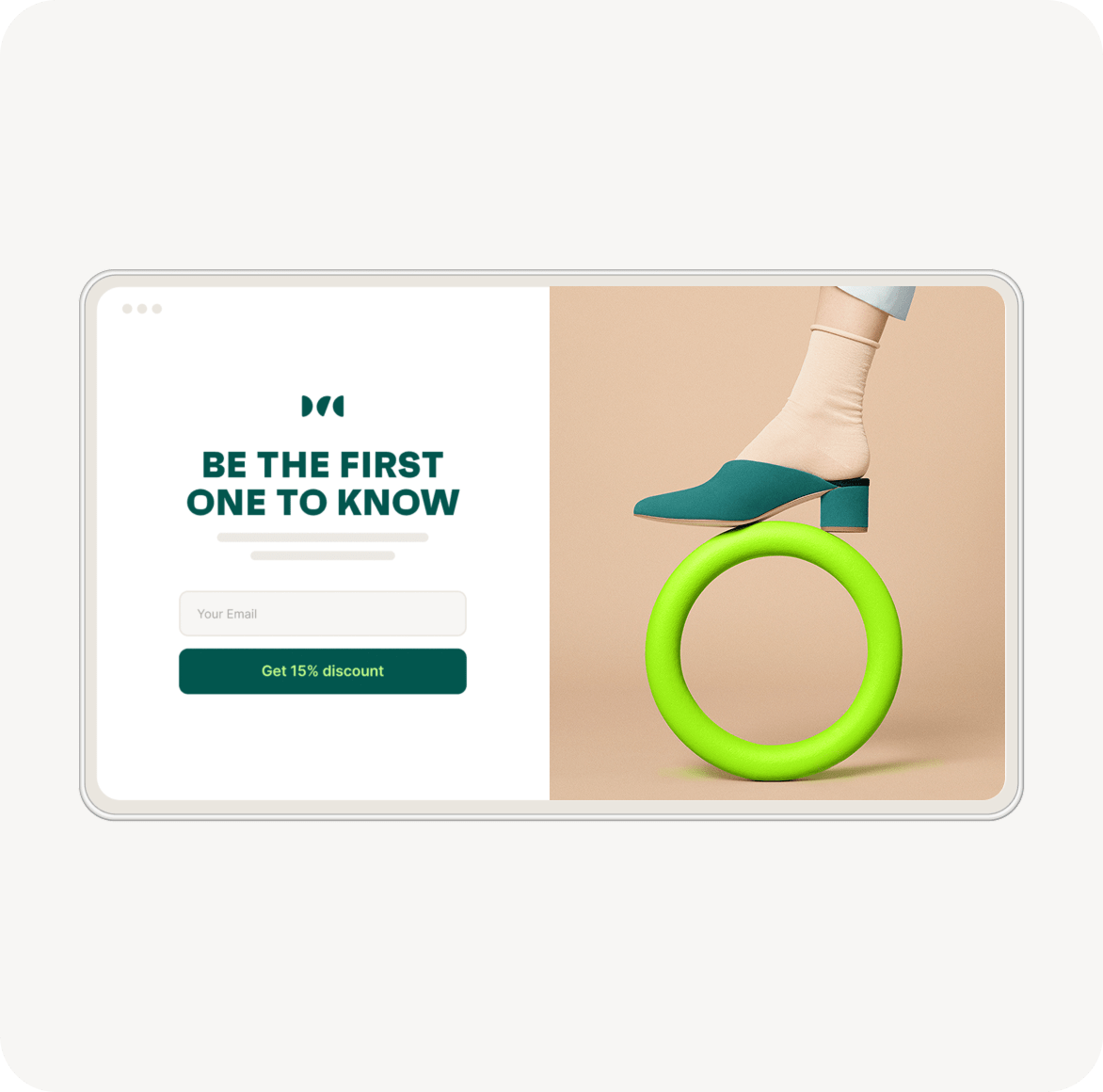
Dedicated pages for signups

Full access. Trusted by 150K+ brands.

Every campaign deserves its own page

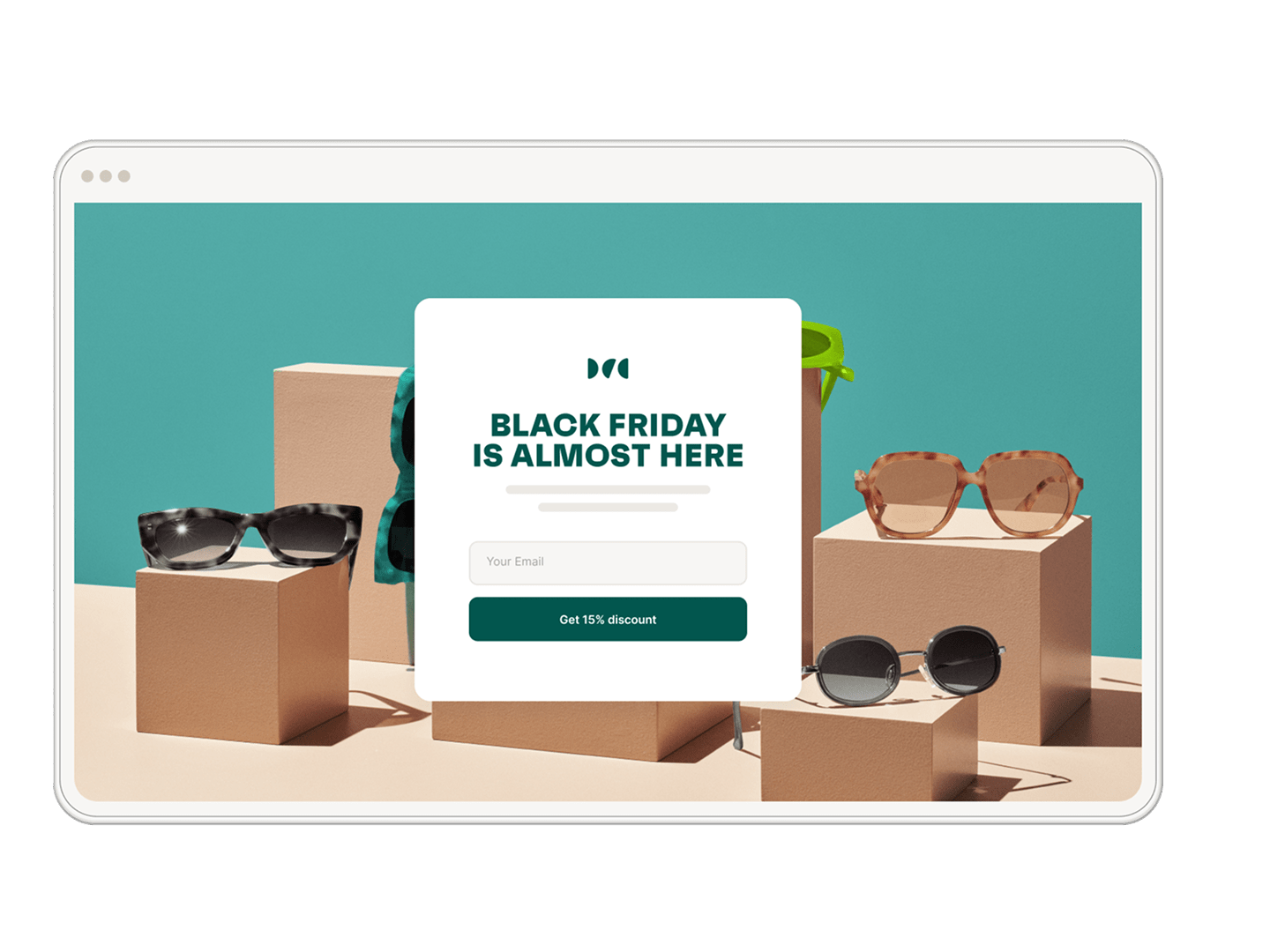
Running ads on social or search? Instead of sending everyone to the same product page, give each campaign its own landing page. Match the text, images, and colors to the ad so the experience feels seamless — and makes visitors more likely to sign up or buy.

How to create a landing page

Make landing pages your own

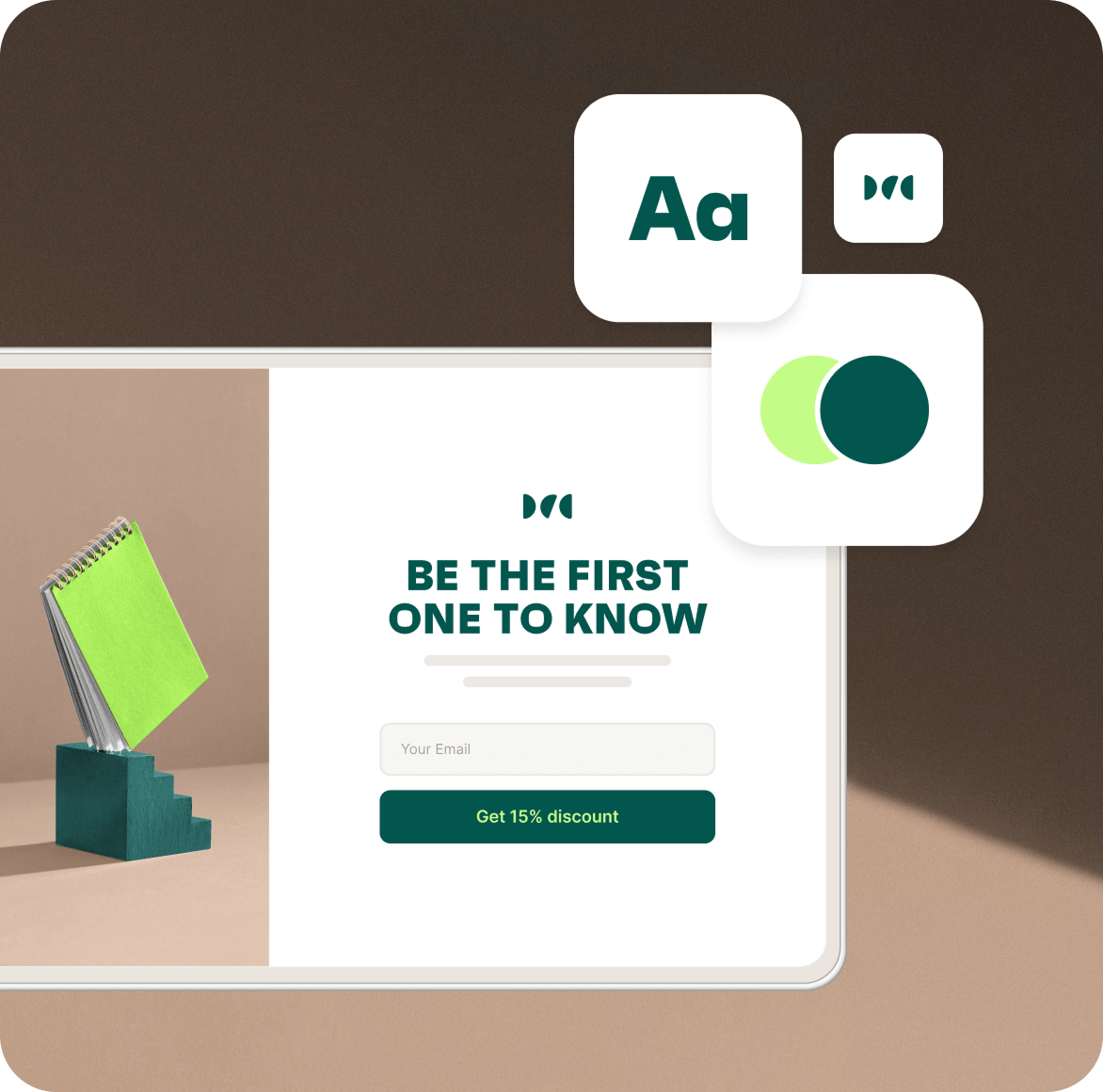
Use Omnisend’s landing page templates as they are, or make them your own. Edit the text, change the theme, decide what info to collect, and even control what shows up when the page is shared on Facebook.

One clear goal

Your homepage or product pages often have a lot going on. For campaigns that need focus, send visitors to a dedicated landing page with a single message. With Omnisend, you can set up targeted pages that match your campaign and guide visitors to sign up or buy.

See how branded landing pages turn campaigns into more subscribers
Full access. Trusted by 150K+ brands.
Learn more about campaigns

We’ll help you get
started

Blog
Landing page optimization: best practises & examples
Blog
How to create a landing page that boosts conversions
Blog
How to create a landing page that boosts conversions

FAQ

What is a signup form?

A signup form is a type of lead capture form that allows you to collect valuable contact details — such as email addresses, phone numbers, or names — from website visitors. It’s the foundation of your email marketing strategy and helps convert visitors into engaged subscribers or paying customers.

Using customizable forms or email sign up forms, you can grow your audience and build relationships through personalized marketing. Tools like Omnisend provide ready-made form templates and a visual web form builder so you can launch high-performing signup forms in minutes.

How to create a signup form?

Creating a signup form in Omnisend is simple and code-free. Go to the Forms tab and choose from popups, flyouts, embedded blocks, or landing pages — all powered by a drag-and-drop web form builder.

You can customize your form templates with your brand colors, messaging, and images to create truly beautiful forms. Add or remove fields, adjust triggers, and set targeting rules to capture the right audience. Whether you’re designing a lead capture form or a promotional email list sign up form, Omnisend lets you do it effortlessly.

Are forms mobile‑optimized?

Yes — every Omnisend signup form and web form template is fully responsive and automatically optimized for mobile devices.

Your forms will look great and function smoothly across phones, tablets, and desktops. The mobile-friendly design ensures visitors can easily complete your email sign up forms, increasing conversion rates and overall engagement. Having interactive forms that load fast and adapt to any screen size is key to capturing leads on the go.

What are multi-step forms?

Multi-step forms are interactive signup forms that collect visitor information in multiple short steps rather than one long form.

For example, you might first ask for an email, then offer a discount or ask for preferences in a second step. This progressive approach makes forms feel lighter and improves completion rates.

Using Omnisend’s multi-step form templates, you can design beautiful, customizable forms that keep users engaged and increase the number of subscribers who complete the email sign up form process.

What are examples of Web Forms?

Examples of web forms include:

  • Popups offering discounts or special deals
  • Exit-intent forms that appear when a visitor is about to leave your site
  • Embedded newsletter signup blocks placed in your footer or blog
  • Landing pages built for giveaways, early access, or seasonal promos

Omnisend’s web form builder helps you create these lead capture forms quickly, using pre-designed form templates that can be fully customized to match your brand and campaign goals.

How can I customize my Omnisend forms?

Omnisend’s drag-and-drop web form builder gives you full creative control over your signup forms. You can edit colors, fonts, text, images, and form fields to match your brand style and messaging.

Beyond design, you can set display rules and audience targeting — like showing your email list sign up form only to new visitors or triggering interactive forms based on scroll depth or exit intent.

These customizable forms help you create a consistent, engaging experience that converts more visitors into subscribers.

Built on feedback of 150,000+ brands. Try Omnisend and see why they stay.

Get plan recommendation