
 Omnisend AI


 OFFER
OFFER








Drive sales on autopilot with ecommerce-focused features
See FeaturesKey takeaways 
Integrating various ecommerce tools with Omnisend centralizes customer data, enabling precise segmentation and automated marketing workflows.
Popular integrations like Yotpo and Loox enhance customer engagement by automating review requests and utilizing user-generated content in marketing campaigns.
Tools such as AfterShip and ParcelPanel streamline shipping updates, allowing for automated notifications that keep customers informed without manual effort.
Choosing the right integrations should focus on addressing specific business needs, ensuring seamless data flow, and reducing manual tasks for improved efficiency.
Reveal key takeaways
Running an ecommerce brand usually means using more than one tool to keep the business moving. You might already rely on apps for reviews, loyalty, subscriptions, shipping updates, quizzes, analytics, and everything in between.
Omnisend sits at the center of your customer communication, but the rest of your tech stack still carries important pieces of customer data. That’s where integrations make a real difference.
This guide highlights the integrations ecommerce brands tend to use most often and how they work alongside Omnisend to keep your marketing and operations running smoothly.
Connect your tools, automate more, and streamline your workflows with Omnisend — get started for free
Quick sign up | No credit card required
Why a solid tech stack matters
Most ecommerce apps do one job well. One collects reviews, another tracks shipments, and a third manages loyalty points or subscriptions. However, when these tools operate independently, your customer data becomes scattered across different systems. That makes it harder to send relevant messages, build accurate segments, or understand what a customer has actually done across your store.
Integrating these tools with Omnisend brings everything together. Review activity, subscription status, loyalty points, delivery updates, form responses — all of it becomes usable inside your marketing workflows. You get more precise segmentation, better timing, and automation that responds to what customers are doing in real time.
Ultimately, integrations are about making the tools you already depend on work together, so Omnisend can serve as your single, reliable source for communicating with customers.
14 Omnisend integrations your brand would benefit from
So here’s a list of integrations we’ll cover. These are the tools that many ecommerce brands already use on a day-to-day basis — loyalty apps, review platforms, subscription tools, shipping trackers, and so on.
Continue reading to learn more about each integration, or click on any name below to jump directly to its description.
- Yotpo — Reviews and UGC
- Loox — Visual product reviews
- Triple Whale — Reporting, attribution, and analytics
- Smile.io — Loyalty and rewards
- LoyaltyLion — Loyalty and retention
- AfterShip — Shipping and tracking
- ParcelPanel — Shipping and tracking
- Typeform — Forms and surveys
- Gorgias — Ecommerce customer support
- Intercom — Customer messaging
- Zapier — Workflow automation
- Recharge — Subscription management
- Facebook Lead Ads — Paid lead generation
- Google Ads Customer Match — Customer-based ad targeting
1. Yotpo Product Reviews — Reviews and UGC
Yotpo pulls together reviews, star ratings, photos, and other customer-generated content that helps build trust in your store. It’s a solid choice if you want one platform for collecting and showcasing reviews, while also tapping into loyalty and referral tools when needed.
The integration with Omnisend lets you automate review requests, send reminders, and segment customers based on whether they’ve left a review. You can also use UGC in your follow-up flows to add social proof where it matters. Everything syncs directly, so you’re not juggling data between platforms.
2. Loox — Visual product reviews
Loox focuses on one thing: making it easy for customers to leave photo and video reviews. The result is a more authentic, visually driven form of social proof that tends to resonate with online shoppers. It’s simple to collect and display those visual reviews without much manual work.
When Loox is connected to Omnisend, you can automatically trigger review requests, build segments based on review behavior, and pull review activity into your campaigns. If you rely heavily on visual social proof, this integration helps you keep a steady flow of UGC in motion.
3. Triple Whale — Reporting, attribution, and analytics
Triple Whale consolidates your ecommerce performance data into one place, providing a clearer view of revenue, attribution, and customer behavior. Stores use it to understand what’s working, what isn’t, and where growth is actually coming from.
This Omnisend integration lets you sync marketing metrics — email performance, audience activity, and more — into Triple Whale’s dashboards. That makes it easier to compare channels, evaluate campaigns, and see how your marketing contributes to revenue at a deeper level.
4. Smile.io — Loyalty and rewards
Smile.io helps merchants build simple loyalty programs that keep customers coming back. Points, VIP tiers, and referral rewards give shoppers a reason to stay engaged long after their first purchase. It’s straightforward, easy to run in the background, and doesn’t require a complicated setup.
The Omnisend integration connects those loyalty activities with your email and SMS workflows. When customers earn or redeem points, move between tiers, or refer a friend, you can automatically follow up with the right message. It keeps loyalty data and marketing in sync, so rewards actually turn into repeat orders.
5. LoyaltyLion — Loyalty and retention
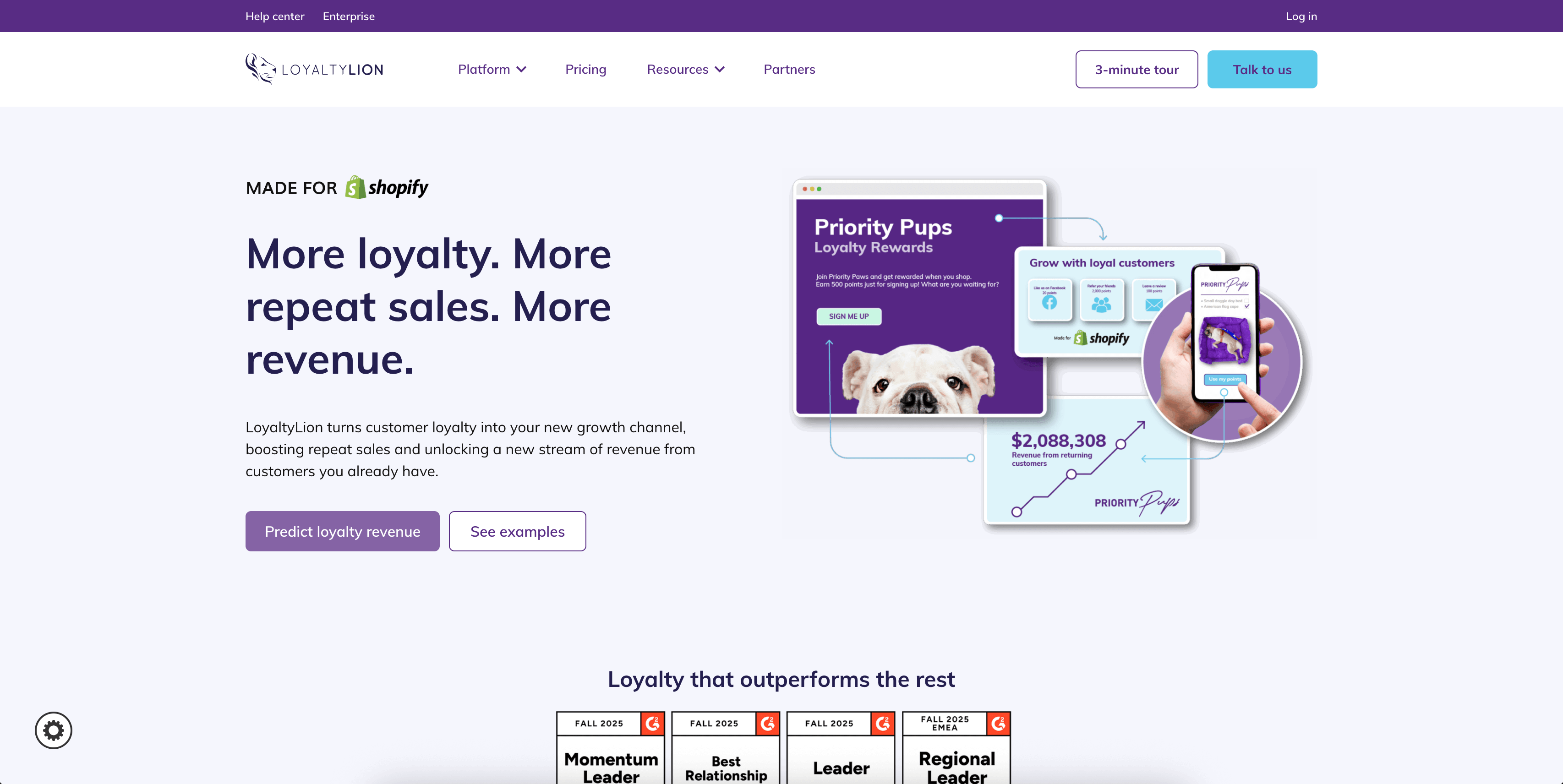
LoyaltyLion offers a more customizable approach to loyalty and retention. You can reward customers for purchases, reviews, referrals, social follows, and more — all while shaping a program that fits your brand’s experience. It’s built for merchants who want more control over how they motivate returning customers.
With the Omnisend integration, all that loyalty activity becomes usable inside your marketing workflows. You can segment customers by point balance, VIP status, or engagement level, and send personalized messages based on how close they are to their next reward. It helps turn loyalty data into practical, timely communication that nudges customers toward their next purchase.
6. AfterShip — Shipping and tracking
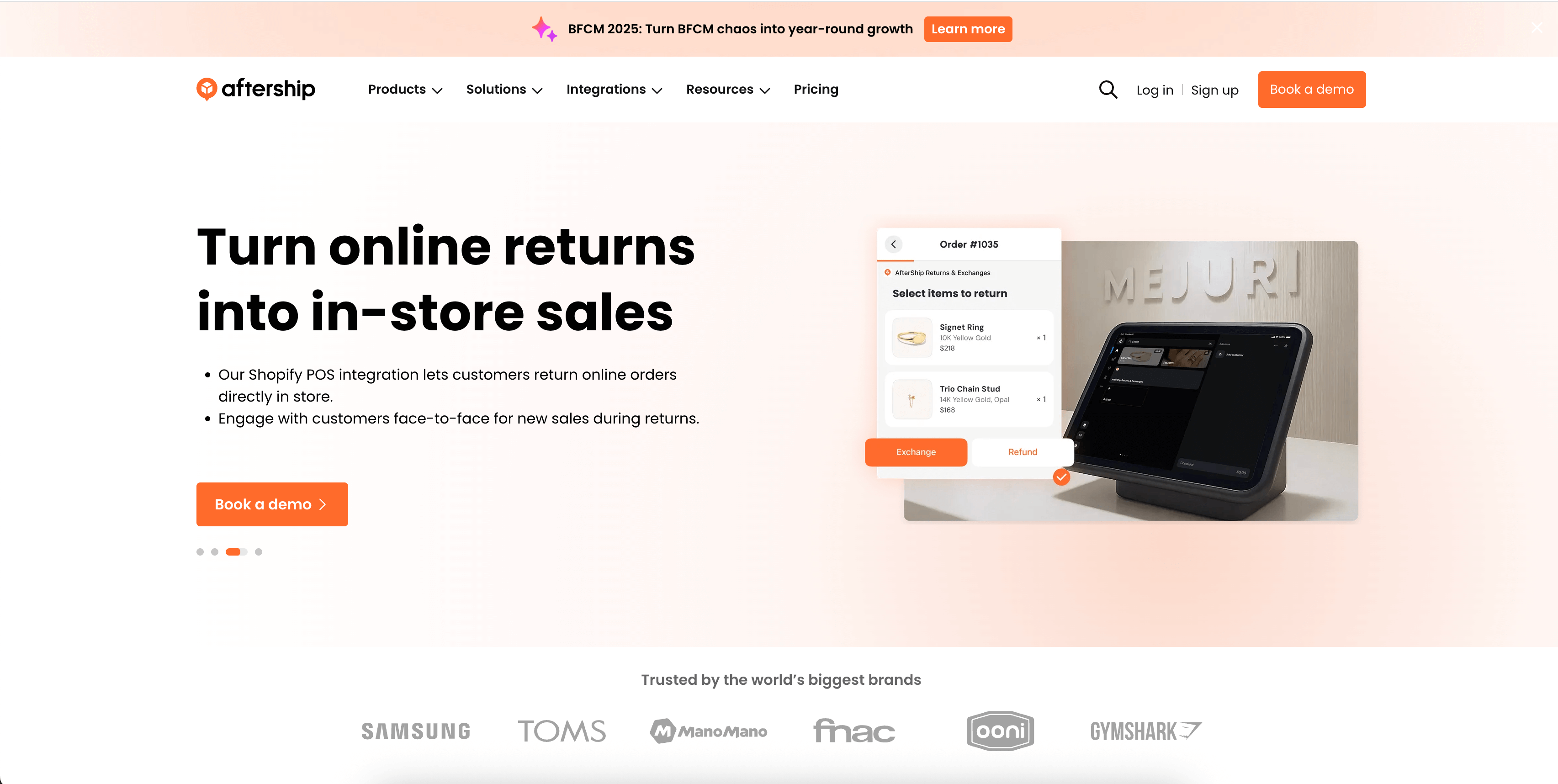
AfterShip centralizes shipment tracking across carriers and gives customers a cleaner post-purchase experience. Shoppers can track orders from a branded page, and merchants can stay on top of delivery issues before they turn into support tickets.
Paired with Omnisend, AfterShip lets you send automated updates via email or SMS based on tracking events — things like “order shipped,” “out for delivery,” or “delivered.” It’s an easy way to reduce “where is my order?” messages and keep customers informed without manually checking statuses.
7. ParcelPanel — Shipping and tracking
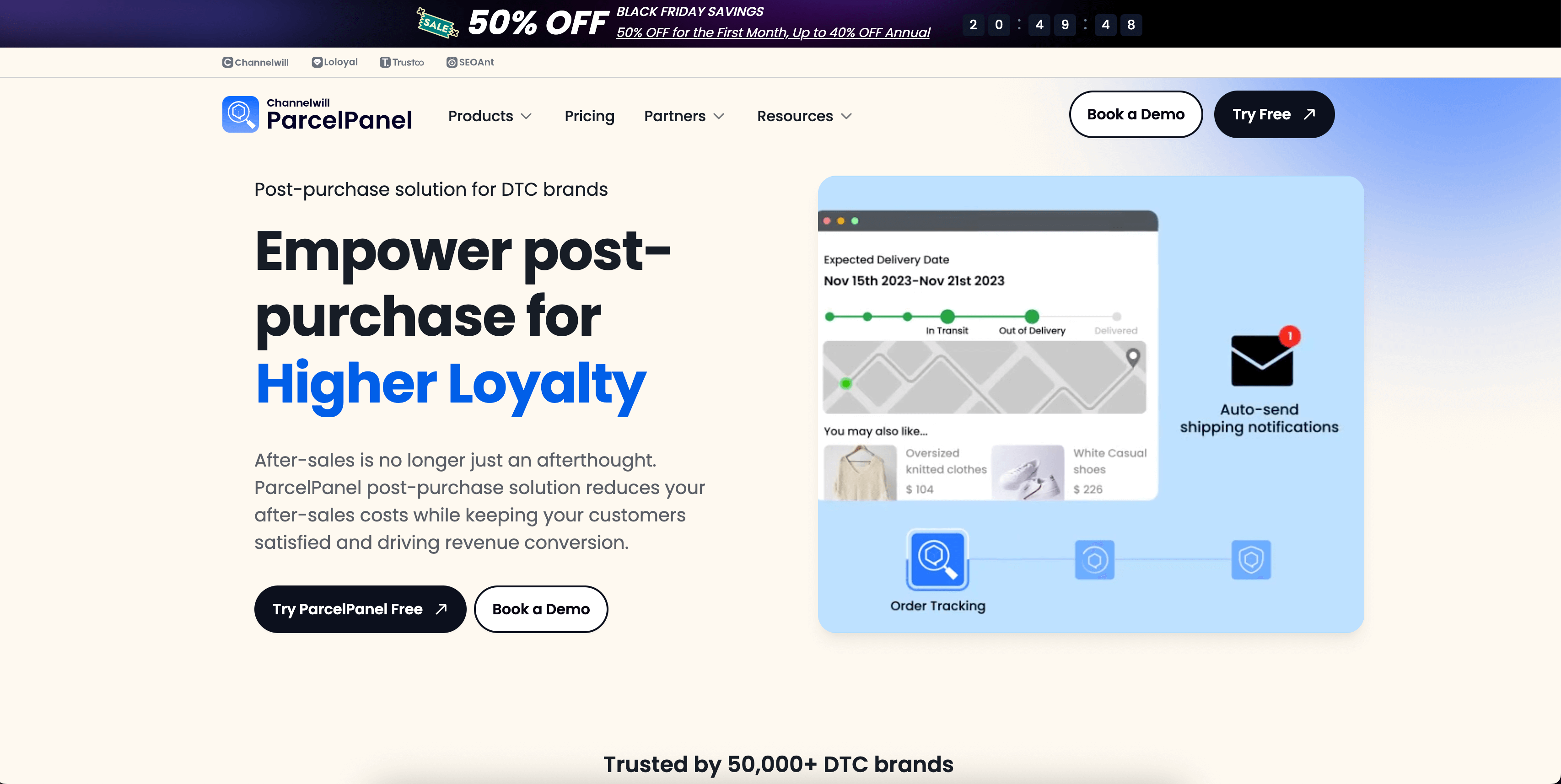
ParcelPanel is another option for merchants who want simple, real-time order tracking. It creates a branded tracking experience and helps customers stay updated through each delivery milestone. It’s especially popular for shops with high shipping volume.
And with the Omnisend integration, those tracking events can trigger automated messages or be used in segmentation. You can follow up after delivery, ask for a review, or keep customers in the loop during longer shipping timelines — all without babysitting orders.
8. Typeform — Forms and surveys
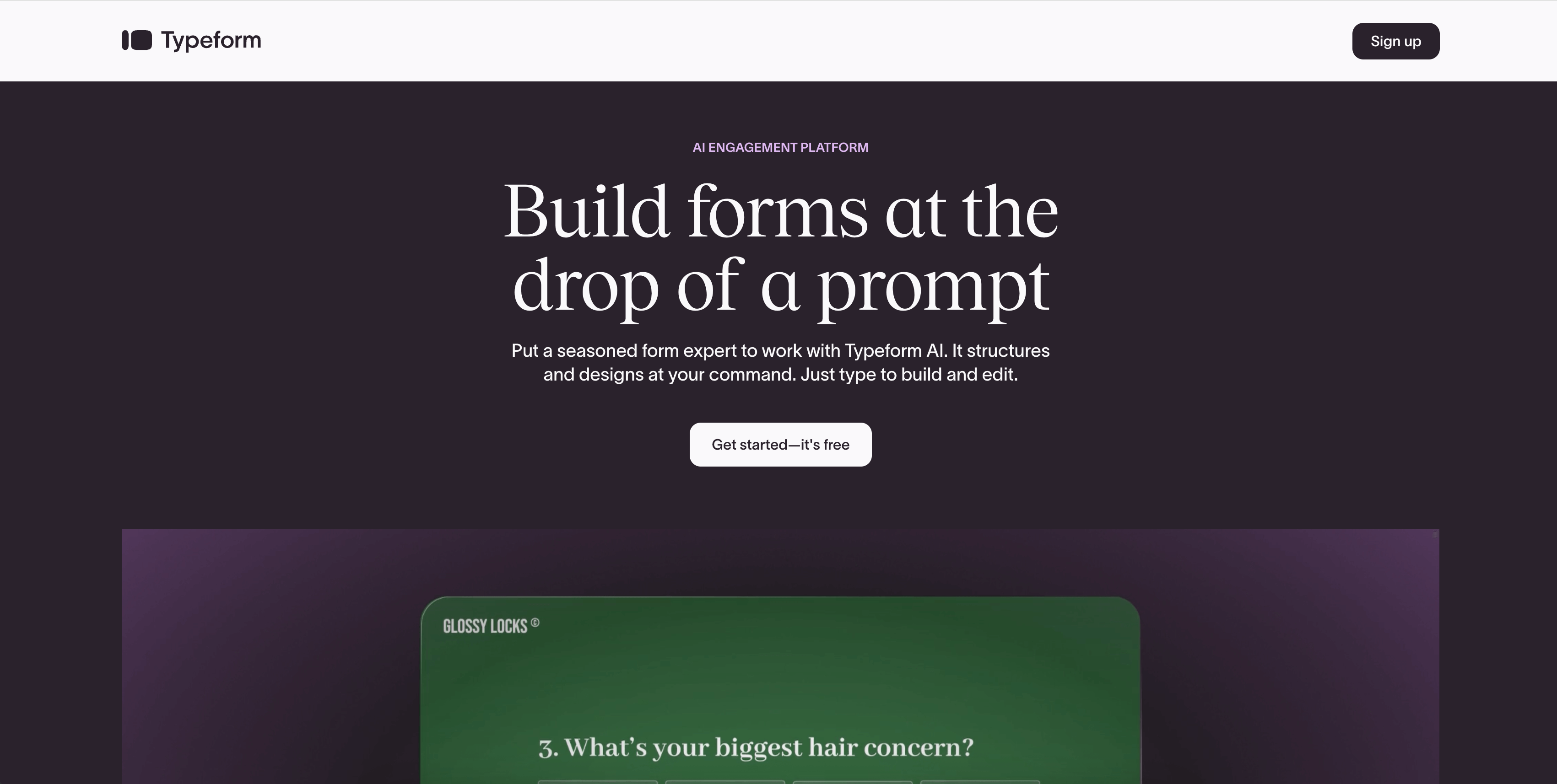
Typeform makes it easy to build interactive forms, quizzes, and surveys that feel more conversational than a standard form. It’s great for collecting customer feedback, running product quizzes, or capturing higher-intent leads.
When you connect Typeform to Omnisend, every response is automatically added to your audience. You can segment based on answers, trigger follow-ups, or personalize campaigns using the data customers share. It’s a simple way to turn form responses into better targeting and more relevant messaging.
9. Gorgias — Ecommerce customer support
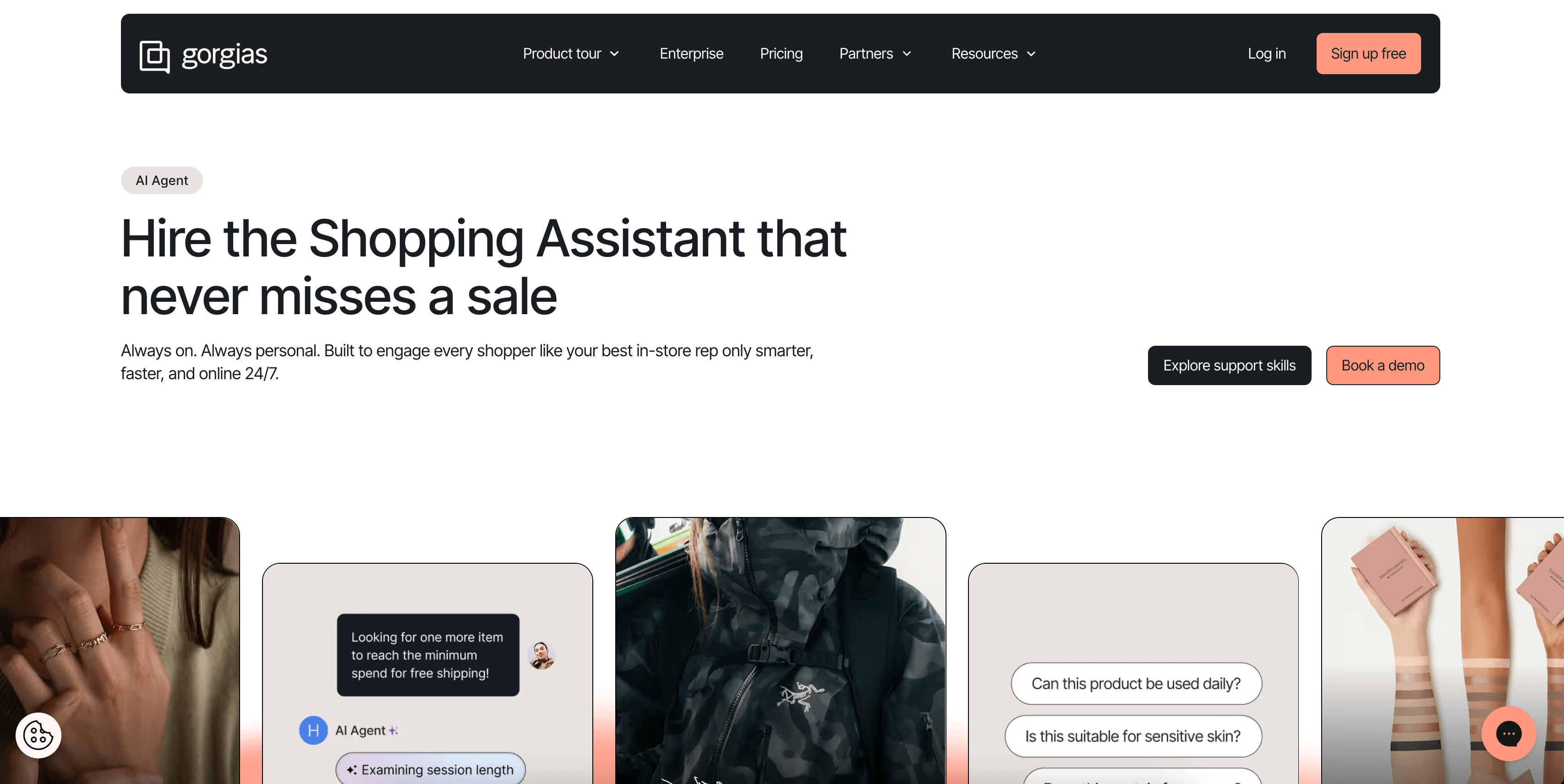
Gorgias brings customer messages from email, chat, and social into one helpdesk built specifically for ecommerce. Support agents can see order history, refunds, and loyalty data alongside each ticket, which cuts down on back-and-forth.
With thhe help of the Omnisend integration, you can sync customer information and send relevant information back into your marketing workflows. For example, you can follow up after support interactions or build segments based on past conversations. It helps keep support and marketing aligned without extra manual work.
10. Intercom — Customer messaging
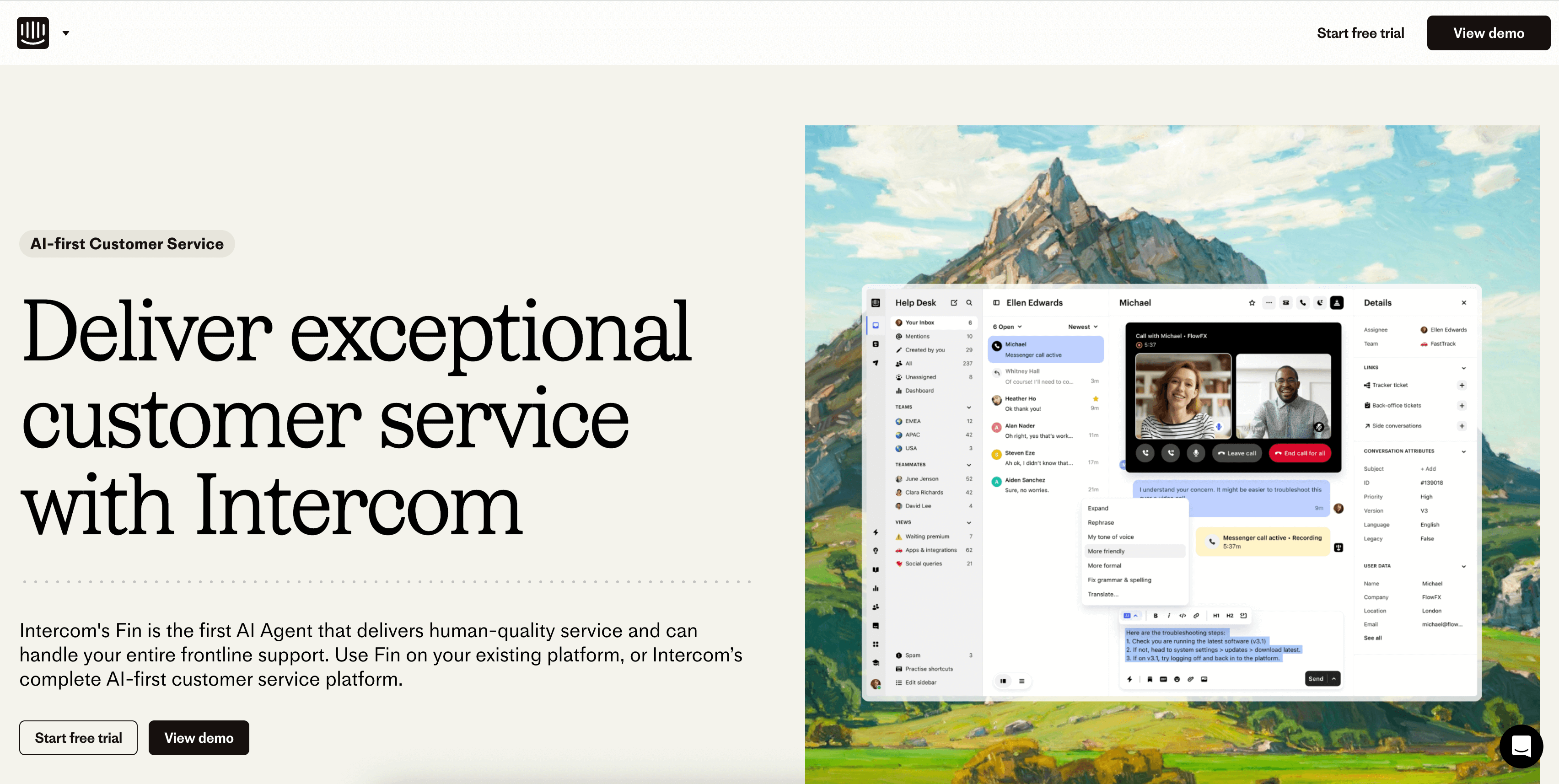
Intercom is a conversational support and messaging platform. Brands use it for live chat, onboarding, and automated support flows. It’s flexible enough to work for ecommerce, SaaS, or any business that needs real-time communication with customers.
By integrating Intercom with Omnisend, you can unify customer profiles, sync contact data, and build automated outreach based on chat activity. It creates a smoother experience for shoppers who move between chat and email/SMS, and it keeps all communication grounded in one shared customer record.
11. Zapier — Workflow automation
Zapier connects Omnisend to thousands of other apps through automated workflows. It’s handy for the small operational tasks you don’t want to manage manually — pushing leads from a form tool into Omnisend, syncing purchases into another platform, or updating customer profiles when something changes elsewhere.
The integration basically becomes a safety net for your tech stack. If two tools don’t talk to each other natively, Zapier can usually bridge the gap so your customer data stays up to date and your workflows stay consistent.
12. Recharge — Subscription management
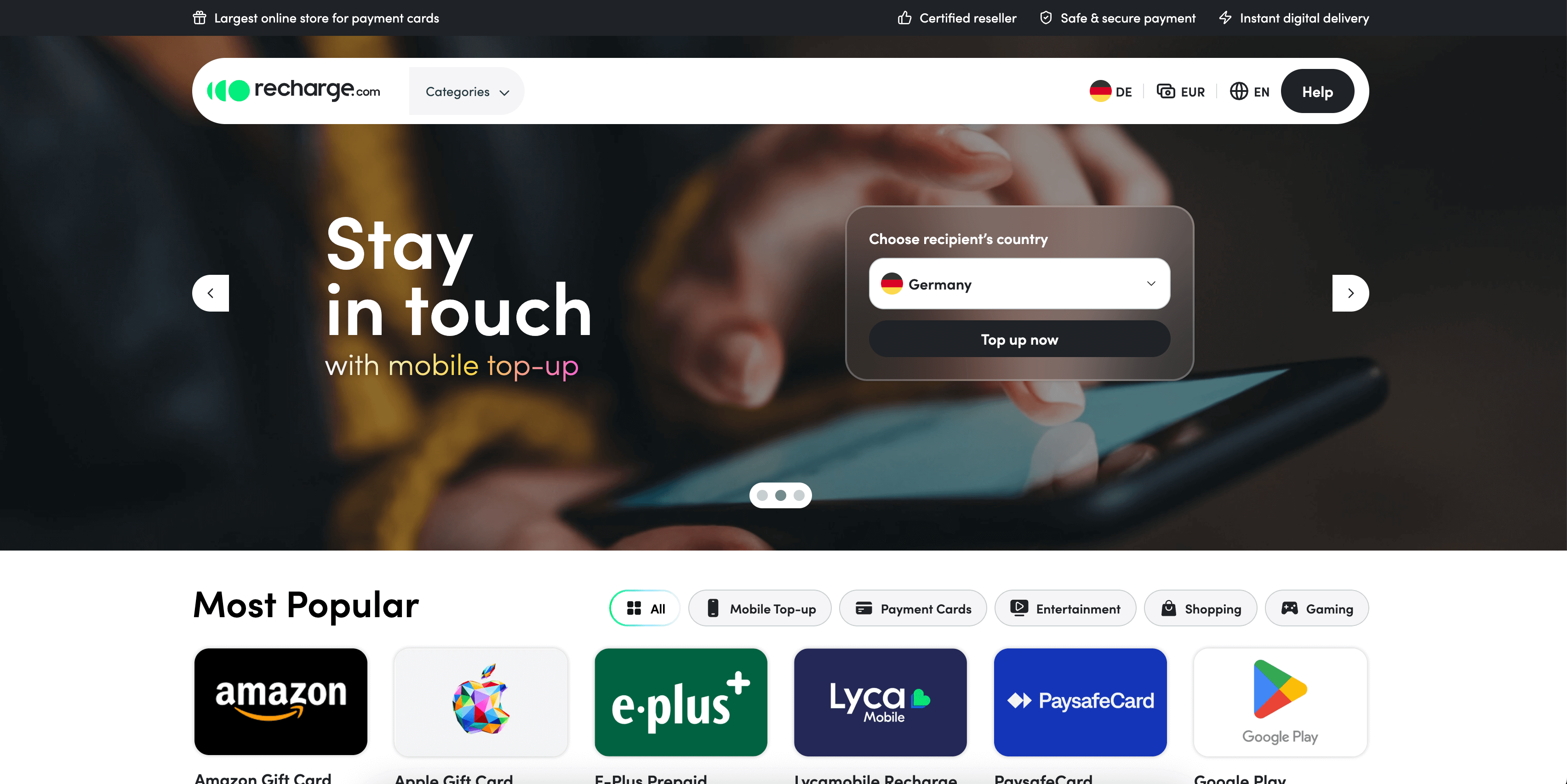
Recharge handles everything related to subscription products — recurring billing, customer portals, subscription edits, cancellations, and churn management. It’s built for brands that rely on predictable, subscription-based revenue.
The Omnisend integration makes your subscription data usable in your email and SMS flows. You can remind customers about upcoming charges, win back cancellations, highlight subscription benefits, or segment subscribers separately from one-time buyers. It’s a simple way to keep your subscription experience connected to your marketing.
13. Facebook Lead Ads — Paid lead generation
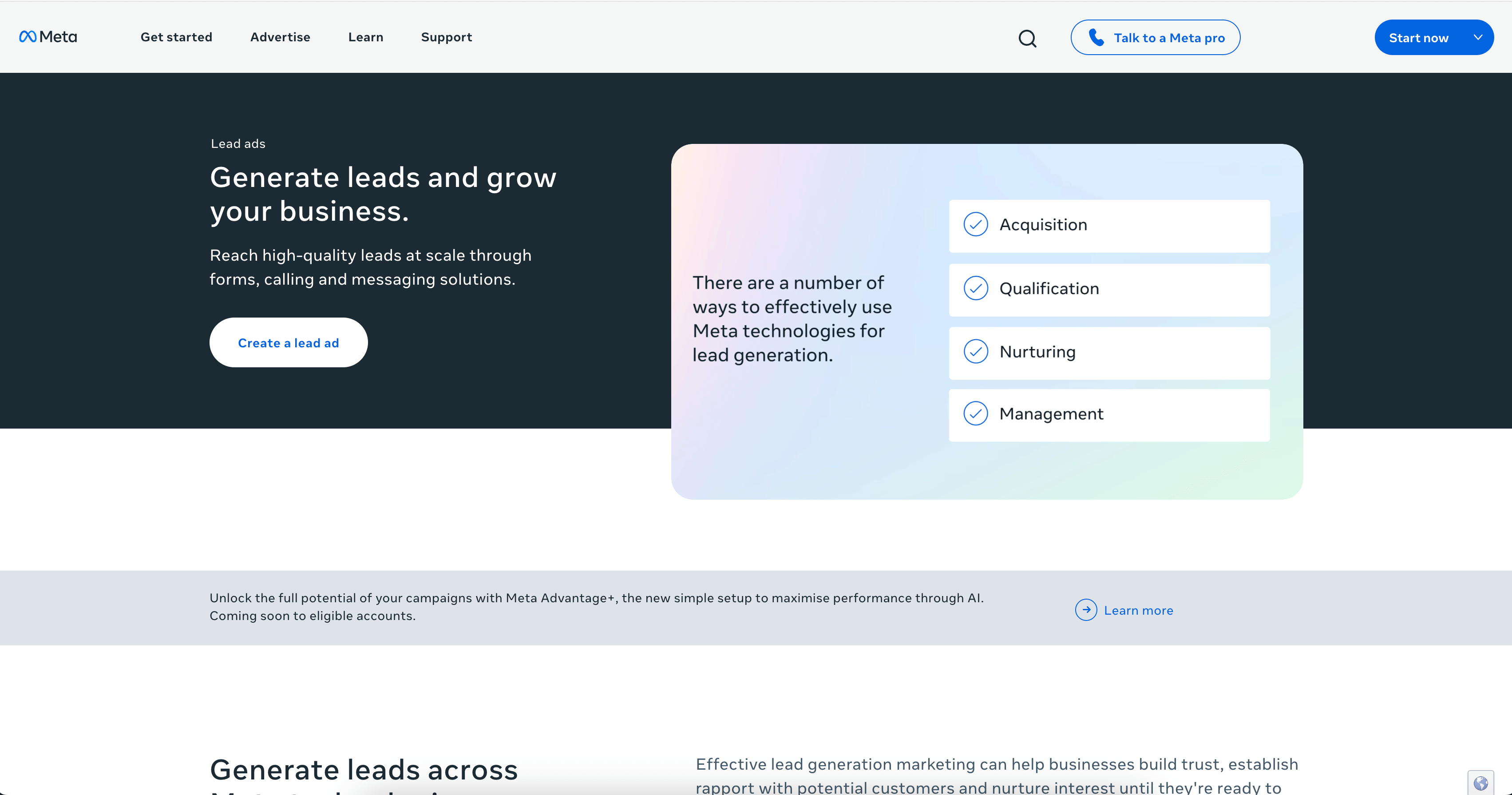
Facebook Lead Ads make it easy to collect sign-ups directly inside Facebook and Instagram. Customers never leave the app, which usually means higher conversion rates and more leads for your list.
Once you have theOmnisend integration in place, those leads flow straight into your audience, ready for onboarding flows or segmentation. There’s no copying, exporting, or manual cleanup, you simply get clean, synced data coming in as soon as someone submits a form.
14. Google Ads Customer Match — Customer-based ad targeting
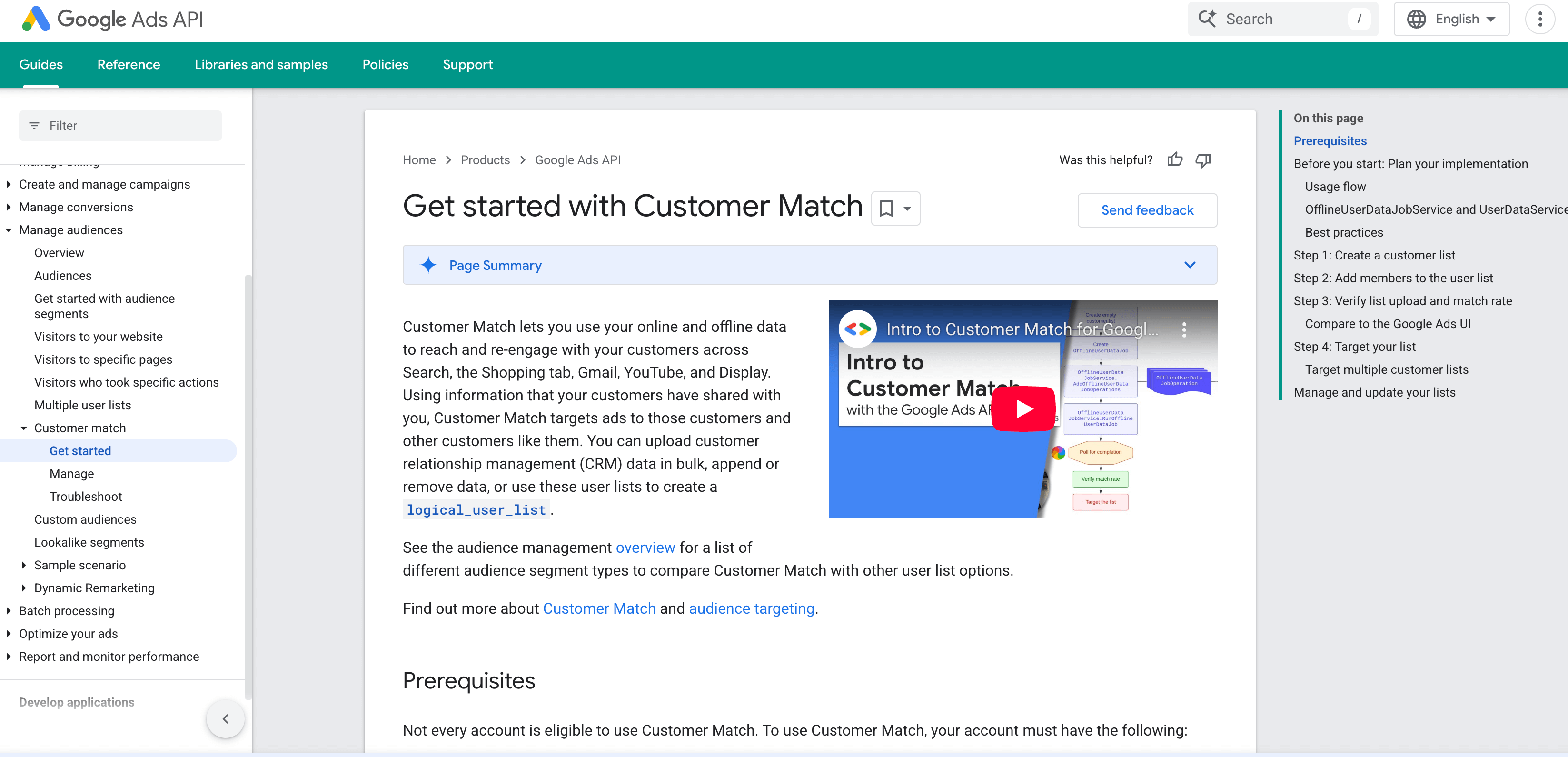
Customer Match lets you use your email list to target customers on Google Search, YouTube, and Gmail. It’s a simple way to re-engage existing customers or reach lookalike audiences using your first-party data.
Connecting it to Omnisend keeps those customer lists updated automatically. As new subscribers join or old ones churn, the right audiences stay synced with Google Ads, so your targeting stays accurate without manual list uploads.
How to choose tools that fit your business
When it comes to integrations, you don’t really need to install all the apps. It’s about deciding which ones will actually make your day-to-day easier.
Almost every tool claims to boost growth or streamline something, but the best stack is the one that solves your specific problems, not whatever happens to be popular.
A few simple guidelines can help you stay focused:
- Start with the gaps, not the trends: Look at where customers are getting stuck or where you’re wasting time. If your biggest issue is shipping confusion, a loyalty app won’t change much. Match tools to real problems.
- Avoid overbuilding: More tools rarely mean better results. Add what you need now, and let your stack grow naturally as your business does.
- Pick tools that integrate cleanly: If a platform doesn’t sync well with Omnisend or the rest of your stack, you’ll end up wrestling with workarounds. Prioritize tools that move data smoothly and support automation without extra effort.
- Think about longevity: Some tools — subscriptions, loyalty, analytics — are long-term commitments. Choose ones you can grow into, not ones you’ll replace in a few months.
- Look for anything that reduces manual work: A good integration should save you time. If it requires constant maintenance or extra steps, it’s probably not the right fit.
Wrap up
A strong ecommerce stack comes down to creating a setup that supports your team and delivers a smoother experience for your customers. The integrations above cover the core areas most brands rely on, and each one becomes more useful when it connects directly to your marketing through Omnisend.
Start with the essentials, keep things practical, and build a stack that grows at the same pace as your business. When your tools work together, everything else gets easier.
Unify your data and create consistent, personalized messaging across email and SMS — get started free
Quick sign up | No credit card required

TABLE OF CONTENTS
TABLE OF CONTENTS


Subscribe and don’t miss any updates!
No fluff, no spam, no corporate filler. Just a friendly letter, twice a month.