Omnisend AI


 OFFER
OFFER









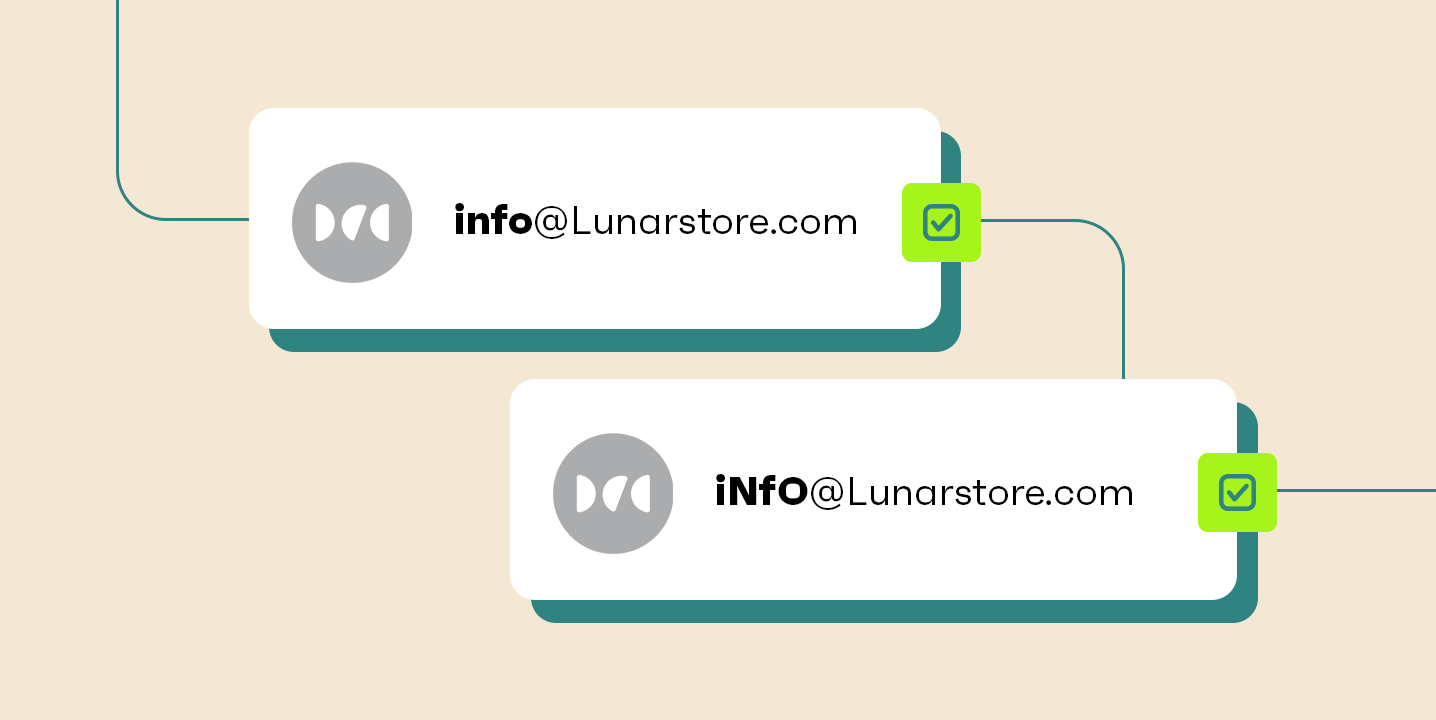

The part after the @ in an email address is never case sensitive. You can type the part before the @ in any mix of upper and lower case, and email providers treat them the same. That’s your quick answer to “Are email addresses case sensitive?”
That means [email protected] is the same as [email protected]. It reaches the inbox either way, as long as the address is valid.
Case-insensitive addresses help your contact list. Customers will sometimes enter their email with different capitalization, and it won’t affect your ability to reach them.
This article answers your questions around case sensitivity in more detail. You’ll learn all about how providers treat addresses and whether capitalization affects anything.
Quick sign up | No credit card required
Are email addresses case sensitive?
No. Email addresses are not case sensitive, and you can reach anyone regardless of how they, or you, capitalize the address.
The reason is not that the email system forbids it, but rather that email providers choose to treat upper and lower case as the same. It means that james@ and James@ aren’t treated as two separate people. Such a scenario would create endless misdirected mail and confusion.
That settles the everyday answer. But there is a wrinkle worth understanding: the two halves of an address, the part before the @ and the part after, follow different rules.
The part after the @ is never case sensitive. The part before it technically can be, under the email standard, but no major provider treats it that way, so capitalization never affects where your mail lands or its deliverability.
The local part vs. the domain: Where case could matter
Email addresses have two halves split by the @ symbol. The first part is local, such as yourname@, and the second part is the domain, such as @yourbusiness.com.
Domains are never case sensitive. You can write them as gmail.com or GMAIL.COM, and they reach the same place either way.

The local part, the bit before the @, is where it gets interesting. Under the email standard, it is technically allowed to be case sensitive. A provider could treat JameS@ and james@ as two different mailboxes.
In practice, none of them do. For your ecommerce store, that means a customer who signs up as JameS@ and later checks out as james@ is the same person, and your email marketing reaches them either way.
To summarize:
| Address half | Does case sensitivity matter? |
|---|---|
| Local part (before the @) | Technically allowed to be case sensitive, but email providers don’t apply this |
| Domain part (after the @) | Never matters as the rules don't permit it |
How the major providers handle capitalization
Whatever provider your contacts use, the answer is the same: every major email service treats addresses as case-insensitive, so capitals in either half make no difference to where mail lands.
Gmail
Gmail doesn’t use case sensitivity. [email protected], [email protected], [email protected], and the correct [email protected] are treated as one address, so they deliver to the same inbox.
Gmail also ignores dots in the local part, so john.smith@ and johnsmith@ are the same address, as Google’s documentation confirms. The one exception: on a Google Workspace custom-domain account, dots do change the address.
Outlook
Case sensitivity in Outlook follows the same rules as Gmail. Any variation in capitalization of your @outlook address reaches the same person.
As long as an Outlook email address is spelled correctly, it will deliver successfully, regardless of whether it is upper or lower case.
Yahoo
[email protected] reaches the same inbox as [email protected]. The same goes for YOURname@ and yOurName@. Variations in capitalization won’t impact inbox placement on a Yahoo address, as it doesn’t with Gmail or Outlook.
Apple iCloud Mail
iCloud Mail is not case sensitive, so addresses work regardless of capitalization. Some accounts also have @me.com or @mac.com variants alongside @icloud.com that reach the same inbox, depending on when the account was created (per Apple’s documentation).
Proton Mail
Proton Mail is not case sensitive, with upper and lower case in the address working the same. Proton also lets you receive mail at both @proton.me and @protonmail.com, again, a domain feature rather than a case one.
Why do all providers follow the same rule?
The email standard lets each provider decide how to handle case sensitivity in the local part of an address. They all made the same call: ignore it. Treating JameS@ and james@ as different people would cause endless misdirected mail, so universal case-insensitivity became the practical norm.
Why do people think email addresses are case sensitive?
Mostly because the email standard technically permits the local part to be case sensitive. It lets a provider treat JameS@ and james@ as different addresses.
People hear that the rules allow it and assume their address only works in one format, when, as we’ve established, any correct spelling works, whatever the case.
Another reason is the passwords and usernames we use to log in to places, which are nearly always case sensitive. We’ve become accustomed to using case sensitivity for access, so it’s normal to expect those thoughts to carry over to email.
The reality is that case sensitivity is not something to worry about as the sender or receiver of an email. It enters the inbox regardless.
Does capitalization affect anything in practice?
Not for getting emails to their destination, no. Capitals make no difference to where your message lands, so you never need to worry about it.
There are some places where capitalization has minor effects, although none of these change or impact whether your emails arrive:
- Readability. A consistent case can be easier to read at a glance. Random mixed case (jOhnSmItH@) is harder to scan, though it still works.
- Spam perception. Some people associate random capitalization in email addresses with spam or disingenuousness.
Addresses in whatever case you like will work, but lowercase is the sensible default. It is the easiest to read, the least likely to look off, and the standard systems and people expect.
What this means for your email list
Some of your marketing subscribers and customers will input their email address with capital letters. That alone doesn’t impact deliverability.
Because [email protected] and [email protected] reach the same inbox, the risk is not delivery; it is your own records treating them as two different people.
It’s good practice for your list hygiene to normalize every subscriber email address to lowercase and dedupe against what you already hold.
Cleaning your list this way ensures each contact has one profile, regardless of how they typed it into your signup form or at checkout.
Some email marketing tools distinguish between email address variations and will only count one towards your quota. But the duplicates will remain without cleaning.
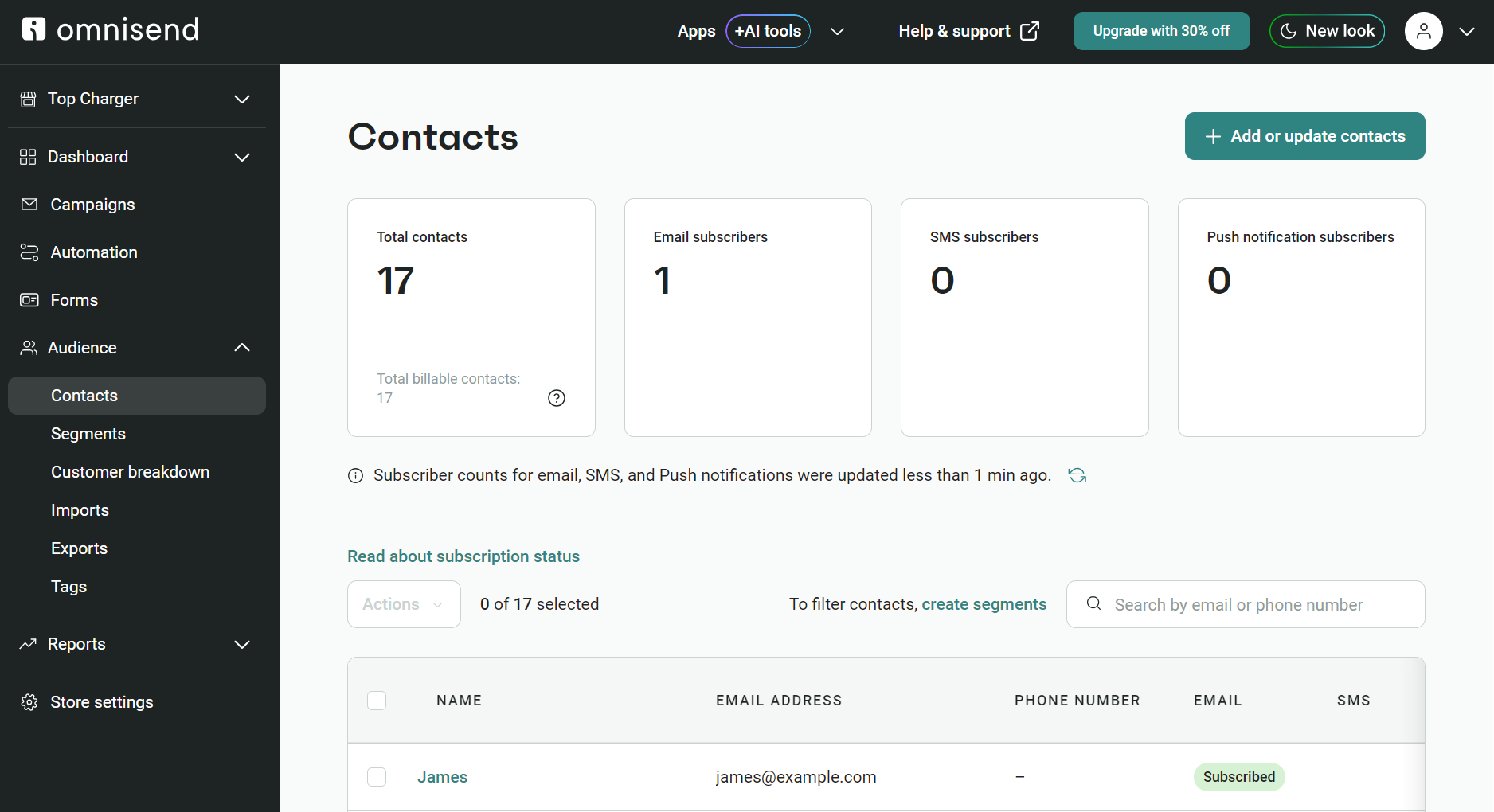
Omnisend, by contrast, doesn’t create duplicate contacts. When a contact exists, it updates the record instead of adding a second one, which keeps your list counts and costs accurate.
Conclusion
So, are email addresses case sensitive? No. You can type any address in upper case, lower case, or any mix of the two, and it reaches the same inbox.
The domain half is never case sensitive; it’s set by the rules that govern domain names. The local half technically could be, under the email standard, but no major provider has ever chosen to enforce it.
Gmail, Outlook, Yahoo, iCloud, and Proton Mail all treat the two as the same. For everyday sending, that means one less thing to think about. Type addresses however they come.
The one place it is worth a little care is your data. Since James@ and james@ are the same person, storing addresses in lower case keeps a single customer from splitting into two records. Capitalization never changes where mail lands, but consistent records keep your list clean.
Quick sign up | No credit card required
FAQs
Is Gmail case sensitive?
Gmail is not case sensitive. Both the local (pre @) and domain (post @) parts of a Gmail address remain valid regardless of capitalization. That means [email protected], [email protected], and [email protected] are no less valid than [email protected].
Are email addresses case sensitive when logging in?
Not for logging in to your inbox. You can type your email address with or without capitalization and log in to your email client. Case sensitivity can apply to usernames, though. If you have software or accounts that let you log in with a username, and that username is an email address, the system might treat a different capitalization as a non-match.
Should I capitalize my email address?
It makes no difference either way. Many providers display your address in lower case by default, but capitals are not blocked and never cause a problem. As the sender, you can use any case you like, and your messages arrive the same.
Why doesn’t capitalization change email delivery?
Capitalization doesn’t change email delivery because email providers have chosen to ignore case sensitivity as an address validity rule. It means you can type an address with any combination of lower and uppercase letters, and the email provider treats it no differently from an address that correctly uses all lowercase.