Omnisend AI


 OFFER
OFFER









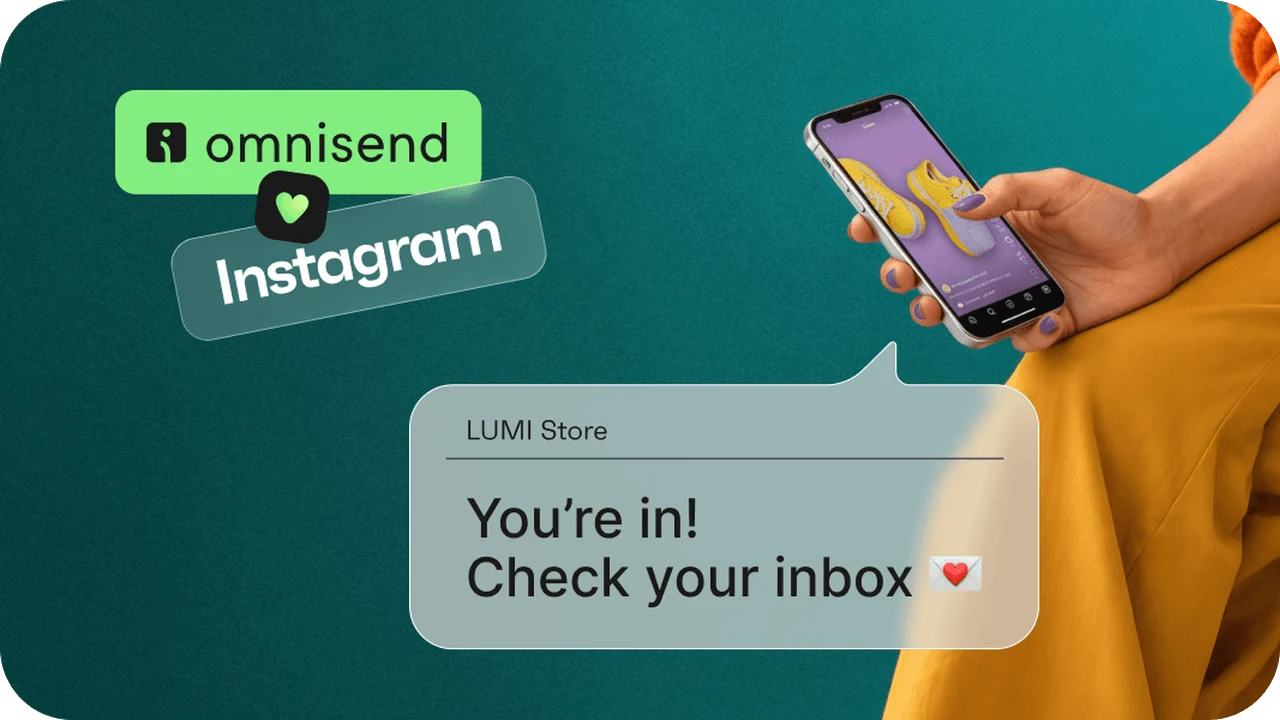

Your Reel is doing numbers. The comments are rolling in. Lovely. Now, how exactly do you reach those people next week, without paying the algorithm for the privilege?
Today we’re launching Social Capture, a new Omnisend feature that turns Instagram comments and DMs into email subscribers. When someone comments a keyword on your post or sends it to your brand in a DM, Social Capture replies automatically, asks for their email, and adds them to your Omnisend audience. No link in bio, no external landing page, no copy-pasting.
Social gets you noticed. Email keeps you in touch.
Instagram is brilliant at getting your brand discovered. But you never really own your followers. Instagram decides who sees each post, and when the rules change, your reach changes with them. So every post is a fight for attention, or a budget line to skip the fight. And if your account ever gets locked or hacked, your audience stays on the other side.
Email works differently. Once someone gives you their address, the relationship is yours. You decide when to send, what to say, and who gets which message. No feed ranking in between.
Social Capture connects the two. The people who already like your posts get a simple way to stay in touch, on a channel you control. Think of it as turning the Instagram flirt into something long-term.
How it works
For a quick overview, see the walkthrough video:
- Connect Instagram. Go to Social Capture in Omnisend and connect your Instagram business or creator account.
- Create a keyword reply. Choose the trigger (comments, DMs or both), add up to three keywords, write your messages, and pick the tag new subscribers will get.
- Invite people to use the keyword in your post or Reel caption.
- Social Capture does the rest. It replies in DMs, asks for an email, and adds the person to your audience as a subscriber.
Tip: ask people to DM the keyword, not just comment it. With a DM trigger, Social Capture can send a reminder if someone goes quiet. With a comment trigger, it can only remind them if they reply to its first DM.
What happens after they subscribe
Social Capture collects the email. Your automations deliver on the promise.
The pre-built Instagram Welcome workflow is filtered to people who subscribed to email through Instagram. Use it to send the discount, early access or freebie your post advertised. Running several promotions? Add a split by tag, so each group gets the offer they actually commented for. Prefer one welcome flow for everyone? Adjust the trigger filters on your existing Welcome automation to let Instagram subscribers in.
After that, they’re a regular part of your audience. Segment them by tag and include them in campaigns for launches and sales.
Why ask in the DMs
Timing, mostly. The message arrives while your post is still on their screen, not after they’ve scrolled past 20 other things. It works on organic content, so there’s no ad spend involved. And once someone is on your email list, you can reach them whenever you like, with no algorithm deciding who sees what.
One practical tip: invite people to DM your keyword, not only comment it. With a DM trigger, Social Capture can send a reminder if someone goes quiet. With a comment trigger, it can only do that if they reply to the DM it sends.
Keyword ideas to try before BFCM
Keyword ideas to try before BFCM
- “Comment EARLY to get our Black Friday deals before anyone else”
- “DM GIFT for our holiday gift guide”
- “Comment VIP for 10% off your first order”
Give each keyword its own tag, and your Instagram Welcome flow can send each group the offer they asked for.
Get started
Social Capture is available now on all paid Omnisend plans. You’ll also need an Instagram business or creator account. Go to Social Capture in Omnisend, click Connect Instagram, and launch your first keyword reply.
Your followers already found you on Instagram. Now they can find you in their inbox, too.
Learn more on the Social Capture feature page, or follow the help center guides to set up Social Capture and engage subscribers collected from Instagram.