Omnisend AI


 OFFER
OFFER











Bulk email senders are platforms that businesses use to send large email batches without losing control of deliverability. These platforms handle authentication, IP reputation, and bounce processing that determine whether a campaign lands in the inbox or spam. The category goes by several names, like bulk email service, mass email service, and bulk email software, and they all mean the same thing. Standout providers include:
- Omnisend for ecommerce-native automations
- Sender.net for cost-effective WooCommerce/Shopify sync
- Brevo for unified marketing and transactional streams
- Mailchimp for deep Shopify/WooCommerce behavioral triggers
- GetResponse for AI product recommendations
- HubSpot for CRM-centric revenue attribution
- SMTP.com for guided IP warming
- Mailgun for developer-first APIs and IP pools
- Postmark for stream-isolated transactional delivery
- Mailtrap for separate bulk/transactional streams with built-in testing
Sending emails to a 50,000-contact list via the wrong provider can result in emails landing in spam folders and losing revenue. Rebuilding sender reputation takes time and resources, so choosing the right bulk email sender becomes more important than just selecting one based on pricing alone.
Google and Microsoft announced authentication requirements (in 2024 and 2025, respectively) and complaint-rate monitoring, changing the definition of a good bulk email sender. Today, the best mass email tools offer high send limits, automation, segmentation, and ecommerce features so that you can add products directly to your emails.
We’ve reviewed and analyzed 10 different bulk email sending providers and evaluated each one based on features, pricing, free plan availability, and ecommerce integrations.
What is a bulk email service provider?
A bulk email service provider is a platform or software that sends large volumes of email on your behalf and manages the technical requirements behind the scenes.
| Term | What it is | What it does |
|---|---|---|
| Simple Mail Transfer Protocol (SMTP) relay | The service of ensuring the email is delivered from the sender’s mail server to the recipient’s mail server | Handles the actual transmission; if it's unreliable, delivery rate suffers |
| Shared IP | A computer-readable address for the email is sent from that is shared among multiple senders | No need to warm up, but other users’ bad sending practices can affect your sender reputation |
| Dedicated IP | A computer-readable address for the email is sent from that is only used by one sender | Need to warm up and maintain, but you control your own sender reputation |
| Sender Policy Framework (SPF) | A framework that lists which servers are allowed to send email for your domain | Identifies spoofed emails from unauthorized servers pretending to be you |
| DomainKeys Identified Mail (DKIM) | A security standard that adds a digital signature | Confirms the email actually came from you and wasn't tampered with |
| Domain-based Message Authentication, Reporting and Conformance (DMARC) | A protocol that tells mailbox providers what to do with emails that fail SPF or DKIM checks | Gives you control over how spoofing attempts are handled, and reporting on who's sending as your domain |
To make sure your emails land in recipients’ inboxes rather than spam folders, bulk email sending providers authenticate your domain, monitor sender reputation, and handle bounces and unsubscribes.
Bulk email sender vs. bulk email service: is there a difference?
The difference between bulk email sender and bulk email service depends on the source. Online marketing sources often use the terms interchangeably when referring to a professional service businesses use to send large email batches.
However, bulk email sender can also be used to describe desktop software that runs locally on computers. In contrast, bulk email service refers to a solution that provides the sending infrastructure.
The three types of bulk email service providers
Most bulk email service providers fall into three categories: marketing platforms, email APIs and relays, and CRM suites. On the surface level, all three categories are hosted solutions and work towards delivering the same goal, email deliverability, but approach it from slightly different perspectives.
| Category | Description | Examples |
|---|---|---|
| Marketing platforms | Designed for campaigns, audience segmentation, and email automations based on specific customer lifecycle triggers | Omnisend, Sender.net, Brevo, Mailchimp, and GetResponse |
| Email APIs and relays | Support transactional and programmatic email sending, like password reset requests or shipping notifications | Mailgun, Postmark, SMTP.com, and Mailtrap |
| CRM-led suites | Built for combining email sends with sales and customer databases, benefiting teams who want their campaigns tied to specific deal or contact details | HubSpot |
The choice between all three categories depends on who’s sending the emails and what for. For example, an ecommerce brand’s marketing team running weekly promotions might use a marketing platform with a visual builder and segmentation. In contrast, a large corporation with a strong sales team using a CRM might prefer to integrate email sends into the CRM.
Hosted platforms vs. desktop bulk email software
Hosted platforms and desktop software are two different ways to manage bulk email sending. However, while hosted platforms live online, desktop bulk email software requires local installation to send emails through an SMTP account provided by you.
Another major difference between hosted platforms and desktop solutions, as hosted platforms typically provide and own the sending infrastructure.
One of the biggest reasons why some businesses choose desktop bulk email software is to control the email sending infrastructure and avoid paying a service subscription. By owning the email sending process yourself, you can keep your contact list on a machine instead of a hosted vendor’s server.
At the same time, being responsible for your entire email sending process comes with specific trade-offs:
- You have to monitor and ensure your IP reputation and IP warm-ups
- You have to handle bounce processing and unsubscribes
- You have to manually plan and execute every email sending batch
In the end, while desktop bulk email software gives you more control, it also means handling everything yourself.
Bulk vs. transactional vs. graymail
Bulk, transactional, and graymail emails are all interconnected at different levels. Bulk emails are sent in large batches to an opted-in list only, like newsletters or promotional campaigns. Transactional emails are triggered by a user action or account event, such as placing an order or requesting a password reset.
Several providers in this list, Mailgun, Postmark, SMTP.com, and Mailtrap, are built primarily for transactional email sending, but each one also offers bulk sending capabilities worth considering for different use cases.
Graymail sits somewhere between bulk and transactional emails. Like the other two types, graymail is also sent to an opted-in email list, but the list consists of either inactive or irregular recipients who might’ve signed up for a newsletter but don’t actually read it.
Delivery vs. deliverability
Delivery and deliverability might sound like the same thing. Delivery refers to a message that reaches the receiving mail server, while deliverability is a metric that evaluates whether emails land in recipients’ inboxes or spam folders.
This distinction is important because a bulk email sending provider can have a high delivery rate but low deliverability due to a large number of emails landing in spam.
How we tested these bulk email service providers
To build this list for 2026, we compared each mass email service on the factors that matter most for real-world sending: monthly sending limits, what’s included on the free plan, automation depth, segmentation options, and how convenient the platform is to use day-to-day. We also checked pricing models (contact-based vs. volume-based) to see how costs change as your list or sending volume grows.
To validate the feature claims, we reviewed product documentation and plan pages, examined recent user feedback on review platforms, and referenced up-to-date screenshots of key areas like email builders, reporting dashboards, and automation screens.
Only services that offered dependable bulk sending and clear value for specific use cases made this list. Mainly, ecommerce marketing, small business newsletters, and developer-driven email workflows.
Comparison of bulk email service providers
Ten bulk email service providers make this comparison: Omnisend, Sender.net, Brevo, Mailchimp, GetResponse, HubSpot, SMTP.com, Mailgun, Postmark, and Mailtrap.
We selected these ten based on sending limits, free-plan terms, automation depth, ecommerce integrations, and deliverability controls rather than brand size. The table below sets out those facts side by side, and the two that follow break down deliverability controls and ecommerce integrations across all ten.
| Service | Key features | Free plan limits | Best for | Reviews rating | Dedicated IP | Support |
|---|---|---|---|---|---|---|
| Omnisend | Ecommerce automations, segmentation, product recommendations, sales attribution, and reports, email + SMS + web push | 250 contacts, 500 emails/month, Omnisend branding | Ecommerce | G2: 4.6/5 Capterra: 4.7/5 | Yes | 24/7 live chat + email (all plans, including free) |
| Sender.net | Drag-and-drop builder, automations, forms/pop-ups, templates, reporting/heatmaps | 2,500 subscribers, 15,000 emails/month | Small businesses | G2: 4.7/5 Capterra: 4.7/5 | Yes | 24/7 chat (all plans) + phone (Enterprise) |
| Brevo | Email + SMS, CRM, automation, AI tools, volume-based pricing | 300 emails/day (free) + Brevo branding | Budget-friendly marketing suite | G2: 4.5/5 Capterra: 4.6/5 | Yes | Email on free; chat/phone on paid; CSM on Enterprise |
| Mailchimp | Templates, campaigns, A/B testing, analytics, and broad integrations | 250 contacts, 500 emails/month (250/day), Mailchimp branding | General-purpose email marketing | G2: 4.3/5 Capterra: 4.5/5 | Yes | 24/7 chat+email on paid; limited free support window |
| GetResponse | Email marketing, landing pages, segmentation, basic analytics | 500 contacts, 2,500 newsletters/month, 1 landing page | All-in-one marketing, including pages/webinars | G2: 4.3/5 Capterra: 4.2/5 | Yes | 24/7 chat support (all plans) |
| HubSpot | CRM-first marketing, email tools, forms/pages, automation (higher tiers) | 2,000 marketing emails/month, 1,000 marketing contacts, no campaign reporting | CRM-led teams | G2: 4.4/5 Capterra: 4.6/5 | Yes | Email and in-chat support (paid plans) |
| SMTP.com | SMTP relay for bulk delivery, analytics, and deliverability focus | No free plan | High-volume senders | G2: 3.3/5 Capterra: 3.5/5 | Yes | Support included (vendor-led) |
| Mailgun | Email API/SMTP, logs/analytics, validation tools | 100 emails/day, email APIs, email analytics | Developers | G2: 4.2/5 Capterra: 4.3/5 | Yes | Ticket support; chat/phone on top tiers |
| Postmark | Transactional email delivery, templates, message streams | 100 emails/month | Product developers (transactional) | G2: 4.6/5 Capterra: 4.7/5 | Yes | Business-hours email + live chat |
| Mailtrap | Email API/SMTP + bulk sending, sandbox testing, analytics, warm-up tools | 4,000 emails/month, 150/day, 1 user | Testing + deliverability workflows | G2: 4.8/5 Capterra: 4.8/5 | Yes | 24/7 support messaging (paid) |
DISCLAIMER: All G2 and Capterra ratings are based on different review numbers. Data collected in September 2026.
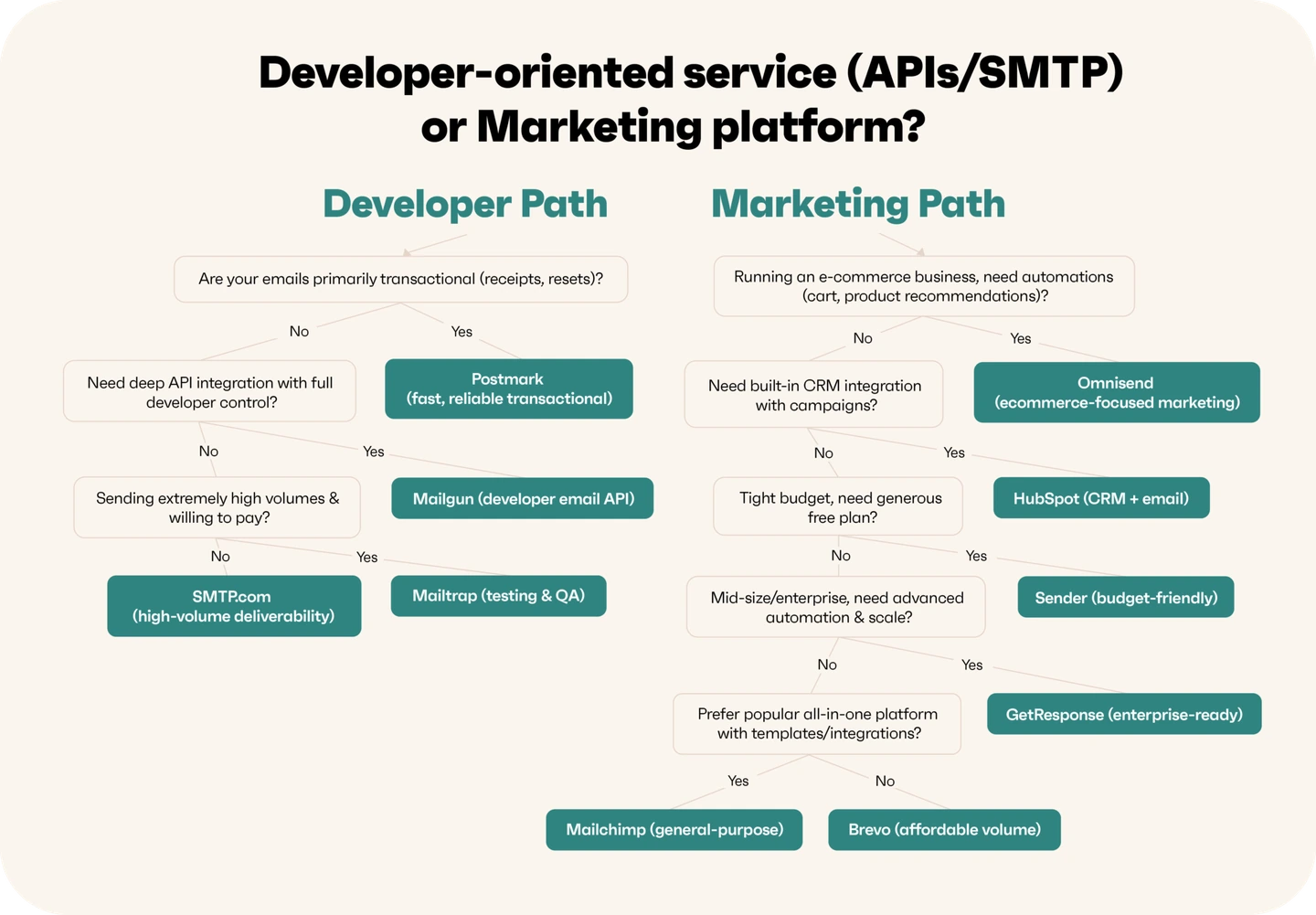
Deliverability controls by provider
All ten providers support basic authentication and offer dedicated IP, but the variations appear once we analyze separate sending stream capabilities and IP warm-up.
| Provider | Dedicated IP | SPF/DKIM/DMARC | Separate sending streams | Warm-up tooling |
|---|---|---|---|---|
| Omnisend | Yes, for qualified high-volume sends | Yes, domain authentication | Yes, separate infrastructure for marketing and transactional streams | Yes, warm-up guidance |
| Sender.net | Yes, on higher tier plans | Yes, built-in setup and verification | Yes, uses same stream for different sendings, but offers isolation via domains | Yes, guided domain/IP warm-up schedules |
| Brevo | Yes, as an optional add-on | Yes, full configuration and verification | Yes, transactional and marketing sends run on separate streams | Partial, offers warm-up for dedicated IPs, but no inbox warm-up |
| Mailchimp | Yes, as an optional add-on for high-volume senders | Yes, standard authentication and DMARC support via domain setup | Partial, recommends separate subdomains/streams for transactional vs marketing | Partial, warms up shared IP pool and provides guidance |
| GetResponse | Yes, with MAX and Enterprise plans | Yes, supports domain authentication | Yes, supports separating transactional and marketing sending | Yes, IP warm-up guidance and managed warm-up for dedicated IPs |
| HubSpot | Yes, as an optional add-on | Yes, full setup for sending domains | Yes, transactional emails are a separate add-on/stream | Yes, offers an automated 40-day IP warm-up period with the add-on |
| SMTP.com | Yes, from Starter tier | Yes, enforces authentication for sending domains | Yes, isolates transactional and marketing streams | Yes, optional Reputation Defender add-on |
| Mailgun | Yes, with higher tier plans | Yes, 2048-bit DKIM, SPF, DMARC support and rotation | Yes, IP pools group dedicated IPs by stream | Yes, includes automated IP warm-up service for dedicated IPs |
| Postmark | Yes, as an optional add-on for high-volume senders | Yes, full authentication support | Yes, dedicated message streams separate transactional from broadcast traffic | Yes, offers a managed warm-up process for dedicated IP addresses |
| Mailtrap | Yes, on Business tier and up | Yes, full authentication for domains | Yes, separates transactional and bulk streams with distinct IP pools | Yes, offers an automated IP warm-up feature with dedicated IP addresses |
Data collected in September 2026
Ecommerce integrations by provider
Native ecommerce integrations are by far the clearest differentiator, with marketing-focused providers offering several integrations, while others only have a few.
| Provider | Shopify | WooCommerce | BigCommerce | Product blocks in campaigns | Revenue attribution |
|---|---|---|---|---|---|
| Omnisend | Yes, native integration with deep data sync | Yes, native plugin with product/order sync | Yes, native integration | Yes, dynamic product blocks | Yes, built-in revenue tracking for campaigns/automations with order-level attribution |
| Sender.net | Yes, native via the App Store | Yes, official plugin | Partial, available via third-party solutions | Yes, supported via ecommerce sync | Yes, tracks email-to-sale and order revenue in automations and campaign reports |
| Brevo | Yes, official integration | Yes, official plugin | Partial, supported via SMTP/API and partner guides | Yes, offers ecommerce blocks | Yes, campaigns/automations; order-level attribution via ecommerce events |
| Mailchimp | Yes, native app | Yes, official plugin | Partial, supported via Zapier/API and partner integrations | Yes, product recommendation blocks and dynamic content | Yes, for campaigns/automations from Shopify/WooCommerce data |
| GetResponse | Yes, native integration | Yes, native plugin | Yes, native integration | Yes, product recommendations and ecommerce blocks | Yes, revenue tracking and ecommerce reporting from order data |
| HubSpot | Yes, native data sync | Yes, via official/verified connector plugins | Yes, via data sync app in HubSpot Marketplace | Yes, product blocks via CRM product library | Yes, via CRM deal/pipeline reporting |
| SMTP.com | Partial, SMTP.com integration | Partial, via WordPress SMTP plugins like WP Mail SMTP | Partial, supported as custom SMTP server | No, only sending infrastructure | No built-in revenue attribution |
| Mailgun | Partial, via Zapier/API | Partial, via SMTP plugins | Partial, via Zapier or custom API | No native campaign builder or product blocks | No ecommerce revenue attribution |
| Postmark | Partial, via third-party plugins or automation tools | Partial, via WordPress plugins and SMTP configurations | Partial, via third-party tools | No campaign product blocks | No native ecommerce revenue attribution |
| Mailtrap | Partial, via automation tools or Shopify Apps | Partial, via WordPress email plugins or automation platforms | Partial, via SMTP settings or third-party workflow automation platforms | Yes, supports product/content blocks | Partial, possible via API/events |
Data collected in September 2026
When you engage with your subscribers directly in their inboxes, you’re able to give a ton of value to your customers and thereby build up your relationship with them. This kind of interaction is crucial for nurturing long-term customer relationships and for positively influencing their decision to buy from you. When you have mass email service analytics, you can see the performance of your email campaigns and adapt your communication to fit your audience’s needs better.

In-depth: 10 best bulk email senders and service providers
Omnisend, Sender.net, Brevo, Mailchimp, and GetResponse lead this list for marketing campaigns; Mailgun, Postmark, SMTP.com, and Mailtrap for API and relay sending; HubSpot for CRM-led teams.
Each review below covers pricing, free plan limits, ecommerce integrations, and the specific use case the provider wins, so you can match one to your own volume and stack rather than to a ranking position.
1. Omnisend
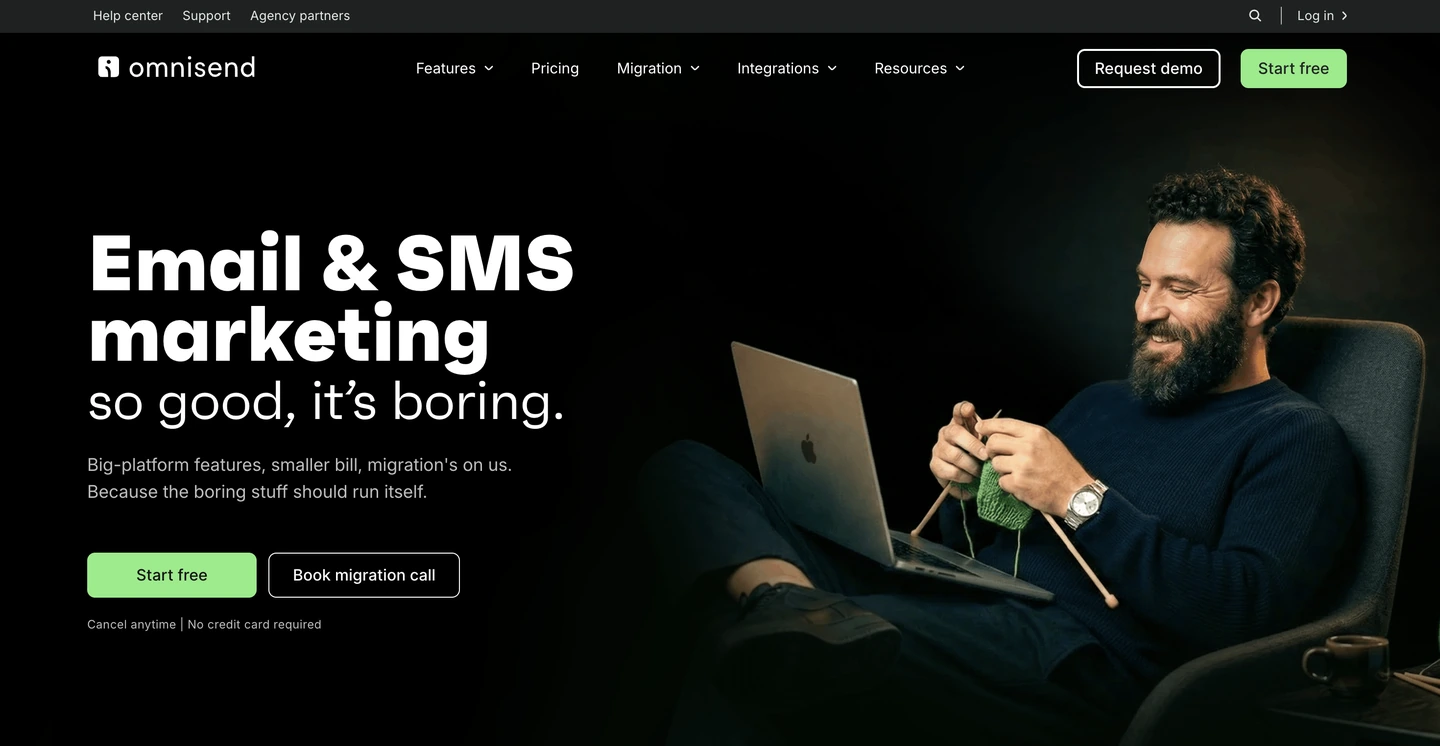
Omnisend is a standout mass email platform for ecommerce because it doesn’t treat “bulk sending” as the whole job. The platform includes ready-to-go automations for welcome, cart, and browse follow-ups, targeted audience segmentation, and sales reporting based on campaign performance.
The drag-and-drop editor supports product blocks and dynamic content, and A/B testing is available for optimizing sends. Overall, Omnisend is the bulk email sender to choose when every campaign needs to pull product data from your store and report back the revenue it earned.
| Ratings | G2: 4.6/5 Capterra: 4.7/5 |
|---|---|
| Free plan | Free, $0 for 250 contacts, 500 emails, 500 web push notifications/month |
| Pricing | From $16 for 6,000 emails, 500 contacts, unlimited web push notifications |
| Best for | Ecommerce brands |
| Standout features | Native Shopify, WooCommerce, and BigCommerce integrations, unified email/SMS/web push, sales attribution reporting |
Pros
- Standard features are available on the free plan
- Accessible to businesses of all sizes
- 24/7 customer support on all plans
Cons
- Limited contacts and monthly email sends on the free plan
- Doesn’t integrate with all CRM platforms
Customer reviews of Omnisend mass email service
Recent G2 reviews in 2026 frequently highlight usability and support. One reviewer (March 2026) described the platform as having an “easy-to-navigate user interface” and praised the “great support.”
Another reviewer (January 2026) specifically called out the switch experience, saying the “migration from Klaviyo was smooth” and that support replied “within a few minutes” when questions came up — a practical plus if you’re moving your bulk email service from another platform.

Salomon Japan sent a campaign to 220,000 recipients at a 45.5% open rate, generating ¥1,900,000 in campaign revenue. Segmentation and A/B testing helped the brand grow its membership while keeping engagement high.
2. Sender.net
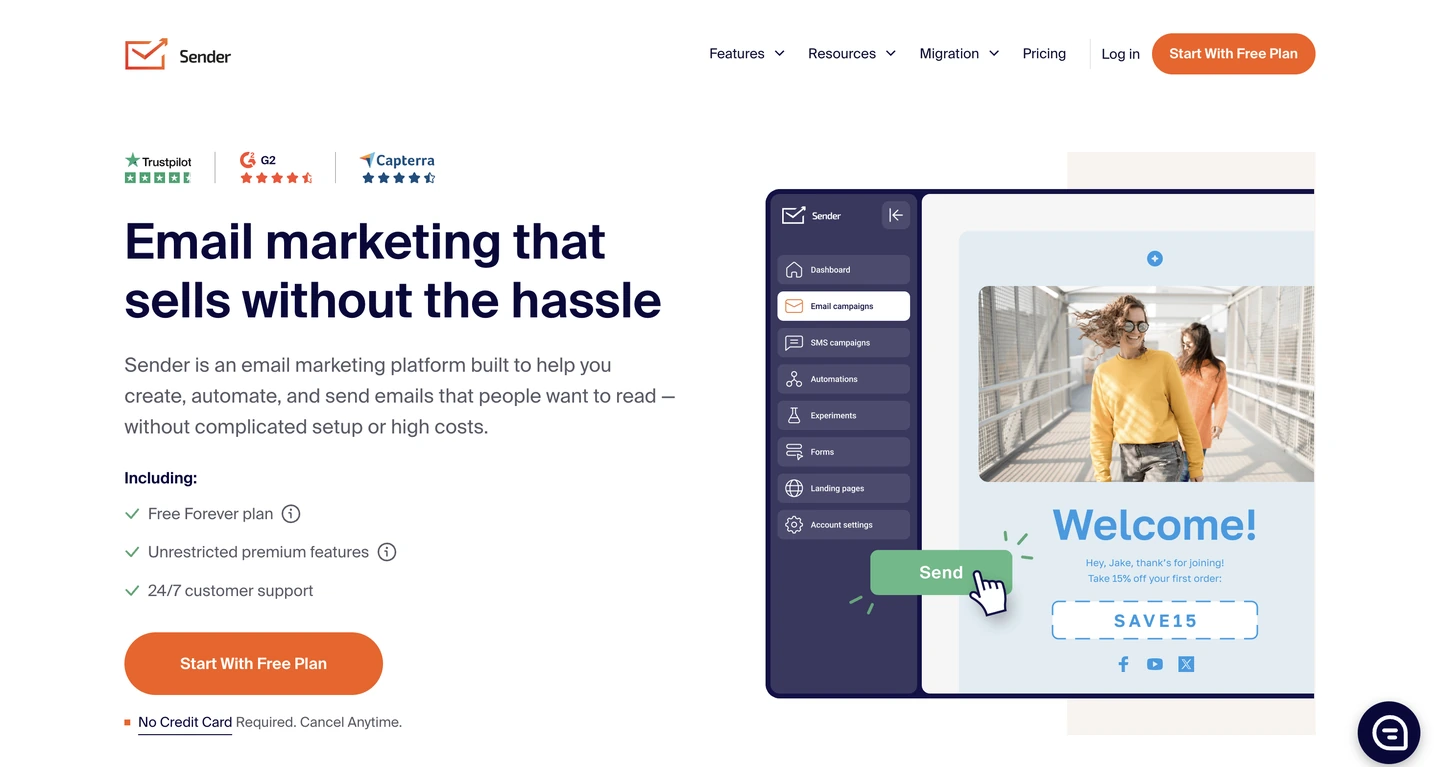
Free-plan volume is the reason why Sender.net is on this list. It allows 15,000 emails a month to 2,500 contacts with no daily cap, which is the largest free allowance in this comparison. Smaller teams often choose it for newsletters and promotions before committing to a paid plan or other mass email sender.
Sender’s ecommerce reporting tracks order revenue and email-to-sale attribution through its Shopify and WooCommerce plugins. All in all, small teams sending up to 15,000 emails a month with no daily cap will find Sender.net the most generous free bulk email service in this comparison.
| Ratings | G2: 4.7/5 Capterra: 4.7/5 |
|---|---|
| Free plan | Free Forever for 2,500 subs, 15,000 emails/month |
| Pricing | Standard, from $9 for 500 subscribers, 6,000 emails/month |
| Best for | Small lists that need a low-cost entry point |
| Standout features | Generous free-tier sending volume, drag-and-drop and HTML editors, 24/7 support included on the free plan |
Pros
- Ensures email deliverability via its high IP reputation
- Beginner-friendly
- Supports automation, personalization, and segmentation on the free plan
Cons
- Offers fewer integrations than competitors
- Limited design flexibility for email templates and forms
- Lacks advanced ecommerce tools
Customer reviews of Sender.net mass email service
One G2 reviewer (dated 1/13/2026) praised Sender’s “incredibly responsive support team,” adding that “even as a free user, I received quick and friendly assistance.” Another G2 reviewer (dated 2/15/2026) noted that “automation flows are straightforward to set up” and that “email delivery has been consistently reliable” for their campaigns.
3. Brevo
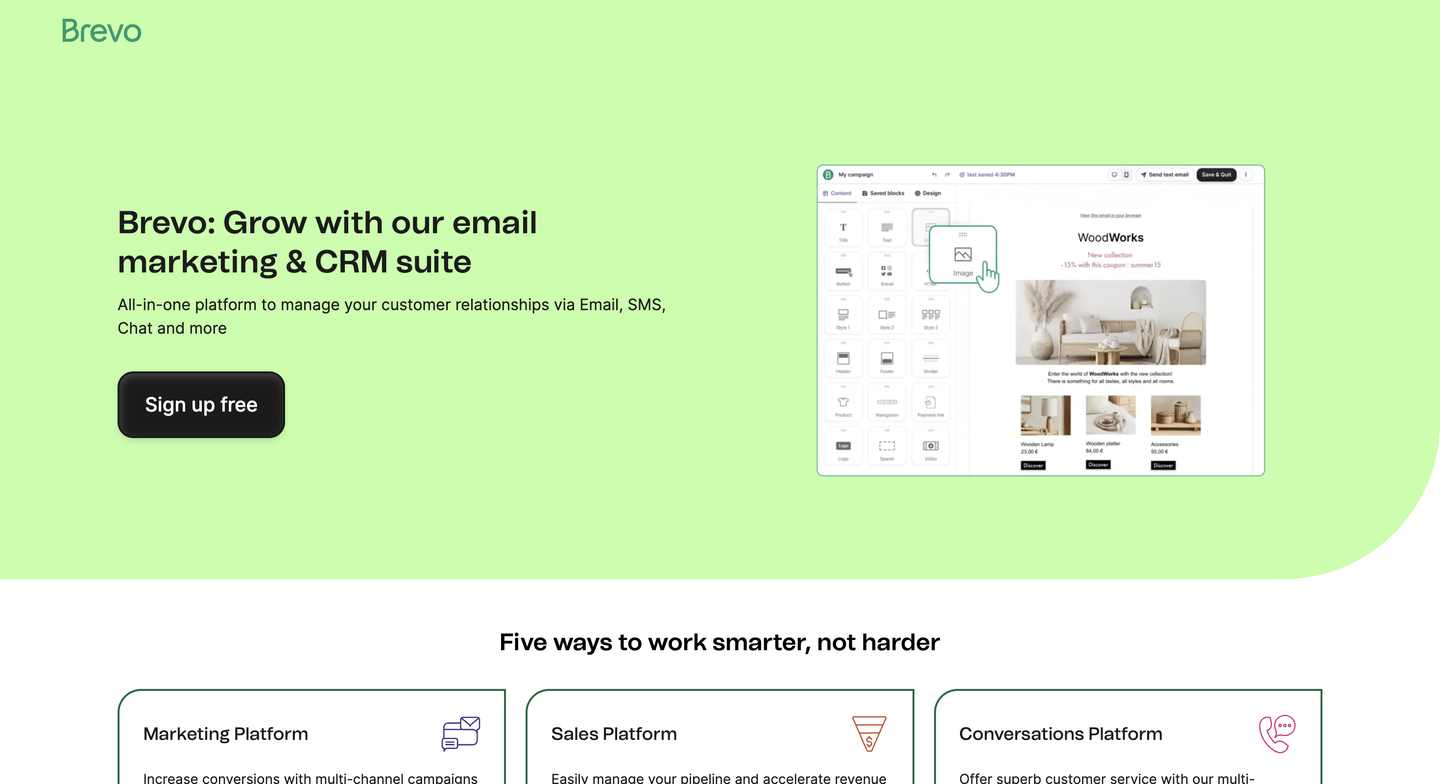
Brevo primarily prices its plans based on emails sent, rather than contact count. This is particularly beneficial for brands with a large database but low sending frequency, making it possible to pay for the actual sends without including inactive subscribers.
Brevo integrates with Shopify and WooCommerce, and campaigns can include product blocks directly from synced catalogs. Once those events are wired up, attribution runs at the order level, though setup is more manual than on platforms that sync store data automatically.
Brevo is a mass email service for brands with a large database and a light send schedule. Brands pay for what they send, not for the contact lists with inactive addresses.
| Ratings | G2: 4.5/5 Capterra: 4.6/5 |
|---|---|
| Free plan | Free, offers 300 emails per day |
| Pricing | From $9 for 5,000 emails/month |
| Best for | Teams that need transactional and marketing email from one account |
| Standout features | Volume-based pricing, email + SMS + CRM in one platform, AI-assisted content tools on supported plans |
Pros
- Supports multi-channel messaging
- Includes basic automation tools at all levels
- Integrates with Google Analytics 4 for marketing performance monitoring
Cons
- Free plan lacks advanced reporting capabilities
- Basic email templates and customization compared to competitors
- Limited integrations with ecommerce platforms
Customer reviews of Brevo mass email service
Recent reviews often praise Brevo’s usability and value, but mention feature gating. One G2 reviewer (2026) highlighted that they “wish landing pages were available at a lower tier,” pointing to plan restrictions as their main drawback.
Another G2 reviewer (2026) praised Brevo for segmentation and personalization, noting it helps them “communicate… in a personalized way” across different audience groups.
4. Mailchimp
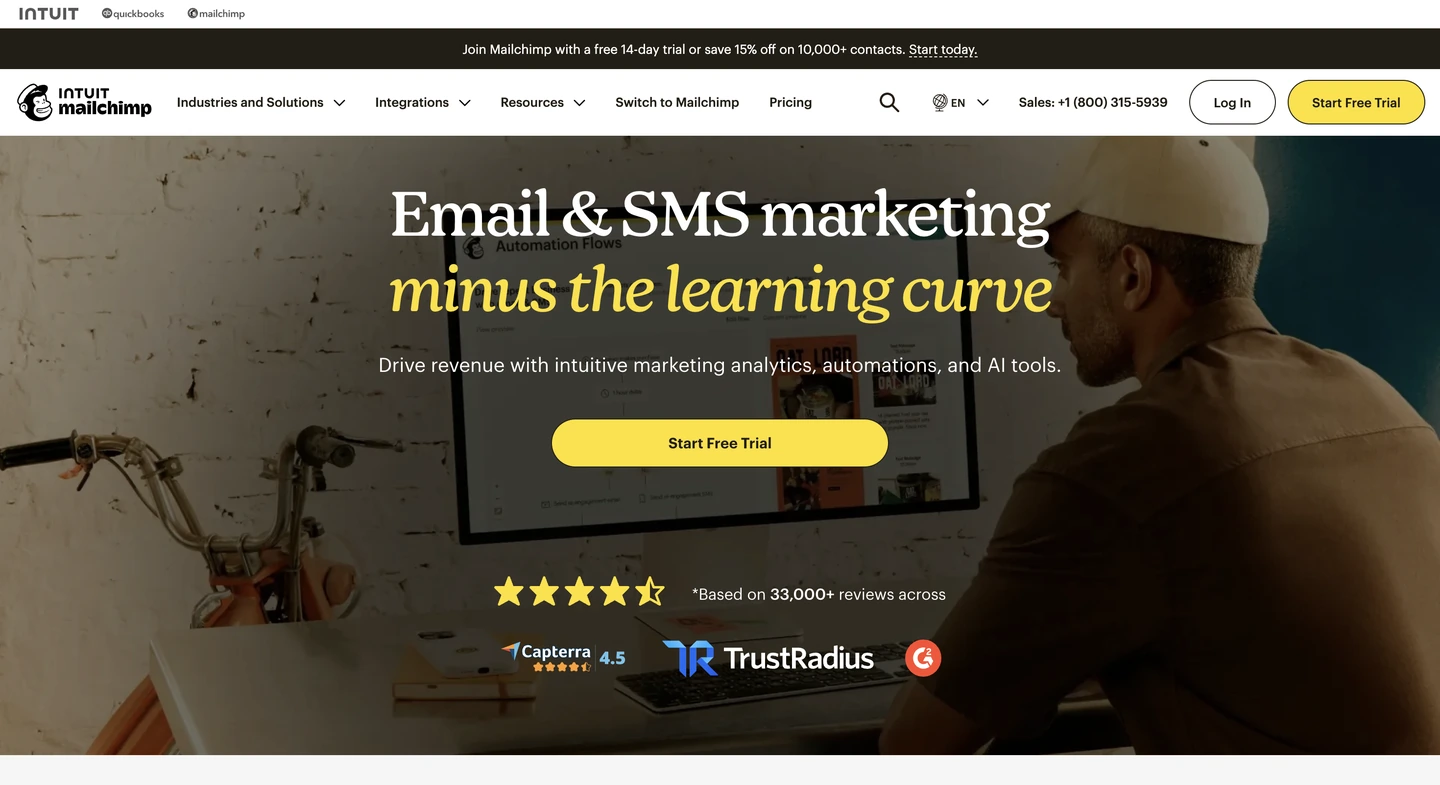
Teams already building in Mailchimp have the strongest reason to stay. It includes a large design template library and integrates with several ecommerce platforms, making it easier for brands who already use the service to build campaigns.
It differs from ecommerce-first tools because it’s not built around store-triggered workflows and revenue attribution by default. However, Mailchimp offers store-triggered journeys with the Standard plan, and higher paid plans include welcome and follow-up sequences.
For small businesses running general newsletters across a mixed list, Mailchimp is the bulk email software that leads on template range and integration breadth rather than store-triggered automation.
| Ratings | G2: 4.3/5 Capterra: 4.5/5 |
|---|---|
| Free plan | Free, includes 250 contacts |
| Pricing | From $13 for 500 contacts |
| Best for | Brands already using Mailchimp's design tools |
| Standout features | Large template library, broad third-party integrations, A/B testing, and dynamic content on paid tiers |
Pros
- User-friendly with excellent template design
- Integrates well with multiple third-party apps
- Allows customers to personalize customer journeys
Cons
- Limited customer support on the free plan
- Most features are locked behind the premium plan
- It can become expensive as your contact list grows
Customer reviews of Mailchimp mass email service
A 2026 G2 reviewer praised the all-in-one workflow, saying the UI is “intuitive” and that automated customer journeys “save me hours” of manual work each week.
In the same 2026 review thread, customers mentioned some concerns with pricing and reporting. The reviewer noted that analytics can feel inconsistent “for the high price point,” especially since Mailchimp may “charge for inactive contacts.”
5. GetResponse
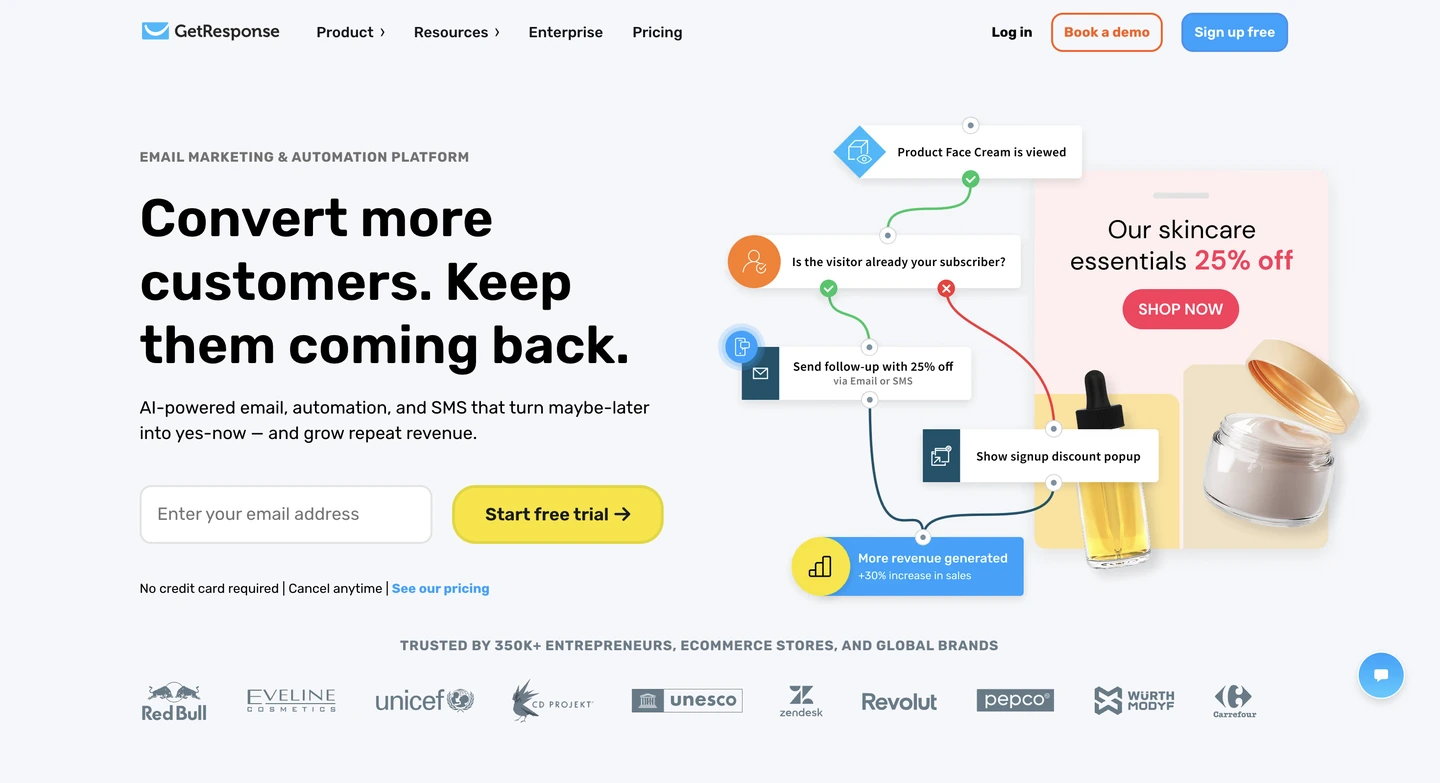
If you’re running a business and need a service that bundles webinar hosting and a landing page builder together with email sending, GetResponse offers just that. This mass email sender provides a unique blend of features for running lead-generation funnels.
GetResponse’s AI-assisted content tools, template library, and drag-and-drop builder with built-in image editing, automation workflows for tagging and scoring, and ecommerce features appeal to marketing teams.
Because GetResponse integrates webinars, landing pages, and campaign sending into one account, it is the bulk email service provider for teams running full funnels.
| Ratings | G2: 4.3/5 Capterra: 4.2/5 |
|---|---|
| Free plan | Free for up to 500 contacts and 2,500 emails |
| Pricing | From $19 for unlimited sends |
| Best for | Teams that also want webinar and funnel tools |
| Standout features | Built-in webinars, landing pages, AI-assisted content tools |
Pros
- Wide range of features
- Advanced automation tools and email personalization
- Offers a 30-day free trial on all paid plans
Cons
- Has a slight learning curve, but the tutorials may help
- Paid plans can be costly for small teams
Customer reviews of GetResponse mass email service
G2 reviews in 2026 often highlight the platform’s “all-in-one” appeal. One reviewer (Jan 2026) talks about how it “combines email marketing, automation, landing pages, webinars” in one tool, reducing the need for multiple platforms.
At the same time, reviewers point out real tradeoffs. A Feb 2026 reviewer noted that “the reporting dashboard could be more intuitive,” and mentioned that some templates feel dated.
6. HubSpot
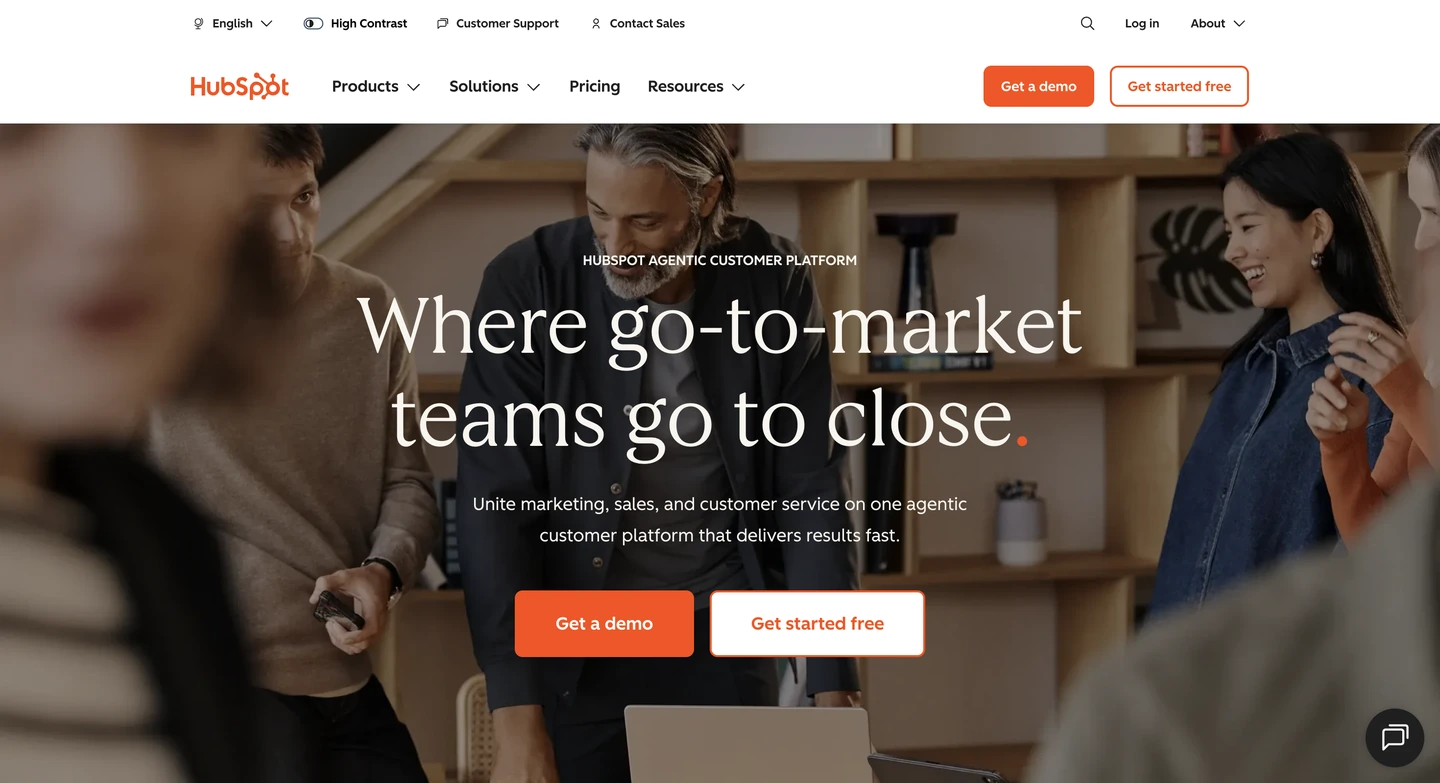
HubSpot sends email directly from businesses’ contacts and deal records from a CRM, so sales-led brands and organizations can track campaigns and see the pipeline status from a single view. Its main advantage is that email marketing lives inside the same database as your sales pipeline, lifecycle stages, and customer history.
If your team already runs sales and marketing in HubSpot, mass emailing becomes a natural extension. You can segment based on CRM properties and push campaigns without juggling multiple systems.
HubSpot works as a mass email sender that segments on CRM properties and reports back at the deal level, so it’s best for companies where email has to live in the same database as the sales pipeline.
| Ratings | G2: 4.4/5 Capterra: 4.6/5 |
|---|---|
| Free plan | Free email hosting for up to 2,000 emails/month |
| Pricing | From $10/month per seat |
| Best for | Sales-led teams already running HubSpot CRM |
| Standout features | CRM-native segmentation, deal-linked email sends, AI-assisted subject lines and copy |
Pros
- The Marketing Hub unites different tools into one system
- Powerful automation capabilities for streamlining workflow
- Doesn’t take long to launch, especially if you already use HubSpot CRM
Cons
- Advanced features are locked in higher-tier plans
- Limited email template customization
- It can be overkill for small teams
Customer reviews of HubSpot mass email service
G2 reviewers in 2026 often praise the ease of use for email creation. One reviewer noted the email builder is “one of the easier ones to use,” especially for teams sending frequent campaigns.
Meanwhile, reviewers frequently mention that the platform has a bit of a learning curve. Another reviewer said that while HubSpot is powerful, it “takes time to fully learn everything,” particularly if you’re adopting multiple hubs at once.
7. SMTP.com
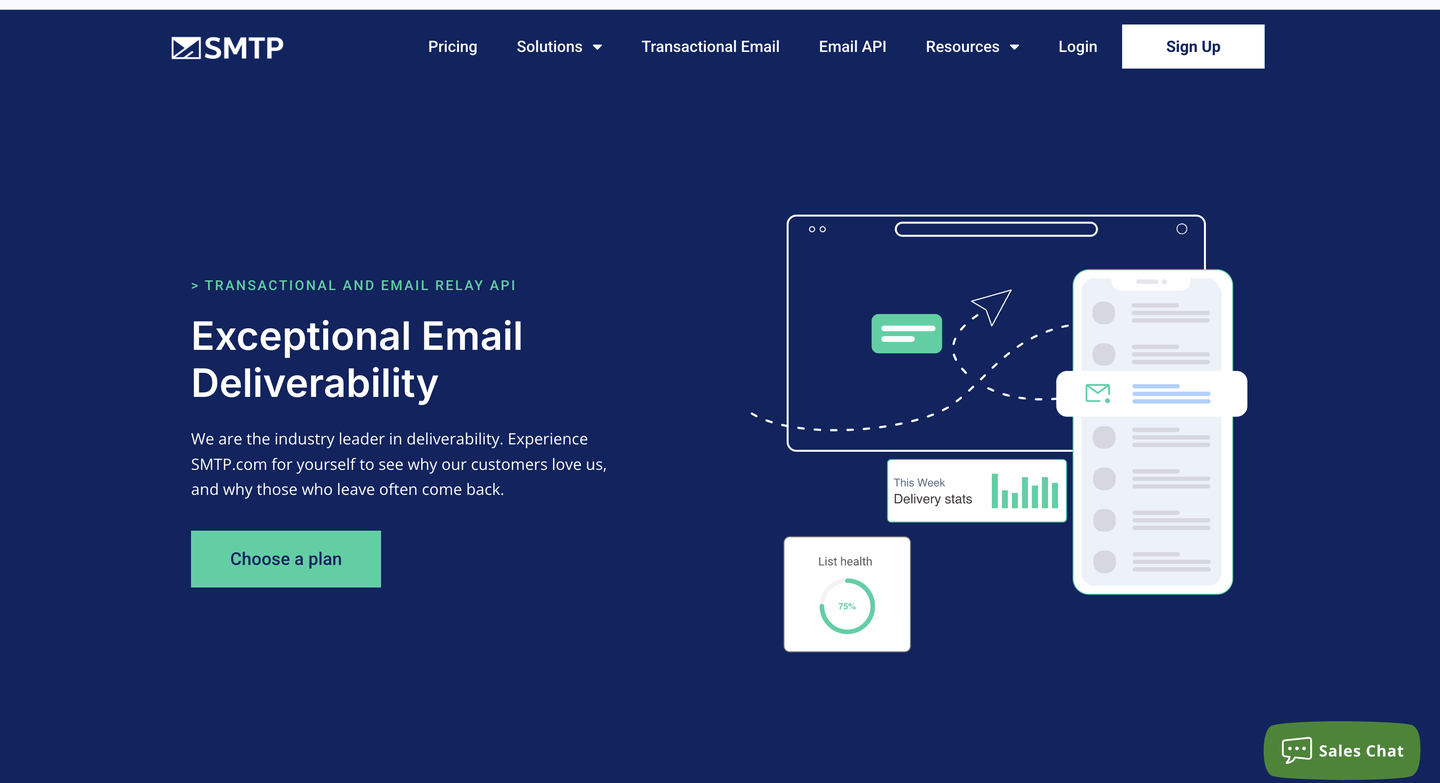
SMTP.com is an email relay service built for teams that care most about infrastructure and inbox placement at scale. It offers volume-based sending with a dedicated IP and real-time visibility into delivery rates.
Though it lacks campaign-building and ecommerce automation features, it handles transactional emails, product notifications, and high-volume programmatic sending. Above roughly 100,000 emails a month, SMTP.com works as a bulk email sending service organized around dedicated IPs and real-time delivery data rather than campaign design.
| Ratings | G2: 3.3/5 Capterra: 3.5/5 |
|---|---|
| Free plan | No |
| Pricing | From $25 for 50,000 emails/month |
| Best for | High-volume transactional sending |
| Standout features | Dedicated IPs from the Starter tier, optional Reputation Defender add-on, deliverability-expert access on Enterprise |
Pros
- Optimized for fast, large-scale delivery
- Scale email volume up or down, depending on business conditions
- Suitable for transactional emails and updates
Cons
- No drag-and-drop builder
- Limited marketing automation tools
- Not ideal for beginners or design-focused campaigns
Customer reviews of SMTP.com mass email service
On G2, reviewers often describe SMTP.com as a strong fit for high-volume sending, but less attractive for small senders. One reviewer noted that pricing “might be high” if you’re “sending only a few thousand emails monthly.”
On Trustpilot (March 2026), a reviewer complained about account cancellation, saying: “You cannot cancel your account directly” and referencing a “30-day notice policy.”
8. Mailgun
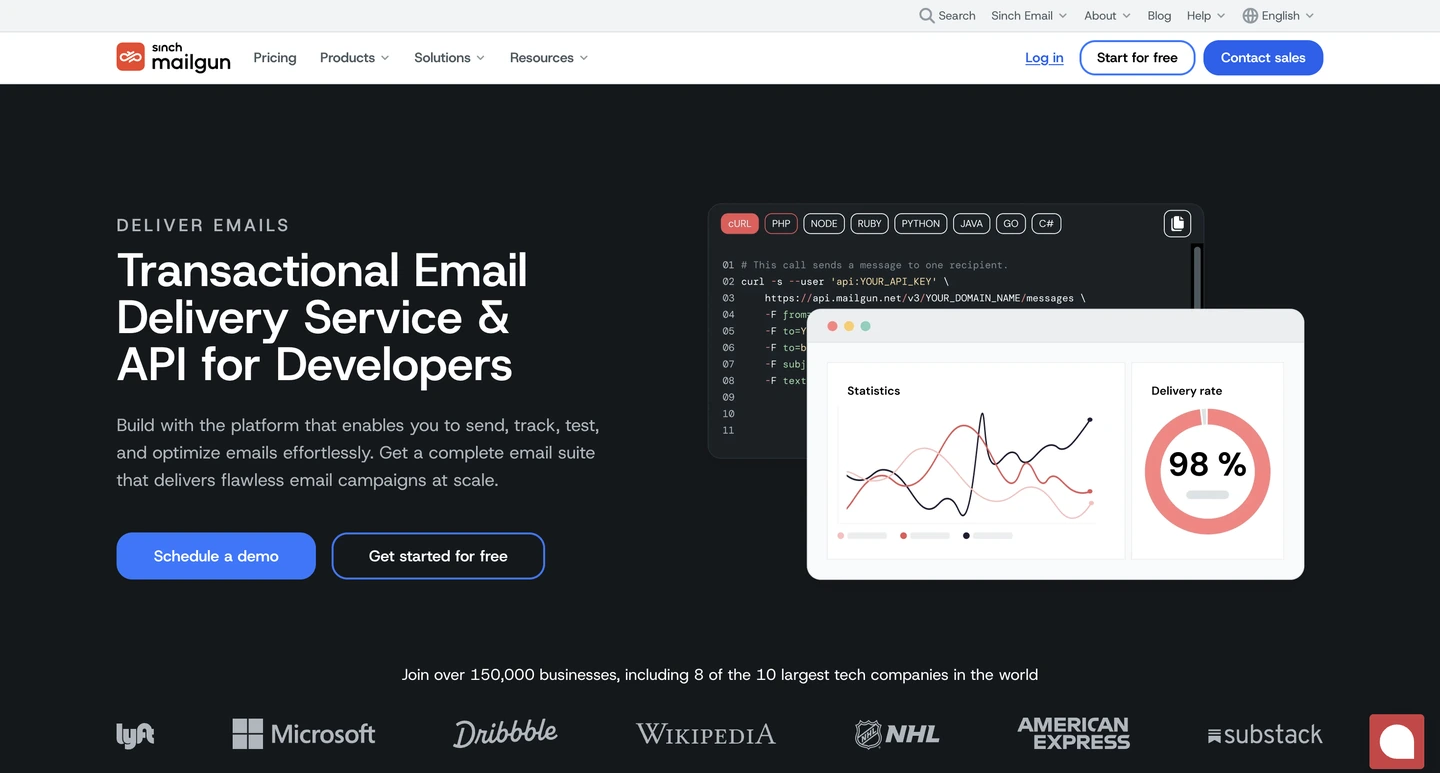
For developers who need a secure system for transactional email, Mailgun is an email API built to fire order confirmations, password resets, and other event-driven messages from application code.
Mailgun works best when email lives inside your product: verification emails, password resets, order updates, or high-volume notifications generated by your app. That control over sending, tracking, and deliverability monitoring costs engineering time to set up.
Developers who trigger email from application code get more from Mailgun than from a marketing-led bulk email sender, because its APIs, event logs, and IP pools expose the sending layer directly.
| Ratings | G2: 4.2/5 Capterra: 4.3/5 |
|---|---|
| Free plan | Free for 100 emails/day |
| Pricing | From $15 for 10,000 emails/month |
| Best for | Developers triggering email from application code |
| Standout features | Automated IP warm-up, email address validation, detailed event logs, and webhooks |
Pros
- Full developer control over email functionality
- High deliverability and speed
- Scalable for large applications or services
Cons
- Short message retention period
- Not suitable for non-technical teams
- Pricing can rise with increased usage
Customer reviews of Mailgun mass email service
G2 reviewers in 2026 often mention that Mailgun has clear navigation for a developer tool. One reviewer highlighted that the interface is “simple” and includes clear paths to access logs and key settings when troubleshooting delivery issues. Plus, 2026 reviews appreciate the ability to diagnose issues via events and logs.
9. Postmark
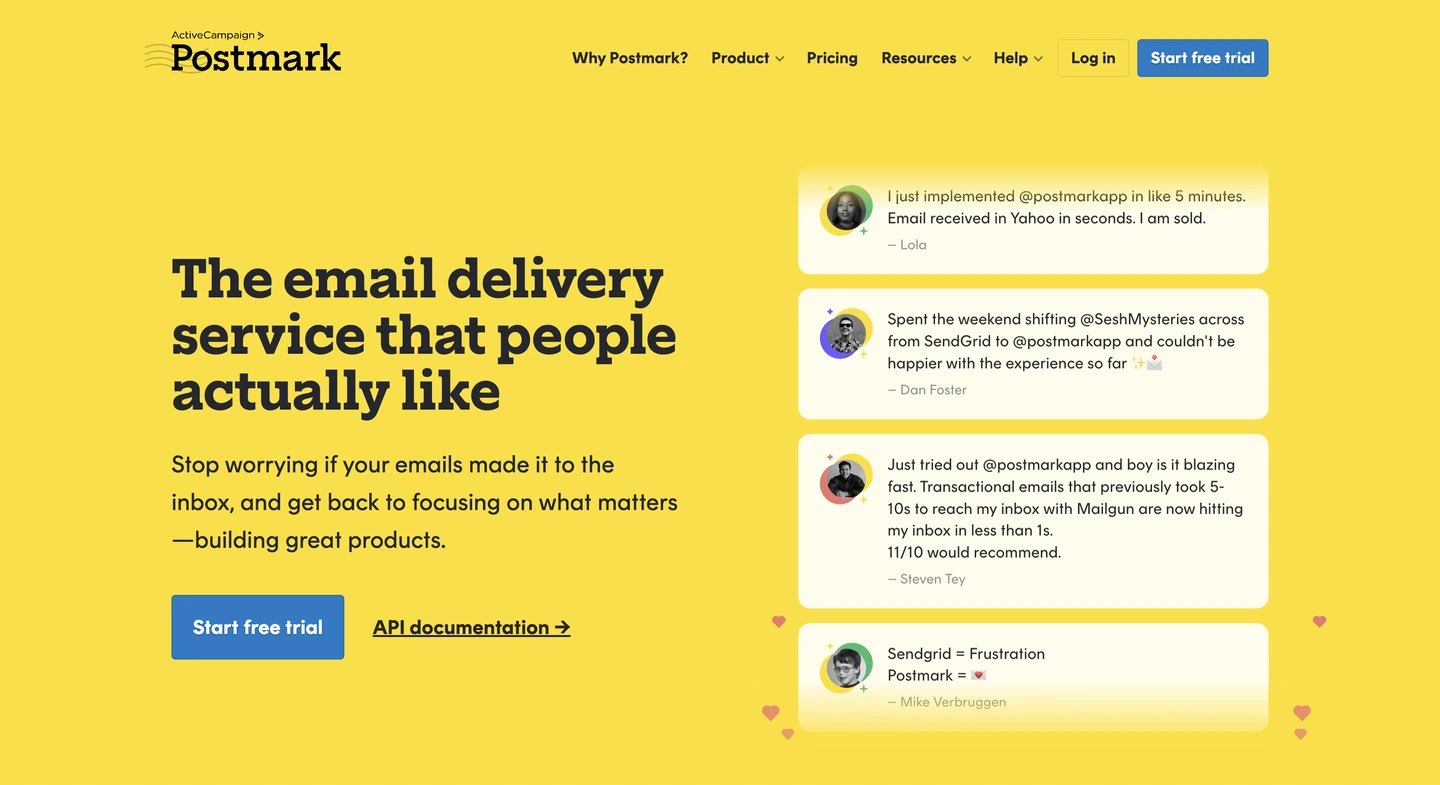
If you’re looking for a solution that allows you to clearly differentiate between transactional and bulk emails, Postmark separates them by default to protect transactional email deliverability. It also handles limited broadcast sending and is primarily designed for speed and reliability, supported by detailed documentation and webhook support.
To clarify, Postmark isn’t built for segmentation, marketing automation, or newsletters. Postmark earns its place as a bulk email service for product teams whose transactional messages must never queue behind broadcast traffic, which is what its separate message streams are for.
| Ratings | G2: 4.6/5 Capterra: 4.7/5 |
|---|---|
| Free plan | Free for 100 emails/month |
| Pricing | From $15 for 10,000 emails/month |
| Best for | Teams that prioritize fast transactional delivery |
| Standout features | Dedicated message streams separating transactional from broadcast traffic, up to 45 days of log retention, sandbox testing mode |
Pros
- Exceptional delivery speed for transactional emails
- Retains logs for up to 45 days
- In-depth documentation for seamless integration
Cons
- Customer service may take time to respond
- Lacks automation or list segmentation features
- Pricier than bulk services that offer more features
Customer reviews of Postmark mass email service
In 2026 reviews, people consistently praise deliverability. One G2 reviewer described Postmark as “easy to set up” with “great delivery and clean IPs,” which is exactly what product teams want for transactional messaging.
Another 2026 reviewer mentioned Postmark’s reputation in transactional email, calling it “one of the best in the transactional email world,” reinforcing that it’s designed for system and product emails rather than marketing blasts.
10. Mailtrap
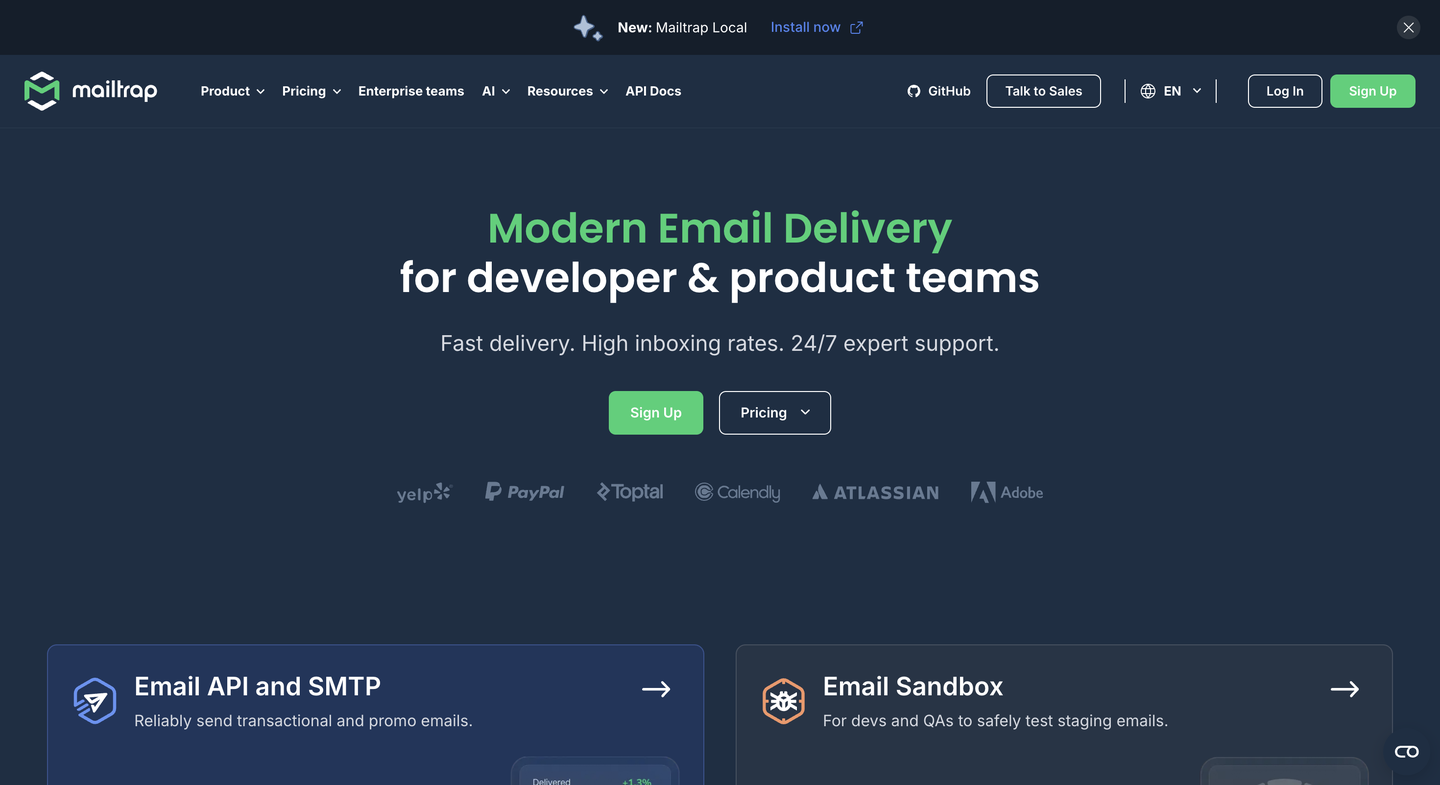
Originally, Mailtrap started as an email testing environment for developers and QA teams who needed to preview emails safely and find delivery issues before sending. That being said, Mailtrap also offers Email API/SMTP plans for sending emails in production, making it a flexible option for teams that want testing and sending under one roof.
Testing before sending is what puts Mailtrap on this list: it is bulk email software that pairs a sandbox environment with production Email API/SMTP on separate bulk and transactional streams.
| Ratings | G2: 4.8/5 Capterra: 4.8/5 |
|---|---|
| Free plan | Free for 4,000 emails/month |
| Pricing | From $15 for 10,000 emails/month |
| Best for | Testing email sends before they go live |
| Standout features | Sandbox testing environment, Email API/SMTP for production sending, security and GDPR-aligned handling |
Pros
- Adheres to security standards and GDPR requirements
- Includes good deliverability monitoring and optimization tools
- Fast support from tech experts
Cons
- No free trial periods for the paid plans
- Email size is limited to 10MB in the lower-tier plans
Customer reviews of Mailtrap mass email service
In 2026, Mailtrap reviews consistently highlight the platform’s testing capabilities. One G2 reviewer noted that Mailtrap makes email testing “easy even for non-coders,” which is a strong sign that the UI is accessible beyond engineers.
Reviewers appreciate the workflow improvement: a 2026 review described Mailtrap as turning what used to be “a complex task into a hassle-free experience,” especially for teams validating templates and troubleshooting sends before going live.
What is the best platform to send bulk email?
The best bulk email senders have native integration capabilities with one or a few main ecommerce platforms like Shopify, WooCommerce, or BigCommerce, as well as testing, segmentation, and automations. But in practice, this depends on your brand profile and needs.
Ecommerce brands will benefit the most from dedicated platforms that include native integrations like Omnisend, while brands focused on strong transactional email performance can get more from an API like Mailgun or Postmark. Alternatively, if you’re using a CRM and want to integrate bulk email sends, HubSpot is the best option for you.
Compare sending limits and pricing structure
Check each platform’s email and contact limits. A generous allowance can be a great deal, or irrelevant if the plan locks key features behind upgrades. Some providers offer high sending capacity but restrict automation, segmentation, or even basic scheduling.
Before you decide, consider price scaling. Most mass email services charge by contacts, others by emails sent, and some mix both.
| Provider | Free | Starter (entry paid) | Standard (mid) | Pro (high) | Enterprise/Custom |
|---|---|---|---|---|---|
| Omnisend | Free, $0 for 250 contacts, 500 emails, 500 web push notifications/month | Standard, from $16 for 6,000 emails, 500 contacts, unlimited web push notifications | – | Pro, from $59 for 2,500 contacts, unlimited emails, unlimited web push notifications; SMS sold separately as add-on credits | Custom quote |
| Sender.net | Free Forever, $0 for 2,500 subs, 15,000 emails/month | From $9 for 500 subscribers, 6,000 emails/month | – | Professional, from $15 for 500 subscribers, 12,000 emails/month | Enterprise, quote (unlimited subs/emails) |
| Brevo | Free, $0 for 300 emails/day | Starter, $9 from 5,000 emails/month (volume-based) | Standard, from $18 for volume-based + automation/A/B tests | Professional, talk to sales (from 150,000 emails/month) | Enterprise quote |
| Mailchimp | Free, $0 for 250 contacts (500 emails/month), Mailchimp branding | Essentials, ~from $13 for emails = 10× contacts | Standard, ~from $20 for emails = 12× contacts | Premium, ~from $350 for emails = 15× contacts | – |
| GetResponse | Free, $0 for up to 500 contacts and 2,500 emails | Starter, $19 for unlimited sends (priced by contacts) | Marketer, $59 for unlimited sends (priced by contacts) | Creator, $69 for unlimited sends (priced by contacts) | Enterprise/MAX, custom pricing |
| HubSpot | Free Email Hosting, $0 for up to 2,000 emails/month | Starter, from $10/month per seat (first-year promo varies) | Professional, from ~$890/month | Enterprise, from ~$3,600/month | Custom bundles/add-ons |
| SMTP.com | – | Essential, $25 for 50,000 emails/month | Starter, $80 for 100,000 emails/month | Growth, $300 for 500,000 emails/month | Enterprise, $500 for 1,000,000 emails/month (higher tiers: quote) |
| Mailgun | Free, $0 for 100 emails/day | Basic, $15 for 10,000 emails/month | Foundation, $35 for 50,000 emails/month | Scale, $90 for 100,000 emails/month | Enterprise quote |
| Postmark | Free, $0 for 100 emails/month | Basic, $15 for 10,000 emails/month (+ overages) | Pro, $16.50 for 10,000 emails/month (+ lower overages) | Platform, $18 for 10,000 emails/month (+ lowest overages) | – |
| Mailtrap | Free, $0 for 4,000 emails/month (150/day) | Basic, $15 for 10,000 emails/month | – | Business, $85 for 100,000 emails/month | Enterprise, $750 for 1.5 million emails |
Data collected in September 2026
Don’t rely too heavily on quoted deliverability rates
Many providers advertise a deliverability rate in the 95–99% range. Inbox placement depends far more on your own sending behavior than on that number: your domain reputation, authentication (SPF/DKIM/DMARC), list quality, engagement, and how spammy your creative looks.
AirGuru, a travel deals portal, sends two campaigns a day to 70,000 contacts and holds open rates of 25–35% on those broad sends. The popular belief is that high send frequency can negatively affect open and click-through rates, but in AirGuru’s case, it has the opposite effect.
Deliverability benchmarks are useful for ruling out weak infrastructure, but it’s best not to prioritize it as your main metric. Even the best mass email software can’t guarantee inbox placement if you’re emailing cold lists or repeatedly sending to unengaged subscribers.
What moves deliverability is authentication, list hygiene, and relevance, not send volume or cadence on their own. A high-frequency sender mailing a clean, engaged list will outperform an occasional sender mailing a stale one.
Think beyond sending in bulk
Bulk sending is a major marketing and business strategy, one that can seriously influence end results. A strong mass email service should make it uncomplicated to build good-looking emails, personalize content, segment audiences, and automate follow-ups, not just push volume.
If you’re an ecommerce brand, also check for store integrations and ready-to-use automations. For example, abandoned cart and browse follow-ups can do more for revenue than another weekly newsletter. If you’re more technical (or sending from an app), you may care more about APIs, dedicated IP options, and separate sending streams.
Prioritize the reporting you’ll actually use
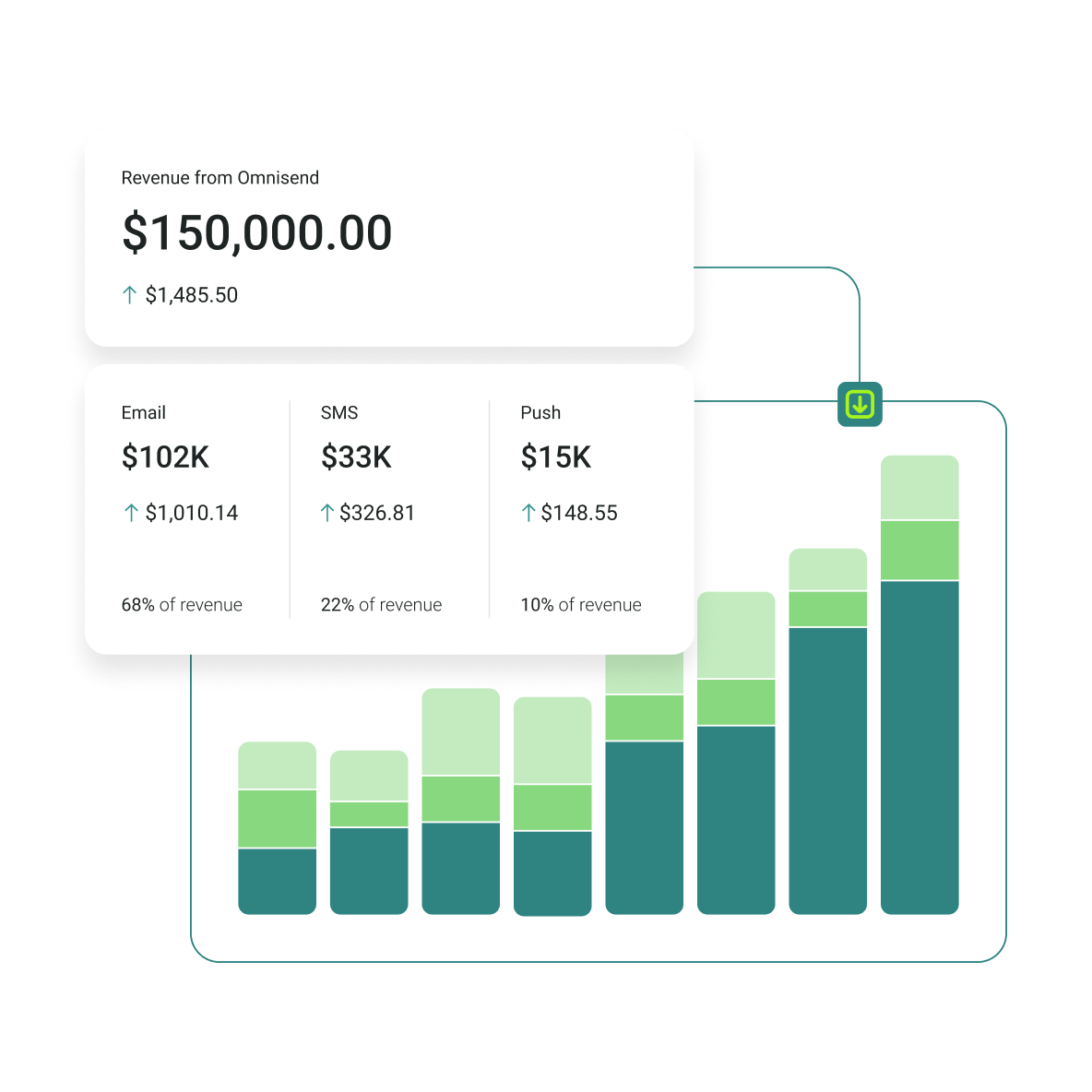
Focus on three main reports that have direct influence over your future sends: revenue-per-campaign, product-level click data, and unsubscribe trends by segment. These three points will help you get a better understanding of your bulk send performance to adjust your strategy or pivot if necessary.
Reporting is what turns bulk sending from “spray and pray” into an optimized system. If you can’t see what worked (and why), you’ll end up repeating the same mistakes, even with a great tool.
How to send bulk email in 6 steps
Sending mass emails to a varied list of contacts requires accurate segmentation, full authentication, IP and email warm-up, and continuous monitoring and testing. The process itself is much more detailed and, depending on your business and needs, more complex. However, this six-step rundown effectively summarizes the main steps.
- Choose a provider that matches your volume: Free-plan contact limits vary widely, from a few hundred contacts to several thousand. If you have more than 10,000, you’ll likely need a paid tier
- Authenticate your sending domain: Set up SPF, DKIM, and DMARC before the first send
- Import and clean your list: Remove invalid or inactive addresses before sending to avoid bounce and spam-complaint rates
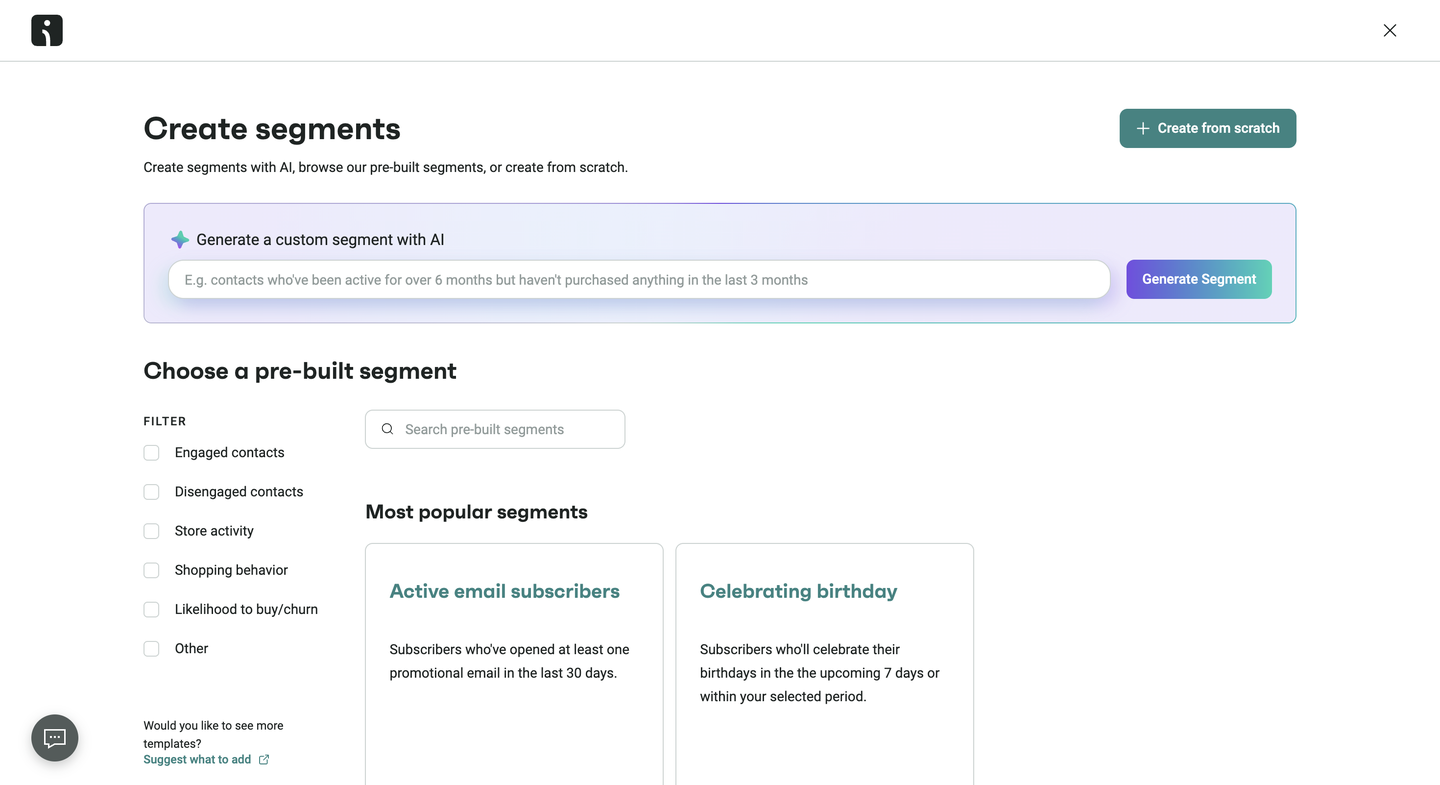
- Segment before you send: Group contacts by purchase history, engagement, or signup source
- Warm up if the domain is new: Start with small sends to your most engaged contacts and increase volume gradually
- Send, then read the deliverability report rather than only the open rate: Check inbox placement and spam complaints
Is there a free bulk email service?
There are a few free bulk email services, and Omnisend, Sender.net, Brevo, GetResponse, HubSpot, and Mailchimp all offer different free service variations. Other examples that aren’t on the list include providers like MailerLite and a few others.
Free plan limits by provider
| Provider | Monthly allowance | Daily cap | Contact cap | Branding |
|---|---|---|---|---|
| Omnisend | 500 emails/month | Not specified | 250 contacts | Omnisend branding on all free emails |
| Sender.net | 15,000 emails/month | Not stated | 2,500 contacts | Brand settings available on free tier |
| Brevo | No monthly cap stated; 300/day | 300 emails/day | Unlimited | “Sent with Brevo” footer on free emails |
| Mailchimp | 500 emails/month | 250 emails/day | 250 contacts | Mailchimp branding on free emails |
| GetResponse | 2,500 newsletters/month | Not specified | 500 contacts | GetResponse branding on emails/landing pages |
| HubSpot | 2,000 marketing emails/month | No daily cap on marketing emails (15/day per user applies to CRM-tracked 1:1 sends) | 1,000 marketing contacts | “Powered by HubSpot” footer on all free emails |
| SMTP.com | No free plan | – | – | – |
| Mailgun | No monthly cap stated; 100/day | 100 emails/day | Not specified (test tier) | Not specified |
| Postmark | 100 emails/month | Not specified | Not specified | Postmark branding on free plan |
| Mailtrap | 4,000 emails/month (Email API/SMTP) | 150 emails/day | 100 contacts | Not specified |
Top free bulk email services by use case
If your main goal is bulk email sending without paying upfront, Sender.net is one of the most generous options to start with. This provider has a free plan that lets you email a large list every month with access to a drag-and-drop editor, list segmentation, and automation workflows.
For small teams that want to run newsletters or promos at scale before committing to a paid tool, it’s a practical starting point.
If you run an ecommerce store and care more about revenue-driving automation than pure volume, Omnisend is usually the better free-plan pick.
The free tier has fewer monthly sends, but it includes ecommerce-focused features you’d normally expect to pay for. Namely, pre-built automations (like welcome and cart recovery), product recommendations, and performance reporting that ties activity back to sales.
In other words, Sender.net wins for free sending capacity, while Omnisend wins for ecommerce retention features.
The video below explores the top 10 email marketing services that offer email marketing automation and other essential features to help you create an effective email marketing strategy.
Bulk email sender requirements in 2026: SPF, DKIM, DMARC, and spam rate
Previously, bulk email sender authentication was treated as a best-practice option. In 2024, Gmail introduced several baseline requirements.
SPF, DKIM, and DMARC
Gmail classifies anyone sending more than 5,000 messages a day to personal Gmail accounts as a bulk sender, and requires SPF, DKIM, and DMARC on the sending domain. One thing to note here is that Google requires a valid DMARC record for bulk senders, with the formal minimum remaining p=none. More mature sending programs should choose p=quarantine as a stronger operational baseline.
One-click unsubscribe
For marketing and subscription emails particularly, brands need one-click List-Unsubscribe for high-volume sends. Specifically, Gmail requires the RFC 8058 List-Unsubscribe and List-Unsubscribe-Post headers, which dictate that senders must process unsubscribe requests.
Spam rate requirements
Google requires bulk senders to keep the spam rate reported in Google Postmaster Tools below 0.30%, and recommends staying under 0.10%. Crossing 0.30% puts delivery to Gmail accounts at risk.
What your email provider handles and what you need to handle
Your provider handles part of this automatically and leaves the rest to you. Bulk email services publish and rotate DKIM keys, process bounces, and honor List-Unsubscribe headers on your behalf. Publishing SPF and DMARC records on your sending domain, keeping your list clean, and monitoring your spam rate in Google Postmaster Tools stay with the sender.
Pro tip: Use tools like Google Postmaster Tools to keep an eye on your spam rate, authentication, reputation, and delivery
How to comply with bulk email laws
The recent changes regarding SPF, DKIM, and DMARC authentication are only one part of the entire compliance process for bulk email sends. Brands also need to adhere to local and global laws and policies.
Before using a mass email service to send an email blast, you must know certain regional laws to avoid fines, protect customer trust, and maintain deliverability. Below are the major regulations, best practices, and a brief compliance checklist.
CAN-SPAM Act (USA)
The CAN-SPAM Act sets the rules for commercial emails in the USA. It doesn’t prohibit mass emailing, but it sets clear rules on how to send emails responsibly:
- Include accurate From, To, and Reply-To header information
- Use clear subject lines instead of clickbait tactics or deceptive phrases
- Identify commercial messages as advertisements
- Include a clear opt-out option, which is valid for at least 30 days after sending
- Honor unsubscribe requests within 10 business days
GDPR (EU)
The General Data Protection Regulation (GDPR) applies to any business emailing people living in the EU:
- Requires explicit consent, which means you must collect opt-in using a clear affirmative action (for example, checking an unchecked box)
- Recipients must be able to withdraw consent at any time
- You must delete recipients’ personal data upon request
Other international regulations
Besides the United States and the European Union, other regions enforce additional rules, such as:
- CASL: Canada’s anti-spam legislation requires express or implied consent to reduce spam, phishing, and other cyber threats
- PECR (UK): The Privacy and Electronic Communications Regulations are implemented alongside GDPR, covering marketing, cookies, and tracking
Best practices for compliance
Comply with data privacy and communication laws across all regions with these strategies:
- Use a double opt-in process to confirm subscribers’ intent
- Make unsubscribing clear
- Regularly audit your contact list for inactive or unengaged contacts
- Review local laws before sending emails to new regions
Penalties for non-compliance
The table below compares the different email laws to guide you when sending mass emails:
| Regulation | Consent type | Penalties |
|---|---|---|
| CAN-SPAM (US) | Opt-out | Up to $53,088 per email |
| GDPR (EU) | Explicit opt-in | Up to €20M or 4% global revenue |
| CASL (Canada) | Implied or explicit | Up to C$10M per violation |
| PECR (UK) | Follows GDPR rules | Fines under UK law |
Bulk email examples from Omnisend customers
Omnisend is used by multiple brands globally, and each one comes with its own needs and use case. In terms of bulk email sending, several examples show different approaches with great results.
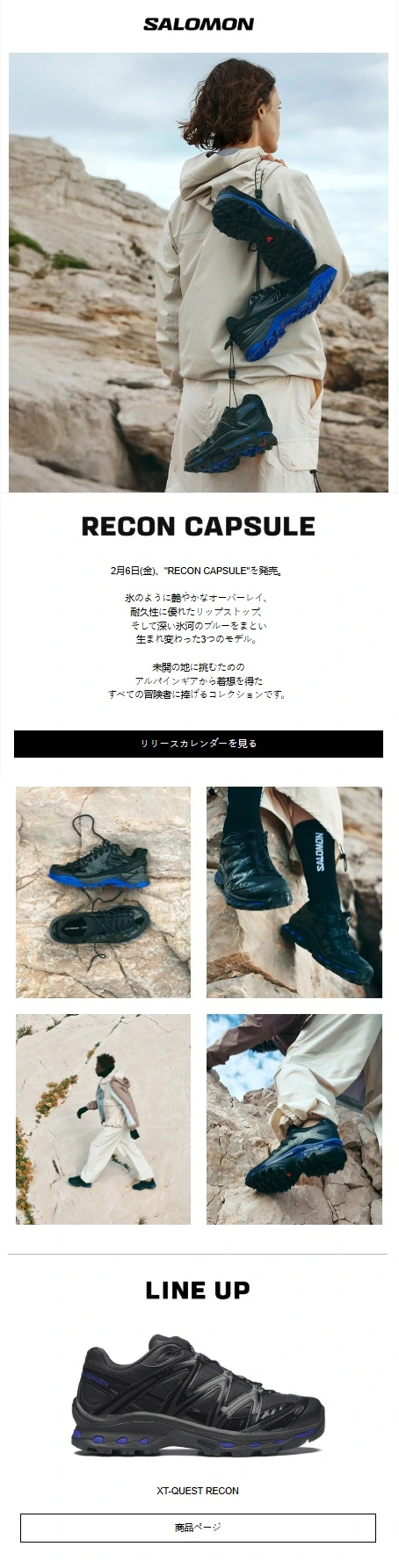
1. Salomon
Subject line:【2月6日(金)発売】 RECON CAPSULE|生まれ変わった3つのモデル
Recipients: 220K
Open rate: 45.5%
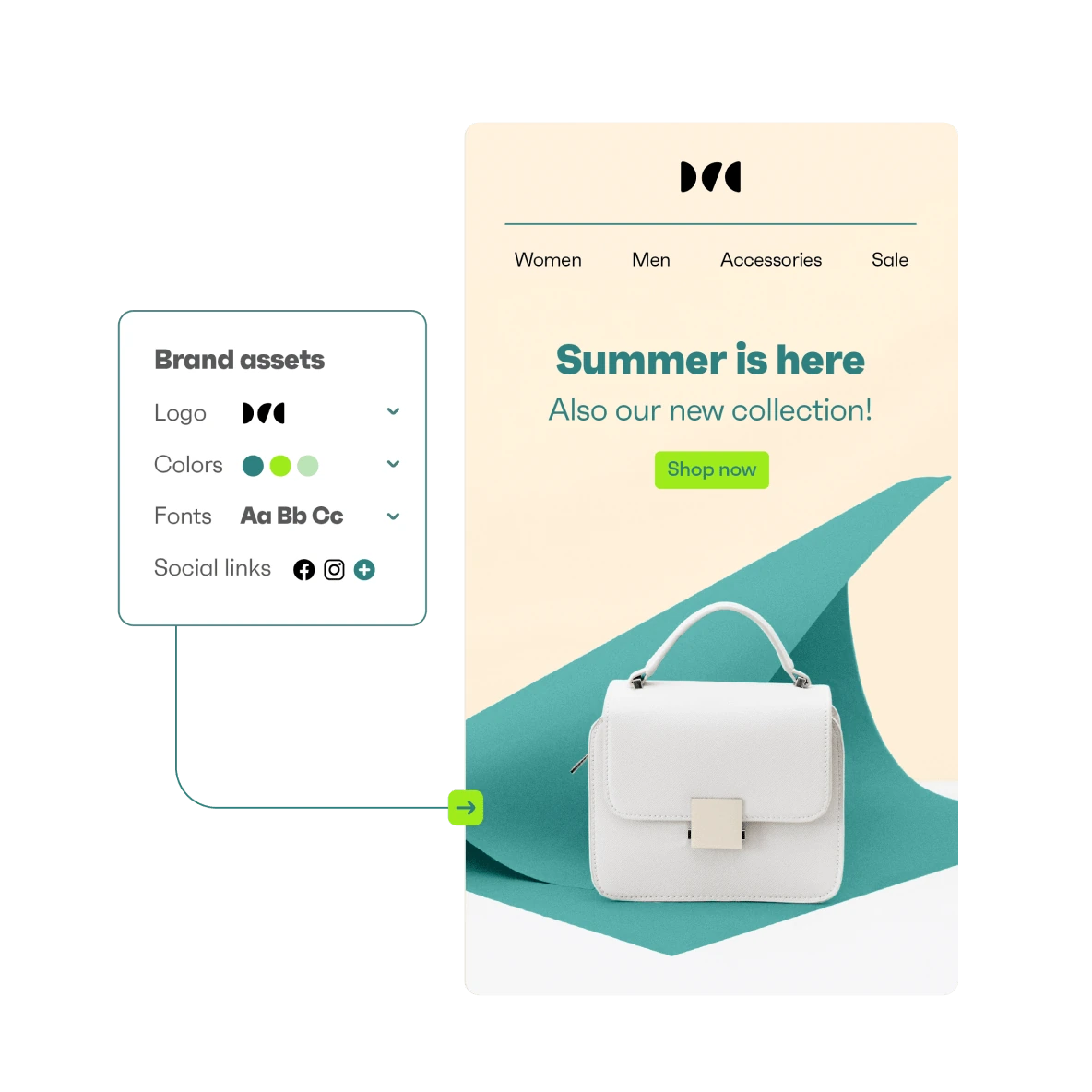
Key takeaway: Salomon JP shows how well design and targeting can work together. Their campaigns stay consistent with their brand assets, especially the quality of the hero image, which keeps each send feeling like a premium update rather than “just another newsletter.”
The brand also doesn’t push every single campaign to everyone. Instead, they actively use segmentation to make sure their messaging reaches the right audience. In the end, this helps to protect engagement and keep content relevant.
2. Ulike Official
Subject line: GET $130 OFF ULIKE’S HOLIDAY SALE
Recipients: 1.7 million
Open rate: 31%
Key takeaway: Ulike shows how to win with bulk sending even when your catalog is small. With fewer SKUs, they rely on the campaign creative to clearly highlight product features and benefits, using the email editor to make the product feel “new” and compelling each time.
As a global brand, timing matters too, and using time zone-based sending (TZO) helps their newsletters arrive when customers are most likely to read them, instead of hitting inboxes at awkward hours.

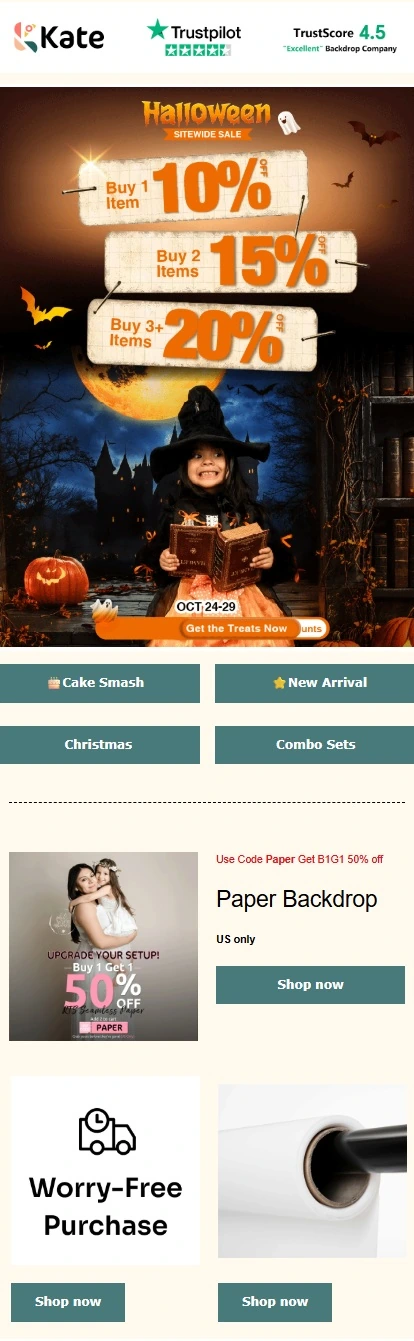
3. Kate Backdrop
Subject line: 🎃1+1+1 = 20% Savings!
Recipients: 122K
Open rate: 43%
Key takeaway: Kate Backdrop shows how to run a multi-channel brand. Their emails promote offers and connect everything into a wider “Kate Backdrop network,” linking subscribers to other channels like Facebook groups, loyalty programs, affiliate initiatives, and even offline events.
On top of that, they use a universal layout approach. Hence, campaigns and automations stay consistent and can be updated across the board, keeping messaging aligned without rebuilding designs every time.
What to do next
Mass emailing is the highest-ROI marketing channel according to the 2026 Ecommerce Marketing Report, but only if you treat it as more than “sending in bulk.” Whatever platform you choose, the fundamentals matter. Choose:
- Omnisend if you need a strong all-in-one ecommerce platform with automations and segmentation
- Sender.net if you don’t want to commit to a paid plan but still get access to key email marketing features
- Brevo if you want volume-based pricing and a single account for both marketing and transactional emails
- Mailchimp if you need a general-purpose platform with a large template library, broad integrations, and A/B testing
- GetResponse if you’re looking for a full-service stack with email, landing pages, webinars, and AI-assisted content tools
- HubSpot if your team runs sales and marketing in one CRM and wants deal-linked segmentation
- SMTP.com if you send over 100,000 emails per month and want to focus on deliverability
- Mailgun if you’re a developer needing strong APIs, detailed logs/webhooks, and IP pools
- Postmark if you need fast, reliable transactional delivery with separate message streams
- Mailtrap if you want sandbox testing and production Email API/SMTP with separate bulk and transactional streams
You can start with the free plan and scale up when you’re ready. However, if you’re moving over from Klaviyo or another platform, Omnisend’s migration team rebuilds your setup in five days for free, so there’s no rebuild downtime. For a closer look at how the options compare, check out our breakdown of Klaviyo alternatives.
Quick sign up | No credit card required