
 Omnisend AI


 OFFER
OFFER








Drive sales on autopilot with ecommerce-focused features
See FeaturesKey takeaways 
Selecting the right mass texting service is crucial for effectively reaching customers, as SMS marketing can significantly boost revenue when utilized properly.
Avoid overwhelming your subscribers with excessive messages; instead, focus on sending targeted, relevant communications to maintain engagement.
The best mass texting service for your needs depends on your business type, goals, and budget, with options like Omnisend for ecommerce and Twilio for developers.
Always ensure compliance with regulations like the TCPA and GDPR by obtaining explicit consent and providing clear opt-out instructions in your messages.
Reveal key takeaways
Choosing the right mass texting service will define how you reach your customers on their phones. SMS marketing is perfect for those occasional, urgent, action-driven messages, and not utilizing it can result in big portions of revenue lost. As a matter of fact, our 2026 ecommerce marketing report shows that both automated SMS workflows and bulk SMS campaigns continue to drive significant revenue.
While it’s important not to abuse the channel as it may get your subscribers frustrated and annoyed for continuously spamming their phones, it’s also not a good idea to ignore it completely. We’ve done the research for you and covered the best tools available right now, so you can make a confident choice.
Try the mass texting service that helps you sell, nurture, and improve customer journeys
Quick sign up | No credit card required
Mass texting service: Quick explanation and top picks
In case you want to skip the deep research and go straight for the answer as to what your best mass texting service providers are, we’ve made this section just for you. Here’s a quick rundown of what these platforms do and our top picks based on how you plan to use them.
What is a mass texting service?
A mass texting service allows you to send automated or manual text messages to a large list of contacts who have agreed to receive communications from you. These platforms usually handle carrier compliance, deliverability, and allow you to do list segmentation, so you don’t have to blast the same SMS to absolutely everyone. Personalization improves results, and that’s important.
Top mass texting services in 2026: Our recommendation
Keep in mind that the best choice depends entirely on your specific use case, business goals, sending volume, local compliance regulations, and more. This is merely a quick breakdown with general needs in mind:
- If you run an ecommerce store and want to connect your SMS strategy directly to your email workflows, choose Omnisend
- If you manage a development team and need to build highly customized SMS solutions using APIs, choose Twilio
- If you’re a non-profit organization, you’ll need to go with low-cost or non-profit-specific services
- If you lead a local business and need a shared team inbox for customer support and two-way conversations, choose EZ Texting
Comparison of best mass texting services
Before we take a deeper look at each of these best mass texting services, let’s compare them side-by-side, so you can see how they stack up against one another in terms of use case, pricing, features, limitations, and free plans.
| Tool | Best for | Pricing model | Standout features | Limitations | Free trial/plan |
|---|---|---|---|---|---|
| Omnisend | Ecommerce brands that need omnichannel marketing | Monthly subscription | Email and SMS automations, segment templates, revenue tracking | Advanced features are focused purely on ecommerce | Free plan |
| Sender | Businesses combining email and SMS | Monthly subscription | Email and SMS workflows, landing pages, toll-free number included | Basic automation compared to dedicated tools | Free plan (SMS only available on paid plans) |
| Textmagic | Small retailers needing flexible pricing without automations | Pay-as-you-go | Two-way messaging, credits never expire, email-to-SMS | Lacks advanced marketing automations | 30-day free trial |
| SimpleTexting | Small businesses in general | Monthly subscription | Two-way messaging, auto-replies and drip campaigns, MMS | Can get expensive for large contact lists | 14-day free trial |
| EZ Texting | Teams needing internal collaboration on SMS campaigns | Monthly subscription | Unlimited contacts, text-to-landline, team inbox, credit rollover | Customer support can be slow | 14-day free trial |
| SlickText | Small lists requiring heavy personalization | Monthly subscription | Personalization support, rollover credits, full features on all plans | Steeper learning curve for beginners | 14-day free trial |
| Twilio | Developers building custom SMS solutions at scale | Pay-as-you-go | API-driven, 180+ countries, volume discounts at 150k+, programmable messaging | Requires coding knowledge to set up | Free trial |
Pricing comparison
| Tool | Starting price | Estimated price for 1,000 texts/month (US) |
|---|---|---|
| Omnisend | $10/month for 666 SMS | $15.00/month |
| Sender | $10/month | $15.00/month |
| Textmagic | $37.50/month for 500 texts | $59.00/month |
| SimpleTexting | $39.00/month for 500 credits and a local number | $59.00/month |
| EZ Texting | $25/month for 500 credits | $25/month plan + $40 in overage credits |
| SlickText | $29/month for 500 credits | $49/month |
| Twilio | $0.0083/SMS for first 150k | ~$8/month (plus carrier fees) |
How we evaluated these tools
To make this list, we focused primarily on deliverability, compliance support, flexibility, features, and pricing transparency. Expanding on features, we checked if the tools had options for two-way messaging, native integrations, and analytics for data-driven decisions. In short, we made sure to cover all the main things so you can trust this research and make confident decisions based on it.
Best mass texting services in 2026: In-depth review
We’ve done the heavy lifting to bring you a detailed breakdown of the top platforms on the market as of 2026. Let’s see what makes each of these tools stand out so you can find the perfect match for your SMS strategy.
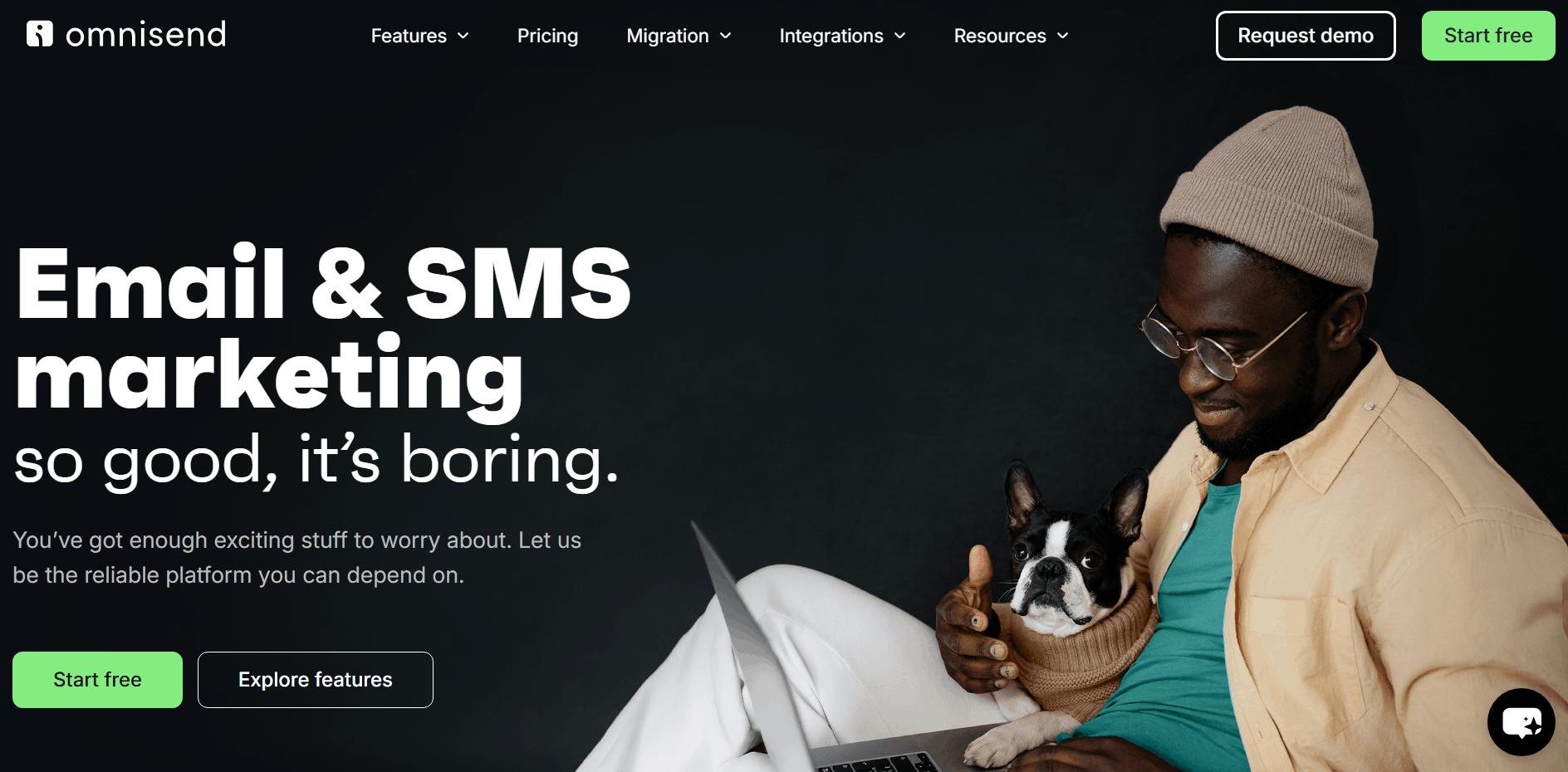
1. Omnisend — Best for ecommerce brands wanting complete omnichannel marketing
G2 rating: 4.6/5
Pricing: Starts at $10/month for approximately 666 SMS | Free plan available for testing SMS
When testing Omnisend for SMS, the first thing you’ll notice is that the functionality integrates efficiently into the unified automation builder, which means you can send both email and SMS from a single interface. What’s more, it comes without a steep learning curve that’s often a problem with other providers.
We made the interface with the sole purpose of providing power, but scaling back on the technical overhead. You’ll definitely find Omnisend intuitive to use, and it’s going to be a breeze setting everything up.
Going further, you won’t even need to invest any budget to test the platform out. All the features are available right off the bat for you to try. Once you sign up for the free plan, you can use all the features a paid user has access to. There won’t be any surprises or expectation misalignments going from free to paid. The only major limitation of the free plan is the fact that you can only have one user, and auto-resend is not available.
Finally, let’s talk about money. Omnisend clients see $79 ROI on average for every dollar spent, with some cases reaching as high as $300 ROI. And if you have any questions, you can talk to our award-winning live chat or email customer support team that’s available 24/7 for everyone, regardless of subscription tier (free as well).
Key features
- Bulk sending tools for SMS, MMS, email, and push notifications
- Pre-built and custom automations for your customer journey
- Segment templates and an AI segment builder
- Separate reports for SMS and email marketing channels
- All marketing features combine for a complete omnichannel approach
Pros
- Excellent value with features that drive real revenue, sometimes costing nearly half as much as competitors like Klaviyo
- 24/7 live chat and email customer support available on all plans
- The free plan comes with unrestricted features, so you can try everything
Cons
- Advanced features are built strictly with ecommerce in mind, so if you’re into B2B or service-based solutions, Omnisend is not the best option
- No built-in sales CRM for managing long and manual sales cycles
Pricing
- SMS credit subscription: Available in all plans, sold as a monthly subscription from $10/month for approximately 666 SMS sends or 222 MMS (SMS prices vary based on the country)
- Free: $1 in bonus SMS credits, 500 email sends/month
- Standard: $1 in bonus SMS credits, 12x contact list email send limit/month
- Pro: SMS credits equal to the price of your monthly plan, unlimited emails/month
Compliance support notes
Omnisend automatically adds a “Reply STOP to opt-out” option to your text messages so you’re compliant with TCPA’s requirements, and your links will also be shortened to help keep the character count down.
Customer reviews
One G2 reviewer praises Omnisend for its intuitive UX, and notes that you can get the hang of the platform within 10-20 minutes, which is important when you need to onboard new clients and do it fast. Another one mentions they can quickly build email and SMS campaigns that feel intuitive and non-robotic, which saves a lot of time and drives engagement.
Success story
Divatress, a hair product retailer, switched from Mailchimp to Omnisend for the promise of SMS marketing, web push notifications, and easy integration with Shopify.
They use SMS to accompany every newsletter batch that promotes a special campaign or a sale, and around 13,000 subscribers receive only the text message. During the first year of using Omnisend, Divatress managed to drive $123,000 in sales using just SMS campaigns.
Read the full case study
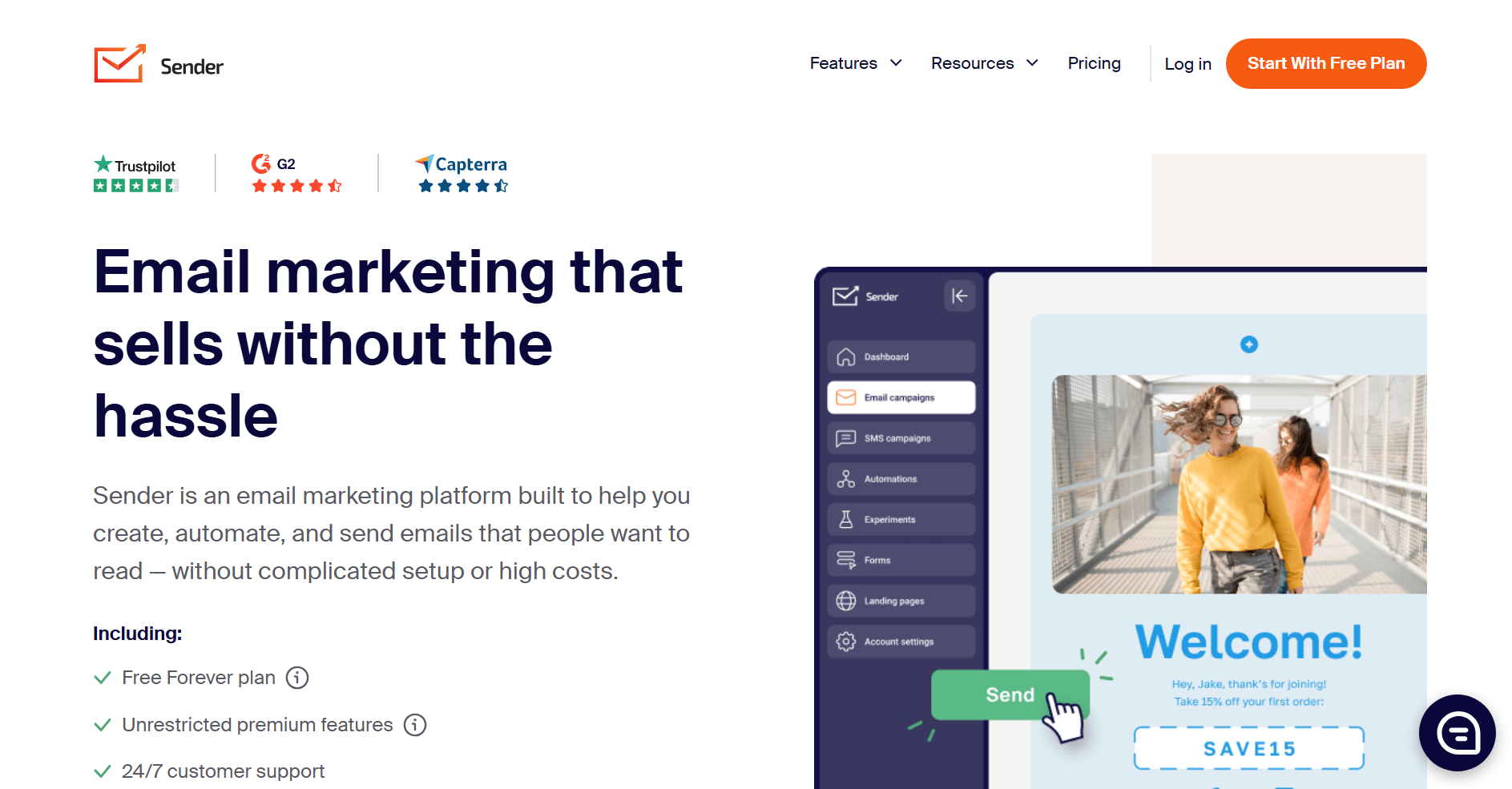
2. Sender — Best mass texting service for automated SMS and email campaigns
G2 rating: 4.7/5
Pricing: Starts at $10/month (SMS available on paid plans only) | Free plan available
While testing Sender, we found that it’s a decent choice for businesses that want to see how omnichannel marketing works. It brings email and SMS together into a single interface, which is convenient and intuitive. The clean interface allows you to find what you need quickly without wandering through confusing navigation, which helps you get campaigns off the ground faster.
To increase engagement and sales, you can build automated sequences that mix email and SMS campaigns, such as abandoned cart reminders or appointment confirmations. What’s more, the platform gives you a toll-free number that you can use for a better experience with US-based SMS marketing.
Key features
- Built for text blasts
- All plans include generous email limits
- SMS pricing from $0.015/credit
- Unlimited subscriber groups
- Landing page builder to continue your customer journey
Pros
- Supports one-click bulk SMS campaigns to global audiences
- Full integration of email and SMS automations in a single workflow builder
- Personalized sender IDs, templates, and opt‑in consent forms to manage TCPA compliance
Cons
- SMS messaging is available only on paid Standard or Professional plans, not on the Free plan
- SMS pricing varies by destination country and increases for longer messages (>160 chars)
Pricing
- Free Forever: $0/month for 2,500 subscribers and 15,000 emails, with no SMS included
- Standard: From $10/month for 1,000 subscribers, 12,000 emails, and SMS available as a paid add-on
- Professional: From $20/month for 1,000 subscribers, 24,000 emails, and includes free SMS credits equal to plan cost
- Enterprise: Custom pricing for unlimited emails, SMS, and more advanced features
Compliance support notes
Provides standard unsubscribe links and basic opt-out handling to help you stay compliant in standard regions.
Customer reviews
One G2 reviewer gives positive feedback about Sender’s responsive support team, even on the free plan. They note that it’s important to have excellent customer support to have a smooth and reliable experience.
Another one says that the platform feels simple without compromising on features, and most workflows are easy to set up and deliver.
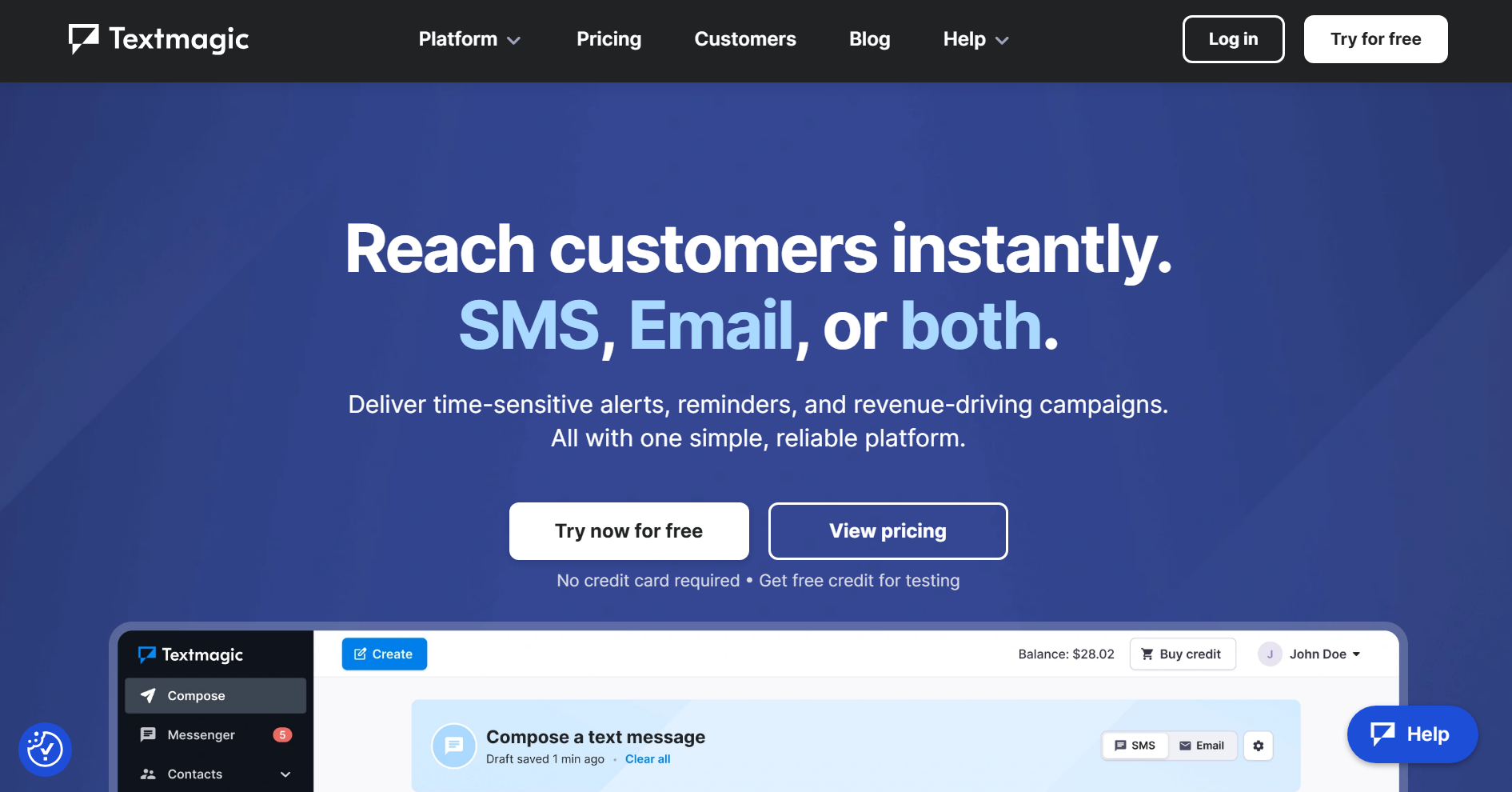
3. Textmagic — Best mass texting service for additional one-to-one communications
G2 rating: 4.4/5
Pricing: Starts at $37.50/month for 500 texts | 30-day free trial available
We looked at Textmagic and found it to be a fantastic fit for businesses that send texts on irregular intervals or without a schedule. What we liked even more is the fact that once you buy the credits via their pay-as-you-go model, they never expire. You can buy some in January, forget about it for a while, log back in a few months later, and they’ll still be sitting there.
We also found something we didn’t expect to see. The platform offers a unique email-to-SMS feature, which basically converts your email into an SMS message. For example, if you want to send an appointment reminder to someone via email, you can configure email-to-SMS, and then the platform will automatically convert the email into a text message and send it to the subscriber.
Key features
- Pay-as-you-go SMS model
- Email-to-SMS conversion
- Two-way messaging and free replies
- Unlimited contacts and users
Pros
- Send mass text messages and reply to all customers
- Inbound texts are free
- SMS credits have no expiry date
- Money-back guarantee to refund any unused credit
Cons
- Price per text is more expensive than Omnisend and some other competitors
- Unsuitable for automations
Pricing
- Pay-as-you-go plans start from $37.50/month for 500 texts and 500 emails
- Professional 2K: Starts from $80/month for 2,000 texts (works out at $0.04/text)
- Connect 2K: For businesses with a Communications Platform as a Service (CPaaS), starting from $20/month for 2,000 texts (works out at $0.01/text)
Compliance support notes
It automatically handles opt-outs if the recipient replies with a “STOP” and blocks further messages to these numbers.
Customer reviews
One G2 reviewer says that they’ve tried using a different service at first, but couldn’t get the text messages to work. Once they switched to Textmagic, they were able to send SMS within a few days. Another reviewer notes that the customer support is excellent and messages are easy to send.
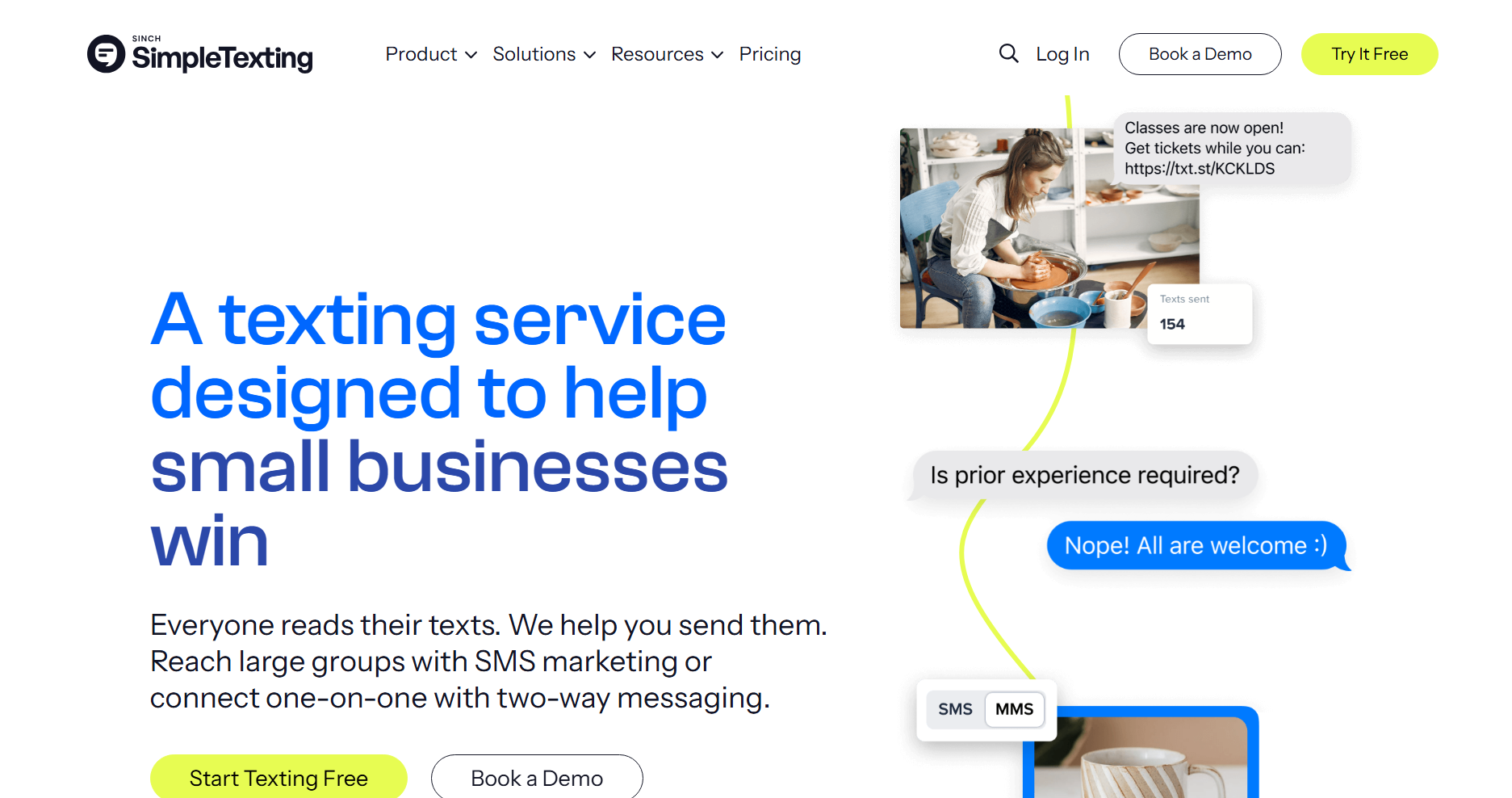
4. SimpleTexting — Best for small businesses in general
G2 rating: 4.7/5
Pricing: Starts at $29/month for 500 credits | 14-day free trial available.
When we tested SimpleTexting, we were impressed by its straightforward approach to mass communication. It serves as a highly reliable platform for businesses that just need to get their texts out the door without navigating the complexities of advanced email marketing features.
We also noticed that it balances mass sending with one-on-one messages nicely, which is great for handling customer replies. You can also roll over your credits to the next month, and not losing your money every month is always a nice thing to have.
Aside from the good, we also found a bit of the bad, which is pricing, especially at scale. In the beginning, it’s fine, but once you get to a higher number of contacts, the platform could become pricey when compared to some other competitors.
Key features
- You can work with two-way messaging and manage replies in dedicated inboxes
- Unused credits roll over to the next month, so you’re not losing money
- You can use text-to-join keywords to get more contacts
- There’s an integrated calendar that allows you to plan campaigns in advance
Pros
- User-friendly setup process
- Excellent support for compliance and 10DLC registration
- Mobile app is available for managing campaigns conveniently from your phone
Cons
- Pricing can become expensive as your list grows
- Lacks native email marketing capabilities
Pricing
- Free trial: 14 days with 50 outgoing texts
- Volume-based plans: Starts at $39/month for 500 credits and scales based on usage
Compliance support notes
It has a step-by-step 10DLC registration guide on its website, and you get clear guidance on how to obtain SMS consent properly.
Customer reviews
One G2 reviewer says the platform is very easy to set up, and sending messages is nearly instantaneous. Another reviewer notes that the support is excellent and provides answers via live chat within 5 minutes.
5. EZ Texting — Best mass texting service for blasts to unlimited contacts
G2 rating: 4.5/5
Pricing: Starts at $25/month for 500 credits | 14-day free trial available
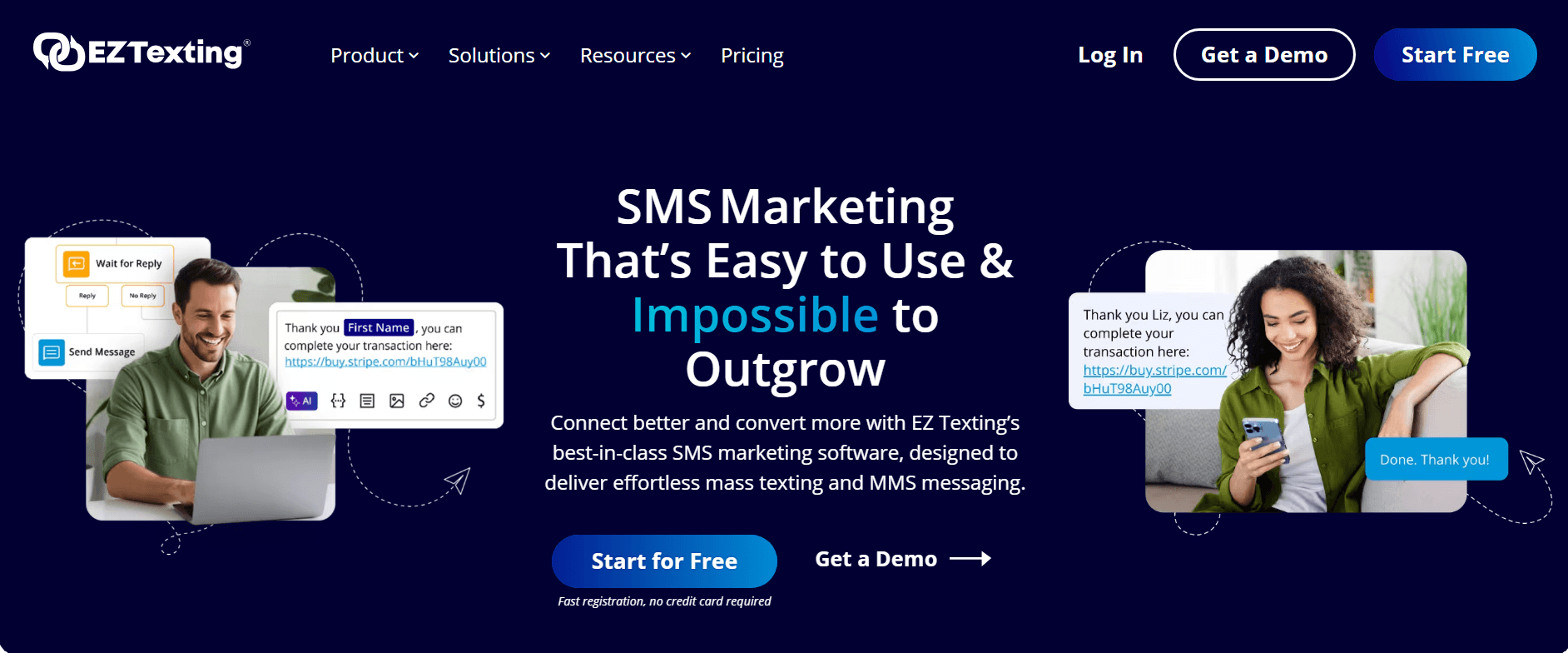
When reviewing EZ Texting, we noticed it strongly focuses on team-based communication and local business needs. There’s an interesting option to text a landline, which means your customer can send a message to the phone number they already associate with your physical store.
The shared team inbox seems to be especially effective for customer service teams that handle customer queries together. But probably the best feature is the fact that you can upload a large list to the platform and not get penalized by it with a higher bill, as you can store unlimited contacts.
Key features
- Text-to-landline
- Unlimited contact uploads
- Automatic contact cleanup
- Team inbox and accounts
Pros
- Local textable number included in all plans
- Cheapest plans provide 500 credits
- Two-way texts
Cons
- No workflow automations below the expensive Boost plan
- Unsuitable for businesses wanting to combine texts with email
Pricing
- Launch: $25/month for 500 credits
- Boost: $75/month for 500 credits and automations
- Scale: $125/month for 500 credits and an onboarding specialist
- Enterprise: $3,000/month for 200,000 credits and a dedicated short code
Compliance support notes
Features built-in compliance guidance tools and safe-sending checks before you launch a mass campaign.
Customer reviews
One G2 reviewer says that the platform makes it easy to communicate urgent information like weather-related closures and other issues. Another one notes that it’s a convenient platform even for those who are not very technical, as the interface is clean and intuitive.
6. SlickText — Best mass texting service for small lists
G2 rating: 4.8/5
Pricing: Starts at $29/month for 500 credits | 14-day free trial available
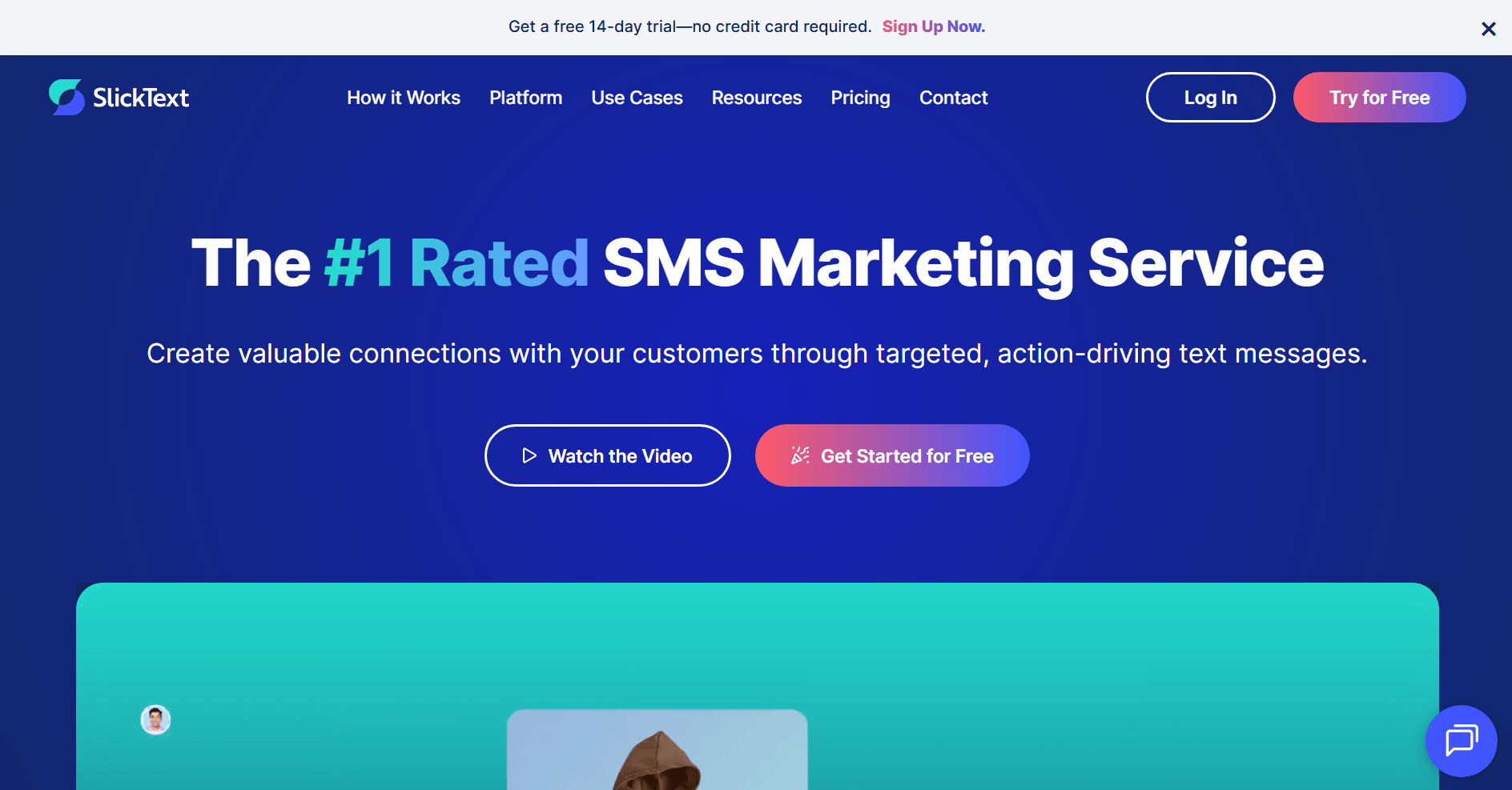
Our time with SlickText showed a rather impressive suite of tools dedicated to list growth and personalization. We liked their visual automation builder, which allows you to build complex SMS drip campaigns and even loyalty programs visually. It’s not something you can easily find, especially where loyalty programs are concerned.
Coming from Omnisend, we had to appreciate the fact that they provide full access to their features and capabilities regardless of the plan you choose. Also, you can be calm that your unused credits won’t be wasted as they roll over to the next month.
Key features
- Free incoming texts
- Live phone and chat support
- Bulk texts support personalization
- Suitable for audiences over 500,000
Pros
- Full access to all features in all plans
- Monthly plans include one month of rollover credits
- Two-way texting
- Automations and drips
Cons
- More expensive per-text than some competitors. For example, you’ll pay $80/month for 5,333 SMS sends with Omnisend and over $169/month with SlickText
- Unsuitable for large-volume senders due to costs
Pricing
- $29/month for 500 SMS credits
- $49/month for 1,000 SMS credits
- $79/month for 2,000 SMS credits
- $129/month for 3,500 SMS credits
- $169/month for 5,000 SMS credits
Compliance support notes
SlickText allows and highly recommends that you enable double opt-in where necessary and provides tools so you can keep your subscriber list healthy and compliant.
Customer reviews
One G2 reviewer says that SlickText is easy to use and powerful enough at the same time to support campaign strategy. Another person notes that they like the ease of use and scheduling texts the most about SlickText.
7. Twilio — Best mass text service to reach hundreds of thousands of subscribers
G2 rating: 4.1/5
Pricing: Starts at $0.0083/SMS for first 150k | Free trial available
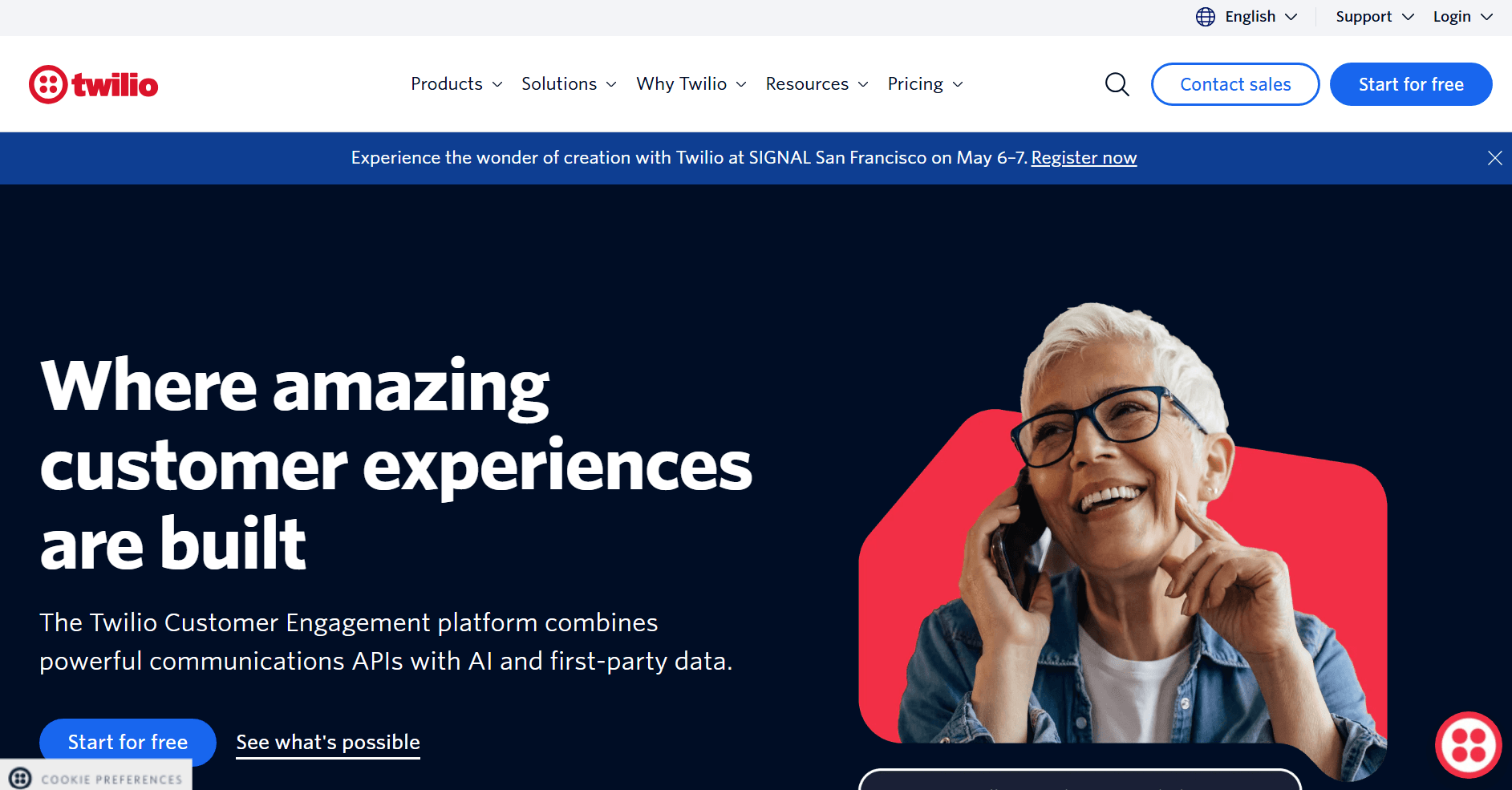
When we were testing Twilio, it was apparent from the start that it’s a different platform altogether. As opposed to all others we’ve compared, this one is API-based and focused on developers rather than marketers. That said, we couldn’t test its capabilities 100%, but we can say that it offers levels of control that are difficult to match for marketer-focused platforms.
It allows you to build customized programmable messaging and set up your own triggers and complex automation logics. In short, if you’re not a developer, this platform will be extremely inconvenient for you in the long term. In that case, go with the standard drag-and-drop builders like Omnisend.
Key features
- Automatic SMS volume discounts
- Supports 180+ countries
- SMS fallback and image resizing if a message isn’t deliverable via MMS
- Programmable messaging API
Pros
- Suitable for the largest lists
- Pay-as-you-go pricing for SMS/MMS
- Transparent additional carrier fees
- Additional features for conversational chat and WhatsApp
Cons
- Basic service doesn’t allow mass text scheduling
- There’s a learning curve for additional features like Rich Communication Services (RCS)
Pricing
- Free trial: available, but only allows sending up to 50 messages per day
- $0.0083/SMS and $0.0220/MMS for the first 150,000 messages
Compliance support notes
Twilio provides the API tools for 10DLC registration, and handles opt-out to some extent by recognizing keywords like “STOP”, “UNSUBSCRIBE”, “CANCEL”, and more.
Customer reviews
One G2 reviewer notes that Twilio provides a scalable and trustworthy CPaaS with excellent APIs for omnichannel communication. Another one likes the API docs that are solid and easy to get SMS working quickly.
Best free mass texting service
Finding an entirely free mass texting service is nearly impossible because mobile carriers have to charge their fees to deliver messages. The closest you can get to free is using free trials or free plans and sticking to the small daily or monthly allowances.
For example, you can use Omnisend’s free plan, which allows unrestricted access to all features, SMS included. What’s more, you don’t need to pay extra to try SMS, as you get a one-time bonus of $1 in SMS credits. Keep in mind, though, that this is not renewable energy, and once you run it out, you won’t get any more unless you purchase a batch of credits. What you can do for completely free, and for as long as you want, is send emails (both manual and automated) for up to 250 contacts.
Alternatively, you can leverage Textmagic, SimpleTexting, and EZ Texting free trials to learn how SMS sending works over there, but once again, after the trial ends, you’ll need to become a paying customer.
How much does mass texting cost
Now that freebies have been ruled out for the most part, let’s see about scaling your campaigns. You’ll generally see two main pricing models:
- Subscription bundles: You pay a fixed monthly fee for a set allowance of SMS credits, which is ideal for regular, consistent sending.
- Pay-as-you-go plans: You buy credits only when you need them, which is perfect for businesses that just run a few specific sales a year.
Beyond the base price, there are several hidden cost drivers that may inflate your final bill:
- Message segments: A standard SMS is up to 160 characters. If your message is 161 characters, carriers split it into two segments, making the SMS you just sent cost twice as much
- MMS vs. SMS: Adding images or GIFs makes the text message into an MMS, which typically costs two to three times more than a regular SMS
- Phone numbers: You’ll have to pay fees for your sending identity, which could be a 10DLC, a toll-free line, or a dedicated short code
- Carrier and registration fees: Sending marketing texts in the US, for example, requires A2P 10DLC registration, which comes with recurring carrier surcharges
- Software add-ons: Some platforms charge extra for additional users, integrations, features, and more.
To help you with your budget, we’ve compiled a brief list that shows what you can expect to spend based on the number of messages you intend to send. Keep in mind that prices vary a lot depending on the vendor and the destination of your SMS.
| Monthly SMS volume | Estimated monthly spend range | Best-fit tool category |
|---|---|---|
| 1,000 SMS/month | $15-$50+ | Pay-as-you-go or entry-level subscription |
| 10,000 SMS/month | $200-$350+ | Mid-tier marketing subscription |
| 50,000 SMS/month | $400-$1,000+ | High-volume subscription or developer API |
How to do mass texting
Sending bulk texts is probably the easiest marketing activity you’ll ever do. All you need is a sending tool, a contact list, and a budget for the SMS credits.
Here are the six steps to get your campaigns up and running:
- Choose your mass texting app
- Import or sync your contact list
- Segment your audience
- Create your message
- Schedule and send
- Test and measure results
1. Choose your mass texting app
First of all, you need to find the mass texting app you’re going to use. Refer to the list above if you’re unsure which one to choose. Make a choice based on your tech-savviness, business type, and goals. We recommend you not bother looking for free ones, as it’s unrealistic to find a truly free SMS platform that’s not a scam.
2. Import or sync your contact list
Legal compliance is not optional, it must be considered at all times. You need to have clear consent before you can send text messages to the recipient. CSV uploads work, but direct store syncing prevents manual errors.
Also, we recommend that you remove the contacts who haven’t opened anything in the last 90 days. There’s no legal harm in keeping them, but all they do is cost you credits, thereby costing you money.
3. Segment your audience
Splitting up your list before sending texts may be a good idea. You may achieve better results if you send a sales announcement to your most active contact base, and send a dedicated win-back offer to your less active subscribers.
Three different bulk campaigns, while requiring a bit more effort, may generate a lot more engagement and revenue than one generic SMS blast to everyone.
4. Create your message
SMS is probably as concise as you can get. You only have 160 characters to get your point across to your recipients, so learning how to use the space wisely is an important skill to have. The best advice we can give is KISS (Keep It Short, Silly).
For example, here’s one variation of a potential SMS message for your VIP segment:
VIPs only! Take 30% off our new spring collection. Sale ends tonight at midnight: [link]
Reply STOP to opt-out
For an MMS, you can include a product photo or a GIF in the message. This typically costs more credits per send, but it’s effective when visual presence is needed.
5. Schedule and send
Test SMS timing before committing to a schedule. Send 100-contact batches across different days and times, then track performance for 48 hours. Data shows that 5 PM to 9 PM usually gets the highest engagement for promotional content.
6. Test and measure results
Once your campaign has gone live, make sure you monitor how the delivery rates are, what your CTR looks like, and check replies and opt-outs. Then, based on the data you received, tailor your messages so they work better next time. For example, if your CTR is less than 1%, it means that either your offer or your timing is bad.
| Do this | Avoid this |
|---|---|
| Identify your brand name immediately so recipients know who is messaging them | Don’t send messages without a clear point, like an exclusive discount or early access |
| Place opt-out instructions at the end of every text to provide an alternative to blocks and reports | Don’t exceed 160 characters if you want to prevent split texts and double costs |
Success story
Vagari Bags tested SMS alongside email campaigns, hitting 6-7% click rates and a 5x return on spend — quick texts about product launches converted where lengthy emails failed.
“Everyone has their phone on them,” says Jake Hughes, Co-founder at Vagari Bags, “It’s direct, it gets opened, and it drives action. SMS has been a great addition.”
On Omnisend, Jake says, “It’s intuitive, the testing options are great, and the support has been fantastic. You won’t find better if you’re a new brand trying to grow.”
Read the case study.
Is mass texting illegal
Mass texting is not inherently illegal, but it is regulated, so you need to follow privacy laws. In the US, the relevant law is the Telephone Consumer Protection Act of 1991 (TCPA), and in the EU and UK, it’s the General Data Protection Regulation (GDPR).
When sending text messages across international borders, you must follow your local laws and the laws of the recipient’s country. For example, if you’re texting from the UK to customers in the US, you must comply with UK regulations and US rules.
Note
This guide offers general information only, not legal advice. Rules may change. Omnisend customers should consult qualified legal professionals to ensure their messaging practices comply with current regulations in all countries where they operate.
Consent and documentation
Getting explicit permission from the person you want to communicate with is critical. The CTIA recommends that you thoroughly document the consent details for every subscriber you have. To be absolutely safe and sound, it’s best that you have the timestamp, medium, language, or action used to opt in, campaign details, IP addresses, phone number, and identity.
If you’re planning on buying a contact list from a third-party provider, the general rule of thumb is: don’t do it. It’s begging for trouble, and even if you don’t get caught, your deliverability rates will plummet, and you’ll have lost the money you used to buy the list.
Opt-in confirmations and opt-outs
When someone joins your SMS list, your first message should always be an opt-in confirmation. The CTIA outlines that this message should include a program description, a customer care contact (like a HELP keyword), opt-out instructions, recurrence or frequency expectations, and a note about any fees.
Handling opt-outs is just as important. The CTIA says you must support opt-outs at any time and through multiple mechanisms. While you should use standardized keywords like “STOP”, you also need to honor natural-language opt-outs. Once a customer opts out, send one final confirmation and stop messaging them immediately.
100DLC and regional rules
If you text in the US, you’ll need to understand 10DLC (10-Digit Long Code). This is a sanctioned standard for A2P (Application to Person) messaging. Businesses using 10DLC to message customers or employees are required to register their brand and campaigns to ensure deliverability.
For international texting, always check for local rules. Under the GDPR in Europe, you must meet strict consent expectations before sending any marketing communications.
Compliant mass texting checklist
The best way to do this is to choose a platform that keeps records of consent in its database and allows to manage opt-outs automatically. For example, with Omnisend, you don’t need to worry about consent collection, as you can just add a checkbox and that’s it.
- Before you send marketing texts, make sure the list contains only those contacts who gave consent
- Once someone subscribes to your communications, send them an automatic opt-in confirmation SMS with the relevant information mentioned above
- Always have opt-out instructions at the end of every text message
- If someone unsubscribes, make sure they get the confirmation message, and cut all marketing communication with them
- Keep records of each subscriber’s consent data
- Comply with the local laws to avoid issues
Use cases and message examples
Text messages land directly on the recipients’ phones, which makes them heavily visible, but also could be heavily frustrating. So, before we get to the examples, remember: only send SMS when you have a specific sale or a promotion you need communicated. Don’t send SMS all the time, as that may skyrocket unsubscribe rates.
Here are some opportunities where you can use mass texting:
- Ecommerce promos: Flash sales, back-in-stock notifications, loyalty milestones
- Transactional and operational alerts: Shipping updates, appointment reminders
- Community and nonprofit: Event details, donations, urgent updates
- Internal workforce: Shift changes, emergency notifications
5 message examples
1. Flash sale
FLASH SALE! Take 30% off site-wide until midnight tonight. Use code [discount code] at checkout: [link]
Reply STOP to opt out
When to use: Use this template when you need to drive fast revenue on a slow day or clear out inventory.
Why it works: It creates instant urgency that makes your customers want to act.
Compliance note: Always include opt-out instructions for promotional communications.
2. Back-in-stock
Hi {{first_name}}, good news! The item you wanted is finally back in stock. Grab yours before it sells out again: [link]
Reply STOP to cancel
When to use: When sold-out items come back to stock once again.
Why it works: It re-engages shoppers who wanted an item that was no longer available.
Compliance note: Always include opt-out instructions for promotional communications.
3. Loyalty milestone
You did it, {{first_name}}! You just earned VIP status. Enjoy $20 off your next purchase: [link]
Reply STOP to opt out
When to use: Once a customer passes a defined threshold of required activity.
Why it works: It makes the customer feel more valued and encourages action.
Compliance note: Always include opt-out instructions for promotional communications.
4. Appointment reminder
Hi {{first_name}}, this is a reminder for your appointment on {{date}} at {{time}}. Reply Y to confirm or call us to reschedule.
Reply STOP to opt out.
When to use: 24 hours before a scheduled appointment.
Why it works: It reduces no-show rates and saves you time.
Compliance note: Always include opt-out instructions, even for transactional texts.
5. Urgent update
URGENT: Our main office is closed today due to severe weather. Please check your email for remote work details.
Reply STOP to opt out.
When to use: When you need to communicate a critical and urgent event to your staff.
Why it works: It ensures that if someone misses the email, they see the SMS.
Compliance note: Always include opt-out instructions, even for work-related texts.
Successful brands using bulk SMS
Check out these bulk SMS results from successful brands:
- Vagari Bags: Added SMS to email workflows, hitting 6-7% click rates on product launches. Quick texts about new arrivals generated 5x return on ad spend while story-driven emails built the brand.
- Žalgiris Kaunas: Basketball club built 9,000 SMS subscribers for game-day alerts and merchandise drops. Email and SMS combined generated 39% of total revenue within one year.
- Kerrits: Abandoned cart SMS pulled 15% conversion rates at $2.87 per message. Welcome emails (not SMS) hit $6.58 per send, helping it improve ROI across all channels.
- Divatress: Switched from Mailchimp to Omnisend for SMS features and drove $123,000 revenue via SMS in the first year. Used texts mostly for special campaigns and sales.
Conclusion and next step
Choosing the right mass texting service doesn’t have to be a complicated task. All you need to do is define a few criteria, and the needed tool will filter itself out. Define your primary use case, check if the platform offers needed compliance tools for your region, ensure integration works well with your platform, and the pricing model fits your needs long-term.
If you run an ecommerce store, you don’t just need SMS. Email and push notifications are your next closest friends. Combining these three will make your strategy that much more potent, and you’ll be able to leverage omnichannel features to increase your revenue. If you’re still not sure whether Omnisend is the best choice for you, you can just use the free plan and test all the features yourself to see how it feels and if it could be a great long-term solution for your business.
Ready to start sending mass texts?
Quick sign up | No credit card required

TABLE OF CONTENTS
TABLE OF CONTENTS


Subscribe and don’t miss any updates!
No fluff, no spam, no corporate filler. Just a friendly letter, twice a month.