Omnisend AI


 OFFER
OFFER










Promotional SMS is any text message with marketing intent, sent only to subscribers who gave you explicit permission to contact them.
People who opt-in to your marketing messages trust your brand and expect high-quality communications. The copyable promotional SMS examples in this article will give you the best start and a foundation to edit and make your own.
Quick sign up | No credit card required
What is a promotional SMS?
A promotional SMS is a marketing text that advertises an offer, such as a sale, discount, or product launch. It goes only to customers who have opted in.
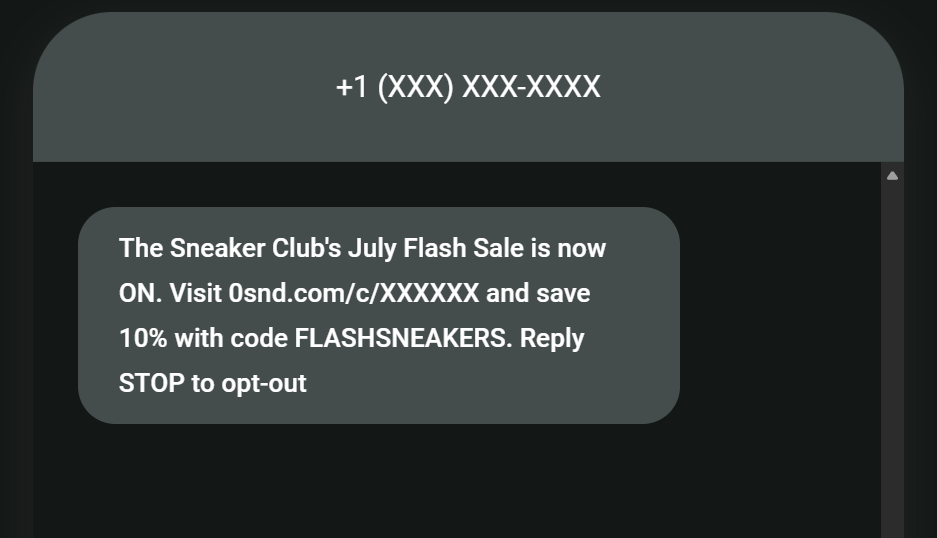
Here’s a breakdown of what your promotional SMS will include:
- Your sender name for the from field, shown to non-U.S./CA recipients
- A mention of your brand name in the content – this matters if you’re sending to U.S. and Canada recipients, as they only see your number, not a sender name
- An offer or announcement
- A call-to-action (CTA), such as “Join here >”
- A link for your customer to tap and follow additional steps
- Opt-out language, such as the Omnisend default “Reply STOP to opt-out”
The promotional SMS example below includes all these elements:
Pro tip
The most effective promotional texts are automated. Omnisend’s data shows they earned five times more than campaigns in 2025.
Read our latest report >
Promotional SMS vs. transactional SMS
A promotional SMS has marketing intent, whereas a transactional SMS has none. That difference in purpose has a crucial impact on consent and compliance:
- Promotional SMS needs explicit prior written consent, satisfied by your customer checking a box themselves.
- Transactional SMS gives customers information they’re expecting, like an order update or a one-time passcode, and is tied to a purchase rather than a marketing opt-in.
| Promotional | Transactional | |
|---|---|---|
| Goal | Advertise a sale or offer | Inform or confirm |
| Trigger | Scheduled or automated | Always automated, based on customer action |
| Consent | Explicit opt-in required | Tied to the transaction |
| Example | "30% off today only" | "Order #1024 has shipped" |
How to use promotional SMS
Incorporating promotional SMS into your marketing arsenal requires a strategic approach to cover the highest-intent moments and maximize revenue, including:
- Welcome offers
- New product announcements
- Collection launches
- Flash sales
- Free shipping offers
- BOGO offers
- Referral reminders
- Loyalty status updates
- Abandoned cart reminders
- Thank-you promos
Divatress’ subscriber list grew to nearly 70,000 after adopting Omnisend. It has also experienced 20% year-over-year business growth, with SMS campaigns generating $123,000 in sales.
Here’s more about its success story.
Promotional SMS examples
Copy the promotional message examples below, paste them into your SMS tool’s editor, and replace the (placeholders) with your content.
The edits you make to these promotional text message examples might add characters, so ensure you don’t tip over 160 to prevent your texts from segmenting into two messages.
Welcome offer
Template #1
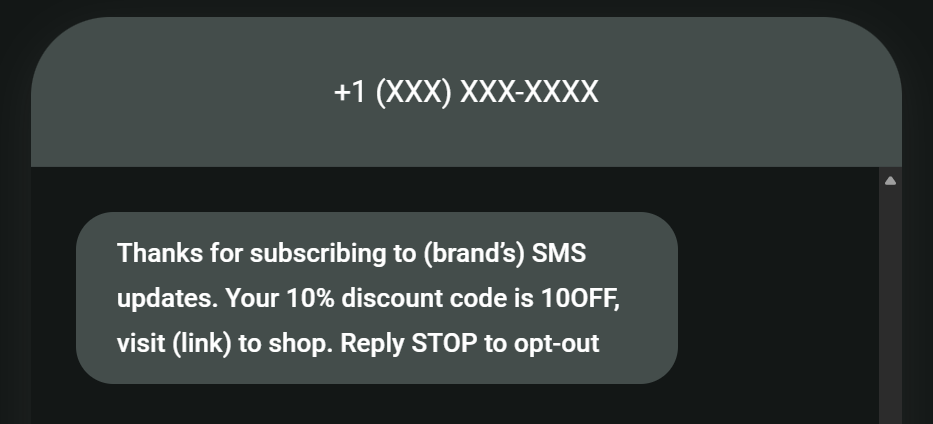
“Thanks for subscribing to (brand’s) SMS updates. Your 10% discount code is 10OFF, visit (link) to shop.”
How it looks
Template #2
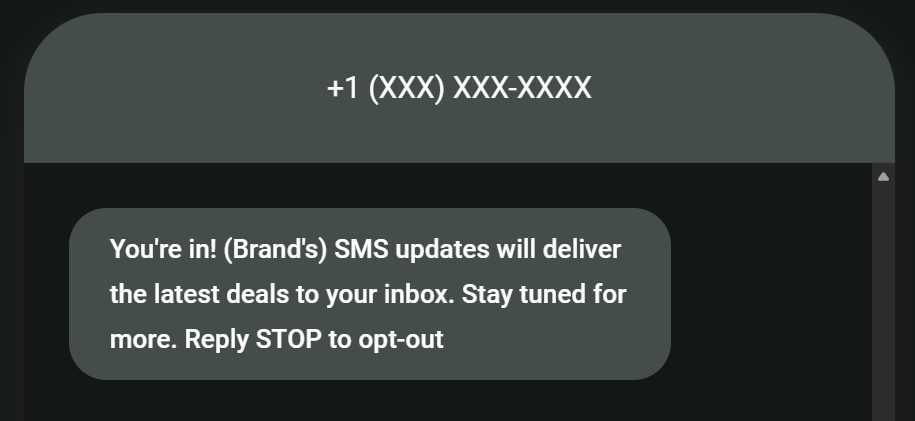
“You’re in! (Brand’s) SMS updates will deliver the latest deals to your inbox. Stay tuned for more.”
How it looks
New product announcement
Template #3
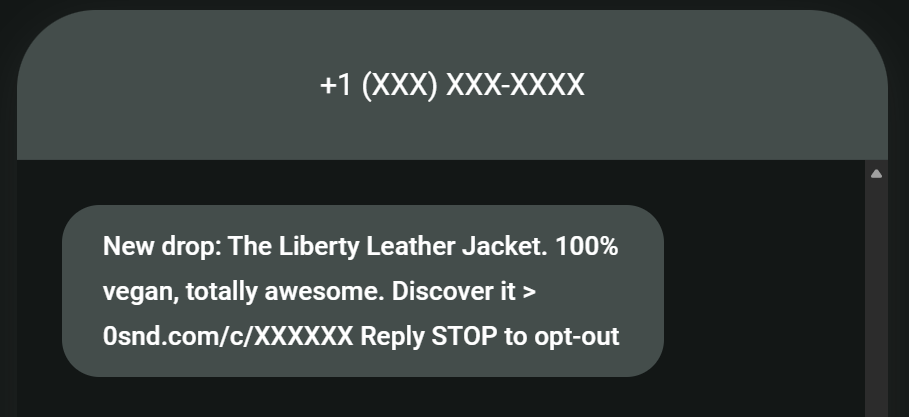
“New drop: (your product). (Key feature), totally awesome. Discover it > (link).”
How it looks
Template #4
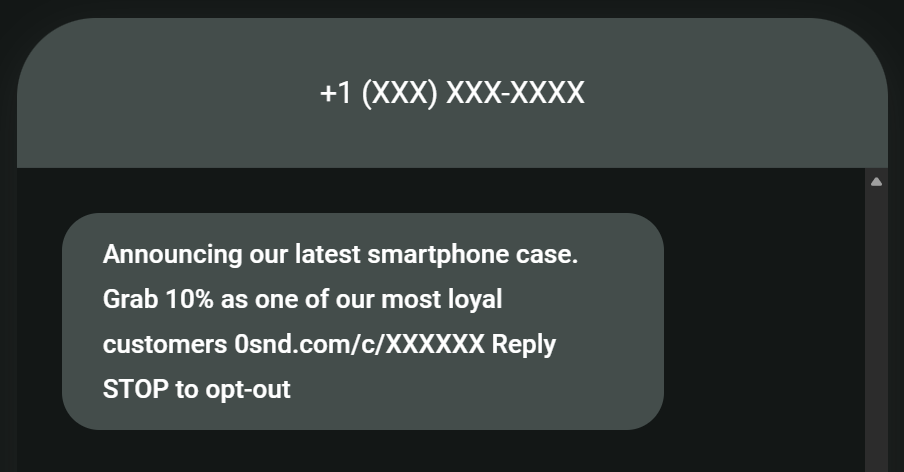
“Announcing our latest (product). Grab (discount amount off) as one of our most loyal customers (link).”
How it looks
Collection launch
Template #5
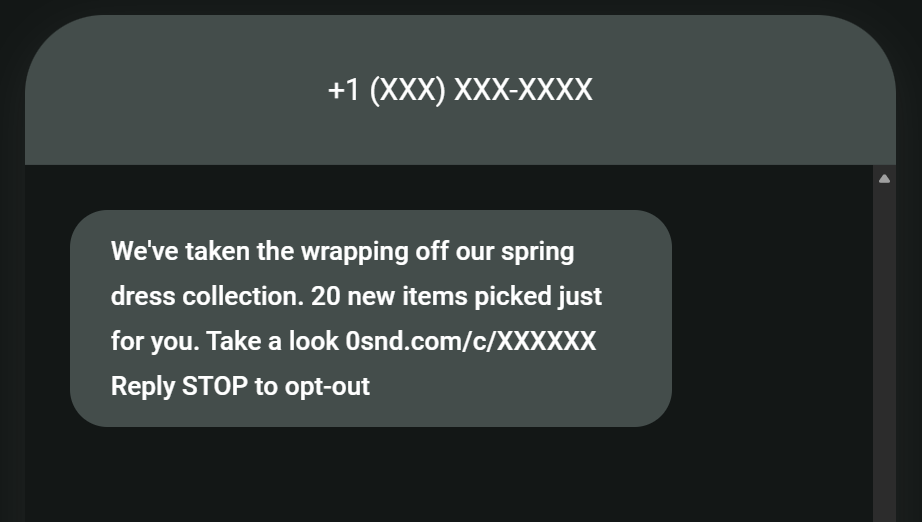
“We’ve taken the wrapping off our (name) collection. (Quantity of) new items picked just for you. Take a look (link).”
How it looks
Template #6
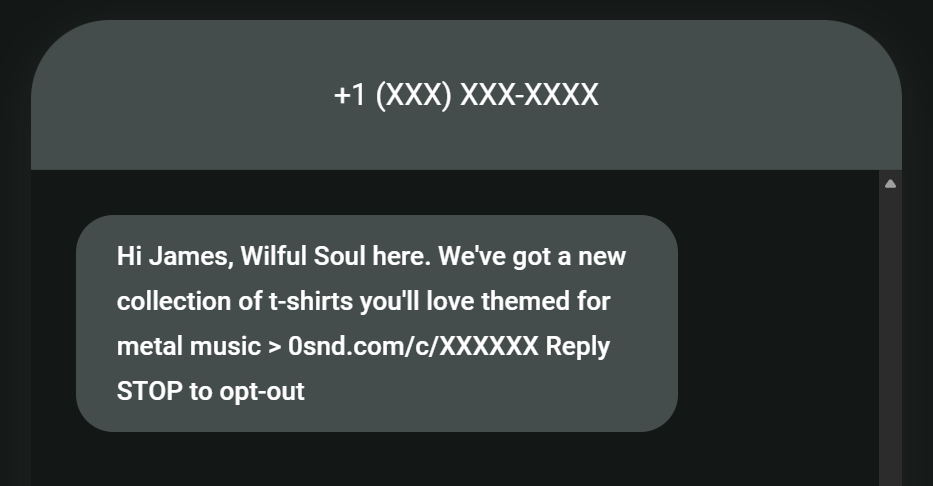
“Hi (name), (brand name) here. We’ve got a new collection of (products) you’ll love, themed for (feature/category) > (link).”
How it looks
Flash sale
Template #7
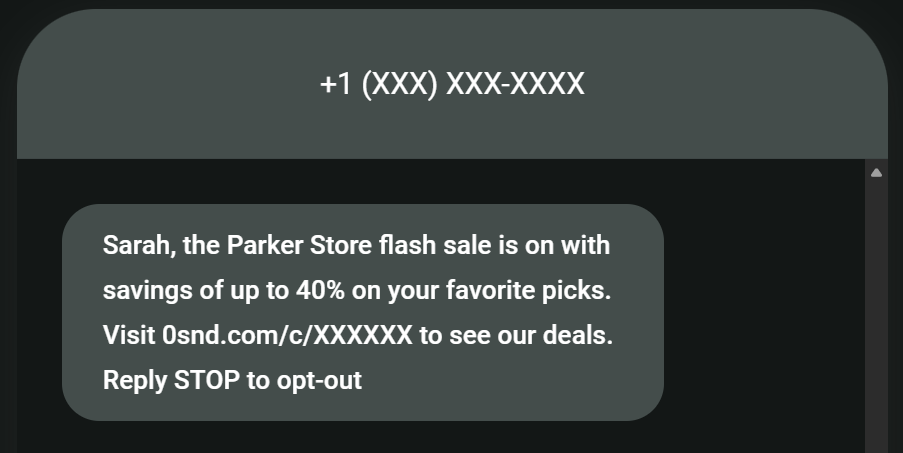
“(Name), the (brand name) flash sale is on with savings of up to 40% on your favorite picks. Visit (link) to see our deals.”
How it looks
Template #8
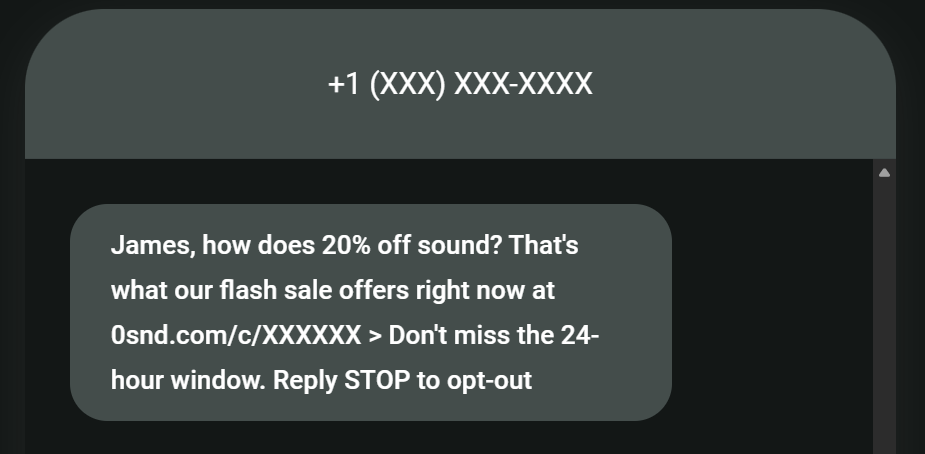
“(Name), how does 20% off sound? That’s what our flash sale offers right now at (link) > Don’t miss the 24-hour window.”
How it looks
Free shipping offer
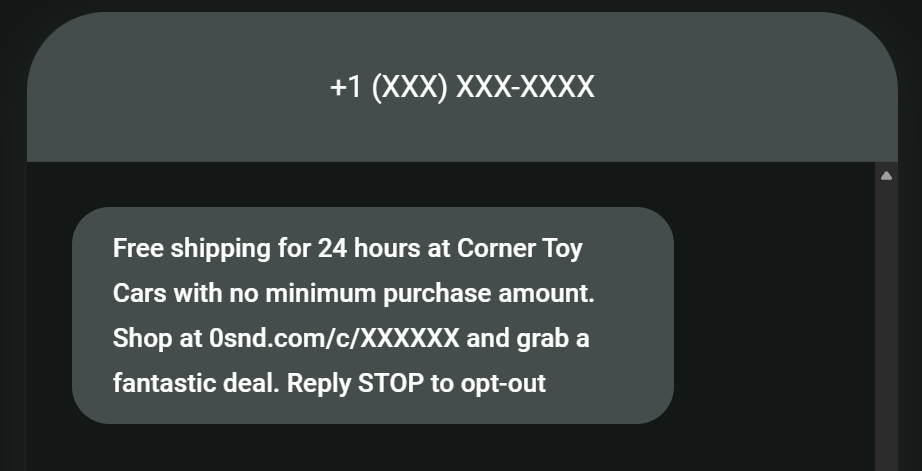
Template #9
“Free shipping for 24 hours at (brand), with no minimum purchase amount. Shop at (link) and grab a fantastic deal.”
How it looks
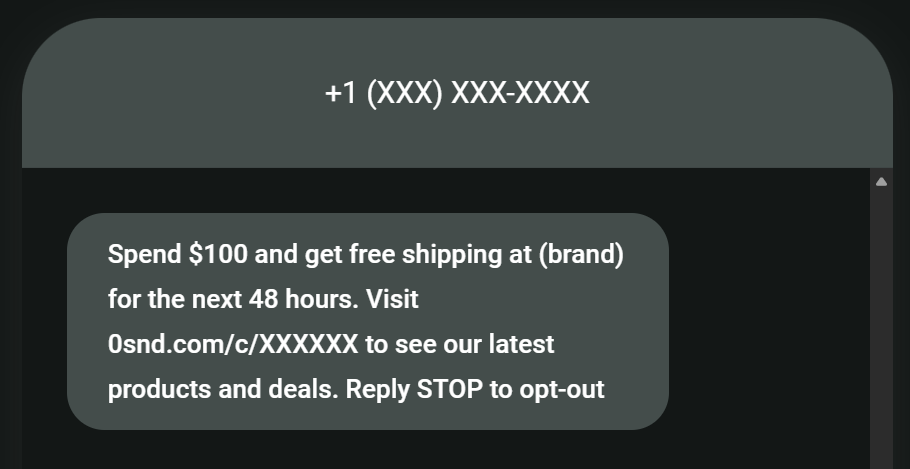
Template #10
“Spend (amount) and get free shipping at (brand) for the next 48 hours. Visit (link) to see our latest products and deals.”
How it looks
BOGO (buy one, get one)
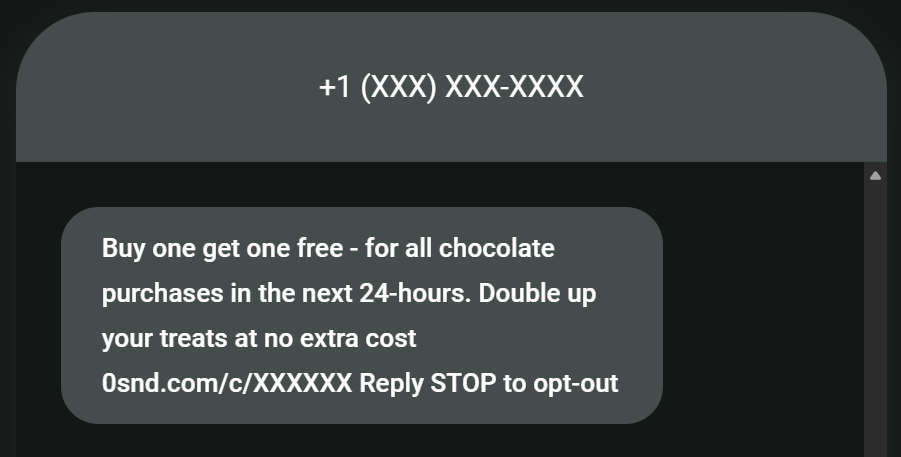
Template #11
“Buy one, get one free – for all (product) purchases in the next 24 hours. Double up your (products) at no extra cost (link).”
How it looks
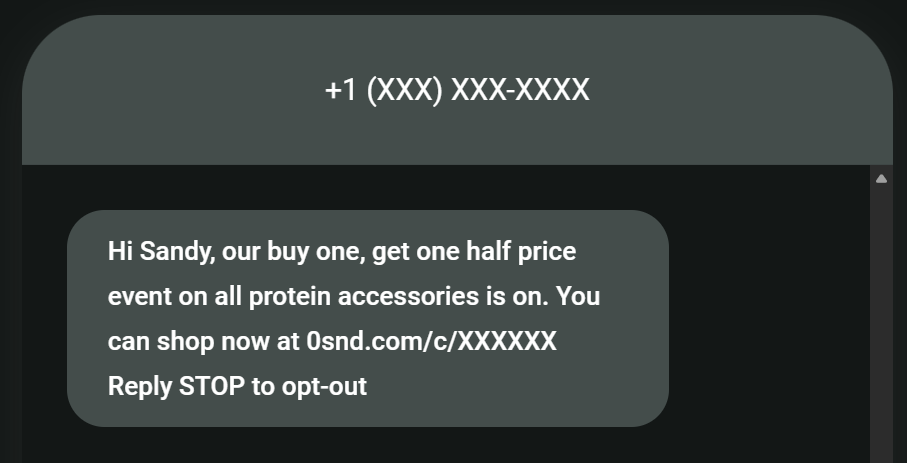
Template #12
“Hi Sandy, our buy one, get one half price event on all (product name) is on. You can shop now at (link).”
How it looks
Referral reminder
Template #13
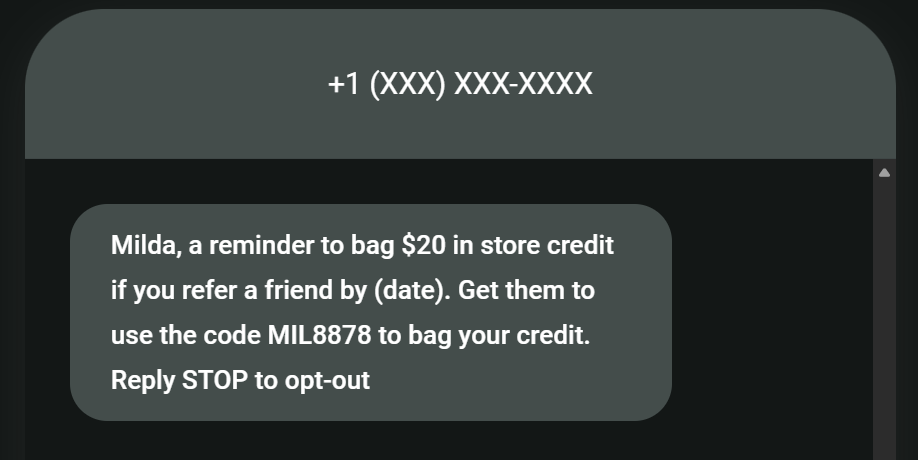
“Milda, a reminder to bag $20 in store credit if you refer a friend by (date). Get them to use the code (discount code) to bag your credit.”
How it looks
Template #14
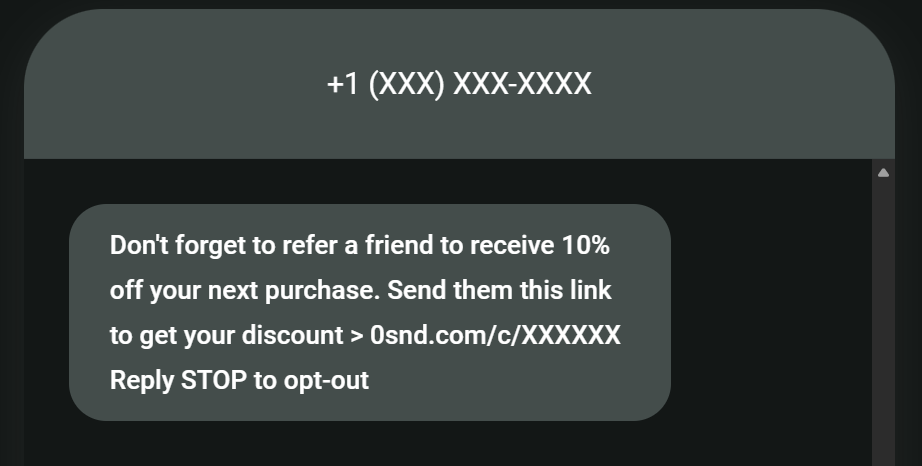
“Don’t forget to refer a friend to receive 10% off your next purchase. Send them this link to get your discount > (link).”
How it looks
Loyalty status update
Template #15
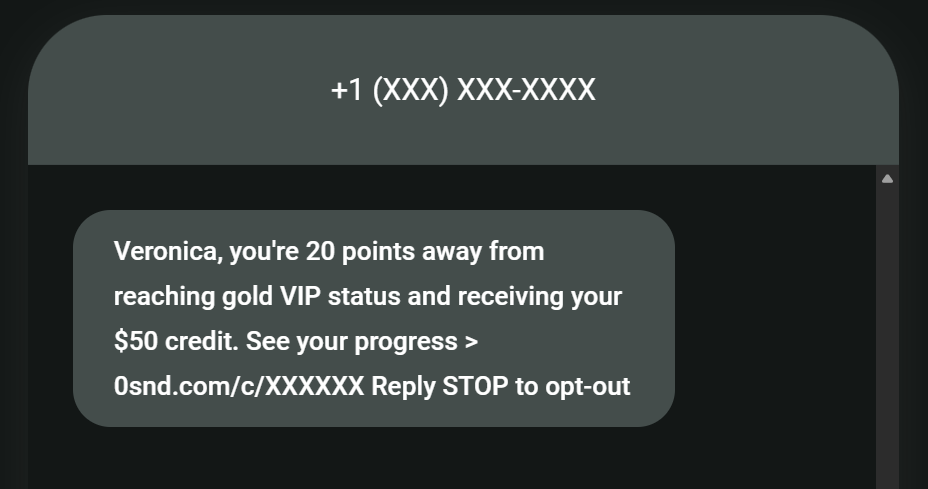
“(Name), you’re 20 points away from reaching (tier) and receiving your (reward). See your progress > (link) .”
How it looks
Template #16
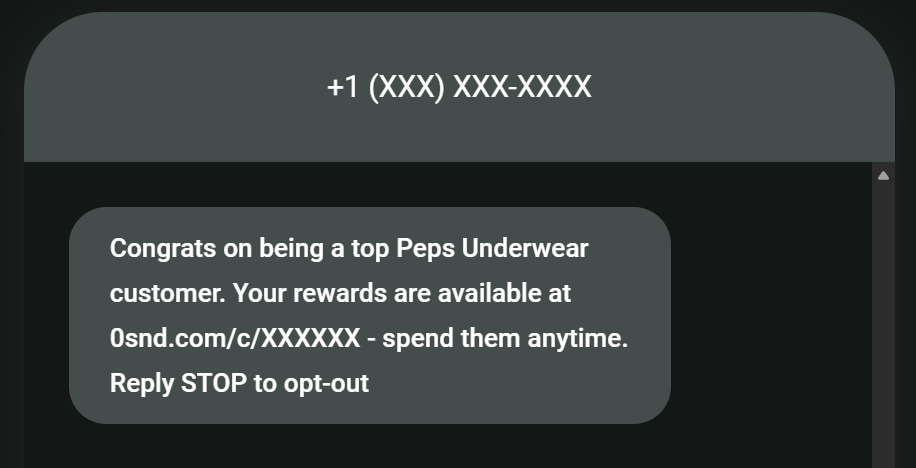
“Congrats on being a top (brand) customer. Your rewards are available at (link) – spend them anytime.”
How it looks
Abandoned cart
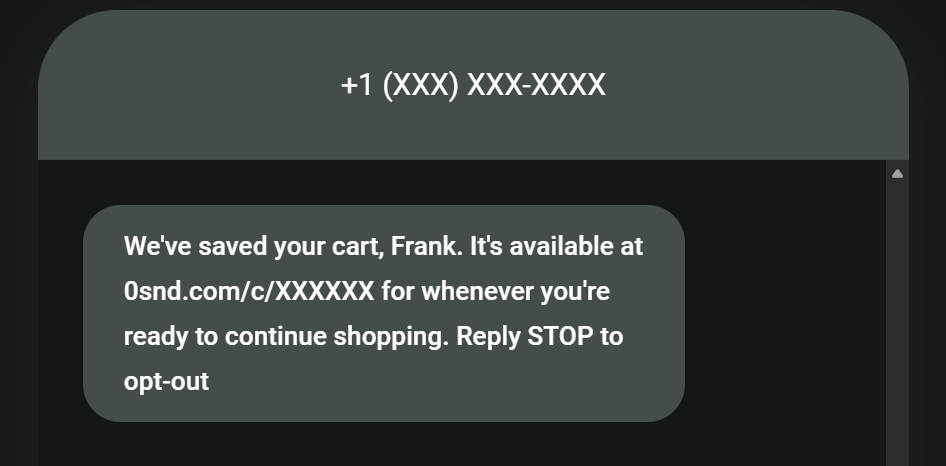
Template #17
“We’ve saved your cart, (name). It’s available at (link) for whenever you’re ready to continue shopping.”
How it looks
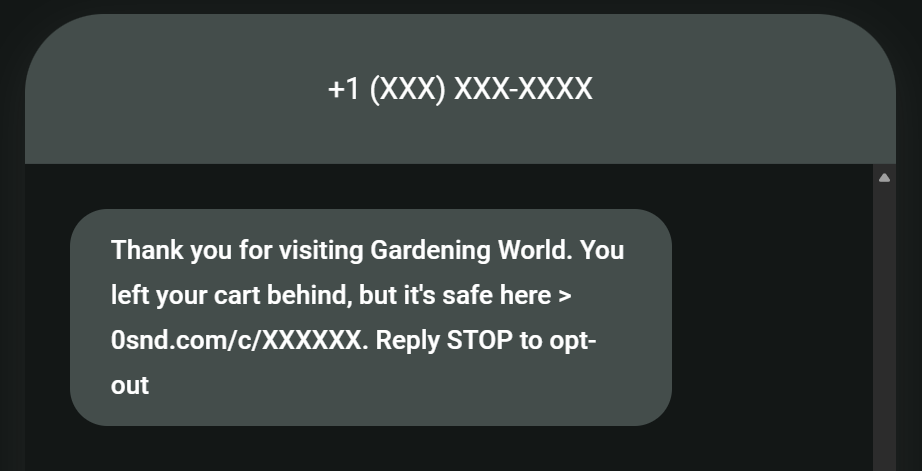
Template #18
“Thank you for visiting (brand). You left your cart behind, but it’s safe here > (link).”
How it looks
Thank-you offer
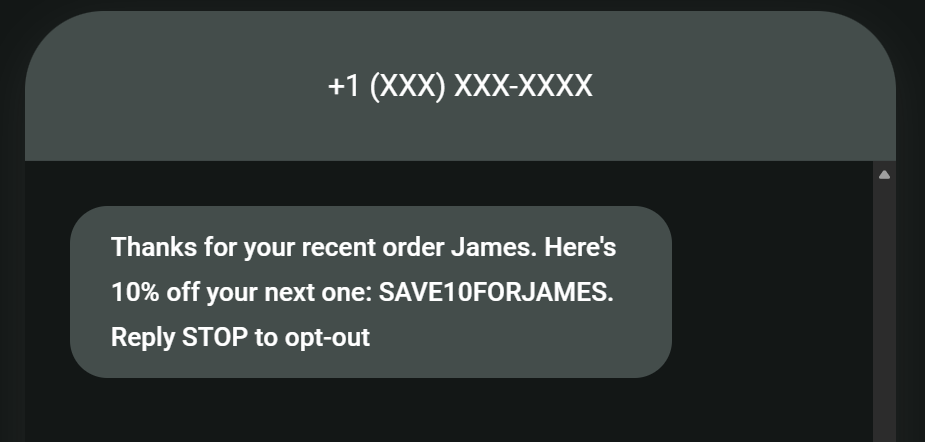
Template #19
“Thanks for your recent order (name). Here’s 10% off your next one: (code).”
How it looks
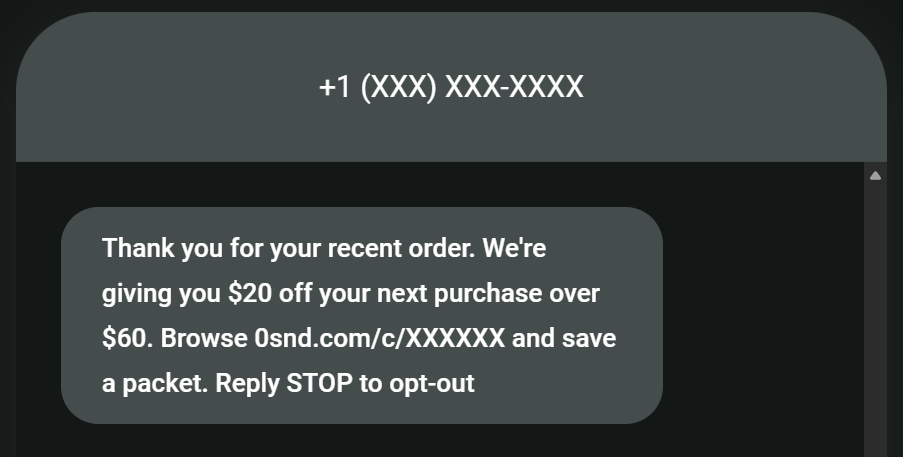
Template #20
“Thank you for your recent order. We’re giving you (amount) off your next purchase over (amount). Browse (link) and save a packet.”
How it looks
Like our promotional SMS examples? Discover even more templates:
50+ text message templates for marketing & ecommerce [2026]
Best practices for sending promotional text messages
A few expert tips to ensure you make the most of our promotional SMS examples:
- Build a high-quality SMS list. Collect marketing opt-ins on your SMS signup forms and at checkout. Provide a box for customers to tick, so the opt-in is explicit.
- Segment your audience by subscriber type. Subscribed contacts in Omnisend is opted in to marketing; unsubscribed ones can only receive transactional SMS.
- Create additional segments for customer lifecycles and experiences. Such as window shoppers, deal hunters, and those who clicked on promotional messages. These help to refine your promotional targeting.
- Send promotional SMS messages to customers at local times. Time your texts for the peak engagement times of 9 AM to 12 PM and 5 PM to 9 PM.
- Match delays to your customer journey. Examples include a cross-sell SMS five days after delivery and a win-back text 90 days after the last purchase.
- Use SMS in multichannel automations. Your promotional texts can arrive before or after emails and web push notifications in Omnisend for better reach.
- Measure the right metrics. Those are click rates, conversions/sales, deliverability, and revenue per message. Look at these per channel, campaign, and automation.
Promotional SMS compliance
Promotional SMS requires explicit opt-in under the TCPA (U.S.) and GDPR (EU/EEA).
The best way to collect that consent is by asking customers to tick opt-in boxes on your forms and next to the phone number field at checkout. You aren’t allowed to pre-tick boxes, and customers who don’t tick the box can only receive transactional texts, not marketing ones.
CASL (which covers Canada) also requires consent for sending promotional messages to customers, but allows implied consent in some cases, such as an existing business relationship. The grey area is defining that relationship, so we still recommend getting opt-ins.
It’s best practice to follow an opt-in with a confirmation text. Our guide:
SMS opt-in message examples: 30+ compliant templates for 2026
How to send promotional SMS with Omnisend
Omnisend’s Pro plan lets you create standalone campaigns and SMS automations.
Campaigns are for one-time and scheduled promotional texts, whereas automations cover customer lifecycle stages, triggering based on activity and delays you set.
There are other SMS marketing tools, but Omnisend’s global SMS coverage and multichannel automations make it the obvious pick for ecommerce.
Here’s how to send with Omnisend:
Step 1: Connect your store to Omnisend
- Log in to Omnisend
- Click the arrow dropdown in the top menu and select Stores
- Click + Add new store
- Enter your details as shown in the image below and click Add store:
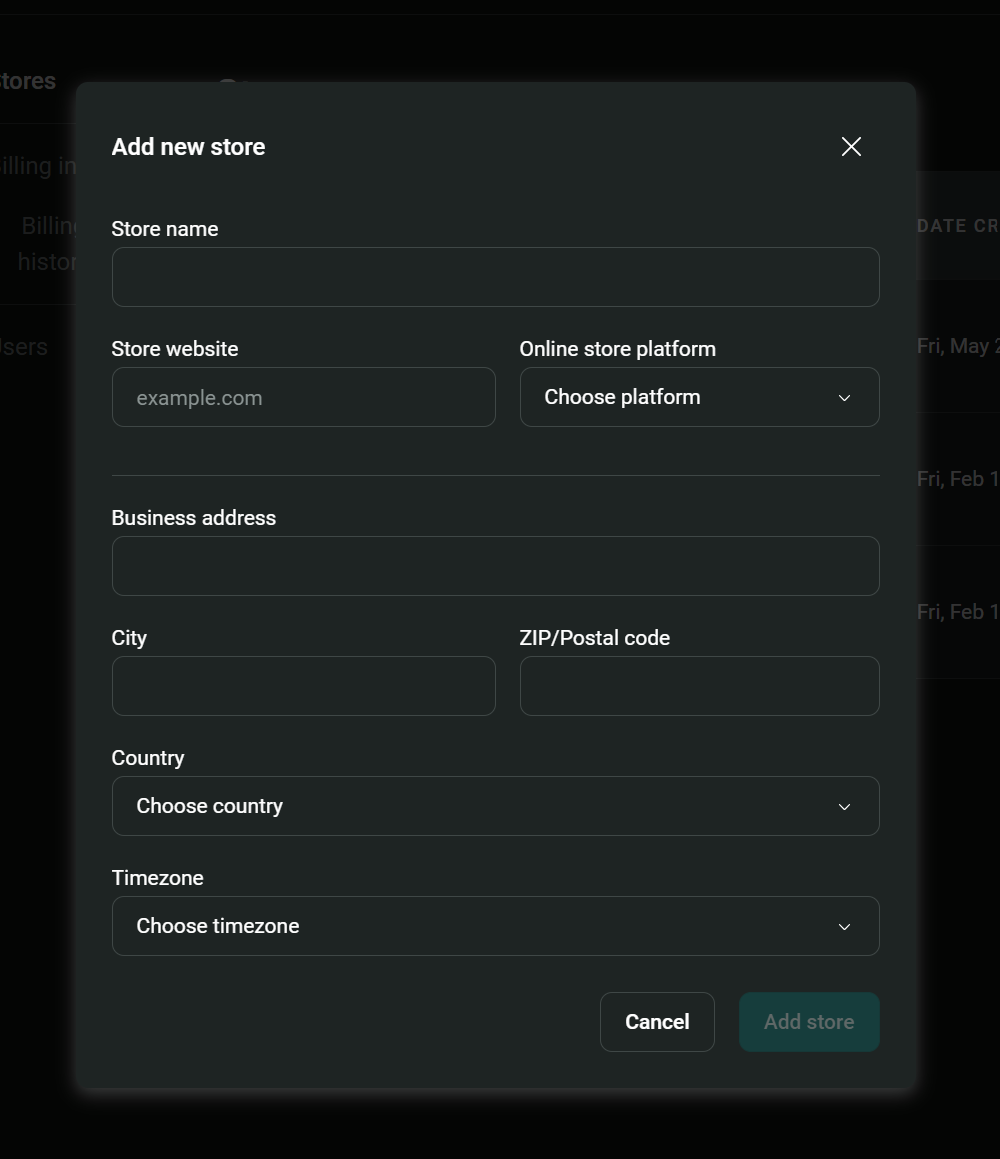
Alternatively, log in to your ecommerce store and search for the Omnisend app. Omnisend has apps for Shopify, WooCommerce, BigCommerce, and others.
Step 2: Build your SMS forms
- Click Forms in the sidebar
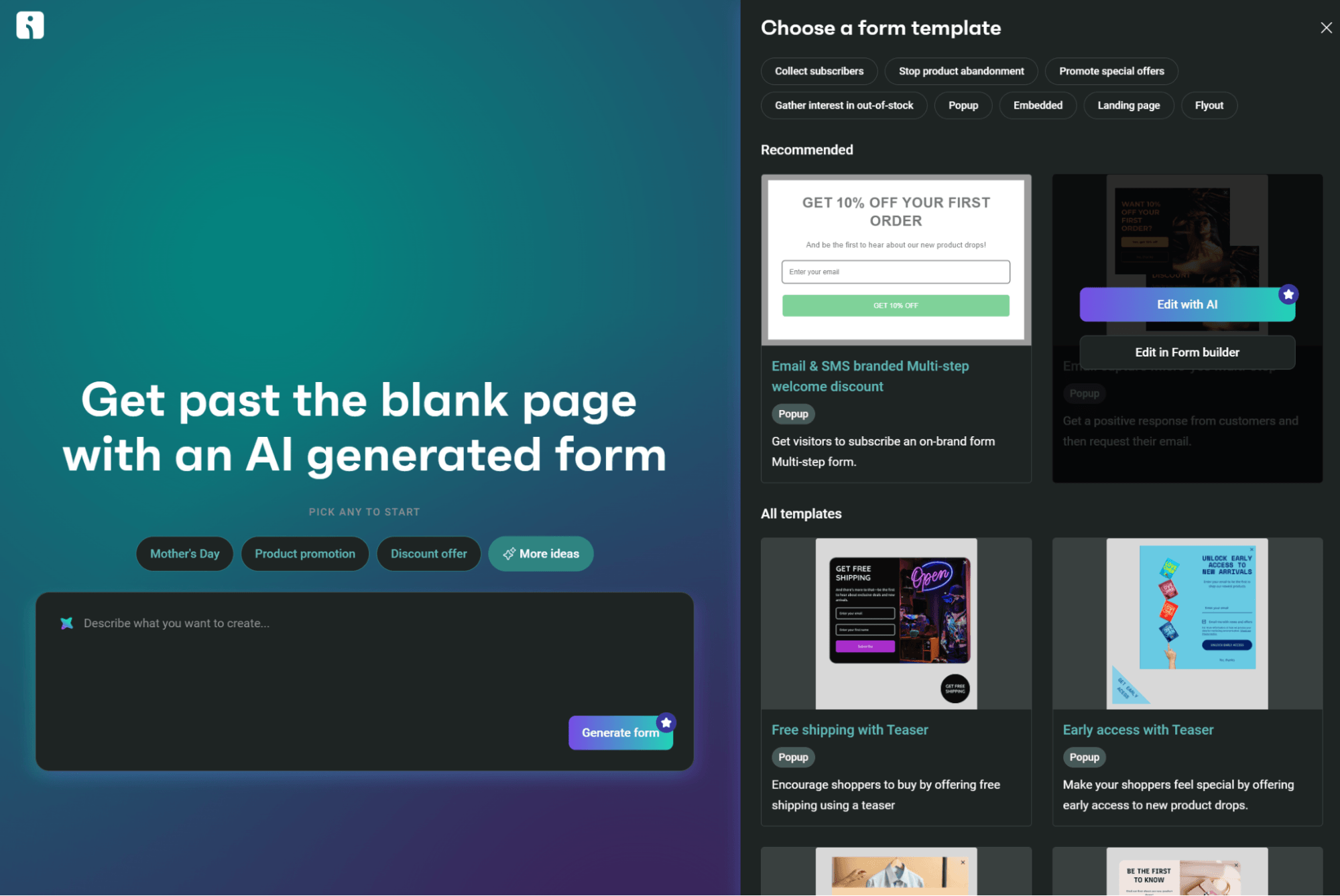
- Click + Create form
- Select one of the pre-built templates and click Edit with AI or Edit in Form builder:
4. Add the phone number element to your form:
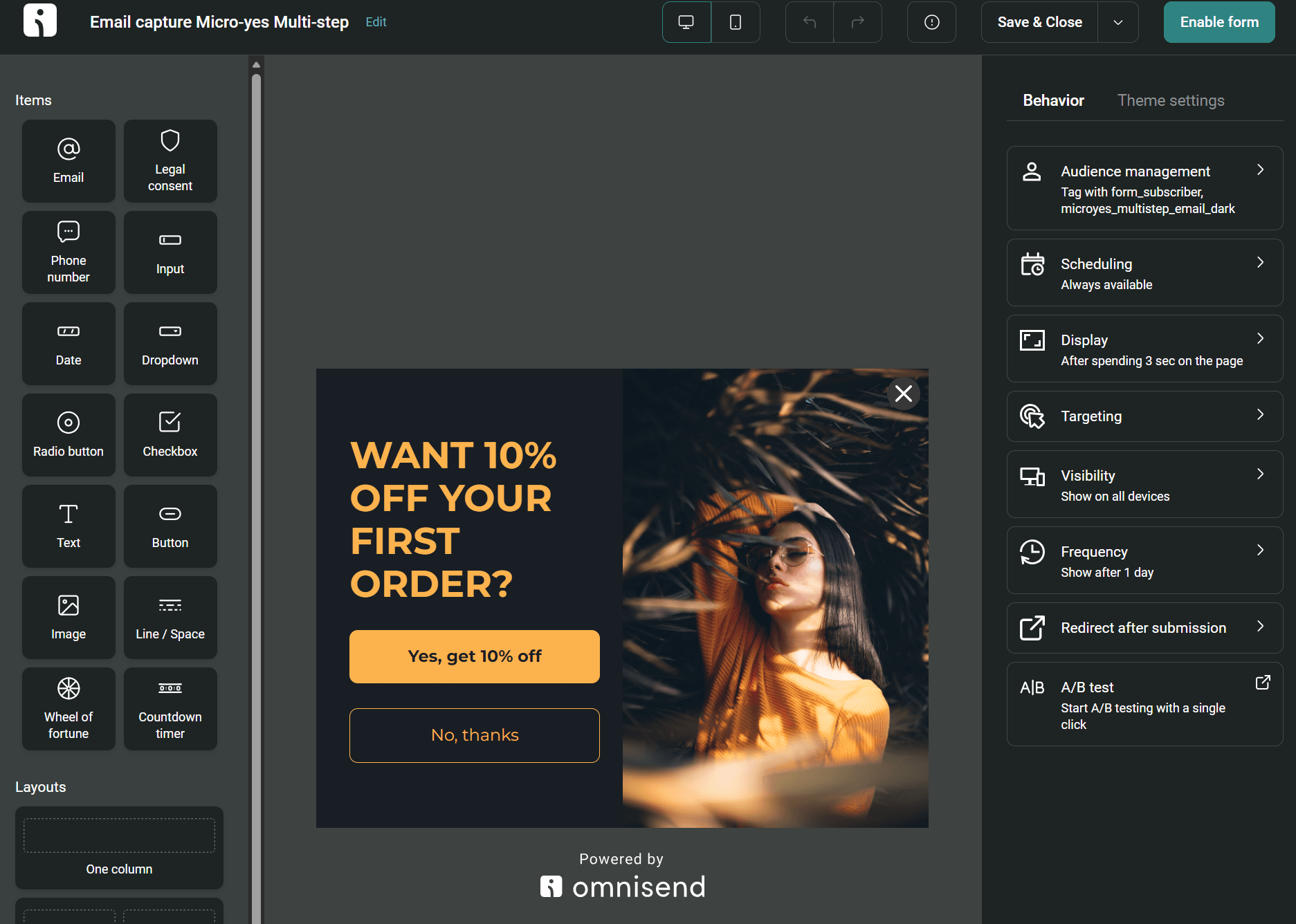
5. Click Enable form once complete
Step 3: Create your first SMS campaign
- Click Campaigns in the sidebar
- Click + Create campaign
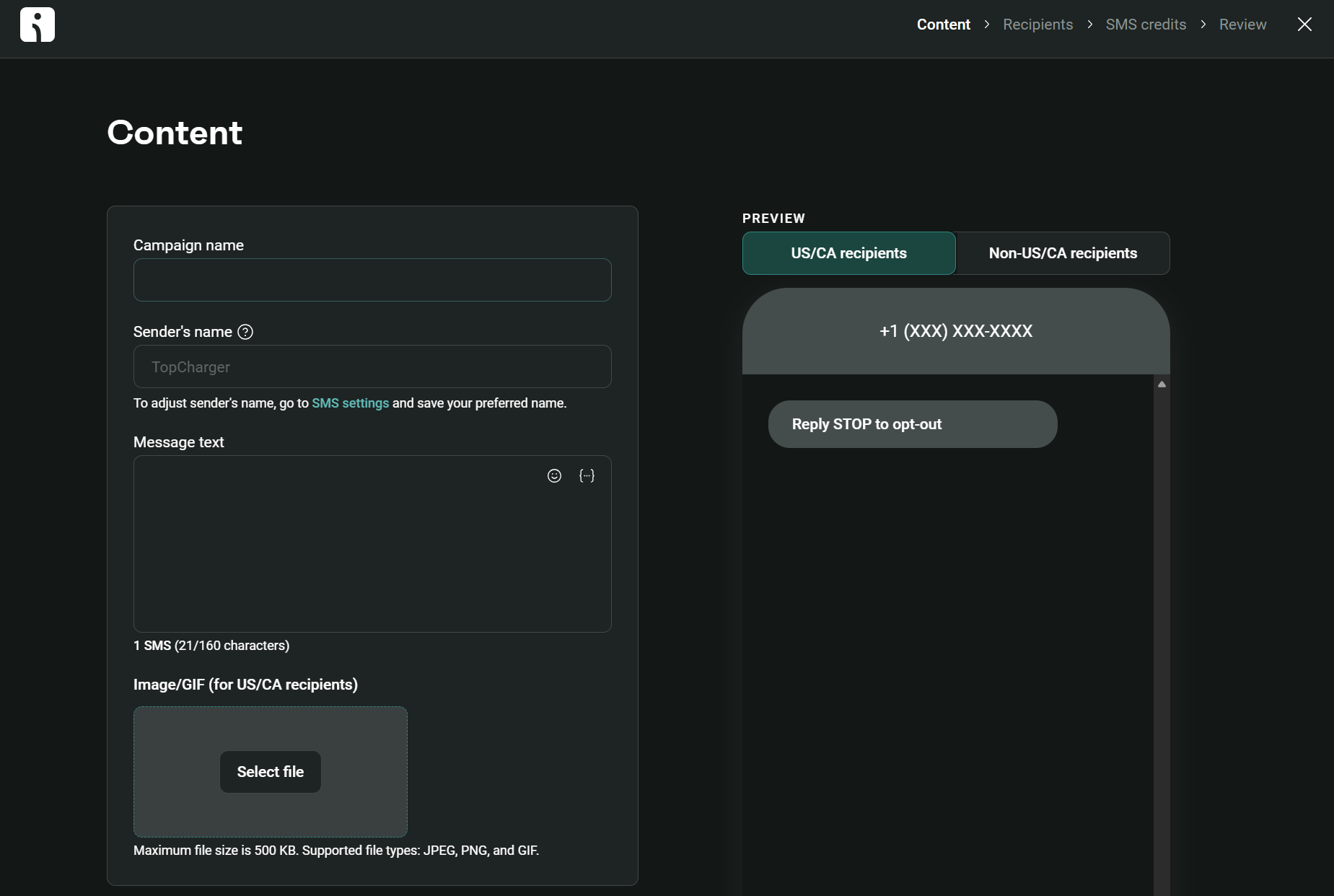
- Locate the SMS option and click Create SMS
- Complete the fields and add your message text – use one of our promotional SMS examples above if you need inspiration:
5. Click Next step
6. Select who to send your promotional SMS to – you can select all subscribers or a segment
7. Click Next step
8. Click Review campaign to ensure everything is as expected – send it out immediately or schedule it for later
Step 4: Create your first SMS automation
- Click Automation in the sidebar
- Click + Create workflow
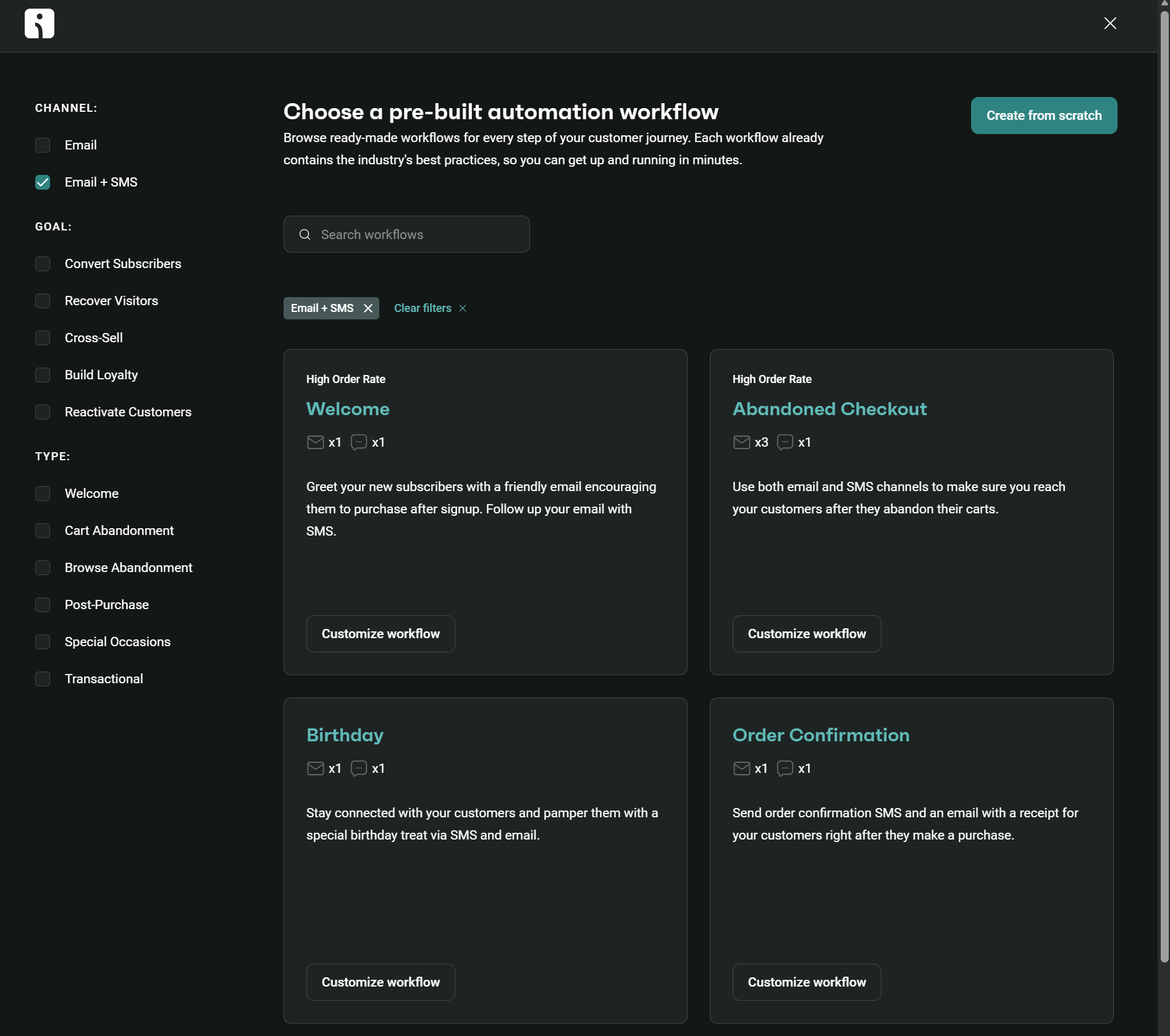
- Select one of the pre-built flow templates – each supports SMS as a channel, and there are flows for welcome, abandoned checkout, and birthday with an SMS built into them:
4. Add the SMS block to your flow and select it
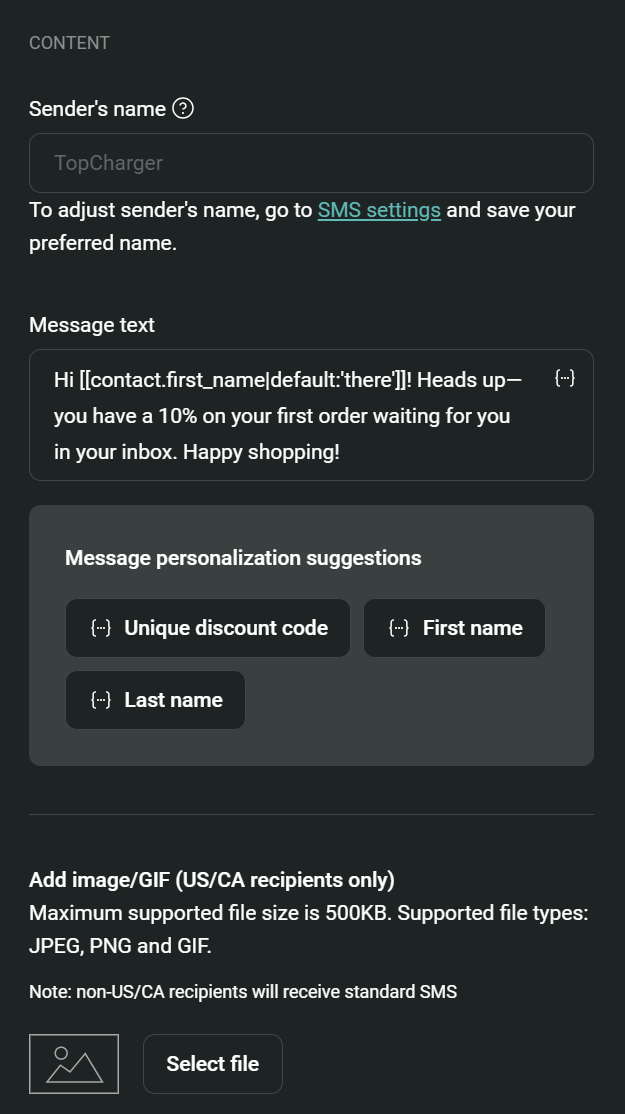
5. Add your message text and personalization tags to your content:
6. Complete the delay steps and additional message options, such as email and push notifications
7. Click Start workflow
That’s it! You now know how to connect your store to Omnisend and build your first form, promotional SMS campaign, and text message automation.
Quick sign up | No credit card required
FAQs
What are examples of promotional messages?
Promotional SMS examples include a welcome series, abandoned checkout reminder, cross-sell, and birthday offer. Texts with marketing intent are promotional; that’s the opposite of a transactional text, which is purely informational.
How do you write a promotional SMS?
First up, you have 160 characters for a standard text message in the GSM format, or 70 characters if you’re using Unicode. Write your text in your SMS tool’s editor. Use a spell checker, plus contractions, shortened links, and abbreviations to stay within character limits. Stick to one CTA and one offer to keep your promotion on point.
How do I tell if my texts are SMS or RCS?
SMS is plain text, whereas RCS adds buttons, carousels, read receipts, and images. MMS also contains images, but no other rich features. Omnisend does not support RCS, but the platforms that do will give you a heads up that you’re sending RCS.
Do I need consent to send promotional SMS?
You always need consent for promotional SMS. The best way to collect it is with opt-in checkboxes on your forms and checkout page. Customers who don’t tick the box but do provide their number can only receive transactional texts.