Omnisend AI


 OFFER
OFFER









Wix SMS marketing: 6 best apps to use in 2026
With over 130+ pre-built integrations and flexible APIs, you can easily centralize data from across your tech stack
Make the most out of your data and unlock powerful growth marketing possibilities with these other top marketing tools.
Build any custom integration with our open, flexible APIs that are simple to use and implement.
Check out apps that have been stealing all the spotlight.
Email and SMS marketing insights, ecommerce resources, and the latest Omnisend news
Expert-led sessions covering email, SMS, and ecommerce marketing strategies.
Educational video and live training to help you make the most out of Omnisend.
Drive sales on autopilot with ecommerce-focused features
See Features
Wix offers over 800 apps in its App Market, enhancing customer experiences and workflows for online stores.
Choosing the right apps is crucial to avoid data migration and retraining, especially during peak sales periods.
The article highlights 25 top Wix apps for marketing, sales, user experience, and customer support, including Omnisend for email and SMS automation.
To maximize success, businesses should define their goals, evaluate app features, read reviews, and test apps before making final decisions.
Wix is so easy to sell with, but what’s most impressive is how easily it lets you build top-tier customer experiences and workflows with the right Wix apps, of which there are now over 800 available via the Wix App Market.
The quality of apps available is improving all the time across both Wix’s native dashboard and infrastructure tools and third-party apps that add marketing and sales features not available as standard, such as email and SMS automations.
However, that decent app pool also presents the challenge of getting your app choices right the first time, a crucial step to save you from migrating data, retraining folks, and losing momentum during your busiest selling periods.
This article provides you with the best start, listing 25 Wix apps for your marketing, sales, user experience, customer support, and more.
Quick sign up | No credit card required
Here’s our list of the best Wix apps. Click or tap the links to jump to any that interest you:
These are some useful marketing and SEO-related Wix apps:
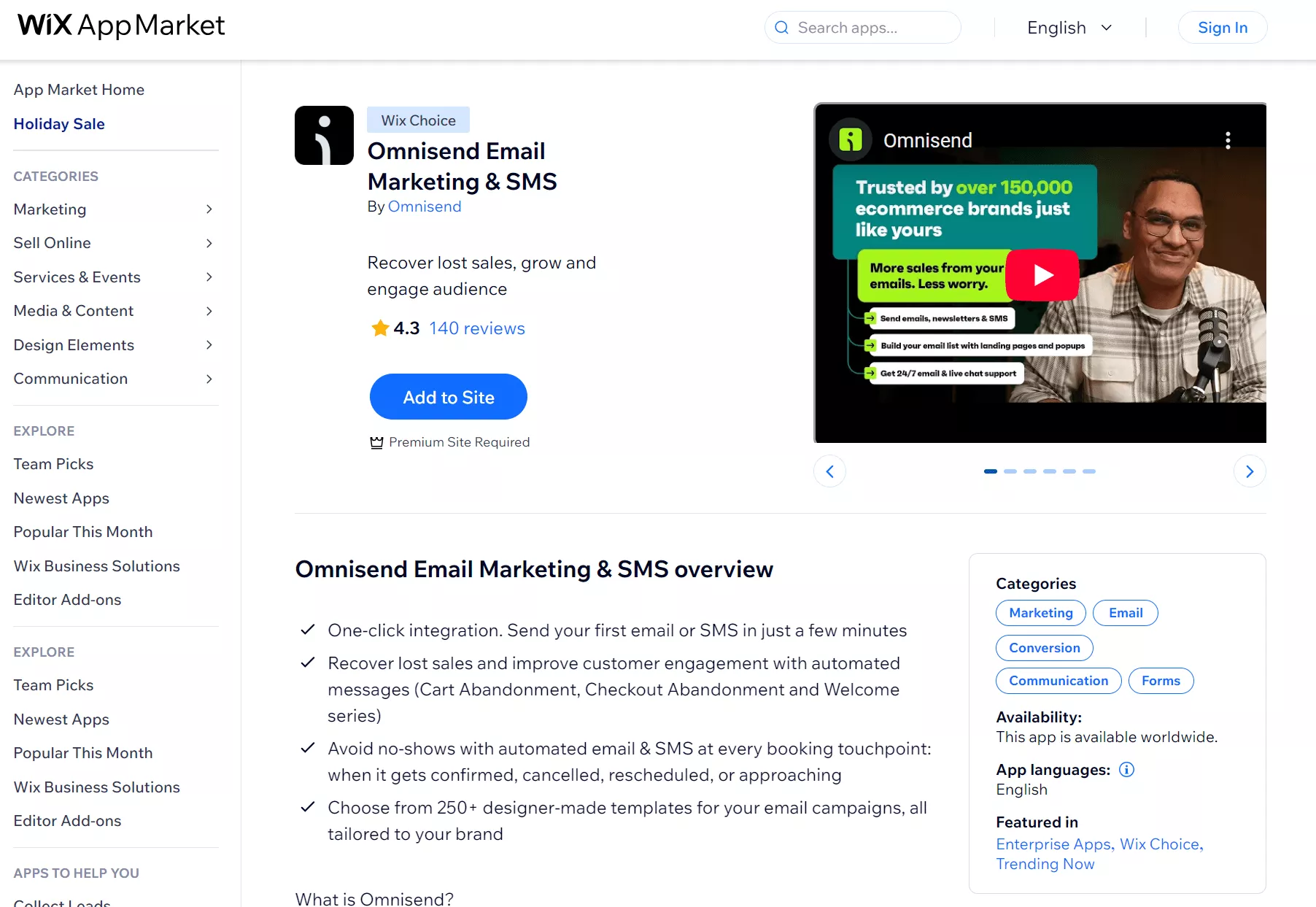
Omnisend is an omnichannel email and SMS marketing app that scales with your store at every growth stage. It automates your customer journey from sign-up to post-purchase and win-back, with customers seeing an average $68 ROI for every $1 spent.
Notice in the screenshot above how Omnisend has the Wix Choice label? That means Wix recognizes Omnisend for its quality, and few other email marketing apps have it. All plans have 24/7 support and access to standard features.
Interested in Omnsend? Watch this video to learn how to connect it to Wix:
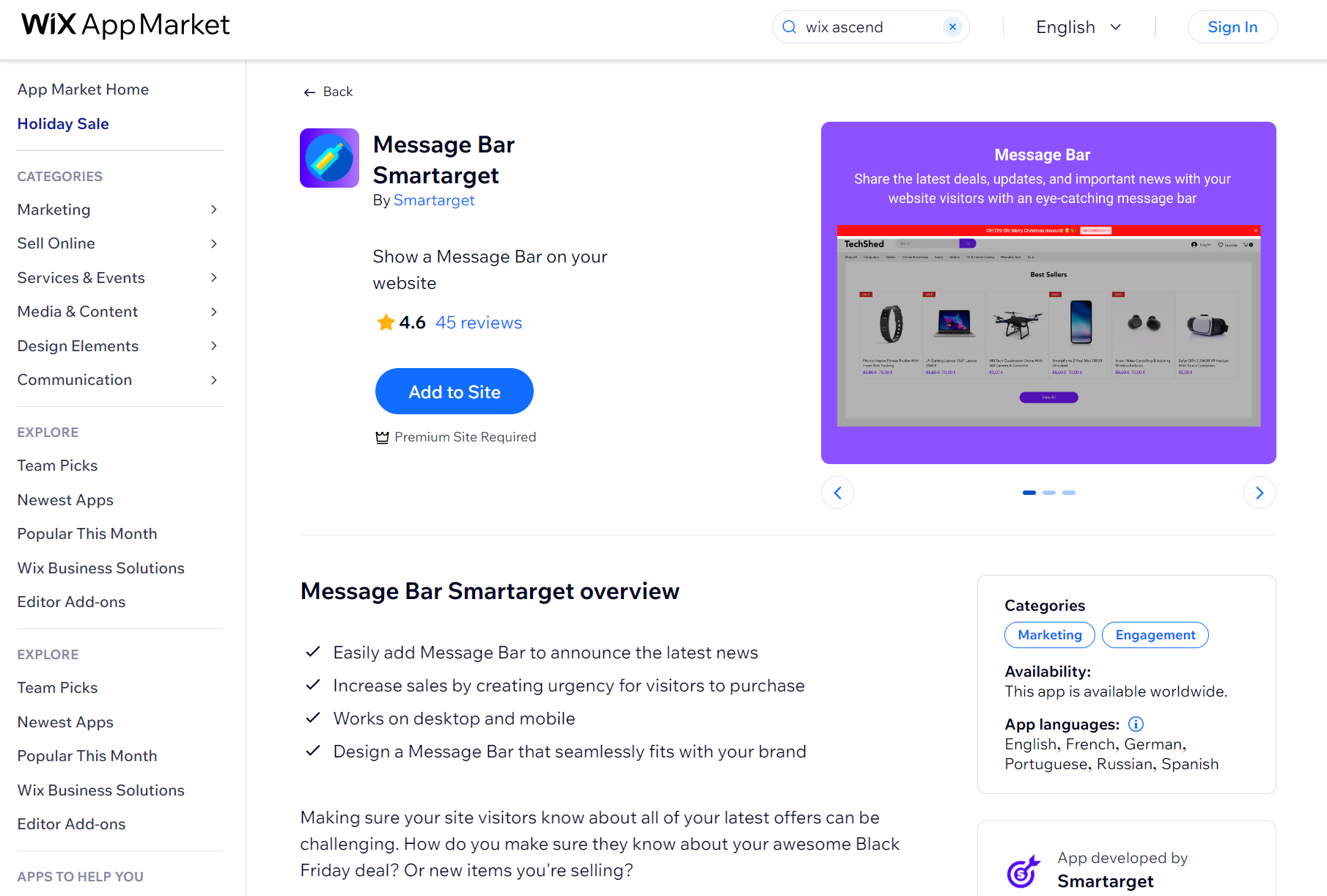
Message Bar Smartarget lets you display announcements, promotions, and updates across your site in a banner that sits at the top or bottom of pages.
You can use it to highlight sales, new product launches, shipping deadlines, or any time-sensitive information customers need to see immediately.
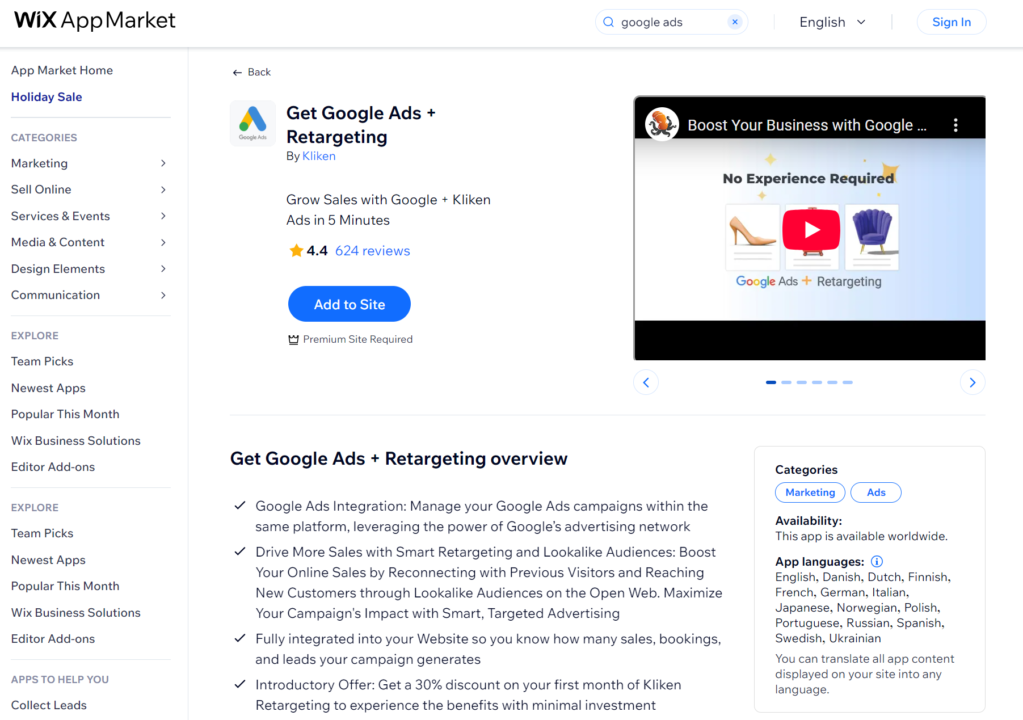
Get Google Ads + Retargeting by Kliken runs Google Ads campaigns and retargets visitors who left your site without buying.
Retargeting shows ads to people who previously visited your site as they browse other websites, while lookalike audiences find new customers similar to your existing ones.
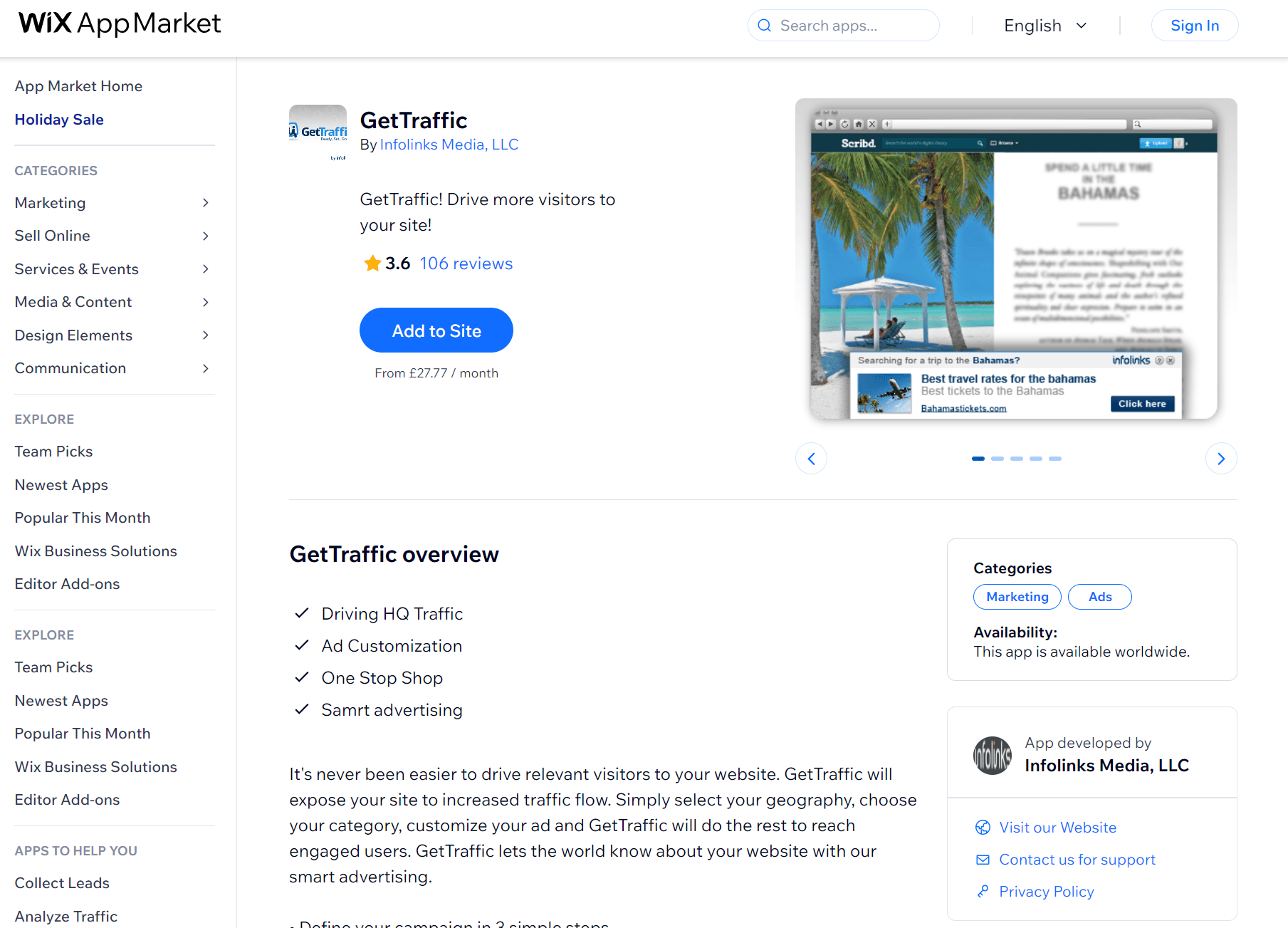
GetTraffic runs automated ad campaigns that use machine learning to create ads based on your site content. You select your location and store category, then the app handles targeting and ad creation to generate traffic to your site.
You’ll appreciate its real-time analytics dashboards that track sources, campaign performance, and traffic patterns across your advertising channels.
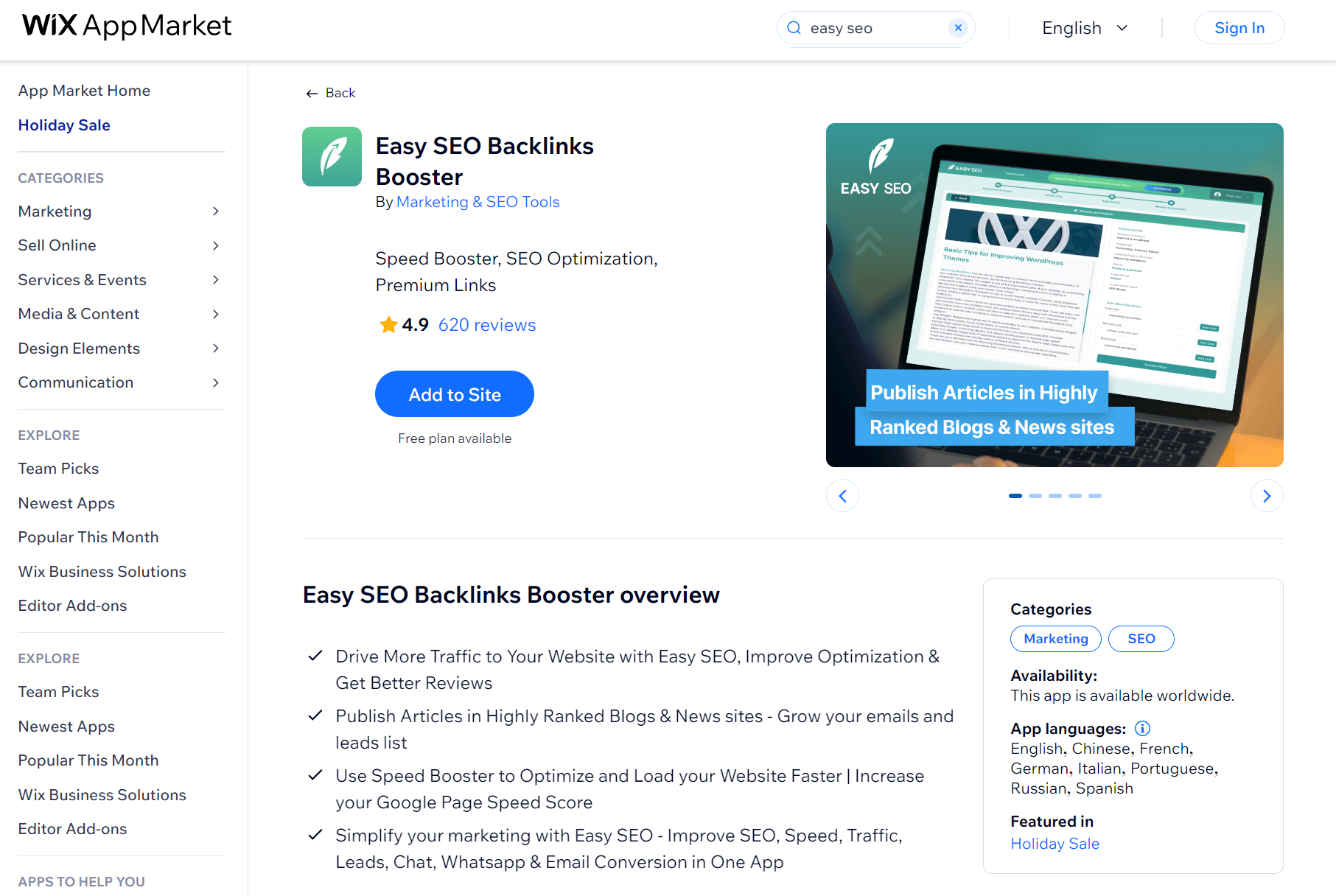
Easy SEO Backlinks Booster publishes articles about your business on high-authority blogs and news sites with backlinks pointing to your store.
You submit article content, select keywords and images, and then the app distributes your articles to partner sites that link back to your store.
These Wix apps can help streamline your sales process:
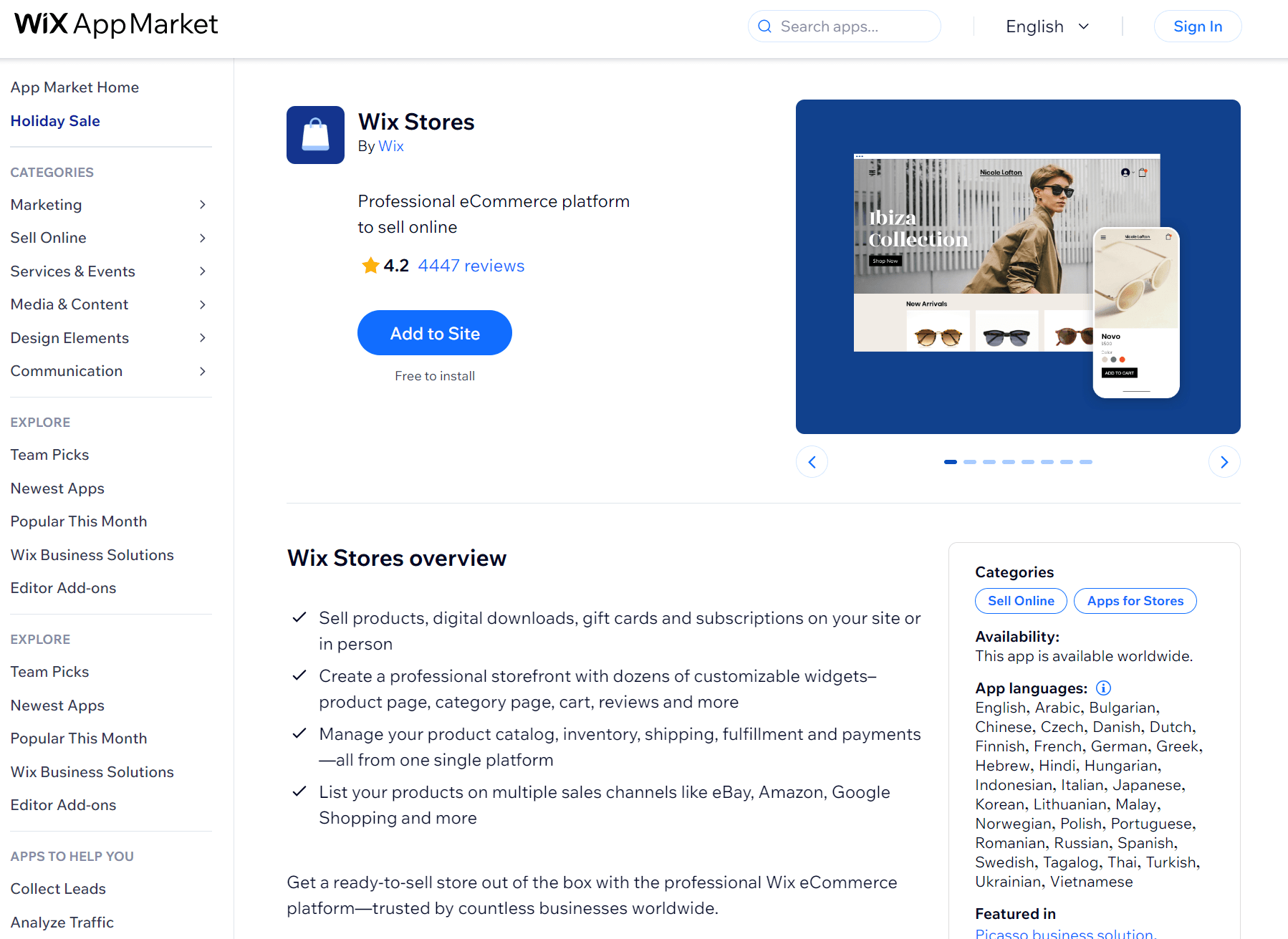
This Wix app is an all-in-one solution for creating and managing an online store based on a Wix website. It’s fully customizable and user-friendly, so you can design it to best represent your brand without having in-depth design or technical knowledge.
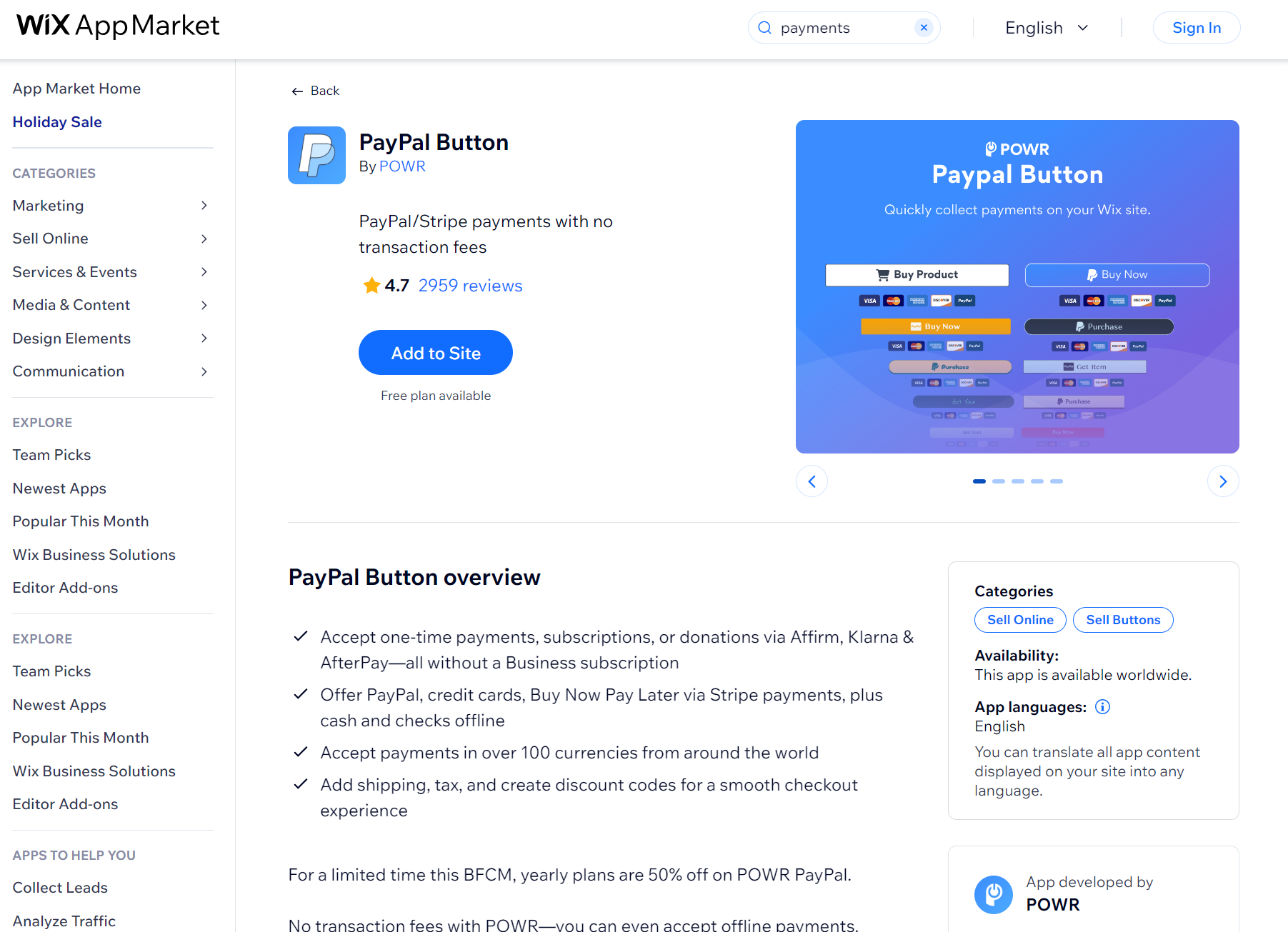
PayPal Button by POWR lets you accept payments through PayPal, Stripe, and Buy Now Pay Later options without needing a Wix Business subscription.
It charges no transaction fees beyond what PayPal and Stripe take, making it cheaper than Wix’s native payment processing for smaller stores.
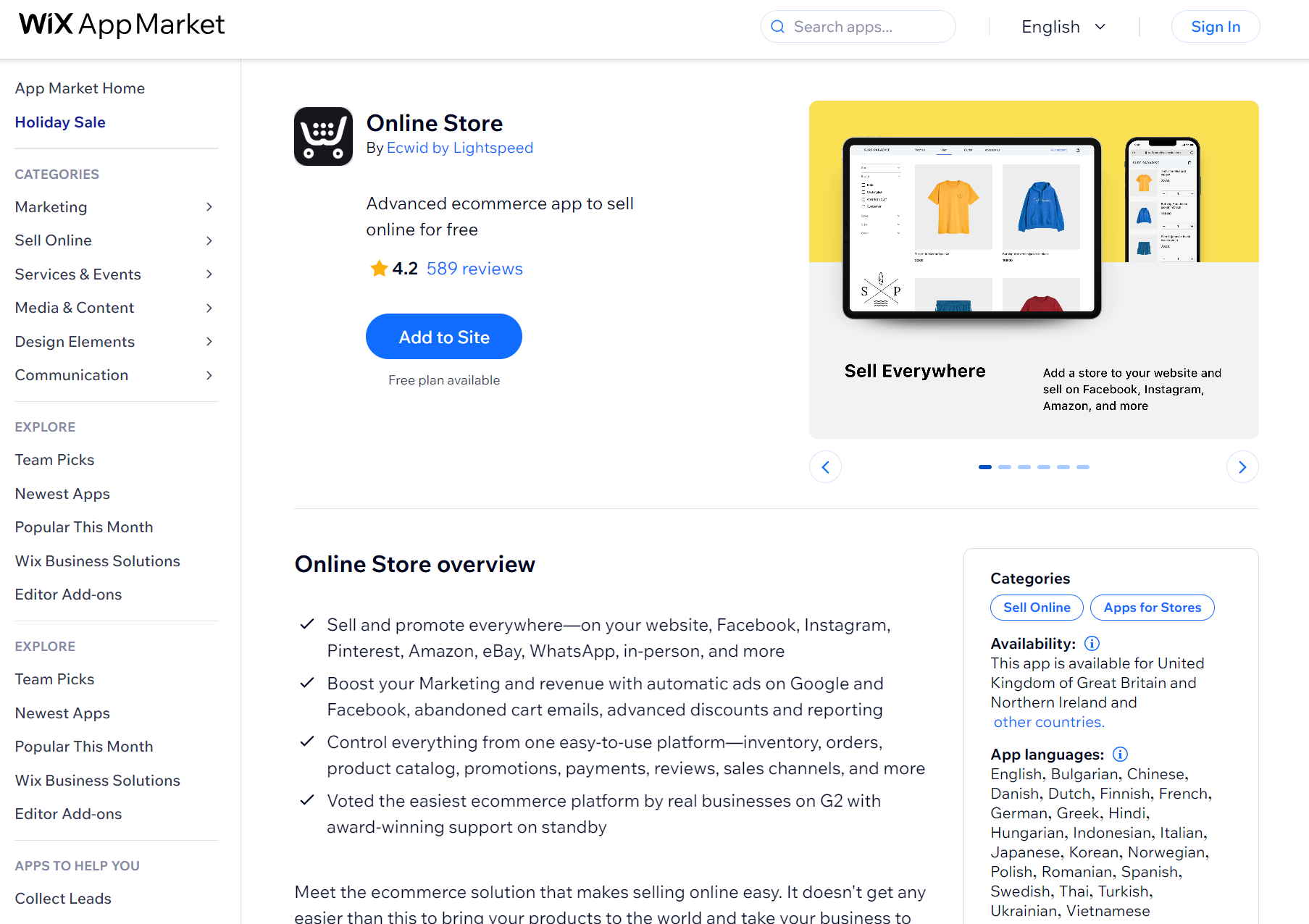
This tool can help you add an online store to your Wix website and grow your customer base. It makes it easy to add multiple products to your ecommerce website and provides easy-to-use tools for customers to personalize their orders based on criteria like size and color.
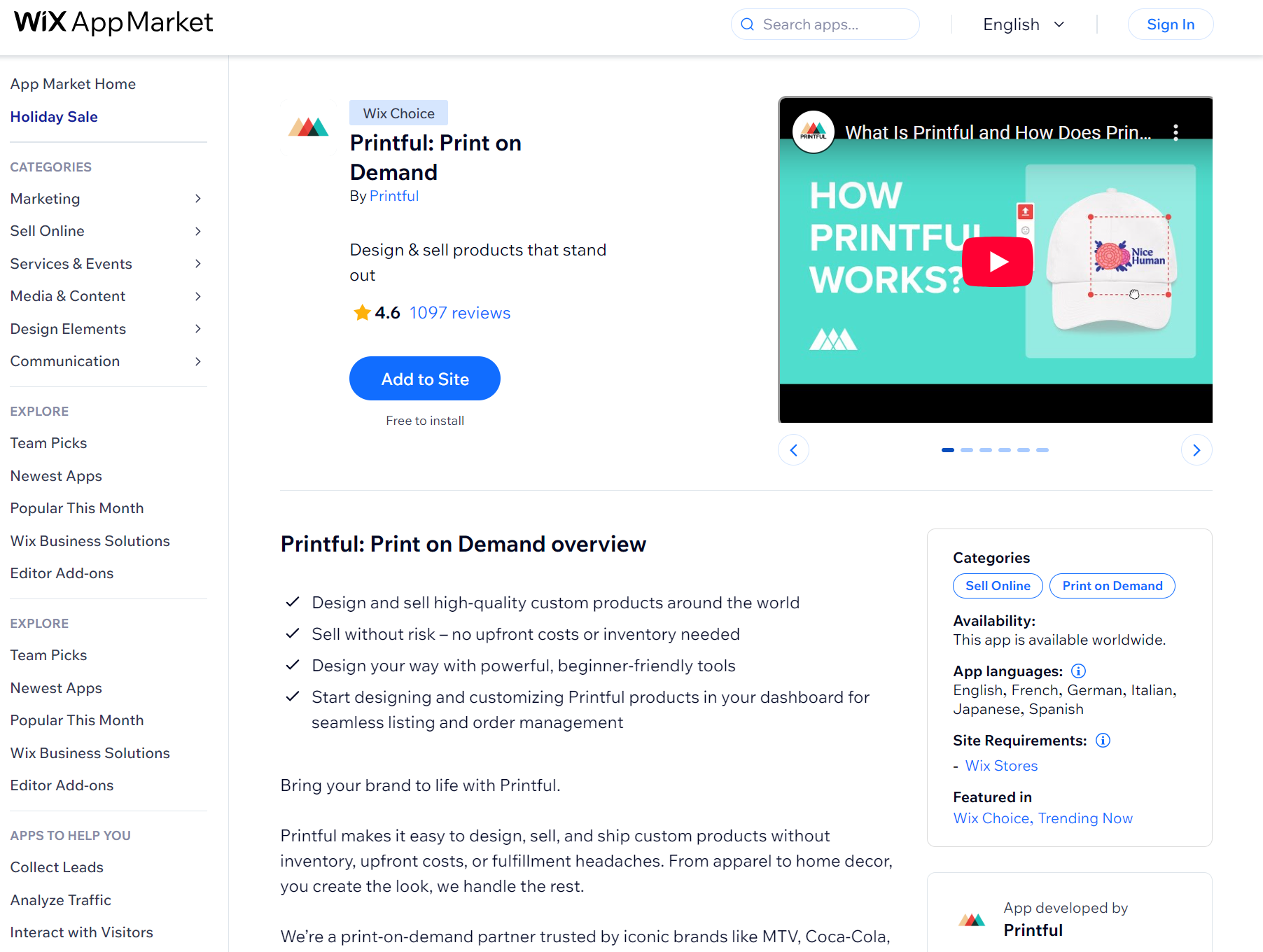
If you’re planning to sell personalized printed clothes, accessories, and other types of products via your Wix online store, this app can potentially save you lots of time and money.
After connecting your Wix store to their platform, you can use their design tools to create uniquely designed products that you can then market and promote through your website.
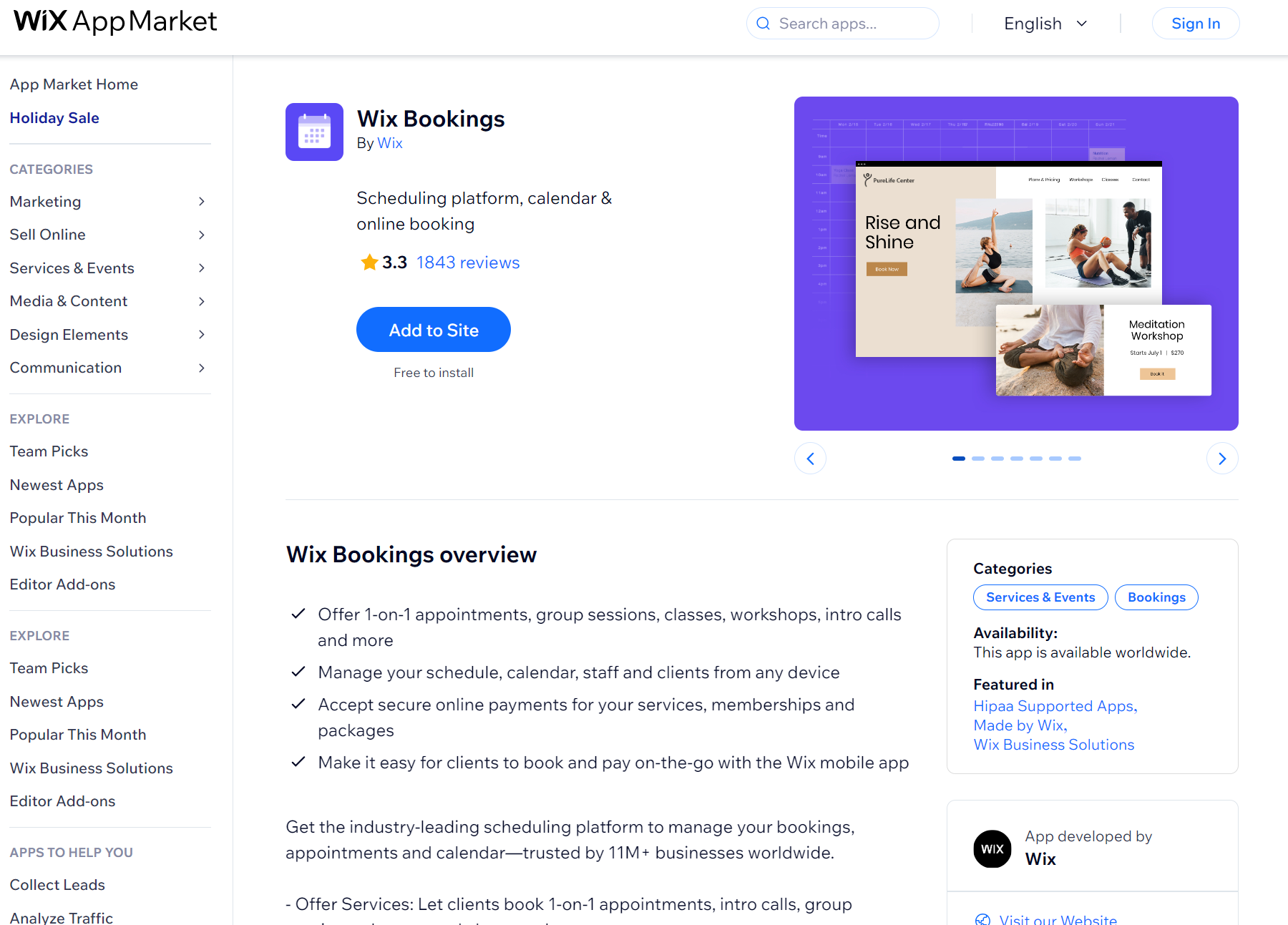
If you sell various appointment-based services through your website, such as classes or workshops, this app can help you manage them effectively.
You can use it to list your services on your Wix website, and customers can automatically book appointments. It automatically syncs with your Google calendar, so you can avoid double bookings and other scheduling issues.
These apps can help make your Wix ecommerce website more visually appealing and easier to use by visitors:
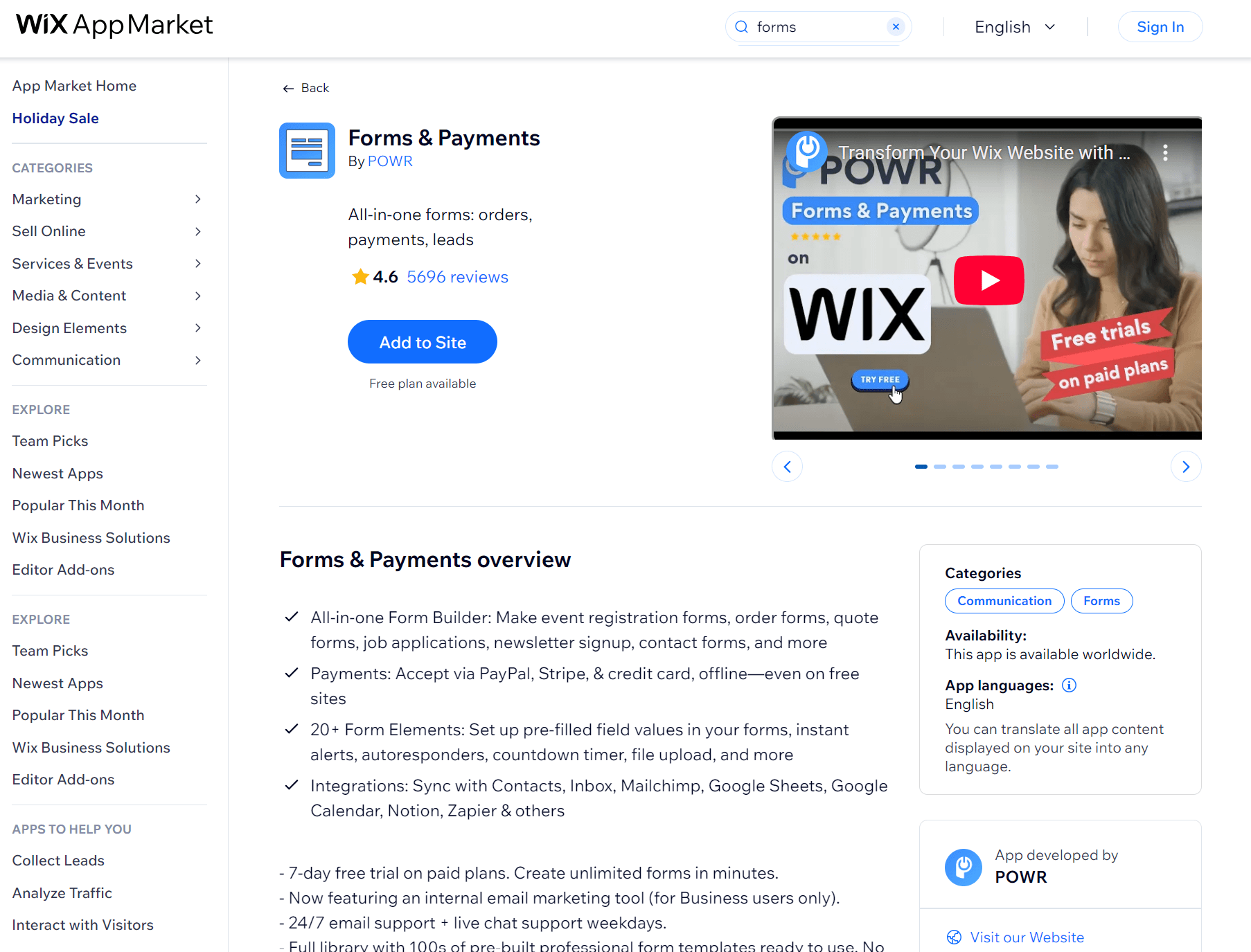
Forms & Payments handles contact forms and order forms with built-in payment processing, including event registrations, job applications, quote requests, and newsletter signups.
It includes over 100 pre-built templates and charges no fees beyond what payment processors take, making it a cost-effective lead gen app.
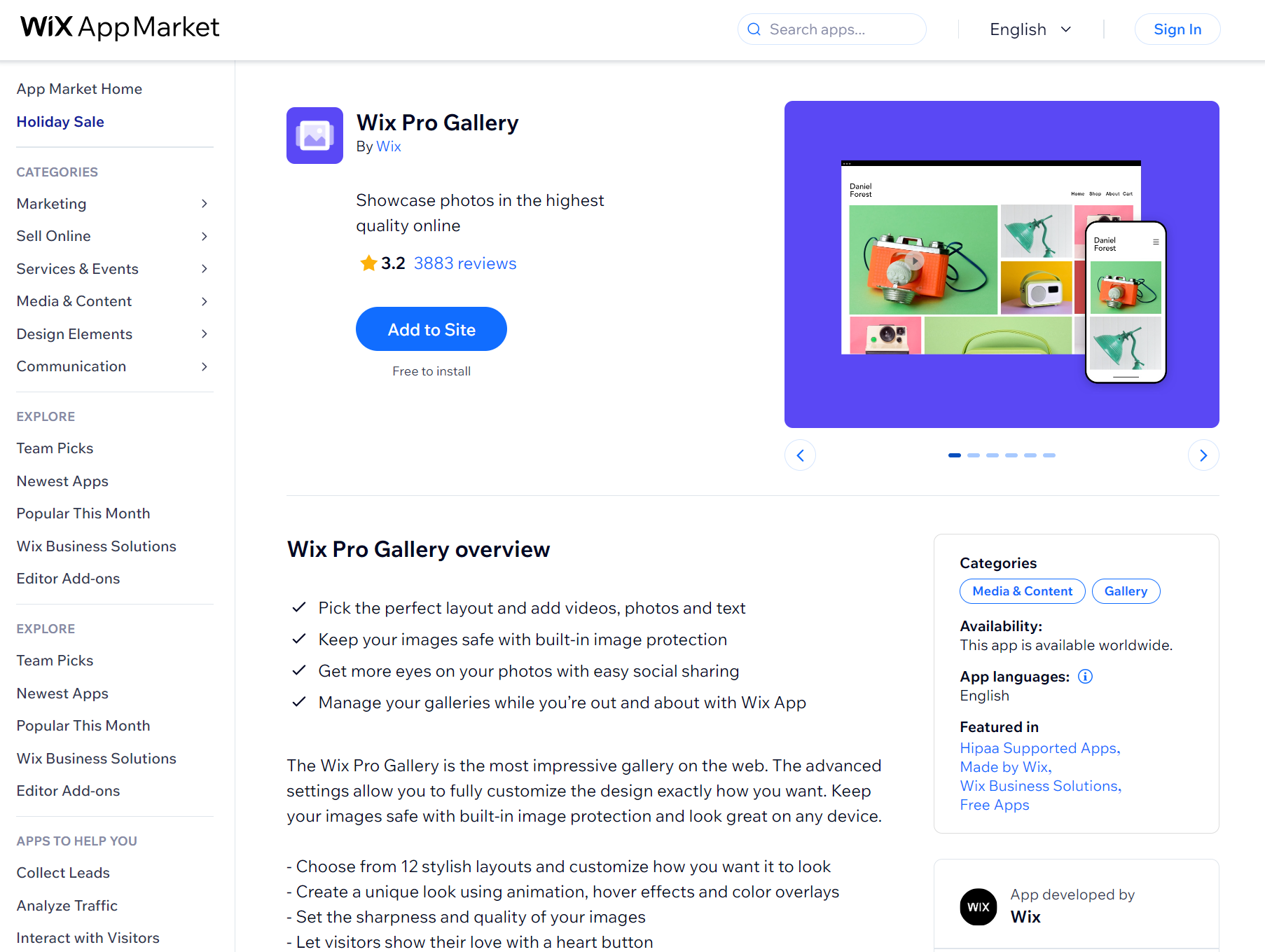
Wix Pro Gallery helps you organize product photos and videos into galleries using 12 layout options, from masonry grids to slideshows.
You set how images animate when visitors hover over them, adjust image sharpness, and decide whether your mobile gallery matches the desktop version or uses a different layout.
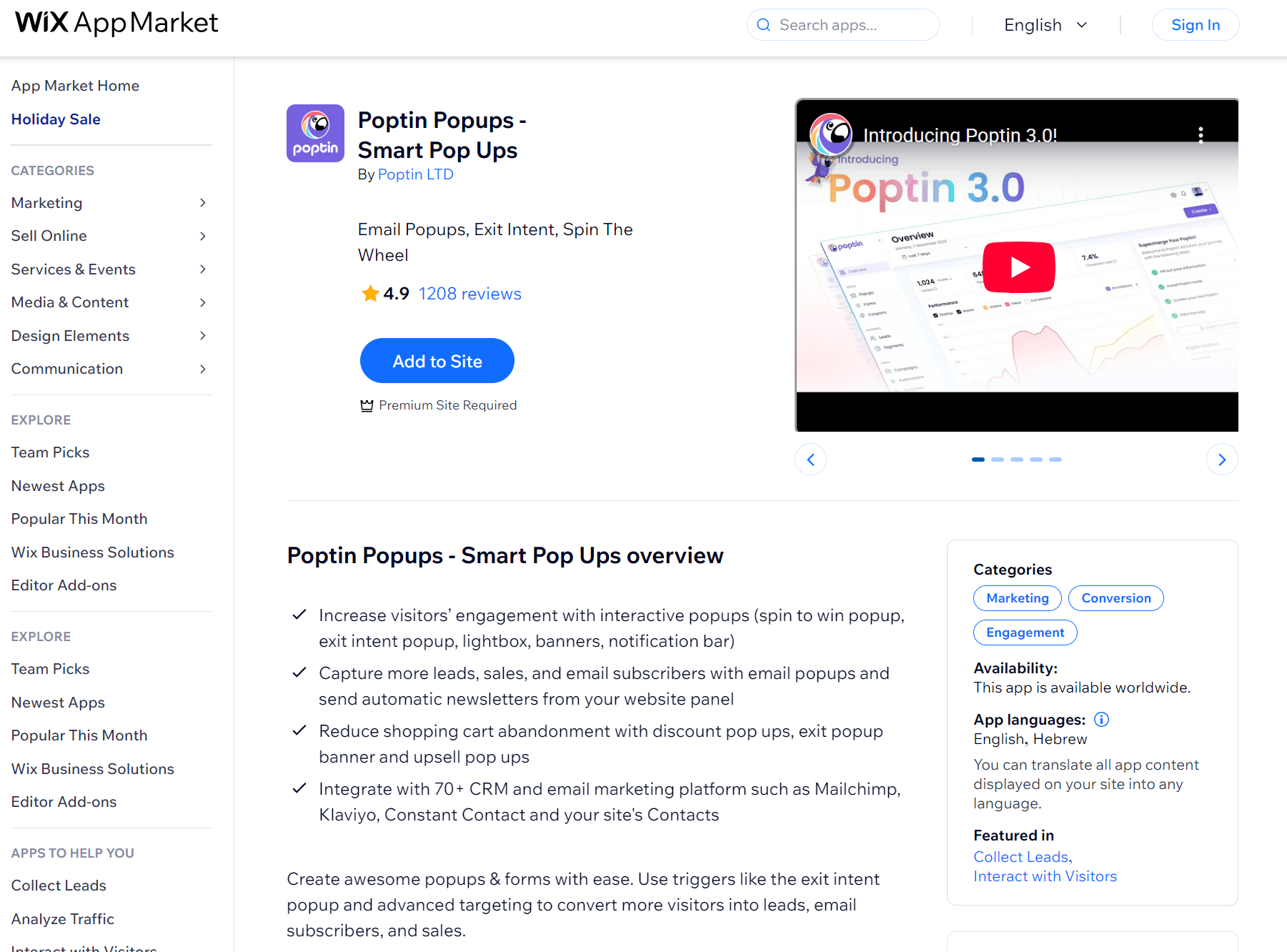
Poptin lets you build popups that appear when visitors try to leave your site, scroll halfway down a page, or click a button.
You drag elements into lightboxes, slide-ins, or gamified wheels where customers spin for discounts, then connect the form to your Wix contacts or email marketing app, such as Omnisend, so emails land where you need them.
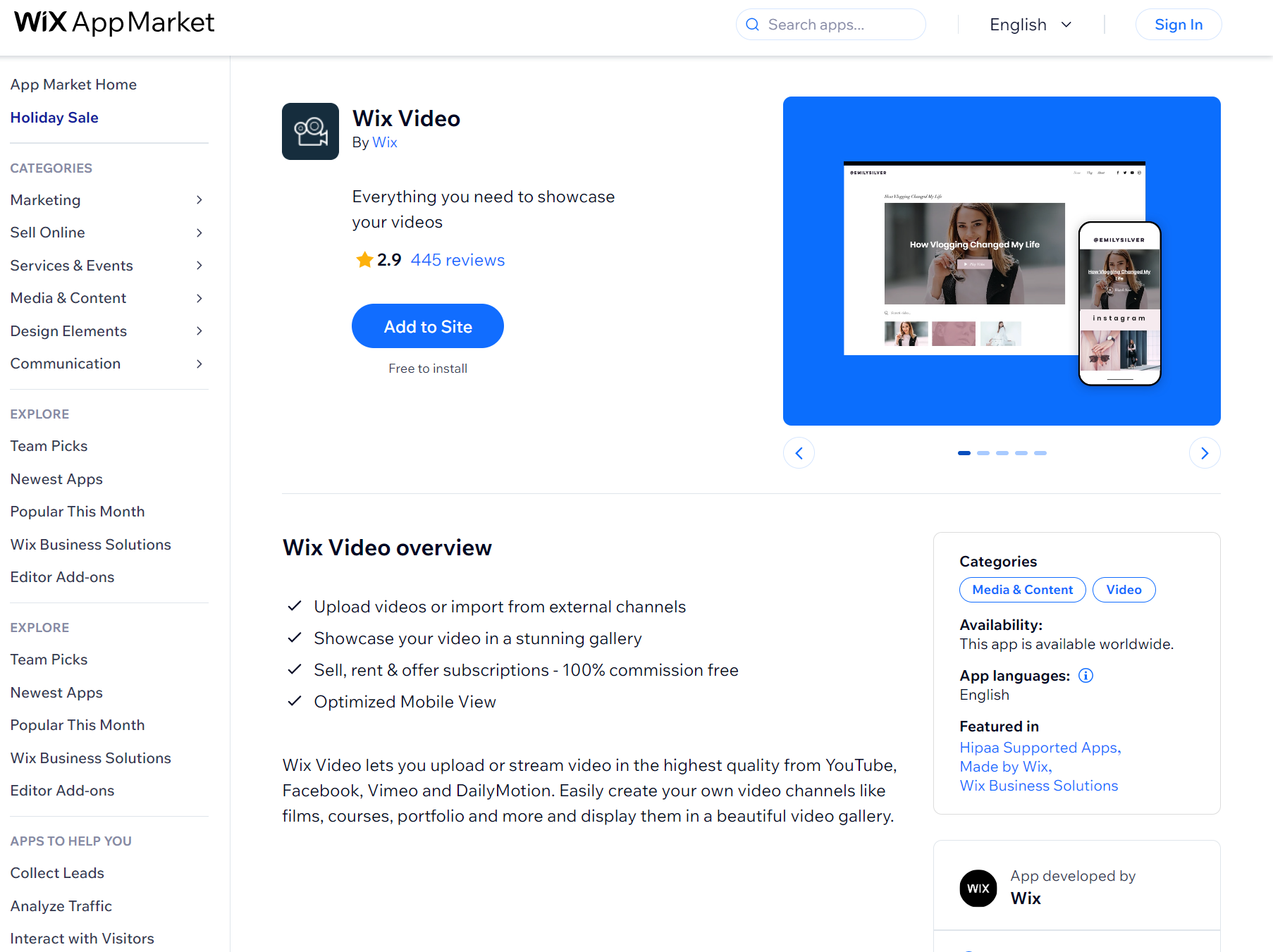
Wix Video lets you upload video files or pull them from YouTube, Facebook, Vimeo, and DailyMotion without leaving your dashboard, and then charge for content, handling sales and rentals without taking a commission.
You set prices for individual videos or create subscription plans where customers pay monthly for access to your whole library.
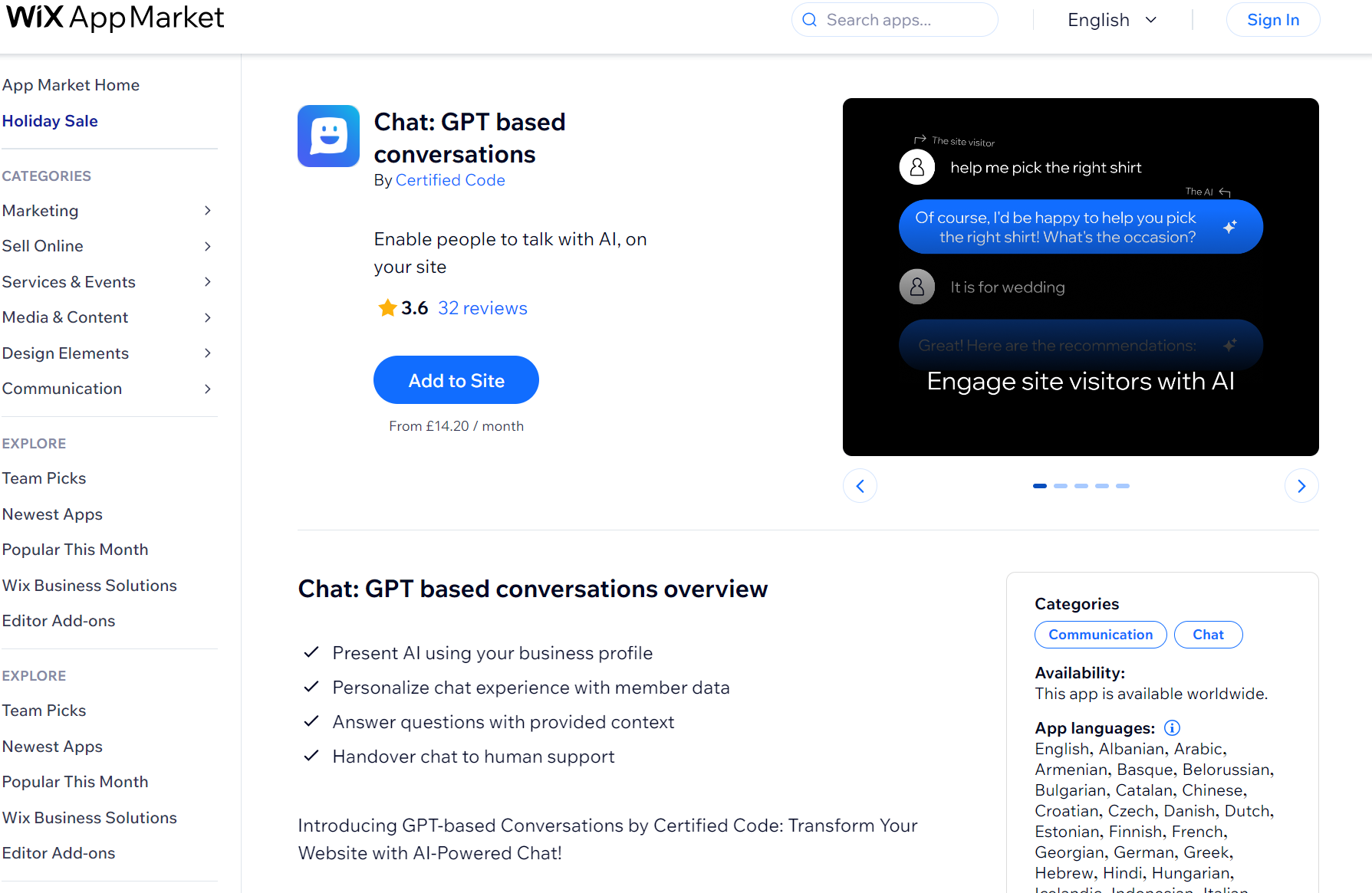
With this app, AI chatbots let you stay offline while customers get answers to product questions, shipping details, and policy inquiries. You load the bot with your store information, and it handles conversations in whatever language your customer prefers.
Customer support can’t yet be fully automatized, but there are plenty of apps to help you make it as effective as possible:
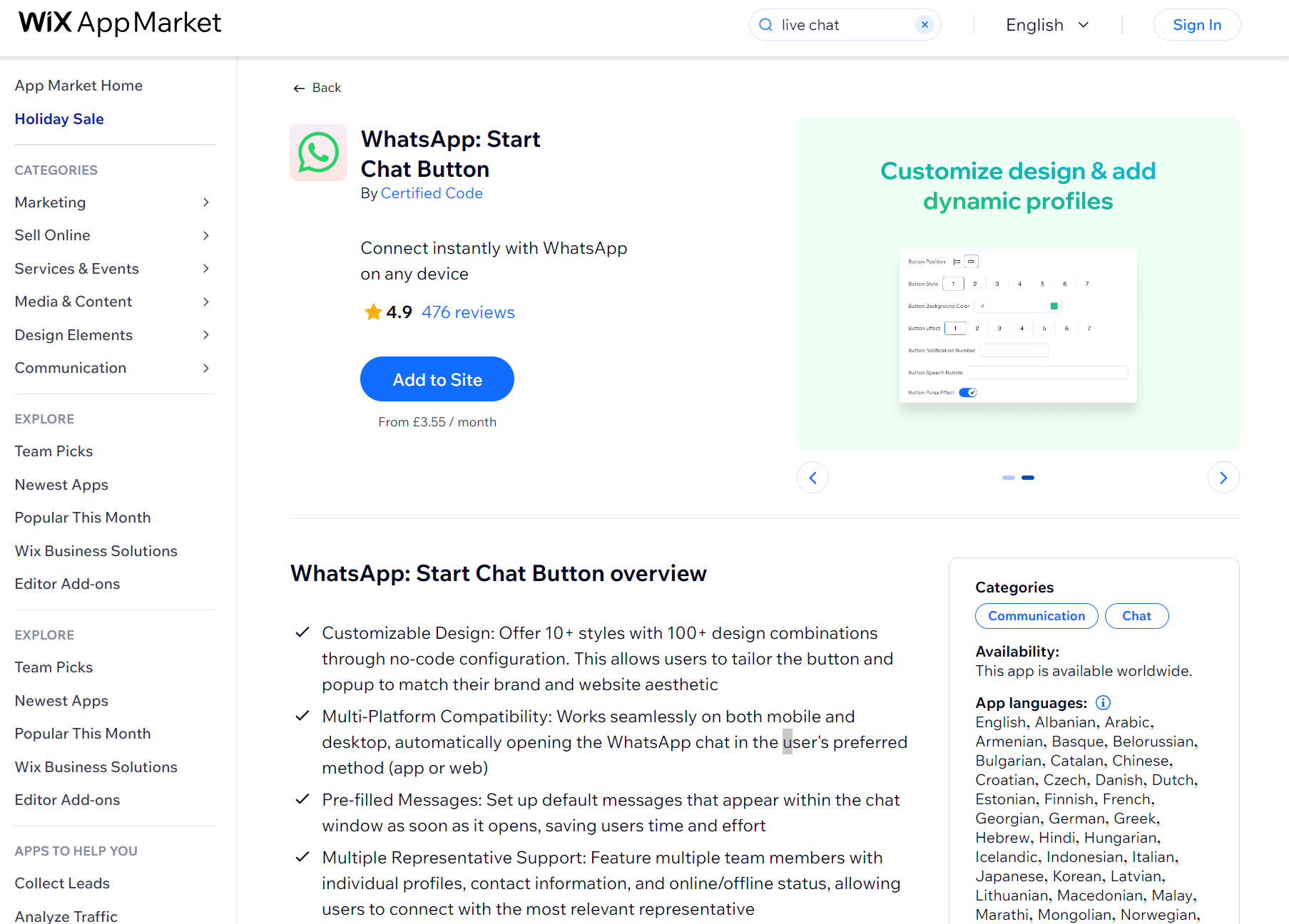
WhatsApp: Start Chat Button adds a floating widget to your site that opens WhatsApp conversations when clicked, so your visitors on mobile can chat with you via the WhatsApp app.
Additionally, desktop customers can open WhatsApp Web, keeping them in an environment they already use daily instead of a random chatbot.
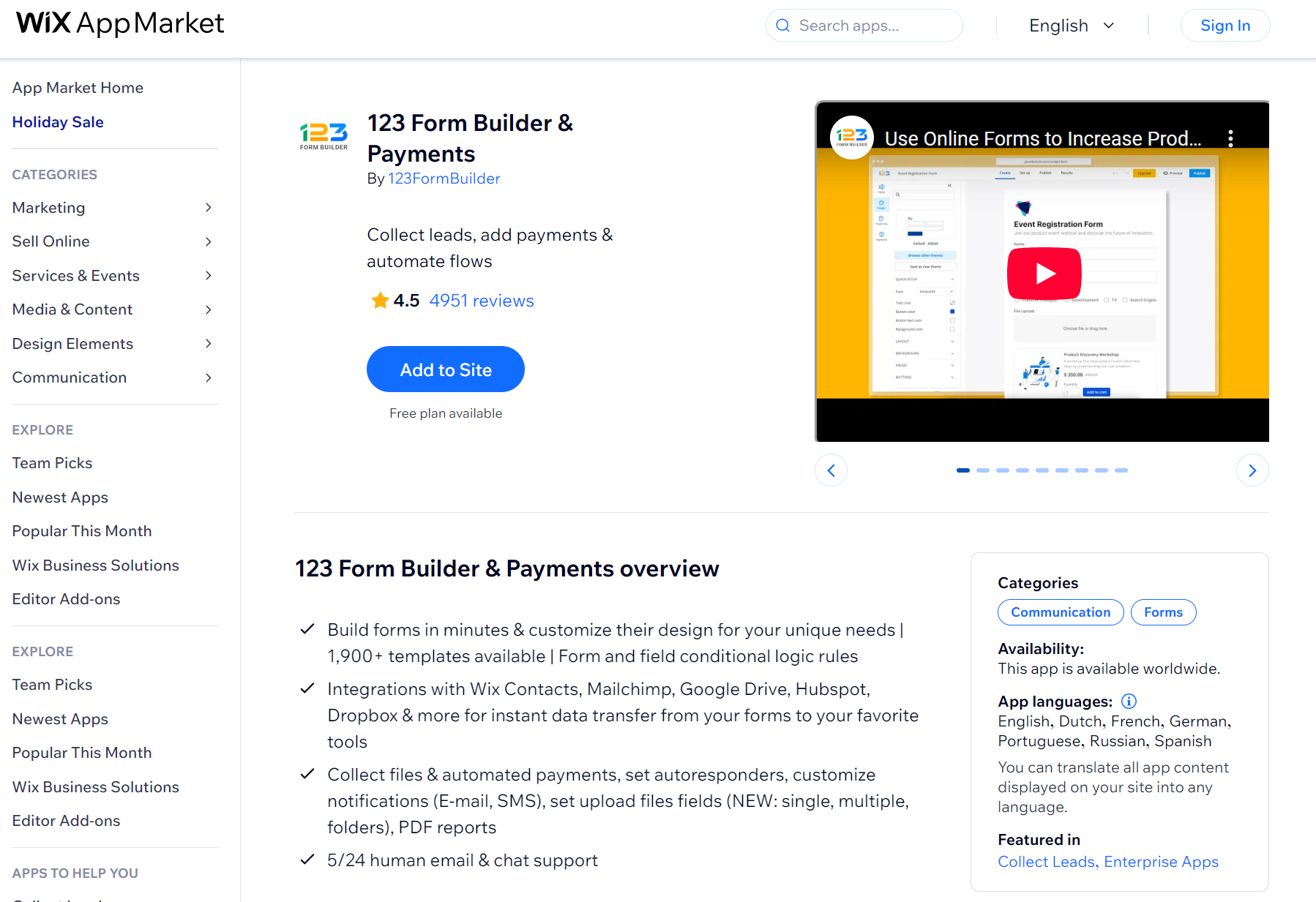
123 Form Builder handles registrations, applications, and orders through forms that accept payments while people fill them out. Pick from 1,900 templates, drag in the fields needed, and wire up PayPal or Stripe so transactions happen without redirecting to separate payment pages.
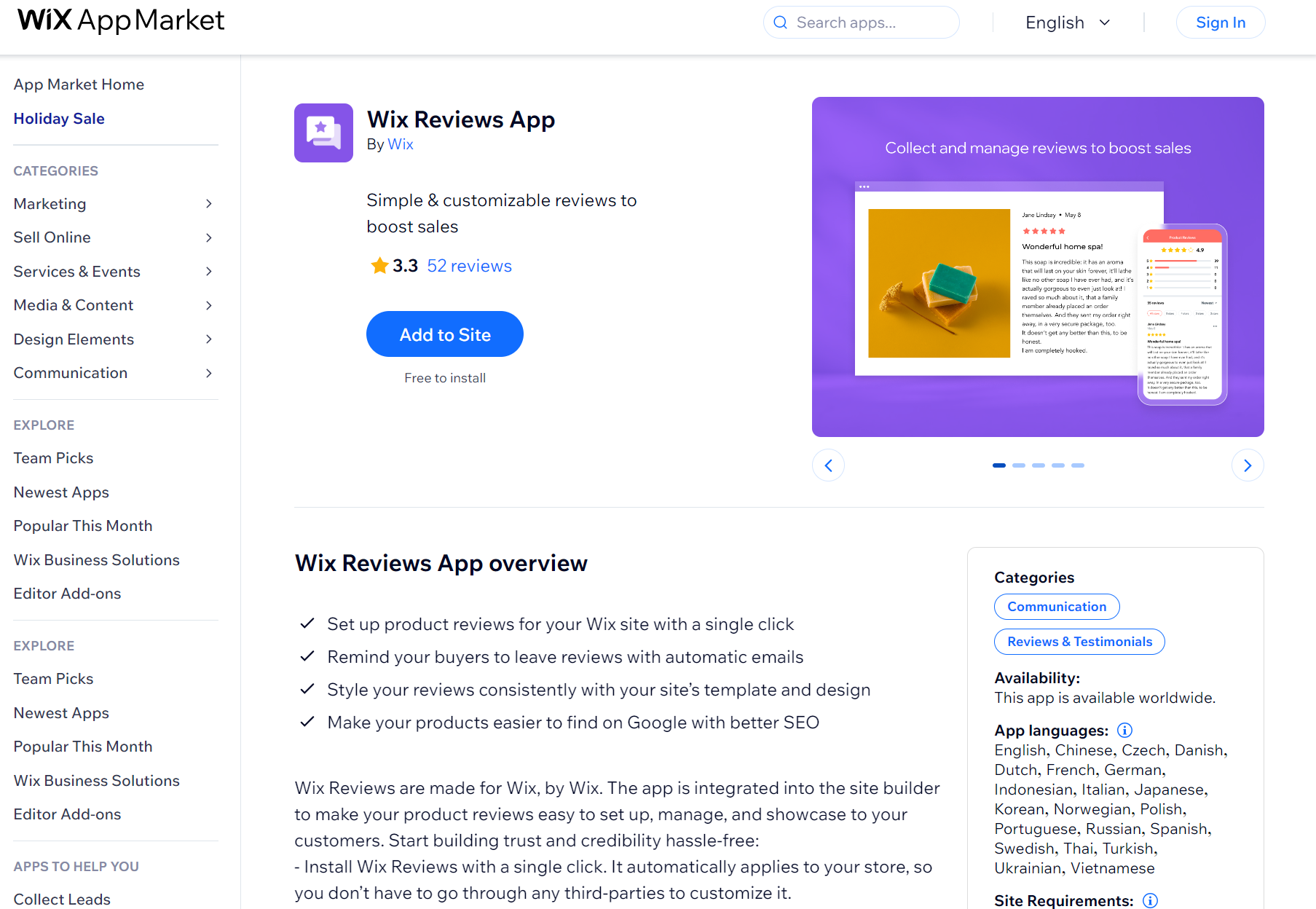
Product and website reviews from existing customers are a great way to improve your online store’s reputation. Wix Reviews is made by Wix, so it perfectly integrates into the website builder to deliver a seamless experience for you and your customers.
It automatically attaches itself to your store after installing it and will match your website’s design, maintaining a consistent look. You can also further customize it to match your goals.
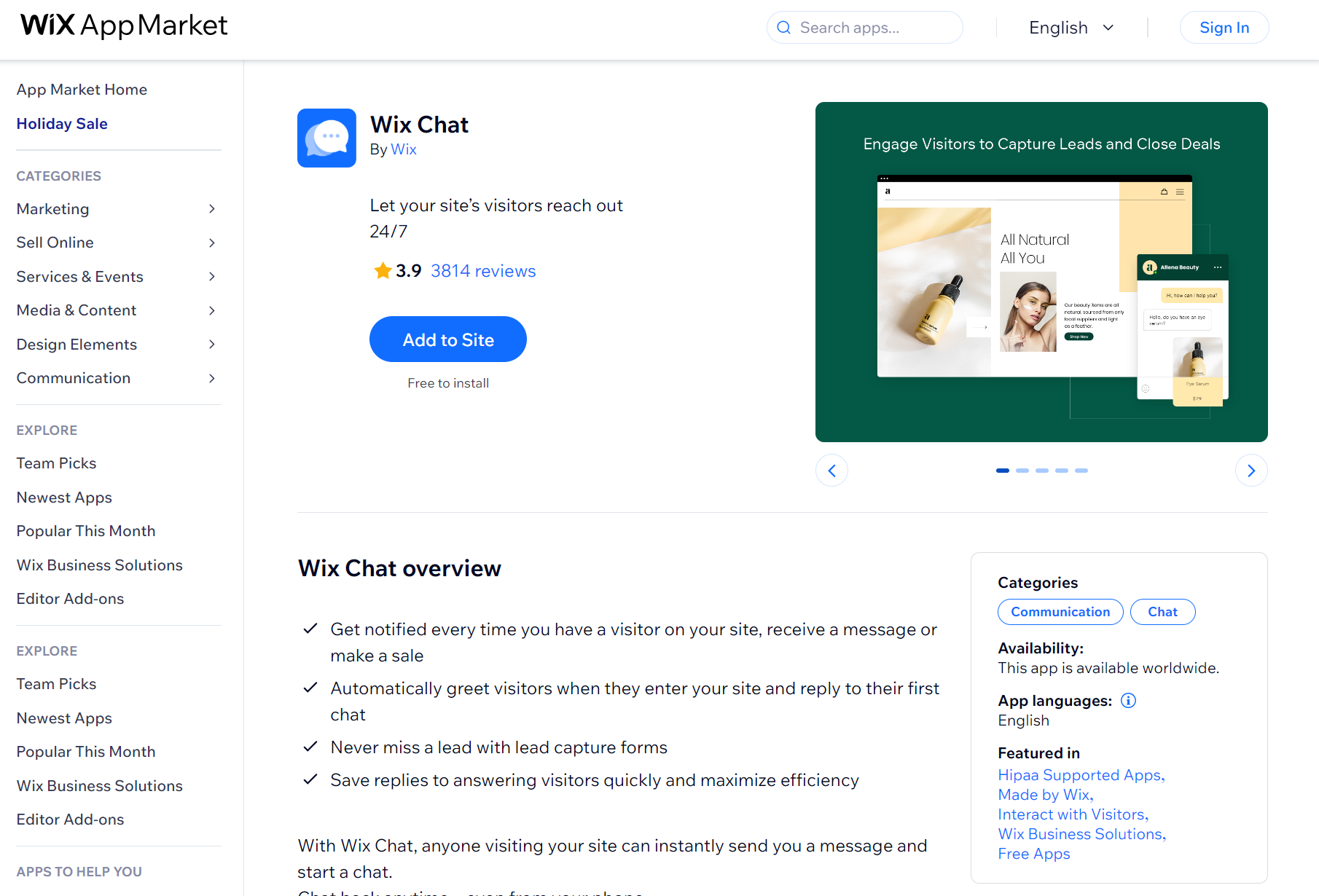
Having a direct form of communication with your customers can benefit your online store in multiple ways. It’s a two-way street, so they can instantly send you a message if they have something to ask, and you can also greet them as they browse your website.
Wix Chat makes these interactions easy for everyone involved, helping you build stronger relationships with your visitors.
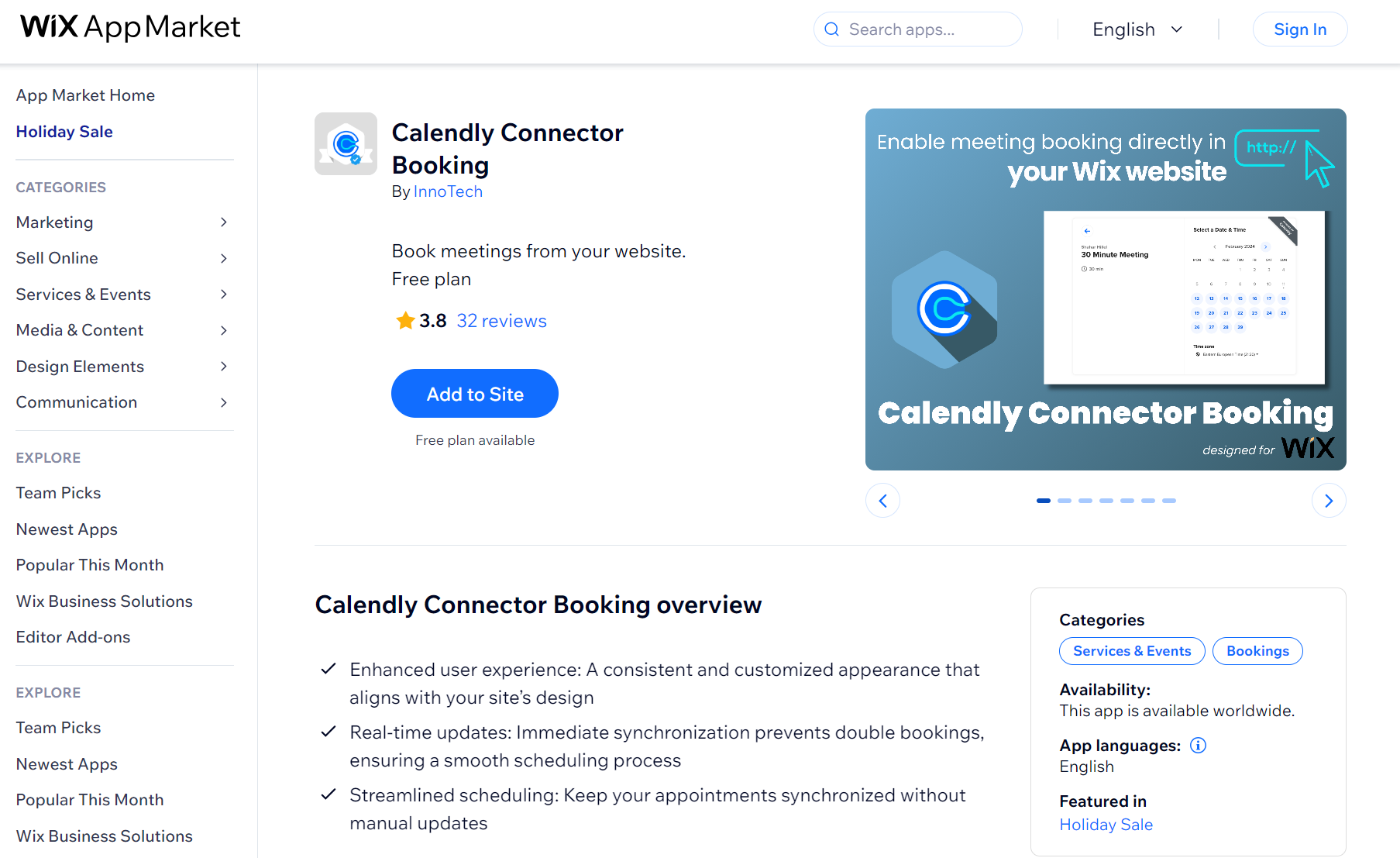
If your online business involves setting up online appointments with existing or potential customers, having an app that automatically fills your calendar can help free up your time.
Calendly syncs with your calendar and shows your availability in real-time to anyone interested in booking an appointment. They can then schedule a meeting simply by clicking a link and booking a specific time slot.
These Wix apps can help you analyze your past performance to help you improve various operations:
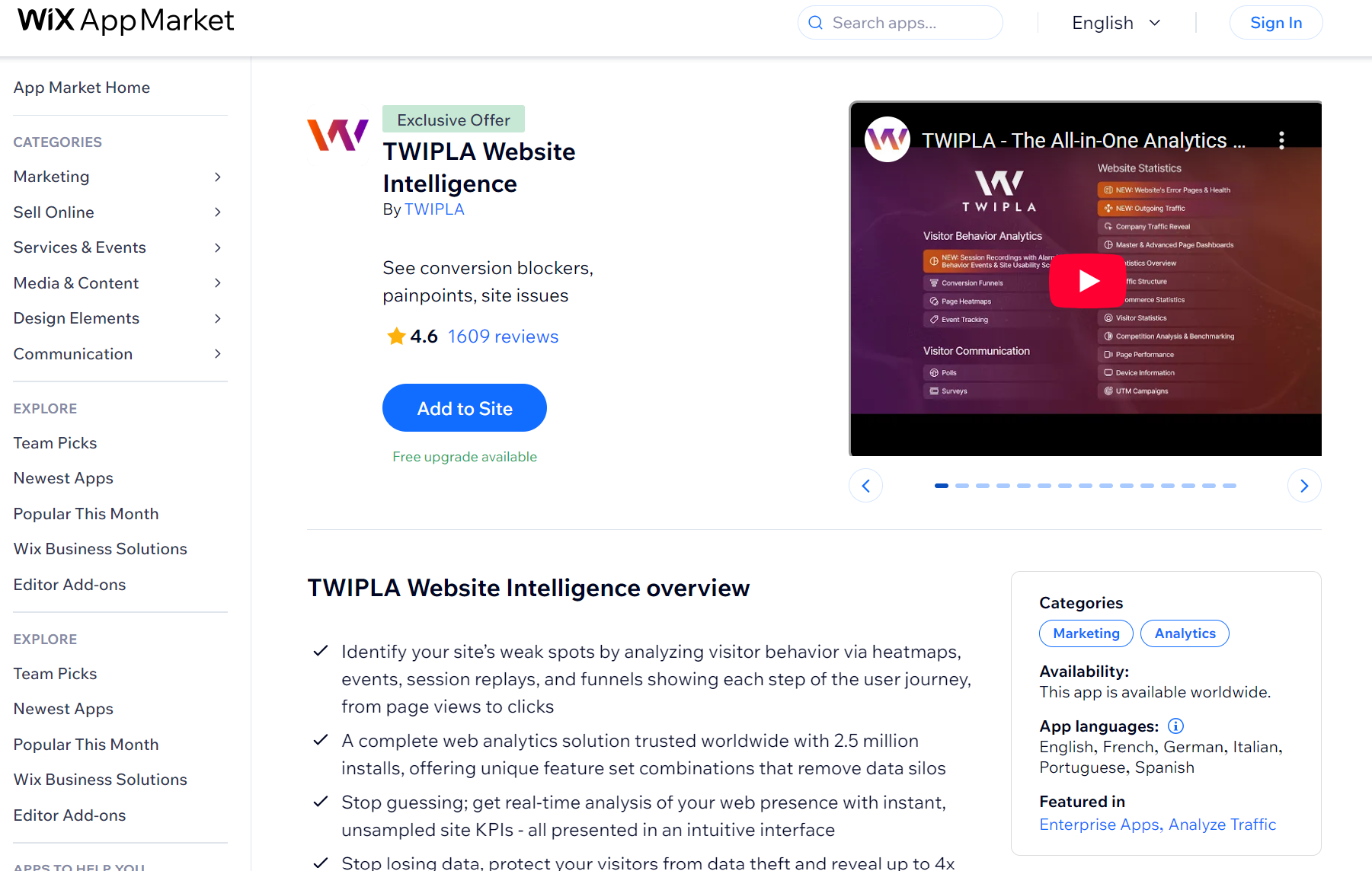
TWIPLA tracks visitor behavior through heatmaps showing where people click, session recordings capturing how they navigate pages, and funnels revealing where they drop off during checkout or signup.
Alerts flag conversion blockers like dead clicks and rage clicking when visitors repeatedly tap broken elements. Built-in polls and surveys collect direct feedback, and custom dashboards segment data by traffic source, device, or behavior patterns without requiring A/B testing tools.
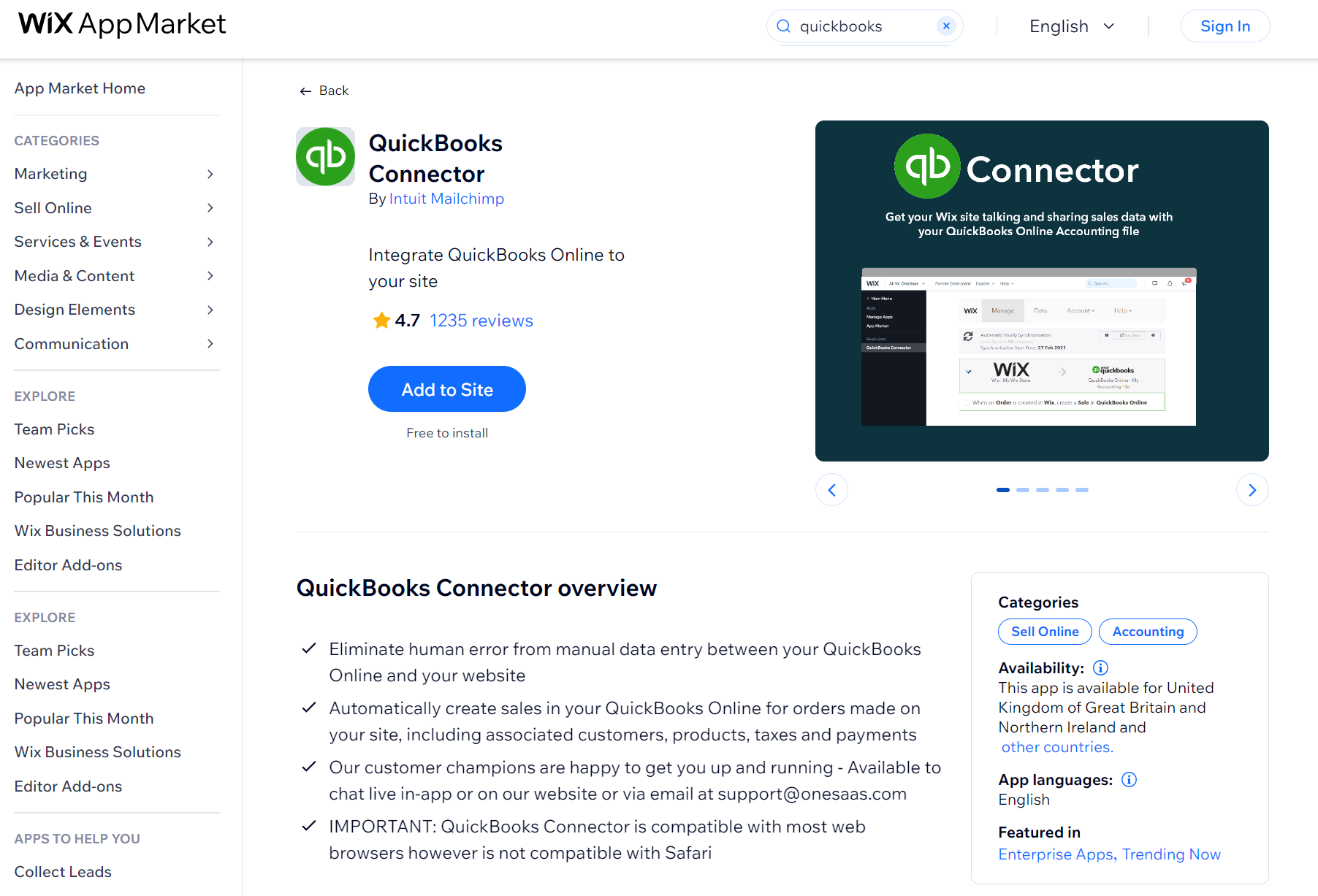
QuickBooks Connector sends orders from your Wix store, events, or hotel bookings directly into QuickBooks Online as sales records. Each order creates a corresponding entry with customer details, product information, tax codes, and payment status without manual data entry.
Tax codes from Wix map to QuickBooks equivalents, and new products added to the store automatically become items in QuickBooks. Orders sync based on payment status filters, so completed transactions flow to accounting while pending ones stay out until confirmed.
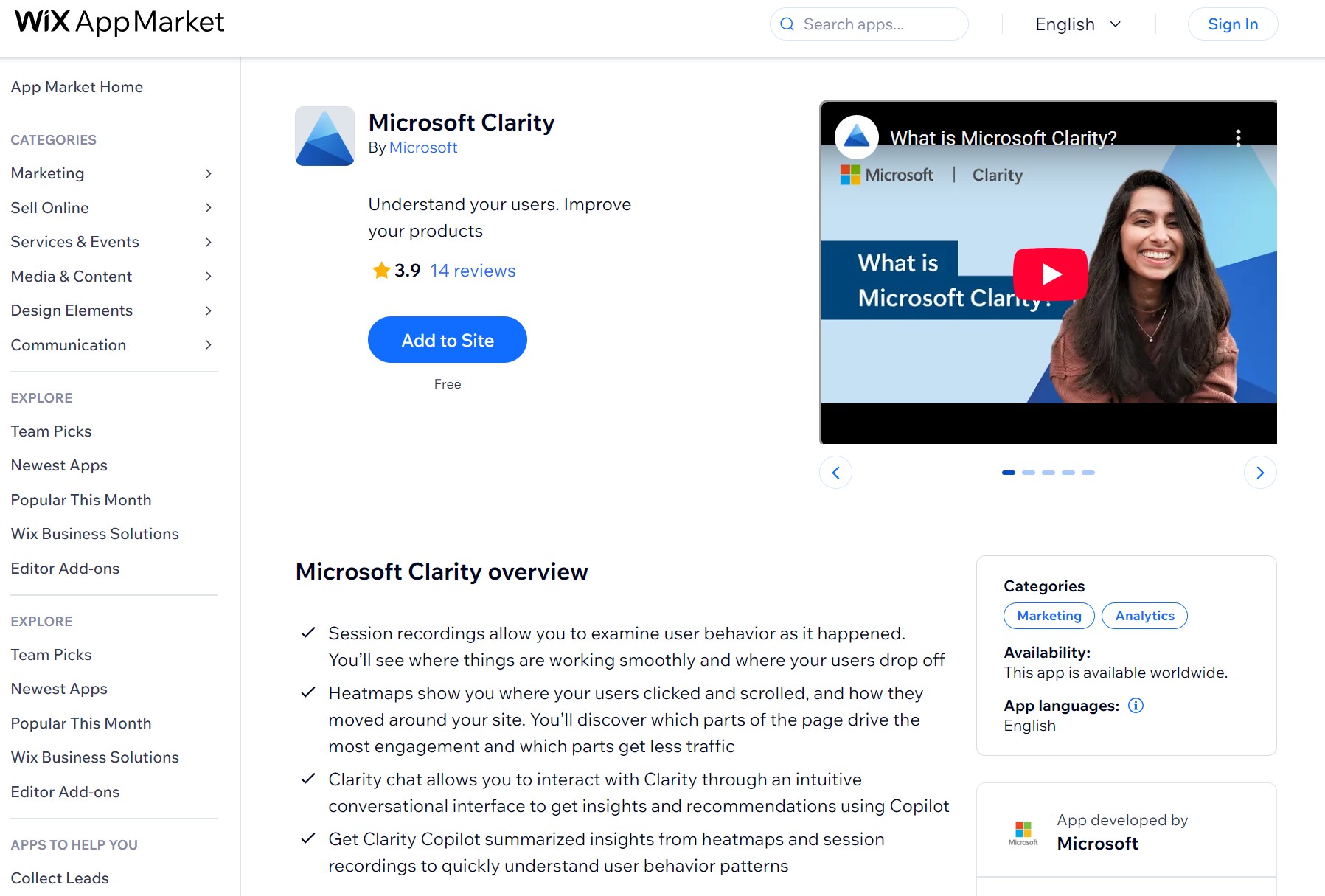
Microsoft Clarity records visitor sessions showing how people navigate pages, where they click, and when they leave. Heatmaps overlay this data to reveal which page sections get attention and which get ignored.
Clarity Copilot summarizes patterns from recordings and heatmaps through conversational queries, answering questions about user behavior without manually reviewing hours of footage. The tool is free with no usage limits or paid tiers.
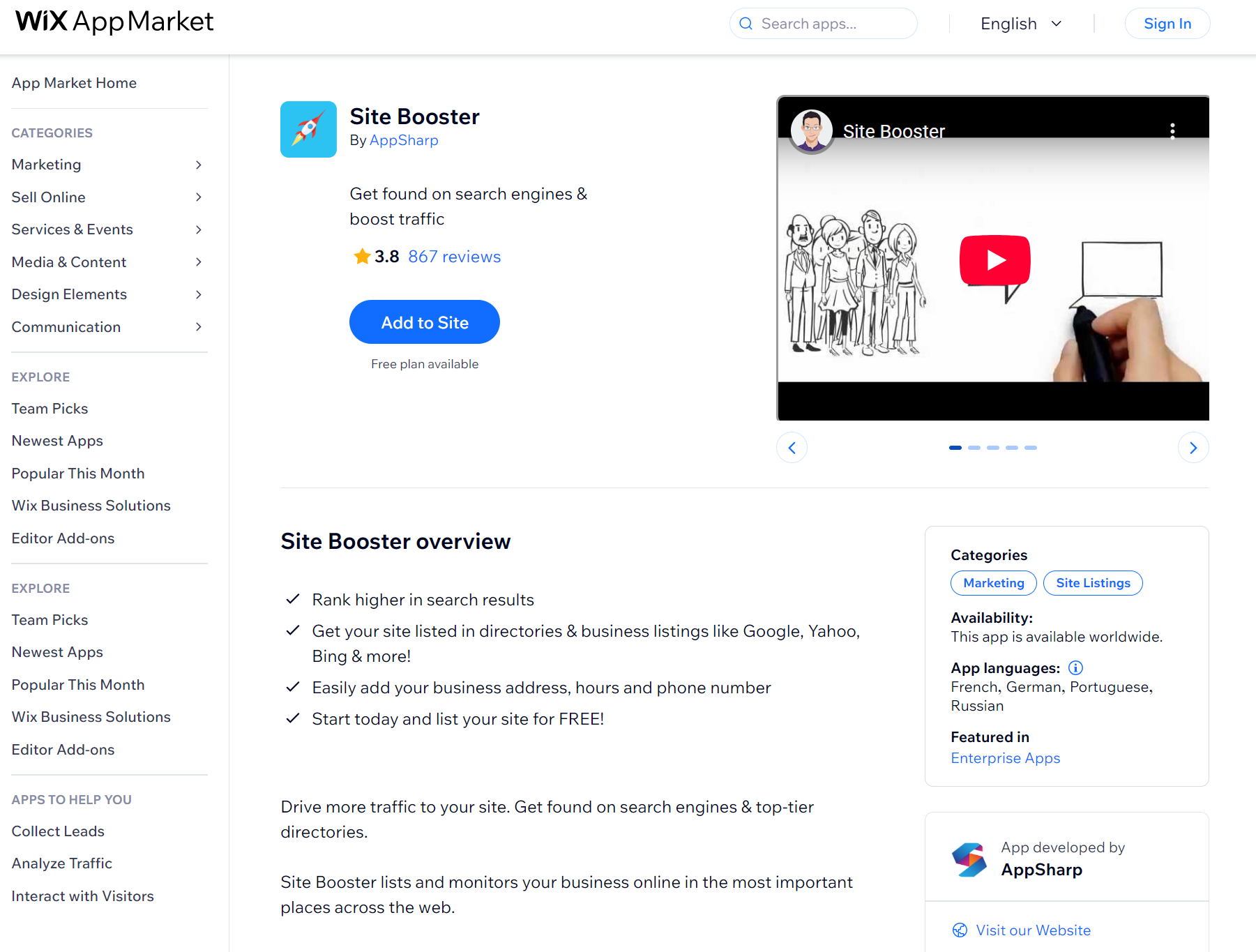
This app can help get more people to visit your Wix store by improving your visibility on popular search engines. It does that by optimizing your website to fit within SEO guidelines and listing it in relevant online site directories, including places like Google Maps and Yelp.
It also automatically updates after you make changes to the online store and ensures that the website is fully compatible with mobile devices.
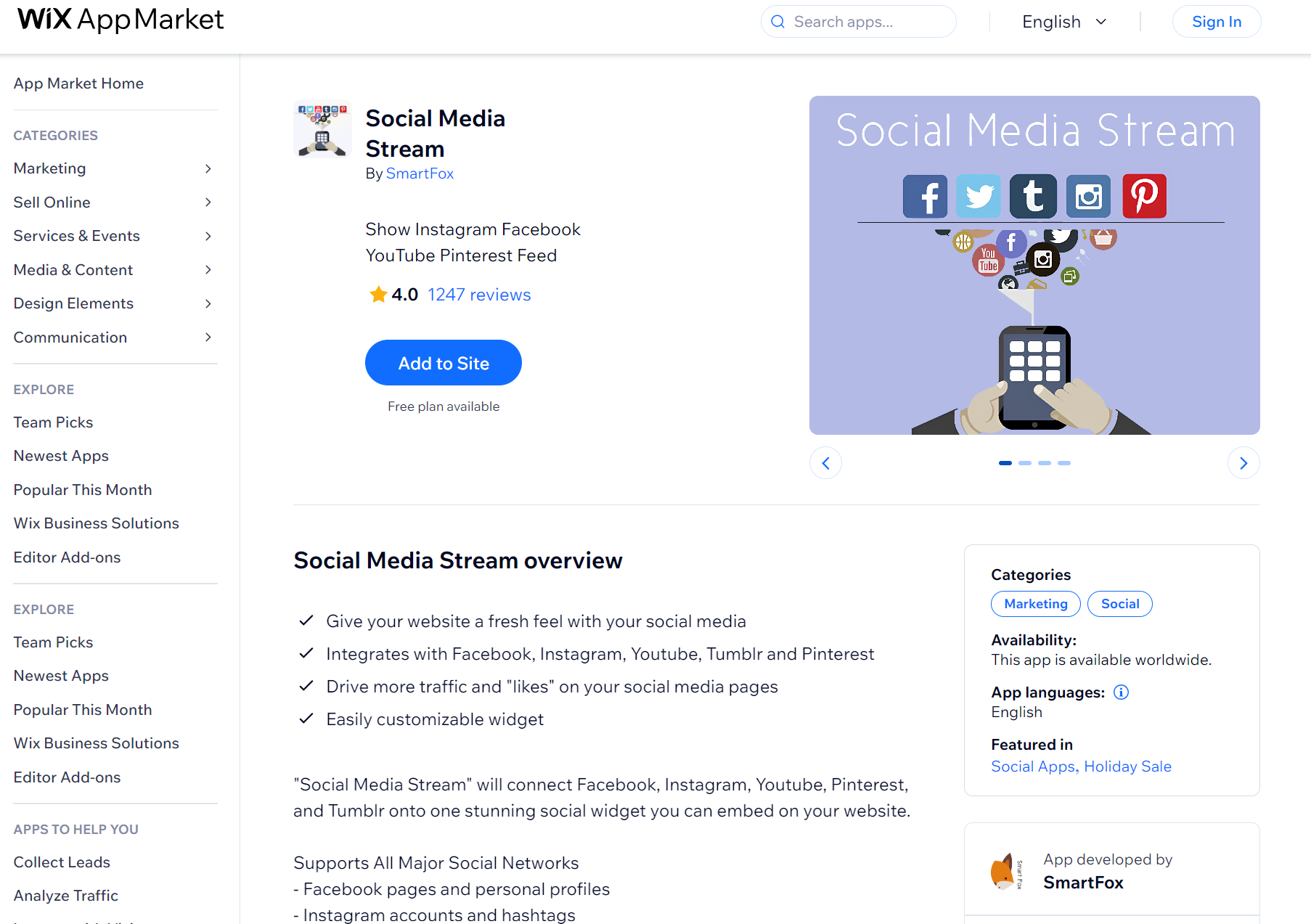
Social Media Stream connects your social media channels, including Facebook, Instagram, YouTube, Pinterest, and Tumblr posts into one feed widget that updates itself, letting you connect personal profiles, business pages, hashtags, YouTube playlists, and Pinterest boards.
While all the above-mentioned apps can help many Wix online stores increase their sales numbers, not all of them may fit your specific plans and goals. Learning which ones are right for you involves taking some steps to better understand your needs. Some of the things you can do to identify the right Wix apps for your business are:
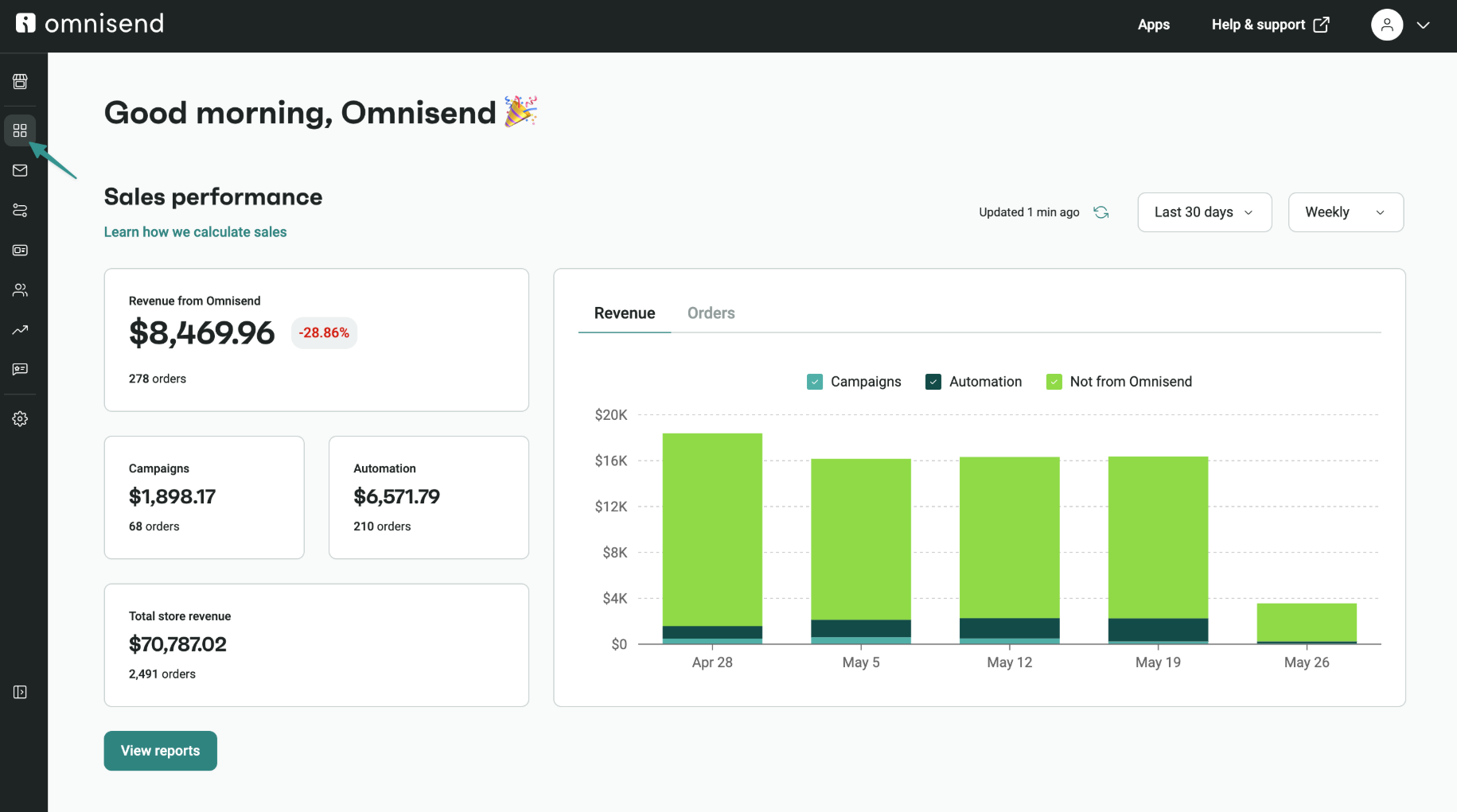
Omnisend brings advanced SMS and email automation to your Wix store, handling your customer journey across all transactional, informational, and marketing messages. It’s so good that Wix itself has made it a Wix Choice app.
Wix caps monthly email sends even on paid plans, lacks A/B testing entirely, and restricts automation customization. You can’t edit triggers in pre-built flows, browse abandonment doesn’t exist, and SMS is limited to auto-replies.
Email templates in Wix also number just 26, forcing reliance on AI design features that produce mediocre results compared to drag-and-drop customization.
Omnisend removes send limits on Pro plans, includes A/B testing across all tiers, and provides 250+ templates. SMS and web push notifications integrate with email in unified workflows, and customers see an average of $61 ROI for every $1 spent.
Vyber Media scaled Headbanger Sports from 15,000 to 146,000 email subscribers and built a 30,000-person SMS list in two years using Omnisend, generating $1.5M annual revenue via automated welcome series and segmentation strategies.
Read the Omnisend customer story: Vyber Media.
Quick sign up | No credit card required
While the Wix website builder has all the basic tools to get your online store up and running, you’ll need to install multiple third-party apps to help your business reach its full potential.
From the moment you start reaching out to potential customers, having marketing tools like Omnisend to help you improve your communication can play a major role in an online user’s decision to choose you over your competition.
Other Wix apps can help you streamline your sales process, provide timely customer support, and analyze your results to know what needs improving.
The only sure way to know if a particular app is right for you is to try it out for yourself, so try these out to find the ones that can increase your online store’s sales.
This article was researched and written by our experts following a precise process.
See the process
TABLE OF CONTENTS
TABLE OF CONTENTS

What’s next

No fluff, no spam, no corporate filler. Just a friendly letter, twice a month.