Omnisend AI


 OFFER
OFFER









All competitive ecommerce stores use some form of email marketing. Once your platform grows, sending emails manually is not only inefficient but also lowers your returns. The best email automation tools scale your communications, improve conversions, and reduce manual labor.
We tested and compared every email automation tool in our list when setting up live workflows and ecommerce integrations. The top email automation tools balance ease of use and ecommerce capabilities relative to price.
Quick answer: What are the best email automation tools?
Every email automation tool in our list has some unique benefits you can leverage for your ecommerce business needs. Every store can find the best email automation software for their needs – from ecommerce-focused options to choices for content creation.
- Omnisend – best email automation tool for ecommerce stores for ensuring high ROI with multichannel and customer segmentation features.
- Sender – a strong starting option for budget-conscious projects.
- Sequenzy – best for SaaS and ecommerce founders who want AI agents to run their email; pay-per-email pricing with unlimited contacts and a free plan.
- Klaviyo – a well-known email automation tool with a focus on advanced segmentation and data control.
- ActiveCampaign – a capable email automation tool with a built-in CRM
- HubSpot – a comprehensive platform for those already within their CRM ecosystem.
- GetResponse – great for small and mid-sized teams focused on content creation.
- Brevo (formerly Sendinblue) – a limited budget solution that’s easy to get into.
- Drip – for complex automation tasks in already scaled projects.
- Kit (formerly ConvertKit) – a choice for content creators for monetizing their audience.
Best email automation tools for ecommerce: Comparison
It’s much faster to choose the best email automation tools when you can compare all the key features in one place. The table below highlights the types of businesses each tool is best for, key features, starting price, automation capabilities, integrations, and ease of use.
| Email automation tool | Best for | Key features | Starting price | Automation capabilities | Integrations | Ease of use |
|---|---|---|---|---|---|---|
| Omnisend | Ecommerce stores of any size seeking high‑ROI multichannel automations | No‑paywall free plan with full ecommerce features, strong ROI case, native integrations | Free plan, $16/month | Visual workflows for email, SMS, and push, built for ecommerce triggers and templates | Native integrations with ecommerce platforms and most other apps | Very easy for most ecommerce use cases |
| Sender | Budget‑constrained newsletters that prioritize volume and simplicity | Generous free plan, basic automation, drag‑and‑drop builder | Free plan, $14/month | Basic automation workflows, multichannel flows | Many standard apps and ecommerce platforms | Straightforward for simple email campaigns |
| Klaviyo | Mid‑to‑large ecommerce brands with dedicated marketing teams | Deep ecommerce segmentation, predictive analytics, strong reporting capabilities | Free plan, $20/month | Multi‑step ecommerce automation, behavior‑based journeys. | Extensive ecommerce and third‑party app integrations | Feature‑rich but steeper learning curve |
| Mailchimp | Small teams in need of an all‑in‑one marketing suite | Free plan for under 250 contacts, drag‑and‑drop builder, automation of up to 200 steps on higher-paid tiers | Free plan, $13/month | Solid automation with behavioral triggers, weaker for ecommerce-only flows. | Broad but generic integrations for ecommerce | Easy for general marketing use cases |
| ActiveCampaign | Mid‑sized businesses with complex sales cycles and multi‑channel needs | Built‑in CRM, strong segmentation capabilities, AI‑driven content tools | No free plan, $15/month | Strong visual automation, predictive triggers on higher tiers | A broad app ecosystem that includes many CRM | Powerful but might be complex to learn for ecommerce specific cases |
| HubSpot | Mid‑to‑large ecommerce brands that already use HubSpot CRM | Omnichannel marketing, journey analytics, role‑based access on higher tiers | Free plan, $20/month | Automation across email, ads, and social, best when tied into HubSpot CRM. | Extensive CRM, social, and app ecosystem | Complex and time-consuming onboarding |
| GetResponse | Small-to-mid-sized ecommerce brands with a content creation focus | Tools for monetization channels, ecommerce automation, product recommendations | $15/month | Automation for email, carts, and funnels, workflow‑driven design | Integrations with ecommerce platforms, payment gateways, and other apps | Takes time to master for advanced funnels |
| Brevo (formerly Sendinblue) | Small and medium businesses in need of affordable email automation at scale | Multi‑channel support, basic CRM in all plans, visual workflow builder | Free plan, $9/month | Flexible visual workflows with basic ecommerce templates, lighter on advanced features | Many ecommerce platforms, social, live‑chat, and common apps | Easy to start. Good for non‑technical users |
| Drip | Mid‑to‑large ecommerce brands with advanced automation needs | Visual workflow builder, pre‑built workflows, dynamic segmentation | $39/month | Strong ecommerce automation, behavior‑based segments | Ecommerce‑focused integrations for web‑based stores. | Visual builder makes it easy to use |
| Kit (formerly ConvertKit) | Best for content creators, course sites, and others selling digital products | Website‑style elements and landing pages, visual automation, form and landing‑page templates | Free plan, $33/month | Flow‑based, drag‑and‑drop automations optimized for creators | Key ecommerce, webinar, and CRM integrations | Very easy for creators, but less capable for complex ecommerce workflows |
10 Best Email Automation Tools For Ecommerce
Email automation starts with a capable tool. Whether your platform manages hundreds or hundreds of thousands of customers, email automation tools impact the efficiency and, in turn, the returns of your campaigns. What functions your ecommerce store actually needs largely determines your choice.
We evaluated each tool based on its available features, ease of use, and the level of automation you can expect. Starting prices and ideal use cases are highlighted throughout the reviews. While they may not fully fit your expectations, they’re a great guiding principle for determining usefulness.
1. Omnisend
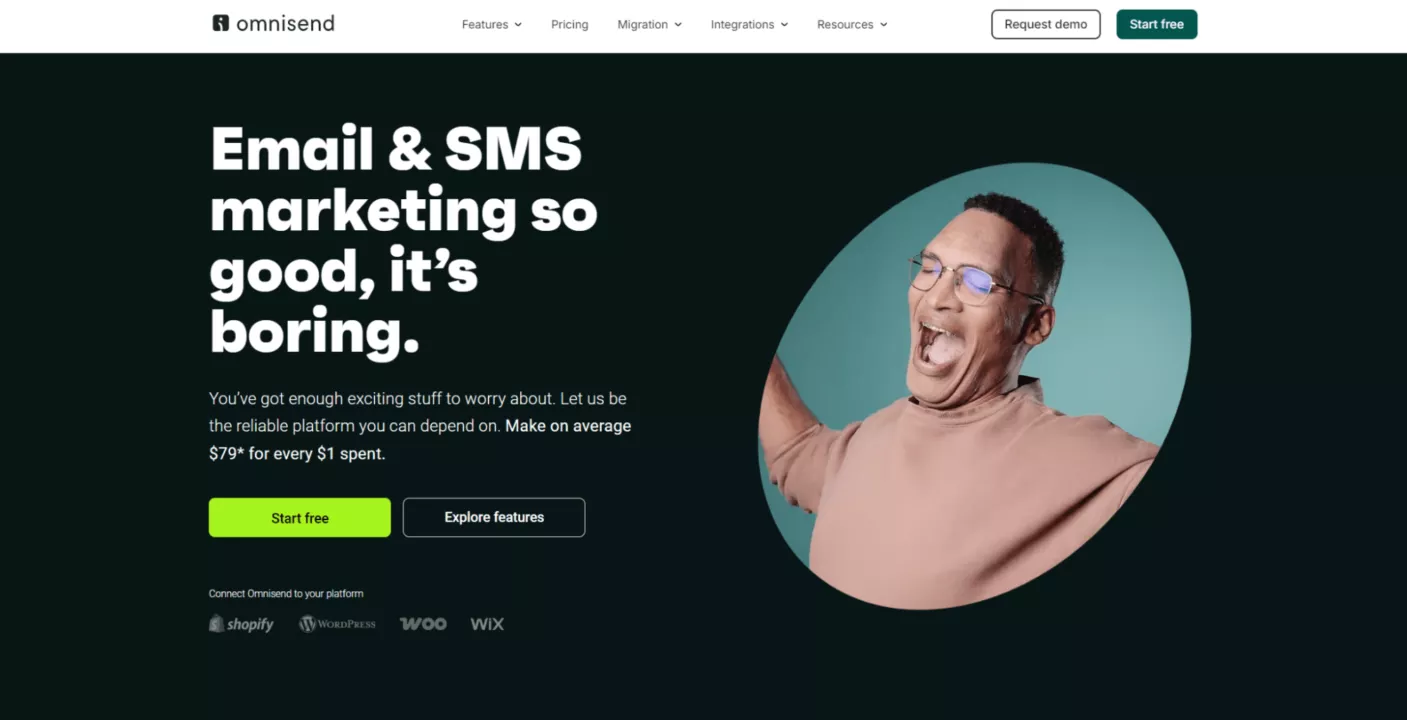
Omnisend is an email automation tool built specifically with ecommerce omnichannel marketing in mind. Platforms leveraging Omnisend can expect to get $73 back for every $1 spent on email marketing.
It’s designed from the ground up to coordinate email, SMS, and push notifications while solving e-commerce-specific challenges such as cart abandonment, personalized offers, and customer retention.
Best for: Ecommerce stores of any size looking to increase their ROI with powerful multi-channel automation while avoiding complicated setup or integrations.
Key features:
- No-paywall free plan includes full access to all ecommerce-focused features, such as segmentation, automation workflows, and multichannel campaigns.
- One of the strongest ROI benchmarks in the industry ensures your spend with Omnisend gets results at every volume.
- 24/7 customer support across all plans, with dedicated Customer Success Managers available for select plans.
- Native integrations with Shopify, WooCommerce, Wix, BigCommerce, and other major ecommerce platforms. Customer data, purchase history, and product catalogs are automatically synced.
- Well-designed interface that can get your campaigns going in minutes with pre-built segments, templates, automation workflows, and much more.
- Internationally available SMS that can be easily added and paired to your email or push notification workflows for maximum reach.
Limitations:
- Lacks CRM functions, as native integration to ecommerce platforms is provided.
- No annual subscription deals.
Pricing:
- Free: All core features with up to 250 contacts with 500 emails/month
- Standard: Starts at $16/month for 500 contacts and 6,000 emails
- Pro: From $59/month for unlimited emails, SMS credits equal to plan value, and 2,500 contacts
- Custom: For complex enterprise projects requiring large, fine-tuned capabilities
2. Sender
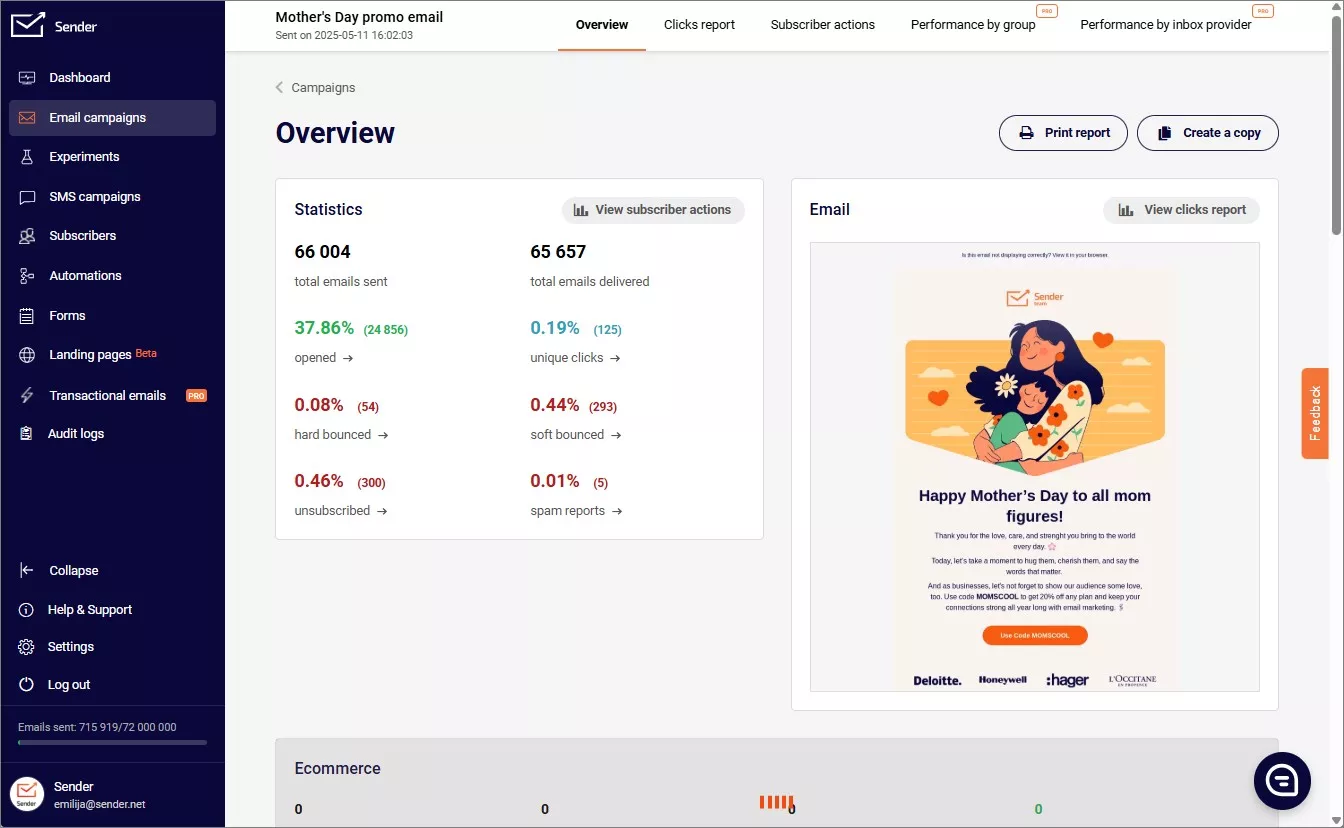
Sender makes a strong first impression with one of the most generous free plans on the market. It’s also fine-tuned for mass email campaigns, and its straightforward design gets you going fast.
Whether it will deliver returns equal to those of other email automation tools for ecommerce depends on your use case. Yet, the sender is definitely worth consideration.
Best for: Budget-constrained newsletter projects that prioritize email volume and can do without advanced multi-channel or some automation capabilities of other tools.
Key features:
- The free plan includes 2,500 subscribers and 15,000 emails/month, which is above what most competitors offer at no cost.
- Automation workflows help create basic transactional email capability and work across all subscription tiers.
- Pay-as-you-go options for email credits that never expire are well-suited for occasional projects that don’t want a monthly commitment.
- Drag-and-drop campaign builder with various mobile-friendly templates.
- Interactive elements, like countdown timers and others, are available at higher-tier plans.
- Role-based team seats with one on free, three on Standard, ten on Professional
Limitations:
- The free tier includes Sender branding in your emails.
- Some major ecommerce platforms are not natively supported.
Pricing:
- Free: 1 seat, 2500 subscribers with up to 15,000 emails/month
- Standard: From $7/month, removes branding, adds 3 seats, subscriber, and email volume
- Professional: From $14/month, provides ten seats, priority support, dedicated IPs, and automation functions
- Enterprise: Custom price for large projects
3. Sequenzy
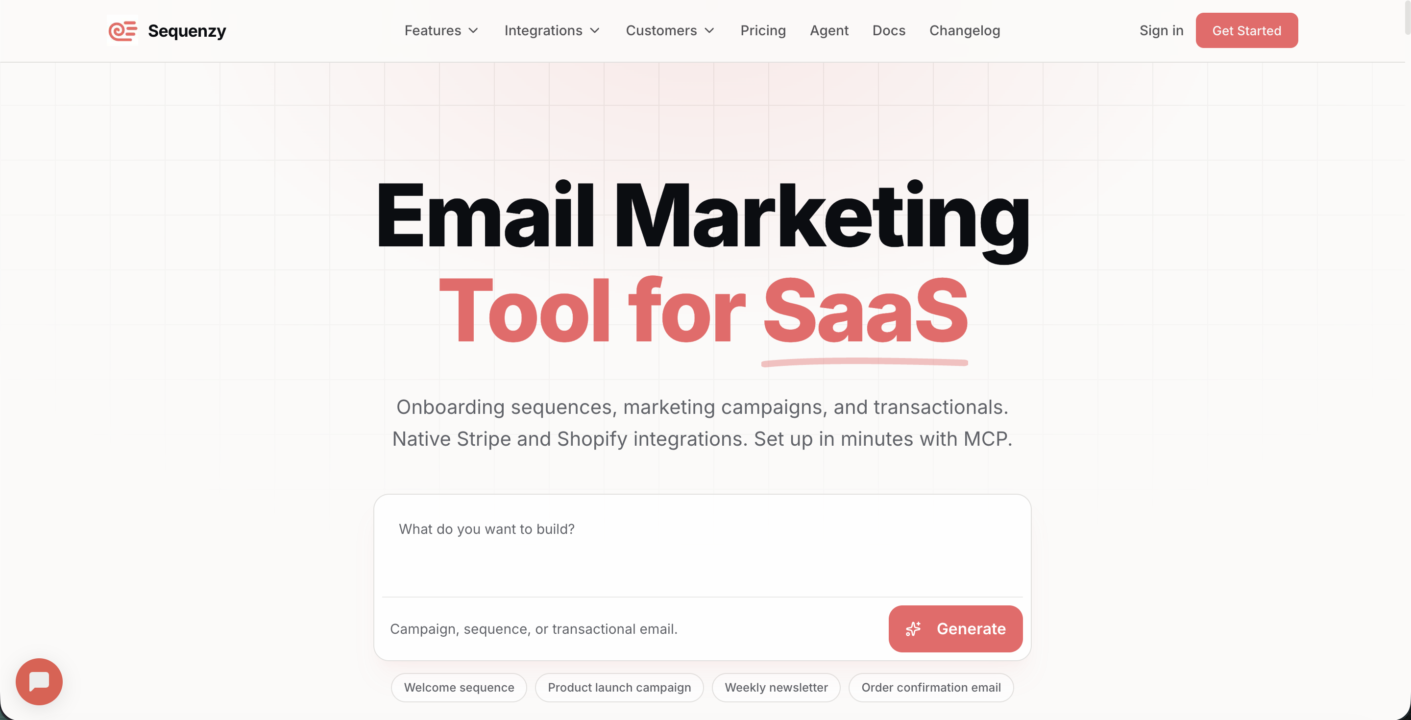
Sequenzy is an AI-native email automation tool built around a pay-per-email model with unlimited contacts, so your bill tracks what you send rather than how large your list grows. It unifies marketing and transactional email in a single platform, with every feature included on every plan and no feature gating.
What sets it apart is that it ships with a native MCP server and CLI, meaning campaigns, sequences, and automations can be created and operated directly by AI agents instead of built by hand. For founders already running agent-driven workflows, this turns email into something your stack executes rather than something a person clicks together.
Best for: SaaS and ecommerce founders who want their AI agents to run email operations and prefer usage-based pricing that charges for emails sent, not list size.
Key features:
- Pay-per-email pricing with unlimited contacts, so costs scale with sends rather than contact count, which suits stores with large or seasonal lists.
- Native MCP server and CLI that let AI agents build and run campaigns, sequences, and automations programmatically.
- Unified marketing and transactional email managed from one platform, rather than splitting broadcast and system emails across tools.
- Native Stripe and Shopify integrations for triggering flows off real revenue events like trials, dunning, abandoned checkout, and post-purchase.
- Free migration tool that moves lists, templates, and sequences over from Klaviyo, Mailchimp, or ActiveCampaign.
- SMS built into Shopify flows for pairing text with email in the same automation.
Limitations:
- Newer and smaller than established players, with a leaner template gallery.
- The agent-first, MCP/CLI approach fits technical founders best and is less familiar to non-technical marketers who expect a purely visual builder.
Pricing:
- Free — 2,500 emails/month, unlimited contacts, all features included, no credit card required
- Paid — from $19/month for 15,000 emails/month; $49/month for 120,000; unlimited contacts and all features on every plan
- Enterprise — custom pricing for high-volume senders
4. Klaviyo
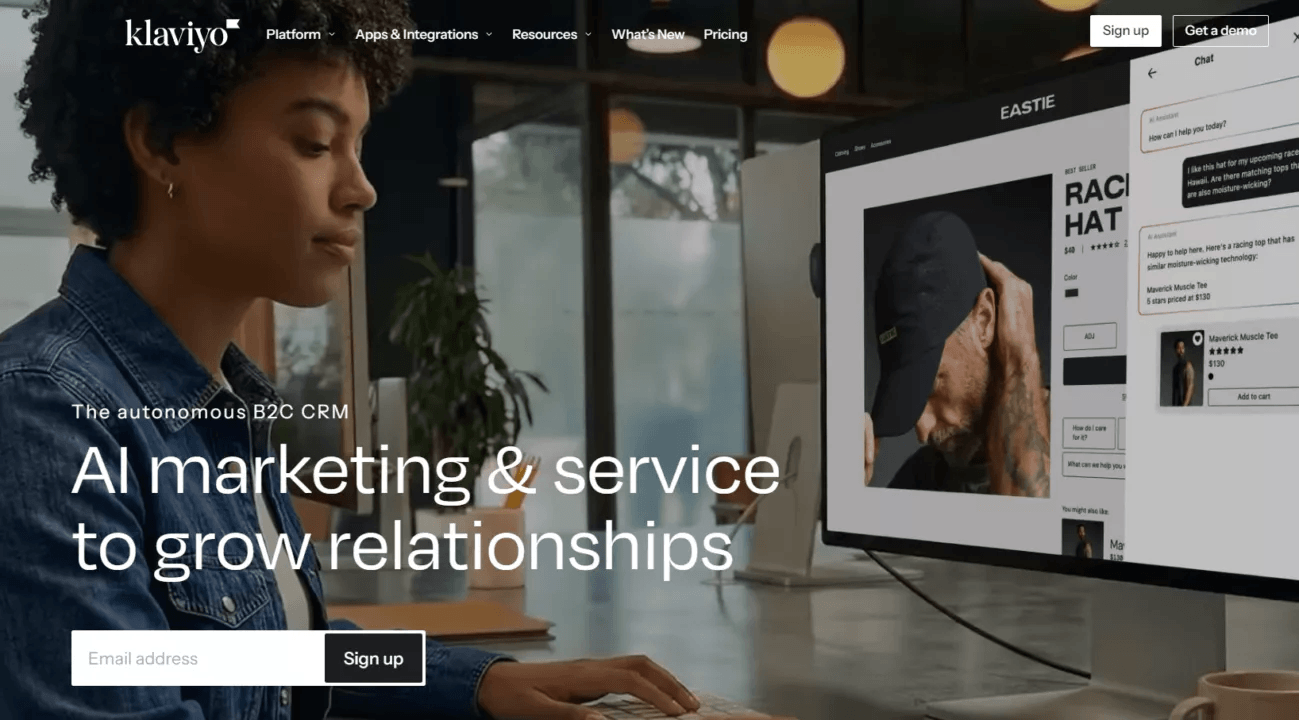
Klaviyo is one of the best-known email automation tools with a strong focus on segmentation and richer customer data. It gives retention-focused teams granular control over every touchpoint.
While the depth of ecommerce integrations is a strong benefit, this tool also comes with a steep learning curve and high costs. Established ecommerce sites with large budgets should consider it.
Best for: Mid-to-large ecommerce companies with dedicated professional marketing teams that can make use of its advanced segmentation and predictive analytics capabilities.
Key features:
- Advanced segmentation leverages detailed customer data for targeted marketing.
- Customizable automation flows with A/B testing for both emails and SMS.
- Predictive analytics can forecast customer behavior, lifetime value, and other metrics.
- Direct app integrations across various ecommerce platforms and other tools.
- Combines email, SMS, and mobile app marketing from a single platform.
- Comprehensive reporting with real-time data and visual dashboards
Limitations:
- Steep learning curve, as most Klaviyo alternatives are easier to use.
- Complicated pricing that gets significantly more expensive as your needs grow.
Pricing:
- Free: Up to 250 contacts, 500 emails/month, and 150 SMS credits.
- Marketing: From $20/month for up to 500 profiles and 5,000 emails.
- Data + Analytics: Adds from $600/month for marketing analytics and an advanced data platform.
- Service: Includes a complementary customer agent, hub, and AI help desk features for $80 per month.
- Professional Services: With an additional $500/month, it ensures priority support, dedicated training sessions, live chat, and other services.
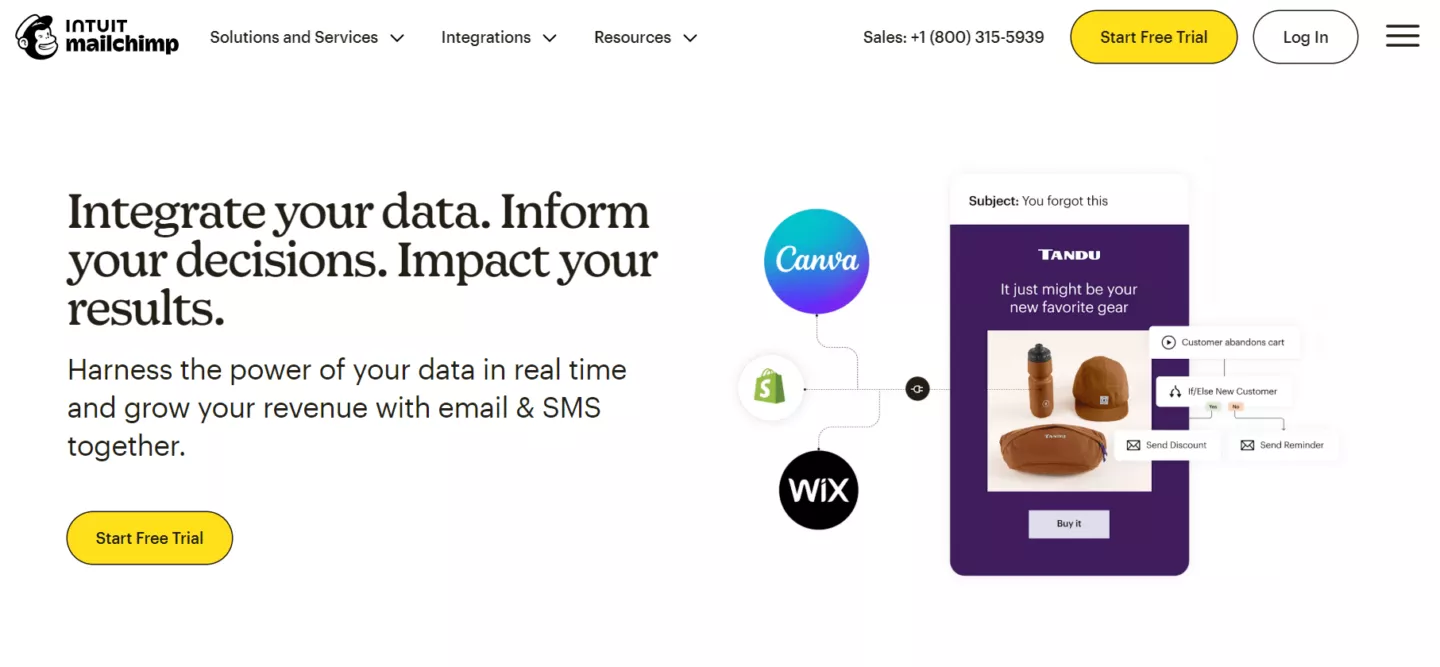
Mailchimp has moved far beyond email automation and now promotes itself as an all-in-one platform for building websites, scheduling social media posts, and content tools.
More specialized use cases, including ecommerce, may find Mailchimp automation options limited. If you want a universal approach and don’t need email automation tools specifically for online stores, Mailchimp is a worthy alternative.
Best for: Works well for small teams that need to cover many aspects of marketing and content creation without needing advanced automations or ecommerce-specific workflows.
Key features:
- Generous free plan with unlimited access for under 250 contacts. More capable plans have a 14-day trial.
- Drag-and-drop email builder with responsive templates and AI content generation on paid plans.
- Automation flows (up to 200 steps on Standard/Premium) with behavioral targeting and A/B testing for emails.
- Built-in tools for landing pages, popups, and an integrated website builder.
- Analytics features combined with audience segmentation and revenue tracking features.
- SMS is an add-on with multichannel campaign support on the highest plans.
Limitations:
- Might lack advanced multi-step automation and segmentation flows for ecommerce use cases.
- Pricing scales poorly, as you might end up paying for features you don’t use.
Pricing
- Free: Most features are available with up to 250 contacts.
- Essentials: From $13/month for 500 contacts or 5,000 emails.
- Standard: From $20/month for 500 contacts or 6,000 emails.
- Premium: From $297/month for 10,000 contacts or 150,000 emails.
5. ActiveCampaign
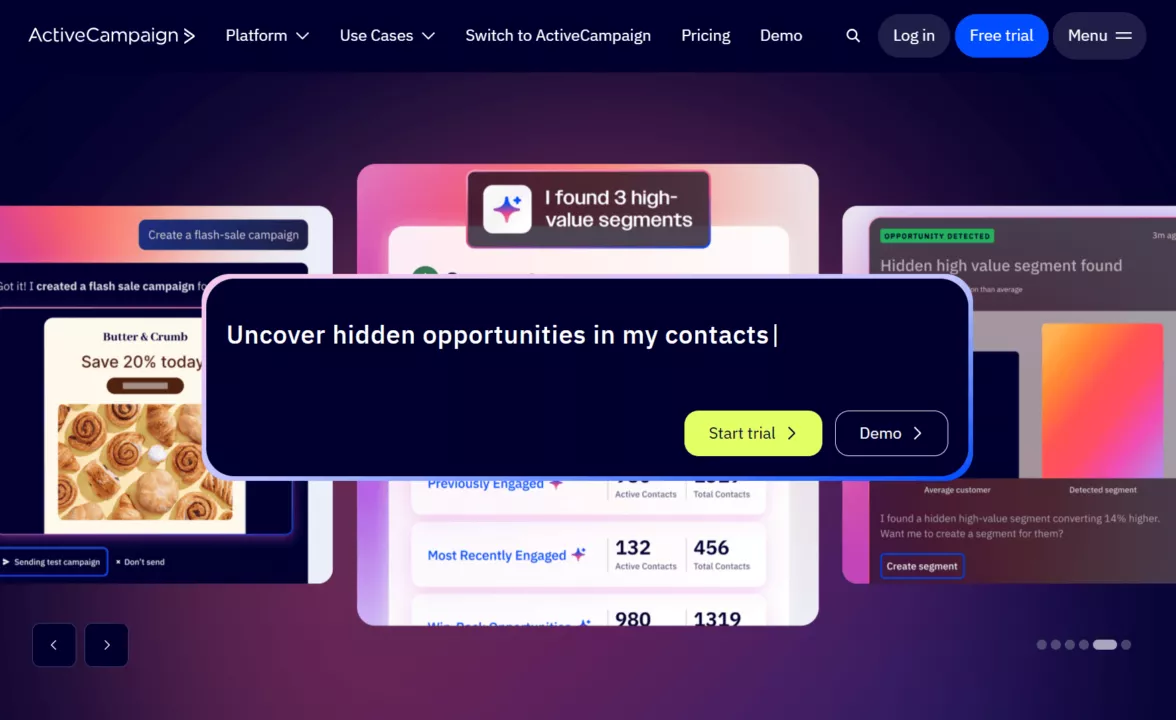
ActiveCampaign combines WhatsApp and email automation with full CRM capabilities and customer segmentation. It’s built for flexible use across various industries, not just ecommerce stores.
It’s one of the more capable marketing email automation tools, but some might find it quite complex to use. It can help you find new customer channels if the cost and learning curve are appropriate.
Best for: Best for mid-sized businesses that have complex sales cycles and customer journeys beyond ecommerce, with a need to reach customers through channels like WhatsApp.
Key features:
- Built-in CRM that can integrate data for email, SMS, and WhatsApp integrations.
- An extensive library of templates for automating your communication in varied business use cases.
- Segmentation that automatically tags contacts when they perform select sets of actions.
- Customizable add-ons for SMS, custom reporting, transactional emails, enhanced CRM functions, and more.
- Various integration options, including Salesforce and Microsoft Dynamics CRM, are available for enterprise plan subscriptions.
- AI content tools like campaign builder, brand kit, suggested templates, calendar, and more.
Limitations:
- No free plan, and features become available with more expensive plans.
- Limited multichannel marketing capabilities in lower-tier plans.
Pricing:
- Starter: $15/month for 1,000 contacts, email marketing, and basic automation.
- Plus: $49/month for 1,000 contacts with advanced automation, landing pages, and some generative AI features.
- Pro: $79/month for 1,000 contacts with more capable features, such as predictive sending.
- Enterprise: $145/month for 1,000 contacts, premium segmentation, SSO, and custom objects.
6. HubSpot Email Marketing
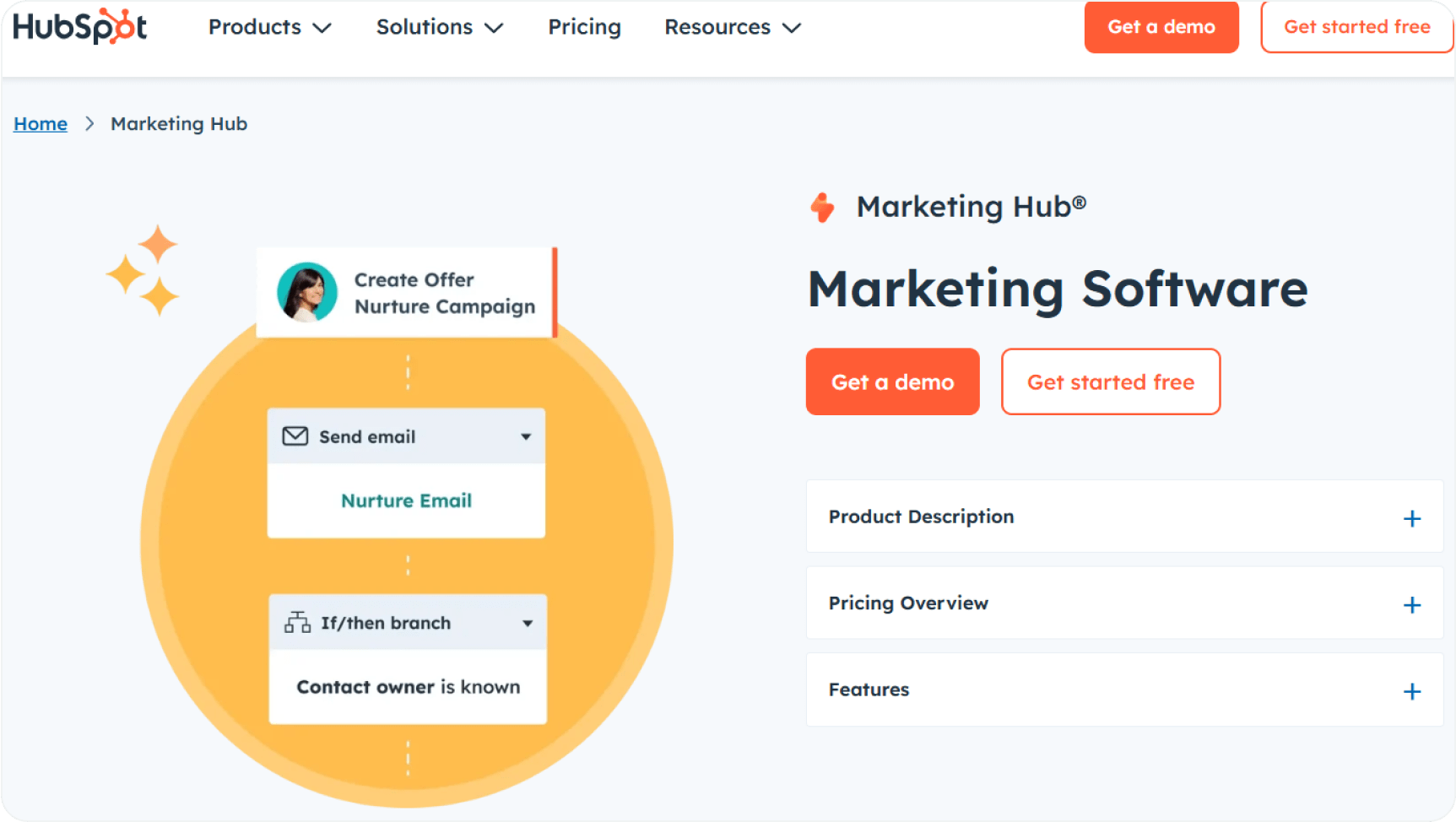
HubSpot is one of the most popular CRM platforms that, among its other features, includes marketing email automation tools. If you’re not invested in their ecosystem, you might find their email multichannel capabilities lacking.
Yet, if you’re already familiar with or use HubSpot as your marketing suite for your ecommerce, you should certainly test its email marketing features and integrations.
Best for: Mid-to-large ecommerce brands that need a comprehensive platform with tightly integrated CRM and sales features.
Key features:
- Omnichannel marketing with automation possibilities for email, social media, and ads.
- Analytics for customer journeys across your entire campaign or funnel.
- The free plan includes 1000 contacts and, to a limited extent, email automation, ad management, and other functions.
- Reporting functions allow you to collect data on most of your marketing efforts.
- Integrations with major CRM platforms, social media channels, email tools, and others.
- Role-based access is available on higher-tier plans for large teams to provide granular control over projects.
Limitations:
- High onboarding fees, pricing scales poorly.
- Better suited for large SaaS businesses than for ecommerce platforms.
Pricing:
- Free: Basic email marketing, forms, live chat, and CRM functions with HubSpot branding.
- Starter: $20/month for one seat with up to 1,000 contacts.
- Professional: $890/month for three seats and up to 2,000 contacts.
- Enterprise: $3,600/month for five seats and up to 10,000 contacts.
7. GetResponse
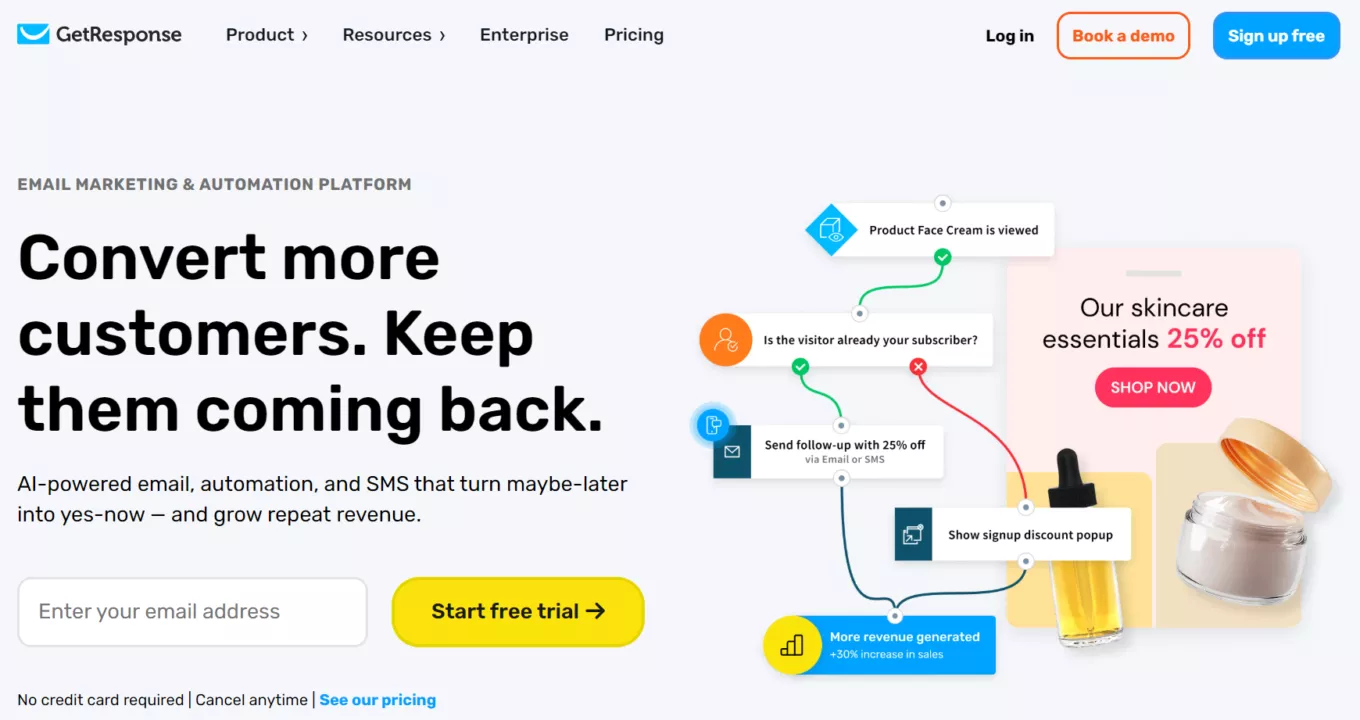
GetResponse is a comprehensive marketing tool for connecting email automation and sales funnels with content monetization features. Its usefulness extends well beyond ecommerce platforms; you can create landing pages, webinars, courses, conversion funnels, and more.
Ecommerce platform owners will find the essentials covered in the mid-tier plans, which also bundle additional options. GetResponse is a worthy option for combining different marketing channels.
Best for: Small and mid-sized ecommerce stores that also leverage content creation through various channels and are looking for ways to monetize their audience.
Key features:
- 14-day trial for paid plans with a free option with up to 500 contacts and basic email marketing capabilities.
- Website and landing page builder with AI capabilities, featuring signup forms, pop-up forms, and embedded banners.
- Integrations for ecommerce platforms and payment providers (PayPal and Stripe).
- Conversion funnels in the creator plan provide lead generation, magnets, and various sales functions.
- Email automation with autoresponders with even-based pre-built workflows in the Marketer plan.
- Smart product recommendations are fine-tuned for upselling and cross-selling.
Limitations:
- Ecommerce and advanced features are only available on more expensive plans.
- Alternatives focused on ecommerce deliver better value if that’s your main focus.
Pricing:
- Starter: $15/month includes basic automations and unlimited sends for 3 users.
- Marketer: $48/month secures unlimited automation, sends, and ecommerce features, such as abandoned cart recovery, for five users.
- Creator: $56/month provides all marketer features, plus landing pages and other content monetization tools.
- Enterprise: Custom pricing offers advanced solutions for large companies.
8. Brevo (formerly Sendinblue)
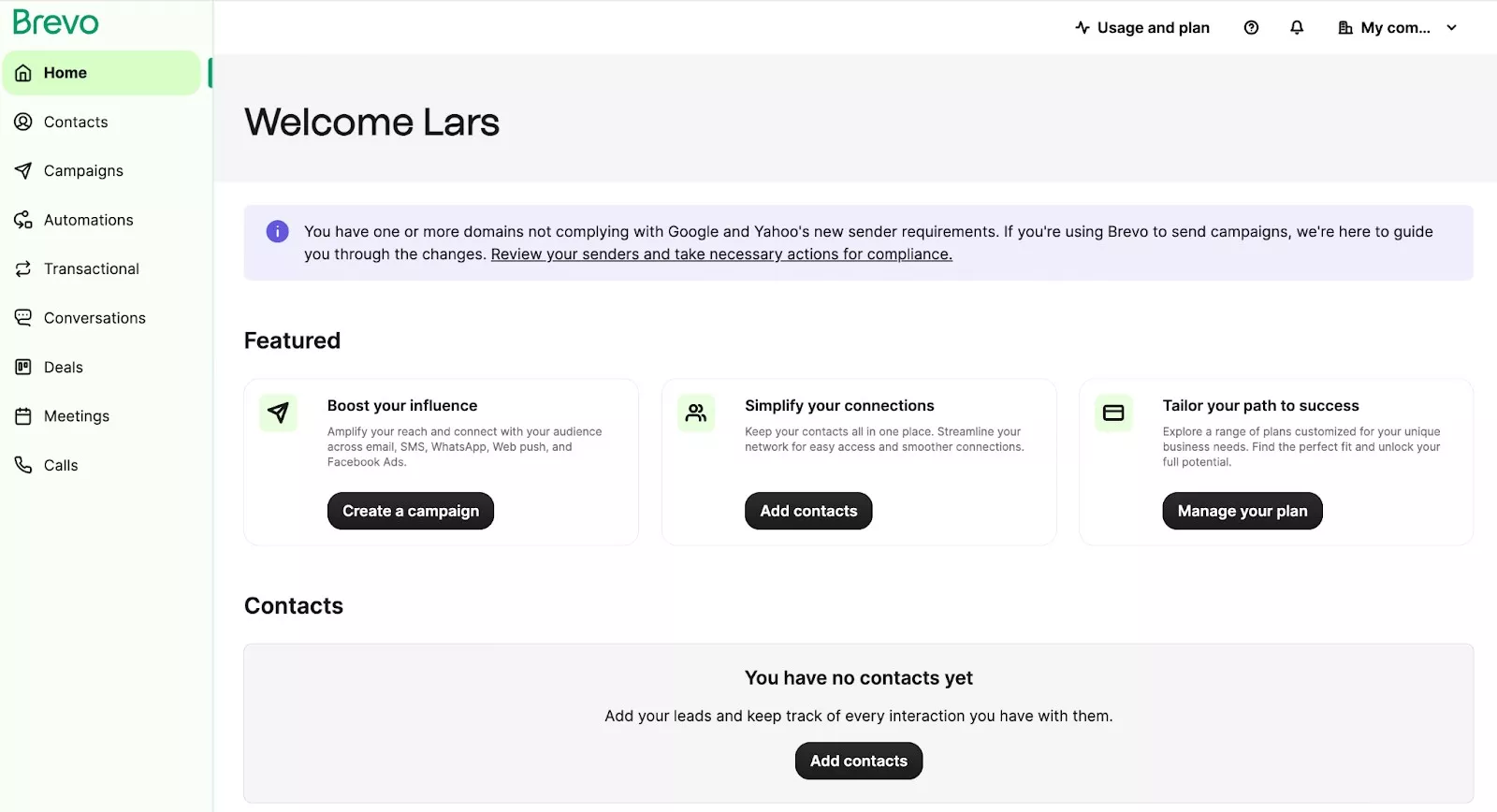
Formerly known as Sendinblue, Brevo focuses on providing basic capabilities for projects with a limited budget. You can get good features for an affordable price and a comfortable learning curve, which is useful for ecommerce stores.
Yet Brevo isn’t an e-commerce-first tool, so while running campaigns and basic automations is possible, you should consider other alternatives as well.
Best for: Small to mid-sized businesses that constantly work with contact lists in tens of thousands and need email and basic automation capabilities.
Key features:
- An email campaign builder that can store lots of contacts and has an easy-to-use visual interface.
- Multi-channel campaign capabilities with SMS, email, WhatsApp, push notifications, and other channels.
- Integrations for social media and live chats, as well as some main ecommerce platforms.
- CRM is included in all plans for managing contacts and sales pipelines.
- Workflow builder with pre-built templates for useful ecommerce use cases, as well as landings and sales pages.
Limitations:
- Lower-tier plans have only basic functions, especially for analytics and reporting.
- Strict account use policies have led to account suspensions.
Pricing:
- Free: unlimited contacts with a 300 emails/day limit and Brevo branding on sends.
- Starter: Begins at $9/month for 5,000 emails and removes daily send limits.
- Business: Starts at $18/month for 5,000 emails, better reporting, and automation.
- Enterprise: custom pricing with multiple accounts, dedicated IP, and other features.
9. Drip
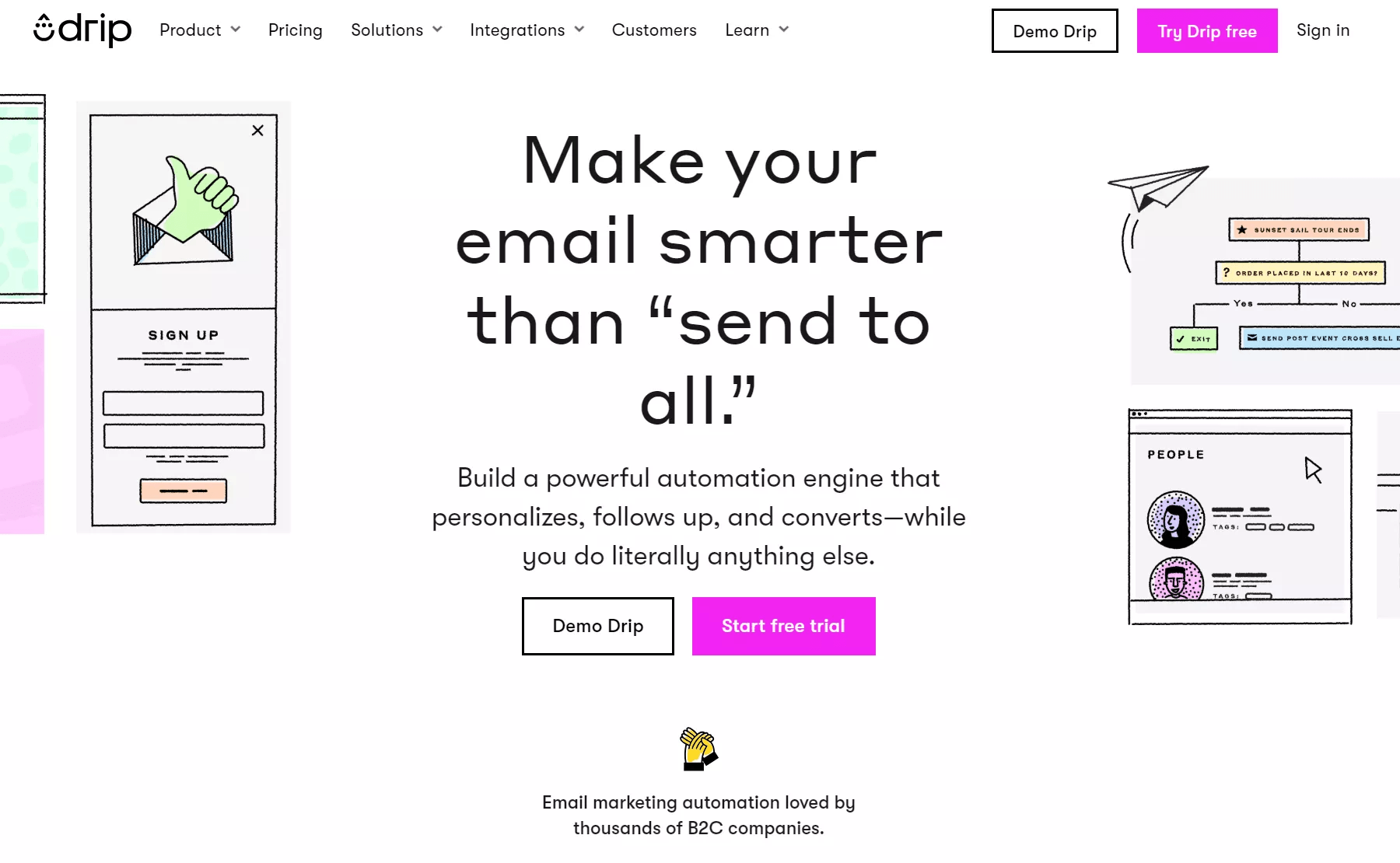
Drip is created specifically for ecommerce businesses, with relevant automation solutions available across all plans. It also leverages the visual workflow builder, so setting up and getting started with email automation is easy.
The tradeoff is that it has a rather high entry price for small ecommerce businesses, and the tool is mostly US-focused. If that’s not a problem for you, Drip is one of the top email automation tools to consider.
Best for: Mid-sized and large companies with already scaled ecommerce platforms and mailing lists that need advanced automation priced per contact.
Key features:
- Visual workflow builder combines email, onsite campaigns, and social media retargeting in one place.
- Convenient 14-day free trial, although there is no free plan to continue using without a subscription.
- Pre-built email automation workflows with up to 50 instances allowed per paid plan.
- Segmentation is updated dynamically based on basic data points from the website and purchase behaviors, email engagement, and similar.
- Sign-up forms from popups, slide-in or embedded windows, and other options.
Limitations:
- Some ecommerce scenarios lack email templates.
- SMS service is only available in the USA.
Pricing
- Starts at $39/month for up to 2,500 subscribers and scales with new contacts.
10. Kit (formerly ConvertKit)
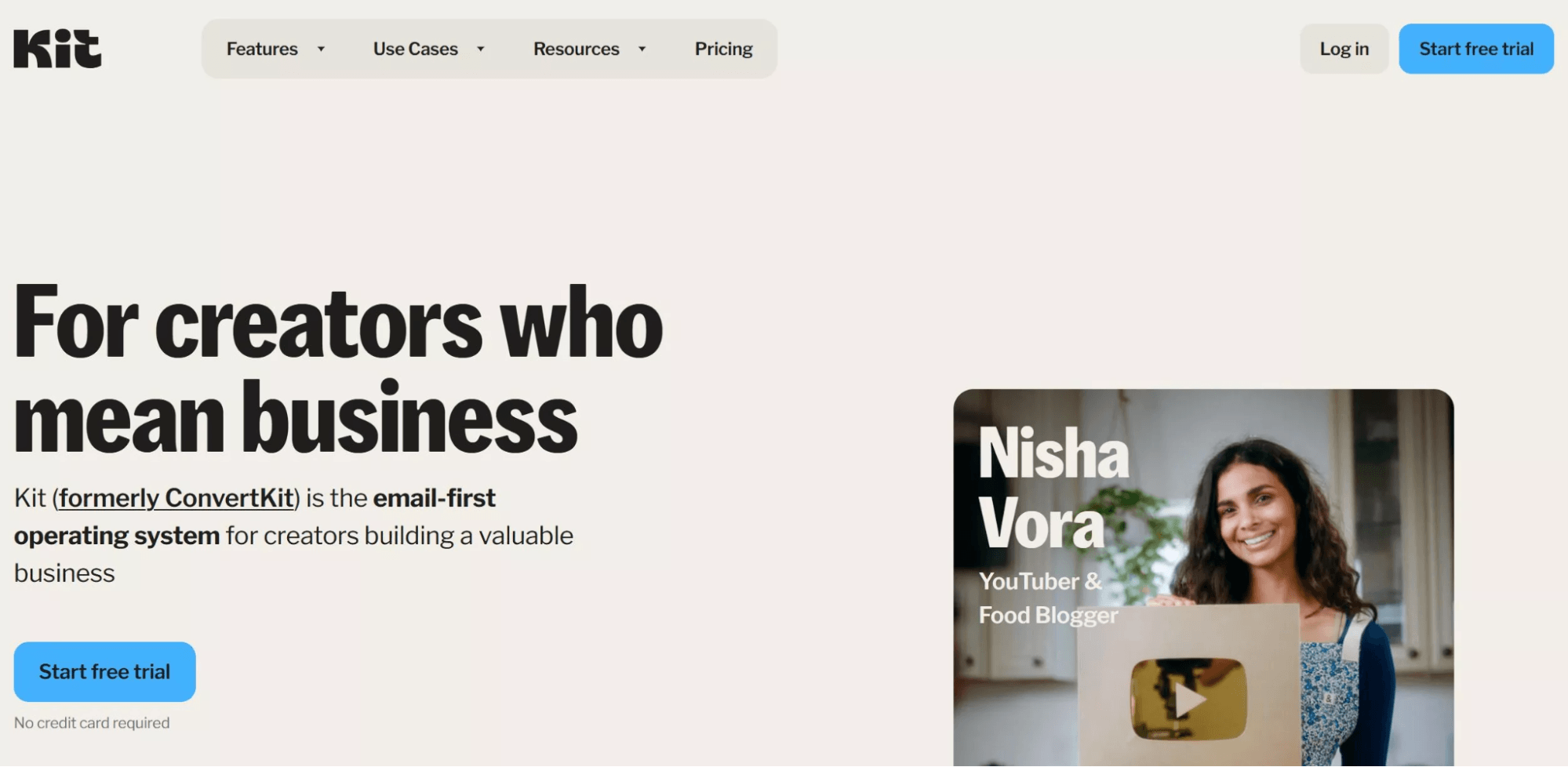
Rebranded in 2024, Kit positioned itself as an email-first marketing system for creators. Bloggers, course sites, and influencers find many useful features that help them set up e-commerce-like flows.
Ecommerce platforms that sell physical products might find it limited, but if you sell digital products or combine your marketing with newsletters, Kit could be a worthy alternative.
Best for: Various content creators, including bloggers, YouTubers, newsletter publishers, and others who want to monetize through e-commerce-like tactics.
Key features:
- Website creation tools allow you to quickly create and organize embeddable website elements for landing pages or forms.
- Visual automation tools with flow-based drag-and-drop functions for easy customer segmentation and interaction.
- Free trial helps new creators and small newsletters to get started quickly.
- Subscriber management with a tag-based list system for flexible, audience-based workflows.
- Landing page and form creation tools and templates for implementing on your site or blog.
- Integrations with ecommerce platforms, webinar software, and popular CRMS.
Limitations:
- Limited email template library, especially for ecommerce use cases.
- Pricing doesn’t scale well if your project grows fast.
Pricing:
- Free (Newsletter): Unlimited email broadcasts with one visual automation for up to 10,000 subscribers. Kit branding on emails.
- Creator: Starts from $33/month for 1,000 subscribers, unlimited automations, and various additional features. Removes Kit branding.
- Pro: Begins at $66/month for 1,000 subscribers and adds subscriber scoring, advanced reporting, referrals, and other features.
How to choose the right email automation tool
The best marketing email automation tools complement the goals and ease business frictions. Start by clearly identifying them. A small WooCommerce store might need to focus on abandoned cart recovery first, while a large Shopify site could require capabilities for targeting VIP customers.
One might need simple ecommerce integrations, the other automation depth and email segmentation capabilities. Such differences in decisions come down to your business size, budget, ecommerce needs, and scalability. However, in many cases, tools with the best ease of use are the best, as they let you start delivering value faster.
Key features to look for in email automation software
The most important features are directly tied to how your mailing list generates revenue or reduces manual work hours. Prioritize tools with capabilities you know can help you get the most out of email campaigns. The following key features are always worth having.
- Automation workflows are the backbone of email marketing tools. Look for pre-built behavior triggers, welcome sequences, post-purchase follow-ups, and other features that might save time.
- Segmentation allows you to group customers based on their behavior, location, purchase history, and other data points. The most advanced email segmentation strategies leverage multiple varied factors to get the best results.
- Analytics and various reporting functions are crucial for understanding the true performance of your campaigns. You must know which customer segment, which workflows, and when are actually driving your revenue.
- Native ecommerce integrations with your platform mean you can start using the tool right away, and the functions won’t break in the future. Access to data is also much easier when customer data, order history, and product catalogs sync automatically.
- Multi-channel support helps to secure revenue from different sources. The best email automation software will help coordinate related channels, such as emails, SMS, and push notifications, in a single automation workflow.
Ready to choose the right email automation tool for you?
Invest some time in evaluating and testing different email automation tools to find the one that best fits your needs. A suitable tool will handle the heavy lifting of email automation and multi-channel integrations so you can focus on growing sales through effective communication.
Omnisend stands out as an excellent choice for beginner and advanced ecommerce email marketing campaigns. You won’t need a developer or large investments to get started. Everything can be set up in a single dashboard, and the free plan covers most of the capabilities that ecommerce platforms require.
Email automation tools FAQs
What is an email automation tool?
An email automation tool is software that automatically sends messages to subscribers based on predefined triggers or schedules. Rather than sending emails manually, an automated workflow delivers emails at the right time to the right audience. Businesses scale communications, increase sales, and maintain customer relationships with such tools.
Which email automation tool is best for ecommerce?
Omnisend stands out for advanced and beginner ecommerce use. It combines a multichannel approach (email, SMS, and push notifications), 24/7 support, native integrations, and a robust free plan. Options such as Klaviyo are great for data-heavy applications, while alternatives like Mailchimp and Sender can be accessible for simple campaigns.
Are there free email automation tools available?
Yes, several major email marketing automation solutions offer free plans. Omnisend’s free plan, for example, includes all the core features for workflows, segmentation, and multichannel campaigns, only with a contact and send limit. Tools like Mailchimp and Sender also offer free tiers with varying restrictions on automation workflow complexity and contact lists.
How do email automation tools increase revenue?
Email automation tools increase revenue by reaching your customers at high-intent moments that are most likely to convert. Features like abandoned cart triggers, pre-built promotional workflows, shopping behavior-based segmentation, and others drive sales. Additionally, email automation tools run indefinitely, generating returns over time while reducing manual labor.
What features should I look for in email automation software?
The best features increase the value of your campaigns. Automation workflows with behavioral triggers, advanced customer segmentation, and native integration will not only save time but can also improve your sales. To ensure long-term growth, it’s important to look for multichannel support capabilities (email, SMS, and push notifications).
Is email automation suitable for small businesses?
Yes. Small businesses arguably benefit the most from email marketing automation solutions. It allows small teams with limited resources to reach their customers in a personalized and timely manner. Such reach and efficiency might not be possible without automation, or would require many manual hours.