Omnisend AI


 OFFER
OFFER










Shopify AI tools now support all major processes of running a digital store. Brands can use different AI tools for marketing, product content, customer support, SEO, page building, search, automation, and much more. At the same time, with so many tools and add-ons available, it can be challenging to pick the right ones for your business.
Everything boils down to your business model, growth stage, budget, current stack, and goals or bottlenecks you need to clear. Trying several tool integrations at once can burden teams and create more challenges than added value, so it’s best to start with one or two tools, integrate them into your workflow, test them, and work your way from there.
We’ve selected our top 10 Shopify AI tools and apps in 2026 for email marketing, content creation, SEO, dropshipping, page building, and more. You’ll learn about Shopify’s native AI tools, Omnisend’s AI segment builder, and other third-party tools, and see how each one compares against the other.
Quick sign up | No credit card required
What do your customers want from AI? Find out:
AI in ecommerce: Shoppers want help – not decisions made for them
What are Shopify AI tools?
Shopify AI tools are apps and software that support individual parts of running a digital store on Shopify with the help of artificial intelligence. These tools fall into two main categories. The first category covers native Shopify AI features, like Shopify Magic and Sidekick. The second category includes third-party apps on the Shopify App Store, such as Instant and others.
Brands use these tools to improve different parts of their workflow. Some merchants use Shopify AI tools to write better product descriptions with rich keywords and build interconnected SMS and email marketing campaigns and strategies.
Other brands use Shopify AI tools to create responsive, well-structured page layouts with templates and automate dropshipping. Overall, native tools work well for everyday admin tasks, while third-party apps offer more features for specific use cases.
The right AI tool choice depends on your webstore’s biggest bottleneck. If you’re losing sales because of slow support, you might focus on a strong chatbot assistant. Alternatively, if you want better product catalog placement, consider a different Shopify theme.
If you’re new to Shopify, read our starter’s guide:
How to start a Shopify store: A complete guide for 2025
Best Shopify AI tools compared
Different Shopify AI tools solve different problems: some are built for marketing, others for SEO, customer support, page building, search, dropshipping, or product recommendations.
The best Shopify apps and tools are the ones that help you with a specific task, project, or business goal, so first identify exactly what you’re looking for.
Here’s a reference table that looks over all 10 Shopify AI tools and covers all core details, so you can shortlist based on your current store goal:
| Tool | Best for | AI use case | Starting price |
|---|---|---|---|
| Omnisend | Email and SMS marketing | AI segmentation, content generation, product recommendations, and campaign automation | Get started for free; pricing plans start from $16/month |
| Shopify Sidekick | Native Shopify AI assistant | AI guidance, content, and store tasks inside the admin | Included with your Shopify plan |
| Instant | AI page building | AI-generated pages, sections, and cart drawer design | Free for development stores, paid plans from $39/month |
| PageFly | Landing pages and CRO | AI page and section generation, templates, and A/B testing | Free plan, paid plans from $24/month |
| Tidio | AI chatbot and customer support | Lyro AI agent, live chat, and product recommendations | Free plan, paid plans from $29/month |
| LimeSpot | Upsells and product recommendations | AI bundles, frequently bought together offers, and cross-sells | Free plan, paid plans start from $9.99/month |
| Octane AI | Product recommendation quizzes | AI-powered quiz funnels and zero-party data collection | From $50/month |
| Wizzy | AI search and filters | AI-powered search, dynamic filters, and product ranking | From $199/month |
| SEOWILL (formerly SEOAnt) | Shopify SEO | AI SEO audits, blog content, metadata, and structured data | Free plan, paid plans from $29.99/month |
| AutoDS | Dropshipping automation | AI product sourcing, pricing rules, and order fulfillment | Three-day free trial, paid plans from $26.90/month |
All information gathered and verified in August 2026
10 best AI tools for Shopify — detailed guide
Our 10 picks cover both Shopify’s native AI features and third-party apps from the Shopify App Store, each targeting a unique action or process such as marketing, SEO, customer support, page building, product recommendations, search, quizzes, and dropshipping. But not every tool is equal, so we selected the 10 best Shopify AI tools.
While we list every tool from one to 10, this isn’t a ranking. That being said, here are our top five picks for most Shopify stores:
- Omnisend: AI email and SMS marketing
- Shopify Sidekick: Native Shopify AI assistant
- PageFly: AI landing page builder
- Tidio: AI chatbot and customer support
- SEOWILL (formerly SEOAnt): AI SEO
1. Omnisend — AI email and SMS marketing
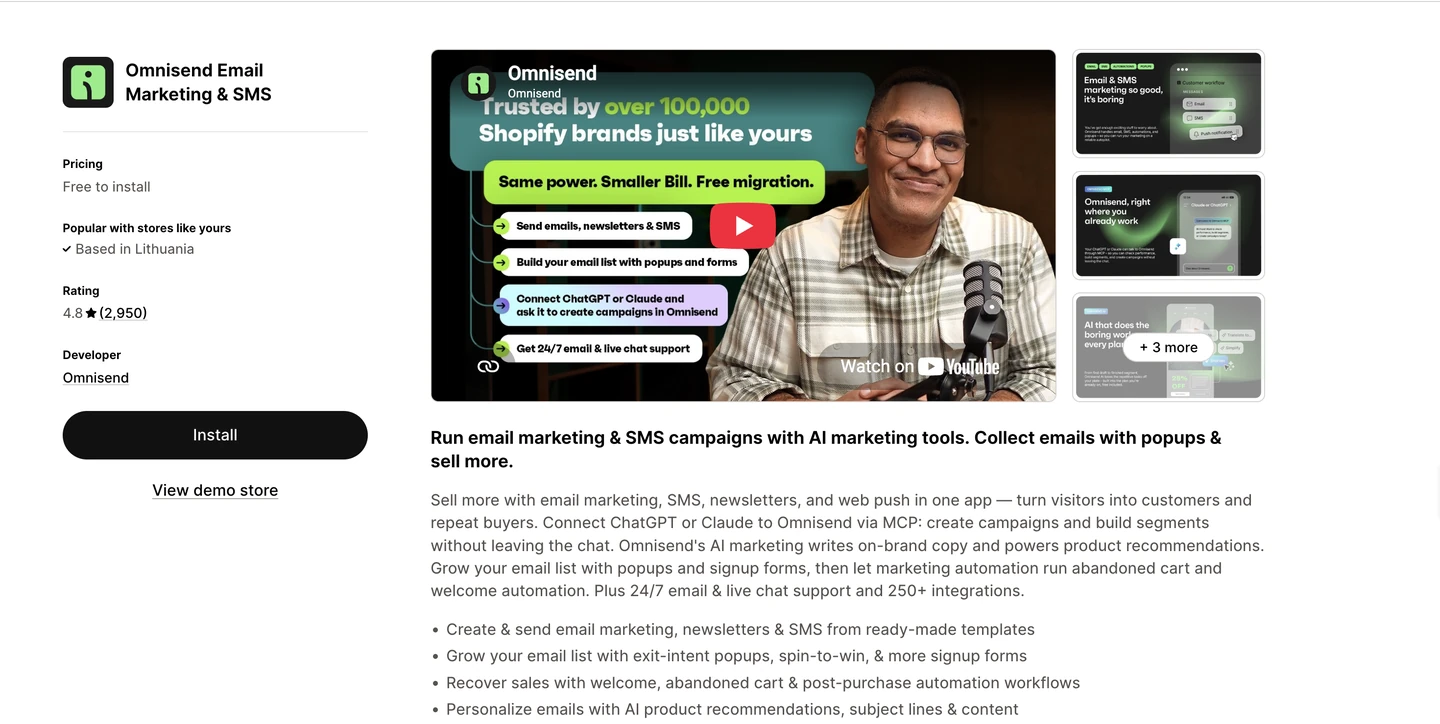
Best for: Shopify merchants who want a Shopify Email replacement tool with AI-assisted email and SMS marketing in one platform
Shopify rating: 4.8/5 based on 2,900+ reviews
Key AI features:
- Subject line and preheader generator for higher open rates
- AI Writer for tone, grammar, and direct copywriting from prompts
- Dynamic product recommendations based on browsing and purchase history
- Plain-language segment builder (“customers in the EU who spent over $200 in the last 30 days”)
- Customer breakdown (RFM analysis) to flag VIPs and at-risk customers
What we do: Omnisend is built specifically for ecommerce, so its AI features cover setting automations for welcome series, abandoned cart, post-purchase, reactivation, and VIP campaigns.
If you’re an ecommerce business owner who isn’t looking to hire a full in-house marketing team, Omnisend offers the tools you need without expanding your budget. Plus, customers average $79 in revenue for every $1 spent.
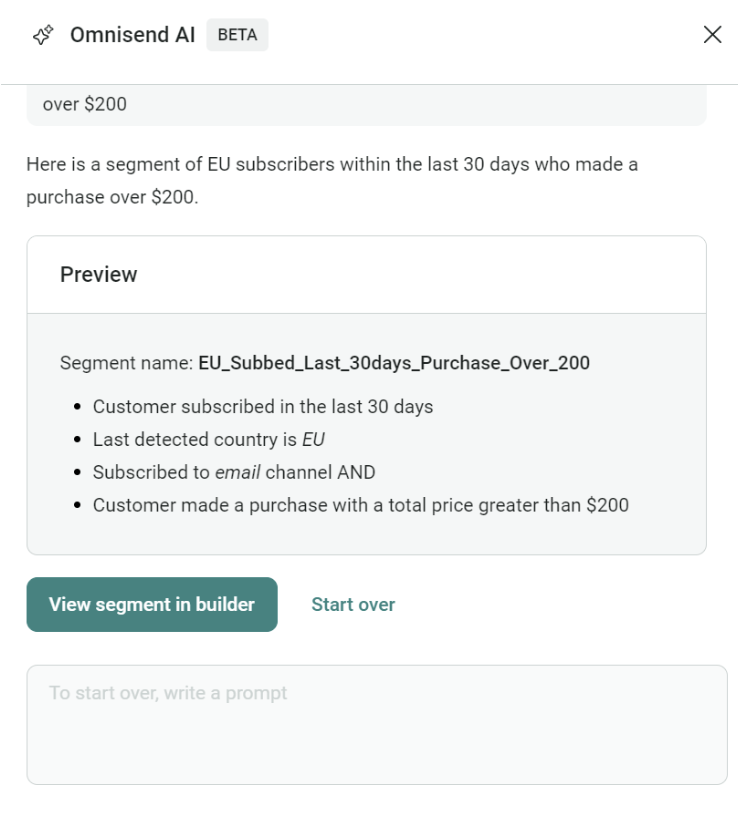
Pricing: Omnisend has a free plan with up to 500 emails, 250 contacts, and 500 web push notifications, while paid plans start with the Standard plan for $16/month
Install Omnisend to send personalized emails and texts to your customers, segment your list for targeting, and build emails and automations that go beyond what Shopify’s own apps (Shopify Email, Shopify Flow) are designed for.
Quick sign up | No credit card required
Additional reading:
Best email marketing apps for Shopify: Top 16 tools for 2025
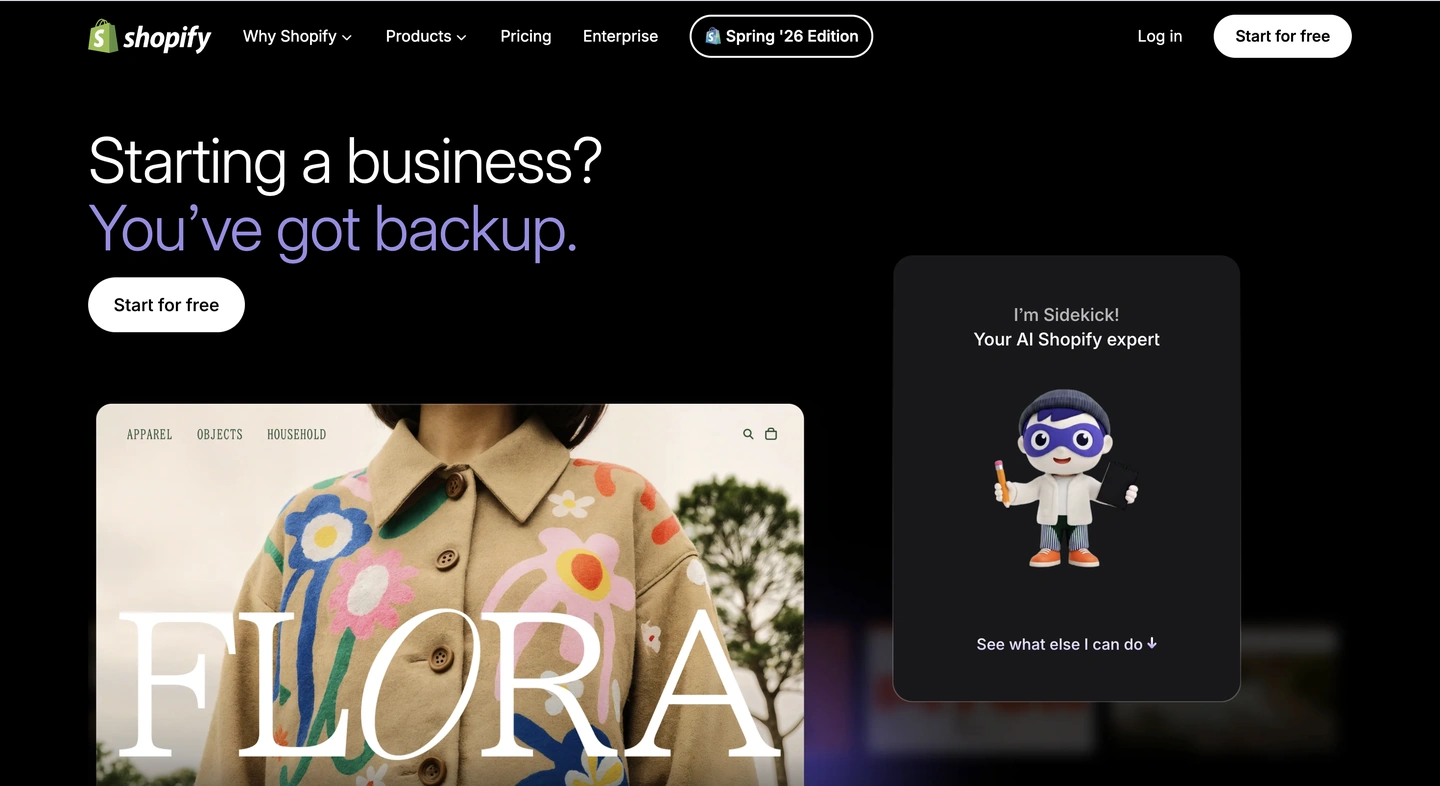
2. Shopify Sidekick — Native Shopify AI assistant
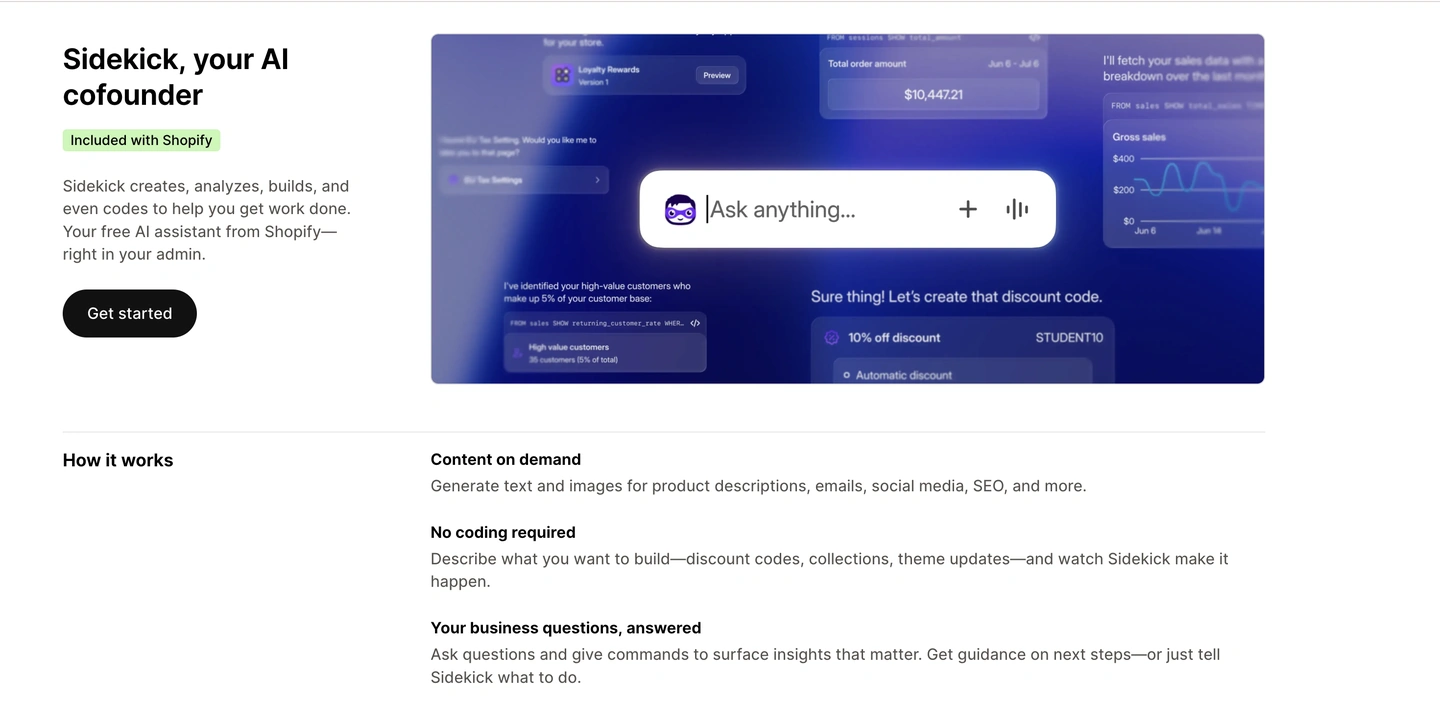
Best for: Businesses that want AI help without leaving the Shopify admin
Shopify rating: Sidekick is a native Shopify feature, so it doesn’t have a live rating
Key AI features:
- Natural-language chat interface built into the admin
- Direct access to store data: products, orders, customers, and performance
- Content generation, reporting, and workflow guidance
- Store-wide availability across every screen as of the Spring 2026 edition
Why we chose it: The Sidekick tool is included in Shopify plans from Basic to Plus. It lets merchants to use Sidekick for most day-to-day tasks, like drafting product descriptions or answering questions like, “What was your best-selling product in the last three months?” All in all, Sidekick feels like an extension of Shopify rather than a separate tool.
Pricing: Included with Shopify plan, merchants get access to Sidekick with their Shopify plan
3. Instant — AI page builder
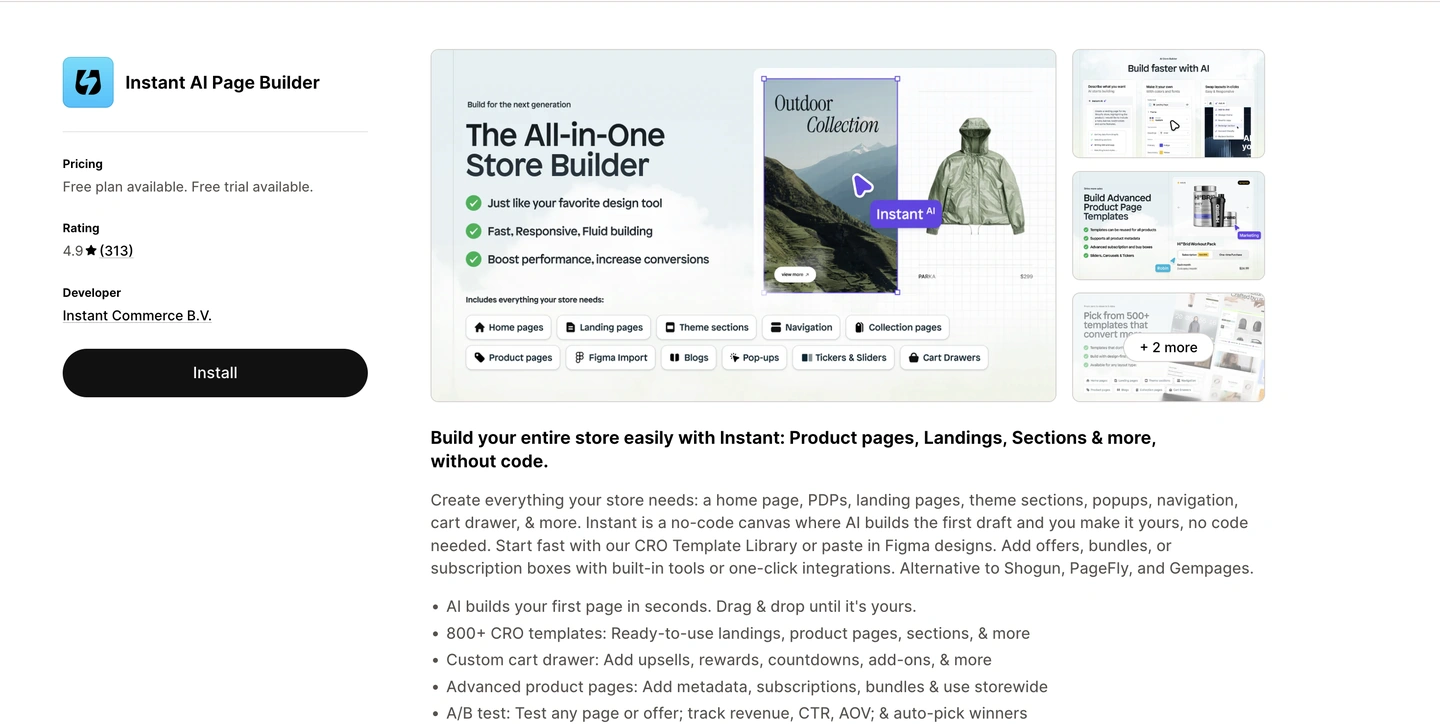
Best for: Building or customizing store pages without employing or outsourcing a developer
Shopify rating: 4.9/5 based on 300+ reviews
Key AI features:
- Prompt-based Shopify store design generator
- AI PDP image generation
- Written text generation (product descriptions, SEO, and more)
- Shopify native A/B testing with auto-winner detection
Why we chose it: Instant offers four convenient ways to build your Shopify layouts: AI prompting, customizing one of 1,000+ pre-designed templates, importing designs from Figma to Instant to Shopify, or building completely from scratch.
As a third-party tool, Instant can support your design flows or generate elements on command.

Pricing: Instant offers a free plan for developers and paid plans with added features from $39/month for the Starter plan
4. PageFly — AI landing page builder
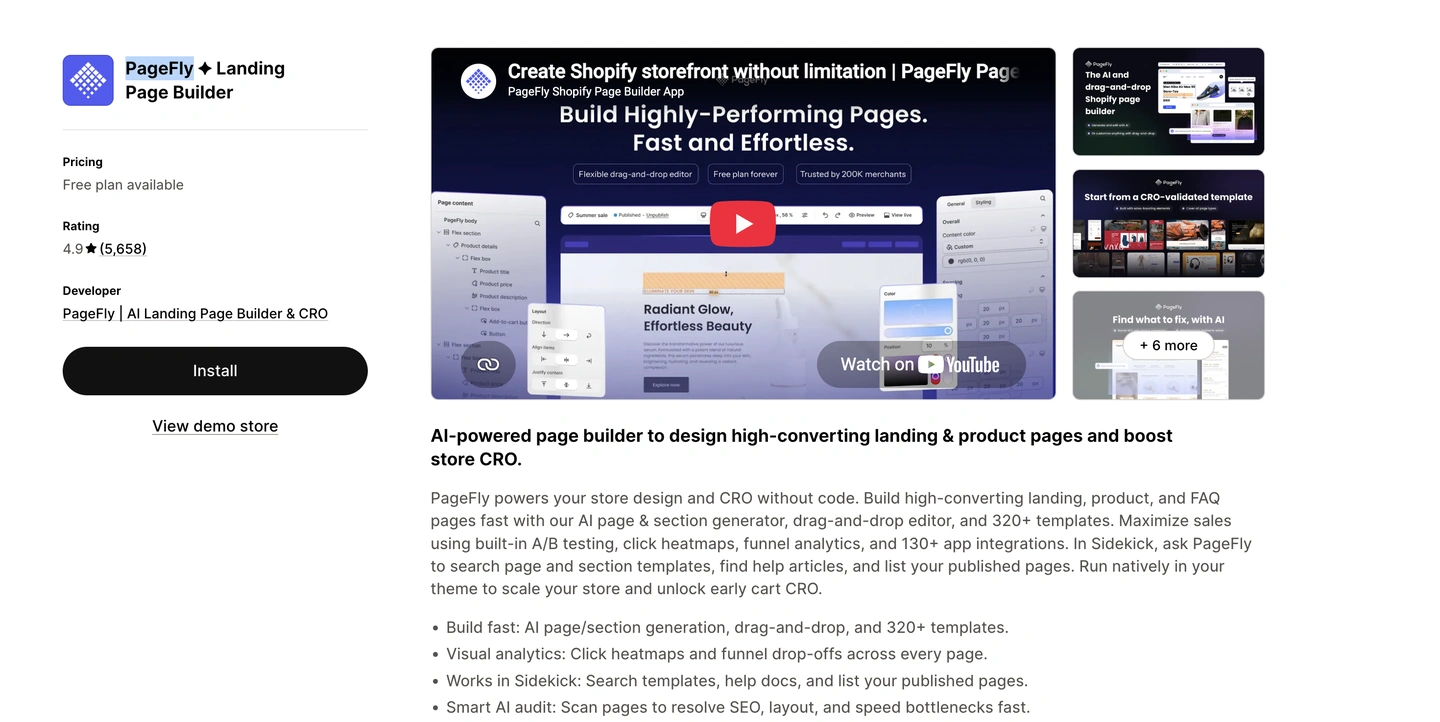
Best for: Custom, conversion-focused landing and product pages
Shopify rating: 4.9/5 based on 5,600+ reviews
Key AI features:
- FlyMate AI assistant for guided edits and instant content
- AI Sales Page that auto-personalizes content based on traffic source and visitor behavior
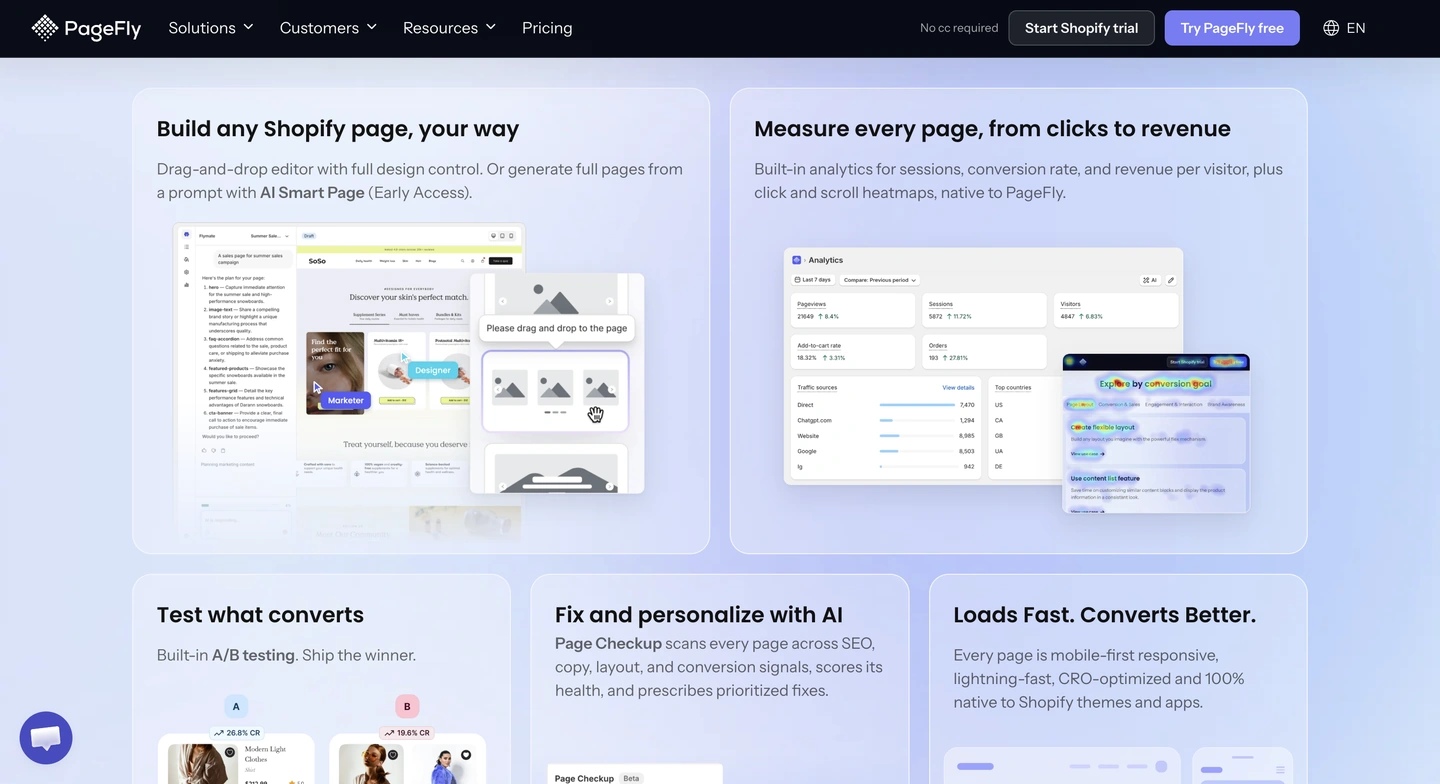
- Built-in A/B testing to find what converts
- 120+ CRO templates with countdowns, reviews, and product upsells
Why we chose it: Where Instant leans toward broader store and design workflows, PageFly focuses more tightly on landing pages, sales pages, and campaign pages built for conversion.
Its AI Page Checkup is a useful second opinion before a page goes live, and the free plan (one published page or section) is enough to test the workflow before committing.
Pricing: PageFly includes a free plan and paid plans starting with the Builder plan for $24/month
Additional reading:
Best AI store builders for Shopify: 8 tools compared (2026)
5. Tidio — AI chatbot and customer support
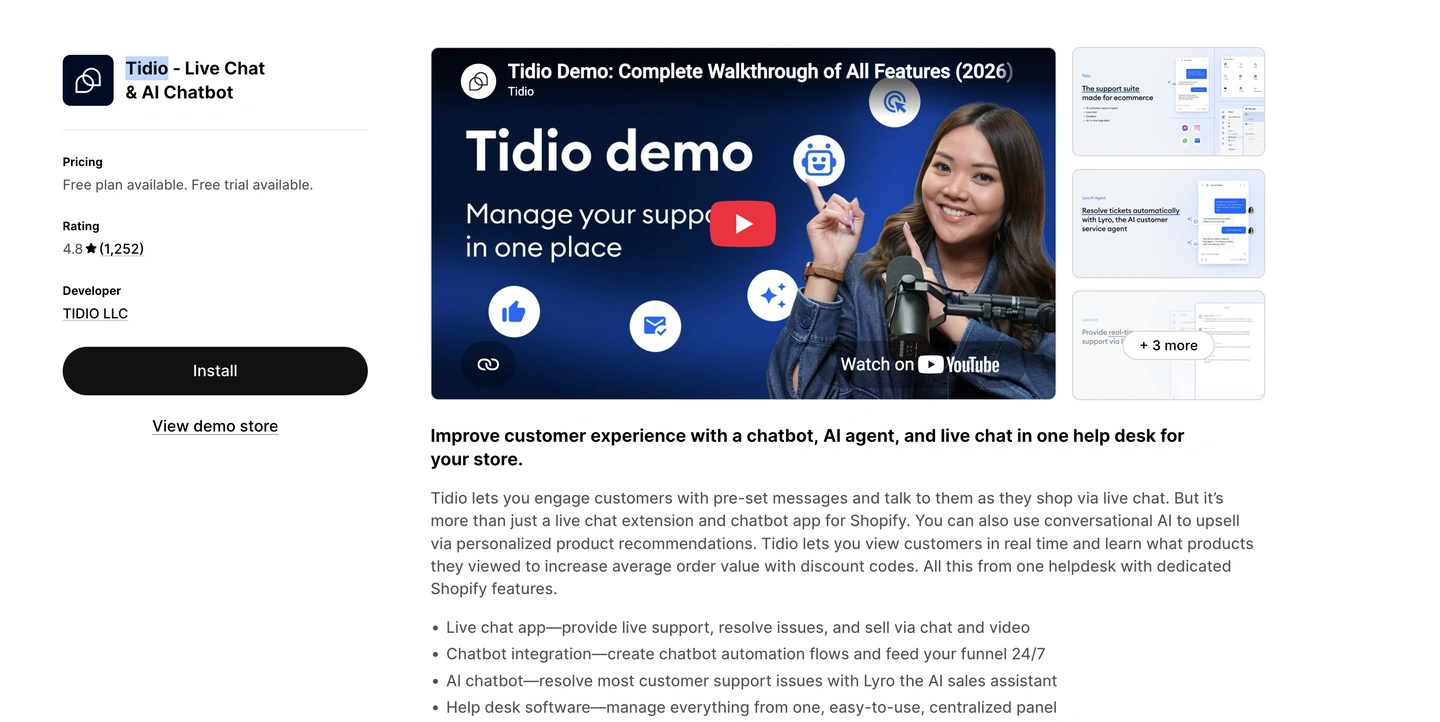
Best for: Accurate AI-assisted live chat and customer support automation
Shopify rating: 4.8/5 based on 1,200+ reviews
Key AI features:
- Lyro AI agent that resolves up to 67% of support queries automatically
- AI-powered product recommendations for upselling
- Visual chatbot builder for automated flows
- Real-time visitor tracking with cart and order history
Why we chose it: Tidio lets businesses have the option to add a full customer support function without hiring an in-house team. Its AI agent, Lyro, can answer a wide range is customer queries, from status questions to shipping questions.
Plus, to get started, you only need to paste your store’s URL during setup for Lyro to start answering questions.
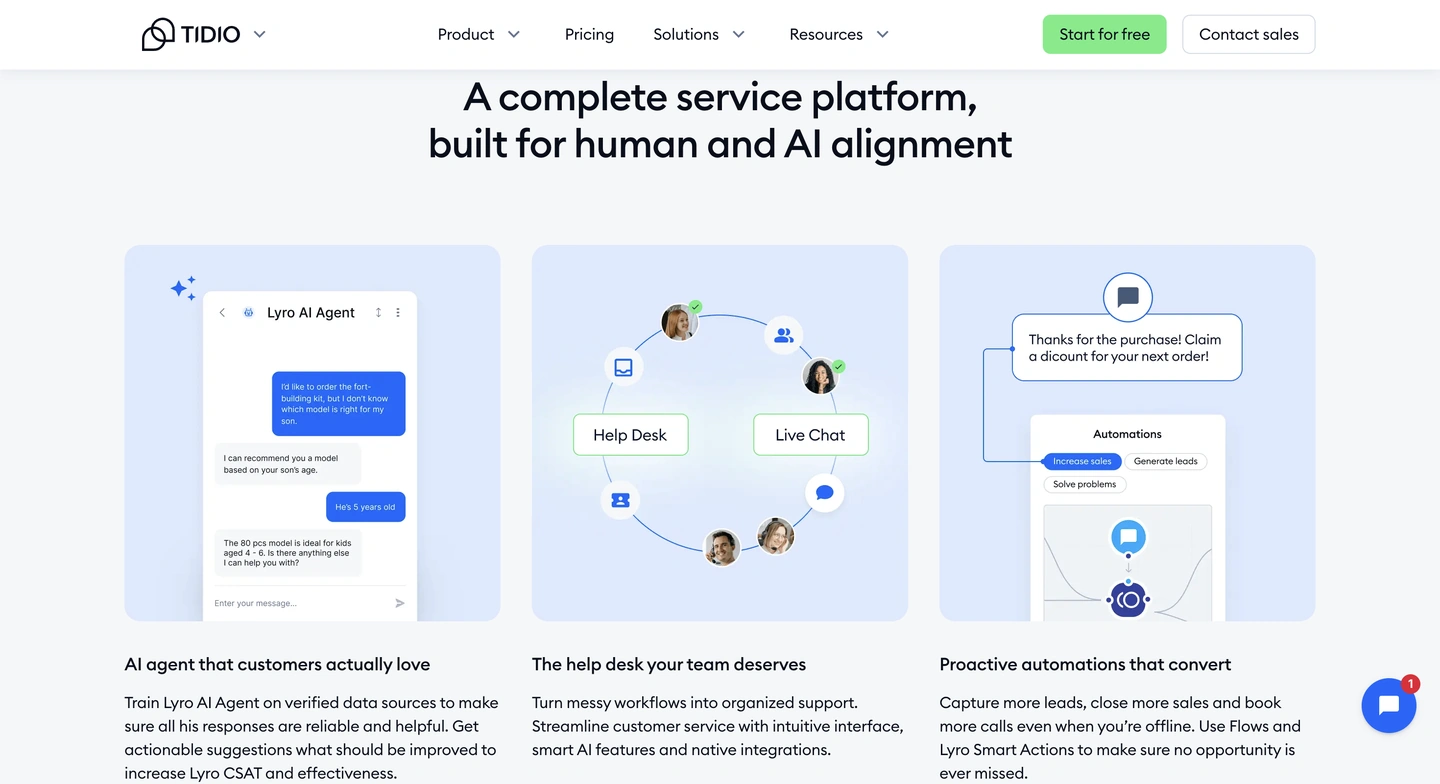
Pricing: Tidio has a basic free plan, but the paid plans include the Customer Service plan for $29/month and Lyro Chatbot for $39/month
6. LimeSpot — AI upsells and product recommendations
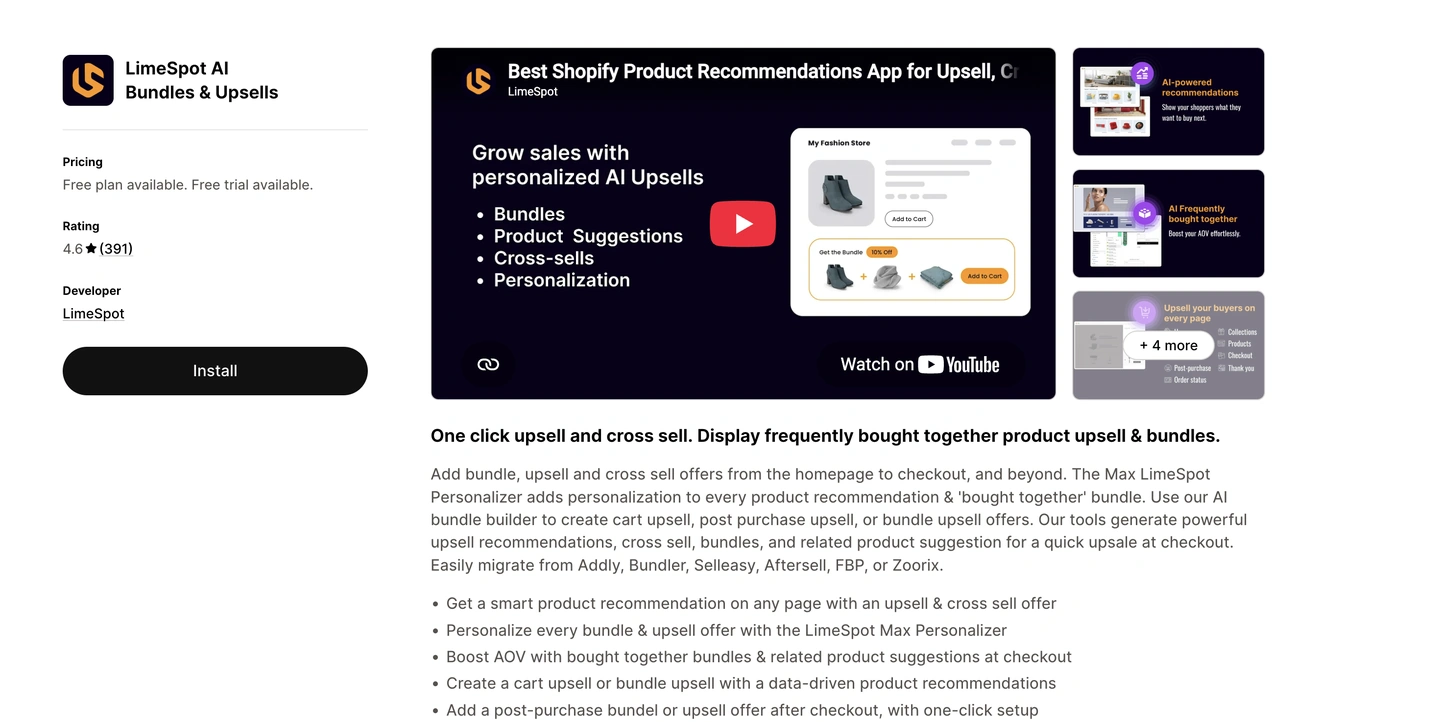
LimeSpot’s page on the Shopify App Store. Image via Shopify App Store.
Best for: Brands who want to upsell, cross-sell, and sell bundle recommendations
Shopify rating: 4.6/5 based on 390+ reviews
Key AI features:
- AI-driven “frequently bought together” recommendations
- Personalized bundle offers based on customer behavior
- Cart upsells, post-purchase upsells, and checkout suggestions
- Audience segmentation and A/B testing
- Email and SMS personalization
Why we chose it: For webstores with large product catalogs, this Shopify tool saves considerable time on manually creating product combinations.
LimeSpot does this for you by suggesting which products could be bundled together. If you’re looking to increase average order values, you might want to consider LimeSpot.
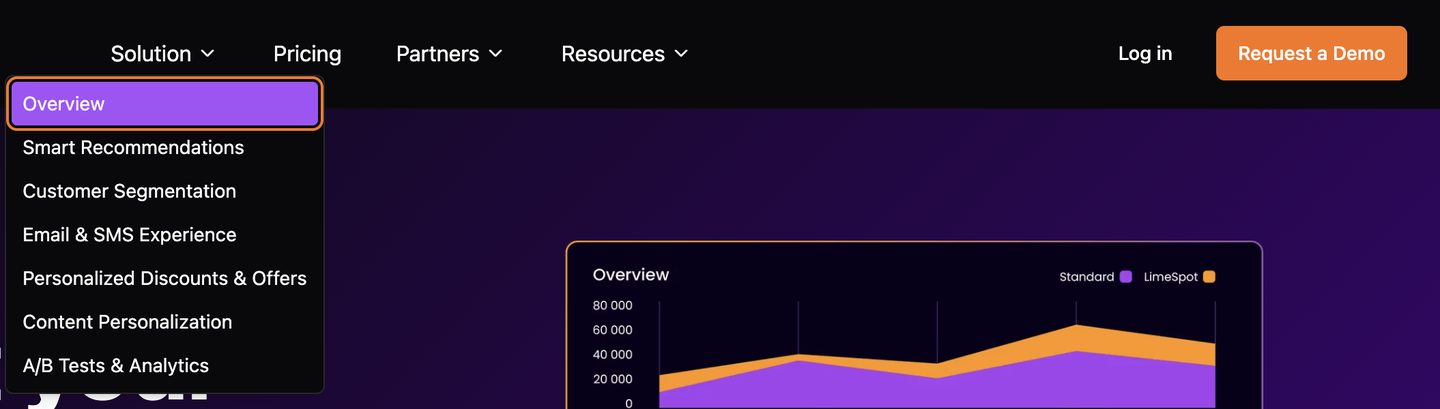
Pricing: LimeSpot has a free plan for stores under 10 orders a month and a 15-day free trial on paid tiers, after which costs start at $9.99/month. The Max plan gives access to a wide list of features, but the subscription cost scales with your store’s revenue.
7. Octane AI — AI product recommendation quizzes
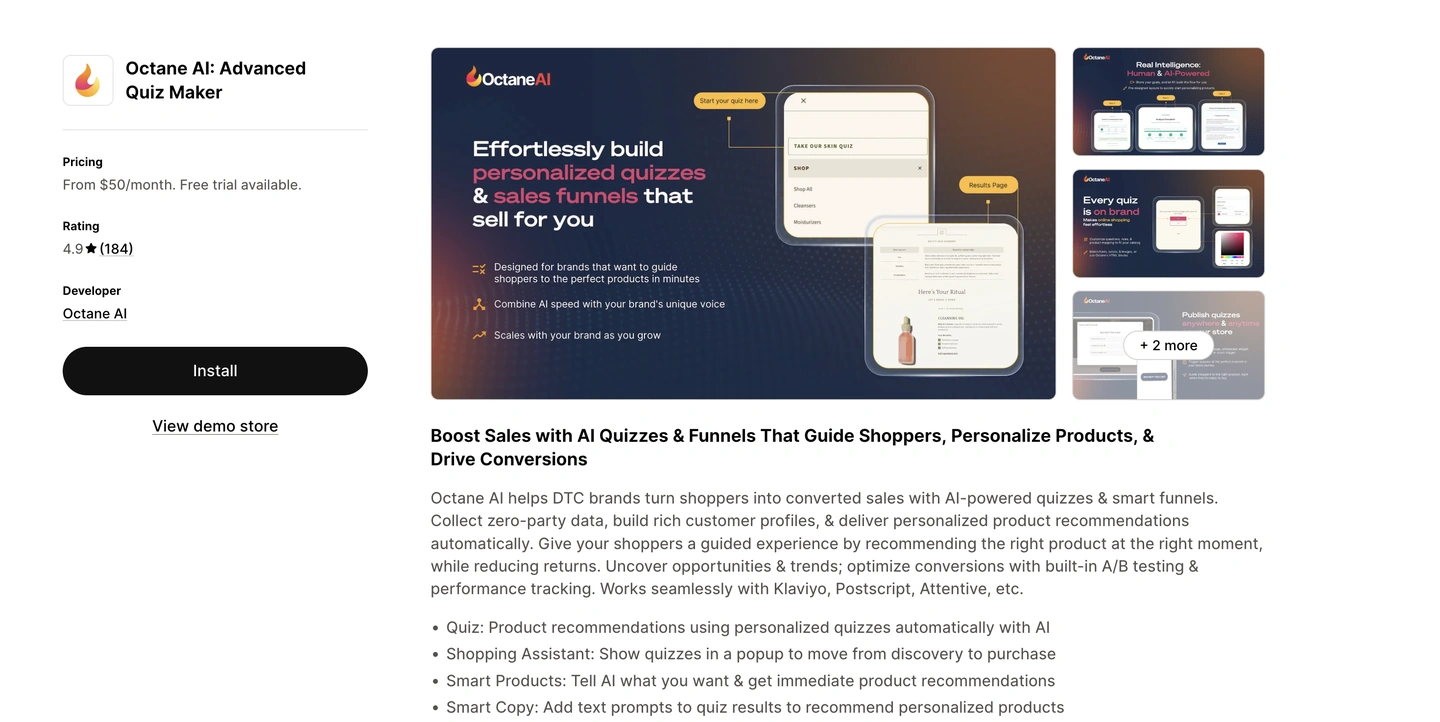
Best for: Businesses with large or complex catalogs who want to guide shoppers to the right product
Shopify rating: 4.9/5 based on 180+ reviews
Key AI features:
- Intelligent product recommendations based on quiz answers
- AI-powered copy for personalized quiz results
- Image analyzer for things like shade matching from uploaded photos
- Shopping assistant pop-ups to move visitors from browsing to buying
- A/B testing and performance tracking
Why we chose it: Octane AI is especially well-suited for skincare brands, fashion boutiques, or supplement businesses. Competition is high, so customers are presented with a minimalistic quiz that asks product-filtering questions to help brands suggest better products. To shoppers, this feels like personalization.
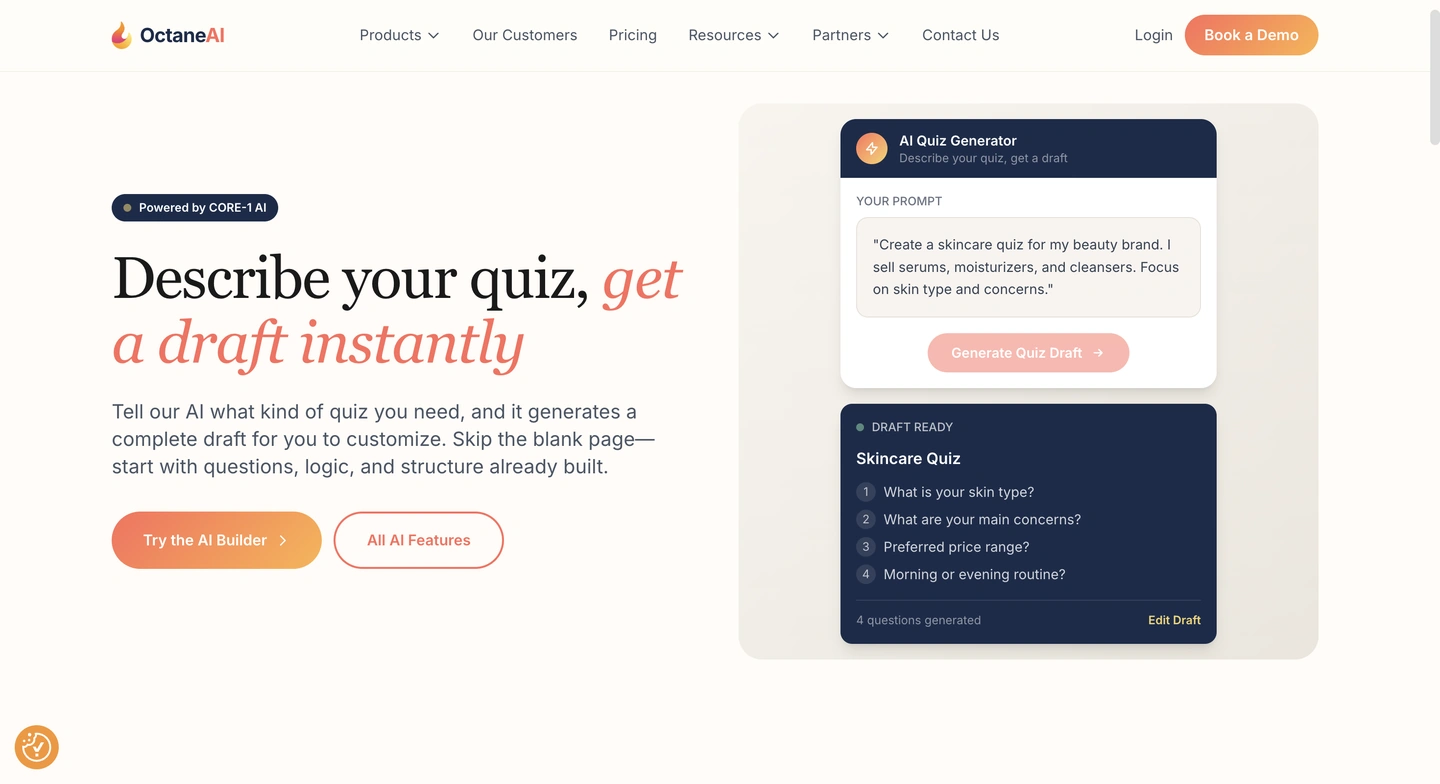
Pricing: Octane AI gives brands the option to try out all of its plans for 14 days, and its plans start at $50/month for the Octane Basic plan
8. Wizzy — AI search and filters
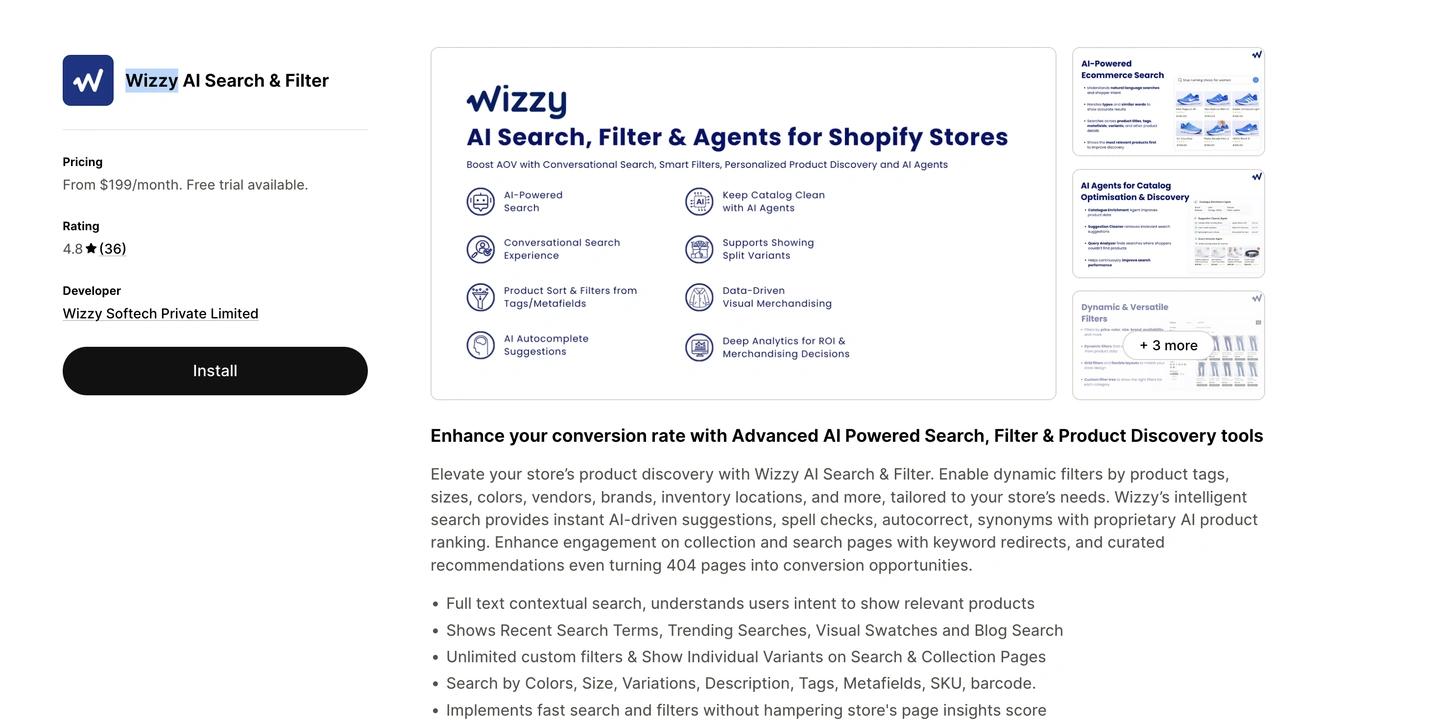
Best for: Businesses with considerably large and different product catalogs
Shopify rating: 4.8/5 based on around 30+ reviews
Key AI features:
- Contextual search that’s able to understand shopper intent beyond matching keywords
- Comes with spell check, autocorrect, and synonym handling
- Filters by tag, size, colors, vendor, and inventory location dynamically
- Ranks products and provides custom recommendations
Why we chose it: Shopify’s default search engine struggles with typos and synonyms, so Wizzy replaces it entirely.
While it’s not a necessary shift for every brand, for stores with extensively large product catalogs, Wizzy introduces a better way of navigating and finding the right products to stop losing revenue to poor search results.
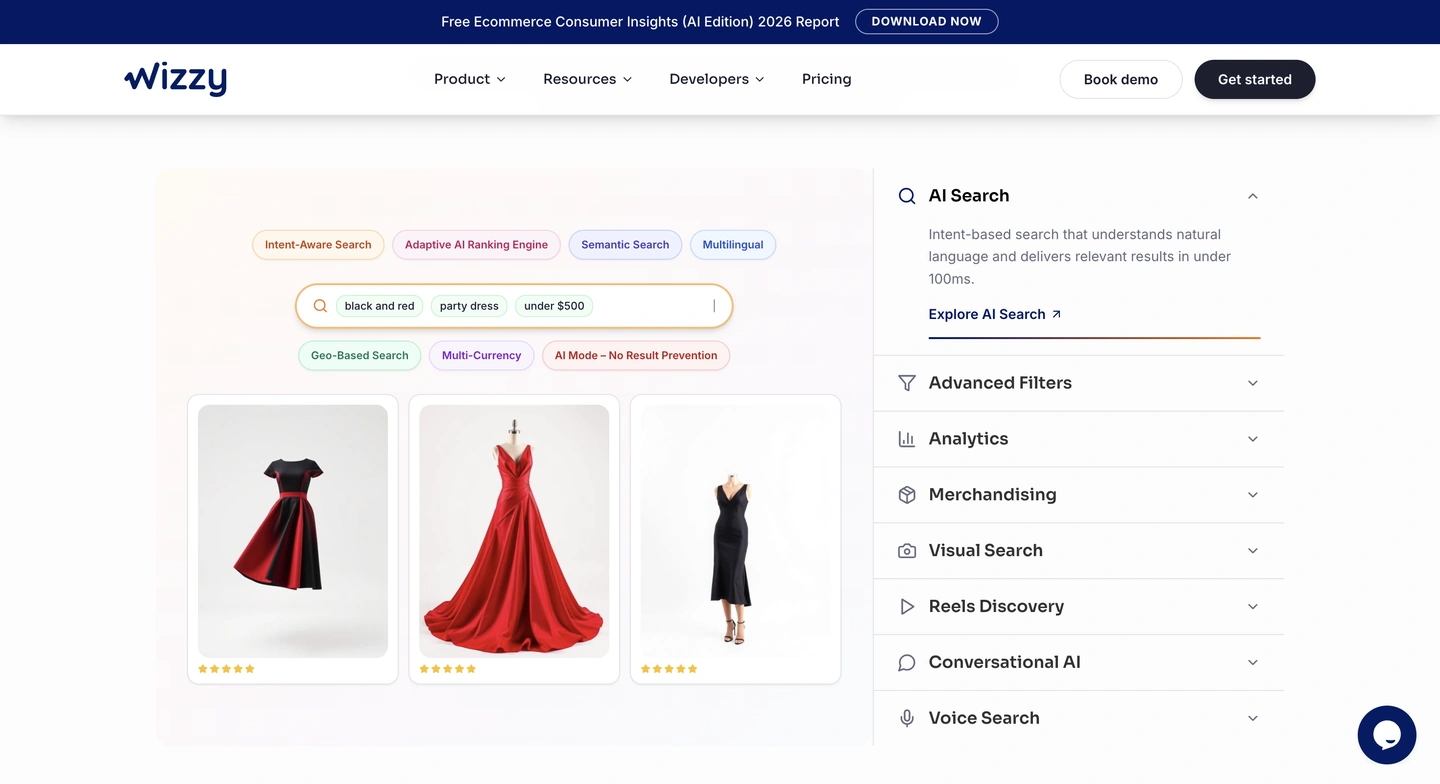
Pricing: Wizzy also has a 14-day trial period on all pricing plans, which start on the higher end at $199/month
9. SEOWILL (formerly SEOAnt) — AI SEO and content
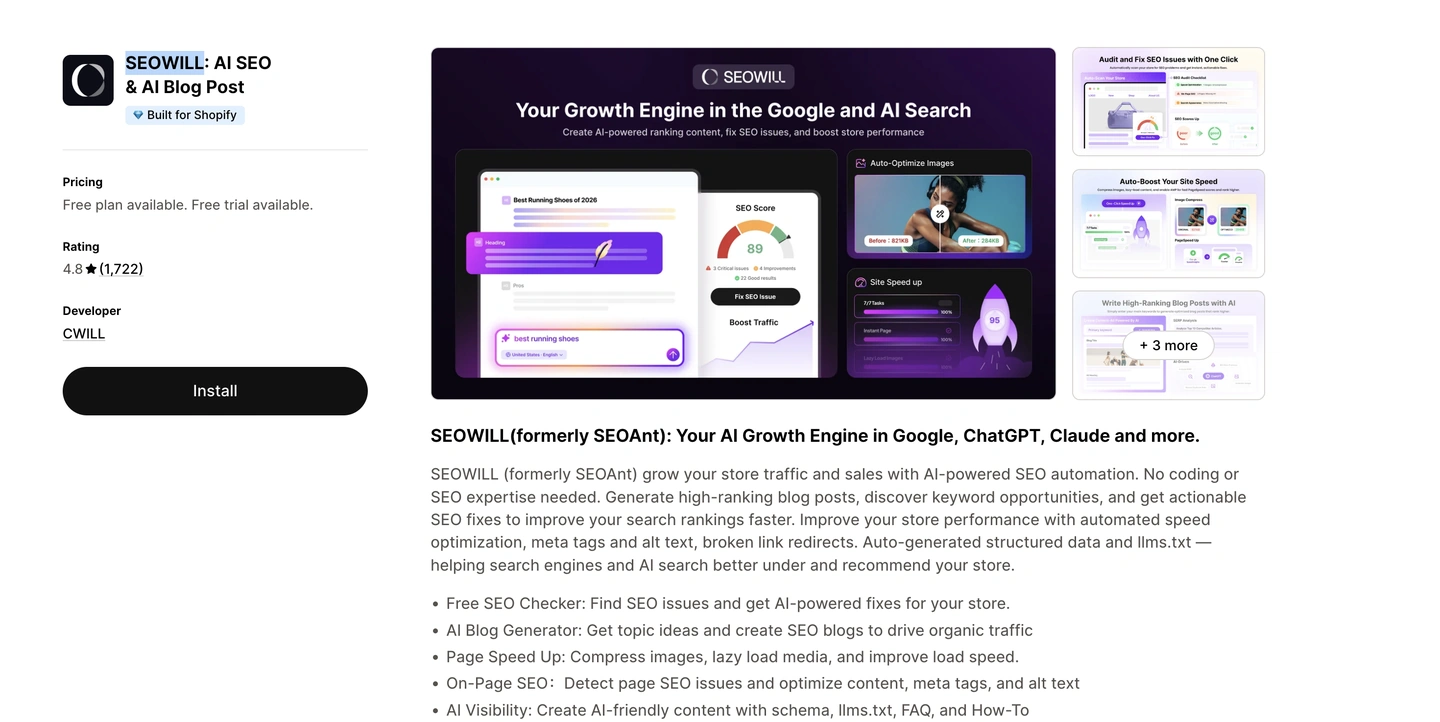
Best for: AI-assisted SEO and content writing
Shopify rating: 4.8/5 based on 1,700+ reviews
Key AI features:
- One-click SEO audit that scans and fixes issues across your store
- ChatGPT-powered blog content and keyword strategy generation
- AI bulk editor for meta tags and image alt text
- Page speed optimization with image compression and lazy loading
- Broken link detection with auto-redirects
- JSON-LD structured data for better search engine understanding
- AI-generated blog content with targeted keyword suggestions
Why we chose it: SEOAnt recently rebranded to SEOWILL to include a more detailed tool for Shopify stores. SEOWILL has everything you need to get started with on-page SEO, flagging issues like page speed and providing AI suggestions on how to improve.
SEOWILL also tracks how visible your store is to major AI search tools like ChatGPT and Perplexity, so you can see whether you’re appearing in their results.
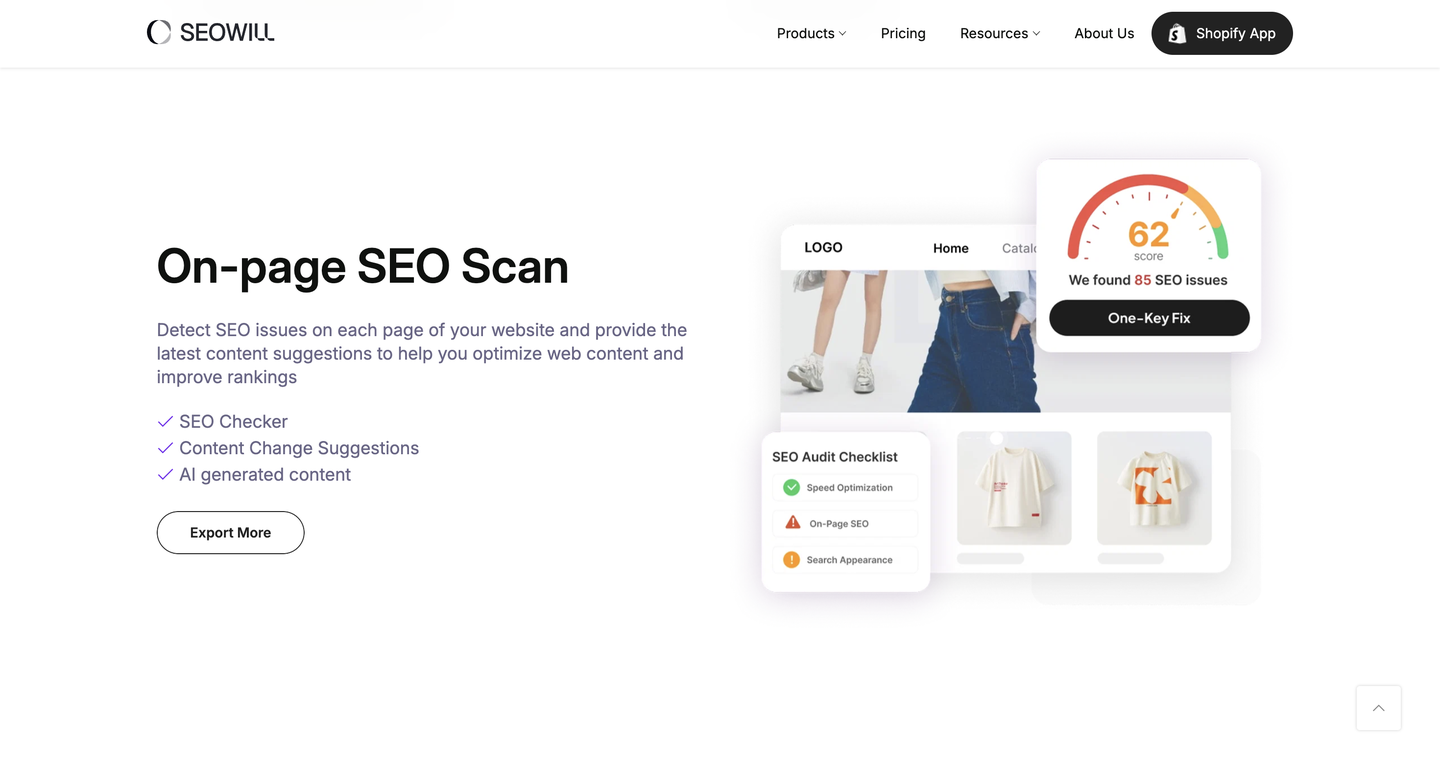
Pricing: The free plan covers basic SEO tasks, while structured data and bulk optimization features come with paid plans starting at $29.99/month
10. AutoDS — AI dropshipping automation
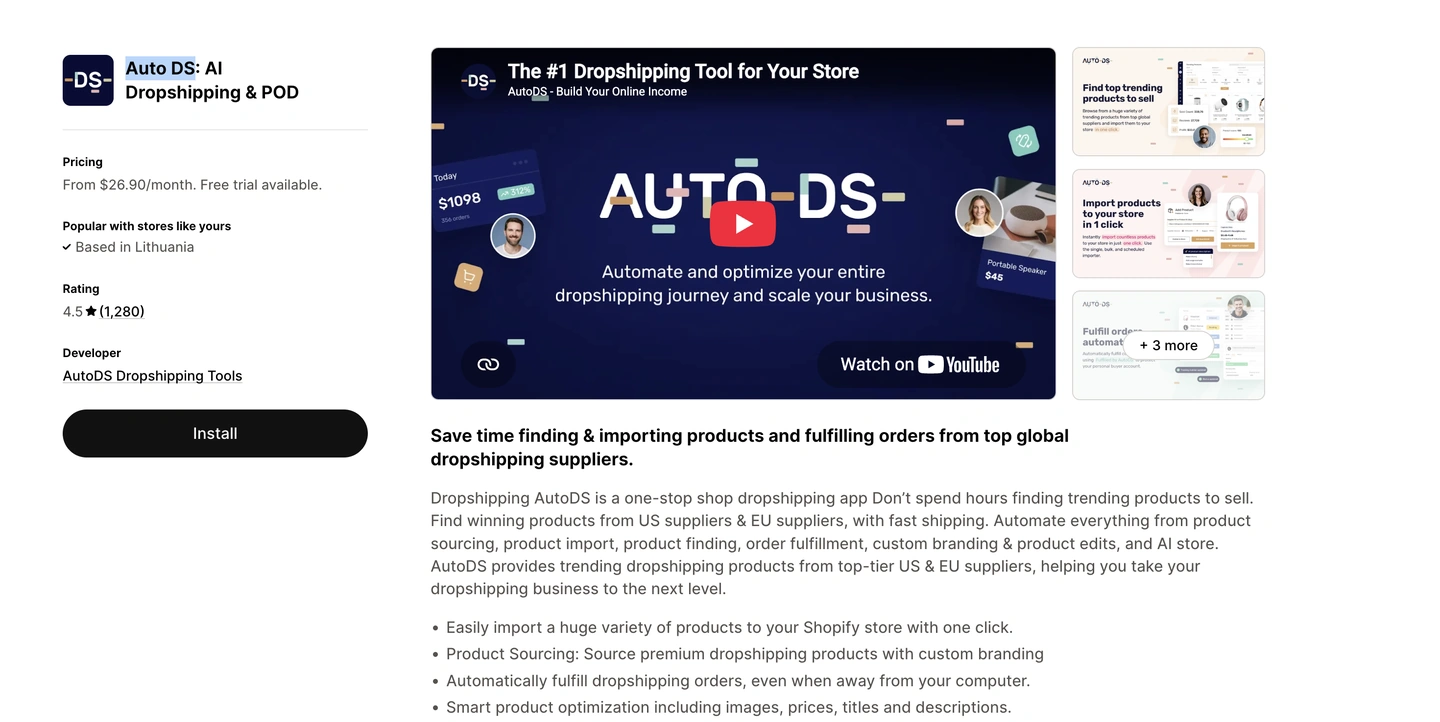
Best for: Merchants running dropshipping or print-on-demand stores
Shopify rating: 4.5/5 based on 1,200+ reviews
Key AI features:
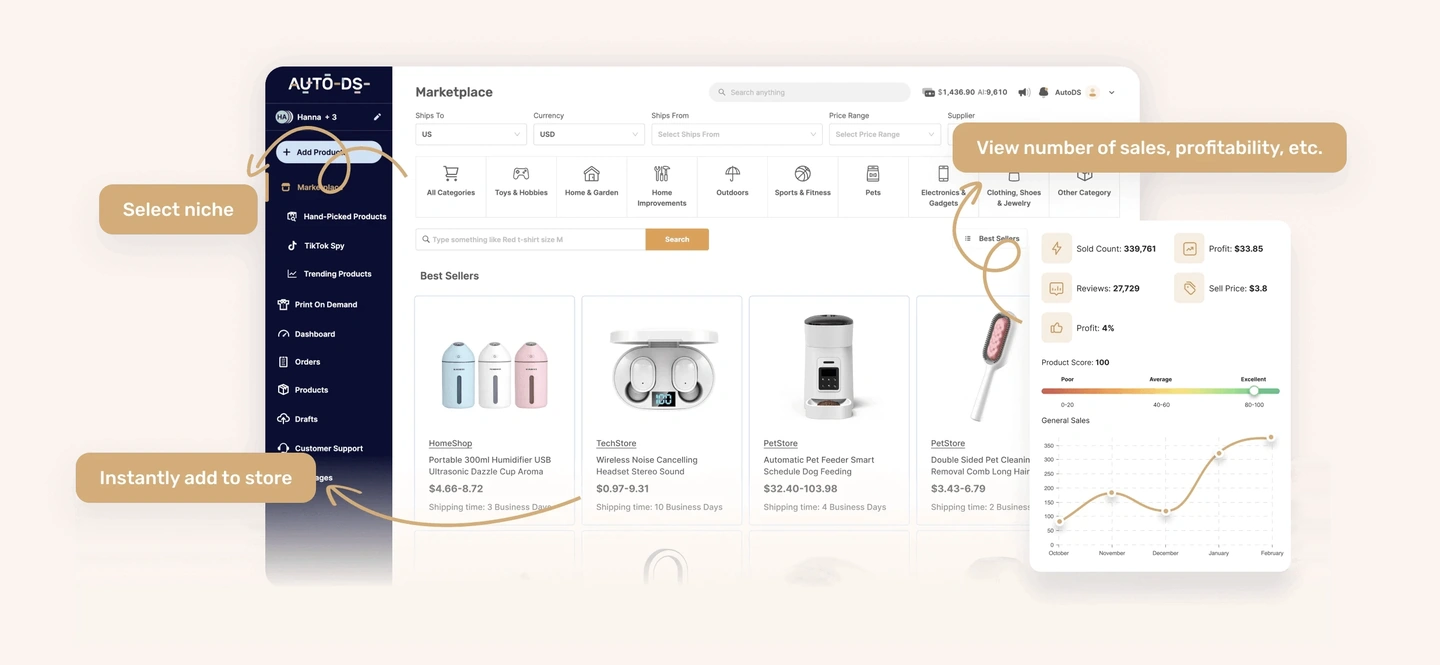
- Trending product finder with U.S. and EU suppliers
- One-click product imports with smart optimization for images, prices, titles, and descriptions
- Automatic order fulfillment, even when you’re offline
- Price and stock monitoring
- Print on demand support
Why we chose it: AutoDS automates the tedious side of dropshipping, which is watching for supplier price changes, restocking, and processing orders. It gives brands a clear dashboard to track everything from profit to product costs.
Worth a look if you’re running a dropshipping business and want to spend less time on manual tasks like importing products and processing orders.
Pricing: Starts at $26.90/month for the Import 200 plan with a three-day trial period
How to choose the right AI tools for your Shopify store
Brands should choose the Shopify AI tools that either work toward a defined business goal or help clear bottlenecks immediately. Luckily, the Shopify App Store has 16,000+ apps, and each category has several AI features to choose from. Here’s how to pick the best apps:
- Start with your main goal: Identify areas of struggle, like cart abandonment, site navigation, growing email lists, increasing average order values, or winning more subscription customers. Knowing what you need an AI app to do will help you shortlist options faster.
- Match the tool to the workflow: Choose tools that deliver the biggest benefits without disrupting your current work setup. In practice, this can look like using Omnisend for AI-assisted email and SMS marketing, Tidio for support automation, SEOWILL for SEO tasks, and LimeSpot for product recommendations.
- Check Shopify integration quality: Prioritize tools that work with your Shopify theme and connect to the data they need. Some tools might bring their own dashboards, but in most cases that’s preferable as brands get access to more detailed information.
- Review pricing and scalability: Consider what you need now and what you’ll need in three, six, and 12 months. Will a free plan grow with you? All app pages on the Shopify App Store have a Pricing section, and some apps also have their own websites for validation.
- Avoid overlapping apps: It takes just seconds to add multiple Shopify apps, but making sure all tools work together rather than against each other doesn’t. Check your current tech stack before adding another AI tool. New apps shouldn’t duplicate or conflict with what you already use.
- Test before committing: Use free plans and trials to test before you add a new Shopify tool. Yes, this can take extra time, but it’s always better to test first to avoid unexpected problems later.
It’s time to grow smarter with Shopify AI tools
AI marketing tools for Shopify can reduce your costs, increase sales, and help you reach customers in new ways. Popular use cases include email and SMS marketing, customer support, SEO, page building, product recommendations, search, and dropshipping automation.
The important thing to understand is that there’s no one-size-fits-all tool. The best tool depends on your store’s current goal or bottleneck, not on how many AI features a single Shopify tool has. Start with one goal or problem in mind, find the right tool for it, and move on to your other goals.
It’s also worth keeping your stack lean. Installing several tools that do overlapping jobs adds cost and admin without adding much value, and it makes it harder to tell which app is moving your numbers. Audit what you already run before you install anything new.
Quick sign up | No credit card required