
 Omnisend AI


 OFFER
OFFER









9 best WordPress newsletter plugins (free and paid)
With over 130+ pre-built integrations and flexible APIs, you can easily centralize data from across your tech stack
Make the most out of your data and unlock powerful growth marketing possibilities with these other top marketing tools.
Build any custom integration with our open, flexible APIs that are simple to use and implement.
Check out apps that have been stealing all the spotlight.
Email and SMS marketing insights, ecommerce resources, and the latest Omnisend news
Expert-led sessions covering email, SMS, and ecommerce marketing strategies.
Educational video and live training to help you make the most out of Omnisend.
Turn first-time visitors into lifelong subscribers. Reach &
engage them. All automatically, without the stress.
Drive sales on autopilot with ecommerce-focused features
See Features
Selecting the right WordPress email marketing plugin hinges on your goals, whether it's sending simple newsletters or implementing complex automations for customer engagement.
Key features to look for include automation capabilities, segmentation options, deliverability management, ease of use, and robust testing and analytics tools.
Omnisend stands out as the top choice for ecommerce due to its seamless WooCommerce integration and powerful pre-built automation flows for various customer interactions.
Free plans from various plugins like Omnisend and Sender offer strong functionality, making them ideal starting points for small businesses looking to grow their email marketing efforts.
WordPress email marketing plugins can handle everything from basic newsletters to advanced automations. The right choice depends on whether you’re broadcasting updates or building customer relationships that drive repeat purchases.
Sending monthly updates requires far less functionality than running abandoned cart recovery, customer winback campaigns, and purchase-based segmentation.
Top picks at a glance
For ecommerce sites, there are plugins that integrate with WooCommerce, track revenues, and segment users based on order history. The difference between knowing that someone has opened an email versus having spent $200 after clicking is significant.
Join us below to learn the best email marketing plugins for WordPress, including those for ecommerce sites, small businesses, bloggers, and more.
Quick sign up | No credit card required
You’re comparing WordPress email marketing plugins, reading feature lists that all sound identical. Every option promises automation, templates, and analytics.
But which features turn subscribers into buyers? That depends partly on the type of plugin you’re working with.
WordPress email marketing plugins fall into three broad categories. First, there are full-service email marketing plugins with WordPress integration — think Omnisend, Klaviyo, and Brevo.
Second, there are WordPress-native plugins that run entirely inside your dashboard, like FluentCRM, MailPoet, and AcyMailing. Third, there are specialized tools focused on list building or email delivery, such as OptinMonster and WP Mail SMTP.
Most ecommerce stores get the best results by pairing a marketing platform with at least one specialized tool.
With that context in mind, here are the five capabilities that separate revenue-generating email marketing plugins for WordPress from basic newsletter senders:
Automation ranges from simple welcome emails to complex behavioral triggers. Klaviyo builds different paths for $50 versus $500 cart abandoners. Omnisend sends emails based on when each subscriber usually opens them, not generic “best practice” schedules.
Some WordPress email marketing tools limit the number of steps, actions, or triggers you can use in automation flows. Omnisend doesn’t have those restrictions.
Check out segmentation features. Can the plugin group customers by what they bought, when they last purchased, or which emails they clicked?
Pre-built segments will save you time and help you make sense of large contact lists, whether you built them in your tool or imported them. Additionally, real-time segmentation is critical for ecommerce as it ensures accurate targeting.
Your email tool should have segments for engaged and disengaged contacts, segments based on store activity, and segments for inactive contacts. Omnisend and Klaviyo offer these.
Deliverability is about active reputation management, not just sending emails. Constant Contact has feedback loops with ISPs and removes bad addresses to prevent impacting your sender reputation. Brevo also shows deliverability stats to help you catch any problems.
WordPress hosting services have a limit on the number of emails you can send per day. FluentCRM supports SendGrid and Amazon SES to get around these limitations. You want emails to go out at maximum speed on Black Friday, not trickle over the next week because of hosting limitations.
Note: Not every WordPress email marketing plugin manages email delivery on its own. If yours doesn’t, pairing it with a dedicated SMTP plugin like WP Mail SMTP or FluentSMTP helps make sure your marketing and transactional emails actually land in the inbox. This is a common setup for stores running FluentCRM, MailPoet, or AcyMailing.
Email builders show their true nature in five minutes. HubSpot is like using blocks: you add blocks, you move blocks, you can preview blocks, and it’s instant. If you’re googling “how do I add an image” during the demo, don’t use that plugin.
New templates should be professional out of the box, without editing. The good plugins have a lot of variety because, let’s be real, abandoned cart emails don’t look like newsletters.
You should be able to A/B test two email or SMS versions to refine your messaging, offers, timing, and frequency. HubSpot, Omnisend, and Brevo have A/B testing capabilities, although only Omnisend includes it for free.
Another must-have feature is analytics. At the very least, your WordPress email marketing plugin should track opens, clicks, and audience growth.
Klaviyo and Omnisend are renowned for their in-depth analytics, including real-time contact activity. Omnisend also shows how much revenue each customer has brought you, and provides their average order value (AOV) and predicted customer lifetime value (CLV).
Quick email provider pricing comparison
Quickly and easily compare the top email marketing providers so you can find the best platform for your ecommerce store needs.
You can compare Omnisend and 2 more providers at once.
You can compare Omnisend and 2 more providers at once.
Select at least one provider.
Try out the full version of this calculator
The table below shows our picks of the best WordPress email marketing automation plugins and newsletter tools. Click any of the links to jump to them:
| Plugin | WP rating | Active installs | Free plan | Premium plans start from | Key feature | Best for |
|---|---|---|---|---|---|---|
| Omnisend | 4.7/5 | 100,000+ | ✅ | $16/month | Email + SMS automation | Ecommerce stores running email and SMS automation |
| Brevo | 4.1/5 | 100,000+ | ✅ | $9/month | Email + CRM + chat | Stores that need email, CRM, and chat in one place |
| FluentCRM | 4.8/5 | 70,000+ | ❌ | $129/year | Self-hosted, no monthly fees | Stores that want self-hosted email marketing |
| HubSpot | 4.3/5 | 200,000+ | ✅ | $15/month/seat | All-in-one marketing platform | Businesses with large marketing teams |
| Klaviyo | 2.8/5 | 100,000+ | ✅ | $45/month | B2C CRM with predictive analytics | Stores with complex ecommerce data needs |
| MC4WP: Mailchimp for WordPress | 4.8/5 | One million+ | ✅ | $70/year | Mailchimp integration | Sites already running Mailchimp |
| MailerLite | 3/5 | 100,000+ | ✅ | $10/month | Simple form creation | Stores that want simple email signup forms |
| MailPoet | 4.4/5 | 500,000+ | ✅ | $8/month | WordPress-native emails | Stores that want WordPress-native email tools |
| Newsletter | 4.6/5 | 200,000+ | ✅ | $69/year | Core email functionality | Sites that send newsletters within WordPress |
| OptinMonster | 4.3/5 | One million+ | ❌ | $7/month | Advanced list-building | Stores looking to upgrade list-building |
| Retainful | 4.9/5 | 2,000+ | ✅ | $14/month | WooCommerce email marketing | WooCommerce stores recovering abandoned carts |
| Sender | 4.8/5 | 5,000+ | ✅ | $10/month | High-volume free plan | Small ecommerce stores on a budget |
| BDOW! | 4.2/5 | 20,000+ | ✅ | $25/month | Complex list-building | Stores building complex subscriber lists |
| AcyMailing | 4.8/5 | 7,000+ | ✅ | €8/month | Post-to-newsletter conversion | Sites that turn blog content into newsletters |
Out of every email marketing plugin for WordPress on this list, Omnisend stands out for ecommerce stores.
It connects directly to WooCommerce, tracks revenue per campaign, and includes pre-built automation flows for abandoned carts, welcome series, and post-purchase sequences. What’s more, all these are accessible on every plan, including the free plan.
That said, the best WordPress plugin for email marketing depends on your use case. Tools like BDOW! focus on list-building, Sender suits small stores, and AcyMailing works well for converting content into newsletters.
Let’s take a closer look at each WordPress email marketing plugin:
Not every store is ready to commit to a paid plan. The good news is that there are several strong, free email marketing plugins for WordPress. Also, some of these plugins are generous enough to let you run a real email program without spending a dollar.
Here are the best free email marketing plugins for WordPress worth considering:
Omnisend — best free WordPress email marketing plugin for ecommerce
Omnisend’s free plan gives you 500 emails per month to up to 250 contacts, with access to the same core features available on paid plans. That means pre-built automation workflows, segmentation, signup forms, popups, and SMS — not a stripped-down version. It’s the strongest free option for ecommerce stores on WooCommerce.
Keep in mind that free plans across most WordPress email marketing plugins come with some restrictions. These could include contact limits, daily sending caps, or locked features like advanced segmentation and A/B testing.
The WordPress email marketing plugins above offer the best balance of free access and real functionality. As your list and sending volume grow, upgrading to a paid plan will likely become necessary.
“I would like to highlight the migration experience in particular. I had been delaying the move for a long time because, honestly, platform migrations are usually a hassle and stressful. This time, though, it really wasn’t. Omnisend migration team handled the migration for me with minimal effort from my side.”
— Omnisend customer, via WordPress.org
Each WordPress email marketing plugin below serves a different purpose. The reviews span ecommerce automation suites, WordPress-native tools, and specialized list builders. For each option, we highlight what it does well, where it falls short, and how much it costs.

Active installations: 100,000+
WordPress user rating: 4.7/5
Omnisend combines email, SMS, and push notification campaigns with automation flows in one platform built for ecommerce.
You create campaigns for product launches and sales. Automation flows handle transactional messages, abandoned carts, re-engagement, post-purchase, and other customer stages.
Customer data from your store shapes every message — what they viewed, purchased, or left behind. Flows trigger emails and texts based on the conditions you set.
Consider Omnisend if you have an ecommerce store and want email marketing that integrates directly with your product catalog. You’ll get the most value selling physical products that need automated campaigns running without constant manual input.
There are pre-built workflows for common use cases like cart recovery and welcome series. You can customize the timing, discounts, and content according to your brand.
SMS integration is also available, which can be used in combination with email. If a customer does not respond to the abandoned cart email, a follow-up SMS will be sent. Segmentation is also available, which groups users based on their purchase history, browsing, and engagement.
There is a form builder and popup builder, which collects emails without being intrusive. Integration is also available with WooCommerce and other ecommerce sites.
Omnisend is an email marketing WordPress plugin that works in the background. Everything connects, flows run, and you stay focused on products and customers. It helps you build your list and manage contacts with segmentation, without a steep learning curve.
 | Amundsen Sports’ success story Norwegian outdoor apparel brand Amundsen Sports switched from Mailchimp to Omnisend on WooCommerce. The results of this switch speak for themselves. The brand’s order confirmation email alone accounts for 17% of yearly Omnisend revenue. It has a 32% conversion rate, meaning one in three people who click through make another purchase. “The template building was a big part of why we chose Omnisend,” said Frithjof Solheim, Ecommerce Responsible at Amundsen Sports. “Omnisend is easier to work with.” Read the full Amundsen Sports success story. |
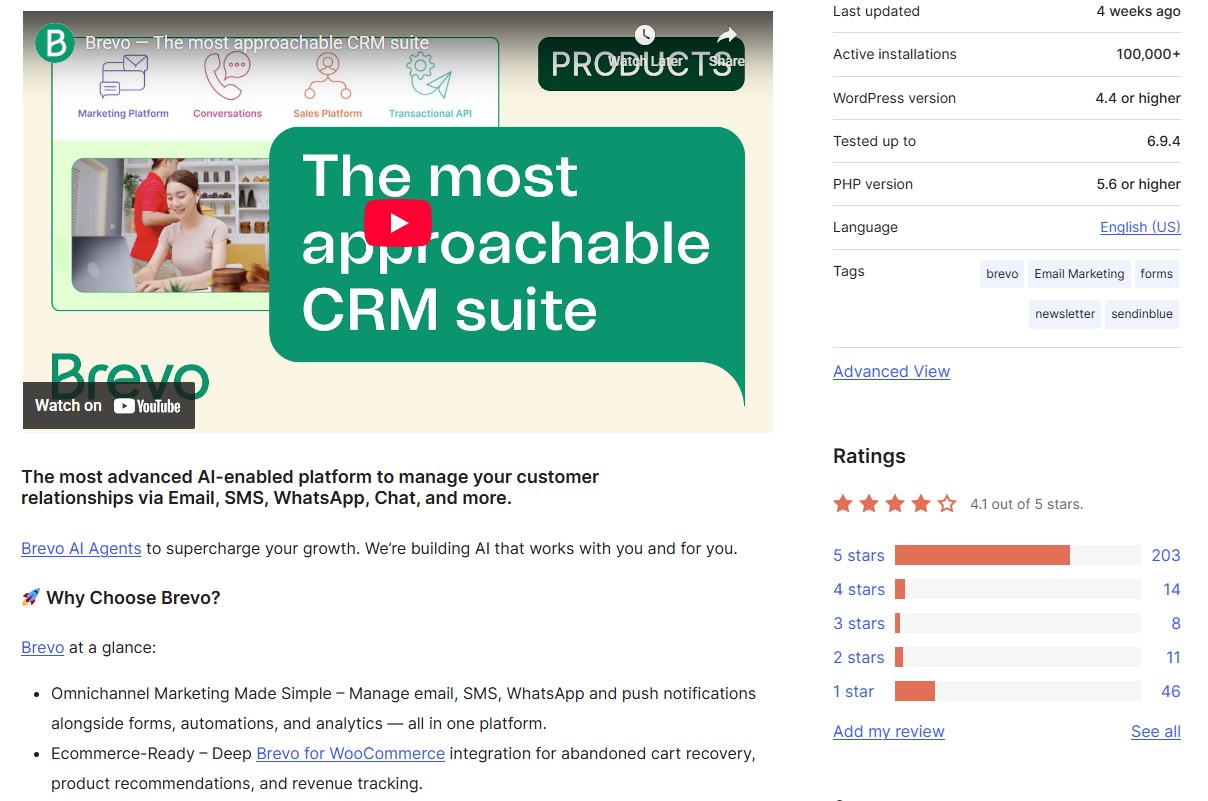
Active installations: 100,000+
WordPress user rating: 4.1/5
Brevo started as an email tool but has expanded into a full customer platform with CRM, chat, and marketing automation. AI writes your campaigns, picks send times, and enriches contact data automatically.
You track deals in the sales pipeline while marketing emails go out and support chats come in. All tools share the same data — purchase history appears in support tickets, and chat conversations sync with the CRM.
This WordPress email marketing plugin is a good option if you want something beyond email marketing. You also want customer data tracking and sales chat on a single platform. This is a great option if you have a service business or an online store with a sales pipeline.
Aura AI writes email content, enriches contact data, and predicts optimal send times for each recipient. The sales pipeline shows deals visually. You can drag opportunities between stages and record calls directly in the CRM.
Conversations flow into a universal inbox, whether customers message via chat, WhatsApp, or email. Customer data syncs across all tools — your sales team sees marketing engagement, and support tickets show purchase history.
Brevo works best if you’ve outgrown basic newsletter tools but aren’t ready for a more significant upgrade. As a WordPress email marketing plugin, it gives you CRM, chat, and marketing automation at a lower entry price.
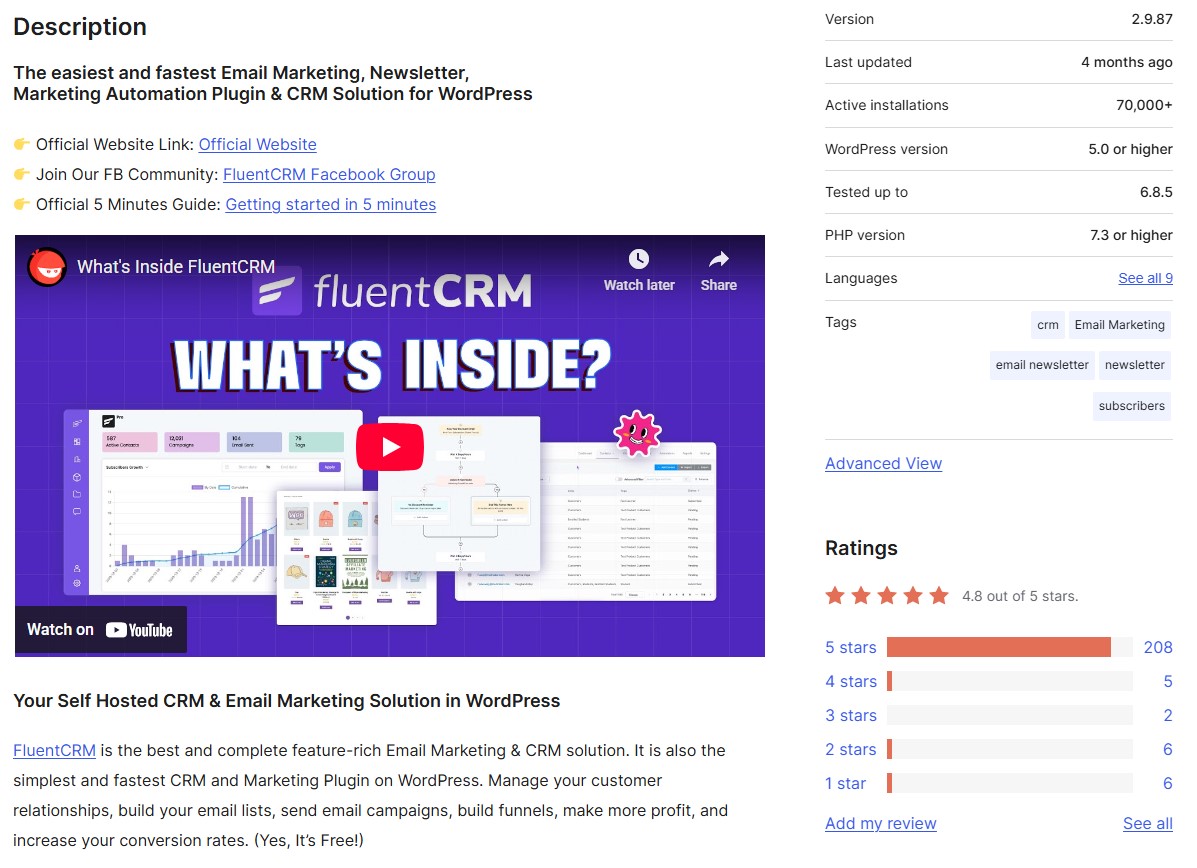
Active installations: 70,000+
WordPress user rating: 4.8/5
FluentCRM runs inside WordPress, so your email marketing data never leaves your server. You own everything — contacts, campaigns, automations — without paying ongoing fees to an external platform.
It supports advanced automation, email sequences, and contact management, all within your WordPress dashboard. Built with modern JavaScript, it loads fast despite packing enterprise features into your WordPress dashboard.
This WordPress email marketing plugin is a great choice if you value data privacy. With a self-hosted solution, you can comply with the GDPR, as your data will be hosted on your servers.
All WooCommerce sales, form submissions, and course enrollments can be synced into a single contact profile, which you can act on right away. Automation recipes can be triggered by more than 40 different WordPress events, such as when a customer downloads a PDF, becomes a member of a specific tier, or even abandons their shopping cart.
Emails are created using blocks in the Gutenberg blocks, which means you already know how to use them. You can track revenue on which emails were converted, not just which emails were opened. You can also track contact activity logs, which record all interactions on your site, allowing you to build a robust profile without using cookies.
FluentCRM breaks the SaaS pricing model — pay once yearly and send unlimited emails to unlimited contacts. This WordPress email marketing plugin integrates with every plugin you already use, without recurring platform fees.
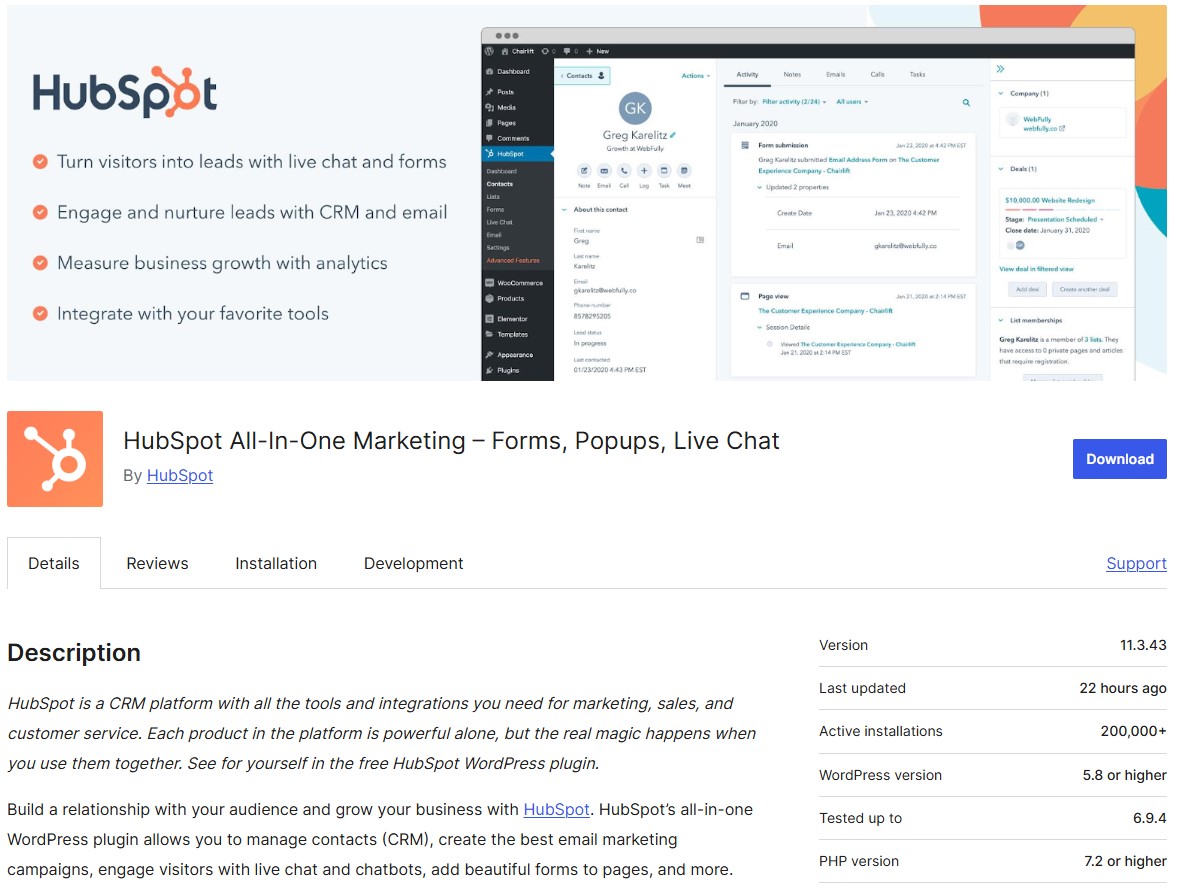
Active installations: 200,000+
WordPress user rating: 4.3/5
HubSpot is an all-in-one CRM platform where marketing, sales, and customer service teams work from the same customer data.
This WordPress email marketing plugin connects your site to HubSpot’s ecosystem, tracking form submissions, page views, and contact behavior. No separate integrations needed.
Everything lives in one interface where sales data informs marketing campaigns and support tickets trigger retention flows.
This WordPress email marketing plugin works best when you’re building a complete revenue system. It’s designed for teams that want marketing, sales, and service teams working from the same customer data without integration headaches.
HubSpot Academy trains your team with free certifications while you build campaigns, without the need for external tutorials. Contact scoring automatically surfaces hot leads to sales based on behavior patterns you define.
It can host HubSpot CMS pages and landing pages on its CDN to improve speed. Deal pipelines visualize where revenue sits and forecast future sales.
Workflows are branch-based on if-then logic, handling complex nurture paths that would require developer involvement elsewhere.
HubSpot becomes your entire business operating system. Prospects are ushered automatically and smoothly from marketing to sales to customer success. As a WordPress email marketing plugin, it pays off when you eliminate tool sprawl and data silos.
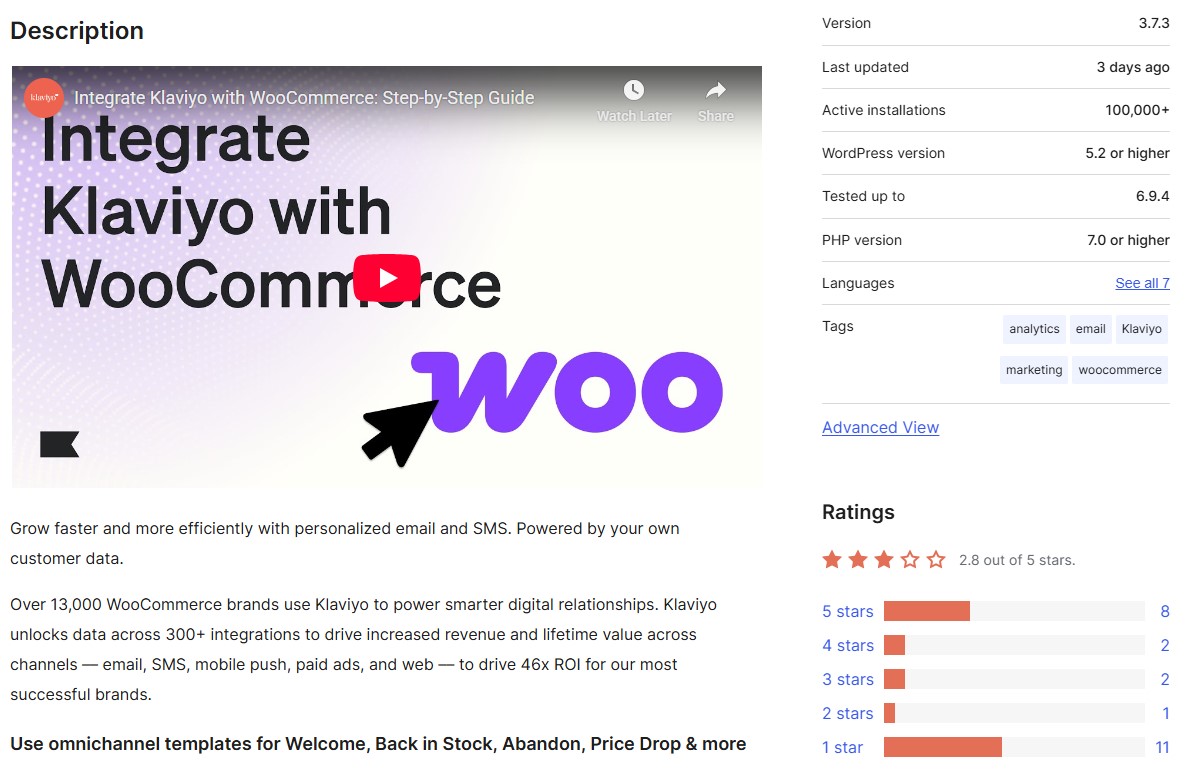
Active installations: 100,000+
WordPress user rating: 2.8/5
Klaviyo sees itself as a B2C CRM, built for brands selling directly to consumers. It focuses on predictive analytics, helping you estimate when customers will buy again, how much they’ll spend, and who is likely to churn.
All historical data stays in the platform, allowing segmentation based on full customer behavior, not just recent actions. You pay based on active profiles and SMS credits, with unlimited email sends at every paid tier.
This WordPress email marketing plugin suits you if data-driven personalization matters more than basic broadcast emails. It’s tailor-made for you if you sell physical products and need abandoned cart flows, back-in-stock alerts, and post-purchase sequences that convert.
Review collection is available as a paid add-on, feeding star ratings into email templates and segmentation rules once enabled. Customer Hub gives shoppers a branded portal to track orders, initiate returns, and discover products based on purchase history.
Marketing Analytics shows revenue per automation, campaign performance against industry benchmarks, and predictive lifetime value calculations.
Klaviyo’s depth of ecommerce data integration and predictive analytics is great for stores that make decisions based on customer lifetime value. If your current WordPress email marketing plugin can’t deliver that depth, it’s worth the switch.
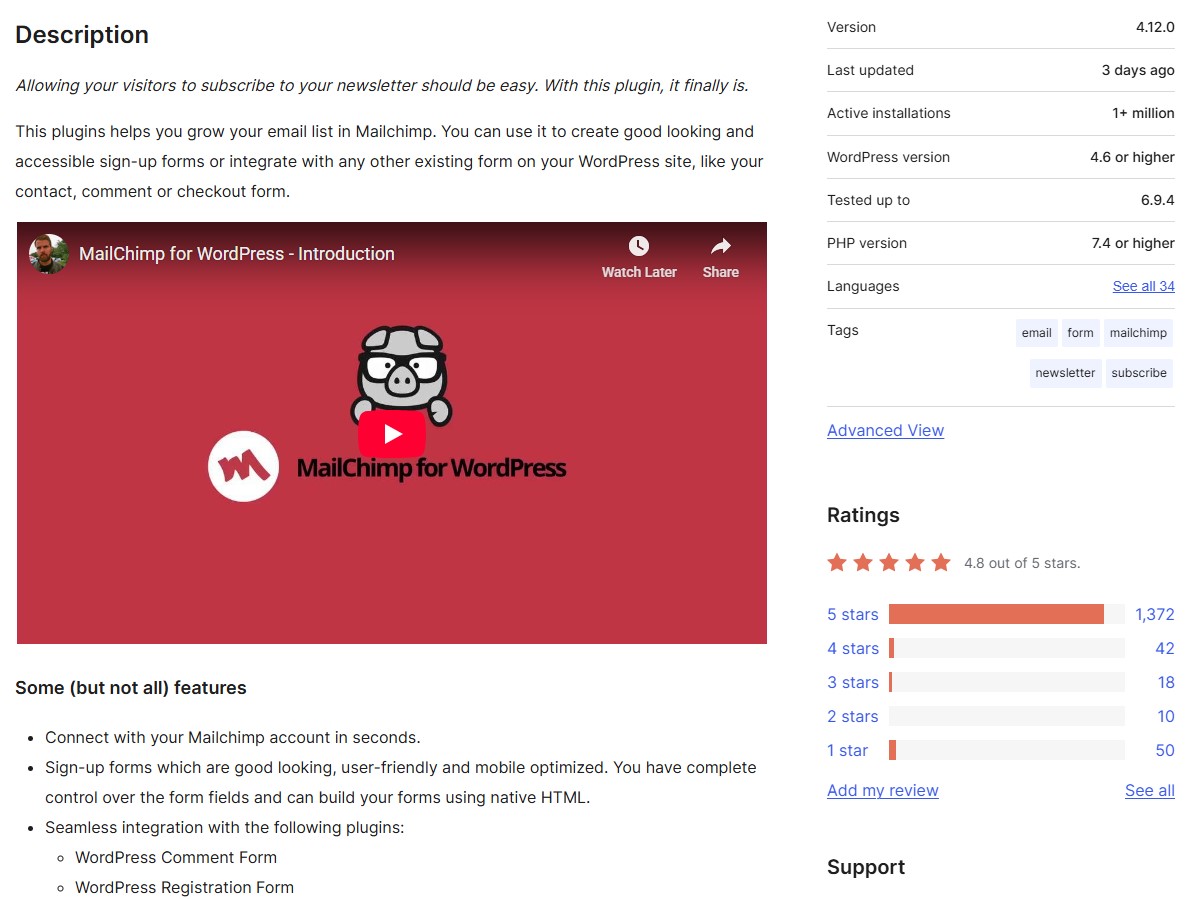
Active installations: One million+
WordPress user rating: 4.8/5
Mailchimp for WordPress bridges the gap between your WordPress site and Mailchimp’s email service. The plugin adds subscriber checkboxes to existing forms, such as comment sections, WooCommerce checkout, and Contact Form 7, without rebuilding anything.
You write forms in HTML for total control or use the WordPress block editor. API connections handle GDPR consent, tags, and list assignments behind the scenes.
Choose this WordPress email marketing plugin if Mailchimp already runs your campaigns and you want WordPress visitors to join lists with minimal friction. You’re looking for a connector, not another email platform.
20 form plugins gain Mailchimp powers immediately. Gravity Forms, Ninja Forms, WPForms, and others display opt-in checkboxes that sync subscribers in real-time.
WooCommerce integration goes deeper, sending order details to Mailchimp for revenue attribution.
Developers get PHP functions to trigger subscriptions from custom events. Multisite licenses cover entire networks under one purchase. The knowledge base includes code snippets for advanced customizations.
This WordPress email marketing plugin does one job well — connecting WordPress to Mailchimp. The free version covers most use cases, making the premium genuinely optional rather than essential.
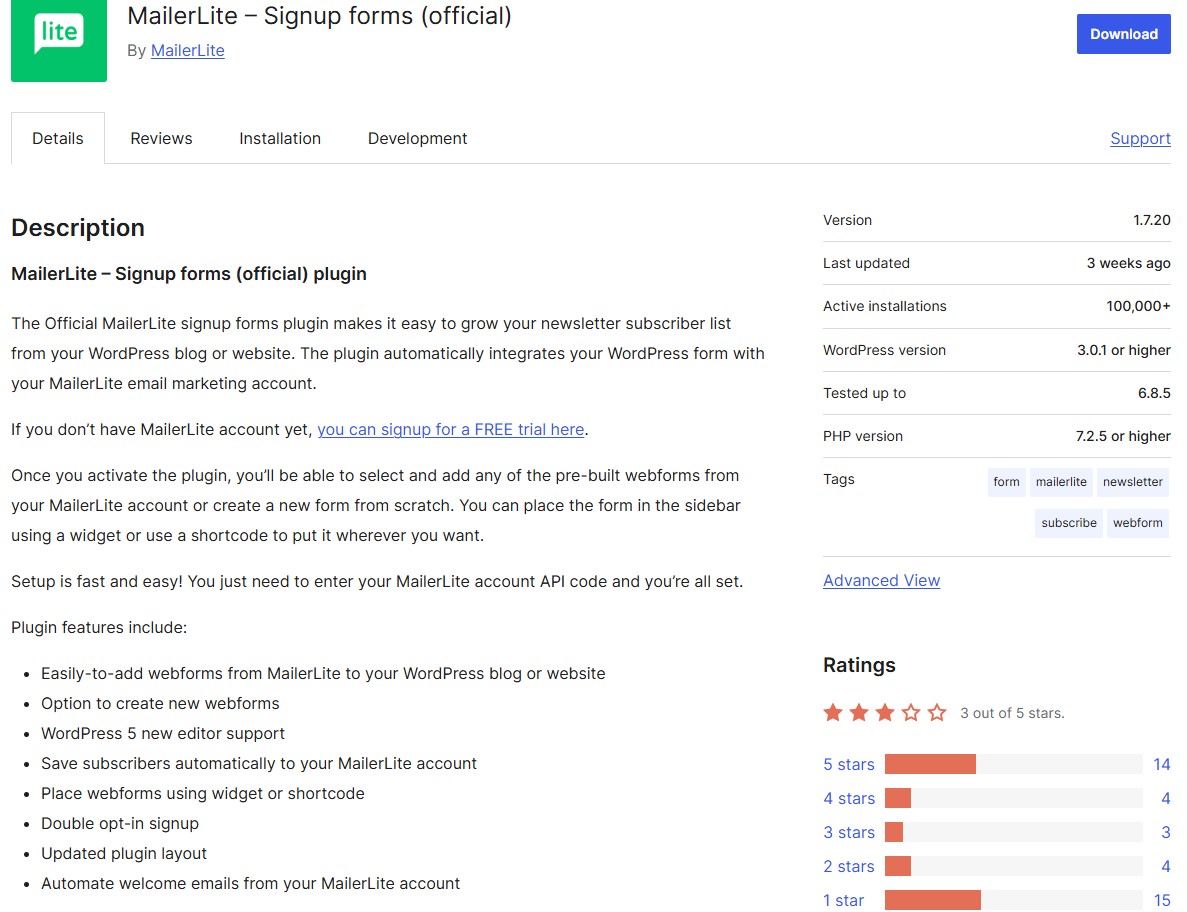
Active installations: 100,000+
WordPress user rating: 3/5
MailerLite’s WordPress plugin connects WordPress signup forms to your MailerLite account. Your email campaigns, subscriber management, and automations all live inside MailerLite’s dashboard. The plugin handles form display and subscriber sync.
This WordPress email marketing plugin suits you if you want email marketing to be separate from WordPress complexity. You prefer MailerLite’s modern interface for campaigns but need an easy way to collect WordPress visitors as subscribers.
Pre-built webforms from your MailerLite account import with one click, maintaining the design and settings you configured there. The Gutenberg block editor support means forms work in modern WordPress layouts without additional setup.
API integration requires only your MailerLite key — no webhook configuration or complex field mapping. Welcome email automations trigger from MailerLite when new subscribers join through WordPress forms.
MailerLite is the WordPress email marketing plugin for those who want a clear separation. It’s the right choice if you find WordPress-native solutions too heavy. The free tier includes features such as automation builders and landing pages that cost extra elsewhere.
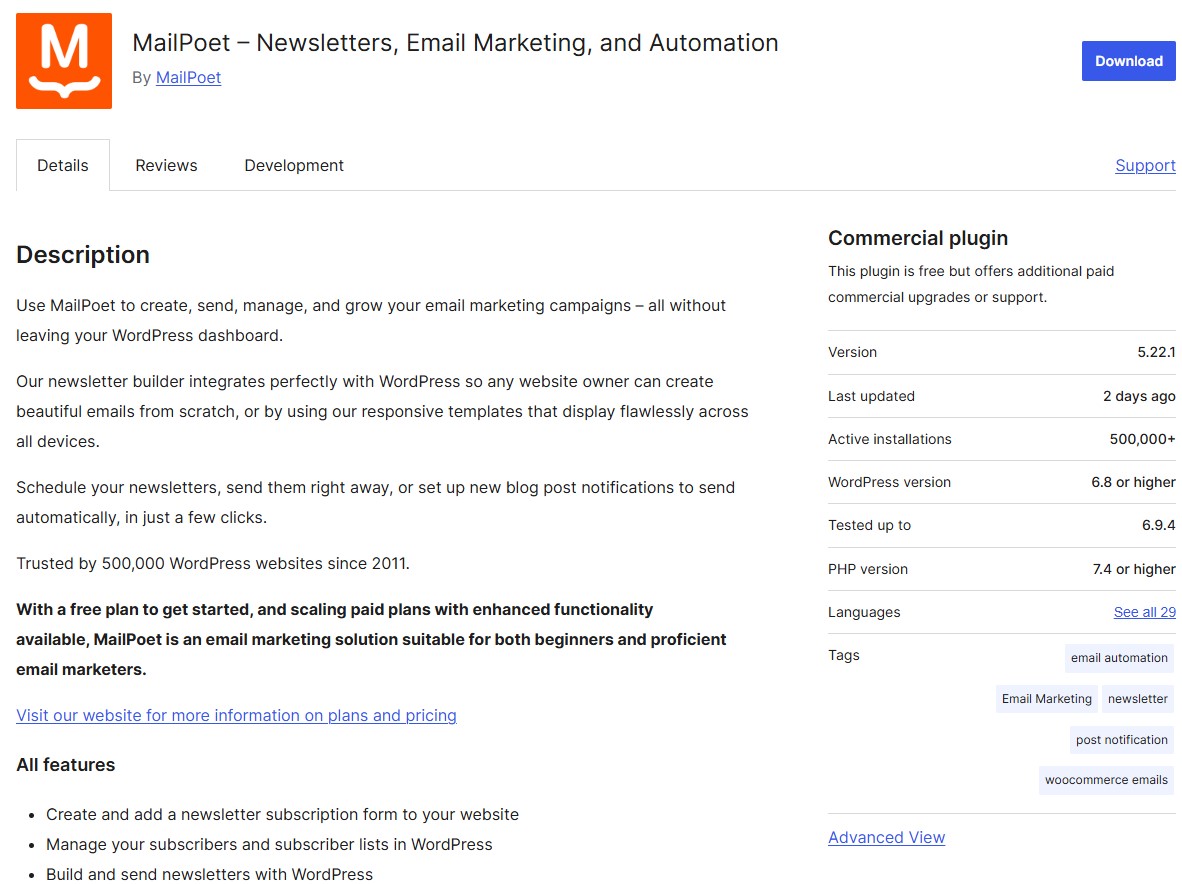
Active installations: 500,000+
WordPress user rating: 4.4/5
MailPoet lets you create and send newsletters without leaving WordPress. You can trigger automated emails from WooCommerce purchases, abandoned carts, and customer behavior, while tracking which campaigns generate revenue.
It manages subscribers, segments lists, and handles email delivery via your server or its optional sending service. That service processes up to 50,000 emails/hour.
Choose this WordPress email marketing plugin if switching between WordPress and email platforms disrupts your workflow. You manage one system instead of two. Subscriber data stays on your server unless you opt for its sending service.
Block-based email design matches WordPress’s editor, letting you drag content sections, add WooCommerce products, and style typography using familiar controls.
Post notification automations detect new blog content and send digests automatically based on categories you select.
Revenue tracking connects directly to WooCommerce orders, showing which emails generated sales.
Multitrigger automations fire based on combinations of user behavior. Someone who bought last month but hasn’t opened three emails receives different messaging.
MailPoet’s transactional email customization puts your branding on every WooCommerce receipt and shipping notification. Most WordPress email marketing plugins ignore these touchpoints, but MailPoet doesn’t.
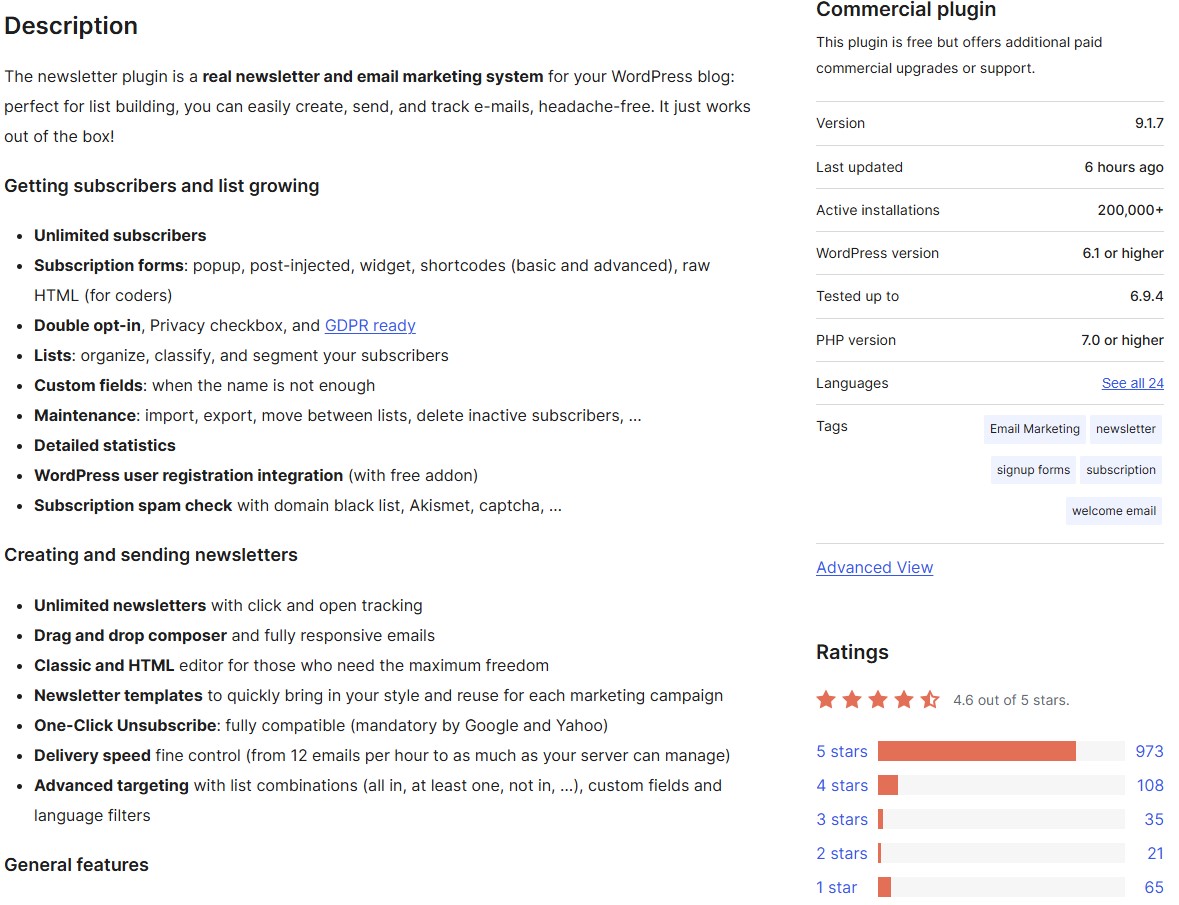
Active installations: 200,000+
WordPress user rating: 4.6/5
Newsletter is a strong WordPress newsletter plugin choice for keeping things focused. It covers core email functionality, such as collecting subscribers, sending campaigns, and tracking results, without unnecessary features.
You can build forms with shortcodes and widgets, import existing subscribers, and send HTML emails with click tracking. The plugin integrates with any SMTP service and includes WordPress popup forms, double opt-in, and GDPR compliance, all in the free version.
This WordPress email marketing plugin is for you if you need to send emails without a steep learning curve. You want something that works immediately with minimal configuration.
Free addons extend functionality without touching the core plugin. WP Registration syncs user signups, Archive creates a newsletter history page, and Locked Content gates premium posts behind subscriptions.
List segmentation uses simple logic combined with custom fields for targeted email. Delivery speed control prevents server overload by throttling sends based on your hosting limits.
One-click unsubscribe links comply with Google and Yahoo requirements automatically. The REST API opens integration possibilities for developers needing custom solutions.
Newsletter proves that email marketing doesn’t need to be complicated. The free version handles most small business and content site needs without upsells or feature gates. Premium pricing stays reasonable even for agencies managing multiple client sites.
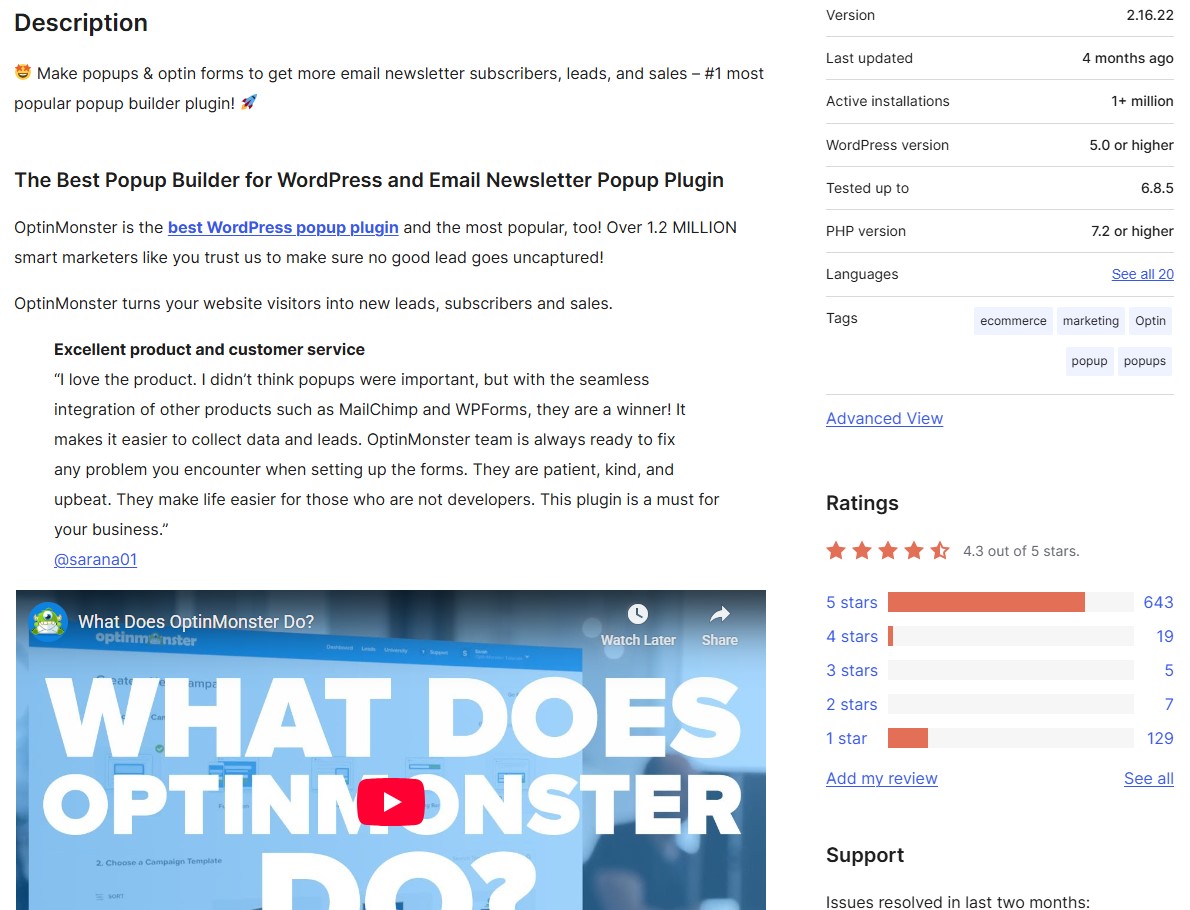
Active installations: One million+
WordPress user rating: 4.3/5
OptinMonster specializes in last-second lead capture. Its exit intent popups fire when mouse movements indicate someone’s leaving, giving you one final chance at conversion.
The WordPress email subscription plugin connects to its platform, where you can build campaigns ranging from subtle slide-ins to full-screen overlays to spinning coupon wheels.
Unlike basic form plugins, OptinMonster can track revenue per popup in WooCommerce when properly integrated. You can see which campaigns generate sales versus just collecting emails.
This WordPress email marketing plugin is for you if standard email signup forms convert poorly and you need more targeted lead capture. Your email list is a valuable asset. You want to capture as many subscribers as possible using behavior-based triggers.
Page-level targeting lets you show different popups on product pages versus blog posts, with rules for new versus returning visitors.
Its InactivitySensor triggers popups when visitors stop scrolling or moving their mouse, indicating they’re stuck or losing interest.
MonsterLinks turn any text or image into a popup trigger — useful for “click here for a discount” CTAs. Campaign scheduling runs limited-time offers automatically, turning popups on and off based on dates you set.
OptinMonster is built for conversion optimization. Its popup features go well beyond what general WordPress email marketing plugins include. The platform’s exit intent and behavior targeting features justify the premium pricing for sites where every subscriber counts.
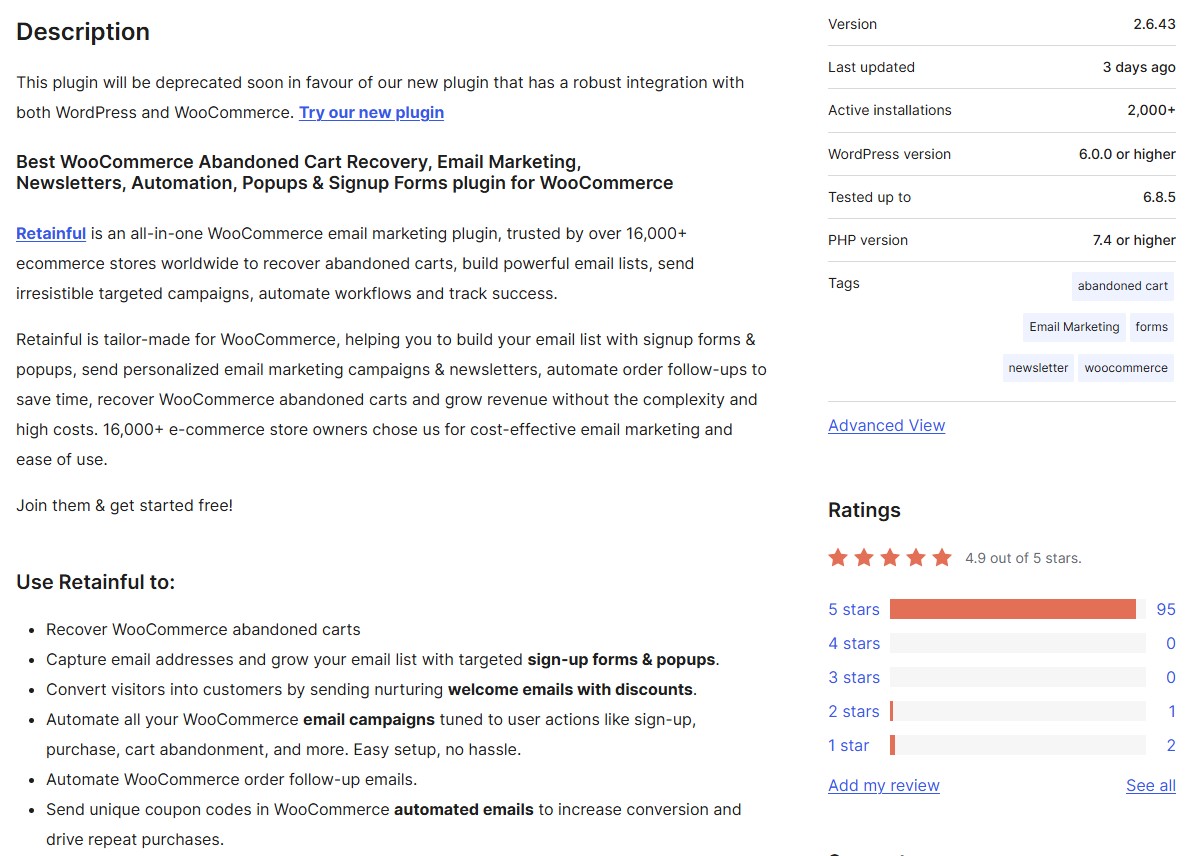
Active installations: 2,000+
WordPress user rating: 4.9/5
Retainful sends one-click recovery links that restore abandoned WooCommerce carts as customers left them. They get the same products, quantities, and applied coupons without having to log in again.
You can build email workflows targeting scenarios like high-value carts and first-time abandoners. It pulls order history, purchase frequency, and customer lifetime value from WooCommerce to personalize every email.
This WordPress email marketing plugin suits you if WooCommerce powers your store and you want email marketing that understands order data, cart values, and purchase patterns natively. You need automation that works without constant tweaking after setup.
One-click cart recovery links bypass login requirements, taking abandoned shoppers straight back to their cart with items intact. Dynamic coupon generation creates unique, single-use codes for each email automatically, preventing coupon abuse.
Add-to-cart popups capture emails before checkout, enabling recovery emails even when customers never reach the payment page. Revenue attribution shows which emails generate sales.
Scheduled sending prevents email fatigue by limiting how many messages customers receive within your defined timeframe.
Retainful’s pre-built workflows for cart recovery and post-purchase follow-ups save hours of automation setup. The one-click recovery link is one of the most effective cart abandonment tools available for WooCommerce stores.
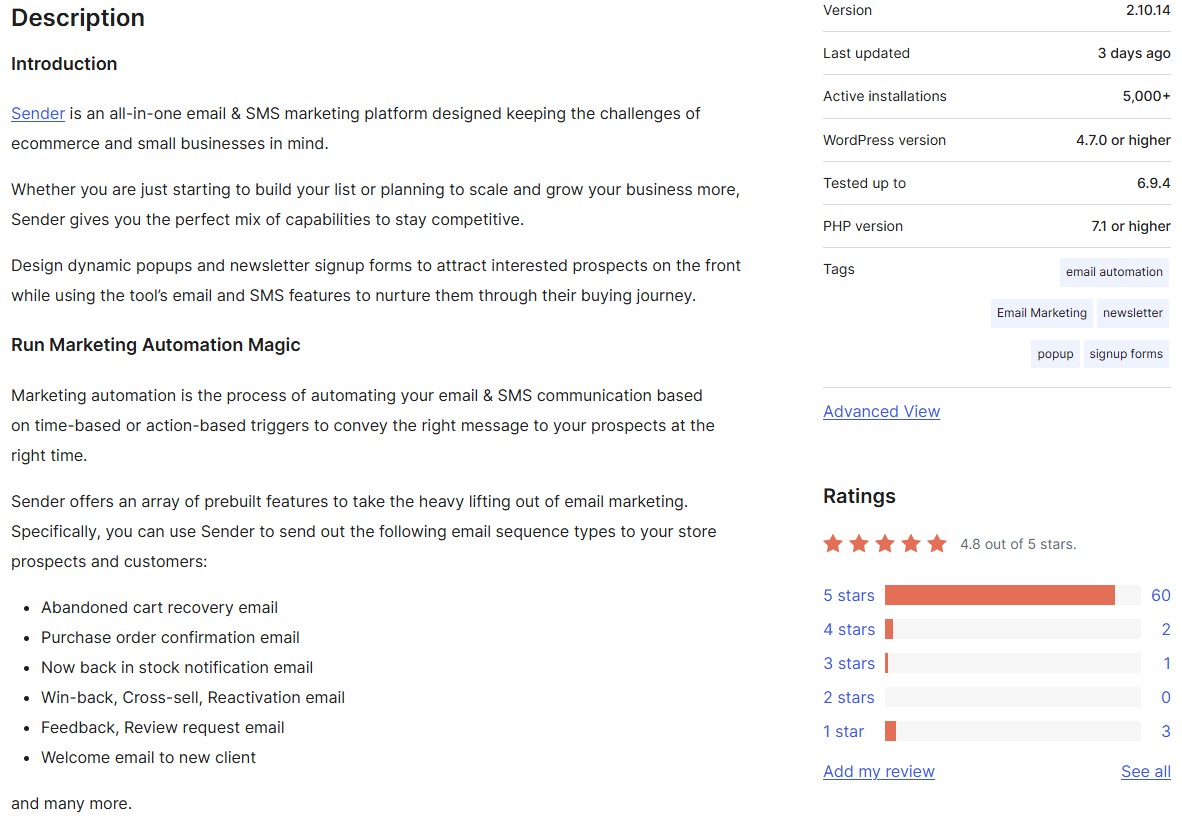
Active installations: 5,000+
WordPress user rating: 4.8/5
Sender runs email and SMS marketing from a single dashboard where you build campaigns, set up automation workflows, and track performance across both channels.
This WordPress email marketing plugin displays signup forms and popups on your site while syncing subscribers to Sender’s platform. You get abandoned cart recovery, welcome series, and post-purchase sequences as pre-built workflows ready to activate.
This WordPress email marketing plugin suits you if you’re running a small ecommerce store and want professional email and SMS tools without paying for separate platforms.
Geographic performance reports show open rates by country and region, helping you time campaigns for international audiences. One-click product import pulls WooCommerce items directly into emails with images, prices, and descriptions intact.
Exit-intent popups trigger based on visitor behavior signals, not just border proximity. TCPA compliance tools collect proper SMS consent with timestamp documentation. The auto-resend feature targets non-openers with different subject lines automatically.
Sender’s pricing rewards small businesses. You pay based on emails sent, not just list size. That avoids penalties for inactive subscribers. The free plan’s generosity makes it one of the best starting points for stores not ready to commit to a paid plan.
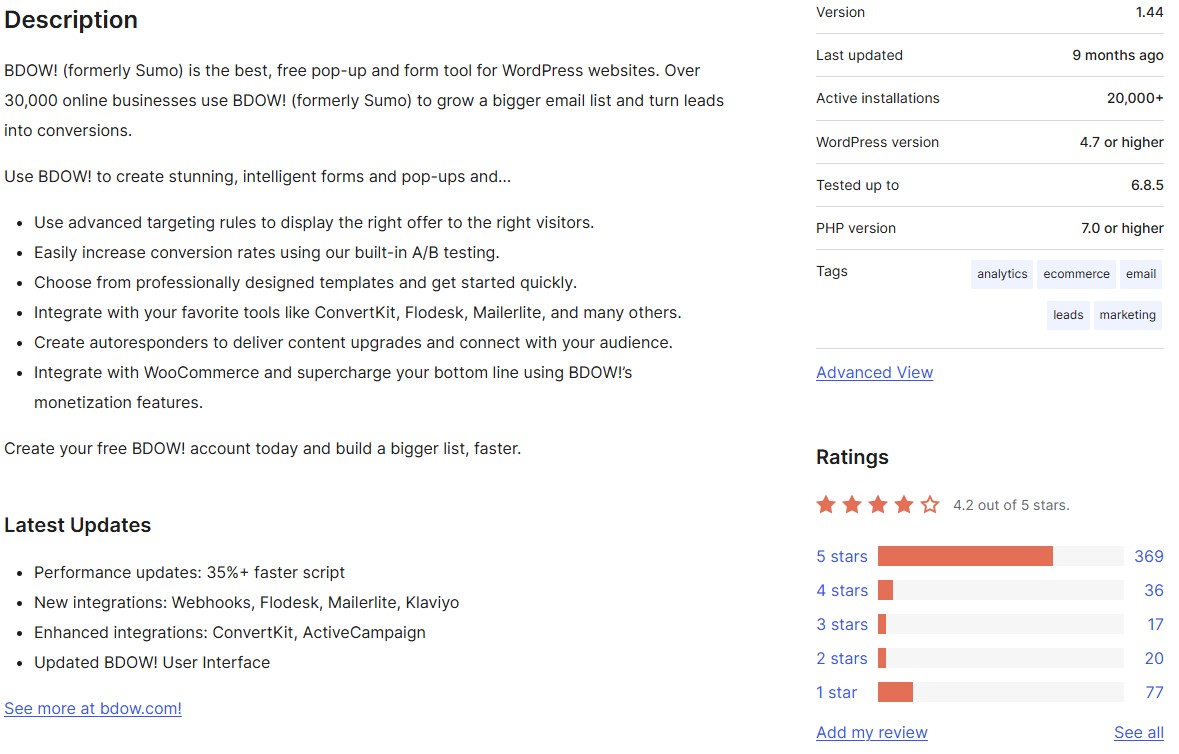
Active installations: 20,000+
WordPress user rating: 4.2/5
BDOW! creates popups, sticky bars, and welcome mats that appear based on visitor behavior like exit intent, scroll depth, time on page, or URL visits.
The WordPress email marketing plugin connects to BDOW!’s dashboard, where you can design forms, set targeting rules, and track conversions.
WooCommerce integration adds discount codes, cart abandonment popups, and revenue tracking directly tied to popup performance.
This WordPress email marketing plugin is ideal if generic popups aren’t converting and you need intelligent targeting. It displays different offers to first-time visitors versus returning customers.
Social proof popups display recent purchases or subscriber counts to build trust through real activity. Welcome emails trigger automatically when someone subscribes, depending on the connected email marketing platform.
Revenue tracking shows which popups generate sales in WooCommerce, not just email signups. Multisite management lets agencies control client popups from one account.
Cookie-based targeting remembers visitor actions across sessions, preventing repeated popups to the same person.
BDOW! bridges the gap between basic form plugins and expensive conversion platforms. The free tier includes enough functionality to test whether popups improve your conversions before committing to paid plans.
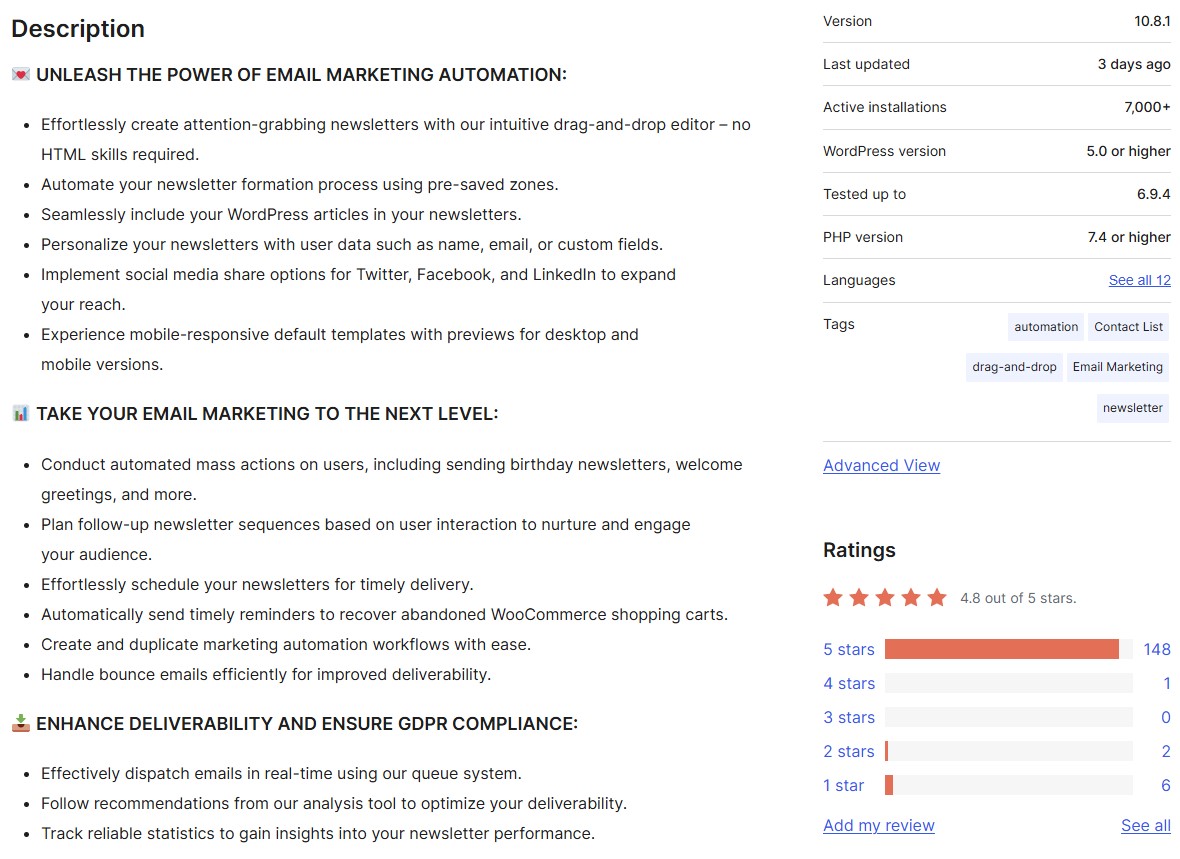
Active installations: 7,000+
WordPress user rating: 4.8/5
AcyMailing treats WordPress as a content source. Your blog posts become newsletter articles without copy-pasting or reformatting.
The plugin adds the full email infrastructure to your WordPress admin. This includes bounce handling that removes invalid addresses, automation sequences that trigger from user behavior, and a queue system that prevents server overload.
Multisite owners can manage newsletters for 20 different WordPress installations from one license.
This WordPress email marketing plugin is perfect if you publish regular content and want newsletters that automatically include your latest posts. You prefer managing everything within WordPress rather than syncing with external platforms.
Pre-saved zones speed up newsletter creation by storing header, footer, and content blocks you reuse across campaigns. The spam test analyzes emails before sending, flagging issues that might trigger filters.
List segmentation uses WordPress user data, WooCommerce purchase history, and custom fields to target different subscribers.
Front-end management lets subscribers update their own preferences and view archives without accessing your admin area. The queue system sends emails in batches to avoid server timeouts on shared hosting.
AcyMailing keeps email marketing inside WordPress, where you already work. The automatic post-to-newsletter feature means your latest content reaches subscribers without manual copying or formatting. It’s a significant time-saver for content-driven sites and blogs.
The best WordPress email marketing plugin for your business depends on what you need to accomplish. Here’s a quick reference to help you decide:
The difference between sending newsletters and growing your business is understanding what your customers do after they click. When someone abandons a $200 cart, they need different messaging than a $20 impulse buyer.
Omnisend gets this. Its pre-built workflows adapt to real shopping patterns. Urgent follow-ups trigger via text messages, and automations start working the moment you connect your store.
On average, Omnisend merchants earn $79 back for every dollar spent.
Automated emails drive a significant share of that return. The abandoned cart email, welcome series, and post-purchase flows run in the background while you focus on everything else.
If you’re running an ecommerce store on WooCommerce, Omnisend is the WordPress email marketing plugin built for exactly what you need.
Quick sign up | No credit card required
This article was researched and written by our experts following a precise process.
See the processOmnisend leads with pre-built abandoned cart sequences and SMS follow-ups that activate immediately after connecting your store. Retainful’s magic links restore cart contents without login requirements. FluentCRM tracks revenue per email campaign and keeps all data on your server.
Start by choosing between a self-hosted option like FluentCRM or an external platform like Omnisend. Install the plugin, then focus on capturing emails through checkout forms and exit popups. Start with simple automation sequences and build from there.
Yes. WordPress has an email marketing plugin for every setup. Go self-hosted with FluentCRM or MailPoet, or use an external platform like Omnisend or Brevo. Most ecommerce stores pair a full-service platform with WooCommerce for the best results.

TABLE OF CONTENTS
TABLE OF CONTENTS

What’s next



No fluff, no spam, no corporate filler. Just a friendly letter, twice a month.