• Features
  • Pricing
  • Migration
  • Integrations
  • Resources
More sales from emails. Less worry

Get better email & SMS marketing made for WooCommerce for 30% off PLUS a bonus migration package valued at $1,000

Use code to get 30% discount COPIED ONLYWOO
Drive sales on autopilot with ecommerce-focused features

See Features

16 Best WooCommerce abandoned cart plugins in 2026

Key takeaways

Implementing WooCommerce abandoned cart plugins can significantly recover lost sales, with research showing that 70% of customers abandon their carts.

Abandoned cart emails have an impressive average open rate of 42%, making them a powerful tool for revenue recovery.

Key reasons for cart abandonment include unexpected delivery charges, complicated checkout processes, and the requirement to create accounts, which can be mitigated by optimizing the checkout experience.

Choosing the right plugin depends on your specific needs, budget, and the features that address your store's unique challenges, with options ranging from free solutions to comprehensive paid tools.

Reveal key takeaways
Reading Time: 31 minutes

Implementing the best WooCommerce abandoned cart plugins will help you recover a good chunk of potential sales. 

Research from Omnisend shows that seven out of 10 customers abandon their carts. For WooCommerce store owners, this means thousands of dollars in lost sales each month.

A simple solution to inevitable cart abandonment is automation. 

According to Omnisend’s benchmarks, abandoned cart emails perform surprisingly well, resulting in an average open rate of 42%. About five percent of subscribers click through, and a little over two percent make a purchase. A good abandoned cart flow can help you recover a solid chunk of otherwise lost revenue. 

In this article, we’ll review the 16 best WooCommerce abandoned cart plugins. We’ll compare features, pricing, and ideal use cases to help you pick the right tool.

Get started with Omnisend and recover abandoned carts with discount codes and personalized offers

Quick sign up | No credit card required

Why shoppers abandon WooCommerce carts (and how to win them back)

Understanding why customers abandon their carts can help you reduce it. Most shoppers are ready to spend their money, but hit roadblocks that make them hesitant.

Common reasons for cart abandonment include:

Surprise delivery charges

Nothing kills excitement faster than unexpected shipping fees appearing at checkout. According to a Statista survey, 48% of online shoppers worldwide abandon their carts due to extra costs like shipping fees being too high. 

Forced to create an account

Baymard’s quantitative study on reasons for checkout abandonment shows that about 24% of shoppers abandon their carts when forced to register. Impulse shoppers won’t create accounts to buy something, as they prefer quick purchases.

Complicated form fields

A lengthy or complicated checkout process causes 18% of US online shoppers to abandon their carts, according to Baymard. Requesting information unrelated to shipping or payment makes customers suspicious.

Slow or clunky checkout

According to Google research, 53% of mobile site visits are abandoned if a page takes longer than three seconds to load. You don’t just need an abandoned cart WooCommerce plugin, but also need to ensure that mobile checkout is easy. 

Missing payment options

As per Liquid Web’s 2025 The State of Digital Trust report that 69% of Americans have abandoned a transaction due to distrust. Customers become doubtful if their preferred payment method isn’t available.

The good news is that you can prevent most abandonment by optimizing ecommerce checkout. You can also recover sales with follow-up messages.

The right WooCommerce abandoned cart plugin will help you:

  • Calculate delivery costs on product pages rather than hiding them until checkout
  • Allow Google and Facebook login to skip account creation
  • Install security badges that reassure customers about payment safety
  • Add payment options beyond credit cards, including digital wallets and payment plans
  • Email abandoned cart customers with targeted offers that bring them back
  • Conduct multichannel follow-ups to reach customers through email, SMS, and push notifications

16 Best WooCommerce abandoned cart plugins (free and paid)

Let’s review 16 of the best abandoned cart plugins for WooCommerce. We’ll discuss key features, pros and cons, pricing, and ideal use cases.

  1. Omnisend — Best for complete email automation and revenue recovery
  2. WooCommerce Cart Abandonment Recovery by CartFlows — Best for basic cart recovery
  3. YITH WooCommerce Recover Abandoned Cart — Best for guest checkout recovery
  4. ShopMagic Abandoned Carts — Best for free cart recovery
  5. Retainful — Best for combining cart abandonment with newsletters
  6. FunnelKit (formerly WooFunnels) — Best for email automations with CRM functionality
  7. CartBounty — Best for understanding cart abandonment reasons
  8. WooCommerce Recover Abandoned Cart (CodeCanyon) — Best for multiple follow-up sequences
  9. MWB HubSpot for WooCommerce — Best for HubSpot integration
  10. Abandoned Cart Lite for WooCommerce (Tyche Softwares) — Best for free abandoned cart recovery
  11. Abandoned Cart Recovery for WooCommerce (VillaThemes) — Best for cart recovery with discounts and coupons
  12. ELEX WooCommerce Abandoned Cart Recovery — Best for rule-based abandoned cart recovery
  13. SellKit — Best for improving checkout experience
  14. Metorik + Metorik Engage — Best for team collaboration and checkout recovery
  15. AutomateWoo — Best for highly customizable cart abandonment flows with multiple triggers
  16. PushAlert — Best for abandoned cart push notifications

1. Omnisend — Best for complete email automation and revenue recovery

WooCommerrce abandoned cart plugins: Omnisend plugin page
Image via WordPress

WordPress rating: 4.8/5 stars (based on 152 reviews)

Omnisend sends abandoned cart emails with product images and checkout links. Its multichannel capability ensures that your message reaches customers in a unified way with multiple touch points. 

It also offers GDPR compliance through built-in double opt-in and consent management features, so that you’re legally safe and the customer’s data is secure before sending the SMS or an email.

Welcome sequences help onboard new subscribers while re-engagement campaigns target inactive customers. Personalized messages include customer names, previously viewed products, and preferences, thanks to automatic store data syncing.

Key strengths

Omnisend’s email automation templates work immediately after installation, and you can create multi-channel workflows with email, SMS, and push notifications.

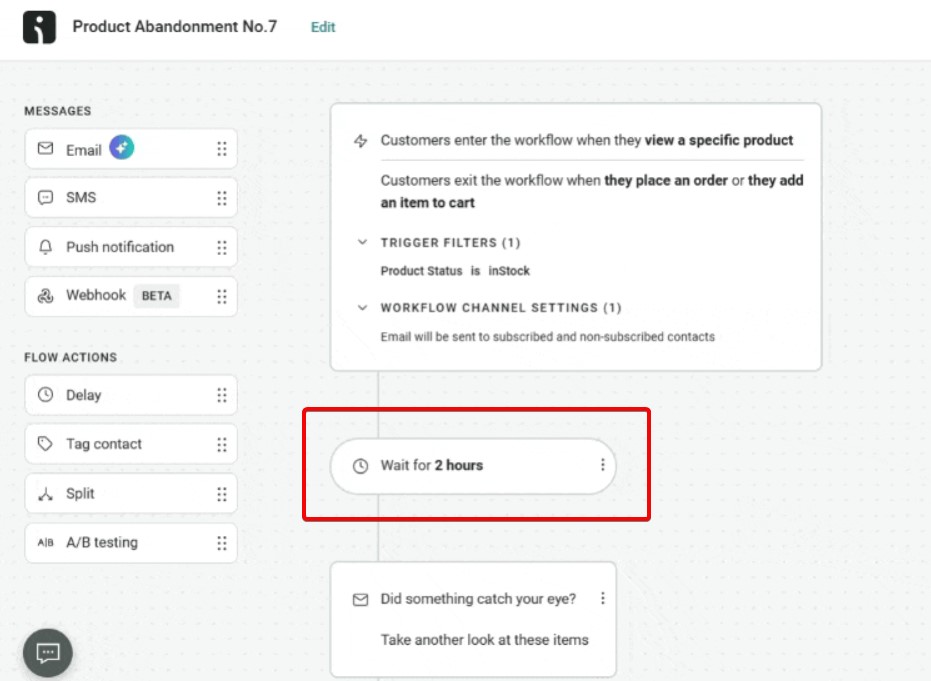
Here’s a look at Omnisend’s automation builder. It has a minimal learning curve and lets you drag and drop messages and flow actions:

WooCommerrce abandoned cart plugins: a gif showing Omnisend automation builder and how it works
GIF via WordPress

As you can see in the first flow item, your abandoned cart emails trigger when your customers add an item to their cart. 

However, for other automation sequences, you can use customer segmentation to target messages based on purchase behavior, with pre-built segments for window shoppers and other customers who are showing signs of purchase intent.

Features

  • Cart recovery sequences: Automated email series with abandoned product images and checkout links
  • SMS follow-ups: Text message reminders for customers who don’t respond to emails
  • Welcome campaigns: Onboarding sequences for new subscribers with store introductions and offers
  • Browse abandonment: Messages triggered when visitors view products but don’t purchase
  • Post-purchase emails: Thank you messages, review requests, and product recommendations after orders
  • Customer segmentation: Group contacts by purchase history, spending patterns, and engagement levels
  • Signup forms: Customizable forms and popups that grow your contact list
  • Revenue attribution: Tracks which campaigns generate sales
  • A/B testing: Compare different subject lines, send times, and content
  • Push notification: Omnisend offers unlimited push notifications on the free plan, too, to nudge customers

Pros

  • Works immediately after connecting WooCommerce without complex configuration or data imports
  • Campaigns show revenue generated, so you know which messages make money
  • Customer data syncs automatically when orders come in, and customer details change
  • It handles technical details like email authentication and deliverability optimization

Cons

  • No discounted annual billing options
  • Built for ecommerce, so it may be unsuitable for B2B

Pricing

  • Free: 500 emails/month, unlimited push notifications, full automation access
  • Standard: $16/month for 6,000 emails and 500 contacts
  • Pro: $59/month for unlimited emails, bonus SMS credits equal to the monthly plan price
  • Custom: Customized quote

Customer ratings

  • WordPress: 4.8/5 (based on 152 reviews)
  • Trustpilot: 4.3/5 (based on 425 reviews)
  • G2: 4.6/5 (based on 1,127 reviews)
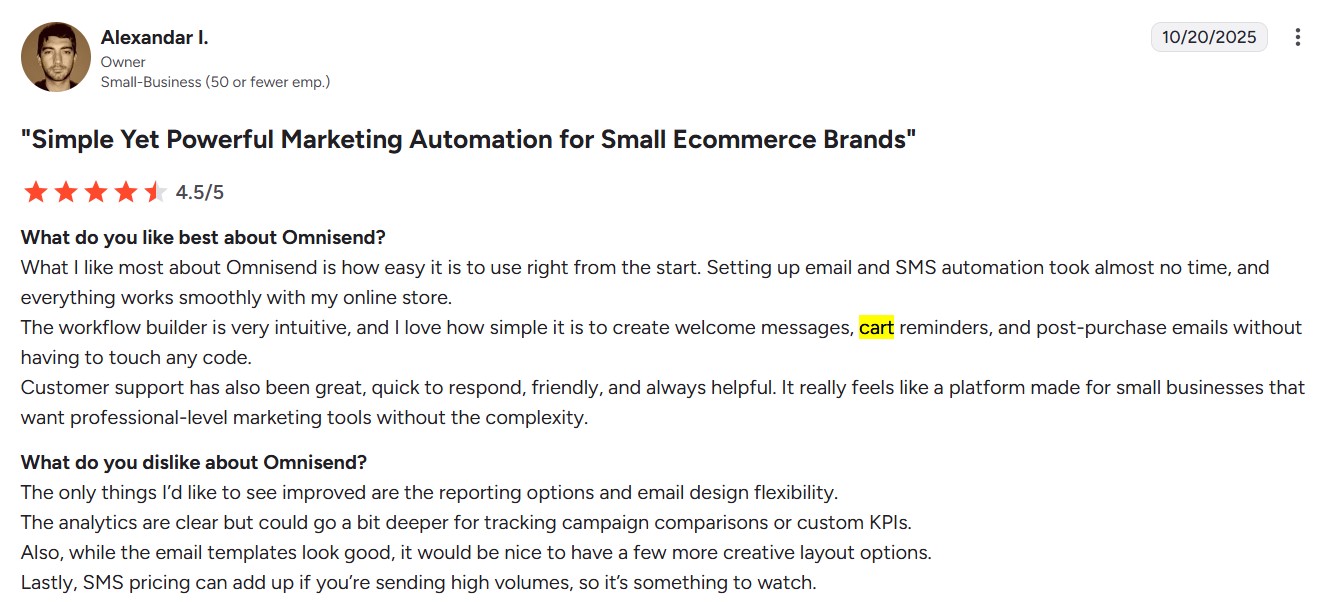
WooCommerrce abandoned cart plugins: omnisend review on G2 with the headline "simple yet powerful marketing automation for small ecommerce brands"
Image via G2

Users comparing Omnisend with other plugins say the biggest difference is ease of use and speed. A G2 reviewer said setting up automations took almost no time at all, and everything works well.

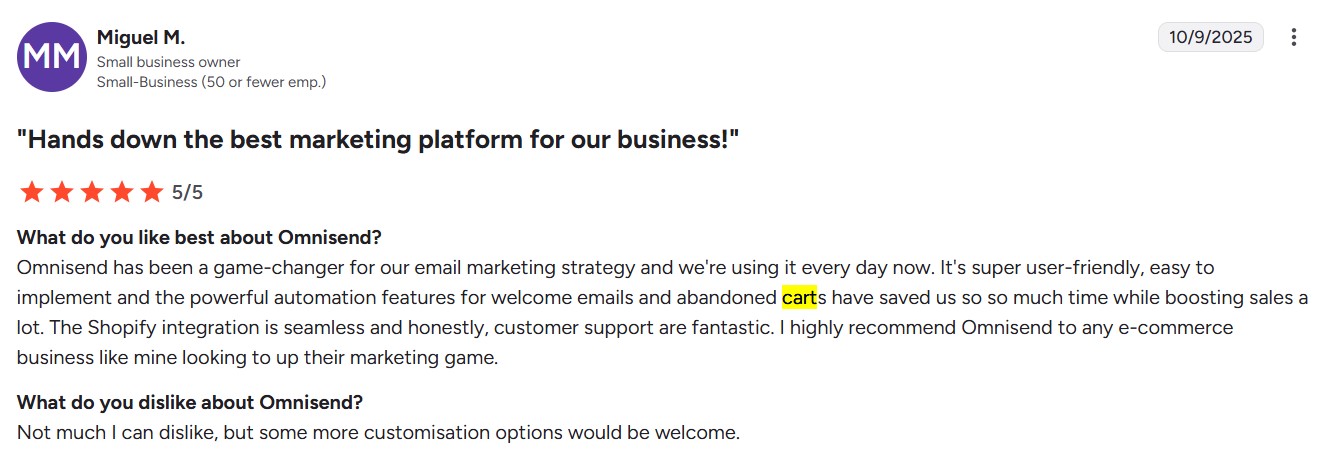
WooCommerrce abandoned cart plugins: omnisend review on G2 with the headline "hands down the best marketing platform for our business"
Image via G2

Another reviewer highlights its powerful automation features, from welcome series to cart recovery. They appreciate Omnisend’s WooCommerce integration and ecommerce expertise.

Our recommendation

Omnisend is the best abandoned cart plugin for WooCommerce stores that also want to grow into advanced automations like customer win-back campaigns and post-purchase sequences.


La Machine Cycle Club uses Omnisend’s abandoned cart automation alongside seasonal campaigns timed around cycling events to achieve 64% open rates and 7%click rates.

Read the case study.

2. WooCommerce Cart Abandonment Recovery by CartFlows — Best for basic cart recovery

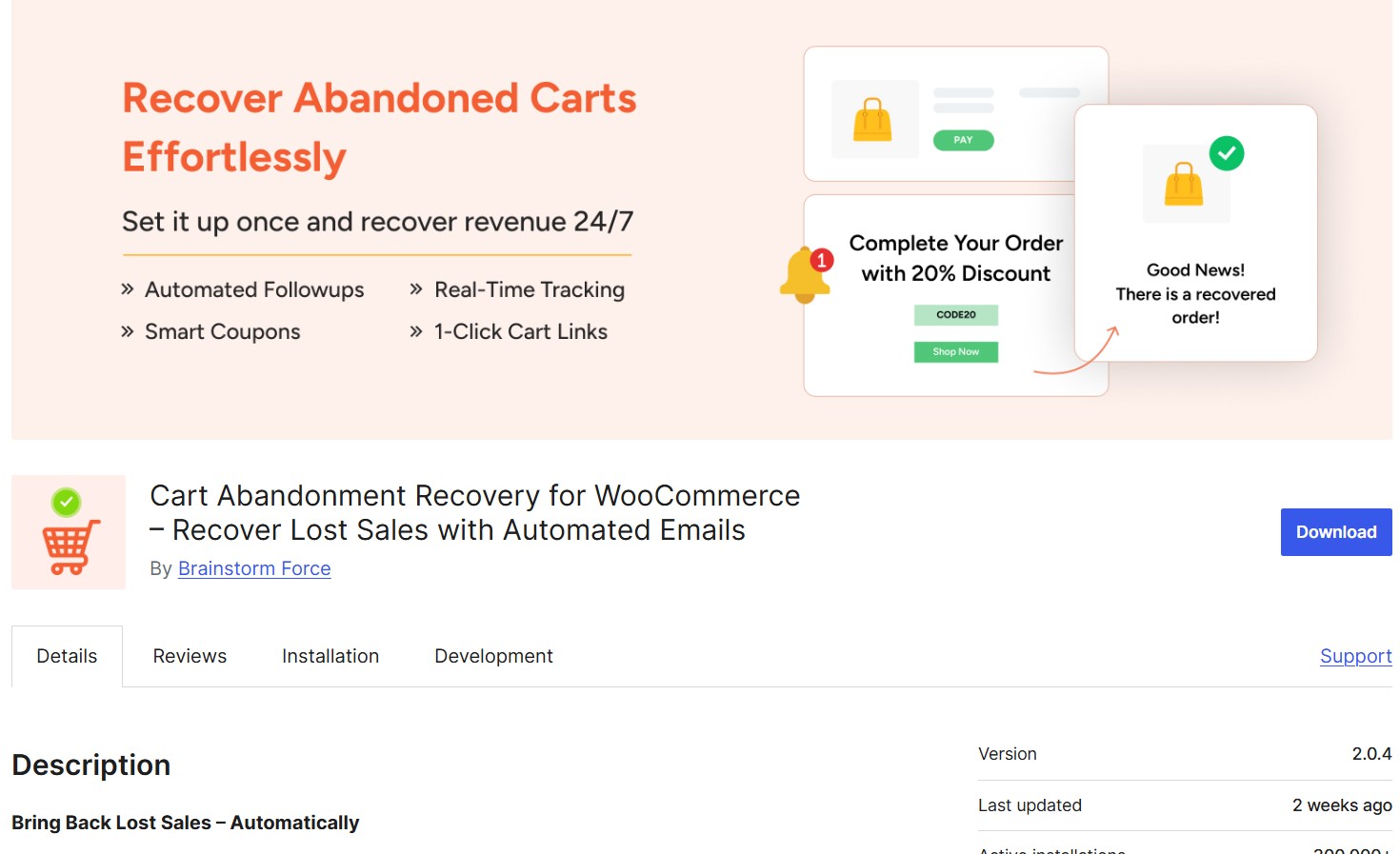
WooCommerrce abandoned cart plugins: cart abandonment recovery by brainstorm force
Image via WordPress

WordPress rating: 4.8/5 stars (based on 579 reviews)

WooCommerce Cart Abandonment Recovery is a one-solution plugin for recovering abandoned carts. It captures emails during checkout and sends automated follow-up sequences with unique links that return customers to pre-filled checkout pages.

Key strengths

Its email builder is easy to master, and you can customize follow-up emails to match your brand. The lack of other automation flows and contact management features keeps things streamlined and lets you explore other plugins for multi-channel communication.

However, you need to ensure that your WP Cron is working so the plugin can mark carts as abandoned on time

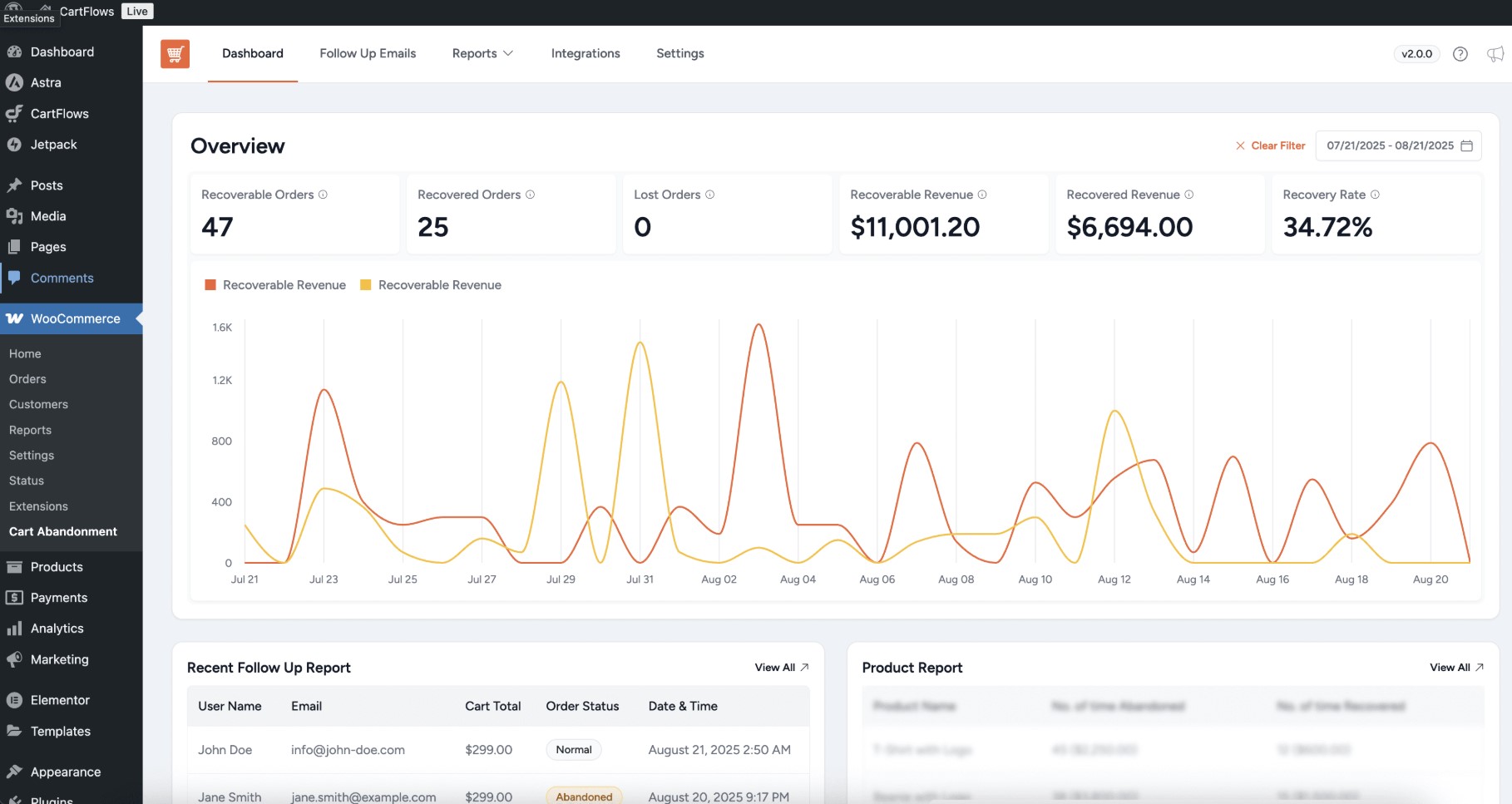
Its simple setup means you can start recovering abandoned carts within minutes. Everything works within your WordPress dashboard, with a list-style format for templates and automations. Here’s what it looks like:

WooCommerrce abandoned cart plugins: Dashboard interface showing sales metrics: number of received orders, lost orders, receivable revenue, recovered revenue, and recovery rate. Below is a line graph and tables with follow-up email details and product reports.
Image via WordPress

Features

  • Email capture: Records customer emails automatically during the checkout process
  • Automated sequences: Sends customizable follow-up emails at timed intervals after abandonment
  • Unique checkout links: Creates personalized links that return customers to pre-filled checkout pages
  • Email templates: Provides conversion-tested templates for immediate use
  • GDPR compliance: Includes optional privacy notices for checkout pages
  • Performance reports: Tracks recovery rates and revenue generated from campaigns
  • Custom timing: Set intervals for each follow-up email in sequence

Pros

  • Completely free with no hidden costs or premium upgrades
  • Simple setup requires no technical expertise
  • Works locally without external dependencies
  • Lightweight design doesn’t impact site performance
  • Pre-built templates save time on email creation
  • Integrates seamlessly with existing WooCommerce stores

Cons

  • Only handles cart abandonment recovery
  • No SMS or push notification options
  • No advanced segmentation capabilities
  • Requires WP-Cron to track carts on your site in real time

Pricing

  • Free (no paid version)

Customer ratings

  • WordPress: 4.8/5 (based on 579 reviews)
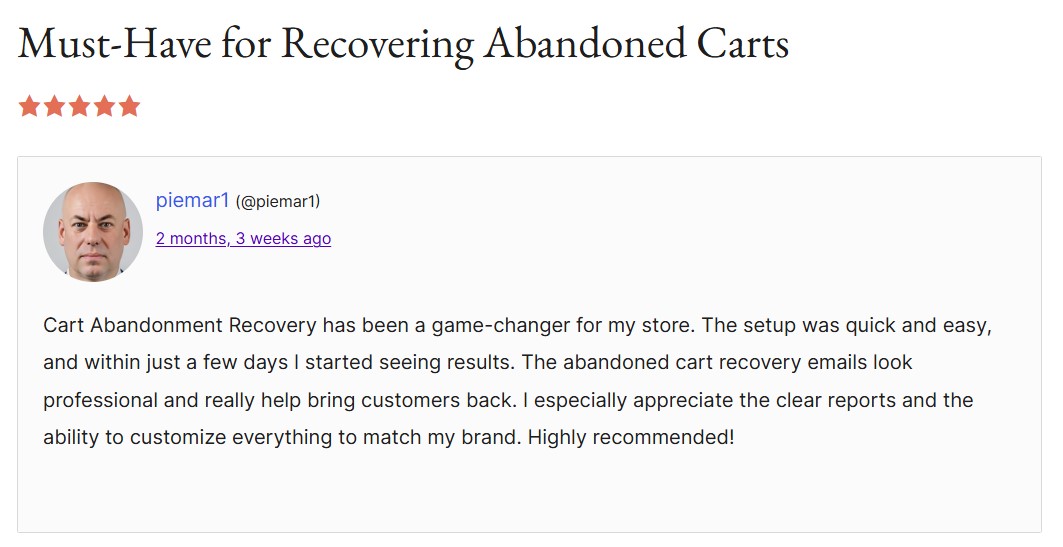
WooCommerrce abandoned cart plugins: CartFlows review with the headline "must-have for recovering abandoned carts"
Image via WordPress

Users praise CartFlows for its straightforward setup and reliability.

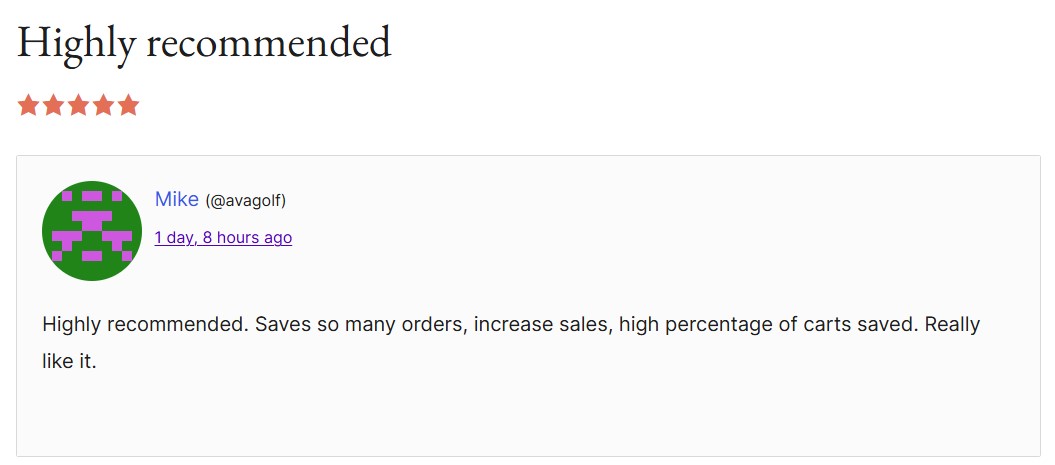
WooCommerrce abandoned cart plugins: cartflows review wit the headline "highly recommended"
Image via WordPress

Many highlight that it delivers solid cart recovery without costs.

Our recommendation

Choose this WooCommerce cart recovery plugin if you want free cart abandonment recovery without paying for full email marketing platforms or need simple automated follow-ups.

Discover more email marketing plugins:
12 best email marketing plugins for WooCommerce in 2025

3. YITH WooCommerce Recover Abandoned Cart — Best for guest checkout recovery

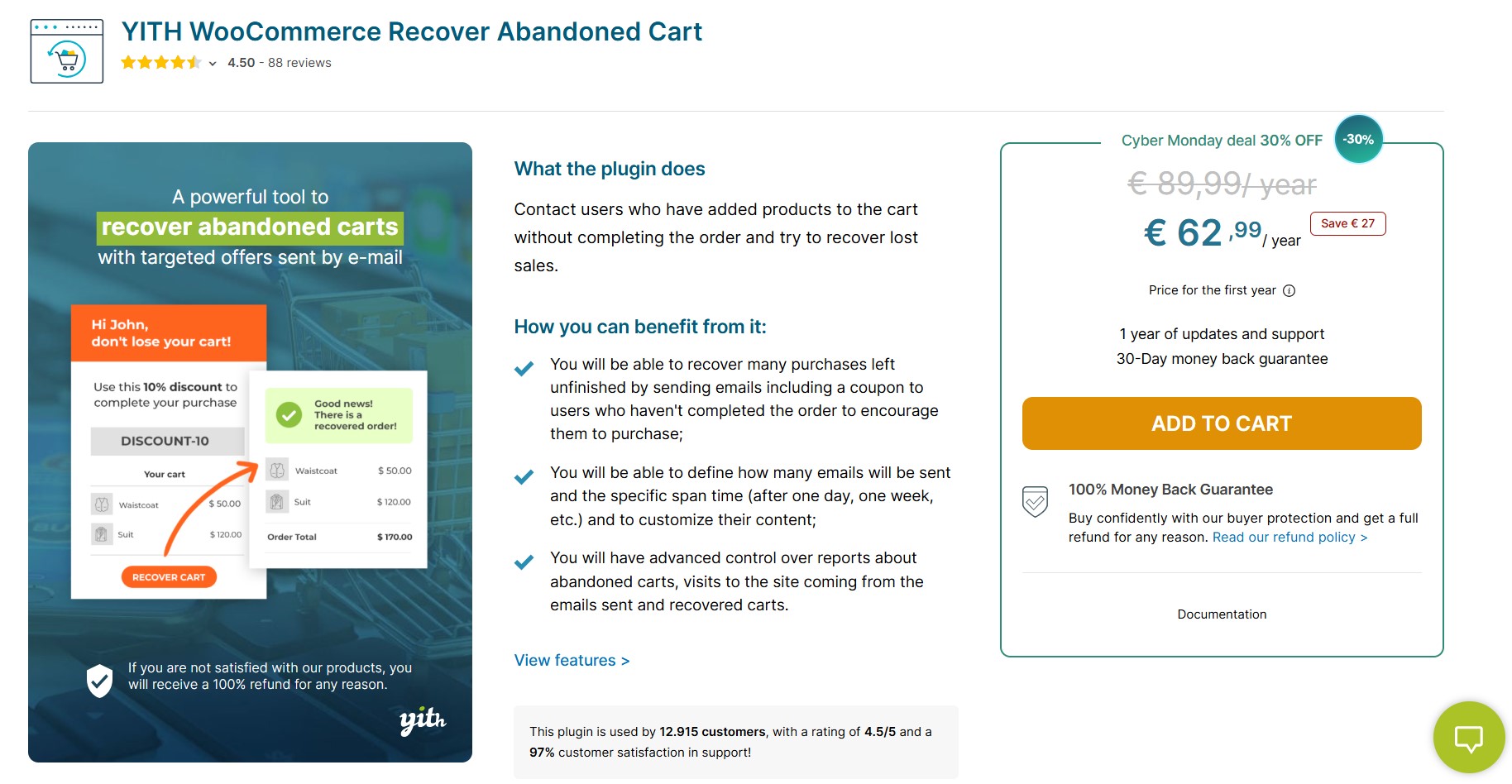
WooCommerrce abandoned cart plugins: YITH woocommerce recover abandoned cart plugin page
Image via YITH

YITH rating: 4.5/5 (97% customer satisfaction in support)

YITH WooCommerce Recover Abandoned Cart captures guest and unregistered user carts, and sends customizable email sequences with discount coupons. It also tracks recovery performance with dashboard reporting and boasts an impressive statistic.

Key strengths

This WooCommerce abandoned cart plugin claims it can help stores recover up to 60% of abandoned orders. YITH handles both abandoned carts and pending orders where customers started checkout but didn’t complete payment.

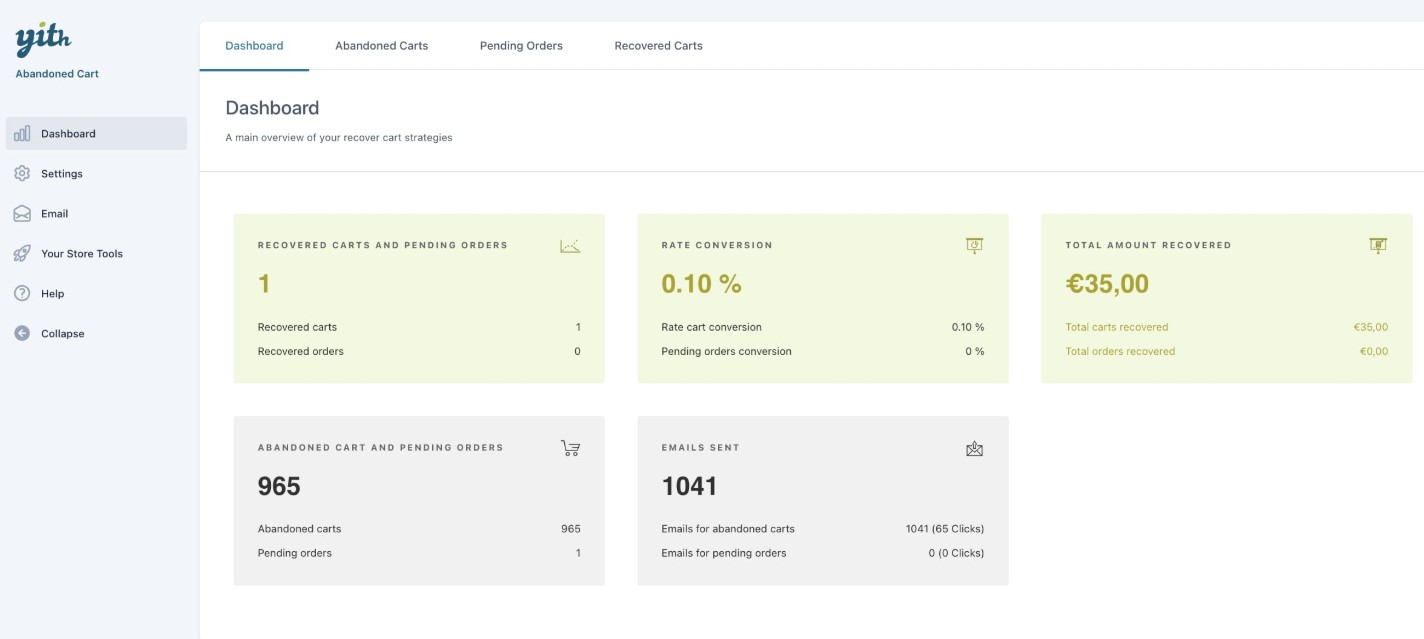
Here’s a look at YITH’s dashboard featuring key abandoned cart metrics:

WooCommerrce abandoned cart plugins: YITH dashboard showing recovered carts and pending orders, rate conversion, total amount recovered, and more
Image via YITH

Features

  • Guest cart recovery: Captures checkout data from unregistered users with optional GDPR consent
  • Unlimited email sequences: Create multiple follow-up campaigns with different timing and content
  • Automatic coupon generation: Attach percentage or fixed discount codes to emails
  • User role targeting: Choose which customer types receive abandonment emails
  • Dashboard analytics: Monitor recovered sales, email performance, and revenue generation
  • Email templates: Ready-to-use designs for immediate deployment or customization
  • Pending order recovery: Follow up on completed orders with payment issues
  • Custom timing: Set intervals for cart abandonment and email triggers

Pros

  • Helps recover abandoned carts and unpaid orders
  • Guest user recovery without requiring registration
  • Unlimited email creation and customization options
  • Detailed reporting shows actual revenue recovered
  • User role filtering for targeted campaigns
  • 30-day money-back guarantee

Cons

  • Annual subscription model only
  • Higher price point than basic alternatives
  • Requires a YITH account and license management

Pricing

  • €89.99/year ($104.50/year) with one year of updates and support

Customer ratings

  • YITH: 4.5/5
  • Trustpilot: 4.4/5 (based on 2,176 reviews)
WooCommerrce abandoned cart plugins: YITH review with the headline "recovered sales made easy - great work"
Image via YITH

Many users highlight ease of use as the tool’s major selling point.

WooCommerrce abandoned cart plugins: YITH review with the headline "simply amazing"
Image via YITH

They also praise this WooCommerce abandoned cart plugin for its effectiveness.

Our recommendation

Choose YITH if you need a cart and order recovery WooCommerce plugin with guest user capabilities, detailed analytics, and unlimited email customization options.

4. ShopMagic Abandoned Carts — Best for free cart recovery

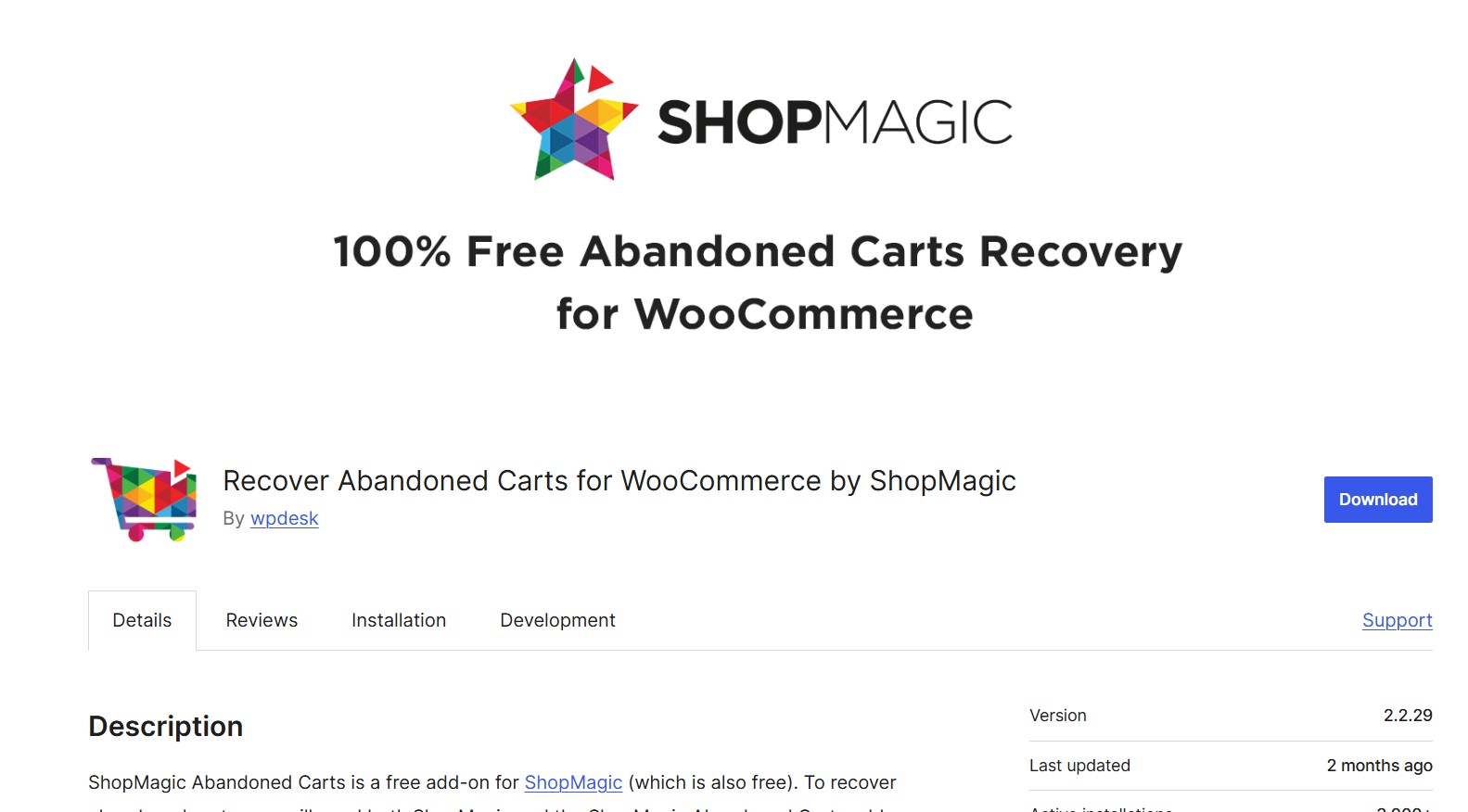
WooCommerrce abandoned cart plugins: shopmagic plugin download page
Image via WordPress

WordPress rating: 5/5 stars (based on four reviews)

ShopMagic Abandoned Carts requires the free ShopMagic core plugin to function. It captures guest and registered user checkout data, sends automated recovery emails, and includes exit intent popups for cart tracking.

Key strengths

It’s an entirely free solution with no premium upgrades or limitations. You can save emails immediately when entered at checkout and pre-submit them for customers. Exit intent popups can also collect visitor emails before they leave your site without purchasing.

ShopMagic integrates with the broader ShopMagic automation library. It gives access to additional marketing workflows. Here’s what its abandoned cart workflow looks like:

WooCommerrce abandoned cart plugins: shopmagic abandoned cart workflow where you can select the delay time and actions
Image via WordPress

Features

  • Pre-submit capture: Saves customer emails automatically as soon as they enter checkout forms
  • Exit intent popups: Collects visitor emails when they attempt to leave without buying
  • Guest user tracking: Captures abandonment data from unregistered customers with privacy controls
  • Cart segmentation: Filter recovery campaigns by product categories, cart value, and item count
  • Recovery statistics: The dashboard shows recovered revenue, conversion rates, and campaign performance
  • Email personalization: Use customer names and cart items in automated messages
  • Data management: Automatically clear old cart data after 30 days for performance
  • ShopMagic integration: Access all core plugin features, including the HTML email editor

Pros

  • Completely free with no feature limitations or upgrades
  • Works without requiring customer registration
  • Includes advanced features like exit intent capture
  • Integrates with ShopMagic core for broader automation
  • Guest tracking with privacy compliance options

Cons

  • Fewer email templates than dedicated solutions
  • Requires two plugins (ShopMagic core + Abandoned Carts add-on)

Pricing

  • Free forever
  • Personal: $69/year
  • Professional: $99/year
  • Lifetime: $299 one-time payment

Customer ratings

  • WordPress: 5/5 (based on four reviews)
  • G2: 3.8/5 (based on two reviews)
WooCommerrce abandoned cart plugins: shopmagic review with the headline "really nice and useful plugin"
Image via WordPress

Users praise this WooCommerce abandoned cart plugin for being genuinely free with powerful features.

WooCommerrce abandoned cart plugins: shopmagic review with the headline "recover abandoned"
Image via WordPress

Many WordPress users highlight its easy setup and active customer support.

Our recommendation

Choose ShopMagic if you want completely free cart recovery with advanced features like exit intent popups and pre-submit data capture capabilities.

5. Retainful — Best for combining cart abandonment with newsletters

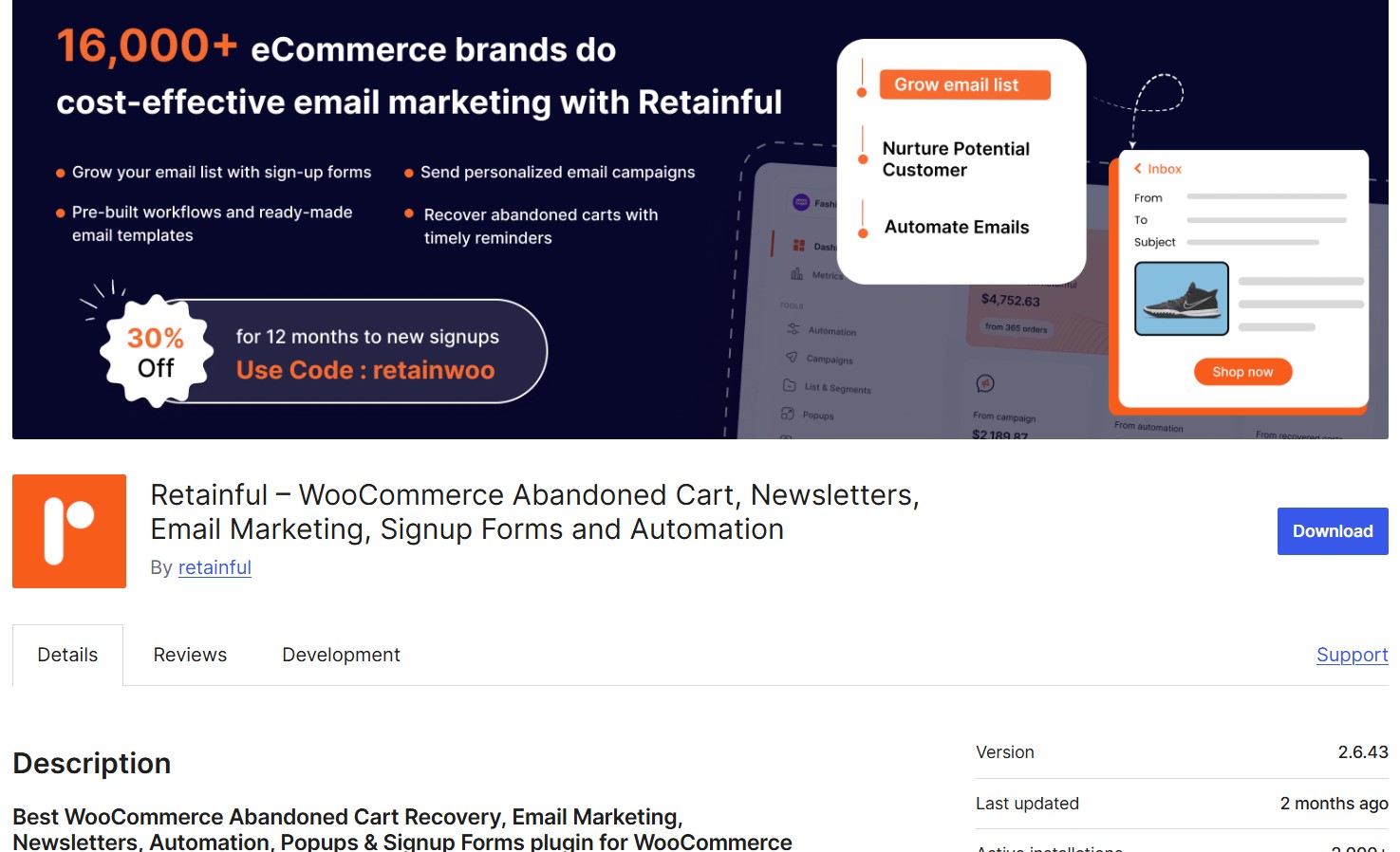
WooCommerrce abandoned cart plugins: retainful plugin download page
Image via WordPress

WordPress rating: 4.9/5 stars (based on 94 reviews)

Retainful combines abandoned cart recovery with complete email marketing automation, newsletters, and signup forms. It captures visitor emails with multiple popup types and sends automated sequences for cart recovery and customer retention.

It automatically sends next-order coupons to customers after they complete purchases to build loyalty. This encourages repeat sales and keeps the customers coming back.

Key strengths

It’s an all-in-one solution combining cart recovery with email marketing features — multiple popup triggers, including exit-intent, add-to-cart, and scroll-depth, and capture emails before abandonment. Scheduled sending prevents email overload across all campaigns.

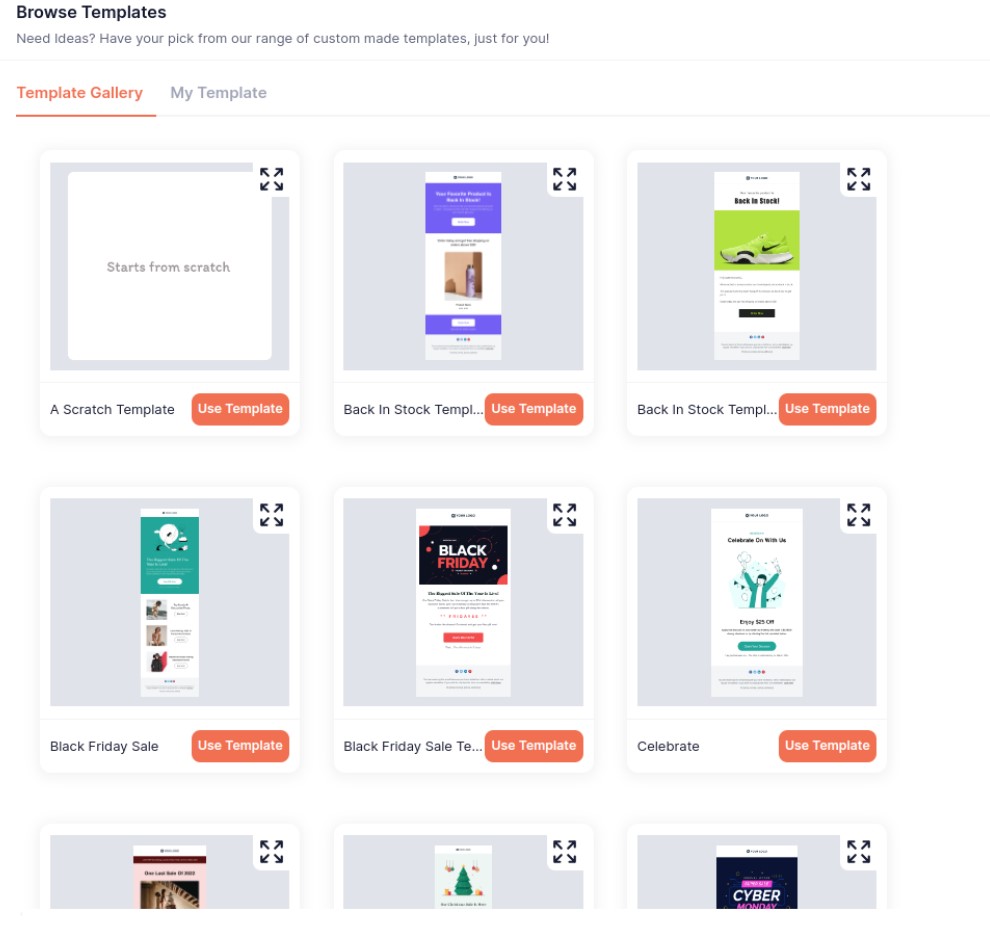
You can also run multiple automations simultaneously to reach your customers at all stages of the buying journey. Moreover, Retainful provides a wide variety of templates for quick campaign rollouts:

WooCommerrce abandoned cart plugins: retainful template gallery
Image via WordPress

Features

  • Multi-trigger popups: Welcome, exit-intent, add-to-cart, and embed forms capture emails at optimal moments
  • Dynamic coupons: Automatically generates unique discount codes for recovery and retention campaigns
  • Customer segmentation: Pre-built templates for VIP customers, inactive users, and purchase behavior
  • Email automation: 25+ workflows, including welcome series, post-purchase, and win-back campaigns
  • Newsletter builder: Drag-and-drop editor with 100+ templates
  • Revenue tracking: Shows recovered revenue from each campaign type
  • Team collaboration: Multi-user access with permission controls for team management
  • Next order coupons: Automatically sends coupons for the next order 

Pros

  • The free plan includes abandoned cart recovery and basic automation
  • Multiple popup types maximize email capture opportunities
  • Message scheduling and delays
  • Free migration assistance from other platforms
  • High deliverability rates with custom domain setup

Cons

  • It has a more complex setup than other cart recovery plugins
  • Higher pricing for advanced features compared to basic alternatives
  • Requires an external account connection for full functionality

Pricing

  • Free: 500 emails/month
  • Starter: From $14/month
  • Growth: From $69/month

Customer ratings

  • WordPress: 4.9/5 (based on 94 reviews)
  • G2: 4.5/5 (based on three reviews)
  • Trustpilot: 4.8/5 (based on 64 reviews)
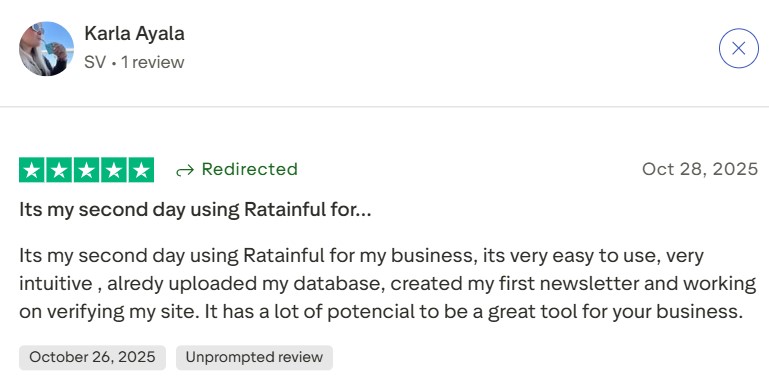
retainful review saying that its their second day using retainful and its very easy to use
Image via Trustpilot

Users highlight the platform’s speed and ease of navigation. 

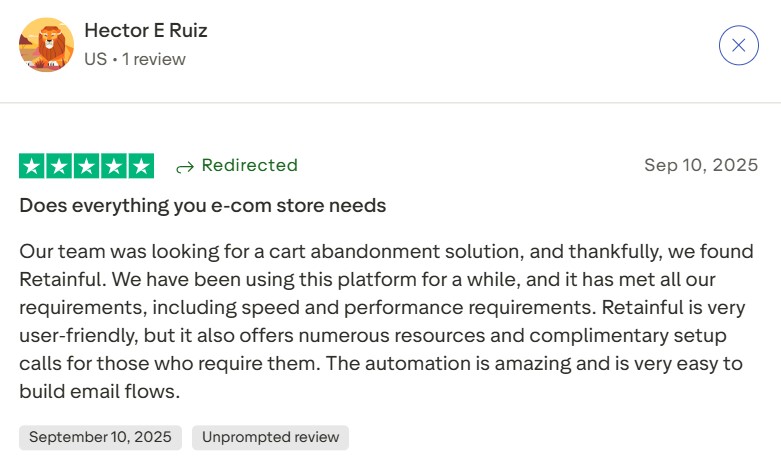
retainful review with the headline "does everything your e-com store needs"
Image via Trustpilot

A Trustpilot reviewer mentioned that its customer service team resolves issues quickly.

Our recommendation

Choose Retainful if you want email marketing capabilities with cart recovery, multiple popup types, and advanced automations to increase sales and build loyalty.

6. FunnelKit (formerly WooFunnels) — Best for email automations with CRM functionality

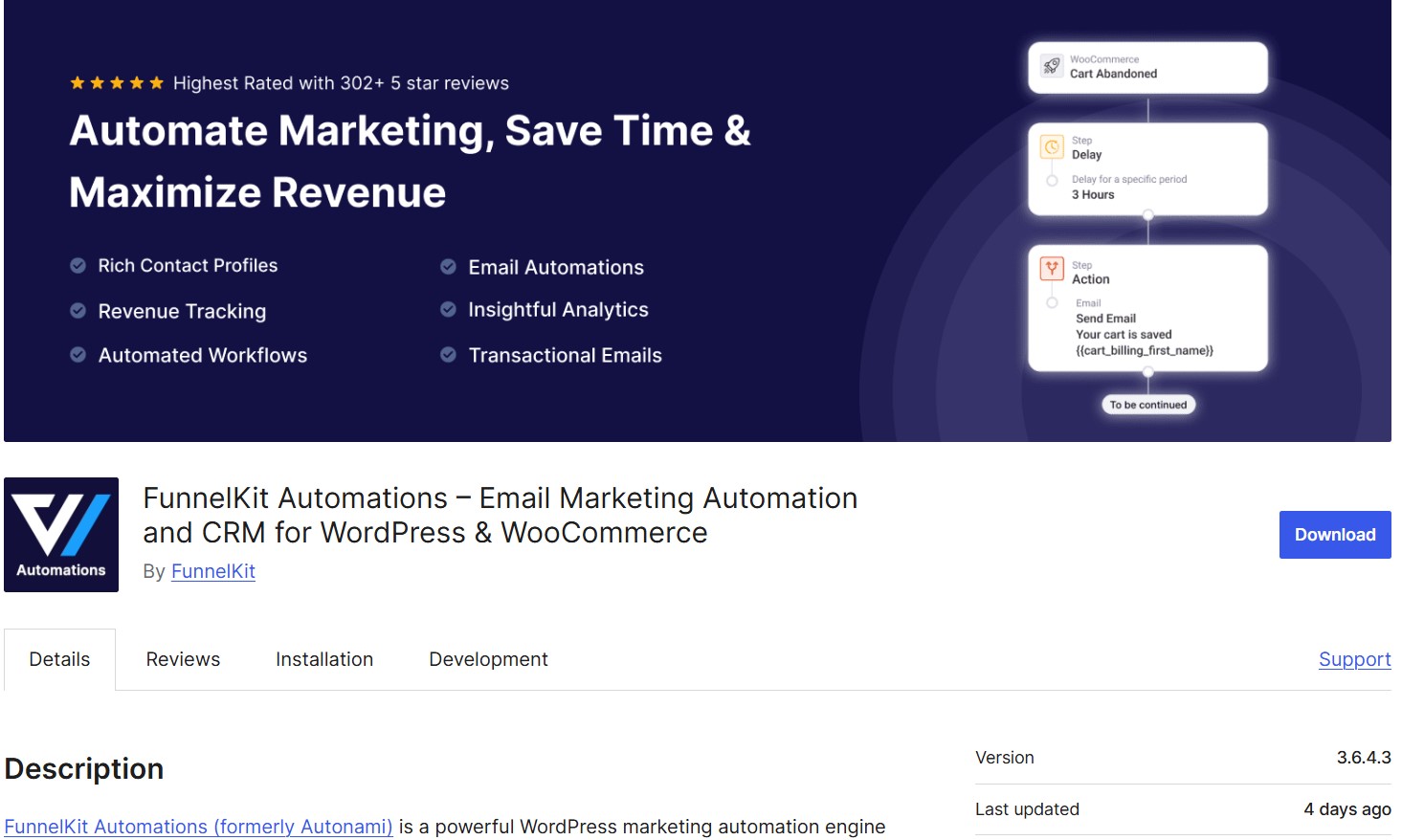
funnelkit plugin download page
Image via WordPress

WordPress rating: 5/5 stars (based on 311 reviews)

FunnelKit Automations captures cart abandoners and creates automated email sequences with conditional logic and dynamic coupons. It also provides pre-built automation templates (like an abandoned cart sequence ready to import).

It manages contacts, tags, and customer journeys without monthly contact limits or external dependencies.

Key strengths

No contact limits mean unlimited growth without escalating costs, and the visual email builder creates professional campaigns without design skills. Plus, conditional workflows segment customers by purchase behavior, geography, and engagement levels for targeted messaging.

It supports multi-channel recovery through email and SMS via Twilio integration, as well as webhooks for push notification. The visual automation builder supports complex conditional workflows based on cart value, customer type, or specific products.

For instance, high-value carts might get a different email sequence than lower-value ones: Look at this conditional automation:

funnelkit flow showing split flows to create coupons and send emails, action windows, and the end of automation
Image via WordPress

Features

  • Workflow builder: Visual interface shows automation paths
  • Live cart capture: Saves customer emails instantly when entered at checkout
  • Coupon engine: Generates discount codes with user names and expiry timers
  • Customer timeline view: Complete interaction history showing purchases, email engagement, and site activity
  • Broadcast schedules: Send newsletters to tagged segments with timezone options
  • Split testing tools: Compare different email versions and send winning variations
  • Automation goals: End sequences when customers purchase to prevent unnecessary follow-up emails

Pros

  • Unlimited contacts without additional fees
  • Complete CRM functionality within WordPress
  • Advanced conditional logic for sophisticated automation
  • Visual email builder with professional templates
  • Supports email and SMS via Twilio integration

Cons

  • It has a steep learning curve
  • Advanced features require a Pro version upgrade

Pricing

  • Free: Automations and funnel builder
  • Basic: $129/year
  • Plus: $299/year
  • Professional: $399/year
  • Elite: $599/year

Customer ratings

  • WordPress: 5/5 (based on 311 reviews)
  • Trustpilot: 4.4/5 (based on 38 reviews)

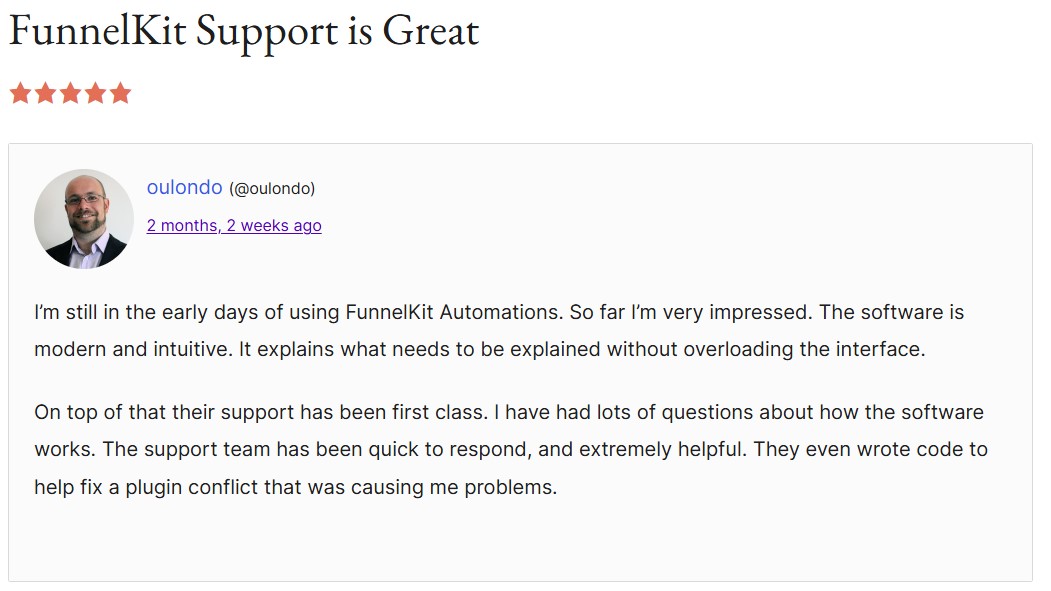
WordPress users praise its comprehensive features and reliable performance.

funnelkit review with the headline "funnelkit support is great"
Image via WordPress

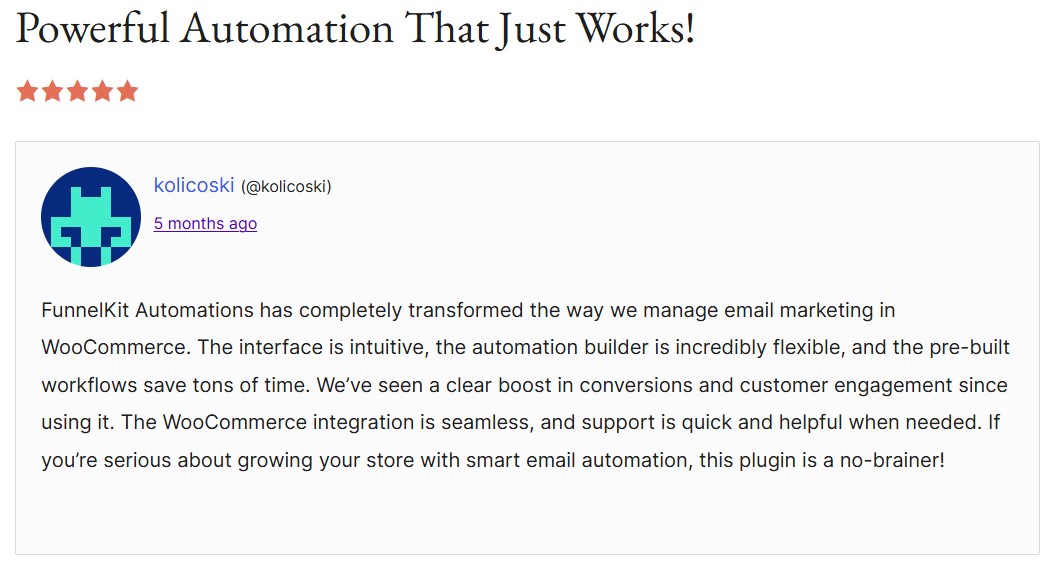
The visual builder is deemed intuitive despite the complexity of the WooCommerce abandoned cart plugin itself.

funnelkit review with the headline "powerful automation that just works"
Image via WordPress

Our recommendation

Choose FunnelKit if you want additional marketing automations with CRM capabilities, unlimited contacts, and advanced conditional workflows that go beyond simple recovery campaigns.

7. CartBounty — Best for understanding cart abandonment reasons 

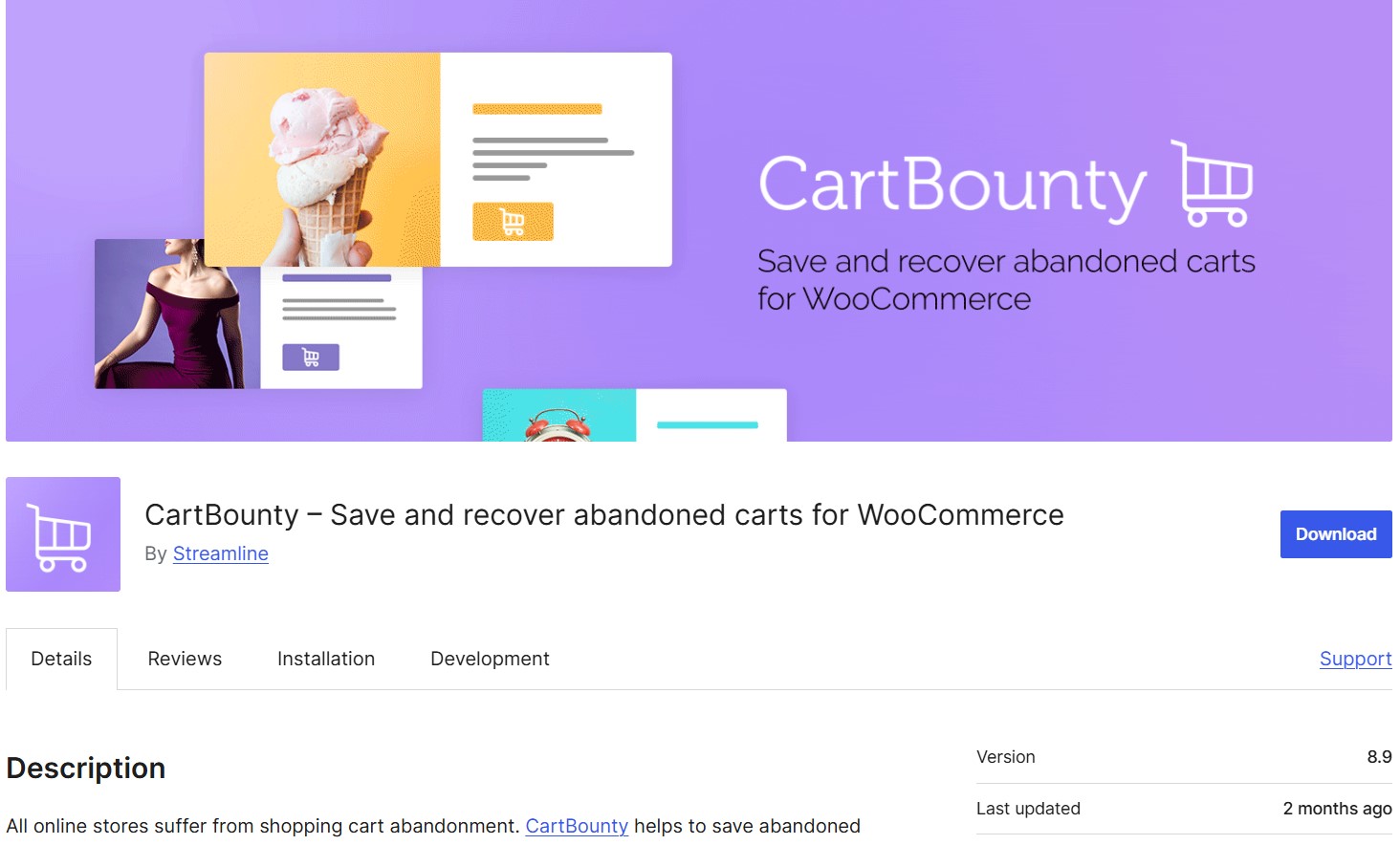
cartbounty plugin download page
Image via WordPress

WordPress rating: 4.8/5 stars (based on 84 reviews)

CartBounty monitors WooCommerce carts and saves abandonment data during sessions, and is strong on the analytics part. It captures customer details early in the shopping process and uses exit intent popups to reduce abandonment.

Key strengths

You can view detailed reports showing which products get abandoned most frequently and abandonment patterns by country. Additionally, you can see cart contents in real-time, including cart totals and status, within your WordPress dashboard.

Real-time cart monitoring shows exactly when customers abandon. This helps you analyze which products or checkout pages cause the most drop-offs. This way, you can fix friction points before they cost more sales.

The “Early Capture” popup appears right after someone adds a product to the cart. This captures emails of window shoppers who might never reach checkout. Here’s how it works:

cartbounty gif showing the "early capture" feature and the user entering their email
GIF via WordPress

Features

  • Live cart tracking: Monitor shopping activity as it happens
  • Anonymous cart viewing: See abandoned carts, even from unregistered visitors
  • Exit intent popups: Trigger coupon offers when customers attempt to leave your site
  • Tab notifications: Change browser tab titles to grab attention when customers switch tabs
  • Checkout field memory: Save entered data so customers don’t lose information
  • Multi-channel recovery: Send emails, SMS, and push notifications when connected to other service providers
  • Cart data export: Download complete abandonment reports to Excel files
  • Recovery exclusions: Skip products, countries, or IP addresses from campaigns

Pros

  • Captures emails before customers reach checkout
  • Real-time monitoring provides immediate insights
  • Exit intent technology prevents abandonment proactively
  • Anonymous cart tracking expands recovery opportunities
  • Multi-channel communication options available
  • GDPR compliant with privacy controls

Cons

  • Advanced features are locked behind the Pro subscription
  • SMS and push notifications require third-party services
  • The complex interface may overwhelm email marketing newbies

Pricing

  • Free
  • Pro: $93/year
  • Pro+: $279/year
  • Agency: $1,302/year

Customer ratings

  • WordPress: 4.8/5 (based on 84 reviews)
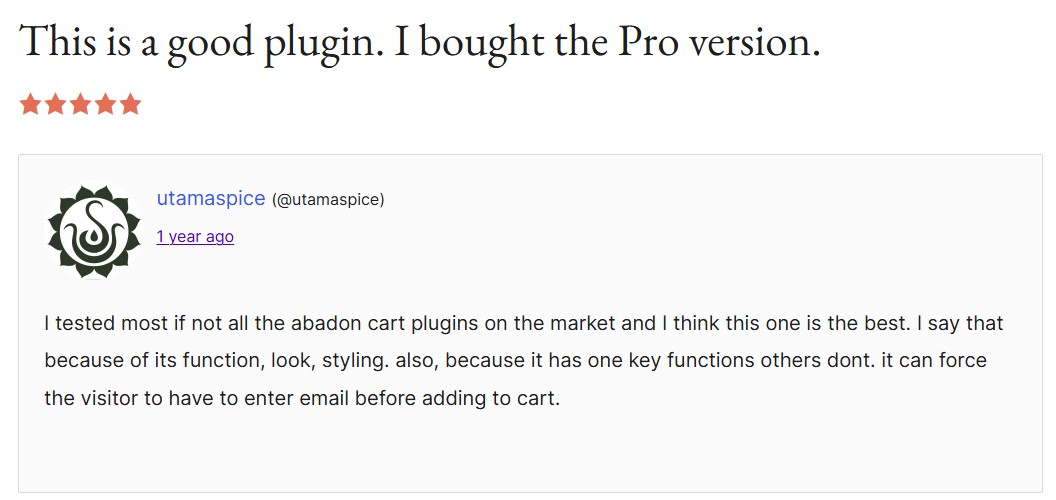
cartbounty plugin with the headline "this is a good plugin. I bought the pro version"
Image via WordPress

WordPress users highlight the real-time tracking as incredibly valuable for understanding abandonment patterns.

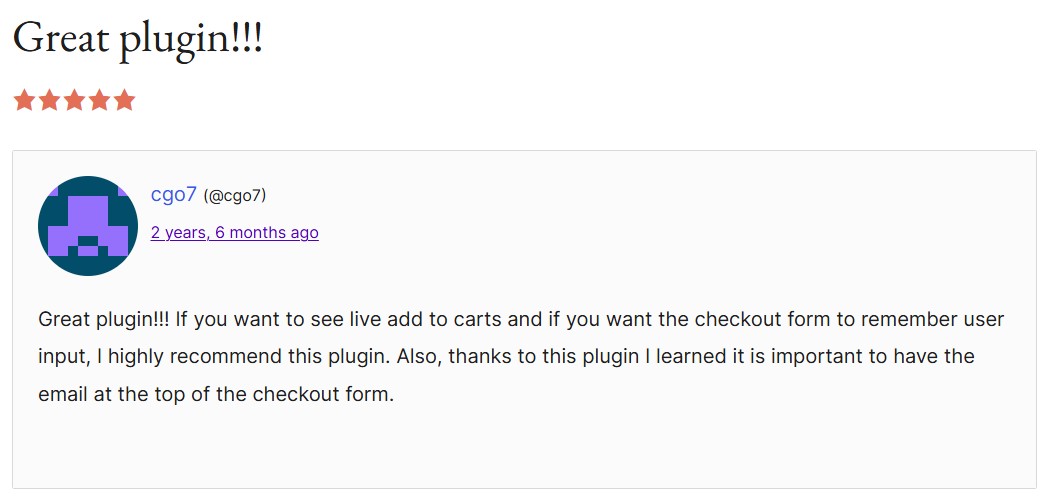
cart bountry review with the headline "great plugin"
Image via WordPress

The early capture feature gets praised for collecting emails that other WooCommerce abandoned cart plugins miss.

Our recommendation

CartBounty works well if you want in-depth analytics, proactive cart abandonment prevention with early email capture, and live monitoring capabilities.

8. WooCommerce Recover Abandoned Cart (CodeCanyon) — Best for multiple follow-up sequences

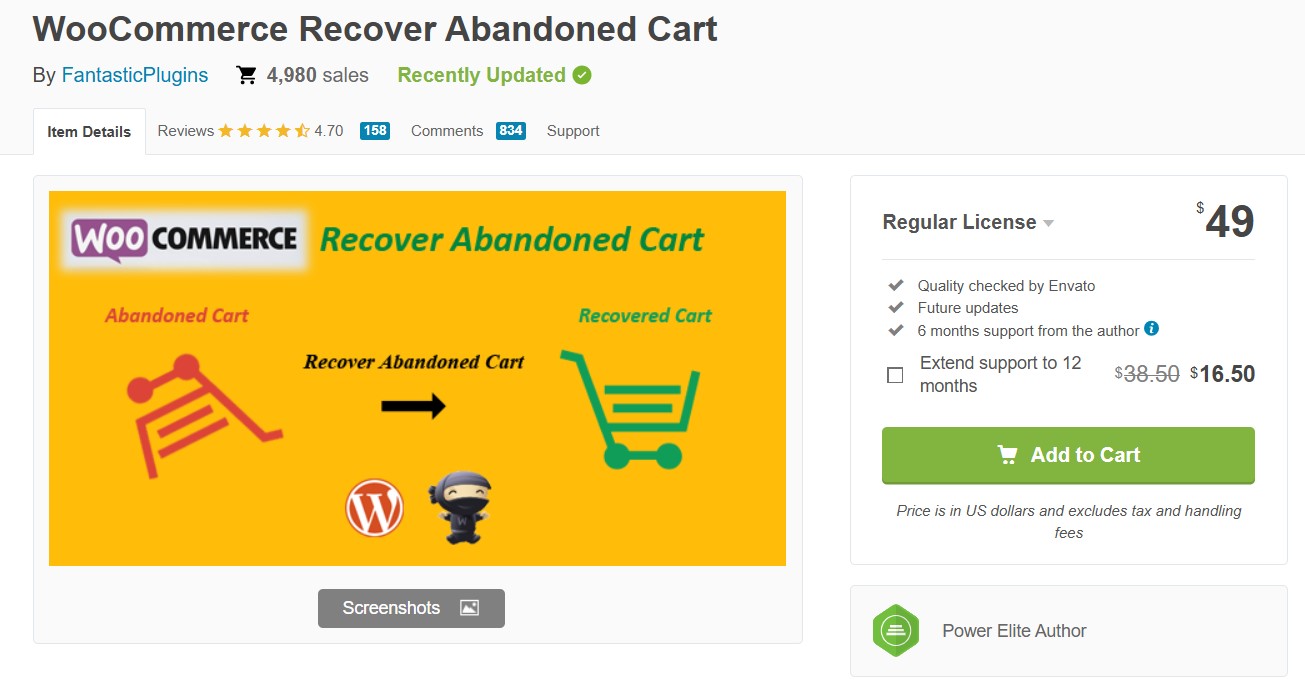
codecanyon plugin purchase page
Image via CodeCanyon

CodeCanyon rating: 4.7/5 stars (based on 158 reviews)

WooCommerce Recover Abandoned Cart captures customer details during checkout and sends automated email sequences with customizable templates. You can create multiple follow-up campaigns with increasing incentives, like discount coupons, to encourage purchase completion.

Key strengths

It works with both registered members and guest customers who enter their email addresses at checkout. Multiple email templates let you escalate offers from gentle reminders to discount incentives, and you can track recovery rates within WordPress.

This WooCommerce abandoned cart plugin also provides detailed reports:

codecanyon report page showing number of abandoned carts captures, total emails sent, email links clicked, carts recovered, sales amount recovered, frequently abandoned products, and frequently recovered products
Image via CodeCanyon

Features

  • Guest cart capture: Records abandonment data when visitors enter email addresses during checkout
  • Multiple email templates: Create different follow-up sequences with varying discount offers and timing
  • Automatic coupon generation: Creates unique discount codes with expiry dates for email campaigns
  • Admin recovery notifications: Alerts you when abandoned carts convert
  • Click tracking: Monitors which email templates generate the most cart recoveries
  • Manual email option: Send targeted messages to single customers
  • Previous order checking: Scans historical orders to identify recovery opportunities
  • WPML compatibility: Supports multilingual stores with translated email content
  • Phone number capture: Collects customer contact details for manual follow-up options

Pros

  • Works for both members and guest customers
  • Multiple template strategy increases recovery chances
  • One-time purchase with lifetime updates
  • Compatible with major WooCommerce extensions
  • Lifetime updates from CodeCanyon when purchased

Cons

  • Premium pricing compared to free alternatives
  • Complex setup with many configuration options
  • Requires technical knowledge for advanced customization

Pricing

  • $49 (one-time purchase)

Customer ratings

  • CodeCanyon: 4.7/5 (based on 158 reviews)
codecanyon review saying it's an excellent plugin with excellent support.
Image via CodeCanyon

A CodeCanyon reviewer appreciated the one-time purchase model and active customer support.

Our recommendation

WooCommerce Recover Abandoned Cart is one of the best plugins if you want a cart recovery feature built into your WordPress site with multiple email templates, customer support, and basic tracking capabilities.

9. MWB HubSpot for WooCommerce — Best for HubSpot integration 

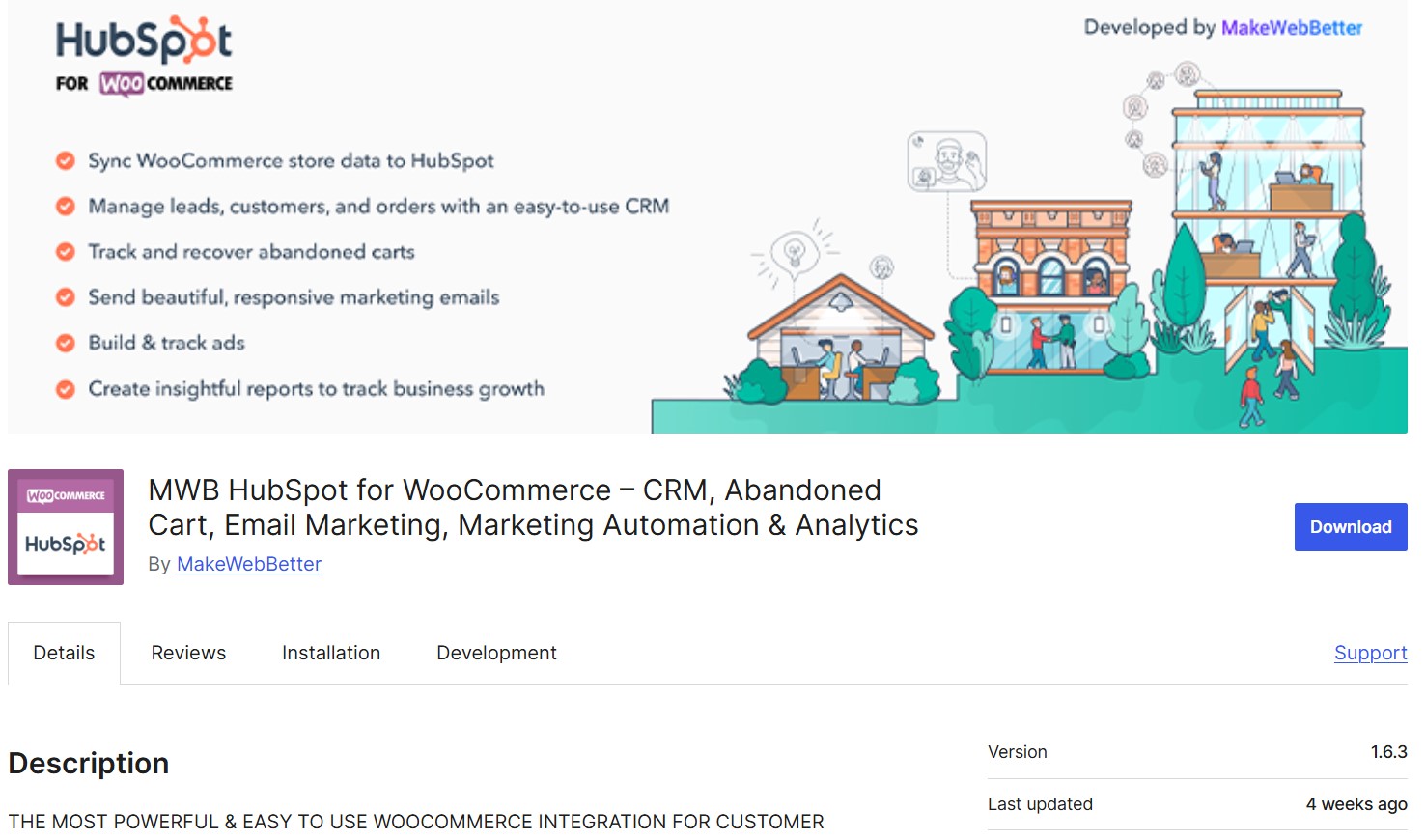
MWB hubspot plugin download page
Image via WordPress

WordPress rating: 3.9/5 stars (based on 53 reviews)

MWB HubSpot for WooCommerce syncs your store data with HubSpot CRM for customer management and abandoned cart recovery. You can create email campaigns, track analytics, and manage advertising campaigns across multiple platforms directly within HubSpot.

This isn’t a standalone WooCommerce abandoned cart plugin. Instead, it acts as a bridge between WooCommerce and HubSpot. You’ll still need to open a HubSpot account. MWB HubSpot automatically syncs your store data to HubSpot, letting you track customer activities, abandoned carts, and order details.

Key strengths

This WooCommerce abandoned cart plugin sends order statuses to HubSpot deal stages automatically in your chosen pipeline. You can then use pre-built customer segments and create automated abandoned cart flows to recover revenue.

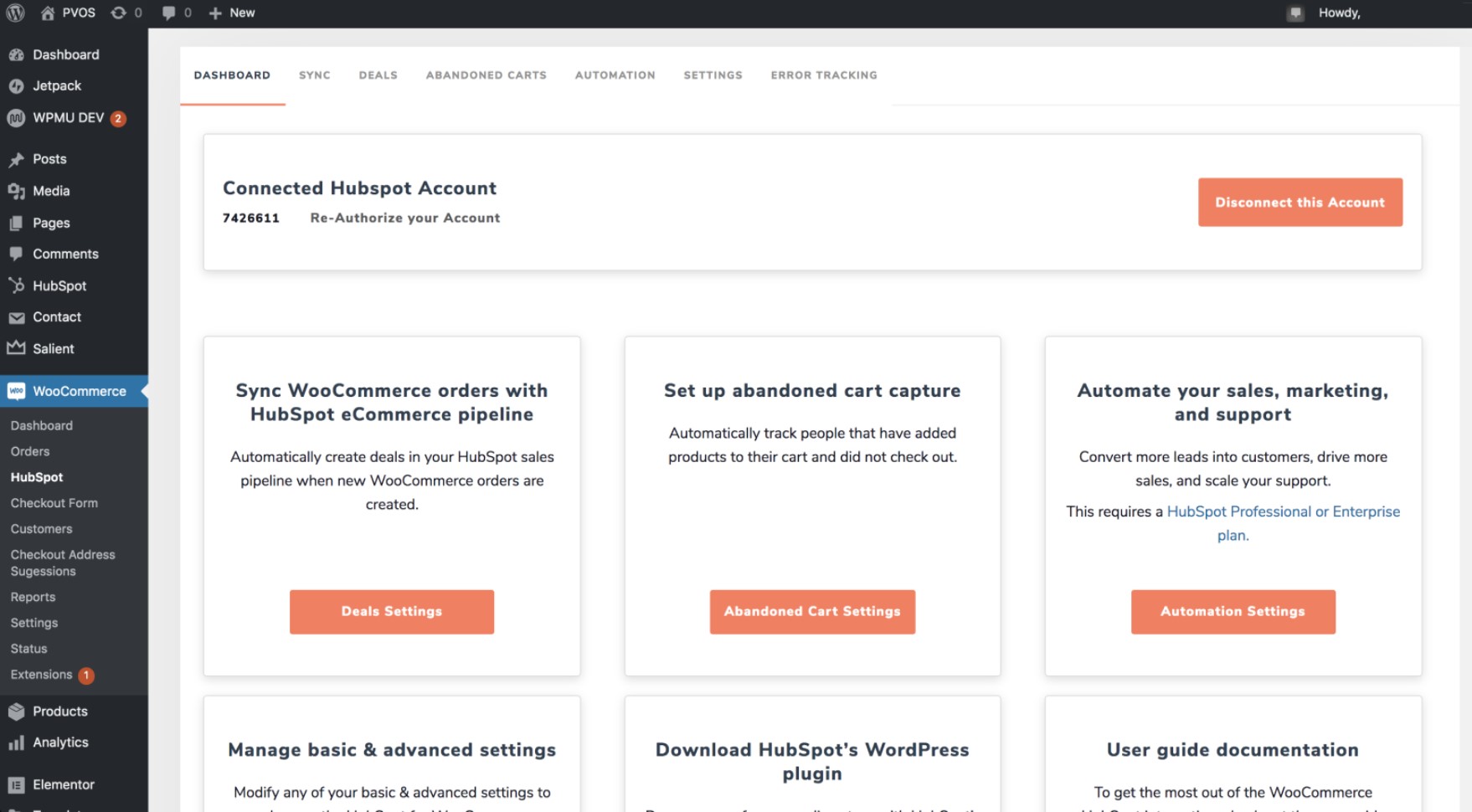
It works with HubSpot’s free CRM plan, which includes unlimited users and up to one million contacts. You also get a host of automated email workflows:

MWB hubspot automation page where you can connect your hubspota ccount, sync woocommerce orders, set up abandoned cart capture, automate your sales, marketing, and support, and more
Image via HubSpot

Features

  • Automated workflows: Marketing sequences trigger automatically when customers abandon carts, make purchases, or reach spending thresholds
  • Customer data sync: Historical and new customer information flows continuously between your store and the HubSpot database
  • Deal pipeline mapping: Order status changes automatically move deals in your chosen HubSpot sales pipeline stages
  • Abandoned cart lists: Contact segments populate instantly with customers who added products but didn’t complete checkout
  • Email campaign builder: HubSpot’s visual editor and 20+ templates let you create campaigns without design experience

Pros

  • Uses HubSpot’s CRM and marketing automation features
  • Pre-built segments and properties save setup time
  • Detailed activity logging for troubleshooting
  • Works with existing HubSpot workflows and campaigns

Cons

  • Requires an active HubSpot account to function
  • Mixed user reviews indicate potential reliability issues

Pricing

  • Free (HubSpot account required)

Customer ratings

  • WordPress: 3.9/5 (based on 53 reviews)
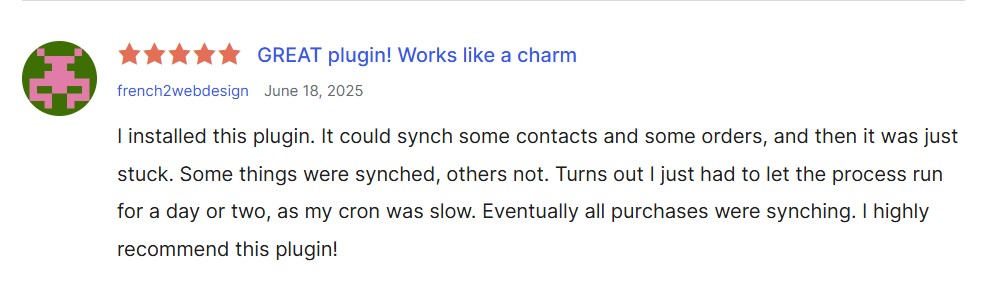
MWB hubspot review with the headline "great plugin, works like a charm"
Image via WordPress

A WordPress user experienced frustrating sync issues where purchases weren’t appearing in HubSpot initially. After letting the plugin run for several days, it started syncing normally. However, the initial experience wasn’t exactly ideal.

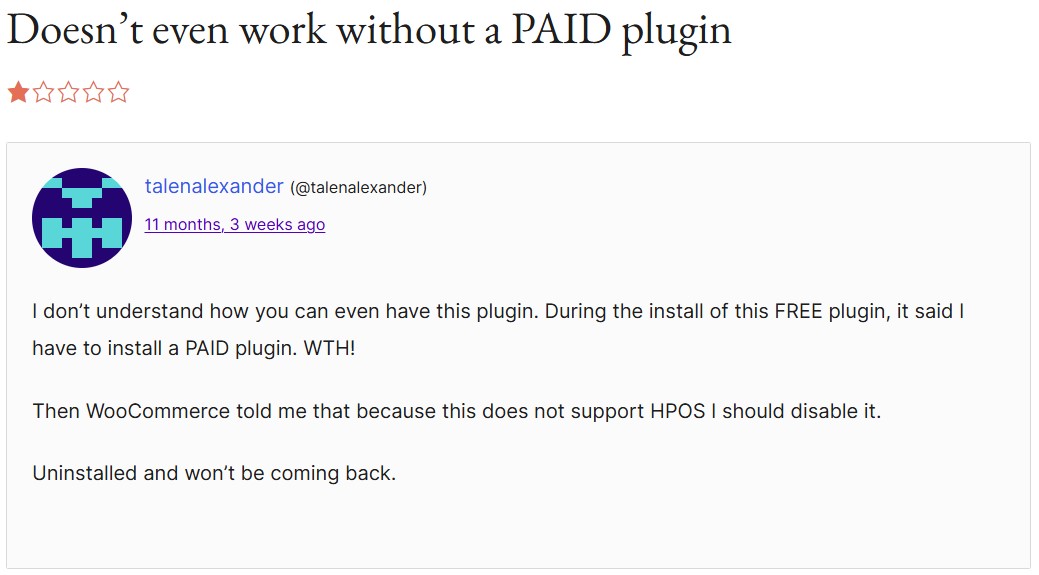
Other users have also complained about the tool unexpectedly requiring an upgrade down the line.

MWB hubspot review with the headline "doesn't even work without a paid plugin"
Image via WordPress

Our recommendation

MWB HubSpot works for existing HubSpot users wanting WooCommerce integration with CRM and marketing automation features. However, read the most recent reviews before installing, as some updates have frustrated customers.

10. Abandoned Cart Lite for WooCommerce (Tyche Softwares) — Best for free abandoned cart recovery

Tyche plugin download page
Image via WordPress

WordPress rating: 4.1/5 stars (based on 86 reviews)

Abandoned Cart Lite for WooCommerce (Tyche Softwares) tracks cart abandonment from guests and registered customers, then sends reminder emails within minutes. It includes pre-built email templates with merge codes to personalize messages with customer names and products.

Tyche also offers a Pro version with additional features like SMS reminders, exit-intent popups, and advanced reporting (starting at $119/year)

Key strengths

It has a rich text editor that allows you to copy HTML from anywhere to create custom email templates quickly. Product abandonment reports show which items get left behind most frequently, and the analytics dashboard lets you switch between date ranges to view reports.

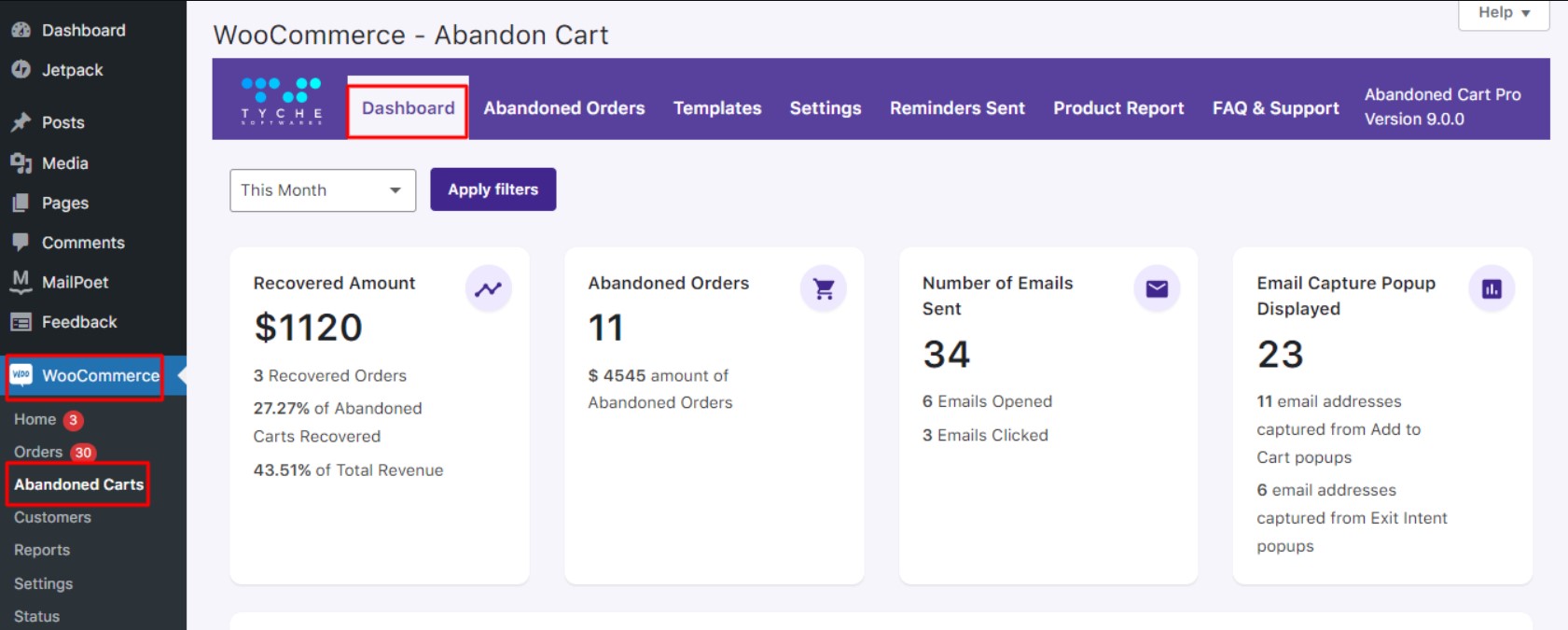
Here’s a screenshot of the plugin’s abandoned cart dashboard after installation:

Tyche dashboard showing recovered amount, abandoned orders, number of emails sent, and email capture popup displayed
Image via Tyche Softwares

Features

  • Guest and member tracking: Captures abandonment data from both registered users and checkout visitors
  • Quick email delivery: Sends reminder messages within minutes of cart abandonment detection
  • Template system: Pre-built email designs get you started immediately
  • HTML template editor: Rich text editor accepts copied HTML content from external sources
  • Merge code personalization: Seven dynamic fields insert customer names, products, and cart details automatically
  • Recovery percentage tracking: Shows success rates for abandoned cart email campaigns
  • Product abandonment reports: Identifies which products get abandoned most often for inventory insights
  • Guest user capture: Records abandonment even when customers haven’t created accounts

Pros

  • Completely free with no feature limitations
  • Works for both guest and registered customers
  • Rich text editor simplifies template customization
  • Product-level abandonment reporting provides valuable insights
  • Quick reminder delivery maximizes recovery chances

Cons

  • Limited to basic email recovery only
  • No SMS or advanced communication options
  • Fewer customization options than premium alternatives
  • No exit-intent popups or prevention features

Pricing

  • Free plan
  • Starter: $119/year 
  • Business: $249/year
  • Enterprise: $349/year

Customer ratings

WordPress: 4.1/5 (based on 86 reviews)

Tyche review with the headline "good lightweight plugin"
Image via WordPress

Users appreciate the simple setup process.

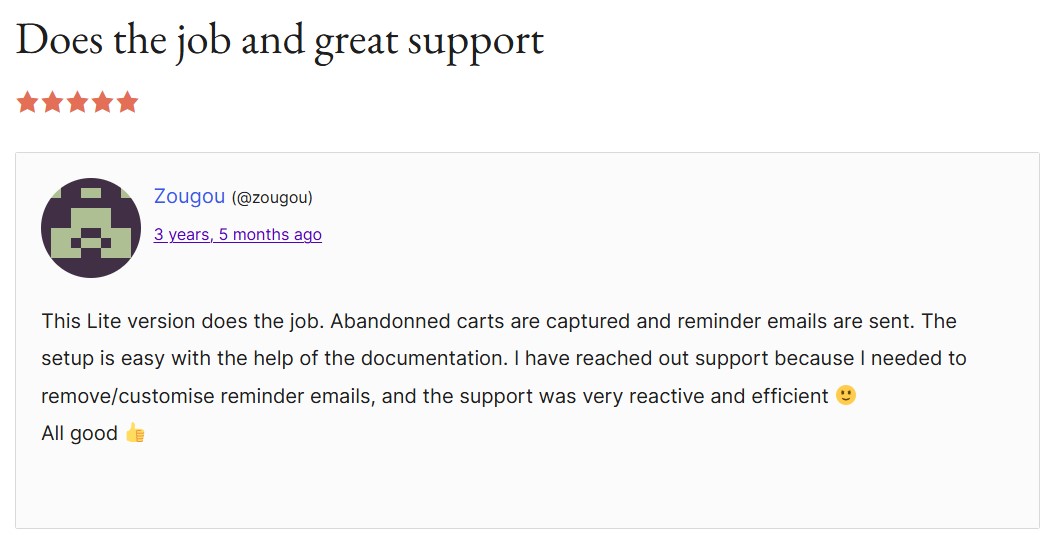
tyche review with the headline "does the job and great support"
Image via WordPress

A WordPress reviewer mentioned that the detailed documentation made installation straightforward. Clear instructions helped them get started.

Our recommendation

Abandoned Basket Lite works well for stores wanting free cart recovery with guest user tracking and customizable email templates.

11. Abandoned Cart Recovery for WooCommerce (VillaTheme) — Best for cart recovery with discounts and coupons

villatheme plugin download page
Image via WordPress

WordPress rating: 4.5/5 stars (based on 28 reviews)

Abandoned Cart Recovery for WooCommerce captures cart data from guests and members, then sends email reminders with optional coupon codes. The plugin tracks abandonment timing separately for different user types and provides detailed recovery reports.

Key strengths

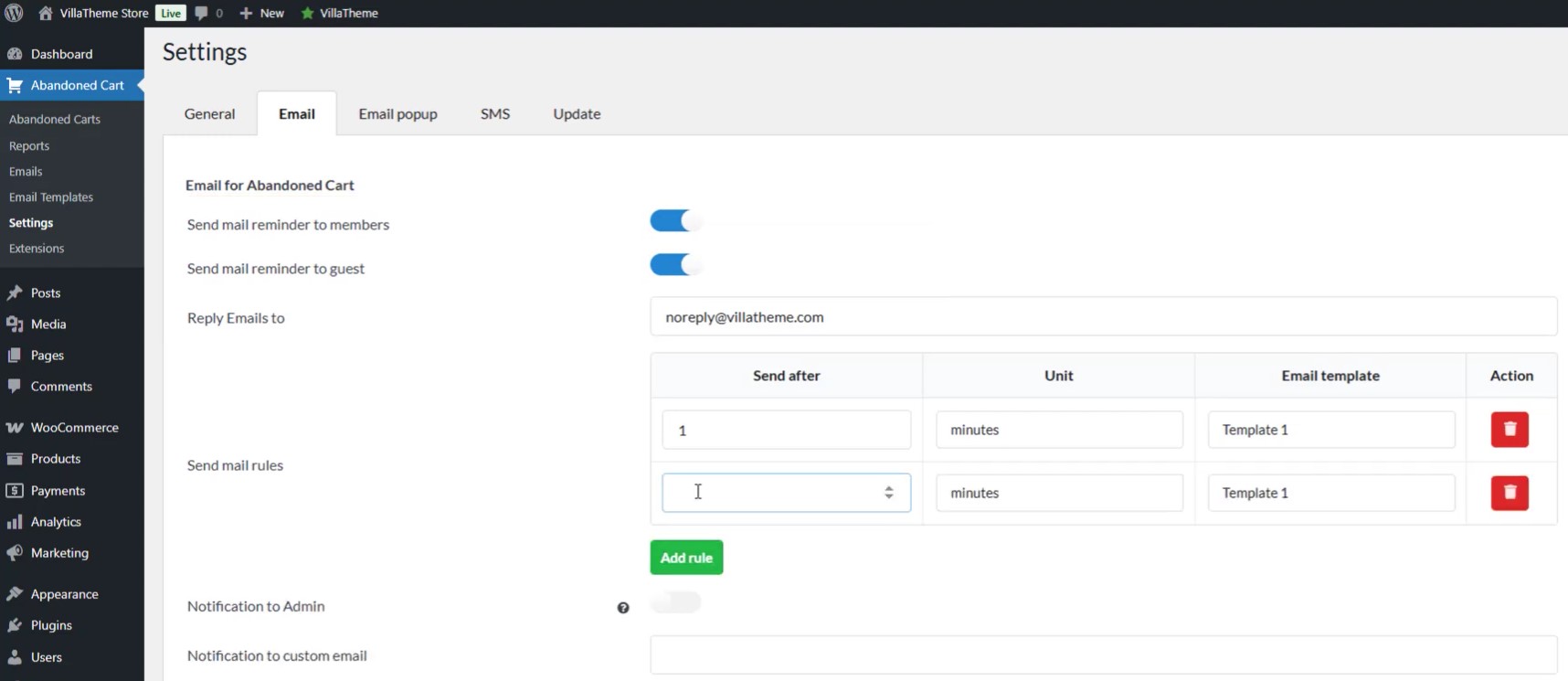
Admin email notifications alert you whenever abandoned carts convert. Manual email sending lets you target abandoned carts with custom messages and templates. The exclude feature prevents tracking usernames that shouldn’t receive recovery campaigns.

This also means this WooCommerce abandoned cart plugin has a dynamic email setting:

villathemes plugin settings where you can toggle mail sending settings, set reply emails, set mail rules, and more
Image via WordPress

Features

  • Dual user tracking: Separate abandonment timing settings for registered members and guest customers
  • Email template system: Create multiple recovery templates scheduled at different intervals after abandonment
  • Coupon integration: Attach discount codes or generate unique coupons
  • Manual campaign control: Select abandoned carts and send manual emails
  • Customer exclusion lists: Block usernames from cart tracking and recovery campaigns
  • Abandonment reports: Three report types show recovery performance over custom date ranges
  • Cart status tracking: Monitor whether abandoned carts are recovered or unfinished
  • IP and location data: Records customer geography and address information

Pros

  • The free version includes essential cart recovery features
  • Separate settings for members and guests maximize flexibility
  • Manual email control allows targeted recovery campaigns
  • Admin notifications track actual revenue recovery
  • Detailed reporting shows campaign performance metrics
  • Customer exclusion prevents unwanted tracking

Cons

  • Limited to email recovery in the free version
  • SMS and Facebook messaging require an upgrade to Pro

Pricing

  • Free plan
  • Premium version: $40 (one-time purchase)

Customer ratings

  • WordPress: 4.5/5 stars (based on 28 reviews)
  • VillaThemes: 5 stars (based on five reviews)
three villathemes reviews that all rated 5 stars and said "awesome plugin", "great", and "plug-in working perfectly, excellent documentation"
Image via VillaThemes

Users affirm that this WooCommerce automation plugin is reliable. Its documentation is also a crowd favorite.

Our recommendation

VillaTheme Abandoned Cart Recovery works for stores wanting free email recovery with manual campaign control. You can add SMS support as an optional extra for multi-channel flows.

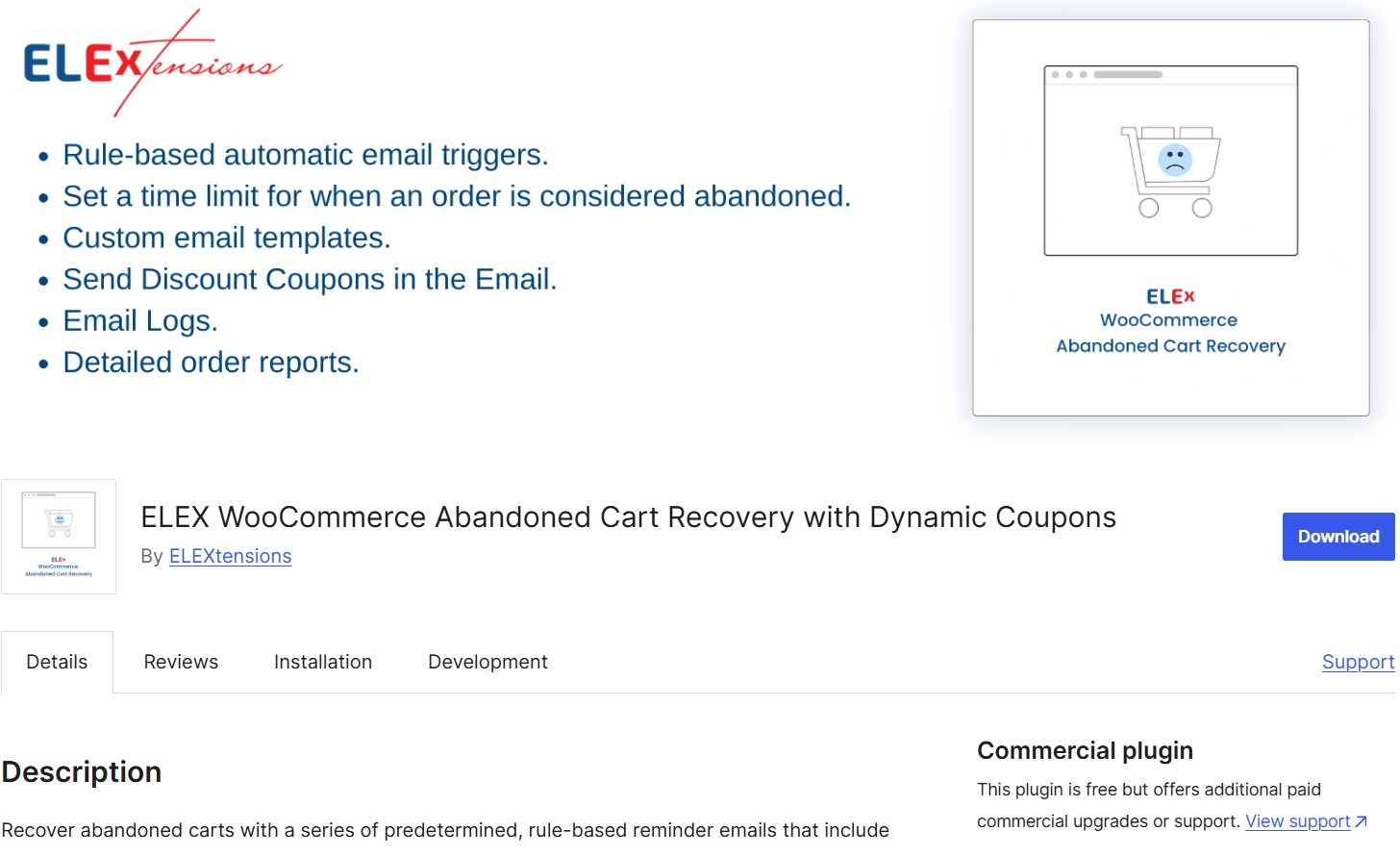
12. ELEX WooCommerce Abandoned Cart Recovery — best for rule-based abandoned cart recovery

elex plugin download page
Image via WordPress

WordPress rating: 5/5 stars (based on two reviews)

ELEX WooCommerce Abandoned Cart Recovery sends rule-based email sequences with dynamically generated discount coupons to recover lost sales. It captures guest and member abandonment data with recovery reports and email performance analytics.

Key strengths

The rule-based email triggers enable advanced segmentation. You can send different emails to high-value carts versus smaller carts or target specific user roles with customized emails.

The premium version adds advanced rules and detailed analytics that reveal which triggers and templates drive the most recoveries.

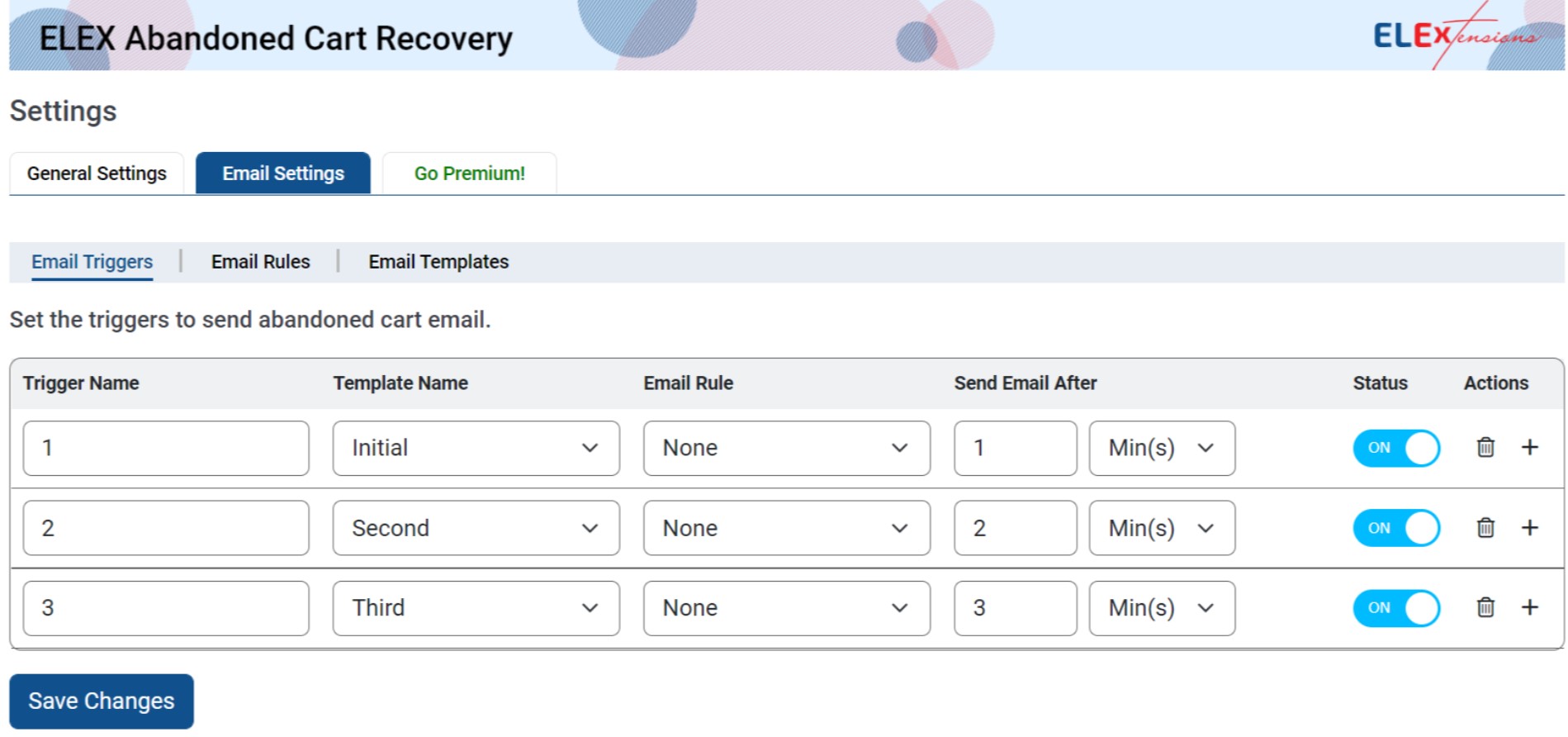
Dynamic coupon generation creates unique discount codes that automatically apply when customers click checkout links in recovery emails. Here’s a look at the email automations this WooCommerce abandoned cart plugin provides:

Elex abandoned cart recovery settings where you can set email triggers, add trigger names, email rules, send delays, and toggle status
Image via WordPress

Features

  • Rule-based triggers: Create email conditions using user roles, cart values, item counts, and product IDs
  • Dynamic coupon creation: Generates unique discount codes that auto-apply when customers return via email links
  • Email restriction controls: Block cart capture from unwanted domains, IP addresses, and email addresses
  • Recovery status mapping: Choose which WooCommerce order statuses indicate successful cart recovery
  • Admin recovery notifications: Email alerts when customers complete purchases
  • Email template builder: Create custom templates with coupon associations and personalized content

Pros

  • Rule-based triggers enable sophisticated targeting strategies
  • Dynamic coupons automatically apply during customer return visits
  • Email restriction prevents spam and unwanted cart captures
  • Detailed analytics show campaign performance and revenue impact
  • GDPR compliance features protect customer privacy rights

Cons

  • There are limited features in the free version compared to the premium one
  • Complex rule setup may overwhelm basic users
  • Requires technical knowledge for advanced customization

Pricing

  • Free plan
  • Single-site license: $99/year
  • License for up to five sites: $199/year
  • License for up to 25 sites: $499/year

Customer ratings

  • WordPress: 5/5 (based on two reviews)
  • ELEXtensions: 5 stars (based on 31 customer reviews)
  • Trustpilot: 4.8/5 (based on 519 reviews)

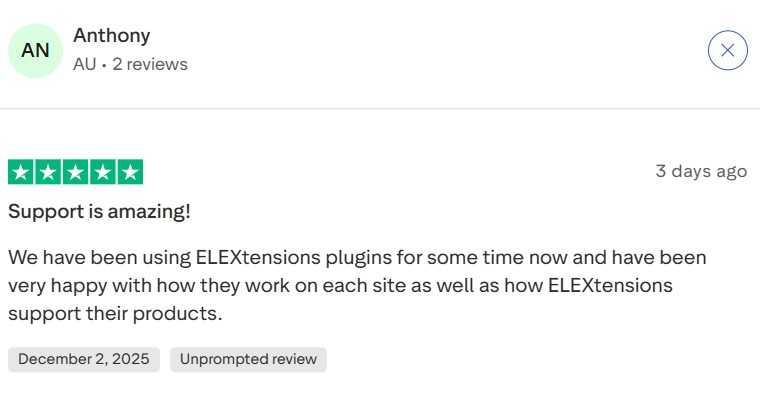
Customers report that the plugin works without issues or bugs.

elex review with the headline "support is amazing"
Image via Trustpilot

An ELEXtensions user noted that the documentation is genuinely helpful and that customer service is responsive and helpful. 

elex review with the headline "very nice plugin, excellent support that goes above and beyond expectations.
Image via Trustpilot

Our recommendation

ELEX Abandoned Cart Recovery is best for rule-based email triggers with dynamic coupons and advanced restriction controls.

13. SellKit — Best for improving checkout experience

sellkit plugin download page
Image via WordPress

WordPress rating: 4.8/5 stars (based on 158 reviews)

SellKit differs from traditional WooCommerce abandoned cart plugins by focusing on checkout optimization to prevent abandonment in the first place.

The plugin includes sales funnels, order bumps, and upsells that reduce cart abandonment rates proactively.

Key strengths

The checkout optimization approach prevents abandonment before it happens. Features like skip cart, autocomplete, inline form validation, and express checkout reduce friction from the buying process.

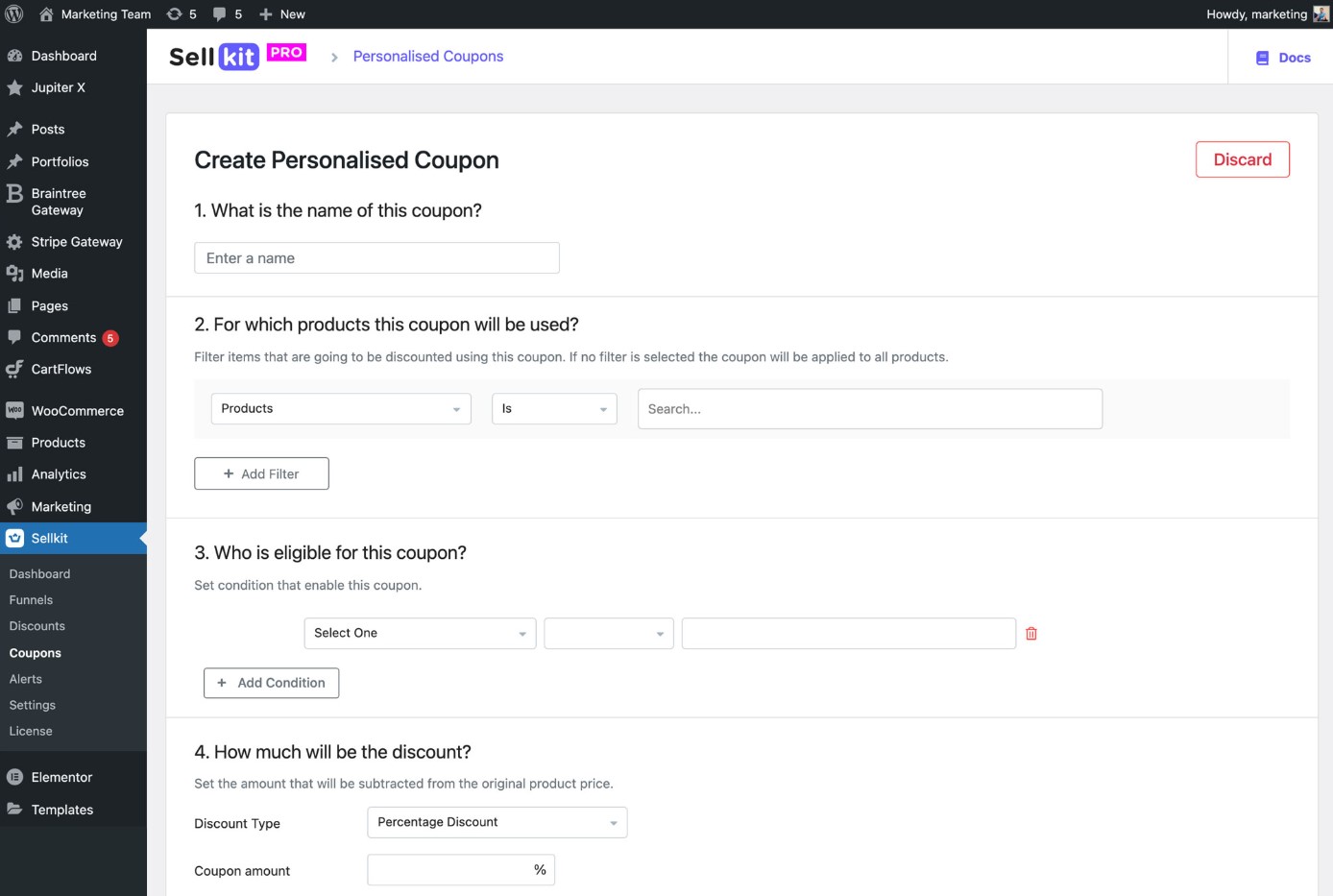
RFM segmentation (Recency, Frequency, Monetary) lets you deliver personalized deals and coupons based on shopping behavior and demographic data. Here’s how that workflow looks like:

sellkit's personalization coupon settings where you can set the name, select which products it applies to, who is eligible for the coupon, and how much the discount will be
Image via WordPress

Features

  • Checkout optimization: Express checkout, skip cart functionality, and address autocomplete speed up the purchase process
  • Sales funnel builder: Visual canvas lets you create conversion paths linking pages dynamically rather than linearly
  • One-click order bumps: Targeted offers appear within checkout forms based on cart contents and customer rules
  • Upsell and downsells: Additional product offers presented after the initial purchase without leaving the order flow
  • Dynamic discounts: Price reductions apply automatically when customers meet predetermined shopping criteria
  • Advanced segmentation: Customer groups formed using geographic data, buying habits, and engagement metrics
  • Checkout alerts: Contextual messages appear on cart, checkout, and product pages based on visitor behavior
  • Analytics dashboard: Performance metrics show funnel engagement, revenue tracking, and conversion analysis

Pros

  • Checkout optimization reduces abandonment rates
  • Unlimited sales funnels with professional templates included
  • One-click upsells increase revenue without customer friction
  • Mobile-optimized designs improve conversion on all devices
  • Replaces multiple plugins with a unified solution

Cons

  • Has a steep learning curve for funnels
  • Requires Elementor for template customization
  • Many ecommerce features are locked behind a paid subscription

Pricing

  • Free plan: Limited analytics and basic templates
  • Standard: $59/year for one website
  • Pro: $99/year for unlimited websites
  • Lifetime Access: $150 once with unlimited websites

Customer ratings

  • WordPress rating: 4.8/5 (based on 158 reviews)

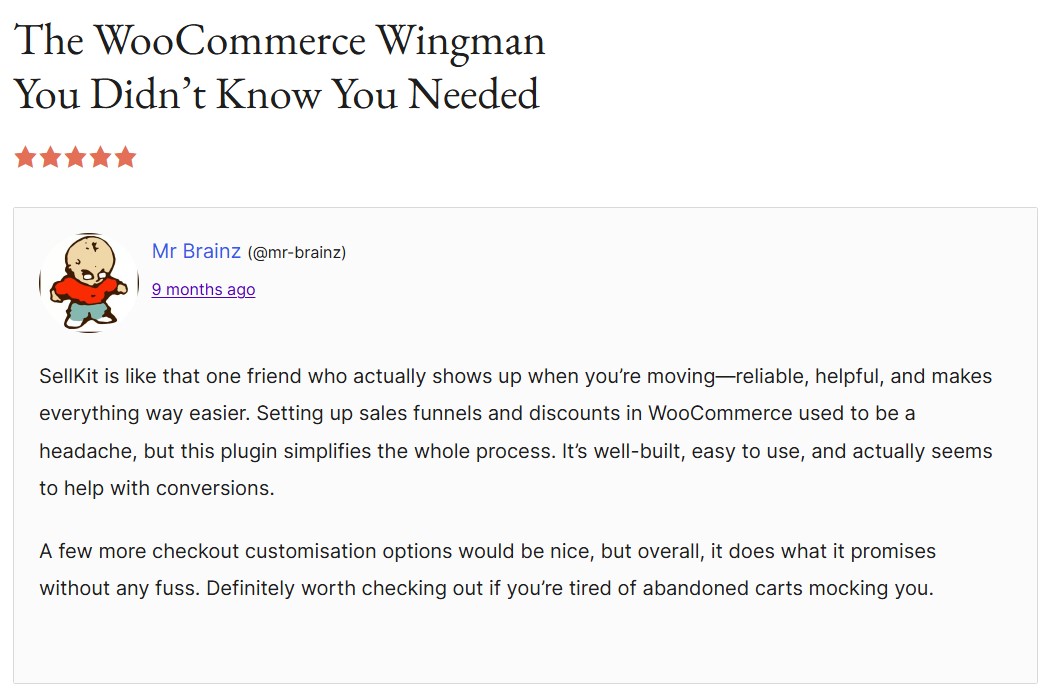
Users find the WooCommerce integration seamless.

sellkit's review with the headline "the woocommerce wingman you didn't know you needed"
Image via WordPress

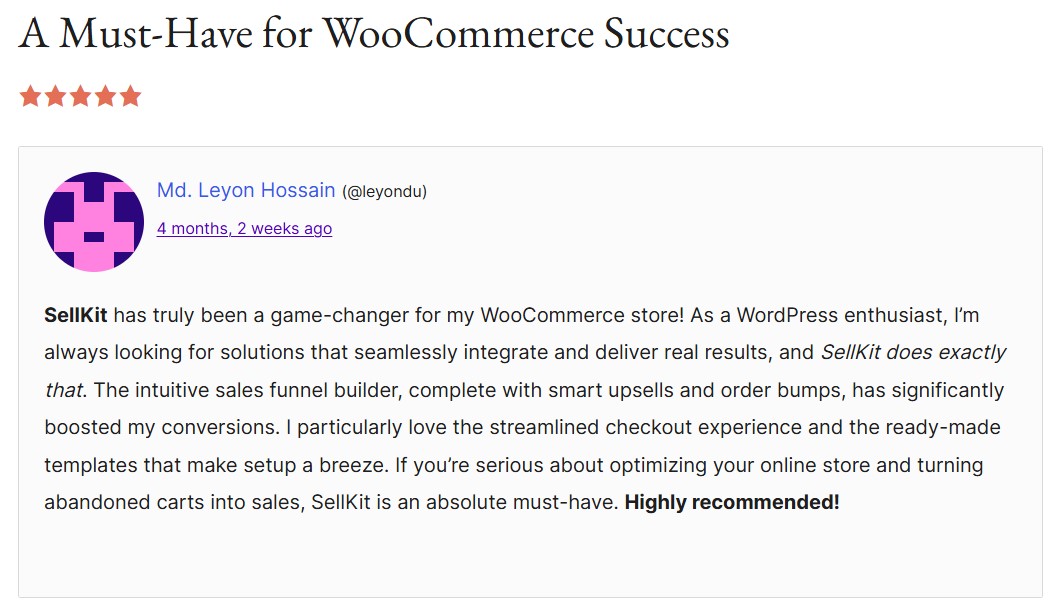
A WordPress reviewer mentioned that the sales funnel builder is easy to understand and that the checkout experience feels professional and polished.

sellkit's review with the headline "a must-have for woocommerce success"
Image via WordPress

Our recommendation

SellKit helps prevent abandonment and works best for stores wanting checkout optimization with sales funnels, order bumps, and advanced customer segmentation capabilities.

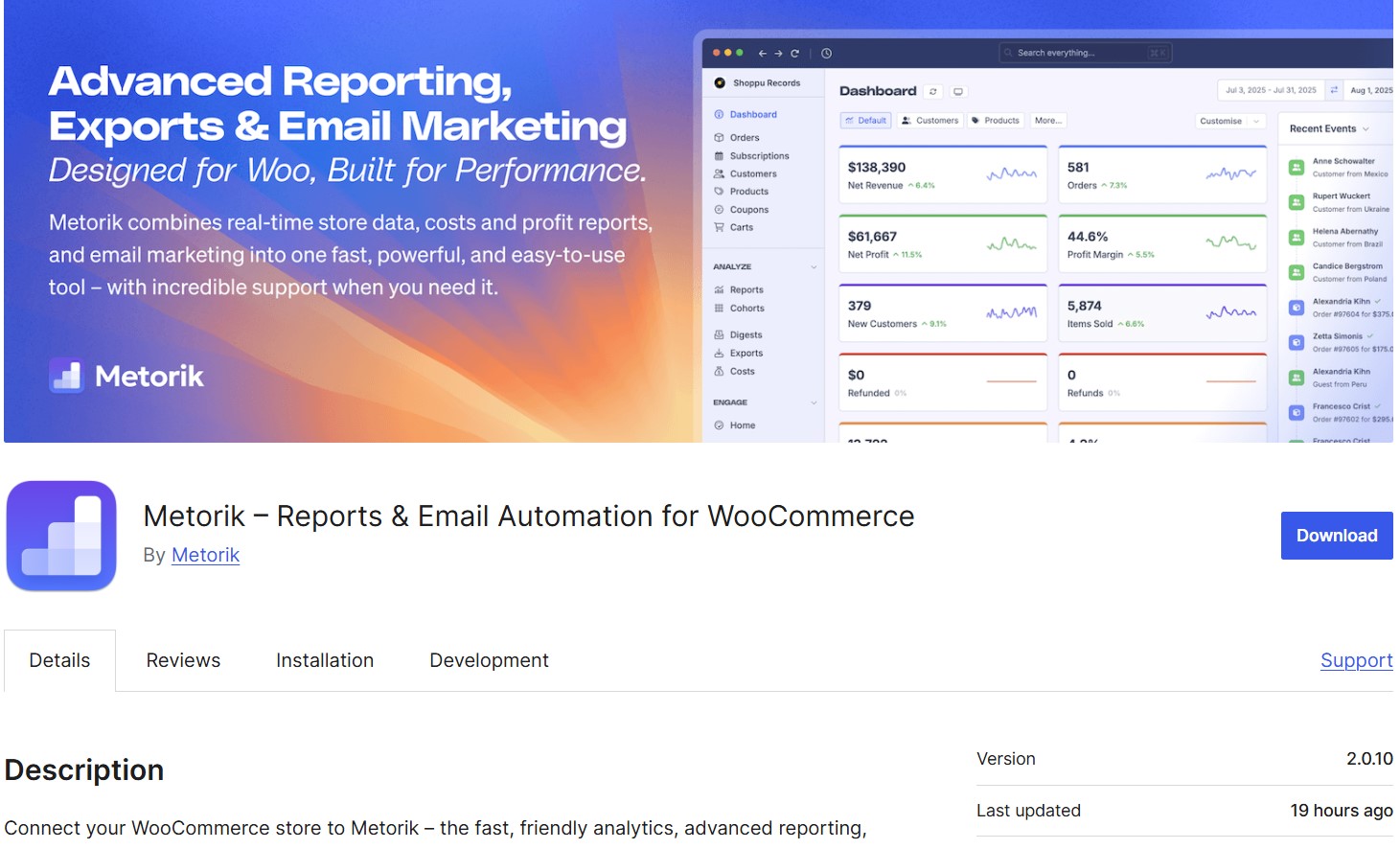
14. Metorik + Metorik Engage — Best for team collaboration and checkout recovery

metorik plugin download page
Image via WordPress

WordPress rating: 5/5 stars (based on 20 reviews)

Metorik is an analytics-first platform for WooCommerce that includes abandoned cart tracking and recovery. The plugin connects your store to Metorik’s external dashboard, where you can view every cart in real time.

Metorik Engage is Metorik’s email component that manages cart recovery through automated, highly personalized email campaigns. Its drag-and-drop builder lets you create targeted sequences using the detailed customer data Metorik collects, linking analytics directly to action.

Key strengths

External analytics prevents WordPress slowdowns from heavy reporting queries that bog down WooCommerce admin, and its segmentation system filters customers by lifetime value, purchase history, and cart contents for targeted recovery campaigns.

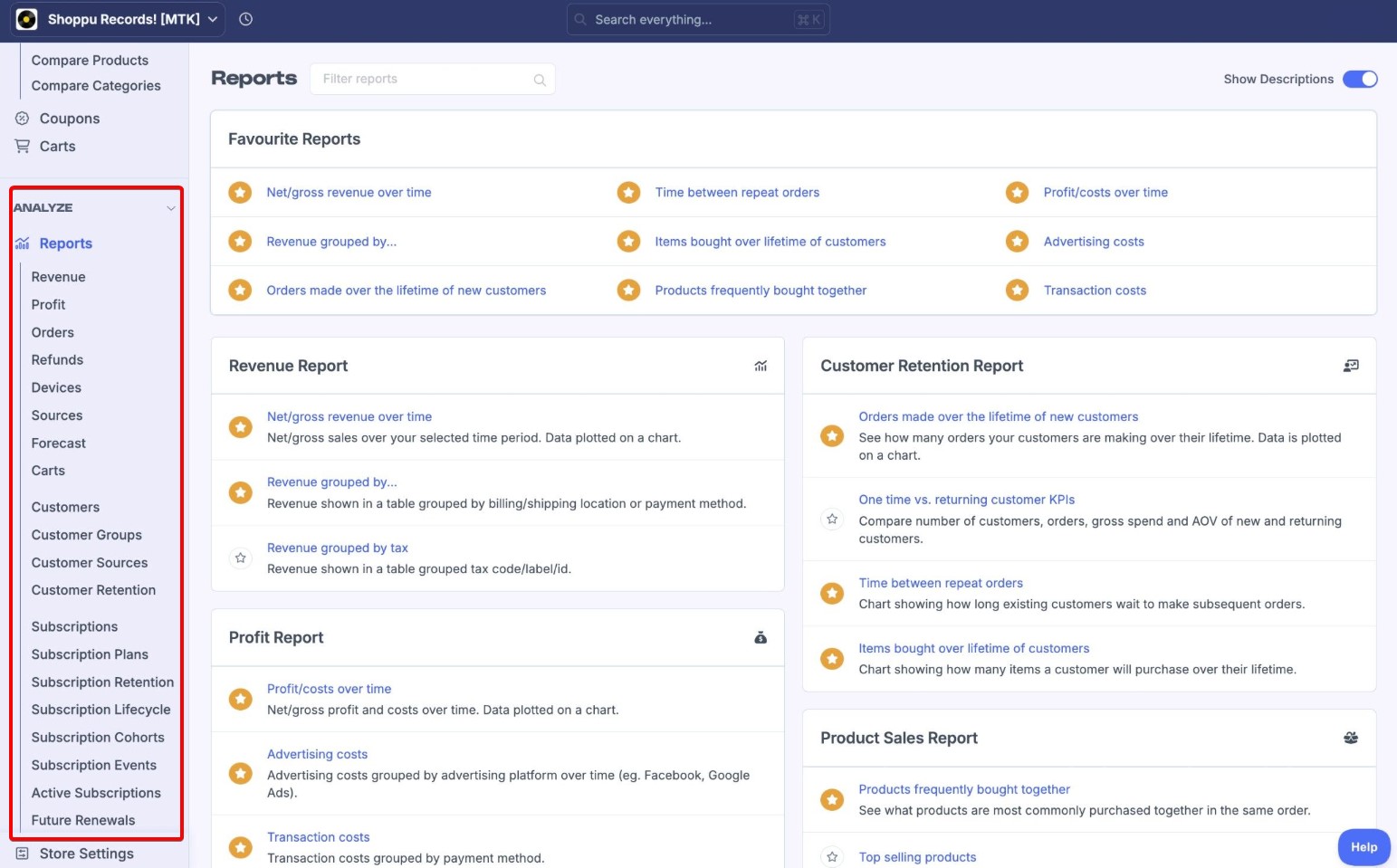
Get over 75 built-in reports covering orders, revenue, customers, products, and cart behavior:

metorik's reports' sidebar where you can choose between revenue, profit, orders, refunds, devices, sources, forecast, carts, and more
Image via Metorik

Features

  • External cart tracking: Records abandonment data on Metorik servers instead of your WordPress database
  • Customer segmentation: Filter recovery campaigns by spending history, location, product preferences, and cart value
  • Automated email sequences: Send recovery messages triggered by time delays, customer behavior, or cart contents
  • Profit calculation: Track revenue from recovered carts minus product costs and advertising spend
  • Team access controls: Multiple users can manage campaigns with different permission levels for security
  • Performance analytics: View recovery rates, email opens, and revenue attribution for campaign optimization
  • Customer service integration: Connect cart data with Zendesk, Help Scout, and support ticket systems

Pros

  • The trial period allows complete feature testing
  • Faster reporting than native WooCommerce without server impact
  • Advanced segmentation enables precise customer targeting
  • Profit tracking shows recovery value after costs
  • Team collaboration features for growing businesses
  • Customer service integration provides a complete customer view

Cons

  • Monthly subscription required after the trial period
  • All functionality depends on the external Metorik service
  • Setup complexity compared to simple cart recovery plugins

Pricing

  • Starts at $25/month for up to 100 monthly orders (Starter Plan) and scales as orders increase
  • Custom quote: For 200,000+ orders

Customer ratings

  • WordPress: 5/5 (based on 20 reviews)
  • G2: 4.8/5 (based on 11 reviews) 

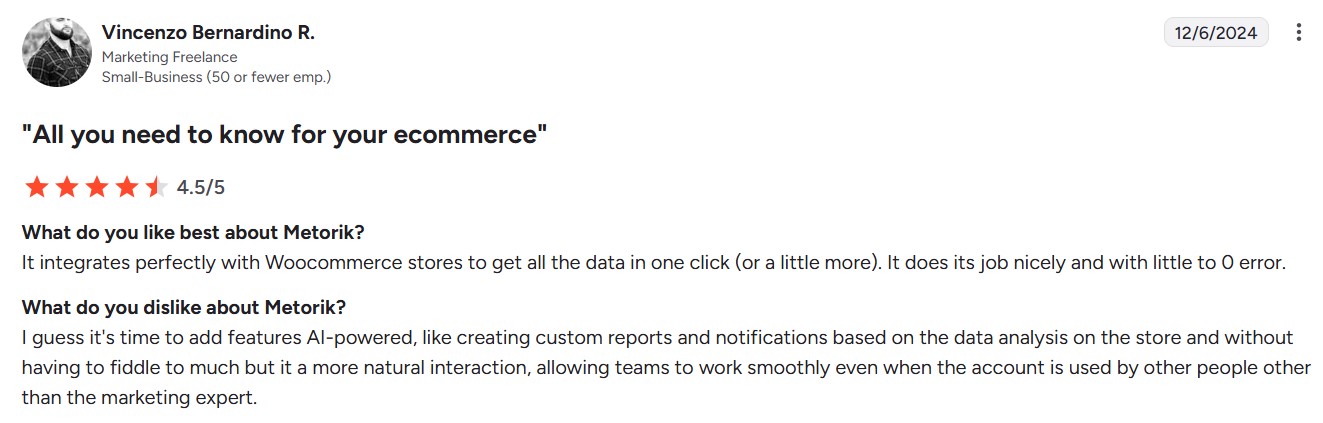
Store owners praise the smooth WooCommerce integration.

metorik's review with the headline "all you need to know for your ecommerce"
Image via G2

A G2 reviewer mentioned that the platform handles large data volumes efficiently without performance slowdowns or compatibility issues.

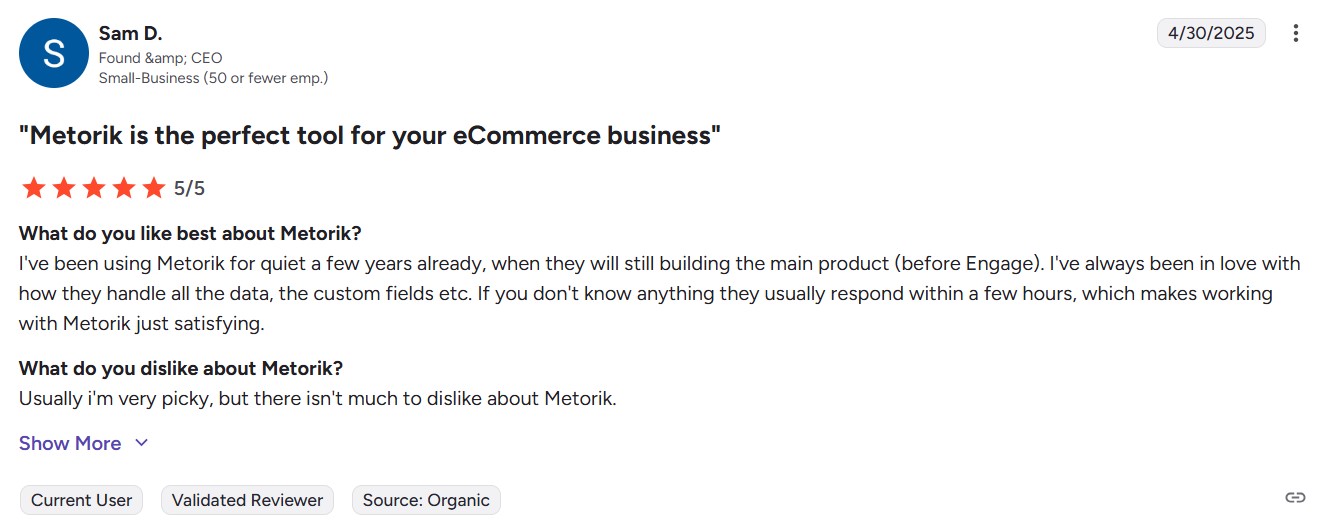
metorik's review with the headline "metorik is the perfect tool for your ecommerce business"
Image via G2

Our recommendation

Metorik suits established stores needing cart analytics, team collaboration, and customer service integration. It’s the best WooCommerce cart abandonment plugin if you’re already a Metorik customer and are happy with its service.

15. AutomateWoo — Best for highly customizable cart abandonment flows with multiple triggers

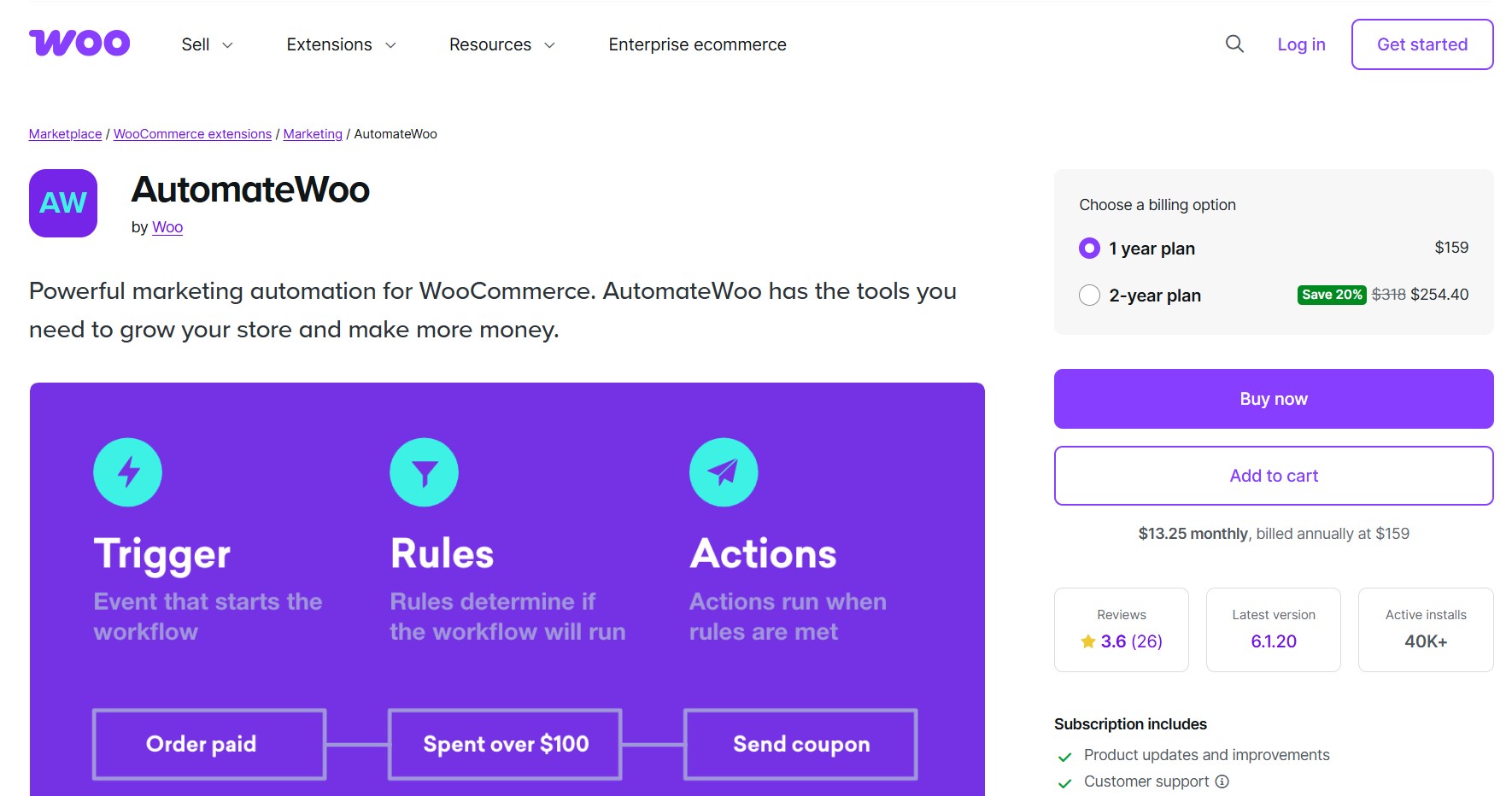
automatewoo plugin purchase page
Image via AutomateWoo

AutomateWoo rating: 3.8/5 stars (based on 26 reviews)

AutomateWoo creates workflow-based email automation for abandoned cart recovery using triggers, rules, and actions within WooCommerce. You can schedule cart reminder emails at intervals and include personalized coupons to encourage purchase completion.

Key strengths

There’s a pre-submit email capture feature that grabs customer addresses during checkout before cart abandonment occurs. Session tracking also detects registered users even before login to improve targeting accuracy.

The analytics features are among the easiest to interpret, with line graphs showing emails sent, opens, clicks, and unsubscribes — here’s an example image:

Here’s how you track performance metrics on this WooCommerce abandoned cart plugin:

automate woo's performance tracking graph that shows graph lines for trackable emails sent, unique oppens, clicks, and unsubscribes
Image via AutomateWoo

Features

  • Workflow automation: Create triggers, rules, and actions that determine when cart recovery emails go out
  • Session tracking: Identifies returning customers even before they log in for better targeting
  • Personalized coupons: Generate dynamic discount codes automatically for each recovery email
  • Guest email capture: Records visitor emails from any website form, not just checkout pages
  • Email performance tracking: Monitor opens, clicks, and conversions for campaign optimization
  • SMS support with Twilio integration: Send SMS notifications to your customers through Twilio with a paid account
  • Template customization: Design emails using the WordPress editor with product insertion variables
  • Multi-step campaigns: Create sequences with different emails sent at various intervals

Pros

  • Pre-submit capture prevents email loss before abandonment
  • Session tracking improves customer identification accuracy
  • Unlimited email sending without volume restrictions
  • Works with guest visitors through form capture
  • Integrates with WooCommerce subscriptions and memberships
  • WPML support for multilingual stores

Cons

  • Complex workflow setup
  • Mixed customer reviews regarding support quality
  • Additional add-ons are sold separately for birthday and referral features

Pricing

  • One-year plan: $159/year
  • Two-year plan: $254.40

Customer ratings

  • AutomateWoo: 3.8/5 (based on 26 reviews)

Users emphasize its powerful automation features.

automate woo review with the headline "amazing functionality and support"
Image via AutomateWoo

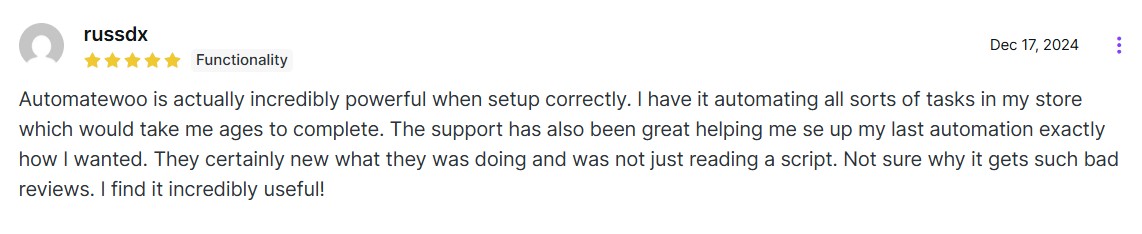
A WooCommerce store owner reported that once set up correctly, the plugin consistently recovers abandoned carts without requiring constant attention.

automate woo review that says the plugin is incredibly powerful when set up correctly
Image via AutomateWoo

Our recommendation

AutomateWoo works for stores needing email workflows with pre-submit capture and customer tracking across multiple website touchpoints. It has a steep learning curve, but if you set it up correctly using its documentation, it will automate your most crucial customer emails.

16. PushAlert — Best for abandoned cart push notifications

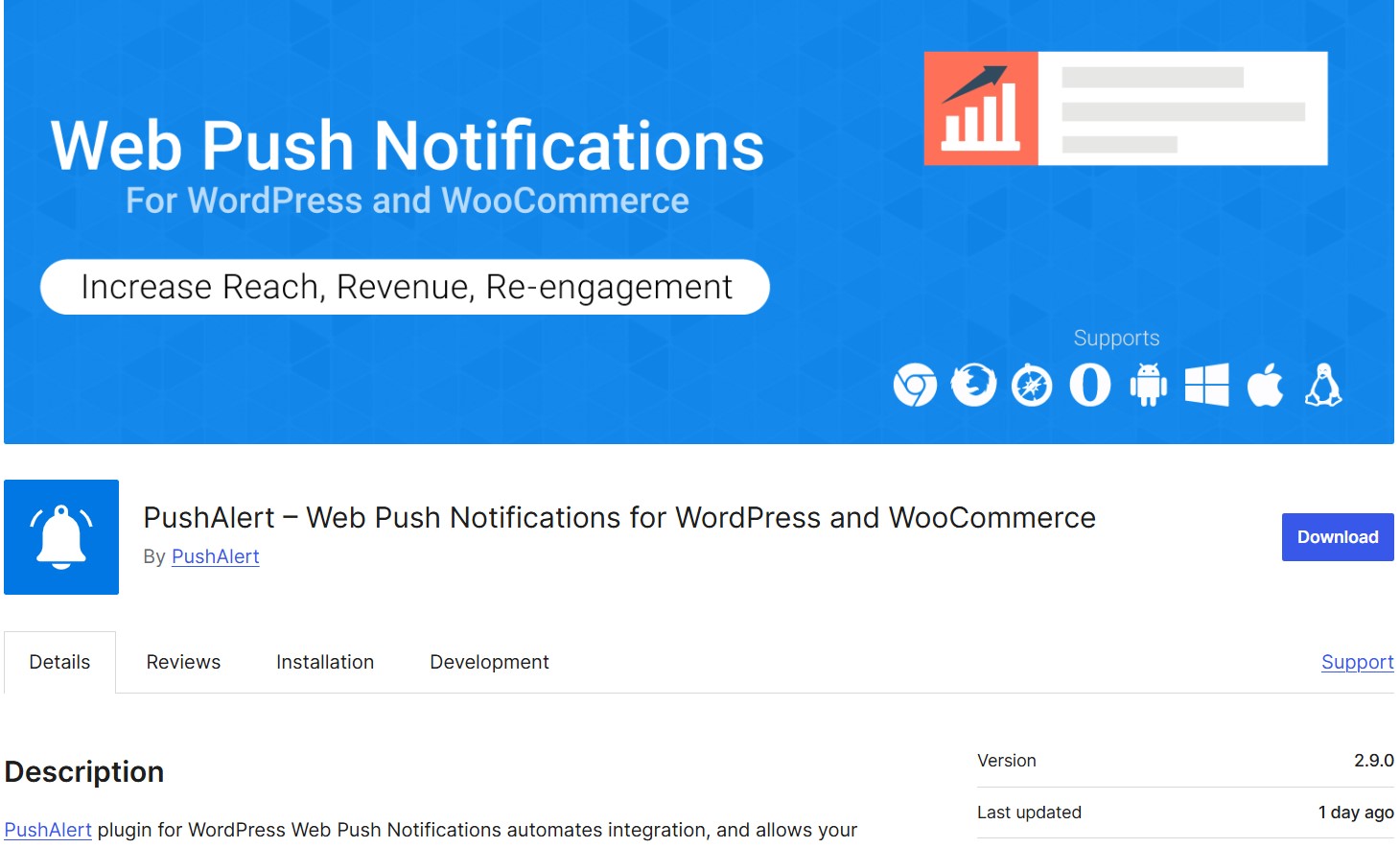
pushalert plugin download page
Image via WordPress

WordPress rating: 4.6/5 stars (based on eight reviews)

PushAlert recovers abandoned carts through browser push notifications that appear on customer screens without requiring email addresses. Your customers receive alerts on desktop and mobile devices even when they close their browsers or switch to other websites.

Push notifications work across Chrome, Safari, Firefox, Edge, and Opera on both desktop and mobile devices.

Key strengths

Push notification delivery happens instantly without depending on email and SMS open rates (they also bypass spam filters). Notifications appear even if the user isn’t on their email at the moment.

However, it’s browser-dependent, and the users must accept notifications, so not all abandoned carts can be reached if they don’t opt in.

Multi-language support lets you send localized messages automatically based on the customer’s browser settings.

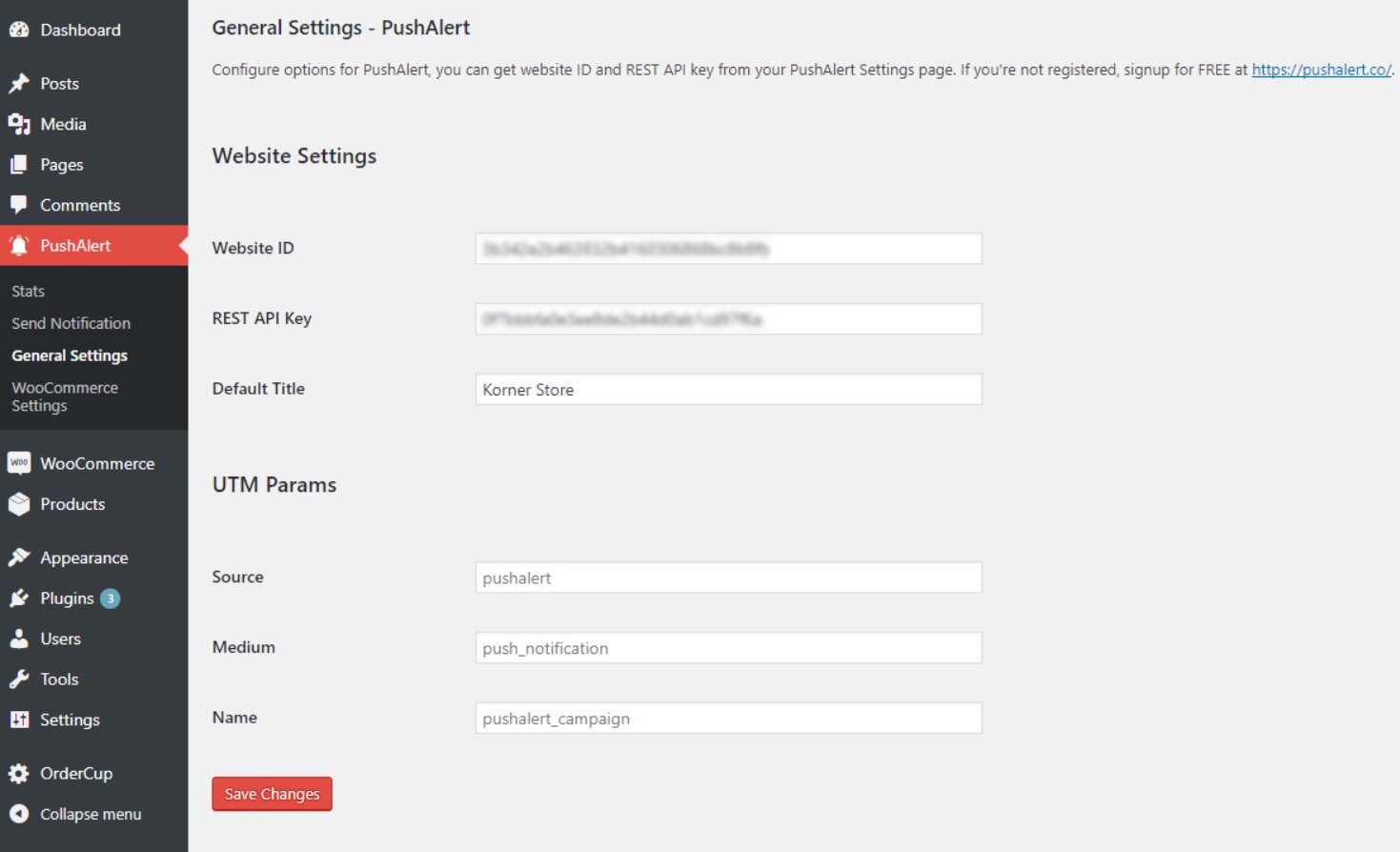
Here’s the general setting interface for this WooCommerce abandoned cart plugin:

pushalert general settings interface where you can enter website ID, REST API key, default title, and UTM parameters
Image via WordPress

Features

  • No email required: Subscription happens through browser permission prompts without personal data collection
  • Device persistence: Messages reach customers even when they close browsers or switch devices
  • Price drop alerts: Customers get notified when previously viewed products go on sale
  • Back-in-stock notifications: Out-of-stock product alerts trigger when inventory becomes available
  • Shipment tracking: Order updates include tracking details sent directly to customer devices
  • Audience segmentation: Customer groups formed based on geographic location and device usage patterns
  • Welcome campaigns: New subscriber sequences introduce your store and encourage first purchases

Pros

  • Higher click-through rates than email marketing campaigns
  • Works across all major browsers and operating systems
  • Notifications are visible even when browsers are closed
  • Free plan available for basic push notification features
  • Easy WordPress integration with plugin setup

Cons

  • Abandoned cart notifications require a paid plan starting at $12/month
  • Free plan limited to 3,000 subscribers with basic features
  • Depends on customer permission for browser notifications
  • Limited customization options compared to email campaigns

Pricing

  • Free plan
  • Basic: From $12/month
  • Premium: From $39/month
  • Platinum: From $69/month

Customer ratings

  • WordPress: 4.6/5 (based on eight reviews)
  • G2: 4.8/5 (based on 13 reviews)

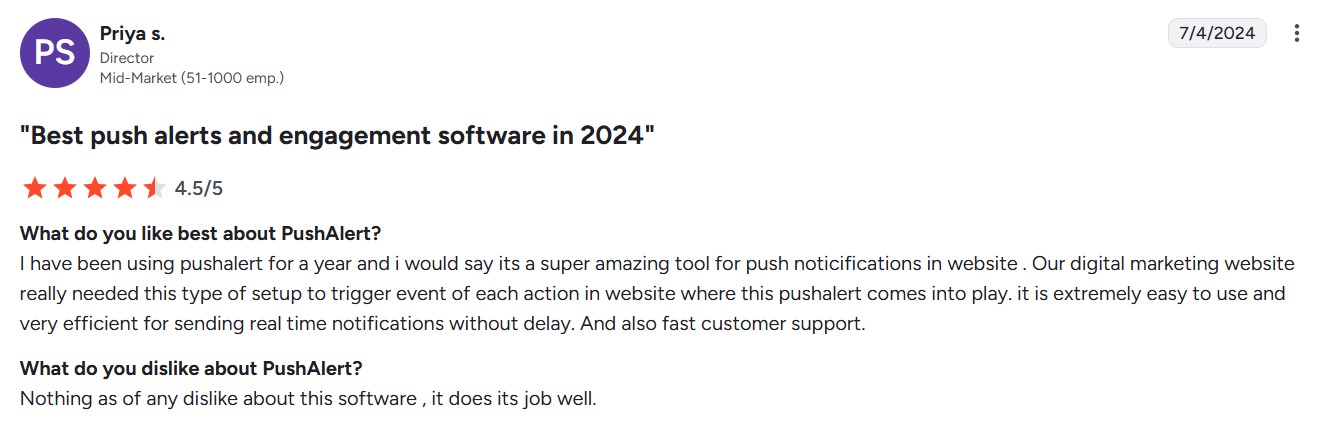
Users find the interface easy to learn.

pushalert review with the headline "best push alerts and engagement software in 2024"
Image via G2

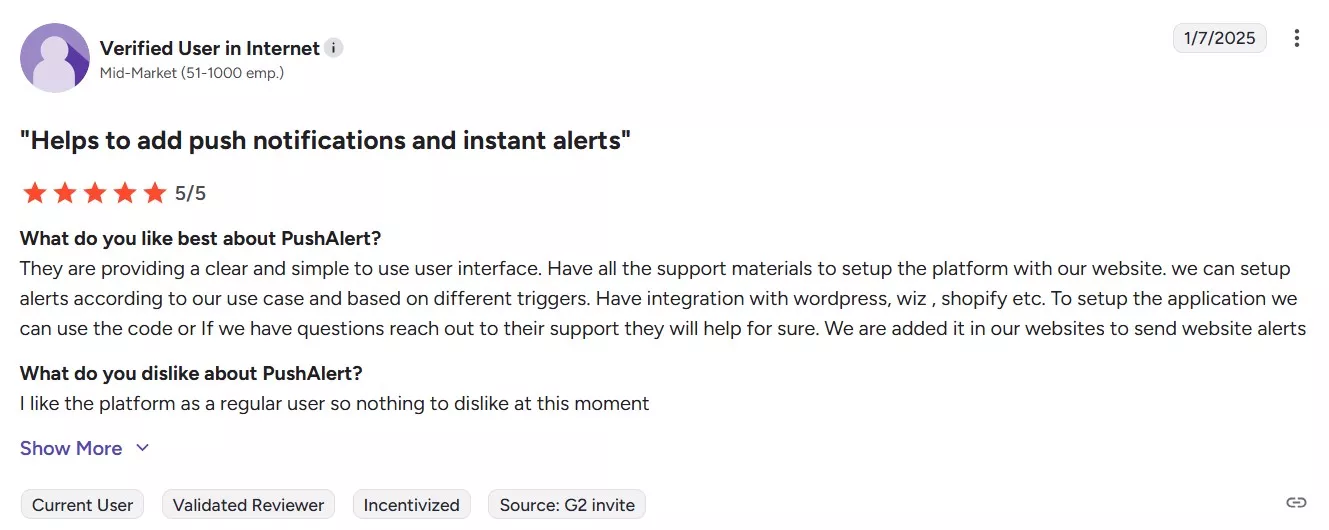
A G2 reviewer mentioned its solid WooCommerce integration and easy push notifications setup.

pushalerts review with the headline "helps to add push notificatiions and instant alerts"
Image via G2

Our recommendation

This WooCommerce abandoned cart plugin works best for stores wanting cart recovery without collecting email addresses. It’s also for stores looking to send push notifications with abandoned cart email campaigns.

Comparison table of WooCommerce abandoned cart plugins

PluginKey featuresPricing
Omnisend (Email, SMS, Push)Email automation, SMS follow-ups, customer segmentation, revenue attributionFree. Paid plans start from $16/month
WooCommerce Cart Abandonment Recovery by CartFlows (Email)Email capture, automated sequences, unique checkout links, and email templatesFree
YITH WooCommerce Recover Abandoned Cart (Email)Guest cart recovery, unlimited email sequences, automatic coupon generation, and dashboard analyticsPaid plans start from €89.99/year
ShopMagic Abandoned Carts (Email, SMS)Pre-submit capture, exit intent popups, guest user tracking, cart segmentationFree. Paid plans start from $69/year
Retainful (Email, SMS)Multi-trigger popups, dynamic coupons, customer segmentation, and email automationFree. Paid plans start from $14/month
FunnelKit (Email, SMS)Workflow builder, live cart capture, coupon engine, SMS via TwilioFree. Paid plans start from $129/year
CartBounty (Email, SMS, Push)Live cart tracking, anonymous cart viewing, exit intent popups, tab notificationsFree. Paid plans start from $93/year
WooCommerce Recover Abandoned Cart (Email)Guest cart capture, multiple email templates, automatic coupon generation, and admin recovery notificationsOne-time purchase of $49
MWB HubSpot for WooCommerce (Email)Automated workflows, customer data sync, deal pipeline mapping, abandoned cart listsFree (HubSpot account required)
Abandoned Cart Lite for WooCommerce by Tyche Softwares (Email)Email capture, automated sequences, product reports, and GDPR complianceFree. Paid plans start from $119/year
Abandoned Cart Recovery for WooCommerce by VillaTheme (Email, SMS)Manual email control, SMS provider integration, multiple email templates, and GDPR featuresFree. Premium is $40 (one-time purchase)
ELEX WooCommerce Abandoned Cart Recovery (Email)Rule-based triggers, dynamic coupons, detailed reports, and email restrictionsFree. Paid plans start from $99/year
SellKit (Email)Checkout optimization, smart coupons, funnel builder, express checkoutFree. Paid plans start from $59/year
Metorik + Metorik Engage (Email)Real-time cart tracking, advanced analytics, customer segmentation, and an external dashboardPaid plans start from $25/month
AutomateWoo (Email, SMS)Pre-submit capture, session tracking, workflow automation, SMS via TwilioPaid plans start from $159/year
PushAlert (Push)Browser push notifications, price drop alerts, back-in-stock notifications, and multi-language supportFree. Paid plans start from $12/month

How we tested these WooCommerce abandoned cart plugins

We evaluated these plugins based on:

  • Customer ratings: Prioritized plugins with four to five-star reviews and positive user feedback
  • Active development: Only included plugins regularly updated for WordPress 6.8+ and WooCommerce 10+
  • Documentation quality: Ensured each plugin has clear setup guides that don’t require technical expertise
  • Feature completeness: Verified core capabilities like email customization, guest cart capture, GDPR compliance, and analytics

This article was researched and written by our experts following a precise process.

See the process

How to choose the best WooCommerce abandoned cart plugin

The right WooCommerce abandoned cart plugin depends on your store’s specific needs and budget. Here’s how you can choose:

Essential features vs advanced capabilities

Choose tools that solve real problems. Basic email reminders work for most stores, while high mobile abandonment may require SMS. Focus on features that address your specific issues, not flashy extras.

Budget considerations

Free plugins like CartFlows offer strong recovery at no cost, while premium tools add advanced features. Omnisend’s free plan includes 500 emails monthly with full automation. Consider your current and future email volume so you don’t outgrow your plugin.

Ease of use

Highly customizable plugins can consume too much time. Omnisend offers pre-built workflows. Decide whether you need an out-of-the-box solution or have staff to manage the technical setup.

The importance of testing

Use free plans to test on real abandoned carts before paying. Check setup ease, customer response, and recovered revenue.

How to set up a WooCommerce abandoned cart plugin

Setting up your WooCommerce abandoned cart plugin takes about 30 minutes.

These steps focus on Omnisend, but other plugins follow a similar process. Check your chosen plugin’s documentation for specific setup instructions.

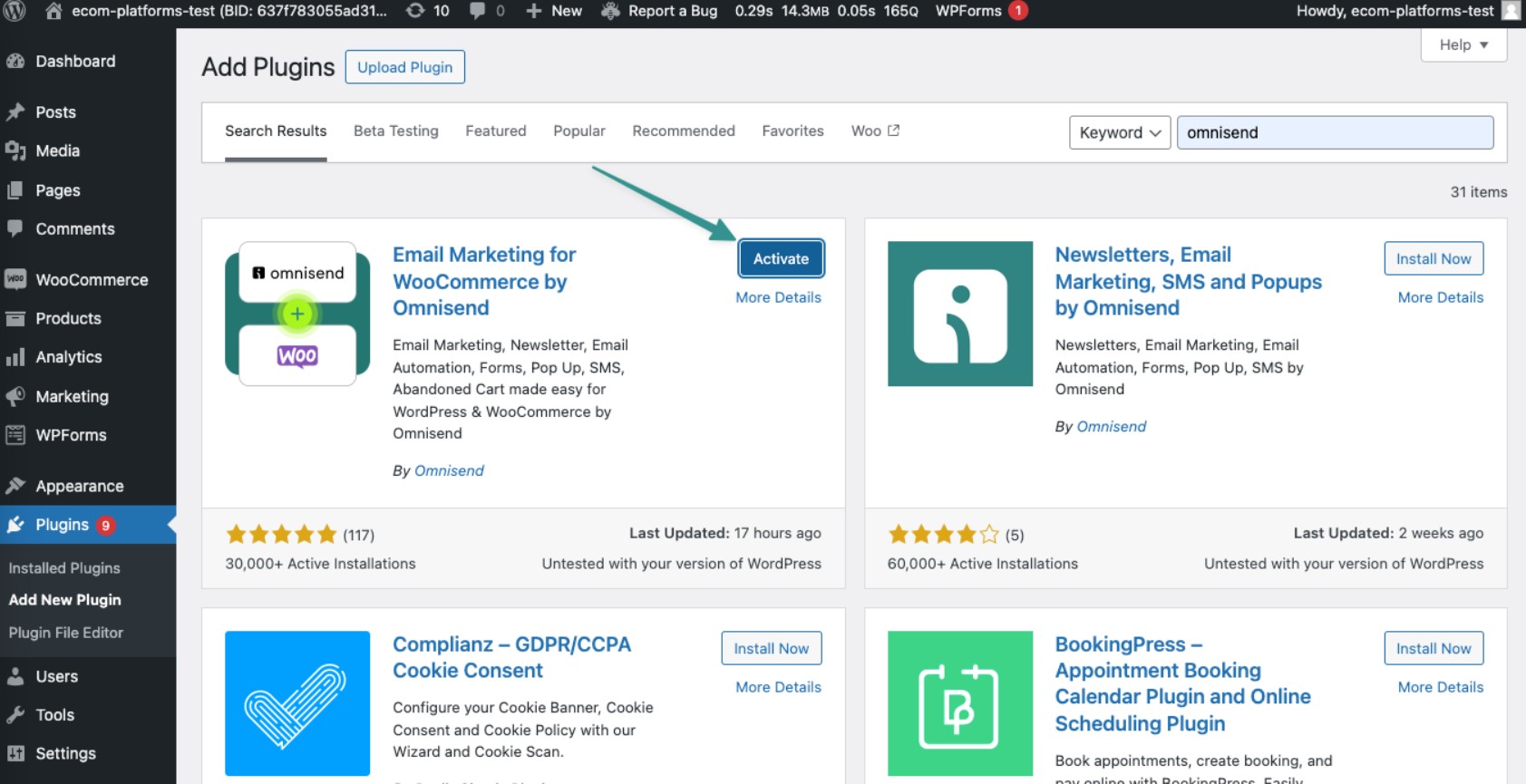
Step 1: Install and activate the WooCommerce abandoned cart plugin

Navigate to Plugins > Add New in your WordPress dashboard. Search for your chosen plugin by name. Click Install Now, then Activate.

wordpress' plugin installation dashboard where you can install and activate email marketing for woocommerce by omnisend and other plugins
Image via Omnisend

Step 2: Set up your automation workflow

Navigate to Automations and create a new workflow. Select the Cart Abandonment preset. This pre-built sequence includes trigger settings and customizable email templates.

Step 3: Customize triggers and delays

Set your cart abandonment triggers to fire after roughly one hour of inactivity. Configure how many follow-up messages to send and when. Most stores send emails after one hour, 24 hours, and 48–72 hours.

omnisend's automation dashboard where you can customize email send delays
Image via Omnisend

Step 4: Create your first email template

  • Write a subject line that creates urgency without being pushy
  • Keep your email copy short and focused
  • Include product images and a direct checkout link
  • Add a discount code to incentivize customers
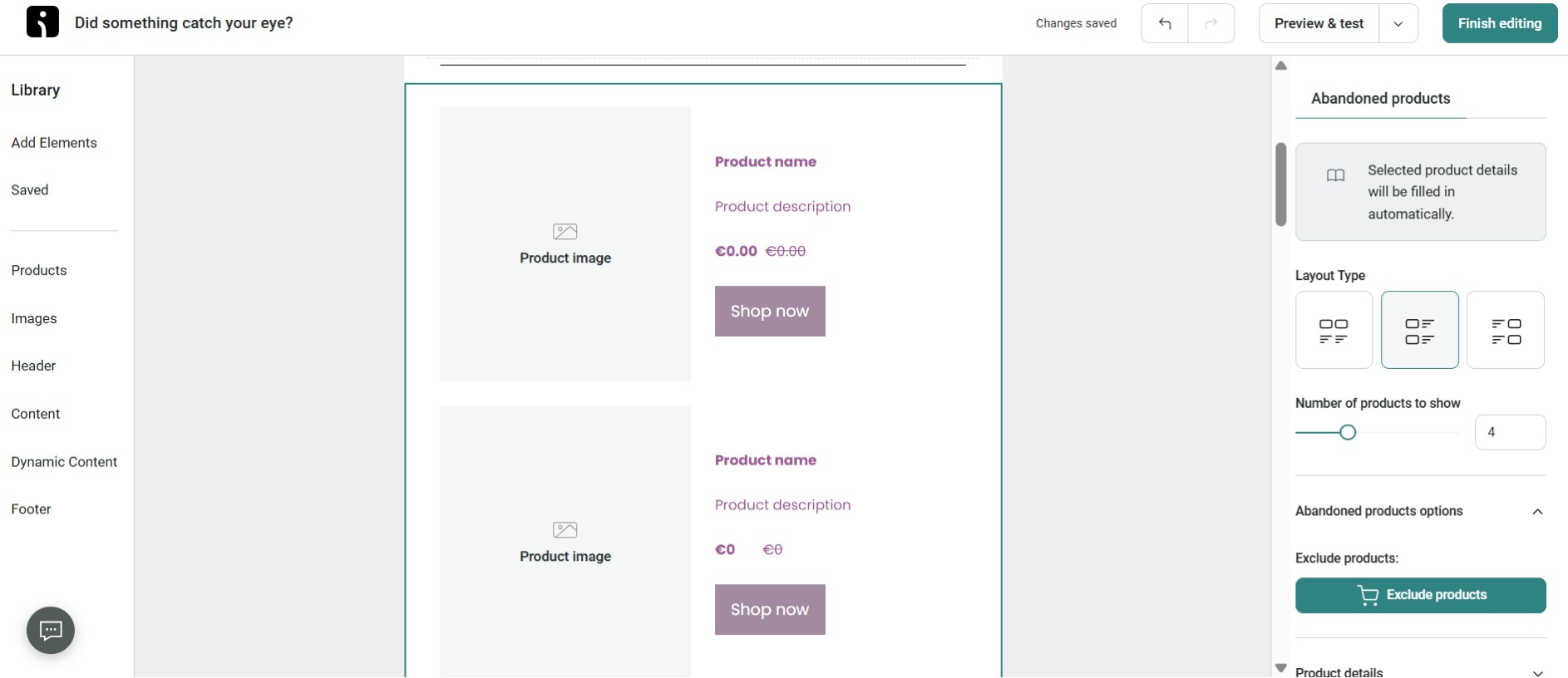
Omnisend email builder where you can choose abandoned product settings
Image via Omnisend

Step 5: Test the complete flow

Add items to your cart and abandon at checkout. Enter a test email address to receive the recovery emails. Check that product images display correctly, links work properly, and discount codes apply automatically.

Step 6: Monitor and adjust

Check your WooCommerce abandoned cart plugin dashboard after a week. Look at open, click, and recovery rates. If open rates are low, test different subject lines. If clicks are low but opens are high, improve your email copy or offer.

Most WooCommerce abandoned cart plugins include pre-built templates and workflows that speed up this process.

Watch this Omnisend tutorial (skip to 5:57 for the abandoned cart setup) for steps on how to launch your first recovery campaign:

Troubleshooting abandoned cart recovery issues

Even properly configured WooCommerce abandoned cart plugins can run into issues. Here are common problems and their solutions:

  • Emails not sending? Verify WP-Cron is running correctly. Plugins like CartFlows rely on this to mark carts abandoned. Use an SMTP plugin if using an external email marketing plugin.
  • Carts not being captured? Check that your plugin’s cart capture settings are enabled. Some require customers to reach the email field before recording abandonment.
  • Guest carts invisible? Turn on guest email capture and add GDPR notices if required. Without an email entry, no plugin can send recovery messages.
  • Conflict with other plugins? Running multiple cart recovery tools causes duplicate emails. Use one solution at a time. Fully deactivate previous plugins before switching.
  • Analytics showing no recoveries? Test by abandoning your own cart to ensure emails arrive and checkout links work. Results take time. 

Best practices for maximizing abandoned cart recovery

Follow these proven strategies to further increase your recovery rates.

  • Send the first email quickly: Interest drops fast after 60 minutes. Send your first reminder within an hour 
  • Use multiple follow-ups: A single email rarely works. Plan a two to three email sequence:

Email 1: Gentle reminder
Email 2: Small discount or free shipping after 24 hours
Email 3: Last-chance urgency message after around 72 hours

  • Personalize the message: Include the shopper’s name and their abandoned products. Most plugins automatically add product images to make reminders more compelling.
  • Test incentives carefully: Use discounts sparingly, ideally in the second or third email, to avoid conditioning shoppers to wait for coupons. A/B test to confirm whether incentives meaningfully improve conversions.
  • Include social proof: Add trust boosters like star ratings or short testimonials. Some tools let you insert dynamic product reviews.
  • Ensure a smooth recovery checkout: Your “restore cart” link should lead to a fast, mobile-friendly page with the cart pre-filled. Test the entire flow, especially on mobile.
  • Stop emails once the cart is recovered: Customers don’t like to be bothered. Ensure that your plugin automatically stops reminders once a purchase is made.
  • Analyze and refine: Use reporting to adjust timing, subject lines, offers, and checkout flow. 

Recover more sales starting today

Cart abandonment doesn’t have to mean lost revenue. The right WooCommerce plugin can turn missed purchases into completed orders.

We’ve covered 16 options, from free tools like CartFlows to complete platforms like Omnisend. Multi-channel recovery via email, SMS, and push notifications increases reach, which Omnisend offers on its free plan.

Track results, test variations, and refine campaigns to improve recovery rates. Start with a free plan. Most plugins show recovered revenue within a week.

Ready to bring shoppers back? Try Omnisend’s free plan.

Want to recover more abandoned carts than ever? Join Omnisend and take control of your customer journey

Quick sign up | No credit card required

FAQs

What is the best WooCommerce abandoned cart plugin?

Omnisend ranks as the best overall option for multi-channel recovery. Its free plan includes email, SMS, and push notifications. For completely free plugins, CartFlows leads with 300,000+ active installations.

How do these plugins track abandoned carts?

WooCommerce abandoned cart plugins capture customer email addresses when entered during checkout. JavaScript saves cart contents and customer information before form submission. Some add exit-intent popups for early capture.

Is there a free WooCommerce abandoned cart plugin?

Yes, you can start with a free WooCommerce abandoned cart plugin to test cart recovery. CartFlows, ShopMagic, and Omnisend’s free tier provide solid features as well.

Can I use multiple abandoned cart plugins together?

No, running multiple WooCommerce abandoned cart plugins causes conflicts and sends duplicate emails. Choose one primary plugin for cart recovery.

How effective are abandoned cart recovery emails?

Abandoned cart emails result in 42% open rates and 5% click-to-send rates. Around two percent of recipients convert directly, with a click-to-conversion rate of 42%.

How long should I wait before sending the first email?

Send your first email one to four hours after abandonment while purchase intent remains high. Follow up 24 hours later if needed.

Are these plugins GDPR compliant?

Most modern WooCommerce abandoned cart plugins include GDPR features like consent checkboxes and unsubscribe options. Omnisend, CartFlows, ShopMagic, YITH, and ELEX explicitly document compliance features. Always verify before deploying in EU markets.

Can these plugins recover guest checkout carts?

Yes, all 16 WooCommerce abandoned cart plugins recover guest carts when customers enter email addresses during checkout.

How much does a good plugin cost?

Quality WooCommerce abandoned cart plugins range from free (CartFlows, ShopMagic) to $16–$159/year for premium options. Omnisend starts free, with paid plans from $16/month.

Aistė Jočytė
Article by

Aiste is a Content Marketing Manager at Omnisend. When she's not searching for the perfect synonym or refining her latest copy, you can find her curled up with her cat, binge-watching yet another TV series.


What’s next

Related articles
35+ best WooCommerce plugins in 2025 (free & paid)
16 Best WooCommerce abandoned cart plugins in 2026
Top 10 Shopify alternatives for every business need
Subscribe and don’t miss any updates!

No fluff, no spam, no corporate filler. Just a friendly letter, twice a month.