Omnisend AI


 OFFER
OFFER











The best WooCommerce email marketing plugins power the automations and campaigns that generate store revenue beyond basic transactional emails.
I appreciate that WooCommerce sends confirmation emails by default. However, WooCommerce email marketing shouldn’t be limited to just order confirmations. The default plugin lacks list-building, customer segmentation, and automation capabilities.
Dedicated plugins provide behavioral triggers for abandoned carts, lifetime-value- and purchase-frequency-based segmentation, and revenue tracking per automation.
Whether you prefer a WordPress-native plugin or a third-party platform that connects to your store, the options I’ve explored cover both approaches to email marketing for WooCommerce.
Join me below to discover the best email marketing plugins for WooCommerce, from free options for startups to advanced platforms powering million-dollar stores.
Quick sign up | No credit card required
Why WooCommerce’s built-in emails aren’t enough for marketing
WooCommerce handles transactional emails well. However, it has limits when it comes to marketing:
- No native email marketing functionality: There’s no built-in support for campaigns, newsletters, abandoned cart emails, or promotional sequences
- Limited customization: Editing default WooCommerce emails typically requires HTML/CSS knowledge or additional extensions because the tool lacks a visual, drag-and-drop builder
- No automation or segmentation: You can’t create workflows or segments without specialized WooCommerce plugins
- Deliverability constraints: It relies on your web host’s mail server, which has weaker deliverability compared to dedicated email infrastructure
If your business needs marketing beyond basic order notifications, dedicated WooCommerce email marketing plugins are essential.
How to choose the best WooCommerce email marketing plugin
I’ve used dozens of plugins to improve email marketing for WooCommerce and ecommerce in general. The six criteria I’ll share here separate tools that generate sales from those that just send emails.
1. Effortless integration with WooCommerce
Look for plugins that connect to WordPress or WooCommerce with one click, without API configuration or manual imports. Omnisend shows how integration should work.
After connecting your store, it populates customer profiles with purchase history and automatically tracks abandoned carts.
Watch this three-minute video to see how easy WooCommerce integration is with Omnisend:
2. Email templates that match your brand and message
Pre-built templates save hours only if they look professional without extensive customization. Check whether templates adapt to your brand colors and pull product recommendations directly from your catalog.
Also, different industries require different layouts. The best platforms recognize this and offer ready-to-deploy industry designs.
3. An email builder that’s easy to use
Test WooCommerce email marketing plugins for ease of use and modules. MailerLite treats products as draggable elements.
ActiveCampaign and Omnisend go further with conditional content that shows different products based on purchase history, without requiring developer expertise.
In comparisons like Omnisend vs. Klaviyo, marketers often weigh advanced customization against ease of use.
4. Email automations for all customer journeys
Pre-built workflows save time by covering real-world ecommerce scenarios such as value-based cart recovery and engagement splits.
For effective WooCommerce email marketing automation, platforms should support unlimited workflow steps, flexible delays, and triggers for every customer action — from first visit to repeat purchase.
Additionally, you should be able to segment your list and assign those segments to automations for proper targeting. That way, when someone enters or exits a segment, your automation flow responds with the conditions you set.
Omnisend provides 30+ automation workflows, including abandoned checkout value splits, cross-sell A/B tests, and customer reactivation sequences.
5. High deliverability rates
Authentication protocols, bounce management, and ISP relationships determine email deliverability. Quality WooCommerce email marketing plugins maintain feedback loops with Gmail and Yahoo, automatically clean lists, and offer dedicated IPs.
For example, Omnisend supports built-in SPF/DKIM authentication setup, maintains feedback loops with major ISPs, and offers dedicated IPs on higher plans. These are signs of a platform investing in long-term deliverability infrastructure rather than relying solely on shared hosting environments.
Red flags in email providers include missing guidance on SPF/DKIM setup, no deliverability reporting, or vague promises of “great delivery rates.”
6. Value-driven pricing and free plans
Calculate the real cost at 5,000 and 10,000 contacts. Some WooCommerce email marketing platforms hide massive price jumps behind “starter” pricing.
Omnisend takes a different approach. All standard features are available on every plan, including the free tier.
Retainful offers 10,000 monthly emails for $14/month, while Brevo provides between 100K and 10M monthly email sends on its paid plans. Watch for hidden fees like SMS credits and transaction charges.
Expert comment
“Always look for three things in an email tool: pre-built workflows that match your needs, segmentation based on purchase data, and an email builder you can master in five minutes. If you have those, you’re already ahead of most businesses.”
— Evaldas Mockus, VP of Growth at Omnisend
What is the best email marketing plugin for WooCommerce?
The best email plugin for WooCommerce depends on your store’s size, budget, and marketing complexity. I’ve evaluated the best plugins based on integration quality, automation capabilities, and pricing structures to help you find the perfect match for your business.
Click any of the links to jump to the WooCommerce email marketing plugins covered in this article:
Best overall:
Omnisend This is the best email plugin for WooCommerce because all standard features are available on every plan, including the free tier. It also offers 30+ pre-built automation workflows and built-in multichannel messaging (email, SMS, and push) on a single platform.
| Plugin | Best for | Pros | Cons | Free plan | Paid plans start from | Automation depth |
|---|---|---|---|---|---|---|
| Omnisend | All ecommerce stores want to create customer experiences | All standard features on every plan, pre-built workflows save setup time, behavioral targeting, and an AI segment builder | No annual plan discounts, doesn't integrate with all CRM platforms | Yes | $16/month | 30+ pre-built workflows, unlimited steps |
| MailPoet | Email marketing built into your WordPress dashboard | No external dashboard required, built for WordPress users, customizable WooCommerce transactional emails | Limited multisite support, MailPoet branding on free plan | Yes | $10/month | Basic automations, multi-condition on paid |
| Retainful | High-volume senders on a budget | Unlimited email campaigns, competitive pricing, covers every customer journey stage | Free plan limits to one automation, paid plans restrict to 25 automations | Yes | $14/month | Unlimited automations on the highest paid plan |
| Mailchimp | Basic email marketing | Established platform with proven reliability, free plan includes basic features, 300+ integrations | Gets expensive as lists grow, Essentials plan limits automation to four steps | Yes | $13/month | Four-step limit on Essentials, 200 on Standard |
| AWeber | Newsletters and list-building | Detailed purchase behavior tagging, ready-to-use automation templates, 24/7 US-based support | Dashboard has steep learning curve, requires separate AWeber account | No | $59/year plugin + $15/month | Pre-written campaigns, purchase triggers |
| Icegram Express | Newsletters and basic automations | Zero email limits, post notifications work immediately, free plan includes core features | WooCommerce automation requires Pro, limited third-party integrations | Yes | $129/year | Requires Pro for WooCommerce automation |
| Email Customizer for WooCommerce | Customizing WooCommerce emails | Compatible with most WooCommerce plugins, lightweight with minimal site impact, unlimited rows and elements | No automations, no email marketing capabilities | Yes | $39/year | None |
| WooCommerce Cart Abandonment Recovery | Recovering cart revenue | 100% free, no performance impact, no learning curve, uses WordPress dashboard | Limited to cart recovery, doesn't segment audience | Yes | Free | Cart recovery only |
| WPGens Points and Rewards | Rewards with automated emails | Intuitive third-party dashboard, analytics with point breakdown, email customization options, CSV downloads | Recurring annual costs, another tool to manage | No | $89/year | Loyalty email triggers only |
| AutomateWoo | Granular control over automations | Unlimited email sending, works entirely within WordPress, integrates with major WooCommerce plugins | Steep learning curve, birthday and referral features cost extra | No | $159/year | Unlimited steps, visual builder |
| Brevo | Budget-conscious stores needing email, SMS, and chat combined | Free plan includes 300 emails daily, multichannel messaging, reliable transactional email delivery | Low WordPress ratings (3.1/5), complex interface for beginners | Yes | $9/month | Visual workflow builder on the Business plan |
| MailerLite | Product blocks and popups | All plans include landing pages, user-friendly interface, affordable pricing | Low WordPress rating (2.9/5), limited automation templates | Yes | $10/month | Visual builder, limited templates |
Now, let’s take a closer look at them:
1. Omnisend — Best for all ecommerce stores wanting to create customer experiences
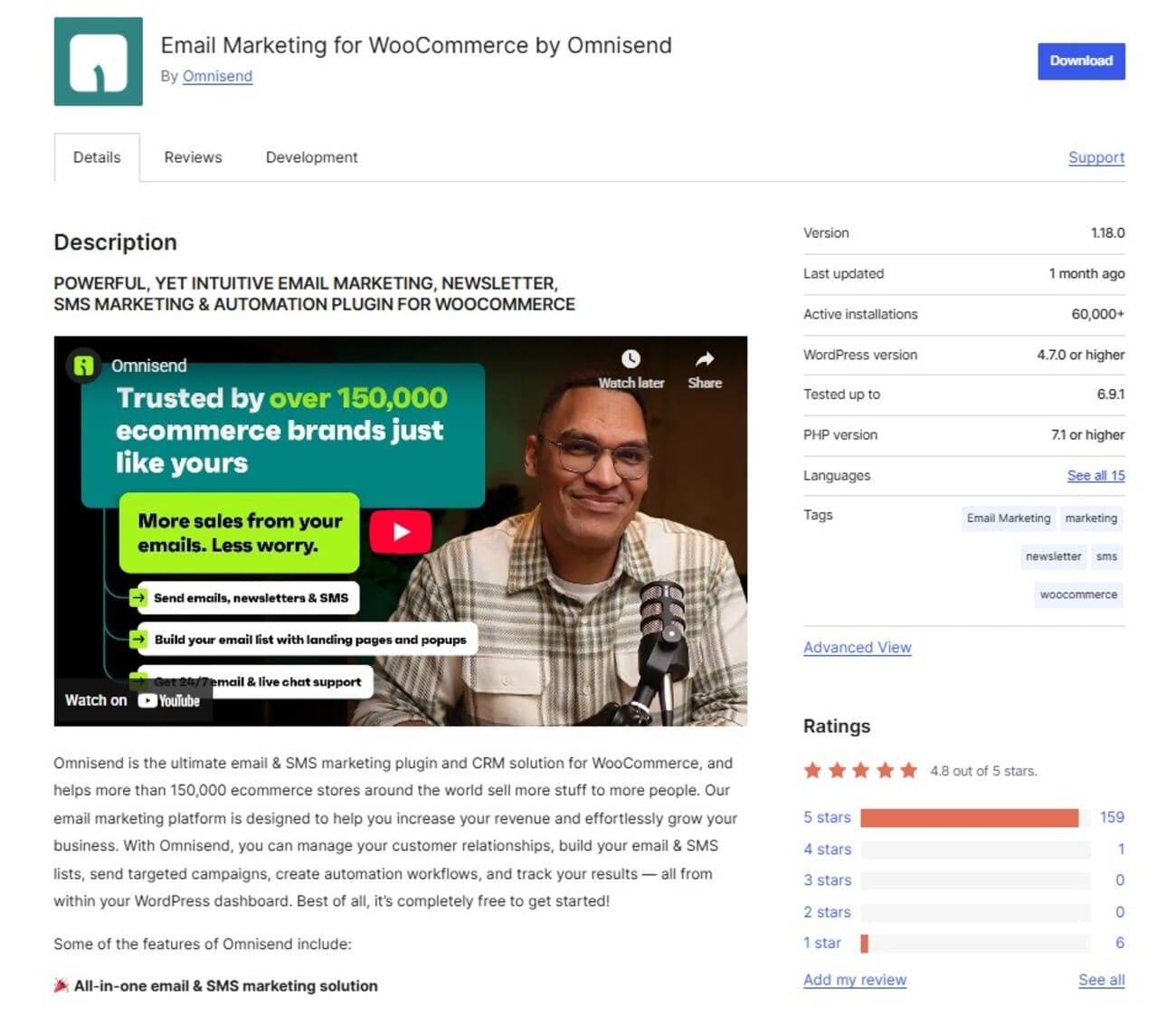
Active installations: 60,000+
WordPress rating: 4.8/5
Omnisend is the best WooCommerce email marketing plugin for pre-built automations, segments, and email templates. It covers all key customer stages and lets you get granular with filters, triggers, and conditions to master your audience.
Its automation flows let you combine SMS and push notifications, and you can run separate campaigns for each channel. Revenue attribution tracks which messages drive sales across all touchpoints, helping you invest in what converts.
Who it’s for
Consider Omnisend if you want an advanced email marketing plugin for WooCommerce without the complexity. Everything from the welcome series to winback campaigns works out of the box with minimal setup required.
Key features
- One-click sync pulls WooCommerce data automatically
- Visual workflow builder maps customer journeys
- Dynamic discount codes personalize offers
- Product picker embeds items directly in emails
- Signup forms match your store design
- Global SMS marketing for worldwide coverage
- 24/7 live chat support on all plans
Pros
- All standard features are available on every plan, including the free tier (unlike competitors that lock automation or segmentation behind paid plans)
- Pre-built workflows save setup time
- SMS credits included to test multichannel
- Real-time behavioral targeting
- Unlimited segmentation
- AI segment builder (describe what you want, and it’ll create it)
- View your customers broken down into lifecycle stages based on their shopping recency and order value
Cons
- No annual plan discounts
- Doesn’t integrate with all CRM platforms
Pricing
- Free: Includes all standard features for 250 contacts and 500 emails/month
- Standard: $16/month for 500 contacts and a 12x contact list email send limit
- Pro: $59/month, includes unlimited emails to 2,500 contacts, advanced reporting, and bonus SMS credits equal to the price of your monthly plan
Reviews
WordPress reviewer Margitelli provides a great synopsis of what to expect with Omnisend: “Easy to use, reliable, and support is quick, no matter the hour.”
Indeed, Omnisend is among the most intuitive WooCommerce email marketing platforms. Its third-party dashboard is a significant upgrade over the WordPress interface, putting all features within a few clicks.
InfinityOne echoes these sentiments in its G2 review, “We’ve been using it for years in another store, and two years ago we trusted Omnisend again as our newsletter service. It’s easy to use, the design is intuitive, the support is pretty good, and overall, we’re happy with it.”
Quick sign up | No credit card required
2. MailPoet — Best for email marketing built into your WordPress dashboard
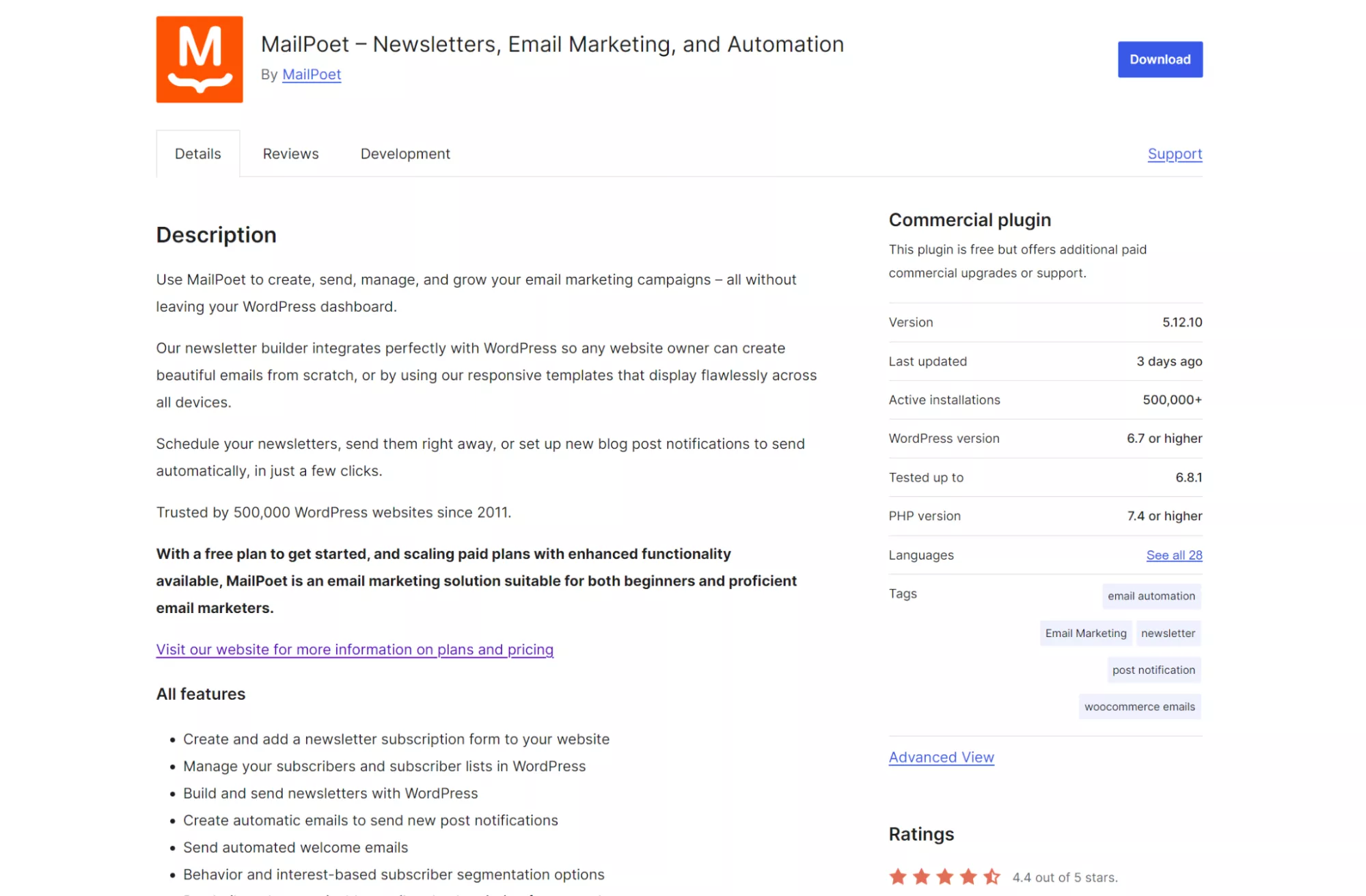
Active installations: 500,000+
WordPress rating: 4.4/5
MailPoet lives inside WordPress, so you build emails where you already work. The Gutenberg-based editor means creating campaigns feels like writing blog posts.
Beyond creating and scheduling newsletters, MailPoet lets you customize default WooCommerce emails. Order confirmations, shipping updates, and password resets reflect your colors, logo, and messaging.
Who it’s for
WordPress purists who hate logging into separate platforms. Also ideal if transactional email branding matters to your store.
Key features
- WordPress-native interface matches your dashboard
- Drag-and-drop email builder
- Subscriber forms with exit intent and slide-in options
- MailPoet Sending Service handles deliverability
- Revenue tracking shows earnings per campaign
- Customizable WooCommerce transactional emails
- GDPR-compliant signup forms and data handling
Pros
- Free for up to 500 subscribers
- No external dashboard required
- Built specifically for WordPress users
- Reliable email delivery infrastructure
- Multi-condition segments on paid plans
- Integrates with WooCommerce Subscriptions and Memberships
Cons
- Limited multisite support
- MailPoet branding on the free plan
- Advanced features require a paid subscription
Pricing
- Free: Up to 500 subscribers, 5,000 emails/month
- Business: $10/month for 500 subscribers, unlimited emails
- Agency: $30/month per site for 500 subscribers
Reviews
MailPoet users love how it changes their approach to marketing. “MailPoet has been incredibly helpful in my day-to-day workflow, ” says one WordPress reviewer.
Other users appreciate how it keeps everything within WordPress. “…It offers detailed reports and is available from your WP Dashboard,” says G2 user Warner W.
3. Retainful — Best for high-volume senders on a budget
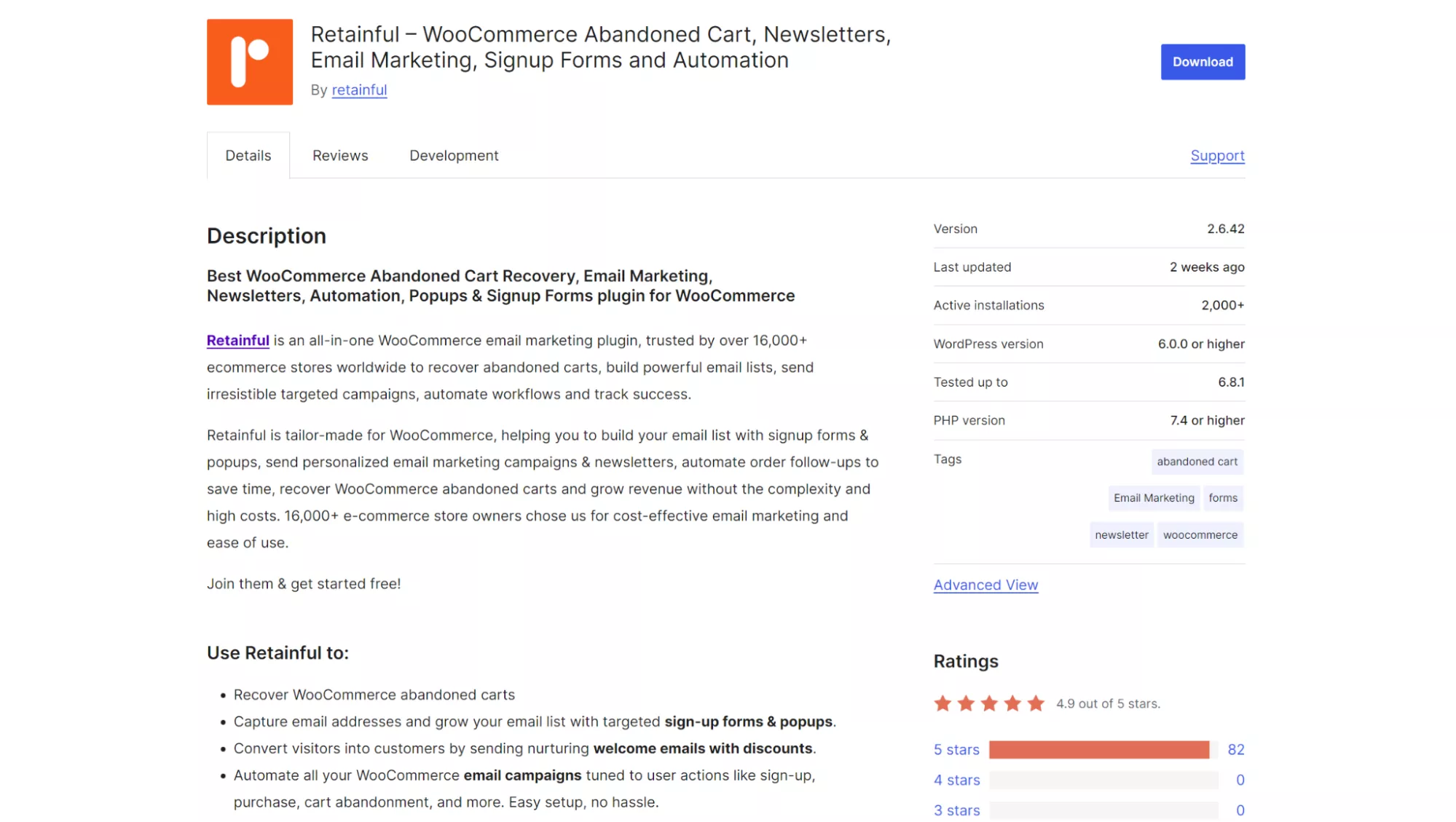
Active installations: 2,000+
WordPress rating: 4.9/5
Retainful’s 10,000 monthly email limit for $14/month is certainly generous. This makes it one of the perfect WooCommerce email marketing plugins for growing stores.
You can automate your emails using triggers for user actions such as signups, purchases, and review requests. Plus, it handles transactional emails and includes 50+ pre-built signup forms to help grow your list.
All plans include unlimited segments. They provide a revenue breakdown, including total revenue and abandoned revenue.
Who it’s for
Choose Retainful if you want one WooCommerce email marketing plugin for everything, from list-building and contact management to campaigns and automations.
Key features
- Pre-built automations
- Segments all subscribers
- Landing pages
- Forms and popups
- Email analytics
- Pre-built email templates
- Dynamic content (product recommendations)
Pros
- Unlimited email campaigns
- Covers every stage of the customer journey
- Minimal learning curve
- Competitive pricing
- Onboarding specialists are available in all paid plans
Cons
- The free plan limits you to one automation
- Paid plans restrict you to 25 automations
- Conditional automations are less complex than other tools
Pricing
- Free: One automation, 500 email sends/month
- Starter: $14/month, 25 automations, 10,000 email sends/month
- Growth: $69/month, unlimited automations, unlimited email sends/month
Reviews
Retainful has overwhelmingly positive reviews on WordPress.
One WordPress reviewer says it’s “The best I’ve found for abandoned carts and email newsletters.”
“My experience with Retainful has been amazing,” says another reviewer, “…I have seen more traffic on my website because of the emails, and that is always a good thing.”
4. Mailchimp — best for basic email marketing
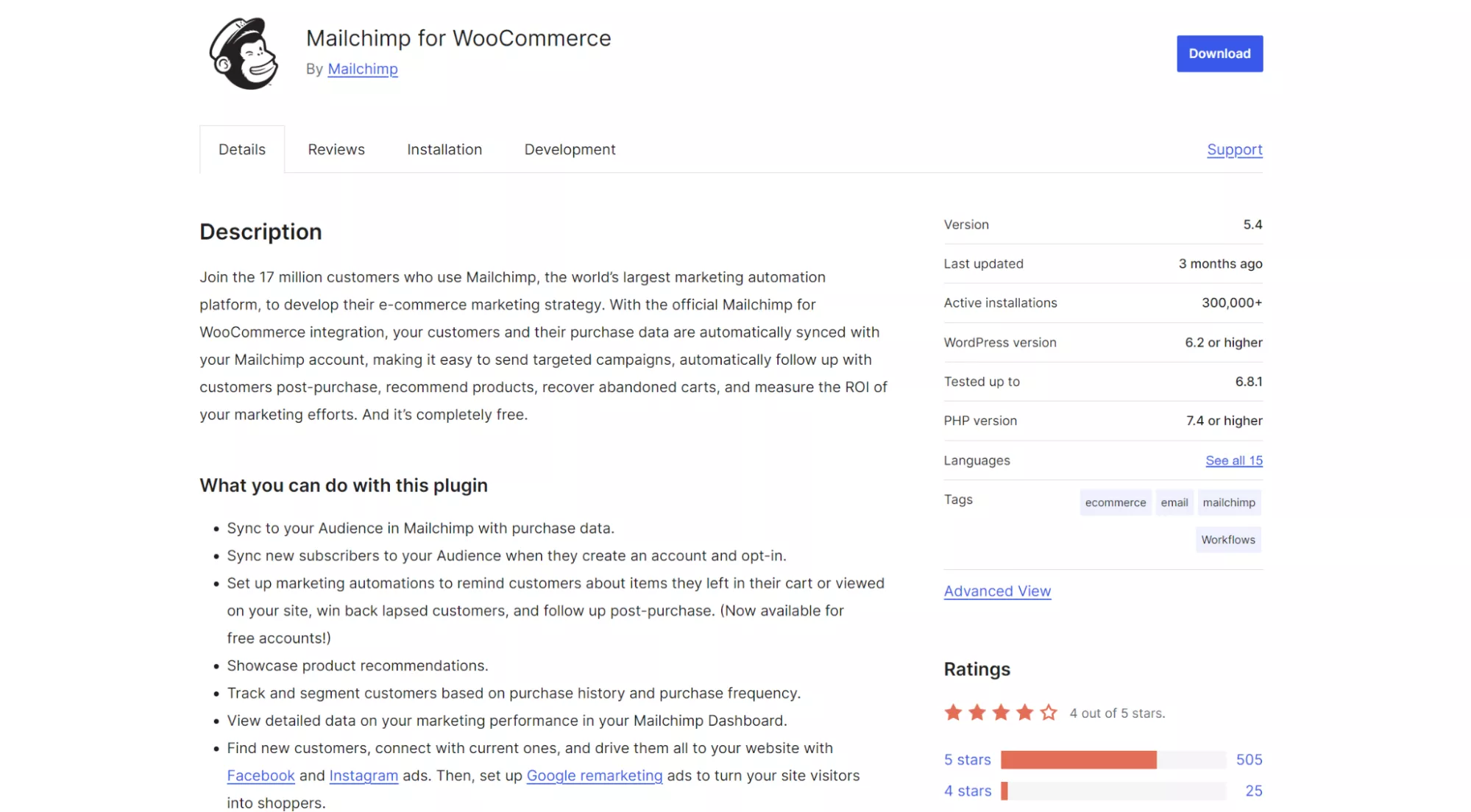
Active installations: 300,000+
WordPress rating: 4/5
Mailchimp handles email basics well with pre-built templates you customize in minutes.
Its visual builder shows how emails look on mobile and desktop as you work, and popup forms automatically match your store design.
Revenue tracking connects each campaign to sales, showing which emails generate purchases versus just opens. The mobile app lets you monitor performance and pause campaigns on the go, which is useful when you spot issues outside business hours.
Who it’s for
Start here if you mainly send newsletters and want basic WooCommerce email marketing automation. Look elsewhere once you need complex workflows, advanced segmentation, or have 5,000+ contacts.
Key features
- Automatic WooCommerce data sync
- Basic cart abandonment flows
- Pre-built newsletter templates
- Simple form builder
- Product recommendation blocks
- Campaign performance tracking
- Free tier to start testing
Pros
- Established platform with proven reliability
- Free plan includes basic features
- Plenty of templates to choose from
- Suitable for email marketing beginners
- 300+ integrations
Cons
- All customers count toward contact limits
- Transactional emails cost extra
- Gets expensive as lists grow
- Essentials plan limits automation to four steps
See how this tool compares in our detailed Omnisend vs. Mailchimp comparison.
Pricing
- Free: Up to 250 contacts, 500 emails/month
- Essentials: $13/month for 500 contacts, 10x contact send limit, four-step automation flows
- Standard: $20/month for 500 contacts, 12x contact send limit, 200-step automation flows
- Premium: $350/month, discounted to $297.50 for the first year, includes a 15x contact send limit and priority support
Reviews
Mailchimp users appreciate its newsletter functionality, with this G2 user saying, “…What I like best is being able to see who has opened the newsletter and who has clicked on links.“
Another reviewer syncs Mailchimp with Gmail campaign manager, “…It’s a powerful tool for connecting with your consumers while segmenting and using hyper-personalized communications.”
5. AWeber — best for newsletters and list-building
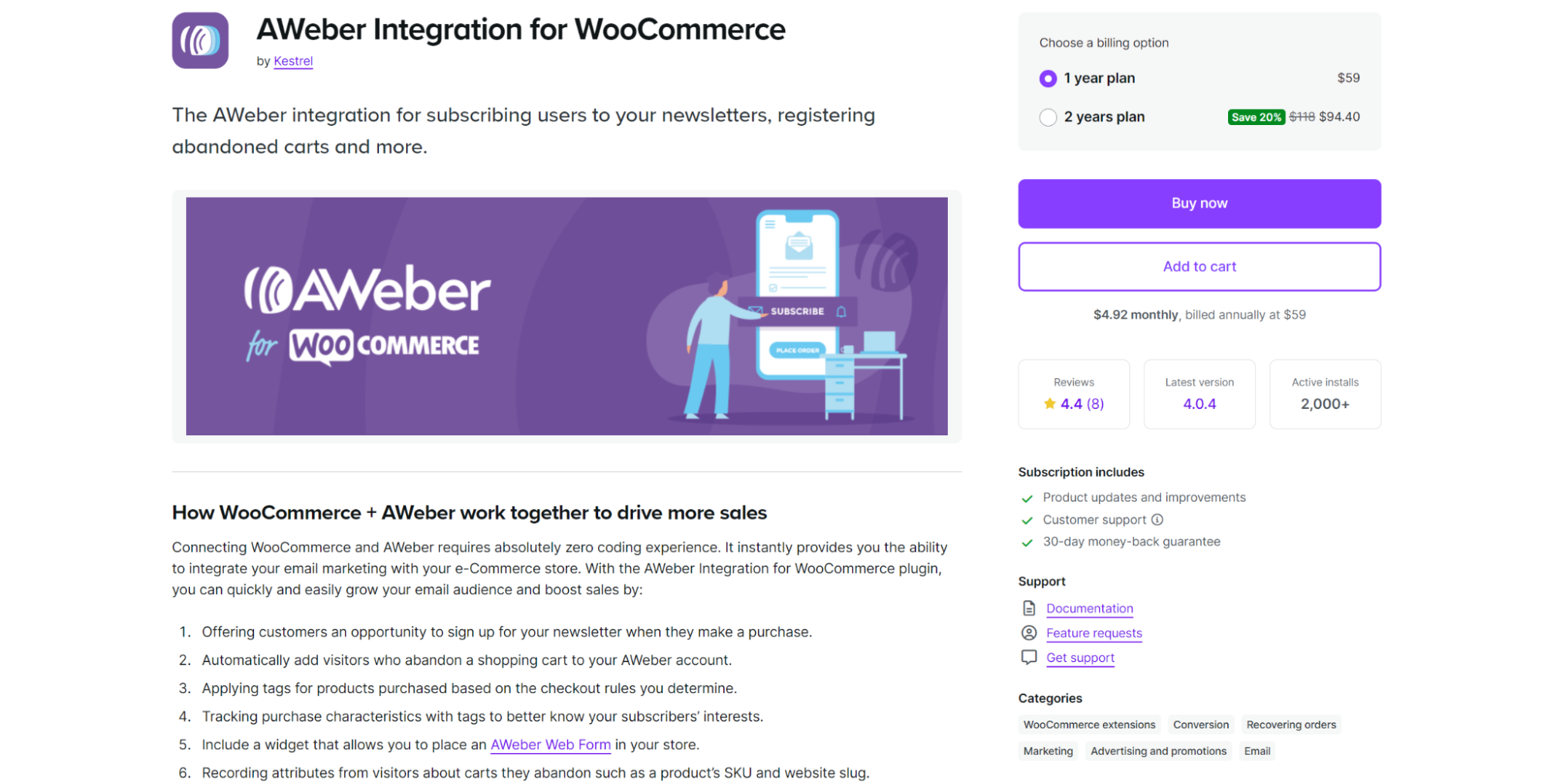
Active installations: 2,000+
WooCommerce rating: 4.4/5
AWeber tags every customer action, such as what they bought or abandoned, providing data for targeted follow-ups.
You’ll appreciate its signup forms, which you can add to checkout, and automations that trigger based on purchase behavior. Segment by product SKU, order value, or shopping patterns to send relevant offers.
Who it’s for
Choose AWeber if you want detailed purchase tracking and tagging across all customer segments. Perfect when you need to know which products generate repeat purchases and which customers respond to offers.
Key features
- Automatic cart abandonment capture
- One-click cart recovery links
- Product-based customer tagging
- Newsletter signup at checkout
- Pre-written automation campaigns
- Purchase characteristic tracking
- Widget for AWeber forms
Pros
- Detailed purchase behavior tagging
- Ready-to-use automation templates
- 24/7 US-based support
- No coding required
- Tracks recovered vs. unrecovered carts
- Responsive customer service
Cons
- The dashboard has a steep learning curve
- Requires a separate AWeber account
- The cheapest Lite plan has significant limitations
Pricing
- Plugin: $59/year (or $94.40/year billed monthly)
- AWeber account required:
- Lite: $15/month, three users, and a 10x contact list send limit
- Plus: $30/month, unlimited users, and a 12x contact list send limit
Reviews
AWeber users consistently rate its support, with one G2 reviewer saying, “Easy to use and GREAT customer service…”
A WooCommerce reviewer is even more ecstatic, “The support behind the AWeber plugin is absolutely stellar!!! Once my lack of understanding of how to use it was sorted out, it worked like a charm, exactly as advertised.”
6. Icegram Express — best for newsletters and basic automations
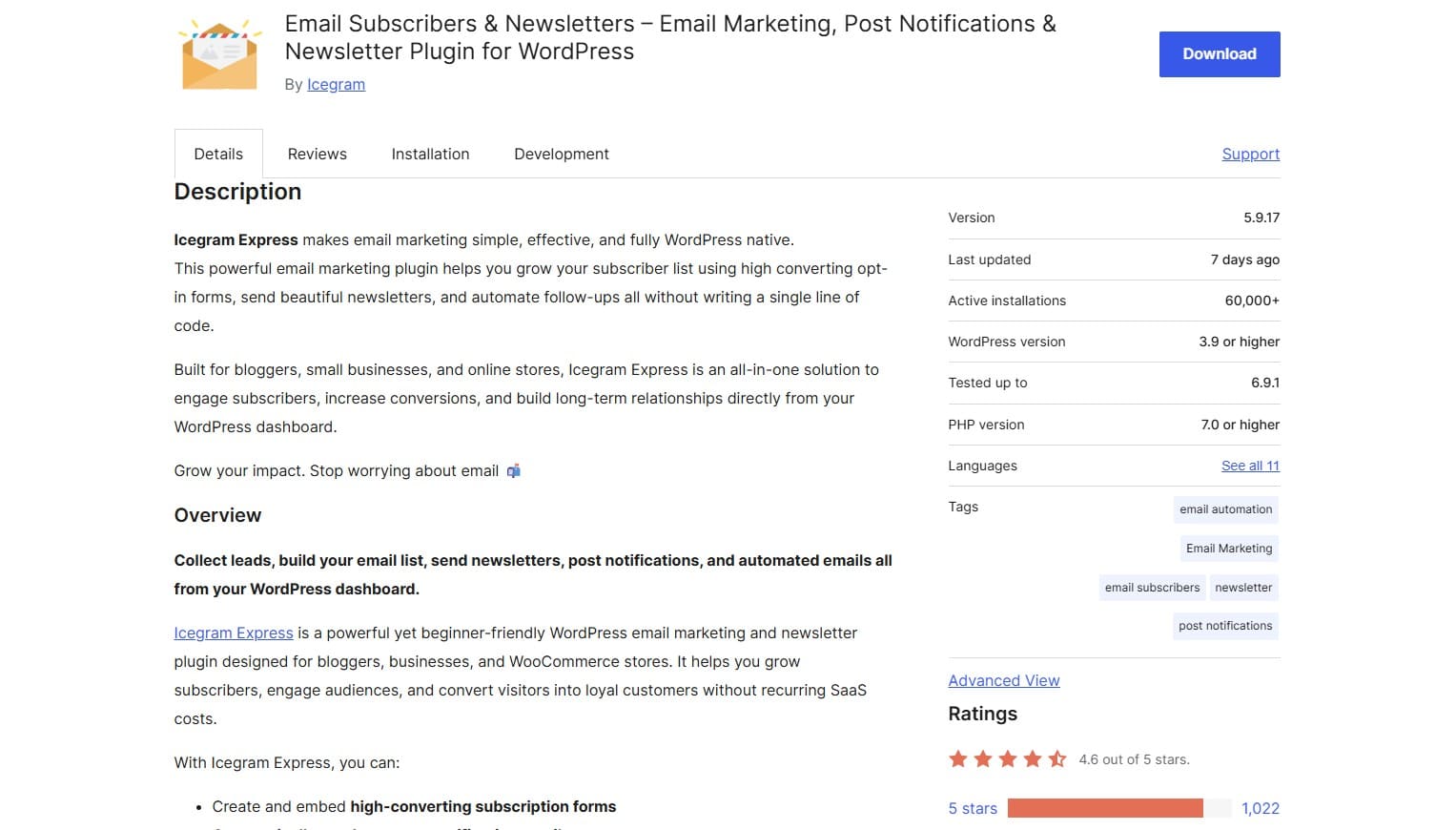
Active installations: 60,000+
WooCommerce rating: 4.6/5
Icegram Express turns your blog posts into automated email campaigns without coding. Its drag-and-drop builder, unlimited contacts, and emails, even on the free plan, automatically make life easier.
Built-in engagement scoring shows which subscribers read your content and which are headed for list cleanup.
Who it’s for
It’s the best WooCommerce email marketing plugin if you send regular newsletters and want readers to be notified automatically. It also works for membership sites and subscription businesses.
Key features
- Automatic new post notifications
- Post digest scheduling (daily/weekly)
- Engagement scoring for subscribers
- Comment-to-subscriber conversion
- Spam email blacklist protection
- Works with any SMTP service
- Unlimited emails/contacts on all plans
Pros
- Zero email limits
- Post notifications work immediately after setup
- Free plan includes core features
- No monthly fees or usage meters
- Managed cron prevents missed sends
Cons
- WooCommerce automation requires Pro
- Basic email templates
- Limited third-party integrations
Pricing
- Free: Unlimited emails/contacts
- Pro: $129/year, adds automation workflows and advanced features
- Max: $229/year for three sites, detailed analytics, VIP support
Reviews
Icegram users rate its support and simplicity above all else.
“I have been using this plugin for many years, been very happy with it, and have had no need for support until today…” says one WordPress user.
Another WordPress reviewer also experienced good support, “… the support folks helped me resolve a niggling DMARC issue.”
7. Email Customizer for WooCommerce — best for customizing WooCommerce emails
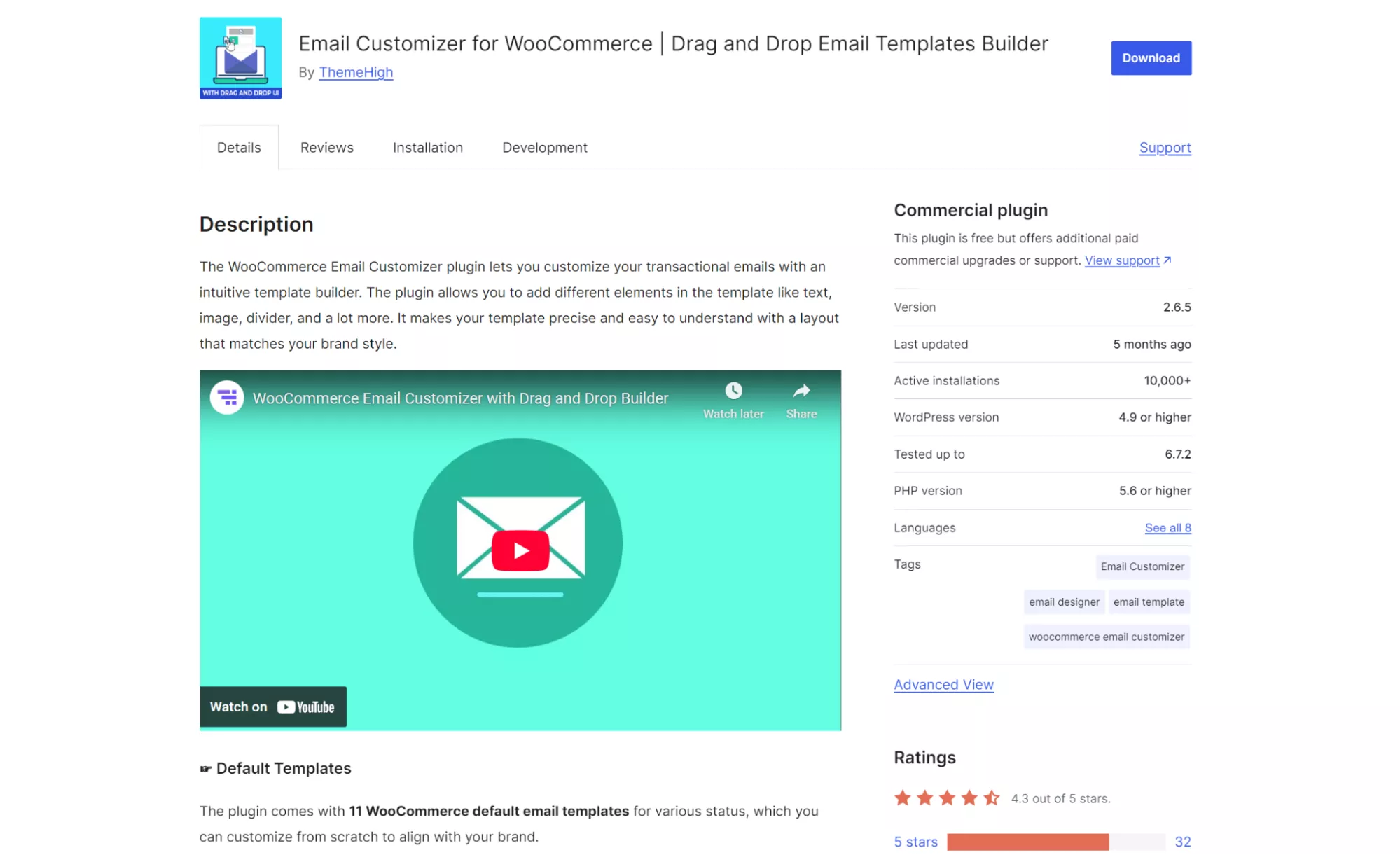
Active installations: 10,000+
WordPress rating: 4.3/5
The WooCommerce Email Customizer plugin is an intuitive solution for customizing transactional emails. It provides 11 email templates for confirmation messages.
Key features
- Drag-and-drop email builder
- Real-time preview of template edits
- Preview mode for finished templates
- Supports dynamic fields for personalization
Pros
- Compatible with most other WooCommerce plugins
- The premium version is affordable
- Lightweight with minimal site impact
Cons
- No automation capabilities
Pricing
- Free: Restricted customization
- Single site: $39/year
- Five sites: $69/year
- 25 sites: $129/year
Reviews
Most WooCommerce Email Customizer users praise its features, ease of use, and fast support.
“It is a great plugin, and I am easily able to change the layout. It’s all I wanted,” says one reviewer.
8. WooCommerce Cart Abandonment Recovery — best for recovering cart revenue
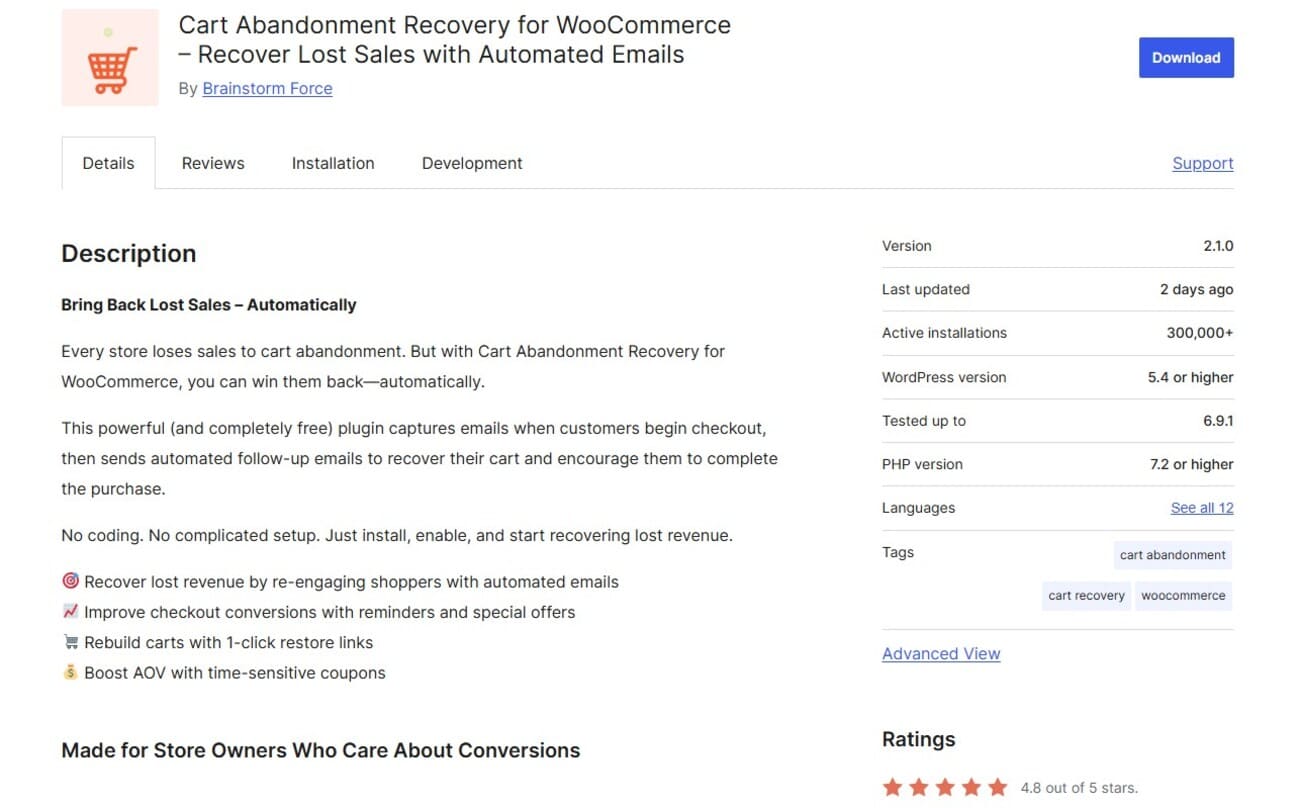
Active installations: 300,000+
WordPress rating: 4.8/5
The WooCommerce Cart Abandonment Recovery plugin captures your customer’s email address on the checkout page, a feature that other tools like Omnisend also offer.
Key features
- GDPR compliant
- Tracks opens
- Supports coupons
- Pre-built abandonment flow
Pros
- Send customizable automated follow-up emails
- Uses the WordPress dashboard for familiarity
- No learning curve
Cons
- Limited to abandoned cart recovery
- Doesn’t help you segment your audience
Pricing
- Free
Reviews
Store owners appreciate that this plugin is completely free, and most are happy with their revenue recovery rates.
“I am really impressed by the plugin. Does the job and it is super useful…” says one WordPress reviewer.
9. WPGens Points and Rewards for WooCommerce — best for rewards with automated emails
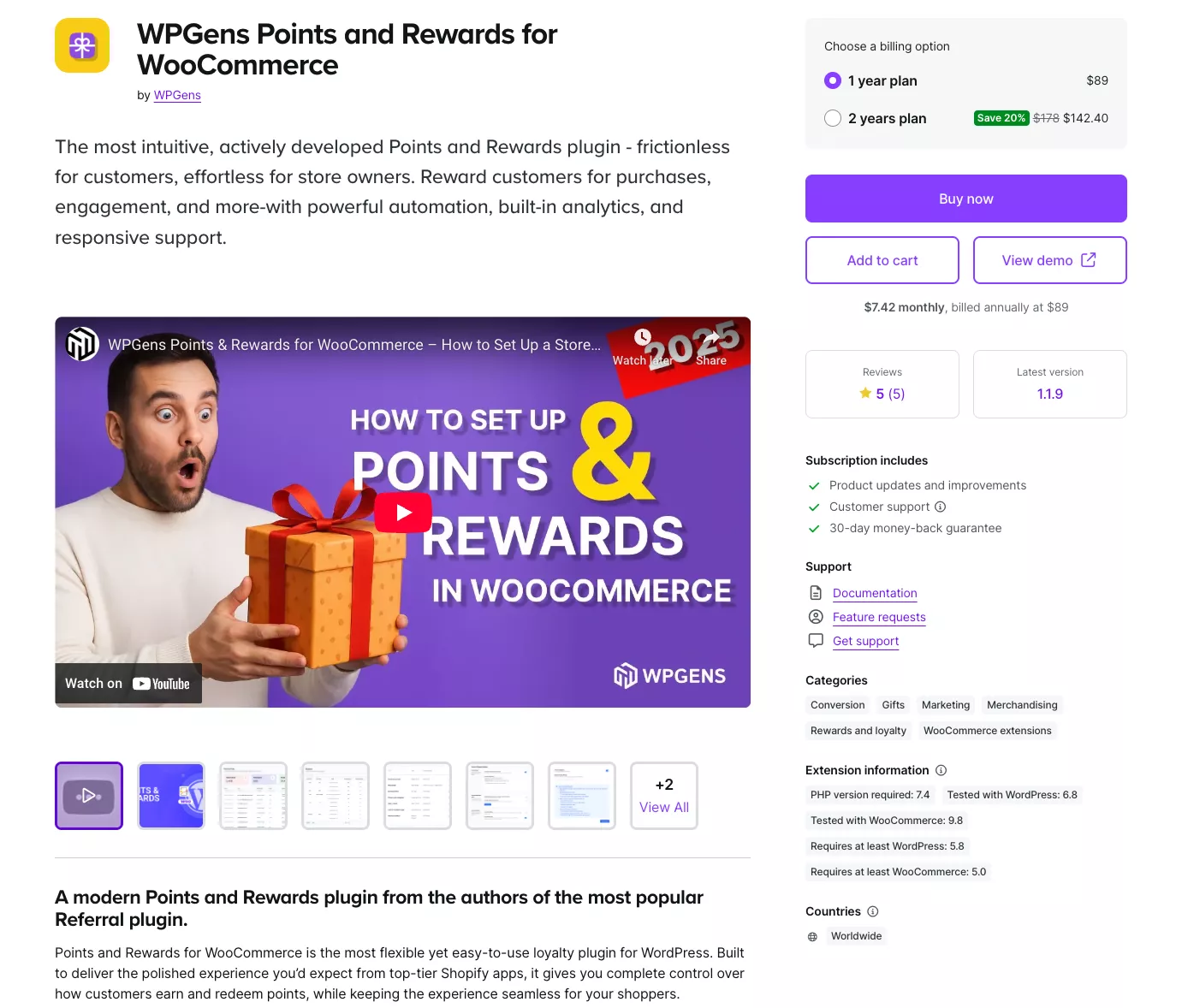
Active installations: n/a
WooCommerce rating: 5/5
It isn’t technically a WooCommerce email marketing plugin, but WPGens emails your customers about points, redemptions, expirations, and offers. It integrates with Omnisend, Mailchimp, Brevo, and Klaviyo.
Key features
- Earning rules for purchases, signing up, leaving reviews, and more
- Multiple points redemption options
- Handles automatic emails for activity
- Import/export options for contacts and points
Pros
- Intuitive third-party dashboard
- Analytics, including a point breakdown per customer
- Email customization options
Cons
- Recurring annual costs
- Although it integrates with email platforms, it’s another tool to manage
Pricing
- One-year plan: $89
- Two-year plan: $178
Reviews
Because it’s a new plugin, there aren’t many reviews, but all are positive so far.
“The plugin works exactly like described, and is super simple to set up,” says one reviewer on WooCommerce.
10. AutomateWoo — best for granular control over automations
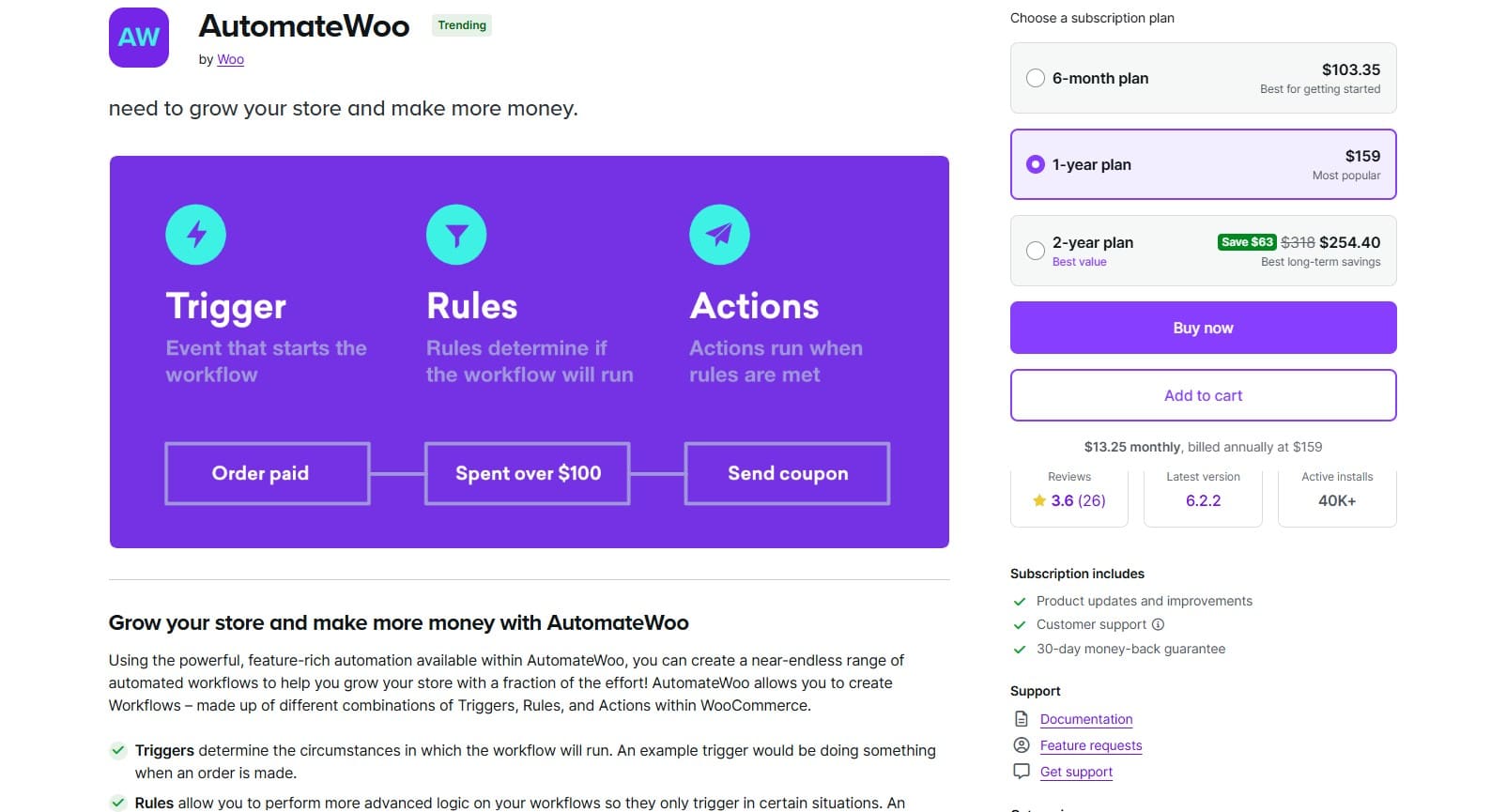
Active installations: 40,000+
WordPress rating: 3.6/5
AutomateWoo automates your customer journey, whether it’s a cart abandonment or a VIP customer who hasn’t ordered in a while.
It captures guest emails before checkout completion and tracks which campaigns generate revenue. You can also build workflows visually.
Who it’s for
Perfect if you love tinkering with automation logic and want granular control over every customer interaction. Less suitable if you prefer pre-built solutions that work instantly.
Key features
- Pre-submit email capture for guests
- Dynamic personalized coupon generation
- SMS via Twilio integration
- Wishlist reminders and sale alerts
- Card expiry notifications
- Subscription event triggers
- Custom function support for developers
Pros
- Unlimited email sending
- Works entirely within WordPress
- Integrates with major WooCommerce plugins
- Detailed conversion tracking
- WPML multilingual support
- No monthly fees for email volume
Cons
- Steep learning curve
- Limited customer support
- Birthday and referral features cost extra
Pricing
- Six-month plan: $103.35
- One-year plan: $159/year ($13.25 monthly, billed annually)
- Two-year plan: $318
- Add-ons: Birthdays and Refer-a-Friend sold separately
Reviews
The reviews for AutomateWoo are mixed but positive overall. It’s one of those tools you’ll need to thoroughly research before buying.
“Automatewoo is actually incredibly powerful when set up correctly,” says one reviewer.
However, another reviewer thinks the platform is stale with few new features, “…There are almost no new features. Maybe 1 in every 2-3 years. Updates are mostly to maintain.”
11. Brevo — best for budget-conscious stores needing email, SMS, and chat combined
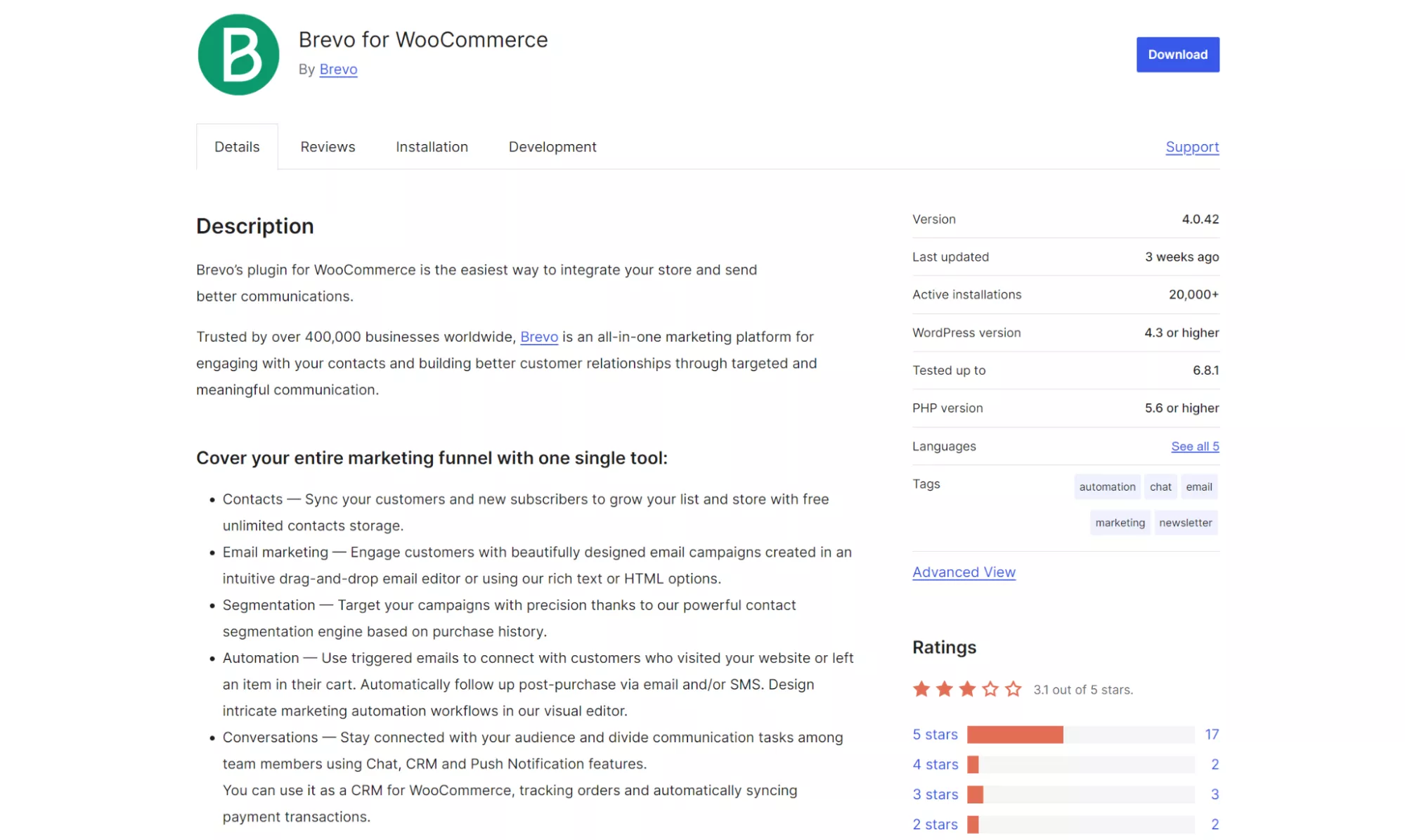
Active installations: 20,000+
WordPress rating: 3.1/5
Brevo bundles email, SMS, WhatsApp, and live chat into a single platform that integrates with WooCommerce email marketing. Its automation handles everything from welcome series to abandoned carts.
It tracks customer behavior in your store, such as viewed products, and uses this data for precise segmentation.
You can message VIPs differently from bargain hunters, send SMS to cart abandoners after email fails, or trigger WhatsApp messages for order updates.
Who it’s for
Choose Brevo if you need multichannel communication beyond email and struggle with transactional email delivery.
Key features
- SMTP relay for transactional emails
- Visual automation workflow builder
- Free unlimited contact storage
- SMS and WhatsApp campaigns
- Live chat widget included
- Behavioral website tracking
Pros
- Multichannel messaging in one platform
- Reliable transactional email delivery
- Mobile app for chat responses
Cons
- Complex interface for beginners
- Limited WooCommerce-specific features
- Support can be slow
Price
- Free: 300 emails/day, 2,000 contacts
- Starter: $9/month for 100K emails/month
- Standard: $18/month for 1M emails/month
- Professional: $499/month for 10M emails/month
Reviews
Brevo has better WooCommerce email marketing reviews on G2 and Trustpilot.
For instance, this Trustpilot user appreciates Brevo’s support, “A great platform to pair with WordPress and WooCommerce sites…”
On G2, one reviewer says, “What I appreciate most about this platform is that the cost is aligned with actual usage, and it’s fairly straightforward to use…”
12. MailerLite — best for product blocks and popups
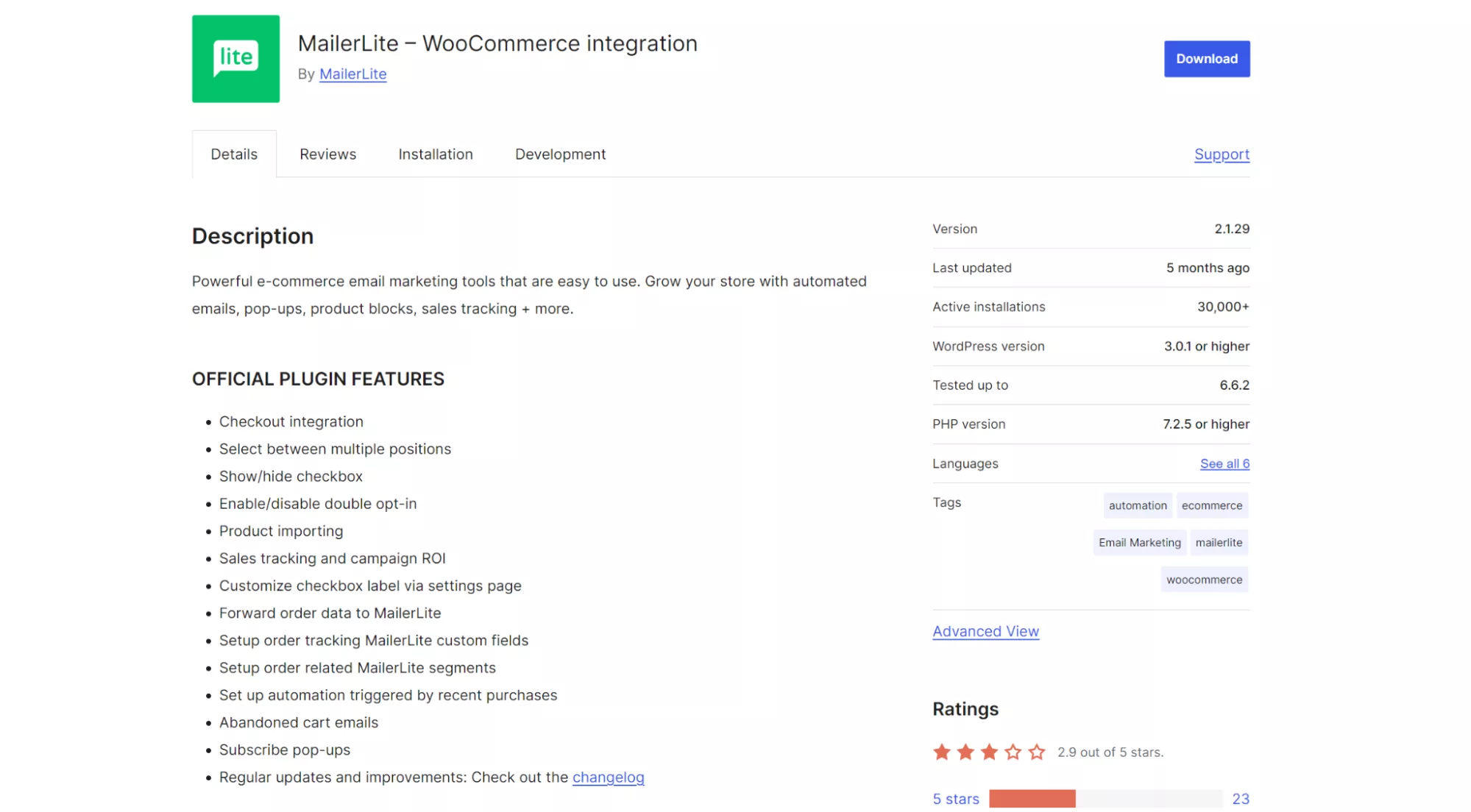
Active installations: 30,000+
WordPress rating: 2.9/5
MailerLite provides drag-and-drop builders, automated flows, and direct WooCommerce email marketing integration that tracks sales from each campaign.
It includes checkout opt-ins, syncs order data for segmentation, and shows which emails generate revenue. You get visual automation builders, mobile-responsive templates, and comparative reporting to see what works.
Who it’s for
Pick MailerLite if you want professional WooCommerce email marketing without complexity or high costs. Ideal for small stores prioritizing ease of use over advanced features.
Key features
- Automatic product importing
- Sales tracking with campaign ROI
- Abandoned cart recovery
- Pop-up forms included
- Order-based segmentation
- Double opt-in support
Pros
- All plans include landing pages
- User-friendly interface
- Affordable pricing structure
- Comparative reporting included
Cons
- Limited automation templates
- Basic WooCommerce features only
- Templates are restricted on the free plan
Price
- Free: Up to 500 subscribers, 12,000 emails/month
- Growing business: $10/month for 500 subscribers, unlimited emails
- Advanced: $20/month, includes automation and AI tools
Reviews
G2 users have given MailerLite an overall rating of 4.6 out of 5, and Trustpilot users have given it 4.5/5, despite WordPress users giving it 2.9/5.
“I’m truly impressed by the promptness and reliability of the team,” says one Trustpilot reviewer, “…I wholeheartedly recommend them!”
Another reviewer on G2 says, “I’ve previously used some other well-known solutions but since moving to Mailerlite have found the right balance of functionality, cost and service.”
The benefits of using advanced email marketing plugins
Your WooCommerce store sends order confirmations and shipping updates automatically. Great start, but what about the customer who browsed five products yesterday and left? Or the VIP who spent $2,000 last year but hasn’t ordered since January?
Stock WooCommerce emails can’t help you there. Effective WooCommerce email marketing requires tools that understand customer activity on your store. This includes what they buy, when they browse, and how they respond to offers.
Here’s where specialized WooCommerce plugins change everything:
- Segmentation splits your list by behavior, spending, or any data point you track
- Behavioral triggers catch opportunities, such as browse abandonment
- Visual builders let you design brand emails, add dynamic product grids, and test different versions
Recent Omnisend data shows the impact. In 2024, automated emails drove 30% of email revenue from just 2% of sends. Click-to-purchase rates reached 33% for automated messages, compared with 5.5% for standard campaigns.
Welcome sequences and abandoned cart flows performed even better, with half the people who clicked making purchases.
There’s also the customer journey factor — someone signs up, browses, adds to cart, purchases, then goes quiet. Each moment offers a chance to connect.
WooCommerce email marketing plugins catch them all, with welcome series, cart saves, thank-you sequences, product reviews, replenishment reminders, and winback offers. WooCommerce alone misses these revenue opportunities completely.
Success story
Propel Agency’s pet industry client saw 40% revenue growth after switching to Omnisend. Split value abandoned cart flows and welcome series drove results, with campaign revenue jumping by 85% and generating an extra £51,300 in nine months.
Read the full case study here.
Email marketing strategies that drive WooCommerce sales
Choosing the best WooCommerce email marketing plugins is step one. Revenue comes from sending valuable emails that turn subscribers into repeat buyers. So, you’ll need to go beyond confirmation emails.
Here’s what separates profitable email programs from those barely breaking even.
Must-have automation flows
These WooCommerce email marketing automation workflows consistently generate the highest returns:
- Welcome series: Send your brand story first, bestsellers next, then a discount if they haven’t purchased
- Advanced cart recovery: Show cart contents immediately, add customer reviews after 24 hours, create urgency at 72 hours, and segment by cart value to offer proportional incentives
- Post-purchase campaigns: Request reviews once items arrive, suggest accessories based on purchase, as each follow-up email builds loyalty beyond transactions
Watch this video for more automation tips:
Smart segmentation tips
Stop blasting your entire list. These segments consistently outperform:
- VIP customers: Track lifetime value and purchase frequency. Your top 20% deserve exclusive previews, bigger discounts, and personal attention.
- Browse abandoners: Someone viewed five products but didn’t convert? They’re interested but need a nudge. Send targeted offers based on their behavior.
- Winback candidates: Identify customers who have gone quiet for 90+ days. Test different reactivation offers to find what brings them back.
Omnisend includes 30+ pre-built segments. Its visual lifecycle stage view lets you view customers by shopping recency and order value. This allows you to activate smarter targeting immediately.
Emails that convert
Minor tweaks in design and copy can double your click rates:
- Subject lines: Questions create curiosity, such as “Found something you love?” instead of “We saved your cart”
- Design priorities: Use single columns, readable fonts, and buttons sized for thumbs
- Compelling copy: Focus on outcomes customers want, such as “Wake up refreshed,” and add review stars or testimonials near your CTA
How we test WooCommerce email marketing plugins
My research process involved examining user reviews across platforms, comparing pricing structures, reviewing feature documentation, and analyzing interface screenshots for each plugin.
Common complaints and praise patterns emerged, revealing gaps between marketing promises and actual performance for every tool. You can find out more below.
This article was researched and written by our experts following a precise process.
See the processPick the plugin that fits your goals
Most WooCommerce revenue comes from existing customers, not new ones.
Omnisend handles this best with workflows that trigger on browsing, cart abandonment, and purchase patterns. MailPoet works if you hate external dashboards, while Retainful lets you send 20,000 emails for $19/month.
If you’re looking for the best email marketing plugins for WooCommerce offering multichannel marketing, Brevo bundles SMS, WhatsApp, and chat at entry-level pricing.
Start with your biggest problem — cart recovery, post notifications, or email delivery — then pick the plugin that solves it. You can always upgrade as you grow.
Remember that your biggest revenue earners will be automations, not campaigns. The best WooCommerce email marketing plugins will cover your whole customer journey, track sales and revenue across all channels, and support long-term WooCommerce store growth.
Quick sign up | No credit card required
FAQs
WordPress-native plugins like MailPoet and Icegram run within your dashboard and use your server or a connected sending service.
External email marketing platforms, such as Omnisend and MailerLite, are standalone SaaS tools. Their dedicated WooCommerce email marketing plugins sync your store data.
Many stores use a hybrid approach, combining an external platform for marketing and a plugin for transactional email customization.
There’s no built-in email marketing limit in WooCommerce because it lacks native marketing capabilities. You’ll need a plugin to send marketing emails for free.
Omnisend’s free plan allows you to send 500 emails per month to 250 contacts, along with all standard features. Mailchimp offers 500 emails to 250 contacts, while MailPoet provides 5,000 emails to 500 subscribers.
Only transactional emails. You get order confirmations and basic cart recovery. Email marketing for WooCommerce requires a plugin for welcome emails and customer win-backs.
Among email marketing platforms that integrate with WooCommerce, Omnisend leads with pre-built workflows and ecommerce focus. MailPoet keeps everything in WordPress. Retainful offers the best value. Mailchimp works for the basics.
Install a plugin, and it automatically syncs your customers. Create your campaign in the plugin’s dashboard, and hit send. It takes about 10 minutes total.
A plugin that connects your store to Mailchimp. Tracks who bought what and sends targeted emails based on purchases. Free until 500 contacts.
Pick any plugin from this list and install it to pull your customer list into it. Write an email, select recipients, and send. No manual exports needed.
Not by itself. MailPoet adds email features inside WordPress. Others, like Omnisend, use external dashboards but sync with your site.